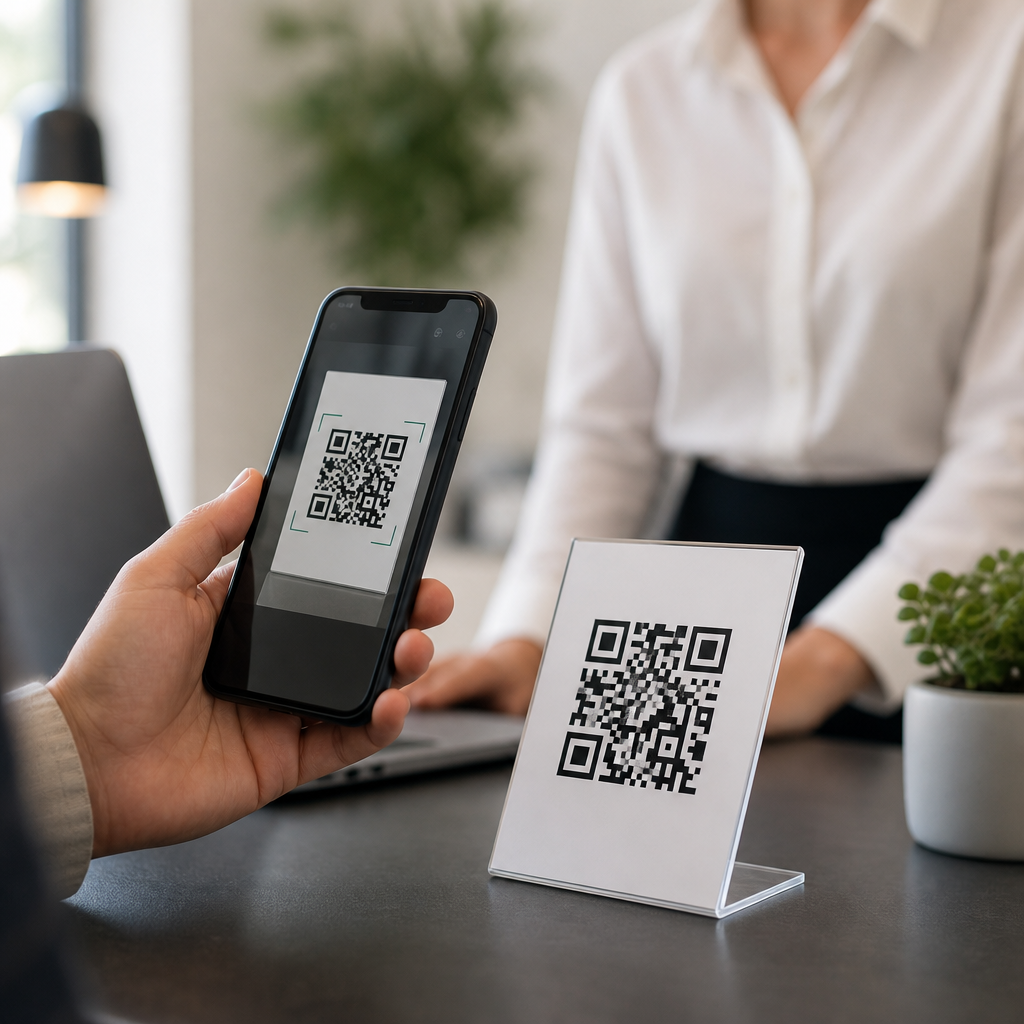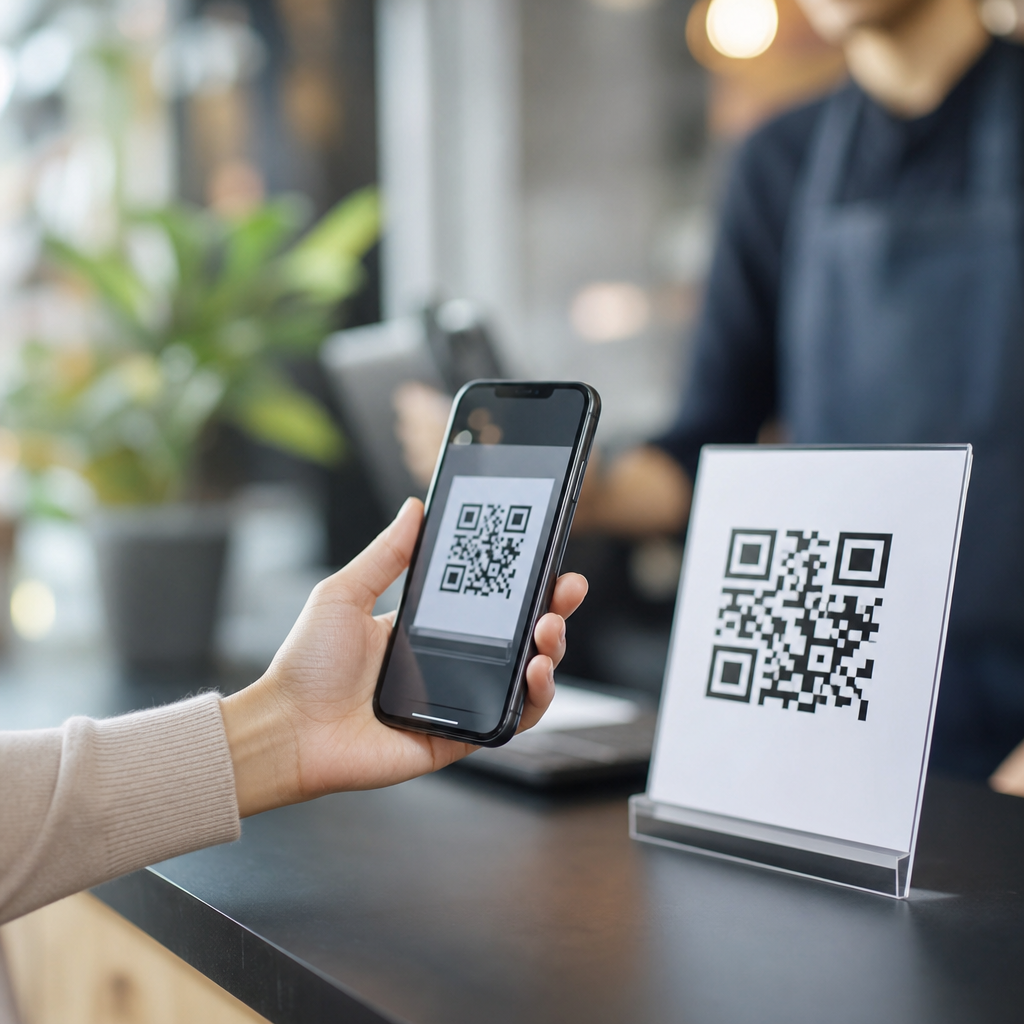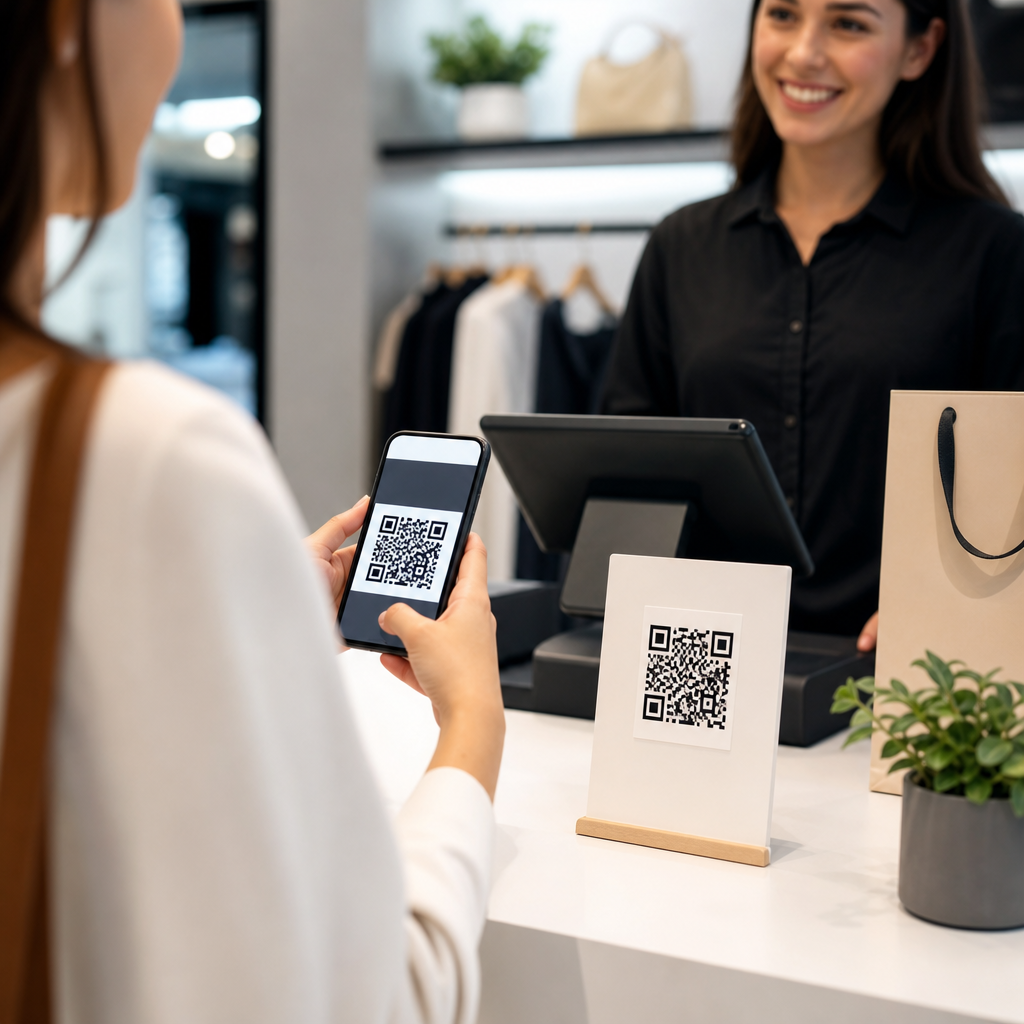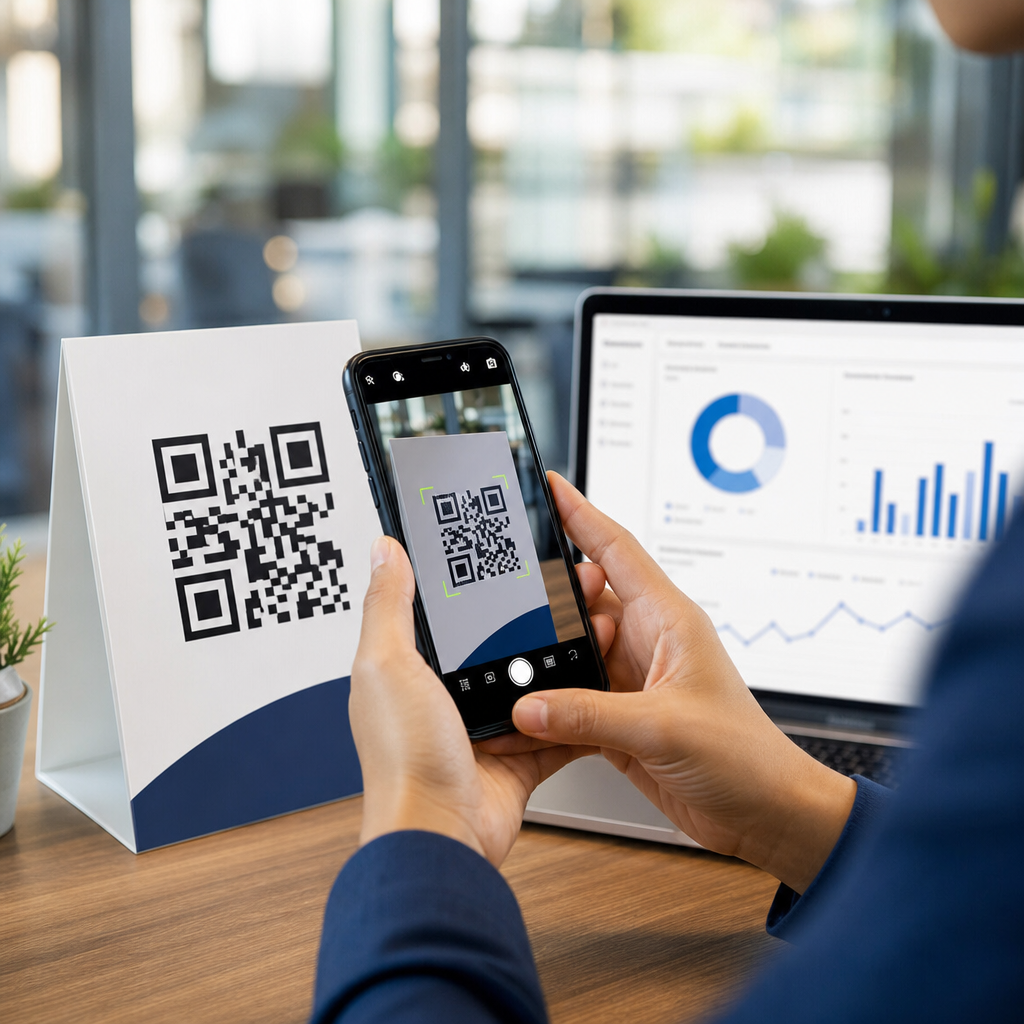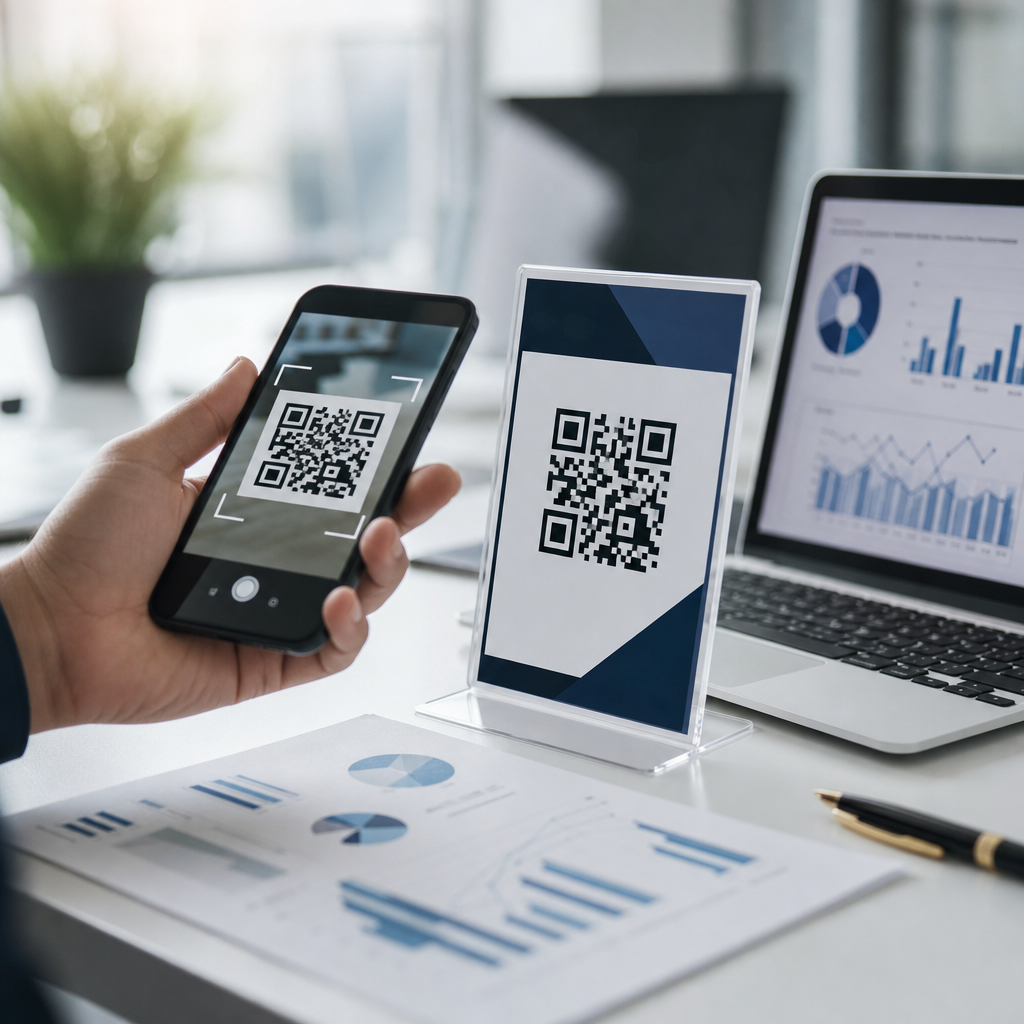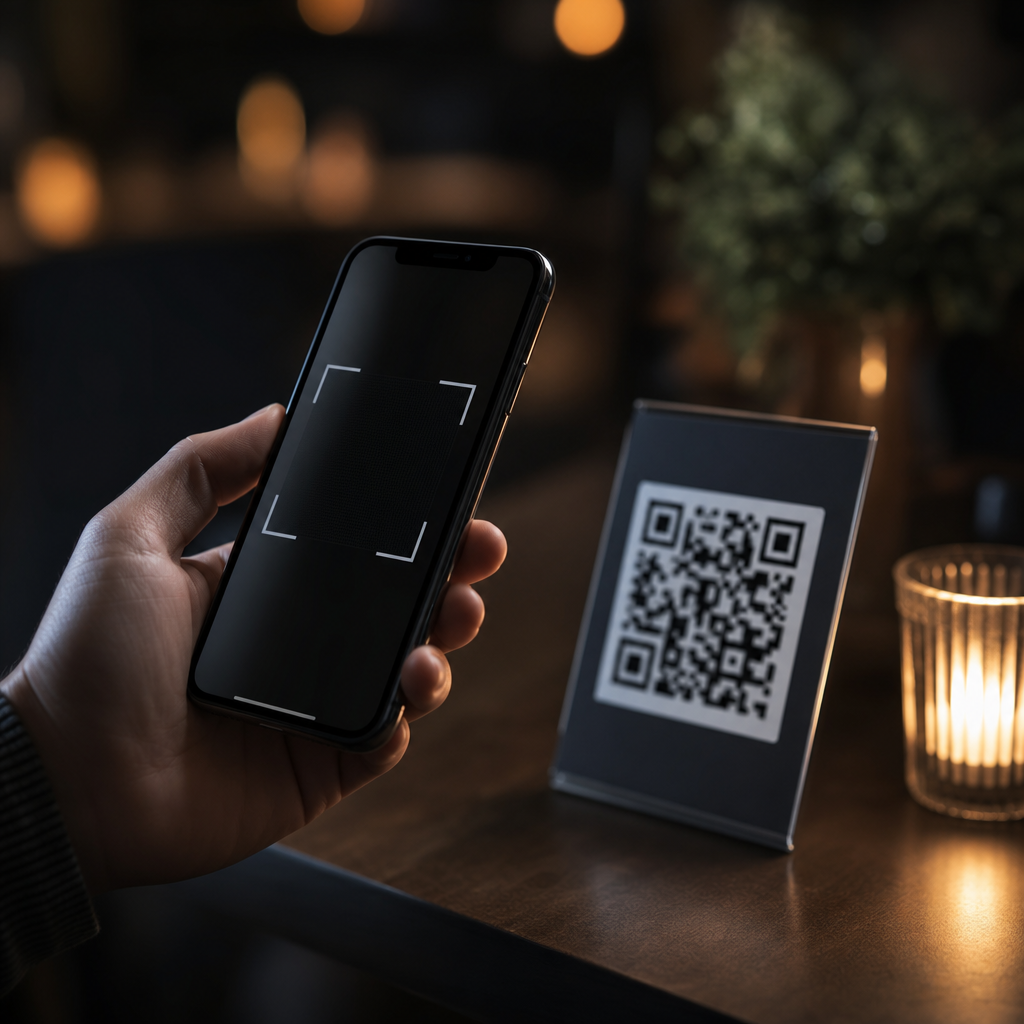
QR codes fail in dim environments because phone cameras need enough light, contrast, focus, and image data to separate the code’s square modules from the background. In practical troubleshooting, low light is rarely the only culprit. Glare, print quality, screen brightness, damaged labels, motion blur, and aggressive image processing often combine to make scanning unreliable. That is why a QR code that works instantly at noon may refuse to scan in a restaurant, warehouse aisle, parking garage, or concert venue.
A QR code is a two-dimensional matrix barcode made of dark and light modules arranged in a square grid. Scanning software locates three finder patterns, interprets alignment patterns, corrects perspective distortion, then decodes the stored data with Reed-Solomon error correction. For that chain to work, the camera must capture a sharp image with clear separation between dark and light areas. Low light reduces that separation. The sensor raises ISO, introduces noise, slows shutter speed, and often softens detail through denoising. The result is a muddier image where the edges of modules blur together.
This matters because QR codes are now used for payments, menus, tickets, authentication, inventory, onboarding, and support workflows. When a scan fails, the user blames the code, the app, or the business experience. I have seen support teams replace perfectly valid QR codes when the real issue was weak illumination on glossy packaging under warm spotlights. A technical FAQ hub on this topic should therefore answer the core question directly and connect readers to the broader troubleshooting logic: lighting affects capture quality, but decoding success depends on the full imaging pipeline, the code design, and the scan environment.
How Low Light Interferes With QR Code Detection
In low light, the camera has less signal to work with. To compensate, it increases exposure time or sensor gain. Longer exposure means even slight hand movement creates motion blur. Higher gain means more digital noise. Both reduce edge definition, which is critical because QR decoders identify geometric patterns first and data modules second. If the finder patterns are not crisp, the scanner may never reach the decoding stage. This is why users sometimes report that “nothing happens” rather than seeing an explicit error.
Contrast is equally important. A standard black-on-white QR code works because luminance difference is high. In dim settings, that difference narrows, especially on matte gray packaging, tinted acrylic signs, or dark mode screens with stylized brand colors. Cameras also struggle under mixed lighting such as sodium vapor lamps, colored LEDs, or candles, where white balance shifts can flatten black areas into brown or blue noise. On reflective surfaces, a single hotspot can wash out part of the grid, and because QR codes rely on positional patterns, losing one corner can break recognition entirely.
Distance and depth of field add another layer. A small code viewed from too far away occupies too few pixels to decode, and in low light the autofocus system may hunt instead of locking. Budget Android devices are more vulnerable because they often use smaller sensors and less capable autofocus modules than flagship phones. However, even premium devices can fail if the code is tiny, printed poorly, or placed behind scratched plastic.
Common Real-World Reasons a QR Code Won’t Scan at Night or Indoors
Most failed scans come from a combination of conditions rather than one isolated defect. In field audits, I usually test five variables first: lighting, contrast, surface finish, code size, and camera stability. A restaurant table tent may look readable to the eye yet fail because amber light lowers contrast and the laminated card throws glare into the lens. A warehouse label may be technically correct but mounted too high for a steady close shot. A mobile boarding pass may not scan because the user has cracked glass, low screen brightness, and an aggressive privacy filter.
| Problem | What Happens | Typical Fix |
|---|---|---|
| Dim ambient light | Noise and blur hide module edges | Move to brighter light or enable flash |
| Glare on glossy print | Hotspots erase portions of the grid | Tilt the code or camera to change reflection angle |
| Low screen brightness | Displayed code lacks luminance contrast | Raise brightness to maximum temporarily |
| Small code size | Too few pixels captured for decoding | Move closer or reprint larger |
| Damaged or dirty surface | Missing modules confuse error correction | Clean surface or replace the label |
Another common issue is inverted or heavily branded design. While many modern scanners can read customized codes, low light removes the tolerance that made those designs workable. Pale foreground colors, busy backgrounds, embedded logos, and reduced quiet zones around the code become more problematic when the camera cannot confidently distinguish boundaries. If the code links correctly in daylight but not in dim conditions, design margins are probably too tight.
How to Troubleshoot a QR Code That Fails in Low Light
Start with the fastest fixes. First, increase available light. Turn on the phone flashlight if the scanning app supports it, or move closer to a brighter area. Second, stabilize the phone. Bracing elbows against a counter often improves scans immediately because motion blur drops before the camera software even adjusts. Third, reduce glare by changing angle rather than distance. A slight tilt often restores lost contrast on laminated menus, kiosks, and product boxes.
Next, check the display or print itself. If scanning from another phone, raise brightness, disable blue-light filters, and clean the screen. If scanning from print, inspect for smudges, fading, creases, or transparent coverings that reflect overhead lights. Then verify size. As a rule, a QR code should be at least about 2 by 2 centimeters for short-range consumer scanning, and larger if it will be viewed from farther away. In production environments I prefer sizing based on scan distance, using roughly a 10:1 ratio between distance and code width as a starting point, then validating with actual devices.
If the basic fixes fail, isolate the variable. Test the same code in daylight. If it works there, the payload and structure are likely fine, and the issue is environmental or design related. Try a different scanning app because native camera decoders vary. iPhone Camera, Google Lens, Zebra DataWedge, and dedicated enterprise scanning apps do not behave identically. Finally, capture a still image and zoom in. If finder patterns look soft, washed out, or partially obscured, the failure is visual, not link-related.
Design and Printing Choices That Improve Low-Light Scanning
The best prevention starts before the code is published. Use high contrast, ideally dark modules on a light matte background. Preserve a proper quiet zone on all sides; many failed branded codes break this rule. Choose an error correction level intentionally rather than assuming maximum is always best. Higher error correction can help with partial obstruction, but it also increases symbol density for a given payload, making small codes harder to resolve in poor light. Shorter URLs, dynamic QR codes, or URL shorteners can reduce density and improve scannability.
Print quality matters more than many teams expect. Thermal labels can bleed, inkjet prints can feather on absorbent stock, and low-resolution exports can create softened edges. Export vector artwork when possible and print at sufficient resolution. Avoid placing codes over photography, gradients, metallic foils, or curved surfaces unless extensive testing proves reliability. For screens, do not present the code too small, and avoid dark mode treatments that reduce contrast. On self-service kiosks, I recommend locking brightness at a high level and testing under expected nighttime conditions, not just office lighting.
Placement is another overlooked factor. Mounting a code under direct spotlights, behind acrylic, or near highly reflective windows creates avoidable failures. In retail and events, slight repositioning often raises successful first scans more than redesigning the symbol. Good QR implementation is part optics, part graphic design, and part field testing.
When the Issue Is Not Lighting at All
Low light is a frequent cause, but not every failed scan is a lighting problem. The code may resolve to a dead URL, a redirect chain blocked by the app, or content behind a login wall that users interpret as a scan failure. Some apps also suppress scan prompts if the detected link is considered suspicious. On managed devices, camera permissions, mobile device management policies, or kiosk restrictions can prevent scanning entirely. If a code does not scan in bright light either, inspect content, formatting, and device settings before reprinting assets.
There are also edge cases with unusual symbologies and encoding choices. A micro QR code, very dense vCard payload, or nonstandard styling may exceed what a basic consumer camera app decodes reliably. Industrial environments introduce further complications such as dust, shrink wrap, condensation, and vibration. In those cases, a dedicated 2D imager with controlled illumination may be more appropriate than a smartphone camera.
The key takeaway is simple: a QR code will not scan in low light because the camera cannot capture enough clean visual information to detect and decode the symbol consistently. Better lighting, steadier framing, stronger contrast, larger sizing, matte materials, and cleaner surfaces solve most cases quickly. For teams publishing QR codes at scale, the durable fix is systematic testing across devices and real lighting conditions, especially night, indoor, and reflective environments. Use this technical FAQ hub to review related troubleshooting topics, audit your code designs, and improve first-scan success before users ever encounter a failure.
Frequently Asked Questions
Why do QR codes stop scanning in low light even when they look visible to my eyes?
Human vision is much better at interpreting shapes in dim conditions than a phone camera. A QR code may seem clear to you, but the camera still needs enough light to capture sharp detail, preserve contrast, and separate the dark square modules from the lighter background. In low light, the camera often raises ISO sensitivity, slows shutter speed, and applies more noise reduction. Those adjustments can introduce grain, blur, and smearing that make the code harder for scanning software to decode accurately.
Just as important, scanning depends on clean image data, not just general visibility. If the code is small, slightly glossy, printed on textured material, or surrounded by visual clutter, dim light reduces the camera’s ability to detect its edges and alignment patterns. That is why a code that scans instantly outdoors may fail indoors at night. The issue is not always that the QR code is too dark to see. More often, the phone cannot capture a stable, high-contrast image with enough precision for the scanner to interpret it correctly.
Is low light usually the only reason a QR code will not scan?
No. Low light is a common trigger, but it is rarely the only cause. In real-world situations, scanning failures usually happen because several small problems stack together. A dim environment may already reduce image quality, and then glare from overhead lights, a wrinkled label, motion blur from hand movement, or a low-quality print pushes the code past the point of reliable detection. Even modern phones with strong cameras can struggle when multiple factors combine.
Contrast is another major issue. If the code is printed in faded gray on off-white packaging, displayed on a dim screen, or placed over a patterned background, the scanner has less separation to work with. Damage matters too. Scratches, folds, dirt, condensation, and worn label corners can interfere with the finder patterns and module layout. On top of that, some phones use aggressive image processing in low light, which can soften edges or overcorrect shadows. So while low light often starts the problem, unreliable scanning is usually the result of poor lighting plus one or more secondary issues.
What can I do immediately to make a QR code scan better in a dark environment?
The fastest fix is to improve the lighting without creating glare. Move closer to a steady light source, turn on a nearby light, or use your phone’s flashlight if reflections are not a problem. Hold the phone as still as possible and give the camera a second to focus before moving closer or farther away. If the code is on a glossy surface, tilt either the phone or the code slightly so bright reflections do not wash out the dark squares. A small angle change can make a dramatic difference because glare often hides key parts of the pattern.
It also helps to fill more of the camera frame with the QR code while keeping the entire code visible. If you are too far away, the code may not occupy enough pixels for the scanner to read. If you are too close, the camera may not focus cleanly. Try backing up slightly, then moving in slowly until the image looks sharp. If the code is on a screen, increase the screen brightness and clean away fingerprints. If it is printed, smooth out the label if possible and wipe off moisture or dust. In many cases, better light, less glare, a steadier hand, and a cleaner viewing angle solve the problem faster than switching apps or repeatedly tapping the screen.
Can phone settings, camera quality, or scanning apps affect QR code performance in low light?
Yes. Not all phones and scanning apps handle dark scenes the same way. Higher-quality cameras typically perform better because they capture more usable detail with less noise, but software also plays a major role. Some camera apps recognize QR codes quickly and continuously, while others struggle if the code is small, partially shadowed, or off-angle. In low light, autofocus behavior becomes especially important. If the camera hunts for focus or locks onto the background instead of the code, scanning may fail even if the QR code itself is technically readable.
Image processing can also help or hurt. Many phones apply sharpening, denoising, exposure balancing, and HDR-like corrections automatically. Those features are useful for general photography, but they can sometimes soften the crisp borders a QR decoder wants to see. A dedicated QR scanning app may perform better than the default camera in some situations, especially if it adjusts contrast well or reads from still images. On the other hand, if your phone camera lens is dirty, your screen protector covers the lens area, or the device is using digital zoom, performance can drop noticeably. In short, the phone matters, the app matters, and the way the camera processes a dark scene can directly influence whether the code scans or fails.
How can businesses prevent QR code scan failures in low-light places like restaurants, warehouses, parking garages, or events?
The best approach is to design for poor conditions instead of assuming ideal ones. Start with high contrast: dark code on a clean, light background is still the safest choice. Make the QR code large enough to scan from a practical distance and avoid decorative styling that reduces readability. If the code will be used in dim venues, do not print it too small and do not place it on reflective, curved, or textured surfaces unless necessary. Matte finishes usually perform better than glossy ones because they reduce glare from overhead lighting and camera flash.
Placement matters just as much as design. Install codes where users can hold a phone steady and get close enough to scan comfortably. Avoid locations with deep shadows, backlighting, or constant movement. If the code appears on a digital display, ensure the screen remains bright and does not dim automatically. For printed labels, use durable materials that resist fading, scratching, and moisture damage. It is also wise to test the code in the actual environment at the actual time people will use it, not just in a bright office. A QR code that passes a daylight test may still fail during dinner service, on a warehouse shelf, or in a garage entrance lane. Real-world testing in low light is one of the most effective ways to prevent frustrating scan failures before customers encounter them.