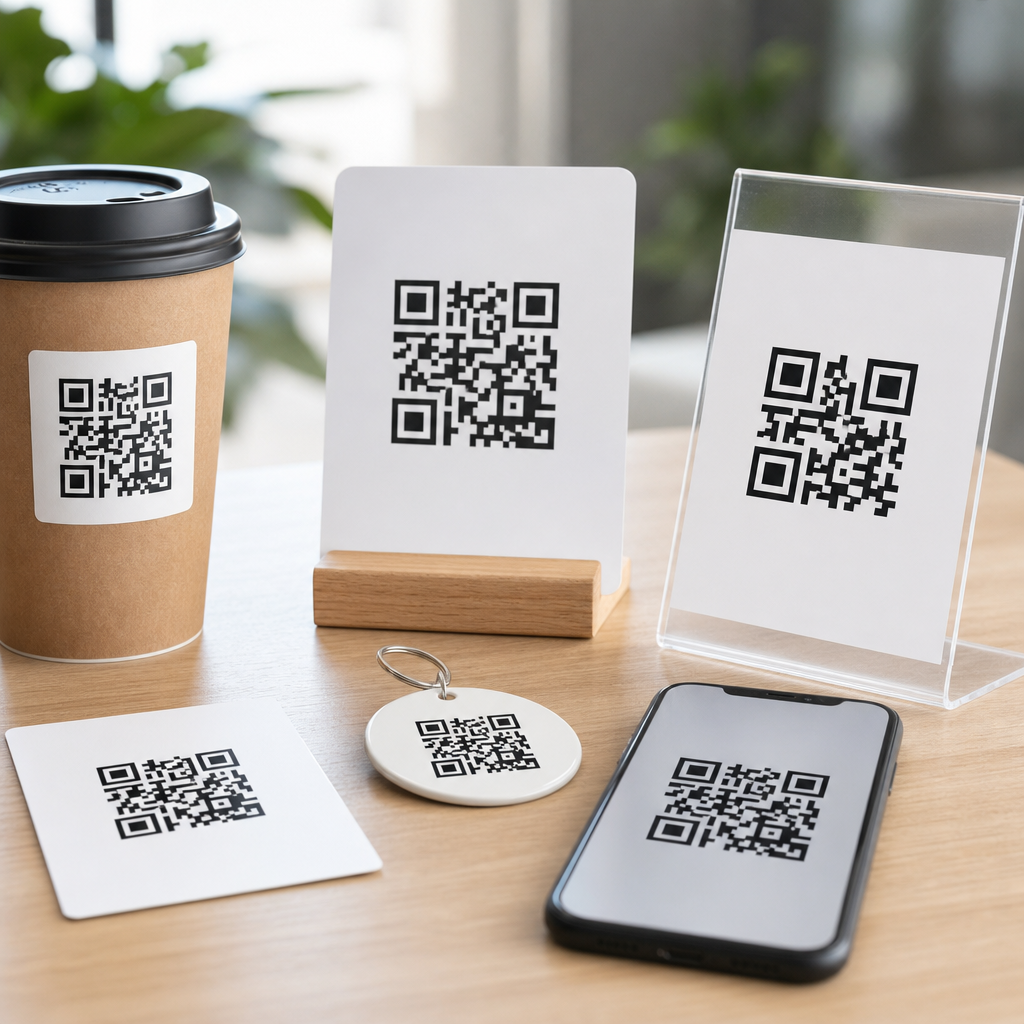
QR codes appear on restaurant tables, product packaging, invoices, event tickets, factory floors, and direct mail because they bridge physical objects and digital actions in a single scan. A QR code, short for Quick Response code, is a two-dimensional matrix barcode invented by Denso Wave in 1994 and standardized under ISO/IEC 18004. Unlike a traditional linear barcode, which stores data in one direction, a QR code stores information both horizontally and vertically, allowing far greater capacity and faster decoding. When people ask what types of QR codes exist, they usually mean two things: the technical families of QR symbols and the practical use-case categories businesses deploy every day. Both matter, because the right format affects scan reliability, editing flexibility, analytics, security, and user experience.
In my work with marketing teams, operations managers, and support desks, this question comes up early, usually after someone has printed thousands of labels and then realized the destination URL changed. That is why understanding QR code types is not just a definition exercise. It determines whether a campaign can be updated later, whether a code can store enough data, whether it will still scan when partially damaged, and whether privacy or compliance requirements are met. This hub article explains the core QR code categories, the major symbol variations, common business applications, and the troubleshooting factors that affect real-world performance. It also gives you a practical framework for choosing the right option before you generate, print, or distribute a code.
Static and Dynamic QR Codes: the first distinction that matters
The most important practical distinction is between static QR codes and dynamic QR codes. A static QR code contains the final destination or data directly inside the pattern. If the code points to a web page, the exact URL is encoded into the symbol itself. Once created, that content cannot be changed without generating and printing a new code. Static codes are useful for permanent information such as plain text, Wi-Fi credentials for a fixed network, or a canonical website URL that is unlikely to change. They are usually inexpensive, easy to create, and suitable for simple one-time deployments.
A dynamic QR code encodes a short redirect URL rather than the final content. The destination can then be changed later from a management platform without altering the printed symbol. In practice, this is the better choice for campaigns, restaurant menus, PDFs, app downloads, multi-location routing, and any asset that may need updates. Dynamic systems also support scan analytics such as time, location, device type, and total scan counts, although the exact data depends on the provider and privacy settings. The tradeoff is reliance on a third-party platform or managed redirect infrastructure. If that service expires, is misconfigured, or goes offline, scans can fail even if the printed code is perfect.
For most business users, the answer to what types of QR codes exist starts here: static for fixed content, dynamic for editable and trackable content. If you are choosing between them, ask three direct questions. Will the destination ever change? Do you need analytics? Will this code remain in the field for months or years? If the answer to any of those is yes, dynamic is usually the safer operational decision.
Technical QR code families and symbol variants
Beyond static versus dynamic, several technical symbol types exist. Standard QR Code, often called Model 2, is the version most people encounter. It supports numeric, alphanumeric, byte, and Kanji modes, along with four error correction levels: L, M, Q, and H. Higher error correction improves resilience when part of the symbol is obscured or damaged, but it also increases density, which can make very small codes harder to scan. Micro QR Code is a smaller variant designed for constrained spaces such as tiny components, labels, or electronics. It stores less data than a full QR Code but works well where print area is limited.
There are also specialized forms including rMQR, or rectangular Micro QR Code, standardized for narrow spaces where a square symbol is inefficient. iQR Code was developed to provide greater data capacity and support square or rectangular layouts, though it is less common in everyday consumer deployments. FrameQR adds a central canvas area for branding or messaging while preserving machine readability. In industrial settings, you may also encounter alternatives like Data Matrix, which is not a QR code but is often compared with it because both are two-dimensional symbols. Data Matrix is widely used in healthcare and manufacturing for direct part marking, especially where extremely small symbols are needed.
For a general FAQ hub, the practical takeaway is simple. Standard QR Code is the default for consumer-facing links and most marketing uses. Micro QR and rectangular variants solve space constraints. High-capacity and framed variants address specialized design or encoding needs. The symbol family should match the physical environment, data load, and scanner ecosystem you expect in the field.
Common content types businesses encode in QR codes
Another way to classify QR codes is by the content they launch. URL QR codes are the most common because they send users to websites, product pages, menus, help centers, forms, payment pages, and landing pages. vCard QR codes store contact details so a scan can add a person or business to a phone address book. Wi-Fi QR codes encode the SSID, password, and encryption type so users can join a network without typing credentials. PDF and file-download QR codes route to documents such as manuals, warranty sheets, menus, or onboarding guides.
Email, SMS, and phone QR codes trigger communication actions. A mailto code opens a preaddressed email draft, while an SMS QR code opens a text message with a predefined number and body. Telephone QR codes initiate a call, which is especially useful for customer support, roadside assistance, and field service. App store QR codes direct users to an application listing; more advanced implementations detect device type and send iPhone users to the App Store and Android users to Google Play. Location QR codes open a map pin, and event QR codes can include calendar details like date, time, venue, and description.
| QR code type | What it does | Best use case | Main caution |
|---|---|---|---|
| URL | Opens a web page or redirect | Menus, campaigns, support pages | Broken links hurt scan trust |
| vCard | Adds contact information | Business cards, trade shows | Fields vary by phone platform |
| Wi-Fi | Connects to a wireless network | Guest access, offices, retail | Password changes require updates |
| PDF/File | Downloads or opens a document | Manuals, spec sheets, forms | Large files slow mobile users |
| SMS/Email/Phone | Starts a communication action | Support, lead capture, service | Behavior differs by device |
In support environments, I often recommend using URL-based dynamic QR codes even when the end goal is a PDF, video, or form. That provides room to swap the destination later, localize by region, or insert a mobile-friendly landing page that gives users options rather than forcing a single action. It also creates a cleaner troubleshooting path because you can test the redirect independently of the printed symbol.
Industry-specific QR code use cases and what they require
Retailers use QR codes on packaging for product details, authenticity checks, how-to videos, loyalty programs, and post-purchase registration. Restaurants use them for menus, ordering, reviews, and payment. Healthcare organizations use two-dimensional codes for specimen identification, medication administration workflows, and patient forms, though regulated environments often rely on Data Matrix or GS1 standards rather than generic marketing QR formats. Manufacturers use codes for asset tracking, work instructions, maintenance histories, and serialization on parts that may be exposed to abrasion, chemicals, or heat.
Each environment changes the specification. A warehouse code may need high contrast, laser etching compatibility, and scanner performance at a distance. A brochure code needs enough quiet zone, a sensible size, and a mobile destination page that loads quickly on a weak connection. A payment QR code may follow EMVCo specifications or regional wallet standards. A logistics label may need integration with GS1 Digital Link so the code can resolve to product data, traceability records, or consumer content from the same identifier structure. In other words, the question is not only what types of QR codes exist, but which operational rules apply to each context.
Design, error correction, and scan reliability
A QR code scans well when five variables are handled correctly: content density, print size, contrast, quiet zone, and destination usability. The quiet zone is the blank margin around the symbol, and removing it is one of the most common causes of scan failure. Black on white remains the safest choice, even though branded colors can work when contrast is strong. Adding a logo is possible, but every design change consumes some of the symbol’s tolerance. I have seen attractive custom codes fail on low-end Android cameras because the brand team pushed styling beyond the scanner’s decoding margin.
Error correction is often misunderstood. The four standard levels allow a code to remain readable even if part of it is obscured, but they do not compensate for every design mistake. Higher correction helps with minor damage, curved surfaces, or a central logo, yet it makes the pattern denser. That means a tiny printed code on glossy packaging may scan worse after increasing error correction if the module size becomes too small. A practical rule is to test across multiple devices, lighting conditions, and distances before approving production artwork. Use a short URL or dynamic redirect to reduce density when possible.
Security, maintenance, and choosing the right QR code type
QR codes are convenient, but they can conceal malicious destinations, so trust signals matter. Businesses should use recognizable domains, HTTPS, and landing pages that clearly match the context of the scan. For internal operations, establish ownership of the domain and the QR management platform so codes do not break when a vendor contract ends or an employee leaves. Monitor redirects, remove expired destinations, and document where high-volume codes are physically deployed. That inventory becomes critical when troubleshooting scan complaints or changing a campaign after print.
The best way to choose among QR code types is to map the use case to five decisions: content type, editability, analytics, print environment, and expected lifespan. If the code links to changing content, use dynamic. If space is tiny, explore Micro QR or a different symbol standard. If the code will face wear, raise error correction and test the substrate. If regulation applies, verify the required standard first. For a general QR code FAQ hub, that is the core answer: multiple QR code types exist, but the right one depends on what the code stores, where it appears, and how long it must keep working. Audit your current QR deployments, then standardize the formats, platforms, and testing steps you will use going forward.
Frequently Asked Questions
What are the main types of QR codes?
The two most important categories are static QR codes and dynamic QR codes. A static QR code contains fixed information directly in the code itself, such as a plain URL, text, phone number, Wi-Fi credential, or email address. Once it is created and printed, that information cannot be changed without generating a brand-new code. This makes static QR codes useful for permanent use cases where the destination will never need updating, such as a company homepage, a fixed contact card, or basic product instructions.
Dynamic QR codes work differently. Instead of permanently encoding the final destination, they typically point to a short redirect URL that can be updated behind the scenes. That means the printed code can stay the same while the linked content changes over time. Dynamic codes are widely used in marketing, packaging, restaurant menus, event check-ins, direct mail, and industrial workflows because they offer flexibility, scan tracking, analytics, device data, campaign management, and easier error correction if a destination page changes. In practical terms, when people ask what types of QR codes exist, they are usually referring first to this static-versus-dynamic distinction, because it affects how the code is managed, edited, measured, and deployed.
What kinds of information can different QR codes store?
QR codes can store many different data formats, which is one reason they appear in so many environments, from restaurant tables to factory floors. Common QR code content types include website URLs, plain text, PDF links, app store links, digital menus, product information, payment links, social media profiles, and event registration pages. They can also store structured actions such as a phone number for tap-to-call, an SMS template, an email draft with subject line, or a vCard containing contact details like name, company, phone number, address, and email.
Beyond that, QR codes are often used for Wi-Fi access, allowing users to join a network by scanning instead of manually typing a long password. In logistics and manufacturing, QR codes may contain part IDs, serial numbers, batch details, work instructions, or links to internal systems. On invoices and payment requests, they may encode billing references or payment data. On tickets and badges, they can hold validation identifiers used for access control. Technically, a QR code can encode numeric, alphanumeric, binary, and even kanji data, which is part of why it offers much greater capacity than a traditional one-dimensional barcode. The exact amount of data it can hold depends on the QR version, error correction level, and type of content being stored.
Are there different QR code formats besides the standard QR code?
Yes. While the standard QR code is the most widely recognized format, there are several related two-dimensional code types designed for different use cases. One example is Micro QR Code, a smaller variation intended for applications where print space is limited, such as tiny product components or compact labels. Because it is smaller, it holds less data than a full standard QR code, but it can be very practical in tightly constrained environments.
Another variation is Model 1 versus Model 2, with Model 2 being the modern standard most people encounter today. There is also iQR Code, which was developed to allow greater flexibility in size and shape, including rectangular layouts and higher data density in some applications. FrameQR adds a canvas area inside the code where branding or illustrations can be placed while maintaining scannability. Although consumers often call all of these “QR codes,” they are technically different members or variants within the broader QR ecosystem. The best choice depends on available space, scanning conditions, branding needs, required capacity, and compatibility with the devices expected to read the code.
How do QR code versions and error correction levels affect the type of QR code you should use?
QR codes are built in versions, which determine the grid size and therefore how much data the code can hold. As the version number increases, the matrix becomes larger and can store more information. However, larger and denser codes also require better print quality and sufficient scanning distance. This matters because a code printed on product packaging, a warehouse bin, or a direct mail postcard must be easy to scan under real-world conditions, not just theoretically capable of storing a lot of data.
Error correction is another key factor. QR codes include built-in redundancy so they can still be scanned even if part of the code is dirty, scratched, curved, or partially obscured. The standard levels are L, M, Q, and H, with H providing the most recovery capacity but also using more space. Higher error correction is especially useful for industrial settings, outdoor signage, labels exposed to wear, and branded QR codes that include a logo or design modifications. Choosing the right type of QR code is not just about whether it links to a website or stores text; it is also about balancing data capacity, code size, scanning reliability, environmental conditions, and visual customization. A well-designed QR deployment takes all of those factors into account.
Which type of QR code is best for business, marketing, and operational use?
For most business and marketing applications, dynamic QR codes are usually the best choice because they offer control after printing. If a campaign landing page changes, a menu is updated, a product page moves, or a ticketing workflow needs to be redirected, the destination can be changed without reprinting the physical code. Dynamic codes also support analytics, which helps businesses understand scan volume, time, location trends, device types, and campaign performance. That makes them especially valuable for product packaging, posters, brochures, invoices, retail displays, event materials, and direct mail.
Static QR codes still have an important role, particularly when the content is permanent, the budget is limited, or no tracking is required. They can be ideal for basic contact information, unchanging URLs, internal reference labels, or simple instructional signage. For operations and manufacturing, the best type may depend on durability and workflow integration rather than marketing flexibility; robust, high-contrast codes with appropriate error correction are often more important than advanced campaign features. In short, the “best” QR code type depends on the goal: use static for fixed content, dynamic for editable and measurable experiences, and specialized variants when space, shape, or industrial constraints demand it.