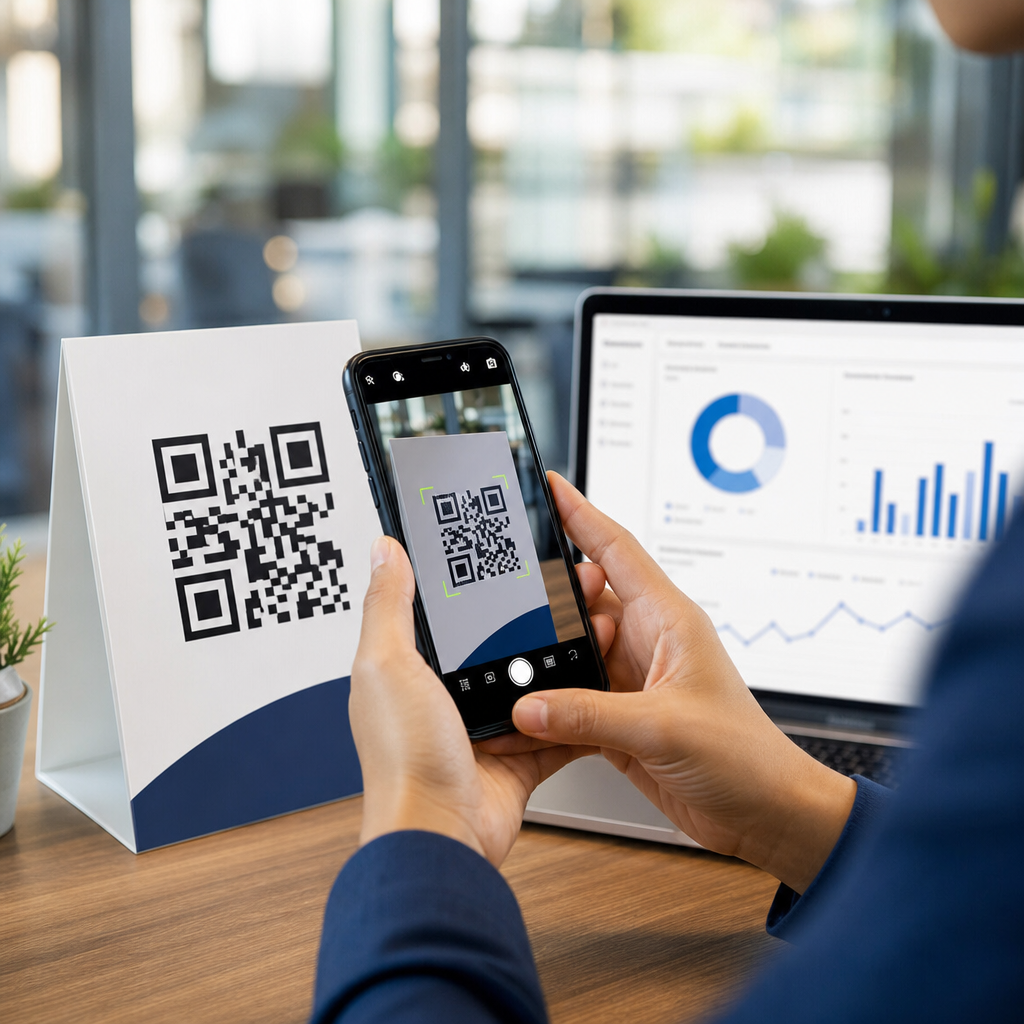
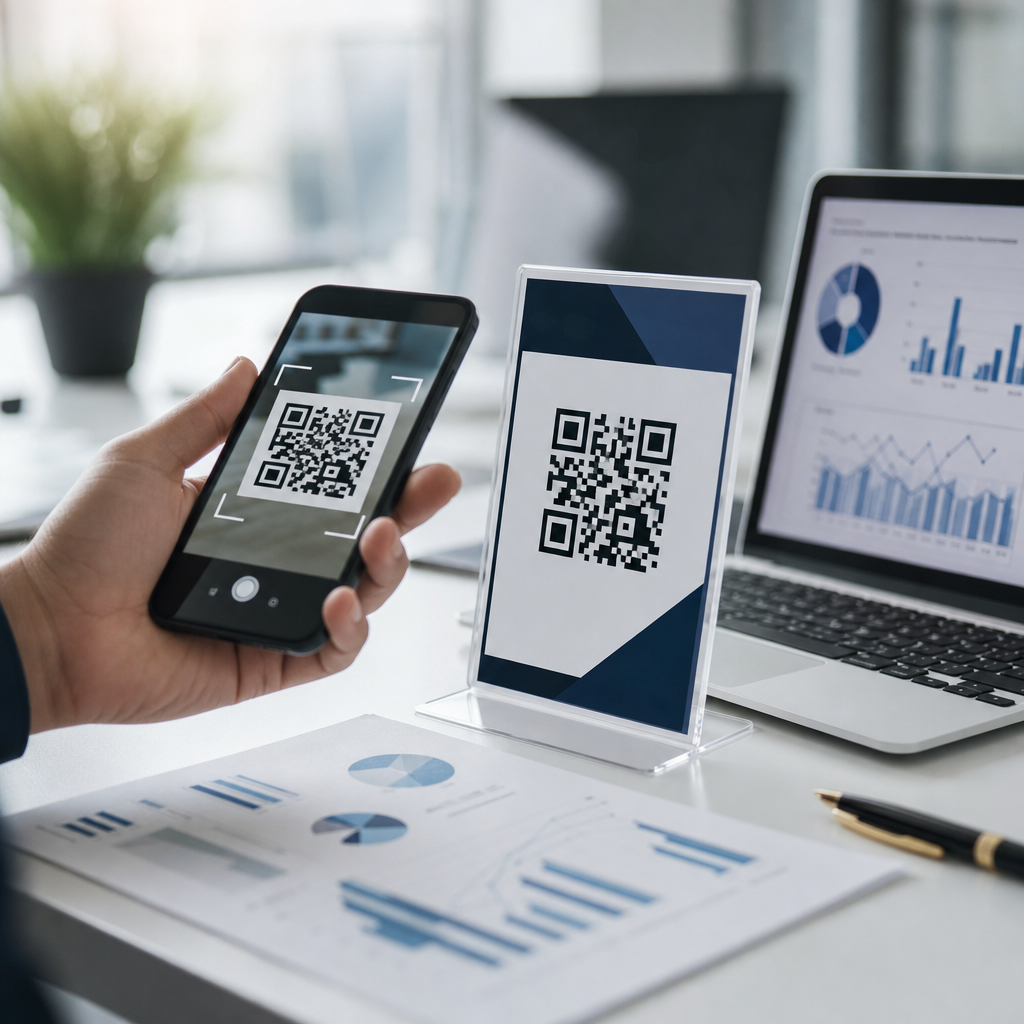
QR codes are safe to scan in many everyday situations, but they are not automatically safe, and that distinction matters for anyone using them in payments, menus, packaging, login flows, or customer support. A QR code is simply a machine-readable image that stores data, most often a web address, contact card, Wi-Fi credential, payment request, or app action. The safety question is not about the square pattern itself; it is about what happens after your phone reads the encoded content. I have worked with QR deployments for restaurants, retail packaging, event check-in, and product authentication, and the same rule always applies: the code is neutral, but the destination can be trustworthy, broken, misleading, or malicious.
That is why the topic has become a core part of general QR code FAQs. As QR use expanded after the pandemic, attackers noticed a simple opportunity: people trust the camera prompt more than they trust a typed link. Security teams now use the term quishing, or QR phishing, to describe scams that hide a dangerous URL, fake payment page, or credential-harvesting form behind a code. The Federal Trade Commission has warned consumers about QR scams, and enterprise mobile security platforms such as Microsoft Defender for Endpoint and Cisco Umbrella increasingly monitor QR-linked threats because the technique bypasses normal visual scrutiny.
For most users, the practical question is straightforward: when is a QR code safe to scan, and how can you tell before tapping the result? This hub article answers that directly and also serves as the entry point for broader QR code troubleshooting. It covers how QR codes work, common risks, warning signs, safer scanning habits, device protections, business best practices, and the limits of current defenses. If you understand those basics, you can use QR codes confidently without treating every code as suspicious or every scan as harmless.
How QR codes work and what actually happens when you scan one
A QR code, short for Quick Response code, is a two-dimensional barcode standardized under ISO/IEC 18004. Unlike a traditional one-dimensional barcode that stores a limited string, a QR code can encode more information both horizontally and vertically, with built-in error correction levels that let scanners read partially damaged symbols. In practice, most consumer QR codes hold a URL because that creates the fastest path from print or screen to web content. Your phone camera or scanning app decodes the image, identifies the payload, and offers an action such as opening a site, joining Wi-Fi, saving a contact, sending an SMS, or launching a payment app.
From a security perspective, the key point is that a QR code often conceals detail that a normal hyperlink exposes. A printed label can say “Scan for menu,” yet the encoded destination may be a shortened link, a redirect chain, or a spoofed domain that looks close to a legitimate brand. On modern iPhones and Android devices, the camera preview usually shows the destination before you open it. That preview is your first checkpoint. If the domain is unfamiliar, misspelled, or overloaded with tracking parameters, stop there. A safe scan is not the same as a safe click.
What makes a QR code unsafe
An unsafe QR code is one that leads to harmful content, manipulates the user into an unwanted action, or interferes with normal trust signals. The most common risk is phishing: the code opens a fake sign-in page that captures passwords, multifactor authentication codes, or payment details. Another common risk is payment diversion. I have seen scammers place stickers over parking-meter QR codes so drivers land on cloned payment pages and unknowingly send money to criminals instead of the municipality. Similar sticker overlays appear on restaurant tables, vending machines, utility bills, and parcel lockers.
Some QR codes trigger app downloads or deep links into installed apps. That can be legitimate, but it also creates room for abuse if the app is fake or the deep link prompts a sensitive action. Malicious codes can also initiate calls, draft emails, open messaging windows, or join rogue Wi-Fi networks. While mainstream mobile operating systems sandbox these actions more effectively than in the past, user deception remains powerful. The threat is less about the code infecting a device on sight and more about tricking a person into approving the next step.
| QR code use case | Typical safe outcome | Common abuse pattern | What to verify |
|---|---|---|---|
| Restaurant menu | Opens official menu page | Fake ordering or payment page | Brand domain and HTTPS |
| Parking payment | Launches city or operator checkout | Sticker overlay sending funds to scammer | Printed signage, URL, merchant name |
| Package tracking | Shows shipment status | Credential theft through fake courier login | Carrier domain and tracking number flow |
| Wi-Fi access | Joins known guest network | Connects to rogue network for interception | SSID matches venue instructions |
| App download | Opens App Store or Google Play listing | Pushes sideloaded or lookalike app | Official store, publisher name, reviews |
How to tell whether a QR code is safe before and after scanning
You cannot judge safety from the pixel pattern alone, but you can evaluate context, destination, and behavior. Start with the physical setting. Is the code printed professionally, integrated into signage, and consistent with the brand around it? Tampered labels often have raised edges, mismatched fonts, fresh adhesive, or placement that covers an existing code. In stores and transit systems, compare the code with the company’s website or app. If the business already has an established app for payment or loyalty, a random QR prompt asking for card details deserves skepticism.
Next, inspect the previewed link. Legitimate organizations usually use clear primary domains or disciplined subdomains. A bank should not send you to a random URL shortener, and a city parking system should not use a consumer blog platform. Look for HTTPS, but do not treat the padlock as proof of legitimacy; phishing sites also use TLS certificates. Focus on the actual domain name, spelling, and path. After opening the page, note whether the page requests information that does not match the task. A menu page should not ask for your email password. A parcel pickup page should not request your banking PIN.
If you want an extra layer of protection, use a QR scanner that expands short links and checks destinations against reputation services. Mobile security products such as Norton 360, Bitdefender Mobile Security, Malwarebytes Mobile Security, and Microsoft Defender can warn on known malicious domains. For business users, mobile device management policies can also block risky destinations. These tools are not perfect, but they reduce exposure when users scan high volumes of codes in the field.
Best practices for scanning QR codes safely on phones, tablets, and business devices
The safest scanning routine is simple and fast. Use your phone’s native camera or a reputable scanner, read the preview, confirm the domain, and only proceed if the request matches your intent. Keep iOS or Android updated because browser, WebView, and certificate-handling fixes close off common attack paths. Enable safe browsing features in Chrome, Safari, or your chosen browser. Avoid entering credentials or payment details on a page reached from an untrusted public code when you can instead navigate through the official app or type the known website yourself.
On shared business devices, create a stricter process. Retail staff, warehouse teams, and field technicians often scan operational codes all day, so the risk shifts from occasional consumer error to repeated workflow exposure. I recommend managed browsers, DNS filtering, restricted app installation, and training that specifically covers quishing. For example, a logistics team scanning package labels should know that any sign-in prompt during a normal tracking workflow is abnormal. If a code is supposed to identify inventory, the expected result is a record in the warehouse system, not a browser page asking for Microsoft 365 credentials.
Another good habit is to separate scanning from transacting. Scan the code to identify the destination, then complete the sensitive action through your trusted app or bookmarked site. That approach is especially effective for parking, donations, account login, and bill payment. It adds a few seconds, but it removes the scammer’s main advantage: urgency combined with convenience.
Business responsibilities, troubleshooting basics, and where to go next
Organizations that publish QR codes have a responsibility to make scanning safe and predictable. Use branded landing pages, short but recognizable domains, and HTTPS everywhere. Avoid frequent destination changes unless the code is dynamic and managed through a secure platform with audit logs. Dynamic QR code systems from providers such as Bitly, QR Code Generator Pro, Scanova, and Beaconstac are useful because they allow destination updates and analytics, but they also require account security, access control, and monitoring. If an attacker compromises the dashboard, every printed code can become a redirect point overnight.
Clear signage also reduces user confusion. State what the code does before the scan, what domain should appear, and whether payment or login will be required. In high-risk environments, add visible anti-tamper checks and routine inspections. Facilities teams should physically inspect parking kiosks, tabletop displays, and poster campaigns for sticker overlays. Customer support teams should know the standard troubleshooting path: verify the printed code, test the destination, confirm certificate validity, review redirect behavior, and compare the live URL against the approved campaign record.
The main takeaway is balanced and practical. QR codes are neither inherently dangerous nor inherently trustworthy. They are a fast bridge between physical and digital experiences, and like any bridge, safety depends on where it leads and how well it is maintained. For readers using this FAQs and troubleshooting hub, the benefit of understanding general QR code safety is confidence: you can spot warning signs early, scan with better habits, and build safer customer experiences if you publish codes yourself. Start by checking the next QR code you encounter the same way you would check any unknown link: verify the source, inspect the destination, and proceed only when the context makes sense.
Frequently Asked Questions
Are QR codes safe to scan in general?
QR codes are often safe to scan in everyday situations, but they are not automatically safe just because they look official or appear in a familiar place. A QR code is only a visual container for information. It may open a website, start a payment, connect you to Wi-Fi, download an app, launch a message, or trigger another action on your device. The real safety issue is what happens after the scan, not the printed square itself.
In practice, many QR codes used in restaurants, product packaging, event check-ins, shipping labels, and business materials are legitimate. However, scammers can create their own codes just as easily and place them on posters, parking meters, emails, or even over existing codes. That means the safest mindset is not fear, but verification. Treat a QR code the way you would treat a link in a text message or email: useful, common, and potentially risky if you do not know where it leads. If your phone shows a preview of the destination, pause and inspect it before continuing. That small habit dramatically lowers your risk.
What are the main risks of scanning a malicious QR code?
The biggest risk is being sent somewhere you did not expect. A malicious QR code can direct your phone to a phishing website designed to steal passwords, payment details, or personal information. It can also lead to fake login pages that imitate banks, delivery companies, customer support portals, or workplace sign-in systems. Because scanning feels quick and automatic, people sometimes trust the destination more than they would if they had typed or clicked the link themselves.
Other risks include fraudulent payment requests, unwanted app downloads, attempts to collect device information, and social engineering prompts that pressure you to act quickly. For example, a scam QR code may say you need to confirm a package, pay a parking fine, reconnect your account, or verify your identity. In some cases, the code may initiate a Wi-Fi connection or prefill a text, email, or payment field that looks convenient but is actually dangerous. The common thread is deception. Attackers rely on urgency, trust in the surrounding context, and the fact that many users scan first and think later.
How can I tell whether a QR code is legitimate before I use it?
Start by looking at where the code appears and whether the setting makes sense. A QR code printed directly on official packaging, displayed inside a known business, or included in a verified communication is generally more trustworthy than one placed on a random sticker, street sign, public bulletin board, or unsolicited message. Be especially cautious if the code appears to be pasted over another code, if the print quality looks inconsistent, or if the message around it creates pressure such as “scan immediately” or “account suspended.” Physical tampering is a real concern in public spaces.
Next, pay attention to the destination preview on your phone before opening anything. Many smartphones and camera apps show the web address or action before you continue. Check whether the domain name is spelled correctly, whether it matches the brand or organization you expect, and whether it uses a suspicious variation designed to look legitimate. If the code is supposed to take you to a restaurant menu, a bank page, or a support portal, the address should reflect that clearly. When in doubt, do not scan. Go to the website manually, use the official app, or ask the business directly for another way to access the same information.
Are QR codes safe for payments, logins, and customer support?
They can be safe in these contexts, but they deserve extra caution because the stakes are higher. Payment QR codes may send money to a scammer if the code has been swapped or replaced. Login QR codes can be legitimate, especially when used by trusted apps for account sign-in, but fake versions may redirect you to a phishing page that captures your credentials. Customer support scams also commonly use QR codes to push users toward fake chat pages, remote access prompts, or fraudulent payment forms disguised as verification steps.
The best approach is to use QR codes for sensitive tasks only when they come from a source you already trust and can verify independently. For payments, confirm the merchant name, recipient details, and amount before approving anything. For logins, make sure the code appears inside the official app or on the verified website you intentionally visited, not in a random email or text. For customer support, avoid scanning codes shared by unknown callers, social media accounts, or unofficial listings. If support is needed, contact the company through its published website or app instead of relying on a code someone sent you unexpectedly.
What should I do if I scanned a suspicious QR code?
If you scanned a code but did not open the destination or approve any action, your risk may be low, but it is still smart to stay alert. If you visited the linked page, close it immediately and do not enter passwords, payment information, verification codes, or personal details. If the page prompted a download, app install, Wi-Fi connection, or login request, do not proceed unless you are absolutely certain it is legitimate. A quick exit is often enough to prevent further harm, especially if you did not interact with the page.
If you already submitted information, took a payment action, installed something, or connected to an unknown network, respond quickly. Change any affected passwords, enable or review multi-factor authentication, contact your bank or payment provider if money is involved, and scan your device with trusted mobile security tools if you believe software may have been installed. Review your accounts for unusual activity and report the scam to the business or platform being impersonated. Going forward, use your phone’s link preview features, keep your device updated, and remember the key principle: a QR code is only as safe as the destination and action behind it.