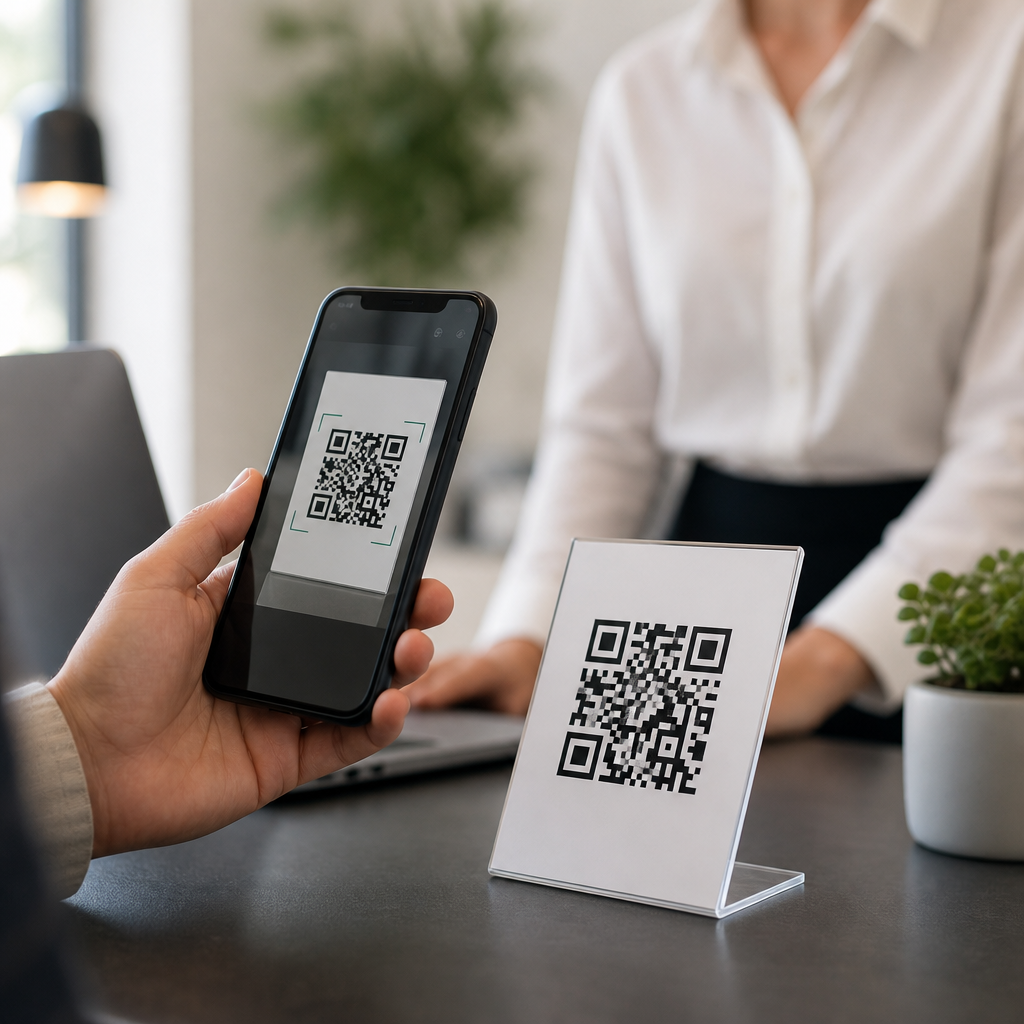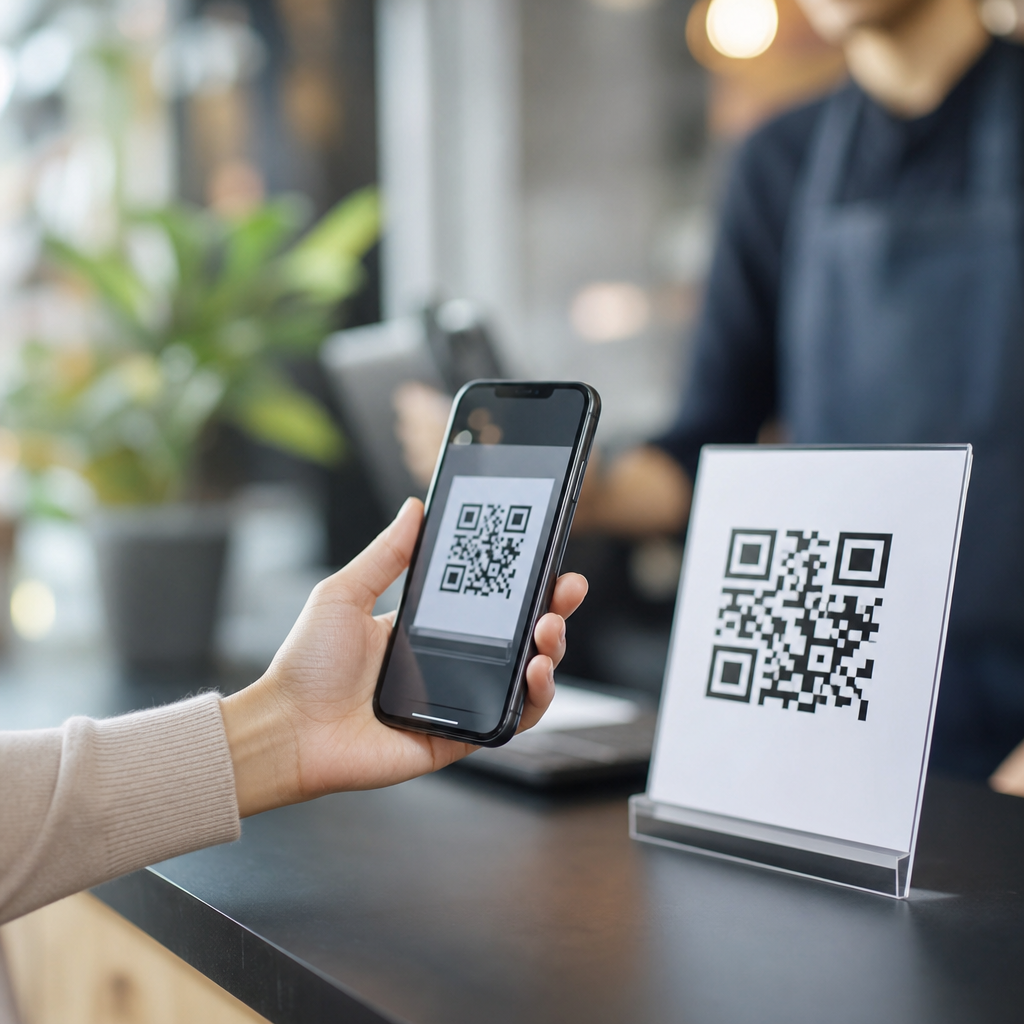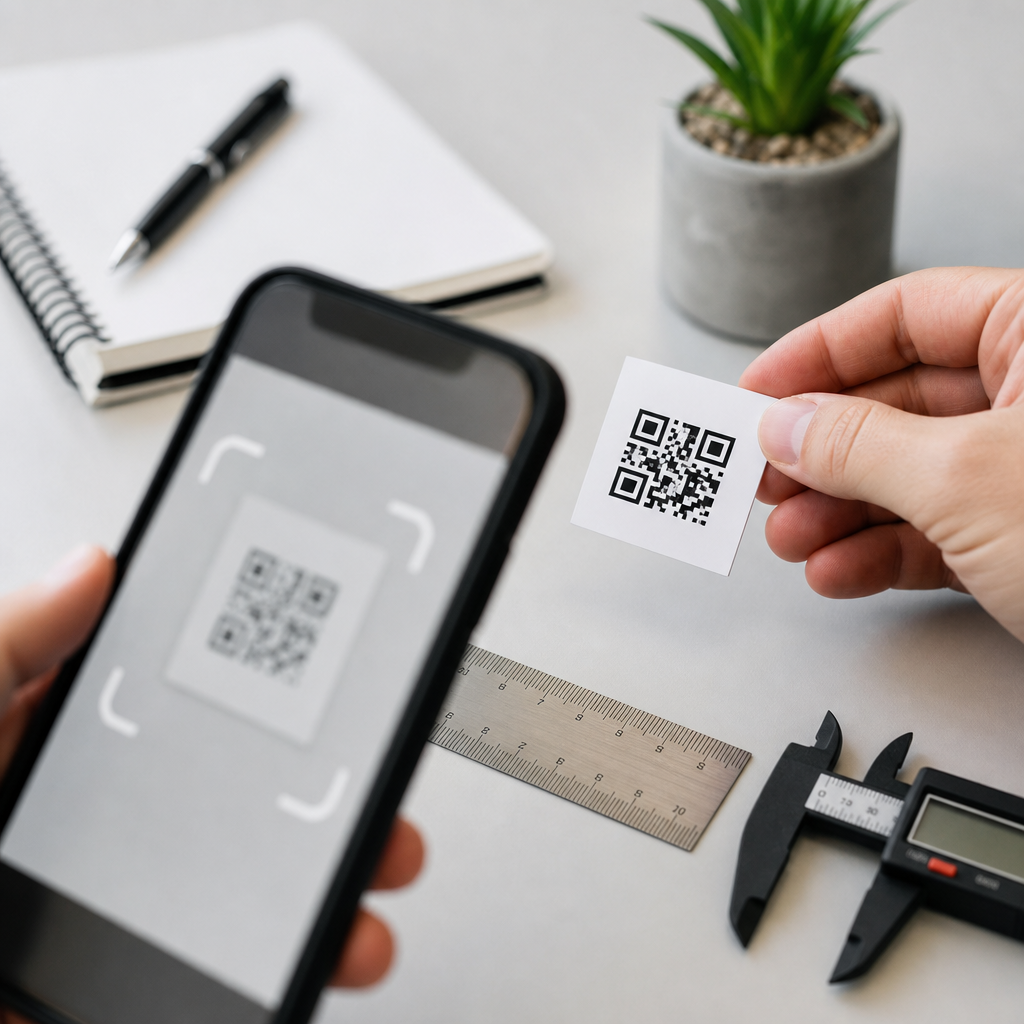
QR code size determines whether a camera can detect, focus on, and decode the symbol quickly, and the minimum size for a QR code depends on more than the printed square itself. In practice, the smallest usable QR code is set by three variables: scanning distance, data density, and print quality. A simple code printed for handheld scanning can work at around 1 x 1 cm, but many production teams use 2 x 2 cm or larger because it provides a safer margin for real-world conditions. That distinction matters. A technically valid QR code can still fail on packaging, posters, labels, menus, tickets, and equipment tags if it is undersized for the use case.
A QR code is a two-dimensional matrix barcode made of dark and light modules arranged in a square grid. The scanner does not read the outer dimensions first; it reads the module pattern, finder patterns, timing patterns, and error correction structure. Minimum size therefore starts at the module level. If the modules are too small for the camera sensor, blurred by ink spread, damaged by surface glare, or compressed by low-resolution export settings, scan reliability drops fast. I have seen beautifully designed labels fail in distribution simply because the code was reduced late in the artwork process without checking module size and quiet zone.
This topic matters because QR codes now bridge physical and digital workflows across retail, logistics, healthcare, events, restaurants, and manufacturing. When a code fails, the issue is rarely “the QR is broken.” It is usually a technical mismatch between symbol version, error correction level, substrate, environment, and expected scan distance. This hub article answers the core technical FAQ behind those failures: how small can a QR code be, what standards affect that limit, and how should teams choose a practical minimum. It also points to the broader troubleshooting logic professionals use when codes scan inconsistently across devices, print runs, and environments.
How small can a QR code actually be?
The direct answer is this: there is no single universal minimum size for every QR code. The true minimum depends on module count and module size. A version 1 QR code contains 21 x 21 modules. Higher versions add more modules, increasing data capacity but also increasing density. If you encode only a short URL and keep error correction moderate, you can use a lower version and keep the symbol physically smaller. If you encode a long string, vCard, Wi-Fi credentials, or tracking payload, the code may require a larger version and therefore a larger print area to keep each module readable.
A common field rule is the 10-to-1 scanning distance guideline: the code width should be roughly one-tenth of the scanning distance. If a user scans from 20 cm away, a code about 2 cm wide is usually comfortable. If the code is placed on a poster meant to scan from 2 meters, it should be closer to 20 cm wide. This is not a law, but it is a reliable planning baseline. For close handheld use, I generally recommend not going below 15 mm square for consumer-facing print, even when lab testing suggests 10 mm may scan, because older phones, motion blur, cracked screens, and awkward lighting reduce tolerance.
Quiet zone is part of the size calculation. ISO/IEC 18004 specifies a margin around the symbol, typically four modules wide on each side. Designers often measure only the black square and forget the empty border, then place the code against dense graphics. That border is not decorative whitespace; it helps the scanner separate the code from the background. If a 21-module code uses 0.5 mm modules, the active symbol is 10.5 mm wide, but with the required quiet zone the full footprint becomes 14.5 mm. The printed space requirement is therefore larger than many teams expect.
What determines the minimum printable size?
Four factors decide the practical minimum: data content, error correction, output resolution, and material conditions. Data content controls symbol version. Error correction, using levels L, M, Q, or H, adds redundancy so the code can still decode if part of it is damaged. Higher error correction improves resilience but increases density, which can force a larger printed code. I often use level M or Q for packaging because they balance robustness and size. Level H is useful when branding overlays or wear are expected, but it should not be chosen casually if space is tight.
Output resolution is equally important. For print, vector formats such as SVG, EPS, and PDF preserve sharp module edges at any scale. Raster files can work, but only if exported at sufficient resolution. A tiny PNG enlarged in layout software often introduces anti-aliasing, soft edges, and nonuniform modules. Those defects are invisible on screen yet harmful in print. On thermal labels, dot gain and printer calibration matter just as much. A nominal 0.25 mm module can fill in on absorbent stock or cheap transfer media, effectively shrinking the white spaces the scanner needs.
Surface and environment add another layer. Gloss laminate, curved bottles, metallic foils, transparent labels, and low-contrast color combinations all reduce readability. Black on white remains the most reliable combination because scanners need contrast, not brand creativity. In warehouse and factory settings, dust, abrasion, and distance from mounted scanners often justify larger modules than office print guidelines suggest. In restaurant tabletop tents, smudges and low evening lighting can make a 12 mm code unreliable even though it tested fine under studio conditions.
| Use case | Typical scan distance | Practical minimum code size | Why |
|---|---|---|---|
| Business card | 15–25 cm | 15–20 mm | Close scan, but limited lighting and hand movement |
| Product packaging | 20–40 cm | 20–25 mm | Variable phones, curved surfaces, retail glare |
| Shipping label | 30–100 cm | 25–38 mm | Fast scanning, printer variation, wear during transit |
| Poster or window sign | 1–3 m | 100–300 mm | Distance drives size more than data density |
How data density changes QR code size
The amount and type of encoded data directly affect minimum size. Numeric data is the most efficient, alphanumeric is next, and binary or special character payloads usually require more space. A short dynamic URL can fit in a low-version code, while a full vCard with name, company, title, phone, email, website, and address quickly increases the version. That is why dynamic QR platforms are often preferable for print. Instead of encoding a long destination string, you encode a short redirect URL, keeping the code simpler and easier to scan while preserving the ability to change the final destination later.
This is one of the most common troubleshooting discoveries. A marketing team copies a long campaign URL with tracking parameters into a generator, downloads the image, and shrinks it to fit a label corner. The result looks acceptable but scans slowly because the symbol version jumped higher than expected. When I audit these cases, shortening the encoded string often fixes the issue without changing the design. The visible size can stay the same if the module count drops. In technical terms, lower density gives each module more physical area at a fixed overall dimension.
Error correction interacts with density too. QR codes can restore data when part of the symbol is obscured, but redundancy is not free. If you add a logo in the center and raise correction to H, the code becomes denser. The designer may think the logo “fits,” yet the smaller modules reduce scan margin. This is why logo QR codes should be tested aggressively across iPhone and Android models, not just one flagship device. Branded codes can work well, but the minimum safe size is usually larger than for a plain monochrome code carrying the same payload.
Technical FAQ and troubleshooting guidance
Can a QR code be too big? Yes, although oversizing is less common than undersizing. Extremely large codes viewed from very close range may not fit easily in the camera frame, especially on older phones. The more frequent problem is mismatch between scan distance and size. How small can a digital QR code be on screen? On mobile screens, size still matters because screen brightness, pixel density, and camera focus affect module clarity. A code displayed at 150 to 200 CSS pixels square is usually comfortable for another phone to scan, but testing on lower-end devices remains essential.
Does file format matter? Absolutely. Use vector whenever possible for print. For web and apps, use crisp PNG or SVG and avoid blurry scaling. Does color matter? Yes. High contrast is required; dark foreground on a light background performs best. Inverted codes can work with modern scanners but should not be assumed safe in every environment. What about minimum module size? Many print specialists treat 0.4 mm to 0.5 mm as a practical floor for general commercial printing, while industrial systems may go smaller with controlled equipment and verification. Below that range, tolerance narrows sharply.
How should teams validate a minimum size decision? First, confirm the encoded content and preferred error correction. Second, calculate the likely scan distance and environment. Third, produce test prints on the actual substrate, not office paper substitutes. Fourth, test across multiple devices and scanning apps, including native camera apps. Fifth, verify quiet zone, contrast ratio, and edge sharpness after final production, not just from the exported design proof. If scan performance is business-critical, use barcode verification tools from vendors such as Zebra, Honeywell, or Cognex, and align with ISO-based quality grading where relevant.
As a hub page for technical FAQs, the main lesson is simple: minimum QR code size is never just a number copied from a template. It is a specification decision tied to data, distance, substrate, and scanning conditions. A small code can work when the payload is short, the contrast is high, the quiet zone is intact, and the user scans from close range. A larger code is the right choice when reliability matters across varied phones and imperfect environments. If you are planning, printing, or troubleshooting QR codes, test the final asset in real conditions and size for dependable scanning, not theoretical minimums.
Frequently Asked Questions
What is the minimum size for a QR code?
The minimum size for a QR code depends on how it will be scanned, not just the dimensions of the square itself. In ideal conditions, a simple QR code with very little data can sometimes be printed at around 1 x 1 cm and still scan successfully at close range. However, that is usually considered the lower practical limit for controlled, handheld use rather than a universal standard. In real-world applications, most teams choose at least 2 x 2 cm because it gives smartphone cameras more room to detect the code, lock focus, and decode it quickly without frustrating the user.
The reason there is no single absolute minimum is that QR code usability is affected by three main factors: scanning distance, data density, and print quality. A code viewed from a few inches away can be much smaller than one placed on signage or packaging scanned from farther back. Likewise, a simple URL creates a less dense symbol than a code containing long text, tracking parameters, or other data, which means the denser version usually needs to be printed larger. Add in paper texture, ink spread, contrast, lighting, and camera quality, and the “minimum size” becomes a practical judgment rather than a fixed number.
Why do some QR codes need to be larger than others?
Some QR codes need to be larger because the amount of encoded information changes the complexity of the pattern. A short destination, such as a clean URL, usually produces a simpler code with fewer modules, which can be scanned more easily at a small size. A longer URL, vCard, menu, form link with tracking parameters, or other data-heavy content creates a denser pattern with smaller individual squares. When those modules become too tiny in print, smartphone cameras may struggle to resolve them accurately, especially in less-than-perfect lighting or when the code is scanned at an angle.
Size also needs to increase when the scanning environment becomes less controlled. A code printed on product packaging, labels, posters, vehicle graphics, or outdoor materials has to compete with glare, motion, uneven surfaces, and varying user distances. In those cases, a technically scannable small code may still perform poorly in practice. That is why production teams often size QR codes conservatively. A larger print size improves scan speed, reduces user friction, and makes performance more reliable across different phones and real-world conditions.
How does scanning distance affect the minimum QR code size?
Scanning distance is one of the most important factors in determining QR code size. As a rule, the farther away the code is from the scanner, the larger it needs to be so the camera can clearly capture enough detail to decode it. A QR code scanned by hand from just a few inches away can be quite small, while a code intended for a wall poster, retail sign, or window display must be noticeably larger because the camera is trying to interpret the pattern from a greater distance.
A common guideline is to scale the code in relation to expected viewing distance rather than aiming for the smallest possible print. If users must step close and hold their phone steady, a smaller code may work. But if the design assumes quick scanning while walking past a sign or standing several feet away, increasing the size becomes essential. In practice, scan reliability matters more than theoretical minimums. A code that barely works under perfect conditions is often a poor choice if users are likely to scan from different distances, angles, or lighting conditions.
Is 1 x 1 cm too small for a QR code?
Not always, but it can be risky. A 1 x 1 cm QR code may scan if it contains very little data, is printed sharply with strong contrast, and is intended for very close handheld scanning. Under those controlled conditions, it can be usable. That said, there is very little tolerance for error at that size. Any increase in data density, slight print blur, glossy reflection, low light, or older phone camera can reduce performance quickly. What scans in a test environment may not scan consistently in actual customer use.
That is why many designers and print teams treat 1 x 1 cm as a technical minimum rather than a recommended production size. Moving up to 2 x 2 cm or larger usually creates a much safer result. It gives each module more physical space, improves detection speed, and reduces the chance that users will need multiple attempts. If the QR code is important to the conversion path, such as for payments, product information, check-ins, or promotional campaigns, choosing a slightly larger size is usually the better decision.
What else matters besides the printed dimensions of the QR code?
Printed dimensions are only one part of QR code performance. Print quality is equally important. A code must have crisp edges, strong contrast, and enough quiet zone, which is the blank space around the code that helps scanning software identify the symbol. If the quiet zone is too tight, if dark modules bleed into each other, or if the background introduces visual noise, even a reasonably sized code can fail. Material choice also matters. Rough paper, reflective packaging, curved surfaces, and low-resolution printing can all make a code harder to scan.
Camera and user conditions matter as well. Different phones have different lens quality, autofocus behavior, and image processing capabilities. Lighting, motion, screen glare, and viewing angle can all affect readability. This is why best practice is not to ask whether a QR code can be made tiny, but whether it can still be scanned quickly and reliably by real people in realistic conditions. The most effective approach is to keep the encoded data as short as possible, print with excellent contrast, preserve the quiet zone, and test the code on multiple devices before final production.