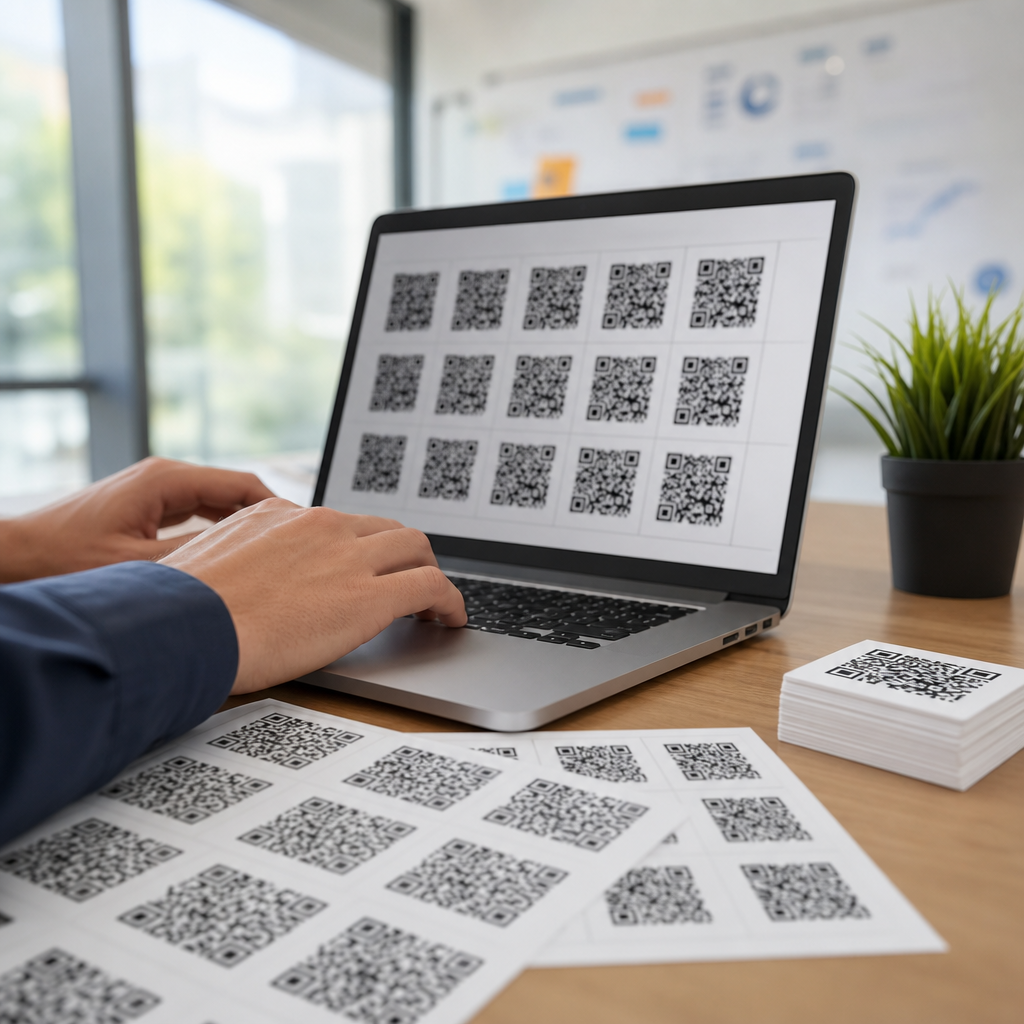
Bulk QR code generation has become a core capability for modern marketers because campaigns rarely rely on a single destination, a single audience, or a single placement. When a brand needs unique codes for product packaging, direct mail, event badges, table tents, retail displays, and sales collateral, creating them one by one is slow, error-prone, and difficult to govern. Bulk generation solves that by producing many QR codes from structured data, usually a spreadsheet or database export, while keeping design, tracking, and destination rules consistent. In practice, this article also serves as a complete hub for anyone learning how to create a mobile QR code, because mobile scanning is the real use case behind nearly every marketing QR deployment.
A mobile QR code is simply a scannable matrix barcode designed to open a mobile-friendly experience: a landing page, app deep link, coupon, video, contact card, map pin, or payment screen. The code itself stores either the destination directly or a short redirect URL managed by a QR platform. Static codes cannot be changed after printing, while dynamic codes route through a managed link that can be edited later and measured. That distinction matters more in bulk projects than anywhere else. I have seen teams print thousands of brochures with static links to pages that changed a week later; a dynamic setup would have prevented waste, preserved campaign continuity, and maintained attribution.
Why does this matter now? Because smartphone cameras scan QR codes natively, mobile traffic dominates many campaign journeys, and offline-to-online attribution has become a budget discussion rather than a nice-to-have. Marketers need scalable creation, reliable tracking, and clean user experience on mobile devices with different screen sizes, operating systems, and connection speeds. Bulk generation is not just about volume; it is about governance. The right workflow standardizes naming, links each code to a campaign taxonomy, ensures every destination is mobile optimized, and gives teams a repeatable process for launch, testing, and reporting. If you want to create a mobile QR code correctly, bulk methods teach the discipline that single-code projects often skip.
How bulk QR code generation works in marketing operations
Bulk generation starts with data. Most platforms accept CSV, XLSX, or API input containing fields such as campaign name, destination URL, UTM parameters, file name, design preset, expiration rule, and owner. The system then renders one code per row, packages image files in PNG, SVG, or PDF formats, and often creates a management dashboard with analytics. In day-to-day campaign work, I recommend dynamic QR codes for almost every printed marketing asset because they support destination updates, scan reporting, geolocation summaries, and device-level trends without reprinting materials.
The process is straightforward when the data model is clean. For example, a retailer launching spring promotions across 300 stores can prepare one spreadsheet row per store with a unique landing page containing location-specific inventory and offers. A university can generate distinct QR codes for admissions flyers, campus tour signs, department brochures, and event registrations while preserving a shared visual style. Restaurants often use bulk generation for tabletop ordering, feedback forms, and seasonal menus, assigning each code to a venue, zone, or table number. These are not edge cases; they are the normal patterns that make bulk generation valuable.
Choosing the destination type is equally important. A mobile QR code should never send users to a desktop-only PDF or a nonresponsive page if the campaign goal is action. In practical terms, create mobile destinations first, then generate the codes. That means compressing images, simplifying forms, ensuring readable font sizes, and testing page speed with tools like PageSpeed Insights or Lighthouse. If the endpoint is an app, use deferred deep linking where possible so users who do not have the app installed can fall back to the app store or a mobile web equivalent. The code is only the gateway; the mobile experience determines conversion.
Static vs dynamic QR codes and when each is appropriate
Static and dynamic QR codes are often explained too loosely, so here is the practical difference. A static code contains the final destination in the symbol itself. Once printed, it cannot be edited. A dynamic code contains a short managed URL that redirects to the current destination, which can be changed later in the platform. Dynamic codes also enable analytics because the redirect layer records scans before sending the user onward. For marketing campaigns, that flexibility is usually worth the small added complexity and subscription cost.
Static codes still have legitimate uses. If you are printing a permanent Wi-Fi access code for an office, a vCard for a business card with stable information, or a simple URL that will never change, static may be enough. But for promotions, events, product launches, and multichannel attribution, dynamic is the professional choice. It reduces reprint risk, supports A/B testing of landing pages, and allows pause or redirect if a destination breaks. In regulated industries, dynamic codes can also help with compliance workflows because links can be updated centrally after review rather than replaced in the field.
| Type | Best use | Main advantage | Main limitation |
|---|---|---|---|
| Static QR code | Permanent information, simple one-off uses | No platform dependency after creation | Destination cannot be changed |
| Dynamic QR code | Marketing campaigns, print at scale, tracking | Editable destination and scan analytics | Usually requires a managed service |
When teams ask how to create a mobile QR code, I advise them to decide four things first: destination, lifespan, measurement, and ownership. If any of those may change, go dynamic. Also define minimum technical standards. Use HTTPS links, preserve canonical tracking parameters, and export vector files for print when codes will appear on signage or packaging. ISO/IEC 18004 provides the QR Code symbology standard, but execution quality is what prevents scan failures in the real world.
Step-by-step process to create mobile QR codes in bulk
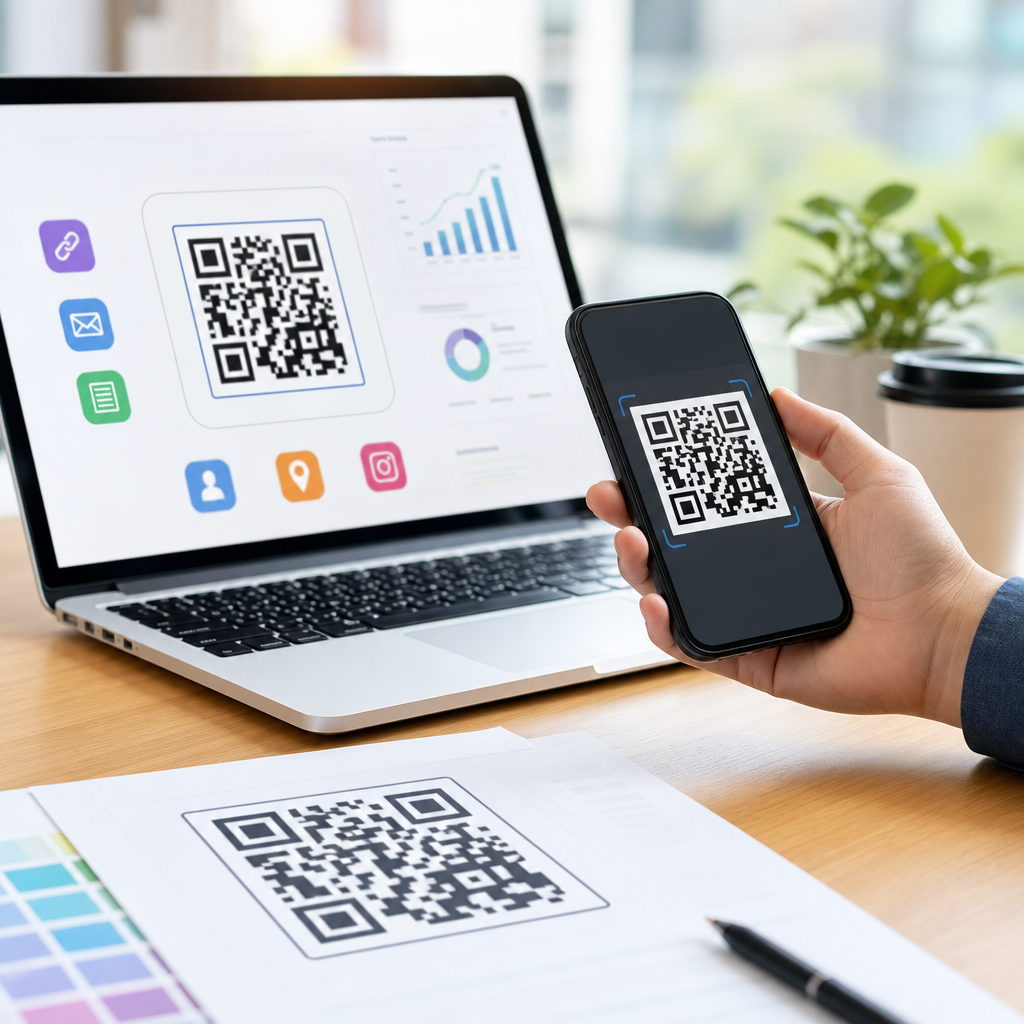
Start by preparing a source file. Include a unique identifier, destination URL, campaign name, channel, placement, and any reporting tags such as utm_source, utm_medium, and utm_campaign. Keep naming conventions consistent because file names, dashboard filters, and analytics exports depend on them. Next, select a generator that supports bulk uploads, editable dynamic links, and downloadable assets. Established options include Bitly Codes, QR Code Generator PRO, Scanova, Beaconstac, Flowcode, and enterprise DAM or automation stacks connected by API. If your team uses Salesforce, HubSpot, or Marketo, map QR records to campaign objects so scans can be tied to lead workflows.
Then configure the design template. Use sufficient contrast, usually dark modules on a light background, and avoid reversing colors unless extensive testing confirms scan reliability. Maintain a quiet zone around the code, ideally four modules wide, because crowded artwork interferes with detection. Error correction levels matter too. Higher error correction allows logos or partial obstruction but increases density. For small print placements, that denser pattern can hurt readability, so balance branding against scan performance. I generally reserve center logos for medium or large formats and avoid decorative distortion on tiny labels.
Before exporting thousands of files, run a pilot batch. Print samples at actual size, test on iPhone and Android devices, compare indoor and outdoor lighting, and scan from realistic distances. Verify redirects, page load speed, analytics firing, and fallback behavior for expired or misconfigured links. In one catalog rollout I worked on, the code itself was fine, but a JavaScript-heavy landing page delayed rendering on weak mobile connections and cut conversion sharply. The fix was not the code; it was simplifying the mobile page and trimming third-party scripts. Bulk generation makes scale easy, but scale amplifies mistakes.
Design, printing, and analytics best practices for campaign performance
Good QR performance depends on design physics as much as marketing strategy. Size should match context: a code on packaging viewed at arm’s length can be much smaller than one on a billboard scanned from several feet away. A useful rule is about a 10:1 scanning distance-to-code size ratio, though device cameras vary. Use SVG or EPS for professional printing to avoid pixelation. Check color contrast ratios visually and in print proofs, especially on textured stock, foil, or transparent surfaces where reflections can reduce readability.
Analytics should be planned before launch, not retrofitted after scans begin. At minimum, track total scans, unique scans, time, location, device type, and conversion events on the landing page. UTM parameters should follow a documented taxonomy so reporting is comparable across channels. For example, use consistent values such as utm_medium=qr, then distinguish placements with utm_source or utm_content. If a poster, product insert, and store display all point to the same offer, separate codes let you compare real-world response by asset. That is where bulk generation becomes a measurement tool rather than merely a production shortcut.
Operational controls matter too. Assign owners to link groups, document expiration dates, and create QA checklists for every campaign. Broken redirects, unpublished landing pages, and incorrect app store fallbacks are among the most common failures I see. Also consider privacy and security. If you collect personal data after a scan, the destination must display the appropriate consent language and data handling notices. For public trust, branded short domains are stronger than generic redirects because users and security teams can recognize the destination more easily.
Building a scalable hub for mobile QR code creation
As a hub topic, mobile QR code creation should connect the tactical pieces into one operating model. Start with clear use cases: website links, app downloads, SMS, email capture, menus, coupons, event check-in, payments, and digital business cards. Then match each use case to the right destination format, dynamic rules, and measurement plan. From there, create reusable templates for naming, UTM tagging, design specs, and QA. That framework lets teams launch faster without improvising every time.
The main takeaway is simple: bulk generation is the fastest way to create mobile QR codes at professional quality because it enforces consistency across links, branding, testing, and analytics. Dynamic codes are usually the right choice for marketing, mobile-first landing pages are nonnegotiable, and pilot testing prevents expensive print mistakes. Treat QR codes as part of your campaign infrastructure, not as standalone graphics. If you are building or refining a mobile QR workflow, start with a small controlled batch, document the process, and scale only after every scan path works exactly as intended.
Frequently Asked Questions
What does bulk QR code generation mean in a marketing campaign?
Bulk QR code generation is the process of creating many QR codes at once from structured data such as a spreadsheet, CSV file, or database export. Instead of building each code manually, marketers define the destination URLs, campaign names, product identifiers, geographic variants, or audience segments in rows and columns, then use a platform to automatically produce a corresponding QR code for every record. This matters because most real campaigns are not one-size-fits-all. A single promotion may require different codes for packaging, in-store signage, direct mail pieces, event materials, sales handouts, or region-specific landing pages. Bulk generation makes that scale manageable.
From an operational standpoint, bulk generation improves speed, consistency, and governance. It reduces the chance of copy-and-paste mistakes, ensures naming conventions stay aligned, and makes it easier to organize files by channel, location, or campaign flight. It also supports more advanced use cases like assigning unique QR codes to individual products, stores, reps, or printed assets so performance can be tracked with far greater precision. For marketers trying to connect offline touchpoints to digital reporting, bulk QR code creation is less of a convenience and more of a foundational workflow.
What data do I need before generating QR codes in bulk?
At minimum, you need a clean, structured source file that tells the generator what each QR code should contain. In most marketing environments, that means a spreadsheet with one row per code and columns for the core destination URL plus any identifiers needed for segmentation, tracking, or file naming. Common fields include campaign name, medium, source, product SKU, store location, audience segment, language, region, offer code, and asset type. If you are using dynamic QR codes, you may also include redirect destinations, fallback URLs, or internal labels that make the campaign easier to manage after launch.
Data quality is critical. Before generating anything, marketers should validate URLs, standardize naming conventions, remove duplicates, and confirm that each row maps to a real use case. A small formatting issue in a spreadsheet can become a large production problem when it is replicated across hundreds or thousands of codes. It is also smart to decide upfront how analytics will be handled. For example, if each QR code should be attributable to a specific placement, the tracking parameters need to be built into the data before generation begins. The best results come from treating the spreadsheet as a campaign control document rather than just a file upload.
Should marketers use static or dynamic QR codes when creating them at scale?
For most marketing campaigns, dynamic QR codes are the better choice, especially at scale. A static QR code permanently stores its final destination, which means if the landing page changes, the offer expires, or the campaign needs to be redirected, the printed code cannot be updated. Dynamic QR codes point to a managed short URL or redirect layer, allowing marketers to change the destination later without reprinting the physical asset. That flexibility is extremely valuable when codes are used on packaging, displays, mailers, event signage, or any material that may remain in circulation long after the initial campaign launch.
Dynamic QR codes also provide stronger measurement and control. They often support scan analytics, time-based reporting, device insights, and destination edits, making them much more useful for campaign optimization. Static QR codes still have a place in simple, permanent use cases where the destination will never change and detailed analytics are not important. But when a business is generating QR codes in bulk for active marketing programs, the ability to edit destinations, pause campaigns, correct mistakes, and maintain reporting usually makes dynamic codes the more practical and lower-risk option.
How can I track the performance of bulk-generated QR codes across different channels?
The most effective way to track performance is to assign each QR code a distinct identity tied to its placement, audience, or asset version. That typically means embedding UTM parameters or equivalent tracking values into the destination URL so analytics platforms can distinguish scans from direct mail, retail displays, product packaging, event booths, table tents, or sales collateral. In a bulk workflow, these tracking elements are often generated from columns in a spreadsheet, which makes it possible to create hundreds of uniquely tagged codes in a controlled, repeatable way. When each code corresponds to a specific record, performance data becomes much more actionable.
Beyond URL tracking, marketers should align QR code reporting with broader campaign measurement systems. That can include redirect analytics from the QR platform, web analytics in tools like Google Analytics, CRM attribution, and internal dashboards that connect scans to conversions, leads, purchases, or store visits. It is also important to establish a naming framework before launch so teams can quickly understand what each code represents. For example, a code labeled by channel, geography, asset type, and campaign wave is far easier to analyze than a random file name. The goal is not just to know how many scans occurred, but to understand which physical touchpoints actually drove meaningful business results.
What are the biggest mistakes to avoid when bulk generating QR codes for marketing?
One of the most common mistakes is rushing into production without a testing process. When marketers generate a large batch of codes, even a small issue like an incorrect URL pattern, broken tracking parameter, or naming mismatch can affect every asset in the set. Another frequent problem is failing to think through scan context. A QR code might technically work, but if it leads to a non-mobile-friendly page, a generic homepage, or a destination that does not match the message on the printed piece, campaign performance will suffer. Good bulk generation is not just about creating files quickly; it is about making sure every code supports a clear user journey.
Other avoidable mistakes include poor file organization, low-quality export settings, and weak governance around ownership and approvals. Teams should confirm print resolution requirements, quiet zone spacing, color contrast, and destination accuracy before final distribution. They should also decide who owns the source data, who approves final outputs, and how updates are handled if a campaign changes after launch. Finally, many brands underestimate the value of documentation. Keeping a record of what was generated, when it was generated, what data source was used, and where each code was deployed makes troubleshooting and optimization much easier. In large campaigns, operational discipline is often the difference between QR codes that are merely produced and QR codes that actually perform.