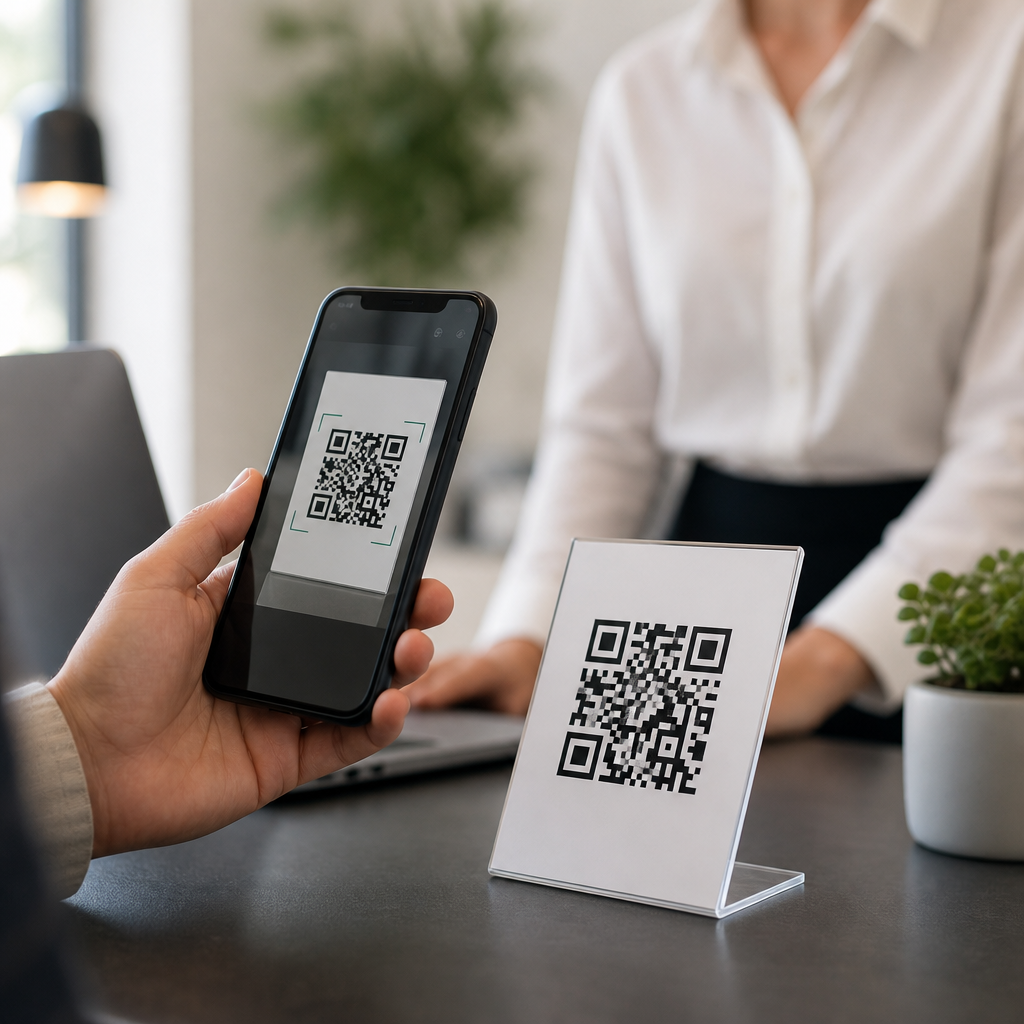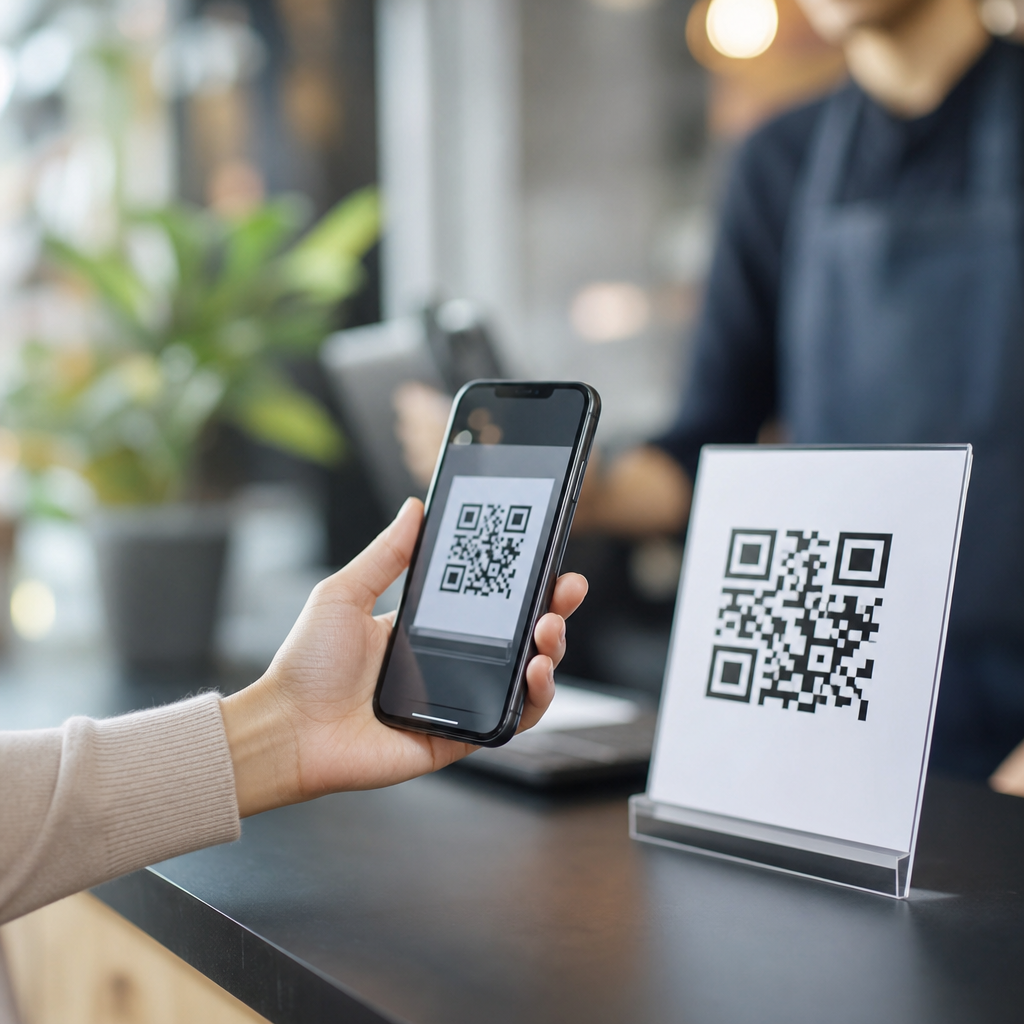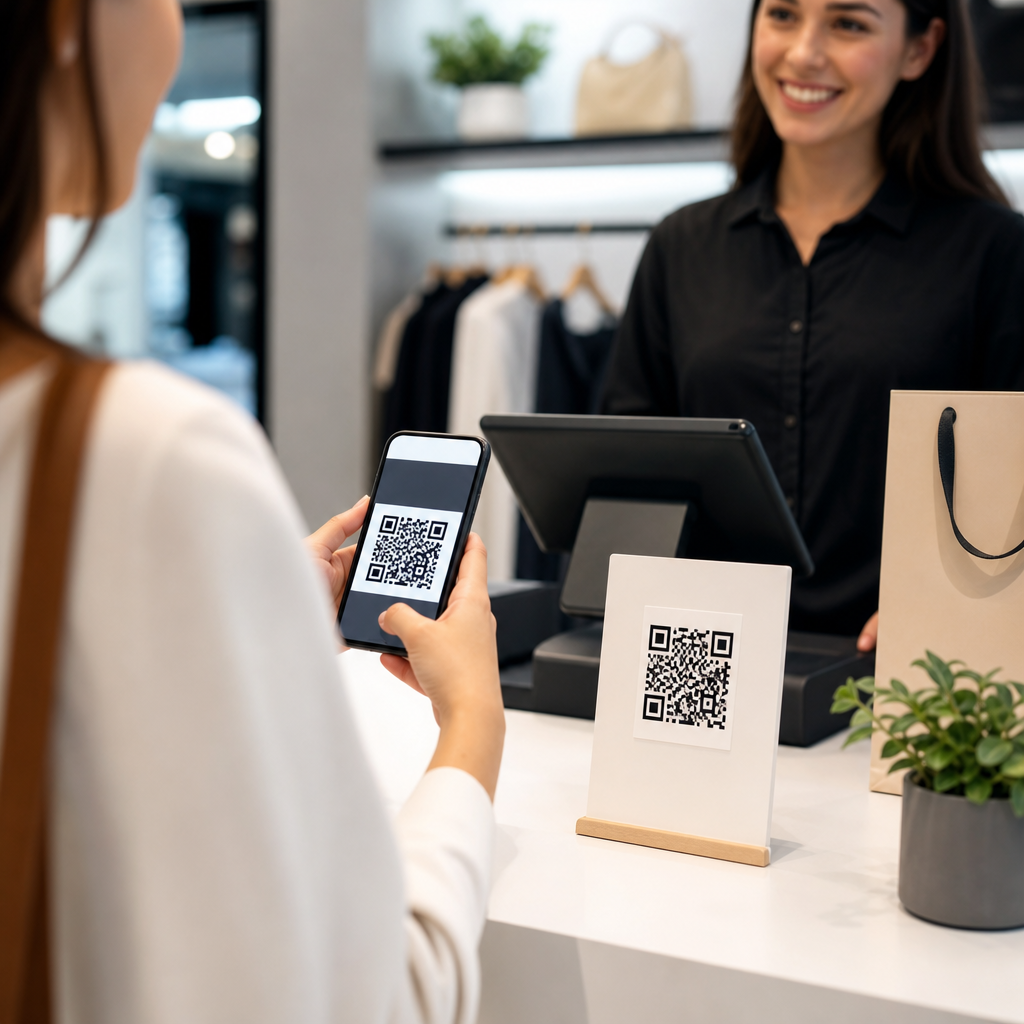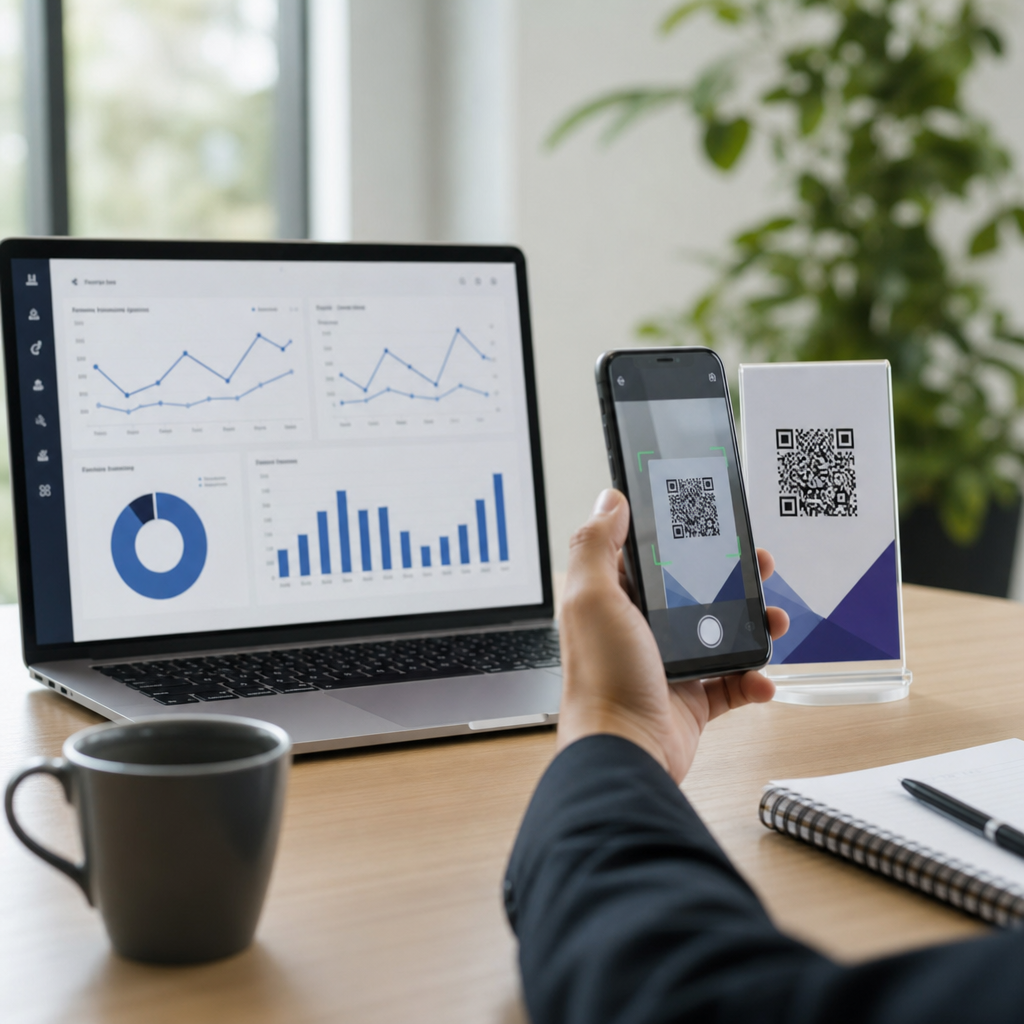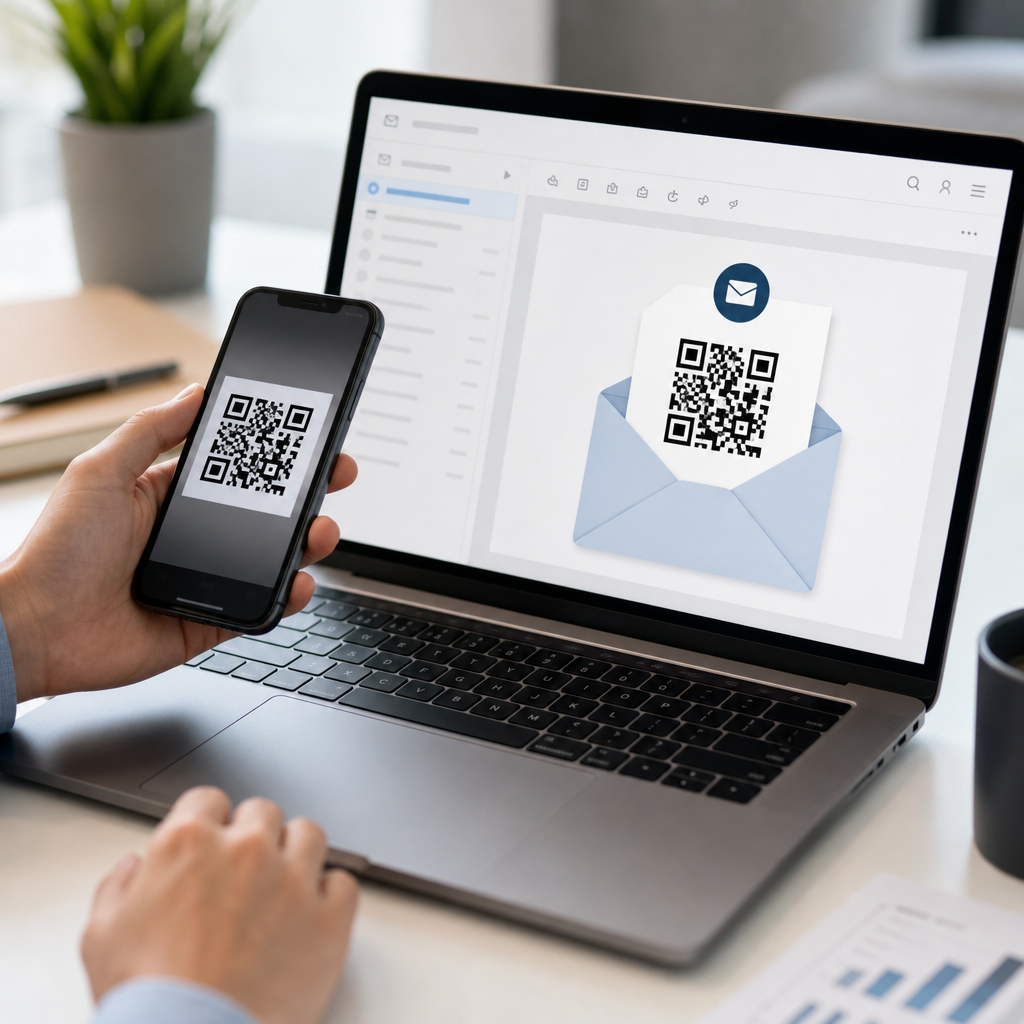
QR codes turn a printed pattern of black squares into a fast digital bridge, and in email marketing that bridge connects inbox content to landing pages, coupons, apps, videos, forms, and tracked campaigns. If you have ever added a scannable code to a newsletter, product launch email, event invite, or abandoned cart follow-up, you have already seen the core value: reduce friction and move readers from interest to action in seconds. A QR code, short for Quick Response code, is a two-dimensional barcode that stores data such as a URL, contact card, payment link, or text string. Smartphone cameras decode that data instantly, which is why marketers use QR codes to extend email beyond the screen and into stores, packaging, direct mail, events, and customer support.
In practice, QR codes matter because modern campaigns are no longer confined to a single channel. A customer may open an email on a laptop, scan a code with a phone, redeem an offer in a physical store, and later return through a retargeting ad. I have used QR codes in lifecycle campaigns for retail and B2B teams, and the best results came when the code solved a specific user need rather than acting as decoration. Good email marketing with QR codes answers clear questions: what happens after the scan, why should someone scan now, how is performance measured, and when is a QR code more useful than a standard button or link? This hub article addresses those business and marketing FAQs in plain terms, while giving you the practical guidance needed to plan, design, track, and troubleshoot effective campaigns.
What a QR Code Does Inside an Email Campaign
A QR code in email usually encodes a destination, most often a URL. When a subscriber scans it with a smartphone camera, the phone recognizes the pattern, decodes the URL, and prompts the user to open the linked page. That page could be a mobile landing page, event registration form, review request, product demo, coupon wallet pass, app download page, or store map. The mechanics are simple, but the strategic use matters. In many cases, the code is not there to replace a clickable call-to-action. It is there to support cross-device behavior. For example, someone reading your email on a desktop can scan the code with a phone and continue on the mobile device where completing a task may be easier.
Email teams also use QR codes when the next step must happen in the physical world. Retailers place loyalty redemptions behind a code that can be scanned at checkout. Restaurants include codes for menu previews or limited-time offers tied to local stores. Trade show marketers add codes to reminder emails so attendees can save a digital badge or navigate to a booth map. In customer success programs, a code can open a setup video or support portal directly from a printed insert mentioned in the email. In each case, the code functions as a transfer point between channels. It shortens the path to action and can improve attribution when paired with campaign parameters, unique identifiers, and analytics platforms such as Google Analytics 4, HubSpot, Klaviyo, Mailchimp, or Salesforce Marketing Cloud.
When QR Codes Improve Email Marketing Performance
QR codes work best when they remove a real obstacle. One common obstacle is device switching. A SaaS company sending a webinar email to office workers may know many opens happen on desktop, but registration reminders, calendar adds, and live session joins often happen on mobile. A QR code beside the main button lets the user scan and continue on the phone without searching for the message later. Another obstacle is in-person redemption. A coupon code typed manually at a register invites errors; a QR code linked to a wallet pass or barcode can make redemption smoother. I have also seen QR codes lift response rates in event campaigns because they help users act immediately, especially when the destination is a ticket, map, or contact card.
That said, not every email needs one. If your audience is already reading on mobile, a standard button is usually more direct than asking them to scan a code on the same device. If the code is small, low contrast, or surrounded by clutter, usability drops. If the landing page is not mobile optimized, the scan creates frustration instead of convenience. The practical rule is simple: use a QR code only when it makes the next step easier than clicking a regular link. Strong use cases include app downloads, in-store offers, event check-in, product tutorials on a second device, account authentication flows, and omnichannel campaigns where email supports direct mail, packaging, or signage. Weak use cases include decorative placement, duplicate calls-to-action with no added benefit, or links to generic homepages.
How to Create, Design, and Track QR Codes Correctly
Creating a QR code for email starts with choosing the right destination and code type. Static QR codes contain fixed data and cannot be changed after creation. Dynamic QR codes use a short redirect URL, allowing you to update the destination later and measure scans. For marketing, dynamic is usually the better choice because campaigns change, landing pages get replaced, and analytics matter. Reputable generators include Bitly, QR Code Generator Pro, Beaconstac, Flowcode, and Adobe Express. Whatever tool you choose, build the destination URL first, add UTM parameters for source, medium, campaign, and content, then generate the code. This sequencing prevents muddy reporting. In GA4, for example, a scan from an email can be identified separately from a button click if your naming conventions are disciplined.
Design also affects scan rate. Use a minimum size that remains readable on desktop and responsive in email clients; in most campaigns, at least 120 by 120 pixels is a safe baseline, though larger is often better. Maintain strong contrast, ideally dark modules on a light background. Add quiet space around the code so scanners can isolate it. Test the image in major clients such as Gmail, Outlook, Apple Mail, and Yahoo Mail, and verify it remains crisp on retina displays. Include a plain-text URL or button nearby because some subscribers will prefer to click rather than scan. Most importantly, label the action clearly. “Scan to save to Apple Wallet,” “Scan for store directions,” or “Scan to watch the setup video” performs better than simply dropping a code into the layout.
| Element | Best Practice | Why It Matters |
|---|---|---|
| Destination URL | Use a mobile-optimized landing page with UTM parameters | Improves user experience and preserves attribution |
| Code Type | Choose dynamic QR codes for campaigns | Lets you edit destinations and track scans later |
| Size | Start around 120×120 pixels or larger | Increases scan reliability across screens |
| CTA Label | State the benefit of scanning in one sentence | Raises intent and reduces confusion |
| Fallback | Add a clickable button or visible URL | Supports users who cannot or will not scan |
Common Business and Marketing FAQs About QR Codes in Email
Marketers usually ask four practical questions. First, can you track QR code scans from email? Yes, if you use dynamic codes or tagged redirect links. You can count scans in the QR platform, sessions in GA4, and downstream conversions in your CRM or ecommerce platform. Second, do QR codes hurt deliverability? No, not by themselves. A QR code is simply an image, but the surrounding email still needs solid list hygiene, authentication records such as SPF, DKIM, and DMARC, and balanced image-to-text composition. Third, are QR codes secure? They are as secure as the destination behind them. Use branded domains, HTTPS pages, and recognizable copy so subscribers trust the action. Fourth, do QR codes work in all email clients? Generally yes, because the code is rendered as an image, but image blocking and responsive scaling can affect visibility, which is why fallback links matter.
Another frequent question is whether QR codes outperform buttons. The honest answer is that they serve different jobs. Buttons usually win when the reader is already on the ideal device to act. QR codes win when they shorten a cross-device or offline step. A retailer emailing a loyalty offer before a weekend sale can let customers scan the code at the register, tying the campaign to in-store revenue. A B2B company can place a code in a post-demo recap email linking to a case study video watched on mobile during a commute. A healthcare practice can send appointment reminders with a QR code opening maps, pre-check-in forms, or contactless sign-in. These are not gimmicks; they are workflow improvements. When marketers match the code to a specific job and support it with clean tracking, QR codes become measurable conversion tools rather than novelty graphics.
Best Practices, Troubleshooting, and Hub-Level Next Steps
The most reliable campaigns follow a repeatable checklist. Start with audience context: where will recipients open the email, and what device will they use next? Define one purpose for the code, not three. Build a dedicated mobile landing page that loads quickly and mirrors the promise in the email. Add campaign tagging, generate a dynamic code, test scans on multiple phones, and verify reporting in analytics before launch. Then monitor not only scans, but completion metrics such as registrations, coupon saves, purchases, or support article views. If scans are high but conversions are low, the landing page or offer is probably the problem. If opens are high but scans are low, the call-to-action, code size, placement, or use case may need revision.
Troubleshooting usually comes down to a few predictable issues: blurry images, low contrast, tiny code size, unoptimized mobile pages, weak labeling, or using a QR code where a button would be simpler. The main benefit of QR codes in email marketing is not novelty; it is friction reduction across channels. Used well, they connect inboxes to real-world actions, improve measurement, and help businesses serve customers at the exact moment of intent. As the central guide within your Business and Marketing FAQs hub, this article gives you the framework to evaluate when QR codes fit, how to implement them properly, and what to test next. Apply these principles to your next campaign, compare scan behavior against standard clicks, and build from the results with confidence.
Frequently Asked Questions
How do QR codes work in email marketing campaigns?
QR codes work in email marketing by giving subscribers a fast, scannable path from the email itself to a specific digital destination. A QR code stores data, most commonly a URL, inside a two-dimensional pattern of black squares that a smartphone camera or QR reader can interpret almost instantly. When a reader scans the code from an email, the phone decodes that pattern and opens the linked page, such as a landing page, product page, coupon, signup form, video, app download screen, or event registration page. In practical terms, the QR code reduces the number of steps between interest and action. Instead of asking someone to click a link, copy a promo code, or remember a URL for later, the email provides a visual shortcut that can be scanned and acted on in seconds.
In email marketing, QR codes are especially useful when the email is part of a broader multi-device or online-to-offline experience. For example, a subscriber may open a promotional email on a desktop computer but want to complete the action on a mobile phone. Scanning the QR code lets them move seamlessly from one device to another without typing anything manually. Marketers also use QR codes to support campaign tracking, since the linked URL can include UTM parameters, unique identifiers, or dynamic redirects that reveal which email, segment, or offer generated the scan. When used thoughtfully, QR codes are not just decorative elements. They serve as functional conversion tools that connect inbox engagement to measurable business outcomes.
Why should marketers use QR codes in emails instead of regular links alone?
Regular links are still essential in email marketing, but QR codes add another layer of convenience, flexibility, and engagement that standard links cannot always match. One of the biggest advantages is cross-device continuity. If a person reads an email on a laptop, scanning a QR code with a phone can instantly open a mobile-optimized page, app, digital wallet pass, map, or SMS signup flow. That experience is often smoother than emailing the page to oneself, searching for the brand later, or retyping a long web address. In other words, QR codes help marketers capture intent at the moment it appears.
QR codes can also improve response rates in situations where visual prompts perform better than text-only calls to action. A prominent code paired with a clear instruction such as “Scan to claim your discount” or “Scan to watch the demo” can make the next step feel immediate and tangible. They are particularly effective in campaigns tied to events, in-store promotions, packaging inserts, loyalty programs, and printed follow-up materials that align with the email. That said, QR codes should complement, not replace, clickable buttons and text links. Some users will prefer tapping a traditional CTA, while others will benefit from the scan option. The most effective email campaigns usually provide both, making the experience more accessible and increasing the likelihood of conversion.
What are the best practices for adding QR codes to an email?
The best QR code email campaigns start with a clear goal. Before placing a code into a newsletter or promotional email, decide exactly what the subscriber should do after scanning. The destination should be highly relevant to the message and optimized for mobile, since most scans happen on smartphones. If the code leads to a cluttered homepage instead of a focused landing page, conversions can drop quickly. Marketers should also use a strong call to action near the code, explaining what users will get by scanning. Simple instructions such as “Scan to shop the collection,” “Scan for your event ticket,” or “Scan to unlock 15% off” remove ambiguity and improve performance.
Design and usability matter just as much as strategy. The QR code should be large enough to scan easily, surrounded by sufficient white space, and displayed in high contrast so cameras can detect it accurately. Avoid placing the code too close to other design elements, and test it across devices, screen sizes, and major email clients before sending. It is also wise to use a short, trackable destination URL and, when possible, a dynamic QR code so the final link can be updated without changing the image. Include a traditional fallback link for anyone who cannot or does not want to scan. Finally, make sure the email does not rely on the QR code alone for accessibility or conversion. A strong campaign treats the code as a high-value option within a broader, user-friendly email experience.
Can QR codes in email marketing be tracked and measured?
Yes, QR codes can absolutely be tracked, and that is one of the reasons they are so valuable in email marketing. Although the QR image itself is simply a scannable pattern, the URL encoded inside it can carry campaign data that connects scans to specific marketing efforts. Marketers commonly attach UTM parameters, subscriber identifiers, campaign tags, or redirect links to measure which email generated the scan, which audience segment responded, and what action followed. Once the user lands on the destination page, standard analytics platforms can track sessions, conversions, revenue, signups, purchases, and other downstream behaviors tied to that scan.
Dynamic QR codes make tracking even more powerful because they route scans through a managed URL before sending the user to the final destination. This allows marketers to monitor scan counts, timestamps, approximate device or location data depending on the platform, and performance by campaign version. It also enables changes after the email is sent, such as updating a landing page for a limited-time offer without generating a new code. To get the most reliable insights, marketers should define success metrics in advance, align the QR destination with analytics goals, and compare scan behavior with click-through behavior from standard email links. Done correctly, QR code reporting can reveal how subscribers move between devices, which offers create the fastest response, and where friction still exists in the conversion path.
Are there any limitations or common mistakes to avoid when using QR codes in email marketing?
Yes, and understanding those limitations is essential if you want QR codes to help rather than hurt performance. One common mistake is using a QR code in an email that people will primarily open on their phones. If the subscriber is already on the same device they would use to scan, the value of the code may be limited unless the email client or operating system makes scanning easy from the screen itself. This is why QR codes tend to be most effective in emails viewed on desktop or in campaigns designed to bridge channels. Another frequent error is failing to explain the benefit of scanning. A QR code without context can look decorative or confusing, which lowers engagement. Subscribers should always know exactly what happens next and why it is worth their time.
Technical and design mistakes are also common. A code that is too small, low contrast, distorted, or placed inside a busy layout may not scan reliably. Linking to a non-mobile-friendly page, a broken URL, or a generic homepage can waste valuable intent. Some marketers also overlook privacy and trust concerns; if the destination is unclear or the brand presentation feels inconsistent, users may hesitate to scan. The best way to avoid these issues is to test thoroughly, keep the experience simple, use branded but scannable designs, and pair the code with a visible text link or button. QR codes are most effective when they are purposeful, easy to use, and integrated into a larger email strategy focused on clarity, speed, and measurable outcomes.