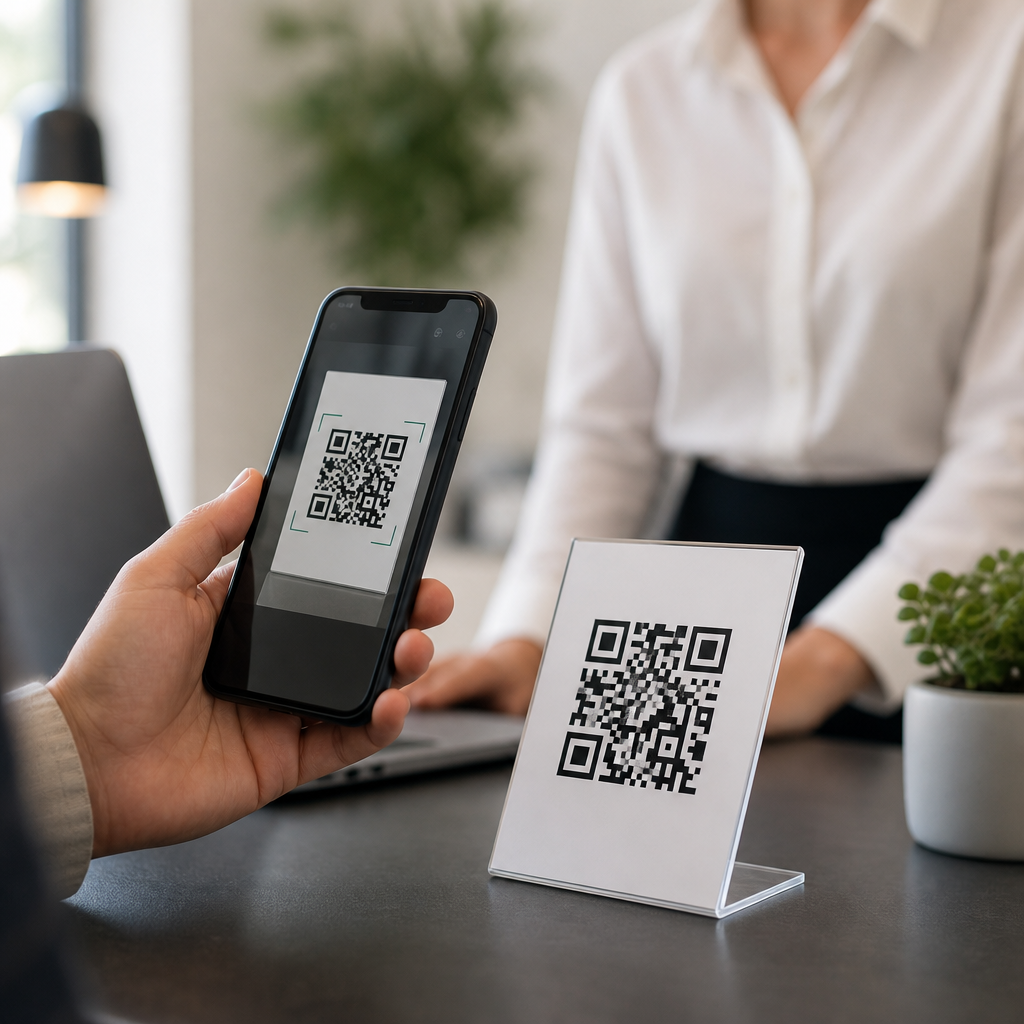
QR codes can expire, but only some types do, and the difference matters if you use them in marketing, payments, product packaging, event access, or customer support. A QR code is a two-dimensional barcode that stores data such as a URL, text string, phone number, Wi-Fi credential, vCard, or payment payload. The key distinction is static versus dynamic QR codes. A static QR code contains the final destination directly in the pattern, so it does not expire on its own unless the underlying content disappears. A dynamic QR code points to a short redirect URL controlled by a platform, which means it can stop working if the subscription ends, the scan limit is reached, the destination is disabled, or the service shuts down.
I have audited QR deployments for retail displays, restaurant menus, trade show badges, and packaging inserts, and the same problem appears repeatedly: teams assume the square image is permanent when the system behind it is not. That misunderstanding leads to broken scans, wasted print runs, and lost conversions. Understanding whether QR codes expire is important because businesses often place them on assets that stay in the field for months or years. A flyer may live for a week, but a poster, label, direct mail piece, or instruction manual can outlast the campaign software used to generate its code.
This hub answers the most common general QR code FAQs in plain language. You will learn when a QR code expires, why static QR codes usually do not, what can cause a dynamic QR code to stop working, how to test reliability before printing, and which operational checks reduce risk. If you are troubleshooting an inactive code right now, start with the destination URL, the QR platform account status, and any expiration or scan cap settings. Those three factors explain most failures.
What determines whether a QR code expires?
A QR code expires when access to the encoded destination is no longer available. In practice, that outcome depends on the code type, the hosting method, and the management rules applied by the provider. Static QR codes encode the final data directly. For example, if the symbol contains https://example.com/menu.pdf, the code itself does not time out. It will keep scanning as long as the URL remains live, the domain stays registered, the server responds, and the printed code remains readable.
Dynamic QR codes work differently. They encode a short link managed by a service such as Bitly-based platforms, marketing automation systems, ticketing providers, or dedicated QR generators. When someone scans, the service logs the event and redirects to the current destination. That design enables editing, analytics, device routing, and campaign controls, but it also creates more failure points. If the service account becomes inactive, the redirect is removed, or a rule intentionally closes access after a date, the QR code appears to have expired.
Expiration can therefore be technical, commercial, or operational. Technical expiration happens when the target page returns 404, 410, DNS errors, TLS certificate problems, or mobile blocking. Commercial expiration happens when a trial ends or a paid plan lapses. Operational expiration happens when a staff member deletes the campaign, changes permissions, or repoints the destination incorrectly. The printed symbol may look perfect while the scan path is dead.
Static vs dynamic QR codes: the practical difference
If you need a direct answer, static QR codes generally do not expire, while dynamic QR codes can expire depending on provider settings and account status. That is the most important rule in general QR code FAQs, because it affects cost, flexibility, tracking, and long-term reliability. I usually recommend static QR codes for permanent information that is unlikely to change, such as plain contact details, a stable homepage, or device Wi-Fi credentials. I recommend dynamic QR codes when you need analytics, destination edits, A/B testing, language routing, or campaign measurement.
| Type | How it works | Can it expire? | Best use case |
|---|---|---|---|
| Static QR code | Encodes the final data directly in the symbol | No, not by itself; only fails if content or print quality fails | Long-term labels, manuals, business cards, Wi-Fi access |
| Dynamic QR code | Encodes a redirect URL managed by a platform | Yes, if plan, settings, redirect, or service changes | Marketing campaigns, analytics, editable destinations, seasonal promotions |
There are tradeoffs. Static QR codes are resilient because there is no dependency on a third-party redirect layer, but they are harder to update once printed. Dynamic QR codes are operationally superior for active campaigns, yet they require vendor oversight and documentation. For a restaurant menu that changes weekly, dynamic is efficient. For an equipment safety label expected to remain usable for five years, static is safer unless you control the redirect infrastructure yourself.
Common reasons a QR code stops working
Most people ask, “Why is my QR code not working?” The answer usually falls into one of six categories. First, the destination URL is broken. Pages get moved, domains expire, and file paths change. Second, the QR provider has disabled the redirect because a free trial ended or billing failed. Third, an expiration date or scan limit was configured for a campaign, which is common in event ticketing and coupon systems. Fourth, the code was printed too small, with poor contrast, or on reflective material, so cameras struggle to read it. Fifth, the quiet zone around the code was cropped. Sixth, the content is technically valid but unusable on mobile, such as a desktop-only PDF behind a firewall.
Real examples make this clearer. A retailer once placed dynamic QR codes on shelf wobblers nationwide, then changed agencies. The old vendor account was closed, and every code failed within a month. Another company embedded a static link to a cloud file in product packaging, but the file was moved during a storage cleanup. The code still scanned; the destination did not load. In both cases, the lesson was the same: the symbol is only one part of the system.
Payment QR codes add another layer. Some are static merchant-presented codes tied to a fixed account identifier, while others are dynamic transaction-specific codes that include amount, invoice ID, or time limits. Those dynamic payment codes often expire by design to reduce fraud and reconciliation errors. Event QR codes, boarding passes, and one-time authentication codes also commonly expire intentionally after use or after a defined validity window.
How to check whether a QR code will expire before you print it
Before approving production, confirm the code type, owner, and dependency chain. Ask four direct questions. Is this static or dynamic? Who owns the domain and the QR platform account? What happens if the subscription ends? Can the redirect be exported or self-hosted later? If no one can answer those questions, do not print at scale.
Next, test the code across conditions. Scan it on iPhone and Android, in bright and low light, using both native camera apps and at least one third-party scanner. Verify the landing page loads quickly over cellular, not only office Wi-Fi. Check the HTTP status response, SSL certificate validity, canonical URL behavior, and whether UTMs or redirects introduce loops. For print, follow common best practices: maintain high contrast, preserve the quiet zone, and size the code appropriately for scan distance. A practical baseline is around 2 x 2 centimeters for close-range use, though real requirements depend on data density, error correction level, camera quality, and material.
If the QR code is dynamic, review the provider dashboard for expiration settings, scan caps, password protection, geofencing, and scheduled activation windows. Many platforms expose these controls because they are useful in promotions, but they also create avoidable failures when left on accidentally. Document them in the campaign brief.
Best practices for long-term QR code reliability
If your goal is to create a QR code that does not expire unexpectedly, the safest approach is controlled permanence. Use static codes for evergreen content and reserve dynamic codes for assets that genuinely benefit from analytics or editing. When dynamic is necessary, prefer a provider with clear service terms, export options, and audit logs. Some enterprises go further and use branded short domains they control, then route scans through their own redirect service. That preserves flexibility without surrendering the entire dependency chain to a third party.
Maintain the destination content like any other digital asset. Renew domains early. Monitor uptime. Avoid linking directly to temporary cloud share URLs if the asset should remain public for years. If you need to update content without replacing the code, redirect a stable page you own rather than a fragile file path. In regulated environments, record version history so changed destinations remain compliant with labeling and documentation requirements.
Finally, establish a QR governance checklist. Every printed code should have an owner, a review date, a destination inventory record, and a test schedule. For packaging, I advise quarterly scan tests from live samples. For campaign media, test before launch and after any website migration. These small habits prevent the most expensive QR failure: discovering a dead code only after thousands of items are already in customers’ hands.
So, can QR codes expire? Yes, dynamic QR codes can expire, and static QR codes usually do not. The real question is not whether the image expires, but whether the scan path remains available over time. If you remember one principle from this general QR code FAQ hub, remember this: a QR code is only as durable as the system behind it. Static codes are durable because the destination is embedded directly. Dynamic codes are flexible because the destination is mediated, but that flexibility introduces provider, billing, and configuration risk.
For businesses, the practical takeaway is straightforward. Match the QR type to the lifespan of the asset. Use static for long-lived materials with stable information. Use dynamic for campaigns that need edits, tracking, or timed access, and manage those codes like any other software dependency. Test on real devices, preserve print quality, and verify that ownership of domains and dashboards is documented before anything goes to press.
This FAQs & Troubleshooting Hub exists to make QR decisions easier and prevent avoidable failures. Use this page as your starting point for general QR code FAQs, then review related guidance on scan errors, sizing, redirects, analytics, and printing standards before your next launch. A few minutes of planning now can keep every future scan working exactly as intended.
Frequently Asked Questions
Do QR codes expire?
Yes, QR codes can expire, but not all of them do. The most important factor is whether the code is static or dynamic. A static QR code stores the final data directly in the image itself, such as a website URL, phone number, text message, Wi-Fi credential, vCard, or payment information. Because that information is permanently encoded into the pattern, the QR code itself does not expire on its own. As long as the printed or displayed code remains scannable and the destination still works, a static QR code can continue working indefinitely.
Dynamic QR codes are different. Instead of encoding the final destination directly, they usually point to a short redirect URL managed by a QR code platform. That redirect then sends the user to the real destination. Because a third-party service is involved, the code may expire if the subscription ends, the campaign is paused, the scan limit is reached, the redirect is deleted, or the provider disables the code. This is why some people assume all QR codes expire when in reality only certain setups do. If you are using QR codes in marketing, event access, product packaging, customer support, or payments, understanding this distinction is essential before you print or distribute anything at scale.
What is the difference between a static QR code and a dynamic QR code?
A static QR code contains fixed information embedded directly into the symbol. Once it is created, that information cannot be edited without generating a brand-new code. For example, if a static QR code points to a website page and that page URL changes later, the QR code will still send people to the old address. Static codes are simple, often free to create, and generally ideal for permanent use cases where the encoded content is unlikely to change.
A dynamic QR code works through an intermediary link or redirect service. The visible QR image usually stays the same, but the destination behind it can be updated at any time from a dashboard. That flexibility makes dynamic codes popular for advertising campaigns, restaurant menus, customer support flows, event check-ins, product manuals, and packaging that may need revised links in the future. They also often support analytics such as scan counts, device types, locations, and time-of-scan data.
The tradeoff is that dynamic codes depend on the provider’s infrastructure and account status. If the service stops hosting the redirect, the code may stop working even though the image still scans. Static codes avoid that platform dependency, but they give up editability and tracking. In practical terms, static means fixed and usually non-expiring, while dynamic means flexible but potentially subject to expiration or service limits.
Why would a dynamic QR code stop working or expire?
A dynamic QR code can stop working for several reasons, and expiration is often tied to the platform managing it rather than to the QR image itself. One common reason is subscription status. Many QR code generators allow users to create dynamic codes during a free trial or paid plan, but once that plan ends, the associated redirect links may be paused or deactivated. In that situation, the code still scans, but the user may see an error page, an inactive link, or no destination at all.
Other causes include manual deactivation, campaign end dates, scan caps, deleted content, or account policy violations. Some businesses intentionally set expiration dates for limited-time promotions, digital coupons, event tickets, or temporary onboarding pages. Others may remove or edit the redirect without realizing it affects a code already printed on signage, packaging, receipts, or printed materials. If the linked landing page is deleted, the domain expires, or the redirect settings are misconfigured, the end user experiences the code as “expired” even if the QR symbol remains perfectly readable.
Technical and business risks also matter. If the QR platform shuts down, changes its terms, suffers outages, or stops supporting old accounts, every dynamic code relying on that infrastructure can be affected. That is why businesses should review service terms carefully and think long-term before using dynamic QR codes for permanent assets such as product packaging, instruction manuals, warranty cards, or labels that may remain in use for years.
How can I tell whether a QR code I created will expire?
The best way to tell is to look at how the QR code was generated and whether it relies on a redirect service. If you created the code through a platform that offers editability, scan analytics, campaign controls, password protection, or destination changes after printing, it is almost certainly a dynamic QR code. That means expiration or deactivation may be possible depending on your plan, account status, or settings. You should check the provider’s dashboard, billing terms, and documentation to confirm exactly what happens if your subscription changes or your code reaches any platform limits.
If the code directly embeds the final content, it is static and generally will not expire by itself. For example, if your QR code directly contains a URL, phone number, SMS content, Wi-Fi login, plain text, or contact card data, there is no external service required just to decode it. However, that does not guarantee the user experience will remain valid forever. A website can be taken down, a phone number can change, a Wi-Fi password can be updated, or a payment endpoint can become obsolete. In those cases, the QR code still works technically, but the destination no longer serves its intended purpose.
For any business-critical deployment, test the code from multiple devices, document whether it is static or dynamic, and keep a record of where it has been used. That is especially important for QR codes placed on packaging, posters, storefronts, menus, manuals, invoices, badges, and customer support materials, because replacing them later can be expensive and time-consuming.
Which type of QR code is better for marketing, payments, packaging, events, or customer support?
The better option depends on how permanent the destination needs to be and whether you expect it to change over time. For marketing campaigns, dynamic QR codes are often the stronger choice because they let you update landing pages, swap promotions, run A/B tests, and track scan performance without reprinting ads, brochures, or signs. That flexibility is valuable when campaigns evolve quickly or when you want analytics to measure engagement.
For product packaging, printed inserts, and other long-life materials, static QR codes can be safer if the destination is truly permanent, because they do not depend on a third-party redirect service staying active. However, many brands still choose dynamic codes for packaging because product support pages, manuals, recall notices, language selection pages, and promotional offers may need to change over time. In that case, the company should make sure it has a reliable long-term QR management strategy so the codes do not fail after products are already in circulation.
For payments, the decision depends on the payment system and whether the QR payload is fixed or generated per transaction. Some payment QR codes are static and designed for recurring use, while others are dynamic and created with transaction-specific amounts, references, or security controls. For event access, dynamic codes are often preferred because organizers may need validation, status tracking, time restrictions, and revocation controls. For customer support, dynamic codes are useful when routing options, knowledge-base URLs, chat links, or regional contact pages may change.
In short, static QR codes are best when you need simplicity and permanence, while dynamic QR codes are better when you need flexibility, control, and analytics. The key is not assuming one format fits every use case. If there is any chance the destination, campaign, or workflow will change, dynamic may be worth it. If long-term reliability matters most and the content is stable, static is often the safer choice.