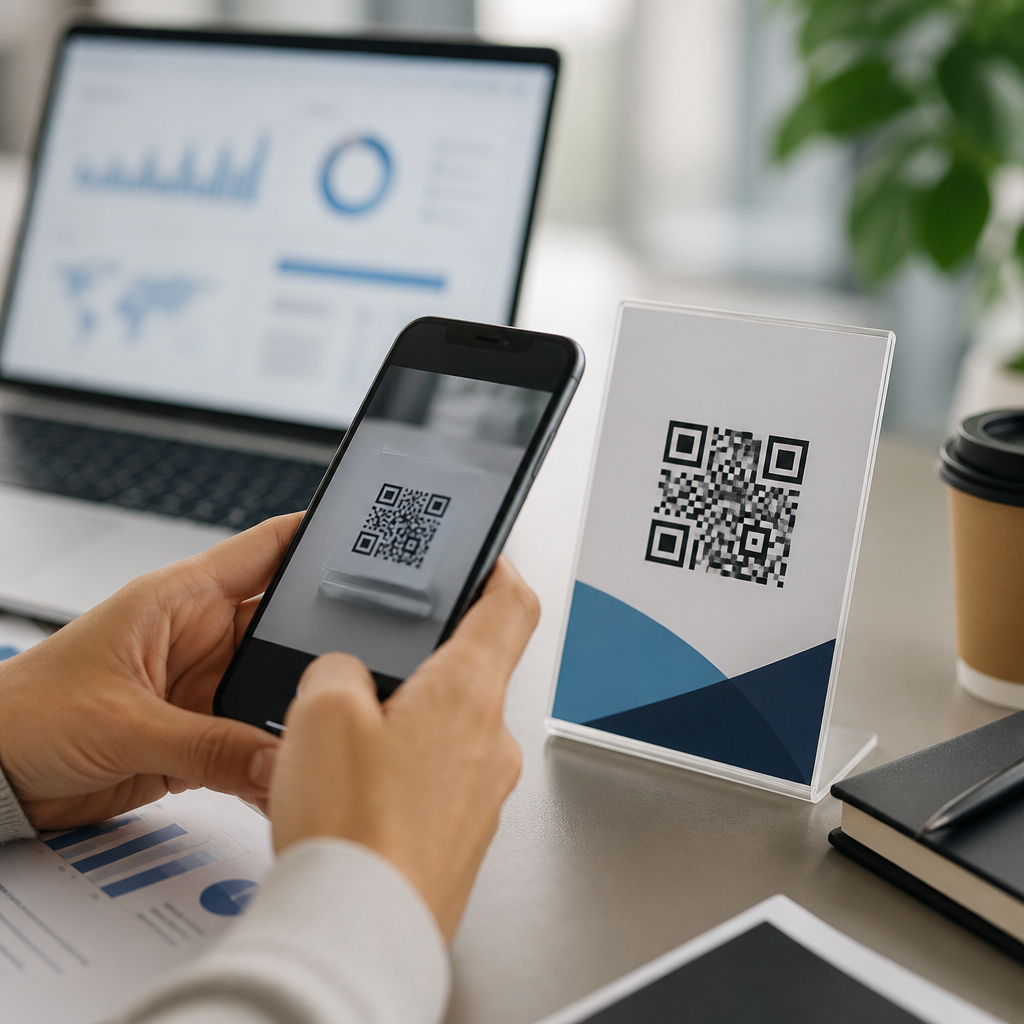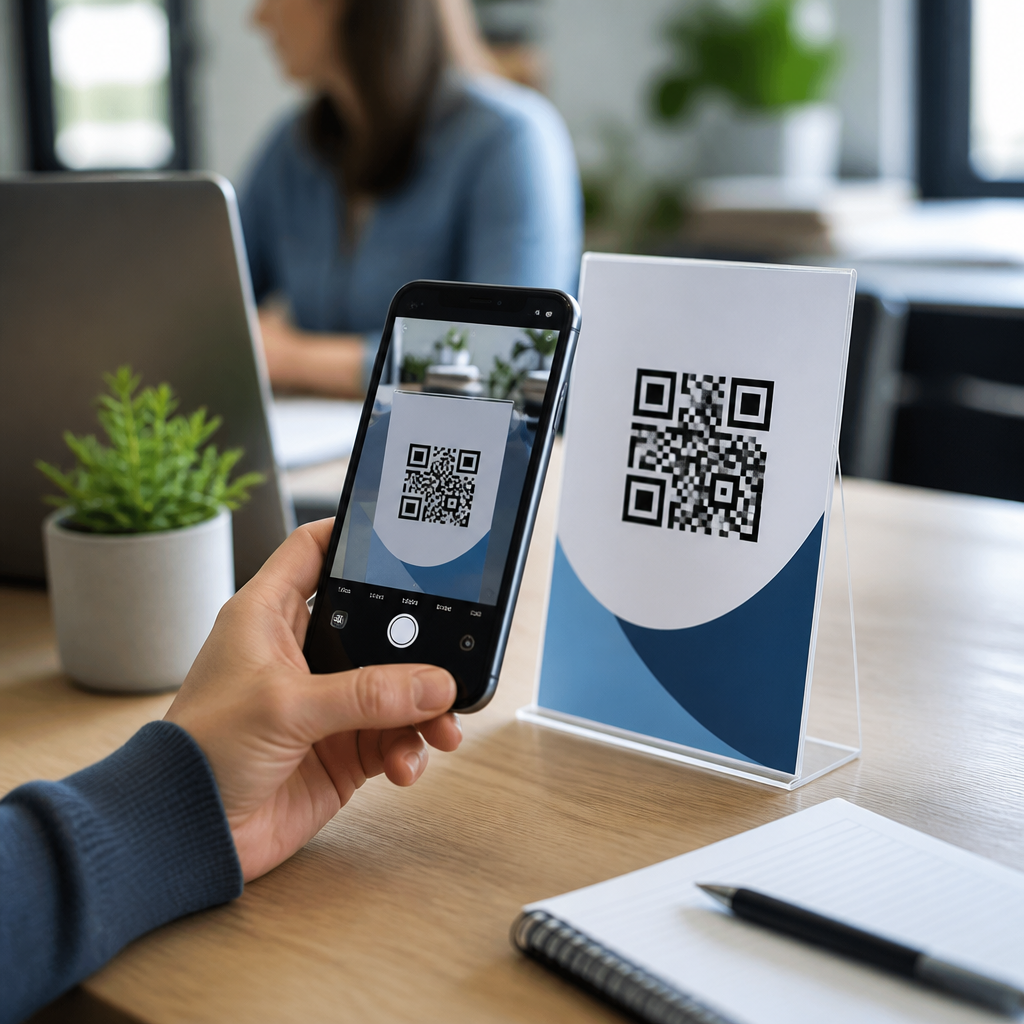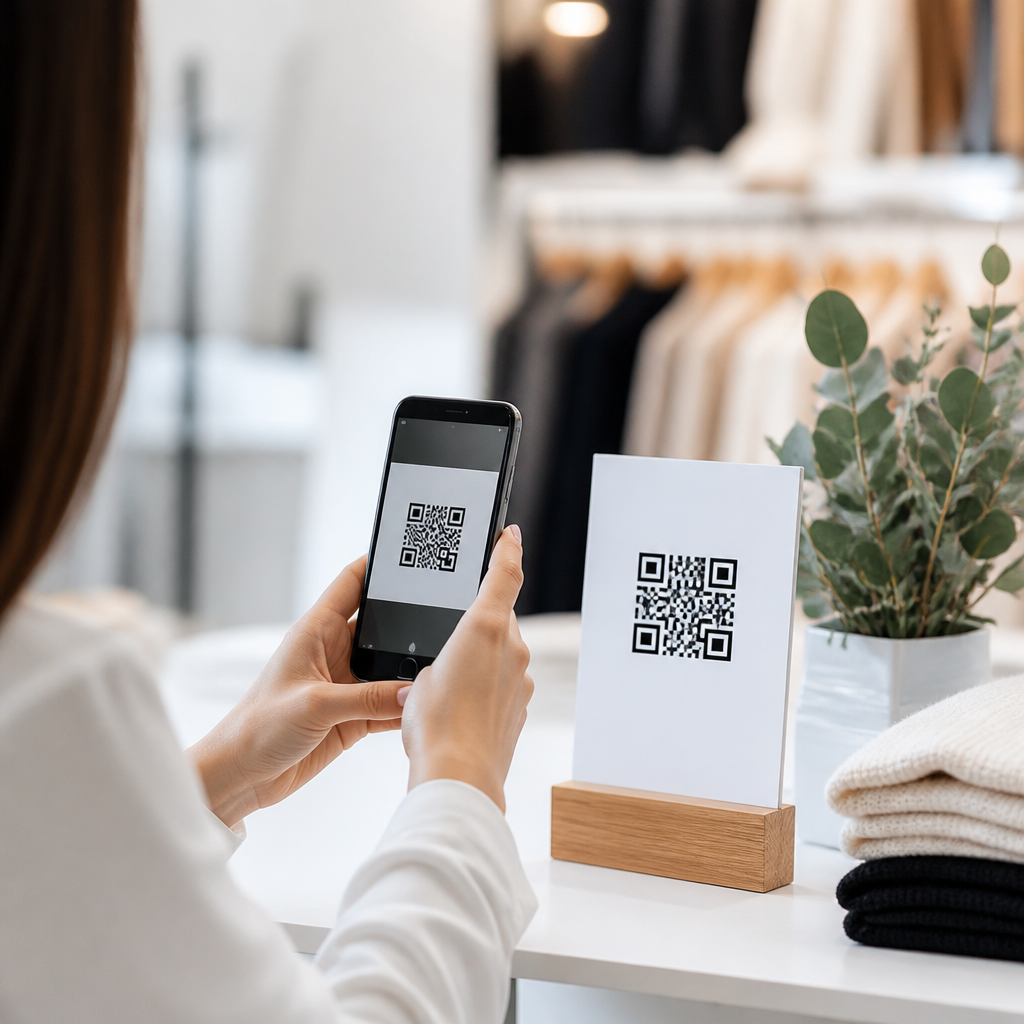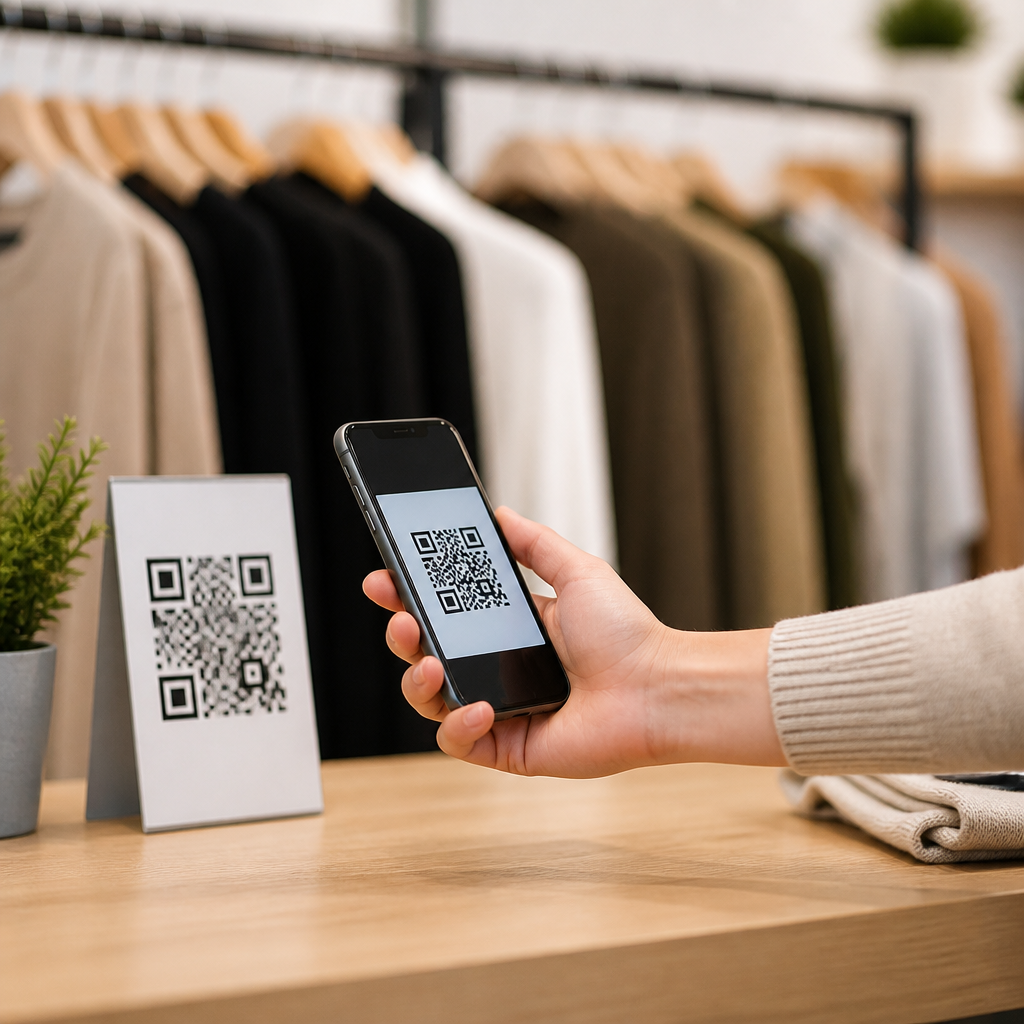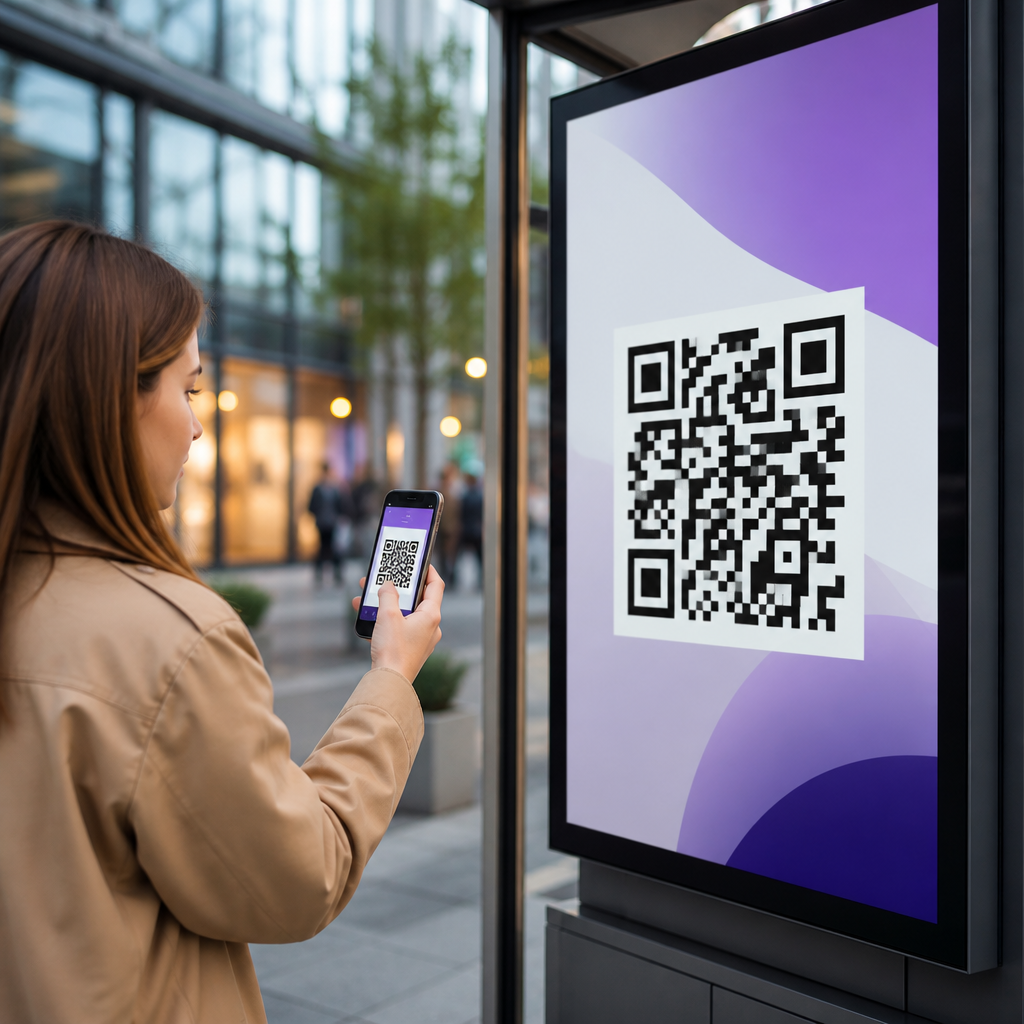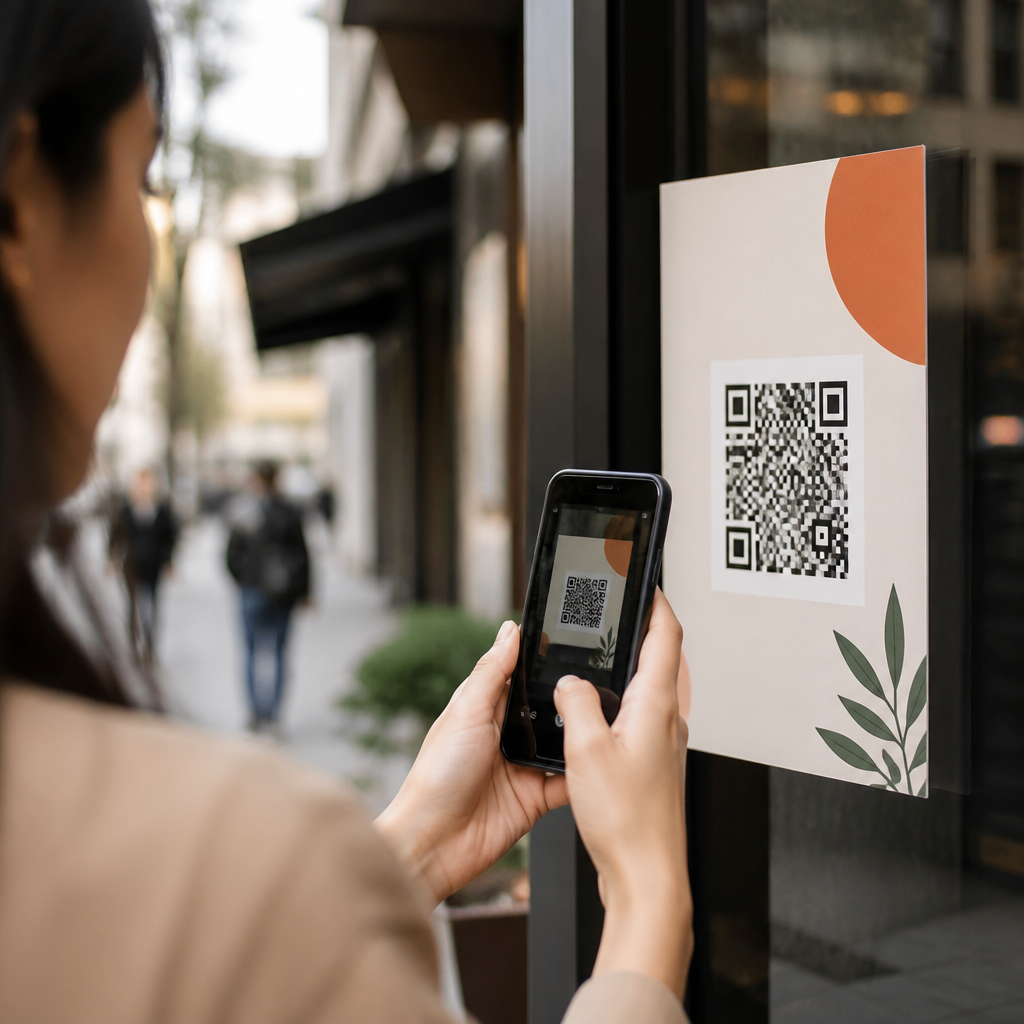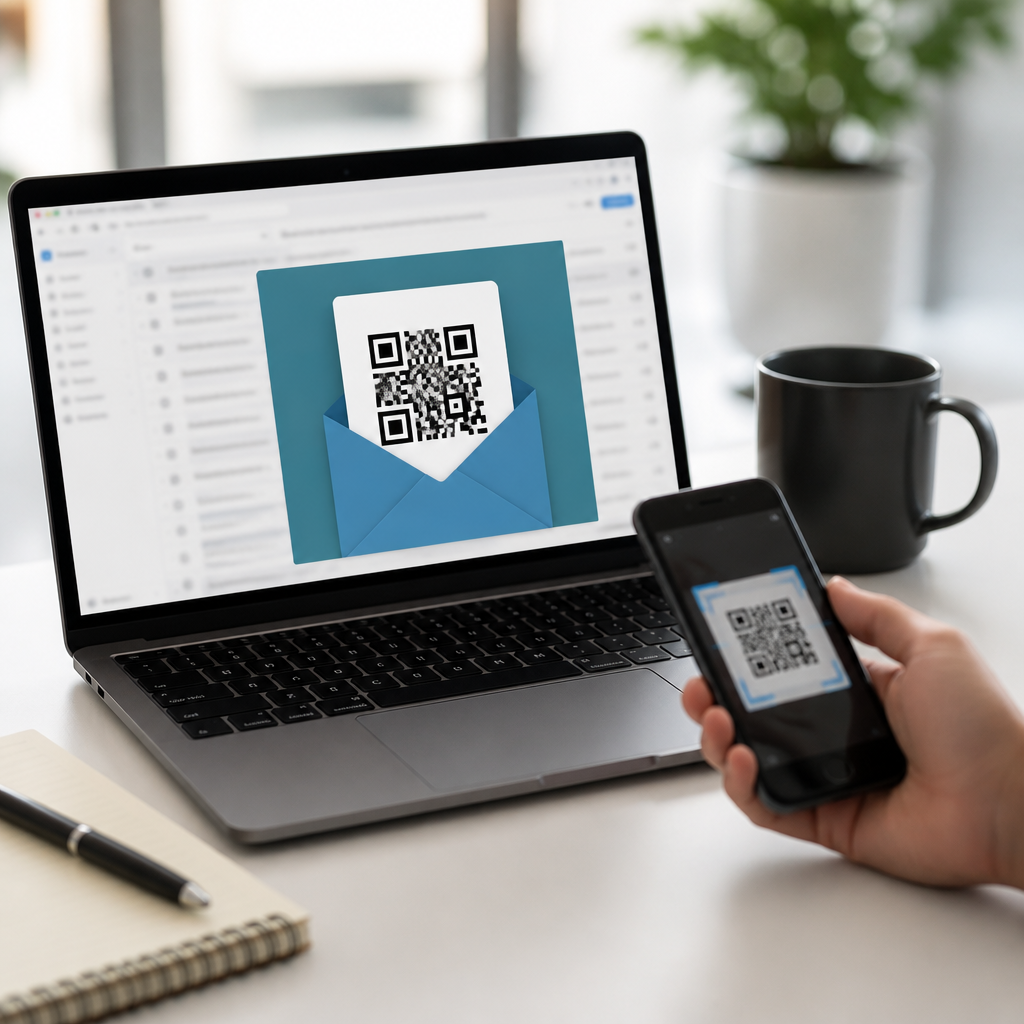
Best email campaigns using QR codes combine the immediacy of inbox marketing with the frictionless scan behavior people already use on phones, packaging, menus, tickets, and signs. In practice, QR codes in email marketing work best when they bridge a digital message to a mobile action: claiming an offer in store, opening a payment page, downloading an app, joining an event, saving contact details, or landing on a personalized mobile page. I have used QR-enabled email flows for retail, hospitality, SaaS, and events, and the strongest results always came from matching the code to a clear next step rather than treating it as decoration. When used strategically, QR codes improve attribution across channels, connect email to offline behavior, and create measurable customer journeys that standard links alone often miss.
A QR code, or Quick Response code, is a two-dimensional barcode that stores a destination such as a URL, coupon, file, form, Wi-Fi credential, app deep link, or digital business card. In email, the code appears as an image that a subscriber scans with a smartphone camera. That matters because many customers read promotional email on one device and complete the action in another context, often later and away from their inbox. A code lets them move that intent into the physical world. For marketers building a mobile QR codes for marketing strategy, this subtopic deserves hub-level attention because it sits at the intersection of deliverability, creative, analytics, customer experience, and offline conversion measurement.
The most effective QR codes in email marketing solve three common problems. First, they reduce drop-off when a customer needs to continue on mobile without clicking through multiple pages. Second, they give teams a practical way to connect email performance with store visits, check-ins, redemptions, and printed materials. Third, they create campaign flexibility when dynamic QR platforms allow marketers to change the destination after send, segment by location, and track scans by device, time, and geography. Brands that understand these advantages can build better lifecycle campaigns, from welcome series and promotions to post-purchase service and loyalty reactivation.
How QR codes improve email marketing performance
QR codes improve email campaigns when they support a high-intent action that is easier on a phone than in an email client. Common examples include opening a wallet pass, pulling up a map, starting a text message, checking in at an event, or revealing a single-use coupon at the register. In my experience, they are particularly effective in retail and hospitality because the customer often needs the offer while standing in a store, lobby, or venue. Instead of searching an inbox at the point of purchase, the user can scan a printed follow-up card, a forwardable email on a desktop screen, or a reminder message displayed on another device, then complete the task instantly on mobile.
There is also a measurement benefit. Standard email metrics such as opens have become less reliable due to privacy protections like Apple Mail Privacy Protection. Clicks remain useful, but they do not capture what happens when the user encounters the message in one channel and converts in another. A dynamic QR code platform can record scans, timestamp them, and associate them with the campaign, helping marketers understand assisted conversions. When those scans lead to dedicated landing pages with UTM parameters, CRM identifiers, or point-of-sale redemption codes, attribution becomes much stronger. This is why QR codes in email marketing are not just a creative add-on; they are a practical instrumentation layer for omnichannel reporting.
Best email campaign types for QR codes
The best email campaigns using QR codes usually fall into repeatable categories. Welcome emails can include a QR code that opens a mobile signup completion page, preference center, or app download with deferred deep linking. Promotional emails can deliver scannable coupons for in-store redemption, where a cashier scans the customer’s barcode after the customer scans the QR code to reveal it. Event campaigns can include codes for registration confirmation, venue maps, calendar adds, or digital tickets. Post-purchase emails work well with product setup videos, warranty registration, return portals, or review forms. Loyalty programs often use QR codes to pull up a member ID in a wallet pass, making enrollment and in-person use easier.
B2B marketers can use them effectively too. I have seen high-performing webinar follow-ups that place a QR code beside the replay link, letting recipients scan from a desktop monitor and continue watching on a phone during travel. Field sales teams use codes in account-based email outreach to route prospects to a tailored landing page, contact card, or meeting scheduler. Restaurants, gyms, salons, and clinics often include QR codes in reminder emails that open booking pages, intake forms, or location directions. The key pattern is simple: if the conversion moment is likely to happen on a phone, away from the inbox, or in a physical setting, a QR code can outperform a standard call to action.
| Campaign type | Best QR destination | Main benefit |
|---|---|---|
| Welcome series | App deep link or preference center | Faster onboarding on mobile |
| Retail promotion | Coupon reveal or wallet pass | In-store redemption tracking |
| Event reminder | Ticket, map, or check-in page | Smoother arrival experience |
| Post-purchase | Setup guide or warranty form | Lower support friction |
| Loyalty email | Member ID or rewards dashboard | Higher repeat usage |
Design and technical rules that make QR codes scannable in email
Scannability is where many campaigns fail. A QR code in email must have sufficient size, contrast, and quiet zone, which is the clear margin around the code required for recognition. I generally recommend starting around 180 by 180 pixels for desktop rendering, testing up to 240 by 240 for complex destinations, and keeping strong dark-on-light contrast. Do not place the code over patterned backgrounds, gradients, or photography. Use error correction thoughtfully; higher error correction can preserve readability if part of the code is obscured by a logo, but it also increases density, which can make smaller codes harder to scan. Most campaign teams should keep branding minimal and prioritize clean modules over decorative treatments.
Email-specific constraints matter too. Some subscribers open on the same phone they would use to scan, so the QR code should not be the only path. Always pair it with a conventional button or text link. Use alt text for image blocking, though remember alt text does not replace the scan action. Host the image on a reliable CDN and keep the file sharp without excessive compression artifacts. Dynamic QR providers such as Bitly, QR Code Generator, Beaconstac, Flowcode, and Uniqode typically support analytics and editable destinations; whichever platform you use, ensure HTTPS, fast redirects, and no interstitials that slow conversion. Also test rendering in Gmail, Apple Mail, Outlook, Yahoo, and major mobile clients because image scaling and dark mode can affect presentation.
Personalization, segmentation, and compliance considerations
Personalized QR codes can significantly lift response when the destination reflects subscriber context. A loyalty member can receive a code that opens their rewards balance, while a lapsed customer can get a reactivation offer tied to the nearest store. Geographic segmentation is especially useful because the code can route to local inventory, event details, or region-specific compliance language. In advanced setups, dynamic rules change the destination by device type, scan time, or campaign cohort. This is valuable for flash promotions, field events, and franchise systems where one email template supports many local endpoints without creating dozens of static assets.
However, personalization raises governance requirements. Avoid embedding sensitive personal data directly in the QR payload. Instead, point the code to a secure landing page that resolves identity server-side after authentication or token validation. Follow CAN-SPAM, GDPR, and applicable consent rules exactly as you would for any email marketing program, and disclose tracking practices in your privacy notice. If the QR code triggers SMS enrollment, wallet pass issuance, or app installation, make sure the downstream experience contains the required disclosures and explicit opt-in mechanisms. Security also matters operationally: stale redirects, expired certificates, and open redirect vulnerabilities can break campaigns or erode trust. The safest approach is to manage QR destinations within the same governance process used for landing pages and marketing automation.
How to measure success and optimize future campaigns
To measure QR codes in email marketing properly, define success at three levels: scan activity, landing-page engagement, and business outcome. Scan rate tells you whether placement and motivation were strong. Landing-page metrics such as load speed, bounce rate, form completion, wallet saves, or coupon reveals show whether the post-scan experience worked. Business outcomes include revenue, bookings, attendance, redemptions, support deflection, and repeat purchases. I recommend using campaign-level UTM tagging, first-party analytics, CRM event logging, and, where relevant, point-of-sale integration. If your team uses Google Analytics 4, Salesforce Marketing Cloud, HubSpot, Klaviyo, or Adobe Analytics, make the QR destination part of the same reporting taxonomy as every other email link so results can be compared apples to apples.
Optimization should be systematic. Test one variable at a time: QR placement above or below the fold, explicit scan instructions, offer framing, destination type, or whether the code is paired with a wallet pass versus a landing page. Compare static and dynamic QR formats, but in most ongoing programs dynamic codes win because they support post-send edits and richer reporting. Review scans by device and time to identify when customers actually use the code; in-store promotions often spike evenings and weekends, while B2B replay scans may peak during commutes. The best email campaigns using QR codes are built as repeatable templates with strong analytics, not one-off creative experiments. Start with one high-intent use case, measure rigorously, and expand the program across your mobile QR codes for marketing ecosystem.
QR codes in email marketing work because they close the gap between a message in the inbox and an action on a phone or in a physical location. The strongest campaigns use them for specific tasks that benefit from mobile continuity, including coupon redemption, event check-in, app onboarding, loyalty access, product support, and localized booking. Success depends on fundamentals: a scannable design, a fast and relevant destination, a backup link for same-device readers, and a measurement plan that tracks scans through to outcomes. Teams that treat the code as part of the customer journey, not just as a graphic, consistently get better results and cleaner attribution.
As the hub page for QR codes in email marketing, this topic should guide your wider strategy across welcome flows, promotional sends, lifecycle automation, and offline activation. Build with dynamic QR infrastructure, align the destination to clear user intent, and enforce the same privacy and QA standards you use elsewhere in email. Then document what works and connect related articles on campaign design, testing, analytics, and compliance. If you want better mobile engagement and more measurable cross-channel conversions, audit one existing email campaign this week and add a QR experience that solves a real customer task.
Frequently Asked Questions
What makes QR codes effective in email campaigns?
QR codes are effective in email campaigns because they reduce the number of steps between interest and action. Instead of asking a subscriber to read a message, click a link, wait for a page to load, and then complete a task, a QR code can move them directly from the email to a mobile experience that feels immediate and convenient. That matters because many of the best email campaigns using QR codes are designed around actions people already take on their phones, such as redeeming an offer in store, opening a payment page, downloading an app, checking into an event, saving contact details, or visiting a personalized landing page.
They also work especially well when email is part of a broader customer journey. For example, a retail brand can send a promotional email with a QR code that is scanned at checkout for a discount. A hospitality business can email a QR code that opens a reservation confirmation, a digital menu, or a loyalty signup page. In each case, the QR code acts as a bridge between the inbox and a real-world or mobile action, which is where its strength lies.
Another advantage is measurability. When brands use dynamic QR codes tied to campaign tracking, they can often learn not just who opened the email, but who scanned, when they scanned, and what they did next. That creates a clearer picture of performance than relying on open rates alone. In short, QR codes work best in email when they are not treated as decoration, but as a practical, low-friction path to a specific action that benefits the subscriber.
What are the best use cases for QR codes in email marketing?
The best use cases are the ones where a subscriber needs to move quickly from reading an email to doing something on a phone or in a physical location. Retail is one of the strongest examples. A promotional email can include a QR code for in-store redemption, loyalty enrollment, product information, or a limited-time mobile coupon. This connects email engagement directly to foot traffic and point-of-sale activity, which is valuable for both customer experience and campaign reporting.
Hospitality is another strong fit. Hotels, restaurants, and venues can use QR-enabled emails for reservation details, event check-in, mobile menus, guest offers, digital concierge services, or quick review requests after a stay. Because customers in these settings are often already on the go, scanning a code feels natural rather than forced. The same logic applies to events, where an email can deliver a QR code for ticket access, registration, schedules, maps, or sponsor offers.
QR codes also perform well for app downloads, payment collection, contact sharing, and personalized mobile landing pages. For example, a service business can send a QR code that opens a payment portal, while a sales team can use one to let recipients instantly save contact details. Personalized pages are especially powerful because they allow the brand to tailor the post-scan experience to the subscriber’s profile, purchase history, or location. The most effective use case is usually the one that solves a real customer need with the fewest possible steps.
How should QR codes be designed and placed within an email for the best results?
Placement and clarity matter just as much as the QR code itself. The code should appear near a strong call to action and be supported by clear text that explains exactly what happens after the scan. Readers should never have to guess whether the code leads to a discount, a check-in page, an app download, or an event ticket. A simple instruction such as “Scan to claim your in-store offer” or “Scan to open your mobile check-in pass” gives the code a purpose and improves response.
Visually, the QR code needs enough size, contrast, and white space to remain easy to scan across different devices and email clients. It should not be crowded by other design elements, and it should be tested to ensure it remains readable when the email is opened on both desktop and mobile. Since some recipients will open the email on the same phone they would normally use to scan, it is smart to include a standard clickable button or link as an alternative. This creates a smoother experience and prevents the campaign from depending entirely on one interaction method.
Good email design also means aligning the QR code with the overall journey. If the goal is in-store redemption, the email should mention store participation, timing, and any conditions. If the goal is event access, the surrounding copy should reassure the reader that the code is their pass and should be ready at entry. In other words, the QR code should be integrated into the email’s message and hierarchy, not dropped in as an afterthought. Campaigns perform better when the value proposition, instructions, and scan destination are all tightly connected.
How can marketers track and measure the performance of QR code email campaigns?
Tracking starts with using dynamic QR codes and campaign-tagged destinations. A dynamic code allows marketers to update the destination without changing the image and, in many cases, provides scan-level analytics such as total scans, unique scans, scan times, device types, or approximate locations. When that data is paired with email platform metrics like sends, deliveries, opens, clicks, and conversions, it becomes easier to understand how the QR code contributes to overall campaign performance.
The most useful metrics depend on the campaign goal. For a retail campaign, marketers may focus on scans, in-store redemptions, and revenue influenced by the email. For hospitality or events, they may track check-ins, reservations, attendance, or upsell actions after the scan. For app campaigns, install rate and post-install activity matter more than raw scan volume. The key is to define success before launch so the QR code is tied to a meaningful business outcome rather than vanity engagement.
It is also important to compare QR code behavior against other call-to-action formats in the same campaign. For example, if the email includes both a scan option and a traditional button, marketers can evaluate which path produces more conversions and under what conditions. A/B testing can help refine code placement, supporting copy, incentive wording, and landing page experience. Done well, QR code measurement gives a much richer view of how subscribers move from inbox engagement to real-world action, which is exactly where these campaigns can create their strongest results.
What common mistakes should brands avoid when using QR codes in email campaigns?
One of the most common mistakes is using a QR code without a clear reason. If the same action could be handled more simply with a normal button and the code adds no extra convenience, subscribers may ignore it. QR codes should support a genuinely useful transition, especially one that connects the email to a mobile or offline experience. Another frequent problem is failing to explain the benefit of scanning. A code with no context forces the subscriber to do extra mental work, and that lowers response.
Technical and usability issues can also hurt performance. Codes that are too small, low contrast, distorted by design styling, or placed in cramped layouts can become difficult to scan. Sending an email with a QR code but no backup clickable link is another avoidable error, particularly because many people read email on the same device they would use to scan. Marketers should also make sure the post-scan destination is mobile friendly, fast, and directly relevant to the promise made in the email. A poor landing experience can waste the interest the campaign created.
Finally, brands should avoid weak integration between the email and the customer journey. A strong QR campaign is not just about adding a code to a message. It is about creating a seamless path from inbox to action, whether that action is payment, redemption, event entry, app download, or profile engagement. When the offer is compelling, the instructions are clear, the code is easy to use, and the destination matches the subscriber’s intent, QR codes can become one of the most practical and measurable tools in modern email marketing.