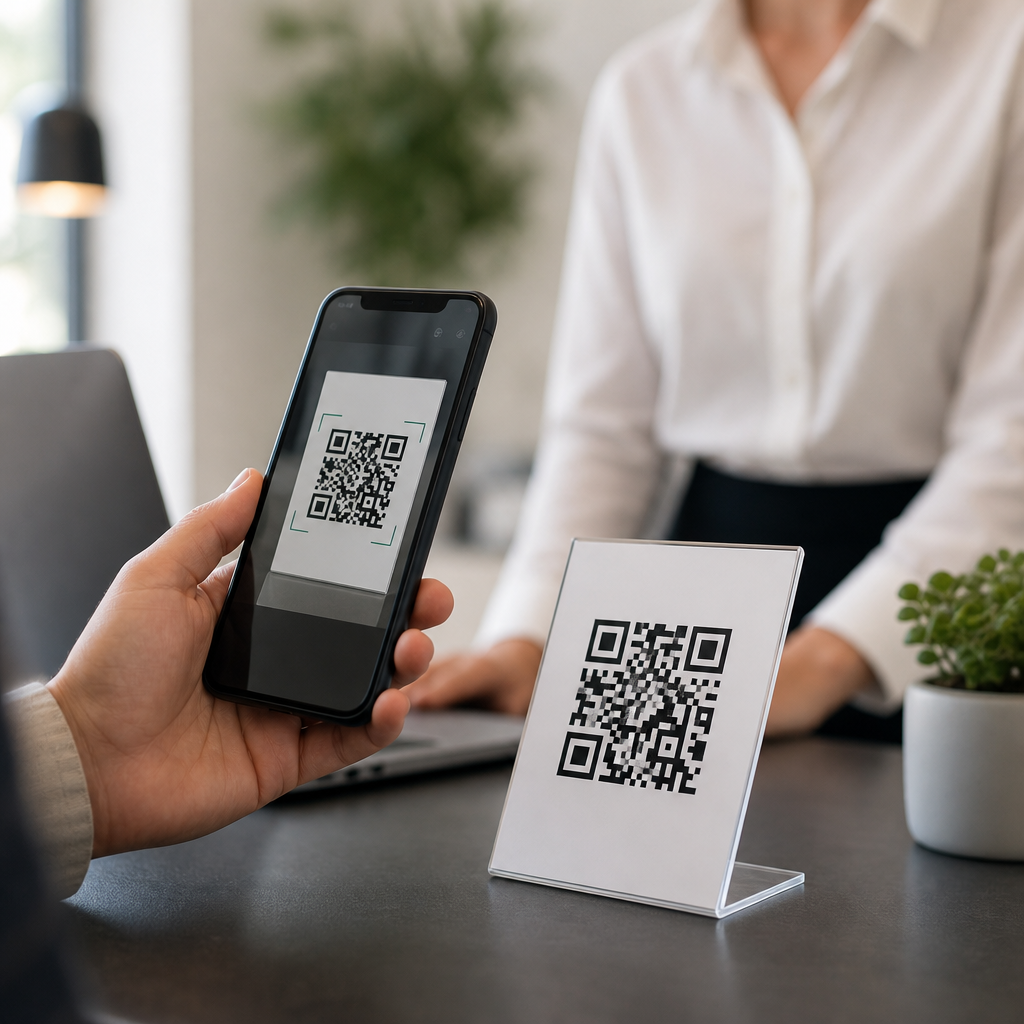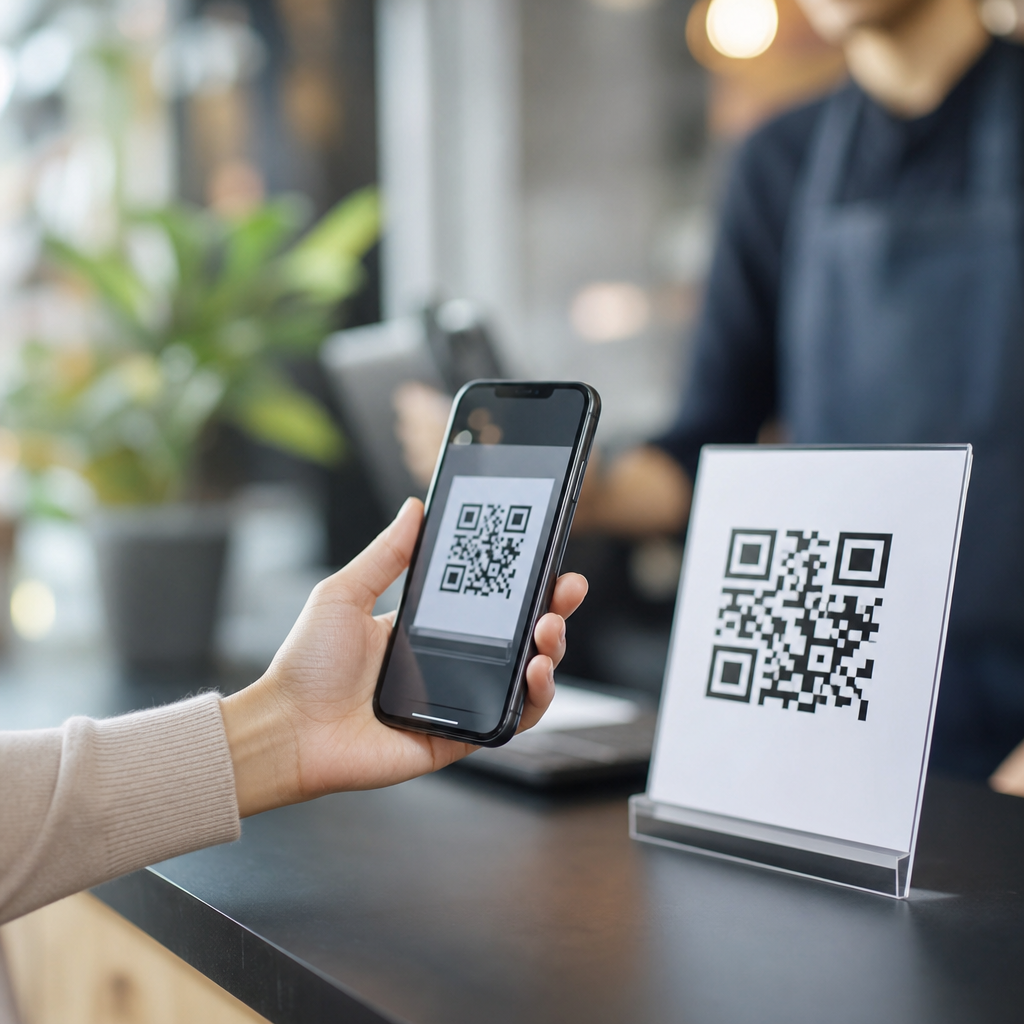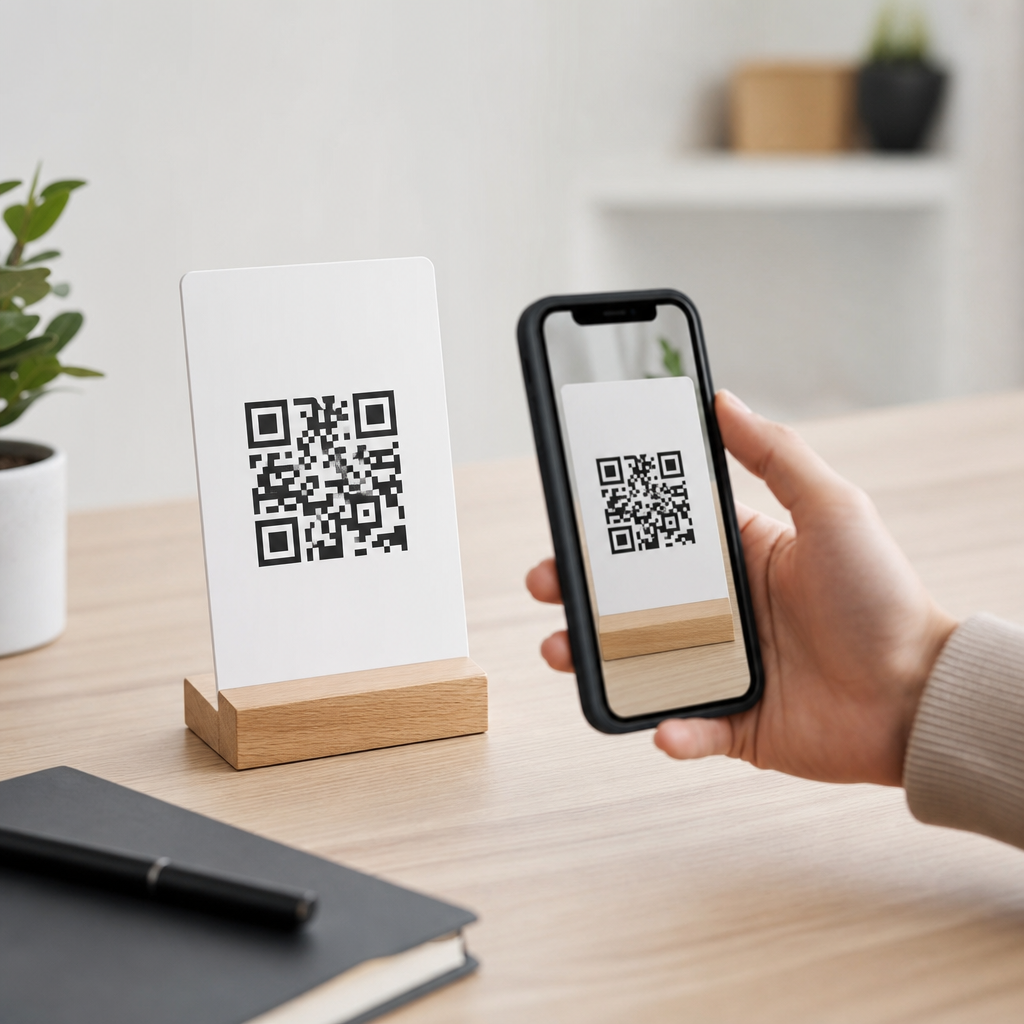
QR code size determines whether a phone camera can scan quickly, whether a label fits its package, and whether a printed code survives real-world handling. In practice, the question “How big should a QR code be?” is really about scan reliability at the intended distance, on the intended material, with the intended data density. A QR code is a two-dimensional matrix barcode made of square modules, plus mandatory quiet space around the symbol. Technical FAQs about QR code size usually focus on minimum print dimensions, viewing distance, error correction, module size, resolution, and how surfaces such as corrugated boxes or curved bottles affect performance. I have tested codes on retail packaging, trade show signage, restaurant menus, shipping labels, and direct mail, and the same lesson keeps repeating: sizing decisions that look minor on screen become make-or-break in production. A code that scans perfectly from a laptop mockup can fail after ink spread, lamination glare, or low-contrast branding choices are introduced. That is why this topic matters. A poorly sized QR code creates friction at the exact moment you want a user to act, whether that action is opening a menu, verifying a product, joining Wi-Fi, or completing a payment. A properly sized code, by contrast, scans in one attempt, tolerates environmental wear, and gives designers enough room to preserve aesthetics without sacrificing function. This hub answers the core technical questions that determine QR code size so you can choose dimensions confidently, test intelligently, and avoid common production mistakes before they reach customers.
The simple rule: size depends on scan distance and module size
The most practical sizing rule is the 10:1 guideline: for every 10 units of scanning distance, use 1 unit of QR code width. If a code will be scanned from 20 inches away, a code about 2 inches wide is a reliable starting point. If it will be scanned from 2 meters away on a poster, start around 20 centimeters wide, then test with common phones. This rule is not absolute, but it works because cameras need enough pixels across the smallest modules to distinguish the finder patterns, timing patterns, and data cells. In technical terms, the full symbol can be enlarged or reduced, but the module grid must still remain optically separable at the capture distance.
Module size is the real engineering constraint. A QR code is not just a square image; it is a grid whose complexity increases as more data is encoded. More characters mean more modules. The more modules packed into a fixed physical size, the smaller each module becomes. Smaller modules are harder to print cleanly and harder for cameras to resolve. That is why a short URL generally scans better at smaller sizes than a long vCard or a Wi-Fi payload. In commercial print, I rarely recommend going below 0.4 millimeters per module for reliable results, and 0.5 to 0.8 millimeters is a safer range for mass printing, especially on uncoated stock or porous packaging materials.
Minimum QR code size for print, packaging, and screens
For close-range print uses such as business cards, brochures, table tents, and product inserts, 0.8 by 0.8 inches is often cited as a minimum, but that only works for low-density codes with strong contrast and good printing. In production, 1 x 1 inch is the safer baseline for most consumer-facing printed QR codes. On packaging, I typically start at 0.6 inches only when the payload is a short dynamic URL and the substrate is smooth. For corrugated cartons, flexible pouches, shrink sleeves, or textured labels, increasing the code to 1.2 inches or more often prevents failures caused by distortion and dot gain.
Screen-based QR codes follow the same logic but add display variables. A code on a phone screen being scanned by another phone may work at smaller dimensions because the edges are crisp, but brightness, glare, and screen damage can reduce readability. For kiosks and monitors, code size should account for user distance and the camera quality of older devices. A payment terminal can often use a small on-screen QR code because the customer holds the phone close, while a wall-mounted digital sign needs a much larger code because the user stands farther away and may scan at an angle.
How data density, error correction, and quiet zone change the answer
Three technical factors reshape QR code size more than most people expect: data density, error correction level, and quiet zone. Data density refers to how much information the symbol stores. A direct link with tracking parameters, a long app deep link, or contact details encoded directly into the symbol can push the code into a higher version with many more modules. As version increases, the same physical square contains finer cells. Unless you enlarge the symbol, scan performance declines.
Error correction is useful but not free. QR codes use Reed-Solomon error correction at four standard levels: L, M, Q, and H. Higher levels let the symbol tolerate damage, obstruction, or logo placement, but they increase the number of modules. A restaurant menu code behind a glossy acrylic stand may benefit from more resilience, yet that resilience usually requires a larger printed code. Quiet zone is equally non-negotiable. The standard requires a margin of four modules on all sides. Designers often crop this border to save space, then wonder why scans fail. In audits, missing quiet zone is one of the most common causes of intermittent performance.
Recommended sizes by use case
Technical FAQs are easiest to answer when recommendations are tied to context. The table below summarizes practical starting points I use before live testing.
| Use case | Typical scan distance | Starting size | Key note |
|---|---|---|---|
| Business card | 6 to 12 inches | 1 x 1 inch | Use a short dynamic URL |
| Flyer or brochure | 10 to 18 inches | 1 to 1.25 inches | Keep strong contrast |
| Product label | 4 to 10 inches | 0.8 to 1.2 inches | Increase size on curved surfaces |
| Restaurant table tent | 8 to 20 inches | 1.25 inches | Expect glare and spills |
| Shipping carton | 1 to 3 feet | 1.5 to 2 inches | Allow for corrugation and abrasion |
| Poster or window sign | 3 to 10 feet | 3 to 8 inches | Use the 10:1 distance rule |
| Billboard or event banner | 10 feet or more | 12 inches and up | Test for angle and motion |
These dimensions are starting points, not guarantees. A version 3 code with a short URL may work smaller than listed. A version 10 code with a long payload may need to be substantially larger. When space is limited, reducing the encoded data is usually more effective than forcing the code smaller.
Print quality, contrast, materials, and branding pitfalls
Even a correctly sized QR code can fail if print conditions are poor. The safest combination is dark modules on a light background with matte finishing. Black on white remains the benchmark because camera software detects it quickly under mixed lighting. Reverse codes, metallic inks, low-contrast brand colors, and transparent overlays regularly reduce success rates. I have seen premium packaging designs use charcoal on navy or gold foil on cream, then lose scans under ordinary retail lighting. Beautiful execution does not compensate for weak luminance contrast.
Material behavior matters too. Uncoated paper can absorb ink and blur module edges. Corrugated fiberboard introduces ridges that break small cells. Curved bottles distort the grid. Flexible pouches wrinkle. Gloss laminate creates specular highlights that wash out parts of the code. If a logo is placed in the center, size must increase to preserve readable data area, and error correction should be selected intentionally, not assumed. ISO/IEC 18004 defines the symbol structure, but passing a standard does not guarantee real-world readability across device cameras. Field testing with recent iPhone and Android models, older budget phones, and low-light conditions is essential.
How to test QR code size before launch
The best answer to “how big should a QR code be” is the smallest size that still scans instantly in the real environment with the actual artwork and substrate. Create the final symbol as vector artwork when possible, preserve the quiet zone, and print samples at two or three candidate sizes. Test from expected distances, under bright light and dim light, with at least several phone models. Check first-scan success, not just eventual readability. A code that scans after three attempts is too small or too compromised for customer use.
Use dynamic URLs when appropriate so the symbol can remain short while destination content changes later. Verify analytics after deployment to spot underperforming placements. If one package panel produces fewer scans than another, reflection or handling may be the issue rather than consumer interest. The key takeaway is straightforward: most QR code sizing problems are avoidable when you design around module size, distance, contrast, and material behavior instead of treating the code like a decorative icon. Start with a practical baseline, enlarge for dense data or difficult surfaces, and test with real devices before printing at scale. If you are building out technical QR code guidance across your FAQ and troubleshooting content, use this page as the foundation and review each related scenario with the same discipline.
Frequently Asked Questions
What is the minimum size a QR code should be to scan reliably?
There is no single universal minimum size, because scan reliability depends on three things working together: viewing distance, data density, and print quality. That said, a common practical baseline for printed materials is around 0.8 x 0.8 inches to 1 x 1 inch for simple QR codes scanned at close range, such as on product packaging, business cards, or table tents. If the code contains only a short URL and is printed clearly on a flat, matte surface with strong contrast, it can often be smaller. However, once you add more encoded data, reduce contrast, print on curved packaging, or expect users to scan from farther away, the code usually needs to grow.
Technically, QR code size is determined by the size of its individual square modules and the required quiet zone around the symbol. The quiet zone is the blank margin surrounding the code, and it is essential for scanners to recognize where the symbol begins and ends. If the modules become too small for the printer to reproduce sharply or too small for the camera to distinguish, scan performance drops quickly. As a rule, it is better to optimize the data first by encoding a short destination URL or dynamic link, then increase the physical size enough to maintain clear module definition. In real-world use, testing under actual conditions is more important than relying on a theoretical minimum.
How does scanning distance affect the ideal QR code size?
Scanning distance is one of the most important factors in deciding how big a QR code should be. A widely used rule of thumb is that the QR code’s width should be about one-tenth of the expected scanning distance. For example, if people will scan from 10 inches away, the code should be about 1 inch wide. If they will scan from 5 feet away, the code may need to be about 6 inches wide or more, depending on data density and environmental conditions. This is not a strict engineering law, but it is a useful starting point for planning signage, packaging, posters, menus, and displays.
The reason distance matters is simple: as the code moves farther from the camera, each module occupies fewer pixels in the image. Once the camera cannot clearly resolve the individual squares, decoding becomes slower or fails entirely. This becomes even more important in environments with poor lighting, glare, motion, or lower-end smartphone cameras. If the QR code will be scanned from across a room, on a storefront window, or from a vehicle queue, you should size it generously and test from realistic user positions. In most cases, increasing size is one of the easiest ways to improve scan speed and consistency.
Why does the amount of data in a QR code change how large it needs to be?
The more data a QR code stores, the more modules it requires, and that directly affects the physical size needed for reliable scanning. A QR code that contains a short URL may have relatively few modules and can remain compact while still scanning well. A code that contains a long URL, vCard, Wi-Fi credentials, or other large data payload must use a denser matrix. If that dense matrix is printed at the same overall dimensions as a simpler code, each individual module becomes smaller, which makes the code harder for printers to reproduce and harder for cameras to capture accurately.
This is why QR code best practice usually favors short, efficient content rather than embedding large blocks of text. Using a shortened URL or dynamic QR code often allows you to keep the module count lower while preserving flexibility on the destination side. Error correction level also plays a role, because higher error correction adds redundancy and can increase the symbol complexity. The practical takeaway is that size is not just about the outer dimensions of the QR code; it is about whether each module remains large enough to survive printing, handling, and scanning. If your code contains more data, you should usually either enlarge the code or simplify the content.
How much white space does a QR code need around it?
A QR code needs a quiet zone around all four sides, and this space is not optional. The standard guidance is a margin of at least four modules wide around the entire code. This blank border helps scanning software detect the edges of the symbol and separate it from nearby graphics, text, borders, or background patterns. Even a perfectly printed QR code can fail if the quiet zone is too tight or interrupted. In practice, many real-world scan problems are caused less by the code itself and more by surrounding design elements crowding the symbol.
For that reason, the total size of a QR code placement should always include both the matrix and its quiet space. Designers sometimes measure only the black-and-white square pattern and forget the border requirement, which leads to symbols that are effectively too small once placed in layout. On packaging and labels, give the code extra breathing room whenever possible, especially if the surface includes busy artwork, folds, seams, or reflective finishes. A clean background and adequate margin can dramatically improve first-scan success without changing the encoded content at all.
What printing and material issues should be considered when choosing QR code size?
Material and production method have a major impact on how big a QR code should be. A code printed on smooth, matte paper can usually be smaller than one printed on corrugated cardboard, flexible plastic, textured labels, metal surfaces, or curved containers. That is because uneven surfaces, ink spread, low-resolution printing, gloss, and distortion can blur the edges of the modules or reduce contrast. If the package may be scuffed, wrinkled, exposed to moisture, or handled heavily, the code should usually be larger and printed with stronger contrast to preserve readability over time.
Printing method matters as well. Digital presses, thermal printers, offset printing, and industrial label systems all reproduce fine detail differently. If modules are close to the limit of what a printer can render cleanly, you may see dot gain, broken edges, or filled-in gaps that make the code harder to decode. For this reason, it is wise to avoid sizing decisions based only on screen appearance. Always print samples at final size, on final material, and test them with multiple phone models in realistic lighting. In many applications, a slightly larger QR code is a low-cost insurance policy against production variation, wear, and scan frustration.