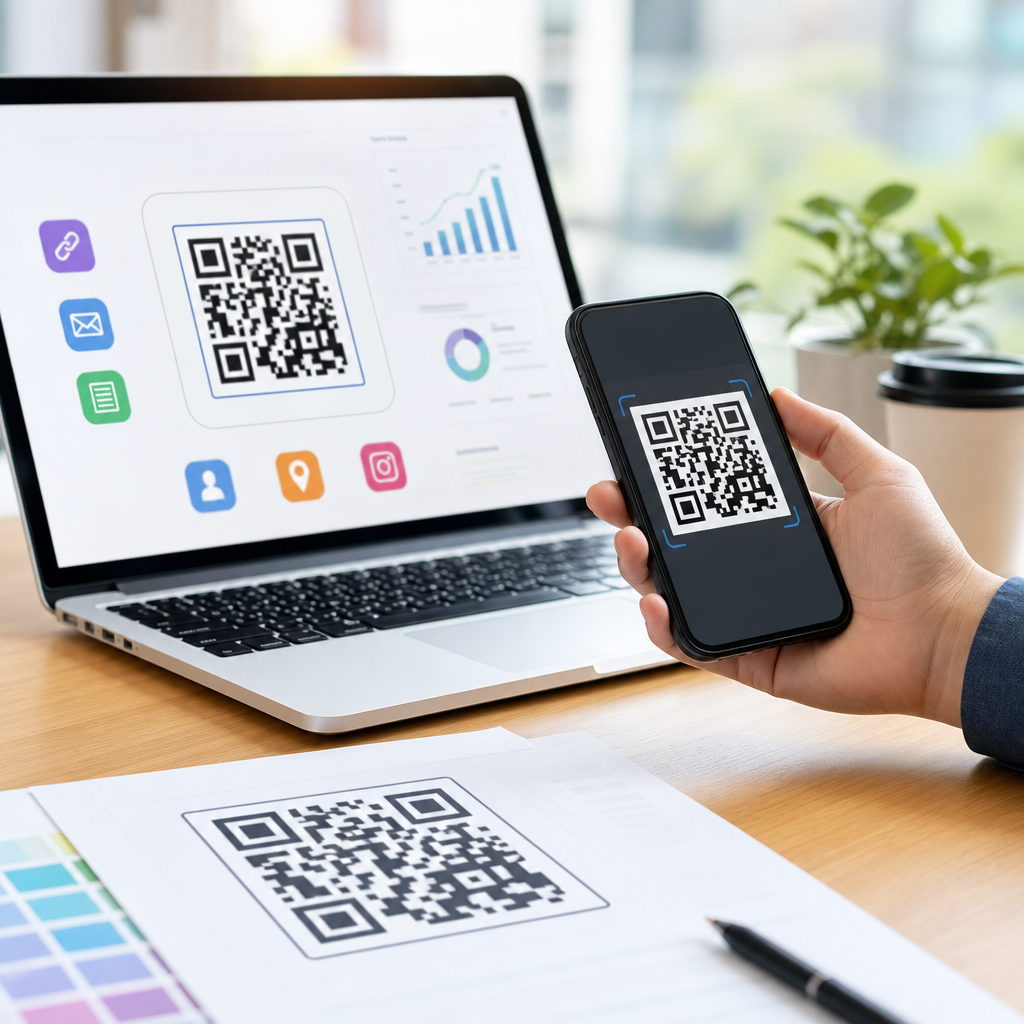
Choosing the best QR code format for digital use starts with understanding a simple distinction: the code itself is data, while the file that displays it is a container. In day-to-day work on mobile landing pages, app download campaigns, restaurant menus, and event tickets, I see teams confuse these two layers constantly. They ask whether a QR code should be PNG or SVG when the more useful question is which file type preserves scan reliability, loads quickly, stays sharp on every screen, and fits the publishing platform. That distinction matters because a QR code that looks fine in design software can still fail when compressed by a CMS, resized in email, or displayed on a high-density phone screen.
QR code formats and file types describe how the visual symbol is saved and delivered. Common options include PNG, SVG, PDF, JPG, and EPS. For digital use, “digital” means the code will appear on websites, mobile apps, email newsletters, social graphics, digital signage, presentations, or downloadable files rather than primarily on printed materials. The best choice is usually PNG for broad compatibility or SVG for maximum scalability, but there are important exceptions based on where the image will live, how it will be edited, and whether the platform rasterizes vector assets.
This topic matters because digital QR campaigns live or die on friction. A user opens a page, sees a code, scans it, and expects an immediate result. Any softness, distortion, poor contrast, or rendering artifact increases failure rates. Search teams, lifecycle marketers, and product teams also need one hub page that clarifies file formats before they dive into related articles on dynamic codes, mobile QR landing pages, QR code sizing, and tracking. If you are building a mobile QR workflow, choosing the right file type is one of the first technical decisions, and it affects design quality, page performance, analytics consistency, and cross-channel reuse.
What makes a QR code file format “best” for digital use
The best QR code format for digital use is the one that preserves machine readability across devices and platforms with the fewest compromises. In practice, I evaluate file types against five criteria: scan reliability, display sharpness, file size, editing flexibility, and publishing compatibility. Scan reliability comes first. QR readers need clean modules, quiet zones, and strong contrast. If a format introduces blur, aggressive compression, or anti-aliasing artifacts, it reduces reliability. Display sharpness matters because digital QR codes are frequently resized. A code may appear in a 320-pixel email column, a retina app screen, or a 4K kiosk. File size matters because large assets slow pages and emails. Editing flexibility matters when designers need brand-safe changes without rebuilding the code. Compatibility matters because some email clients, site builders, and ad platforms handle image formats differently.
For most teams, PNG is the safest default digital QR code file type. It is a lossless raster format, widely supported by browsers, email platforms, presentation tools, and mobile apps. It keeps edges cleaner than JPG and usually survives content management workflows better. SVG is often the technically superior option where supported because it is vector-based, scales infinitely, and stays crisp on high-density displays. However, SVG is not accepted everywhere, and some platforms sanitize or rasterize it during upload. PDF and EPS are useful source or distribution formats, especially when a QR code may move between digital and print, but they are not usually the first choice for embedding directly on a web page.
PNG vs SVG vs JPG vs PDF: when each format works
The fastest answer is this: use PNG when you need universal digital compatibility, use SVG when you need infinite scaling and the platform supports it, avoid JPG for primary QR delivery, and use PDF mainly for packaged assets or downloadable collateral. That framework covers most real deployments I have managed. A restaurant chain I supported standardized on PNG for menu pages because their CMS compressed uploaded JPGs heavily but left PNGs intact. A SaaS client switched app-store download codes from PNG to SVG inside its design system so the same asset could be used in onboarding modals, responsive docs, and large event screens without generating multiple sizes.
| Format | Best use case | Main advantage | Main limitation |
|---|---|---|---|
| PNG | Web pages, email, apps, slide decks | Lossless and universally supported | Can blur if exported too small then enlarged |
| SVG | Responsive websites, design systems, high-density screens | Scales without losing sharpness | Upload support varies by platform |
| JPG | Almost never ideal for QR codes | Small files at high compression | Compression artifacts harm scan accuracy |
| Downloadable assets, mixed print and digital packages | Preserves layout for distribution | Not ideal for direct image embedding on websites |
JPG performs poorly because it uses lossy compression. That compression creates soft edges and artifacting around the square modules that scanners read. In controlled tests, a high-quality JPG can scan, but there is no advantage over PNG for QR artwork. WebP can also work in browser environments, but because many QR workflows involve downloads, emails, native apps, and third-party platforms, PNG remains a more dependable baseline. If your team keeps one canonical master and one deployment file, my recommendation is simple: store the master as SVG and export PNG versions at required dimensions for channels that need raster images.
How digital screens change QR code format decisions
Digital use introduces constraints that print-first advice often ignores. Screens have pixels, scaling rules, and rendering engines. On a modern phone, a code displayed at CSS dimensions of 180 by 180 pixels may render across a much denser physical pixel grid on a 2x or 3x display. If you upload a tiny raster QR code and let the interface scale it up, the browser interpolates edges and reduces contrast. That is why a QR code that looked clean in Figma can become marginal once it is inside an email builder or content block. SVG solves this elegantly because the shape is recalculated at display time. PNG solves it if exported at sufficient resolution from the start.
Another screen-specific factor is compression by intermediaries. Social platforms, newsletter tools, booking systems, and app CMS layers often reprocess images. I have seen event QR codes exported beautifully from Adobe Illustrator and then degraded by a ticketing platform that converted everything to JPG thumbnails. The fix was not changing the QR data; it was controlling the upload format and minimum rendered size. For web delivery, test the actual published page, not the source file. Use multiple scanning apps on iOS and Android, check in bright and low-light conditions, and verify that dark mode overlays or lazy-loading effects do not interfere with the code.
Color and contrast matter more than many teams expect. A digital QR code should usually use a dark foreground on a light background with a clear quiet zone. Transparent backgrounds can work, but they become risky when the code is placed over gradients, photos, or theme-dependent surfaces. File format interacts with this because some exports preserve transparency cleanly while others introduce fringing. PNG and SVG handle transparency well. JPG does not. If a code may be reused in many placements, keep a solid white background version as the default asset and reserve transparent versions for controlled layouts.
Best practices for creating mobile QR code assets that actually scan
Within the broader Creating Mobile QR Codes topic, file type is only one variable. The underlying symbol quality matters just as much. Generate the code from a reliable tool, preserve the quiet zone, and avoid excessive styling. Trusted generators and platforms such as QR Code Generator Pro, Bitly, Beaconstac, and Adobe Express can produce high-quality exports, but settings still need review. Error correction levels matter: Level M or Q is a practical balance for many branded digital codes, while Level H provides more redundancy at the cost of denser modules. Dense symbols require larger display sizes, so file choice alone cannot rescue an overstuffed code.
Keep the payload short when possible. A long URL creates a more complex matrix than a short redirect. That increases visual density and can reduce scan performance on small screens. In production, I prefer dynamic QR codes with short redirect domains because they reduce complexity and preserve campaign flexibility. This is especially useful for mobile QR codes that might redirect by device type, geography, or campaign parameter. Once the data pattern is optimized, export an SVG master, then generate PNGs for operational use cases such as email headers, app popups, digital brochures, and support center articles.
Use a naming and governance system. Teams that scale QR campaigns successfully do not leave assets scattered across desktops. Maintain a source folder with the redirect destination, owner, created date, error correction level, canonical SVG, approved PNG sizes, and test status. That process prevents common failures such as publishing an outdated static QR or re-exporting a code at the wrong dimensions. It also supports internal linking across your content library because each article on sizing, tracking, design, and testing can reference the same canonical asset standards.
Recommended format by channel and common mistakes to avoid
For websites, SVG is best when your stack supports safe inline or hosted vector files; otherwise use PNG at double or triple the intended display size. For email, PNG is almost always the right answer because client support is predictable. For mobile apps, PNG is usually easiest unless the app renders vectors natively and your design system already relies on them. For digital signage and kiosk screens, SVG or very high-resolution PNG works best. For downloadable one-pagers or partner kits, include PDF alongside PNG so the asset remains usable in mixed environments.
The most common mistakes are avoidable. First, using JPG because it seems smaller. Second, exporting a raster file too small and enlarging it later. Third, placing the code on a busy background without enough quiet zone. Fourth, relying on a styled or logo-heavy QR code before confirming scan performance on older devices. Fifth, assuming a code that scans from a desktop monitor will scan equally well inside an email app or embedded webview. The best QR code format for digital use is therefore not a single file extension in isolation. It is a disciplined approach: clean source data, an SVG master when possible, PNG for widest deployment, rigorous live-environment testing, and channel-specific exports. If you are building a mobile QR program, standardize those rules now, then apply them across every asset you publish.
Frequently Asked Questions
What is the difference between a QR code format and a QR code file type for digital use?
A QR code itself is the encoded data pattern: the grid of modules that stores a URL, app link, menu page, ticket ID, or other information. The file type is simply the container used to display that pattern on a screen. This distinction matters because many teams ask, “Should my QR code be PNG or SVG?” when the real decision starts with how and where the code will be used. If the goal is digital display, the best file type is the one that keeps edges crisp, preserves contrast, loads efficiently, and remains easy for cameras to scan across different devices and screen sizes.
In practical terms, PNG, SVG, JPG, PDF, and EPS do not change the destination or function of the QR code data. They change how the image is rendered and delivered. For example, a PNG is a raster image made of pixels, so it can look soft or blurry if scaled beyond its native size. An SVG is vector-based, so it scales cleanly without losing sharpness, which is often ideal for responsive digital layouts. That is why the more useful question is not “Which format is the QR code?” but “Which file type best supports scan performance in this digital environment?”
For digital use, that environment usually includes mobile browsers, email, in-app placements, digital menus, event confirmation screens, ad creatives, and landing pages. In all of those cases, the container affects visual clarity and performance, while the encoded QR data stays the same. Once teams separate those two layers, choosing the right format becomes much easier and much more strategic.
Is SVG or PNG better for QR codes on websites, landing pages, and mobile screens?
In most digital scenarios, SVG is the strongest default choice because it stays perfectly sharp at any size. That matters on modern websites and mobile landing pages where layouts shift responsively across phones, tablets, laptops, and high-density displays. A QR code needs clean edges for reliable scanning, and SVG preserves those edges without introducing pixelation. It also gives designers flexibility to resize the code for banners, pop-ups, app download pages, and menu interfaces without generating multiple image versions.
PNG is still a solid option, especially when you need broad compatibility, fixed dimensions, or easy implementation in systems that handle raster images more predictably than vectors. A properly exported PNG can scan very well if it is generated at the correct size and displayed without compression artifacts or scaling distortion. For simple placements such as a static hero section, email graphic, or digital ticket image, PNG often performs just fine. The key is to use enough resolution so the code remains crisp on high-density screens.
If you are choosing between the two, SVG usually wins for responsiveness, scalability, and long-term flexibility. PNG becomes the practical fallback when platform limitations, rendering issues, or workflow constraints make vectors less convenient. In either case, scan reliability depends less on the name of the file type and more on execution: strong contrast, adequate quiet zone, no visual distortion, and a display size that gives smartphone cameras enough detail to read the modules quickly.
Why is JPG usually a poor choice for QR codes in digital applications?
JPG is generally not the best format for QR codes because it uses lossy compression. That compression is designed for photographs and complex gradients, not for sharp geometric patterns with hard edges. QR codes depend on those crisp edges to remain machine-readable. When a JPG is compressed, subtle blurring and artifacting can appear around the squares, especially at lower quality settings. Those distortions may seem minor to the human eye, but they can reduce scan reliability for phone cameras under less-than-ideal conditions.
This problem becomes more noticeable when the QR code is displayed small, embedded in a busy design, viewed on lower-quality screens, or compressed again by ad networks, email platforms, messaging apps, or content management systems. A QR code that looked acceptable during design review can become frustrating in the real world after multiple layers of export and delivery. That is why JPG is often considered a last-choice format for digital QR code presentation.
There are rare cases where a high-quality JPG may still scan, especially if the code is large, high-contrast, and minimally compressed. But from a best-practice standpoint, PNG and SVG are much safer. They preserve the clean boundaries and visual stability QR codes need. If scan performance matters, and it almost always does, using JPG introduces unnecessary risk without offering much advantage over better-suited formats.
What makes a QR code easy to scan on a digital screen besides the file format?
File format is important, but it is only one part of scan performance. The first major factor is visual clarity. A QR code should have strong contrast, ideally dark modules on a light background, with no low-contrast color combinations that make detection harder. The quiet zone, which is the empty margin around the code, also needs to be preserved. If nearby design elements, buttons, text, or background textures crowd that space, scanners may struggle to isolate the code properly.
Size is another major factor. Even a technically correct QR code can become hard to scan if it is displayed too small relative to the viewing distance. On a mobile landing page, restaurant menu, or event ticket, the code should be large enough for a camera to capture its full structure comfortably. Module sharpness matters too, which is why scaling raster images carelessly can create problems. Stretching, compressing, skewing, or applying filters can interfere with readability even if the original file was exported correctly.
Screen conditions also matter. Brightness, glare, motion, and viewing angle all affect how well a phone camera can focus and detect the code. In addition, if the QR code links to a long URL and uses a high data density, the pattern becomes more complex, which can slightly reduce tolerance in challenging environments. The best-performing digital QR codes are usually simple, high-contrast, properly sized, surrounded by breathing room, and tested on multiple real devices before launch. That testing step is essential because theoretical best practices are helpful, but real-world scan behavior is what ultimately counts.
What is the best overall QR code file format strategy for digital campaigns and online content?
The strongest overall strategy is to treat SVG as the primary format for most digital placements and PNG as the dependable backup. SVG works especially well for websites, responsive landing pages, app promotion screens, digital menus, and any design system where the QR code may appear at multiple sizes. Its scalability keeps the code sharp on retina displays and across changing layouts, which makes it a smart long-term asset for digital teams.
PNG should be part of the workflow too, particularly for channels that prefer fixed-dimension images or where SVG support is inconsistent. This includes certain email platforms, ad systems, social publishing tools, presentation software, and ticketing workflows. Export PNG files at appropriate resolution for the intended display size, and avoid unnecessary recompression. If the code will appear in several digital contexts, create purpose-specific versions rather than relying on one file to do everything.
Just as important, do not evaluate format in isolation. Build your strategy around the full performance picture: file type, on-screen size, rendering quality, contrast, spacing, and device testing. For most organizations, the best answer is not a single universal format but a workflow decision tree: use SVG when scalability and responsiveness matter, use PNG when compatibility and controlled dimensions matter, and avoid JPG unless there is no better option. That approach gives you the best balance of scan reliability, speed, visual quality, and flexibility across digital use cases.