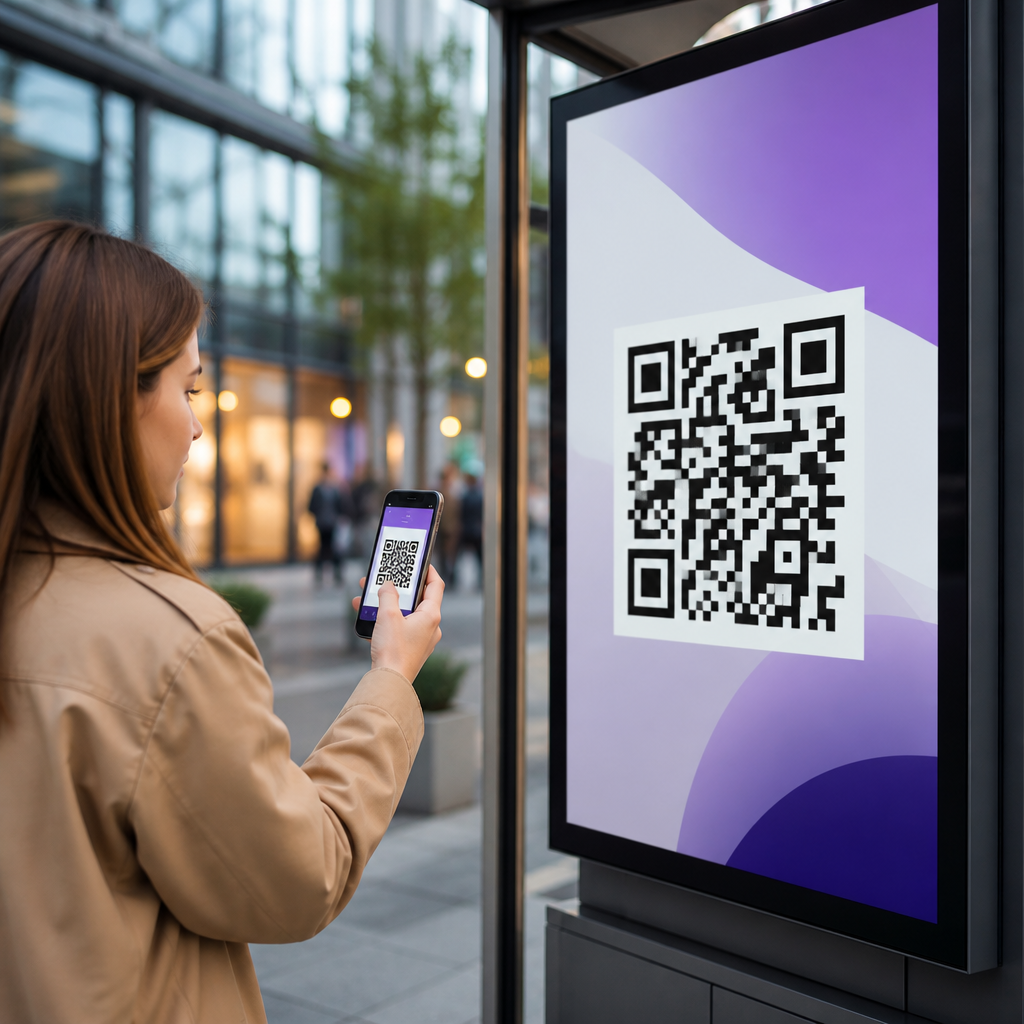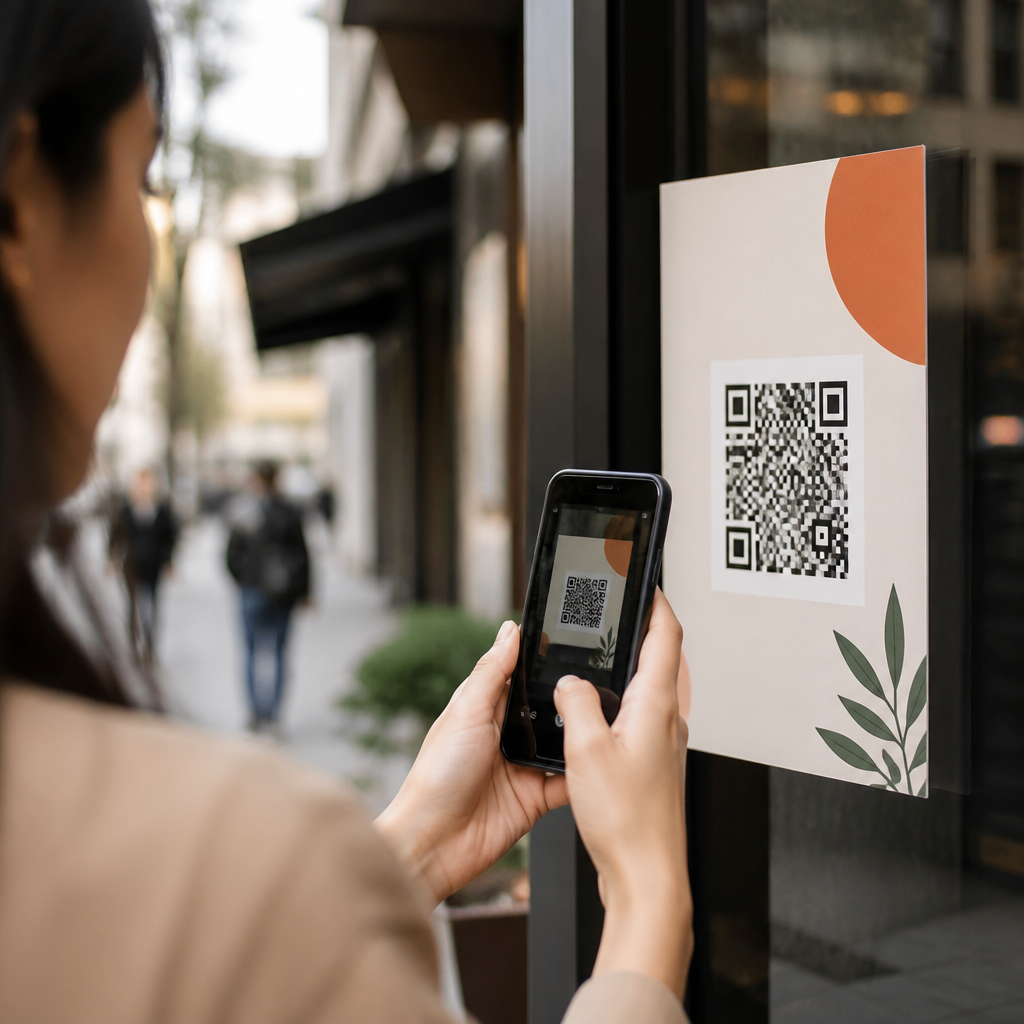
Email marketers use QR codes to bridge inbox engagement and mobile action, but many teams still struggle with one practical question: how do you track QR code clicks from email accurately enough to prove results? In this context, a QR code is a scannable two-dimensional barcode that sends a user to a landing page, app, form, coupon, menu, or file, while tracking means identifying how many recipients scanned, when they scanned, what device they used, and what they did next. I have implemented QR campaigns for product launches, event check-ins, retail coupons, and B2B lead capture, and the same lesson holds every time: if the code is not instrumented correctly before the send, reporting after the send becomes guesswork. This matters because email performance is no longer judged only by opens and clicks inside the message. Marketers need attribution across channels, especially as privacy features in Apple Mail and browser restrictions make traditional email metrics less reliable. A well-tracked QR code gives subscribers a friction-light path from desktop email to mobile experience, and gives the marketing team measurable data tied to revenue, signups, visits, or downloads.
Tracking QR code clicks from email starts with understanding the difference between a scan and a click. Technically, users scan the code with a camera, then tap the prompt that opens the encoded destination. Most analytics platforms report this as a visit, session, or click depending on configuration, so your naming convention should be consistent from the beginning. Static QR codes send users directly to a fixed destination and usually offer limited analytics. Dynamic QR codes route through a redirect service first, which makes robust tracking possible because the destination URL can be changed and each scan can be logged. For email marketing, dynamic codes are usually the right choice. They support campaign parameters, scan timestamps, geographic reporting, device data, and destination updates without changing the artwork already placed in the email or creative assets. This hub article explains the full system: how to build trackable URLs, choose dynamic QR platforms, tag campaigns in analytics, interpret metrics, avoid common reporting errors, and connect email QR behavior to business outcomes.
Build the tracking foundation before you generate the code
The most reliable way to track QR code clicks from email is to start with a tagged destination URL. In practice, that means adding campaign parameters such as source, medium, campaign, content, and sometimes term before you generate the QR code image. In Google Analytics 4, a destination like example.com/demo becomes far more useful as example.com/demo?utm_source=newsletter&utm_medium=qr&utm_campaign=spring_launch&utm_content=hero_cta. When someone scans, GA4 can attribute the session to the correct campaign instead of grouping it under direct traffic. I recommend using a strict naming taxonomy documented for the whole team. For example, reserve utm_medium=qr for all QR code traffic, use utm_source=email or a specific newsletter name, and distinguish placements with utm_content values such as header, product_block, footer, or insert_card. This structure lets you compare one QR placement against another and keeps reporting clean months later.
Next, generate the code using a dynamic QR platform that logs scans independently of your web analytics. Common options include Bitly, QR Code Generator Pro, Flowcode, Beaconstac, and Scanova. The exact interface differs, but the principle is the same: the platform gives the QR code a short redirect URL, records scan activity, and forwards users to your tagged destination. That matters because web analytics can miss visits when consent banners block scripts or users bounce before the page fully loads. Dynamic QR scan counts are not identical to website sessions, and that discrepancy is normal. I treat QR platform scans as top-of-funnel interaction data and GA4 sessions or conversions as downstream behavior. Together, they give a more complete picture than either source alone.
Set up measurement in analytics, CRM, and campaign reporting
Once the URL and code are ready, define what success means inside your measurement stack. For some email QR campaigns, the primary conversion is a product purchase. For others, it is an app install, appointment booking, coupon redemption, video view, or store visit. In GA4, configure key events such as generate_lead, purchase, sign_up, or view_item and verify that your tagged QR traffic appears in acquisition reports. If you use Adobe Analytics, HubSpot, Salesforce Marketing Cloud, Klaviyo, or Marketo, mirror that naming logic so the same campaign can be analyzed across email delivery, QR scans, landing page behavior, and pipeline outcomes. In several campaigns I have audited, the QR code itself worked perfectly, but teams could not isolate results because email names, UTM tags, and CRM campaign IDs did not match. A simple campaign map prevents that failure.
| Measurement Layer | What It Tells You | Recommended Setup |
|---|---|---|
| Email platform | Deliveries, opens, in-email clicks, audience segment | Name the send consistently with the campaign ID |
| Dynamic QR platform | Scans, time, device type, rough location | Use dynamic redirects and unique codes by placement |
| Web analytics | Sessions, engagement, conversions, revenue | Attach UTM parameters to every QR destination URL |
| CRM or CDP | Lead quality, pipeline, customer history | Pass campaign values into forms and records |
One advanced but useful step is creating separate QR codes for different placements in the same email. If the hero banner, product grid, and signature block all point to one landing page, each can still have its own dynamic code and its own utm_content value. That gives you placement-level reporting without building multiple landing pages. It also helps resolve a common question from stakeholders: did people respond to the featured offer because of the creative, the placement, or the audience segment? Separate codes provide a defensible answer.
Use email-friendly QR design and testing practices
A QR code in email must be easy to scan from a desktop screen and still render crisply on high-density mobile displays. Use a minimum size that remains readable across common email clients; in most production sends, 150 to 200 pixels square is a safe starting point, though larger often performs better for desktop readers scanning with a phone. Maintain sufficient quiet zone, high contrast, and error correction. Black on white is still the most reliable combination. Heavily stylized brand colors, inverted codes, or logos covering too much of the pattern can reduce scan success. Before launch, test the code on iPhone and Android devices, in Apple Mail, Gmail, Outlook, and dark mode. Also test from both desktop and mobile inboxes. If a recipient opens the email on a phone, scanning an on-screen code with the same device is inconvenient unless the platform supports long-press actions or a linked fallback CTA.
The best-performing email QR programs almost always include a plain text or button alternative near the code. This is not redundant; it is user-centered design. Some subscribers will prefer to tap a standard call to action, some devices handle on-screen scanning differently, and some corporate email clients block images by default. A short line such as “Scan to book your demo, or tap here” improves accessibility and preserves measurement options. Use alt text on the image, and never rely on the QR code as the only path to the offer. For accessibility and compliance reviews, that alternative matters.
Interpret QR code metrics correctly and avoid attribution mistakes
Marketers often ask what a good QR scan rate from email looks like. The honest answer is that benchmarks vary by audience, device mix, and offer. A B2C coupon email sent to loyal app users can outperform a B2B newsletter by a wide margin. Rather than chasing a universal average, compare like with like: same list quality, similar offer type, similar placement, and similar landing page friction. Focus on the chain of metrics. Delivered emails show reach. Unique scans show curiosity strong enough to move from inbox to phone. Landing page sessions show successful redirects and page loads. Conversions show business value. When scans are high but conversions are weak, the issue is usually the landing page, not the code.
Attribution errors usually come from four sources. First, missing or inconsistent UTM parameters cause QR traffic to appear as direct or unassigned. Second, using one QR code across multiple channels, such as email, print, packaging, and social, destroys channel clarity unless each channel has a distinct code. Third, redirects that strip parameters break campaign reporting. Fourth, privacy controls and consent frameworks can reduce analytics visibility, making QR platform scans look inflated compared with sessions. None of these issues is unusual, but they must be explained in reporting. A disciplined marketer reports scan data and on-site performance side by side, notes measurement limitations, and avoids claiming exact one-to-one relationships where the tooling does not support them.
Practical use cases for QR codes in email marketing
QR codes in email marketing work best when they solve a device-switching problem or simplify a mobile-first action. Retail brands use them to deliver wallet-ready coupons that shoppers scan in store. Event teams place them in reminder emails so attendees can open mobile tickets or venue maps on arrival. Restaurants use them in loyalty emails to connect subscribers to digital menus or order-ahead pages. B2B marketers add them to webinar follow-ups and trade show outreach, sending prospects to mobile demo booking pages with prefilled forms. Real estate firms use them in listing alerts to launch immersive mobile property tours. In each case, the email introduces the offer, and the QR code removes friction between reading and acting.
As a hub topic within mobile QR codes for marketing, email deserves special treatment because it touches segmentation, creative, analytics, deliverability, and conversion design at once. The most effective teams build a repeatable workflow: define the mobile action, create a tagged URL, generate a dynamic code, place it with a standard CTA, test across clients and devices, monitor scans and sessions during the send window, and feed conversion data back into campaign analysis. If you want better attribution from QR codes in email, start with one high-intent campaign, document your taxonomy, and scale only after the reporting is trustworthy. That process turns a simple square image into a measurable acquisition and retention channel.
Frequently Asked Questions
1. How do you track QR code clicks from email accurately?
The most reliable way to track QR code clicks from email is to use a dynamic QR code that points to a trackable URL rather than a static destination. In practice, this means the QR code sends the user through a redirect or shortened tracking link before they arrive at the final landing page, app page, form, coupon, menu, or file. That redirect records the scan event and can capture useful details such as the date and time of the scan, approximate location based on IP, device type, operating system, and in some platforms the browser or in-app environment used to open the destination.
To make the data meaningful specifically for email, add campaign parameters such as UTM tags to the destination URL. For example, you might label the source as email, the medium as qr, and the campaign as the name of the email send. This lets your analytics platform connect scans to on-site behavior, including sessions, conversions, purchases, signups, downloads, or form completions. Without campaign tagging, you may know that scans happened, but you will have a harder time proving which email campaign drove downstream results.
It is also important to separate the visual QR code from the destination logic. A dynamic setup allows you to keep the same printed or embedded code while changing the final URL or updating campaign rules later. That flexibility is valuable if you want to fix broken links, run A/B tests, route users by device, or adjust landing pages after the email has already been sent. Static QR codes do not offer that level of measurement or control.
Finally, accuracy improves when you review data across multiple systems rather than relying on one metric alone. Your QR platform may report scans, your email service provider may report opens and clicks, and your web analytics tool may report sessions and conversions. Comparing those sources helps you understand the full path from inbox engagement to mobile action and gives you a much stronger basis for reporting ROI.
2. What is the difference between tracking a QR code scan and tracking what happens after the scan?
Tracking a QR code scan tells you that someone used their phone or device camera to activate the code and open its destination. That is the top-of-funnel interaction. It answers questions like how many scans occurred, when they happened, what types of devices were involved, and sometimes where the scans came from geographically. This is useful, but by itself it does not tell you whether the scan created business value.
Tracking what happens after the scan goes further. It measures post-scan behavior on the landing page or inside the app experience. That includes actions such as page views, time on site, button clicks, form submissions, coupon redemptions, purchases, registrations, or file downloads. This is the data that proves whether the QR code in your email led to a meaningful outcome rather than just curiosity.
The key is connecting both layers. Your QR code platform captures the scan event, while your website analytics, app analytics, CRM, or marketing automation platform captures what the visitor did next. Campaign parameters in the URL act as the bridge between those systems. If the landing page is properly instrumented with analytics events and conversion tracking, you can attribute downstream activity back to the email QR campaign with much more confidence.
This distinction matters because scan counts alone can be misleading. A campaign may generate many scans but very few conversions if the landing page is weak, loads slowly, or does not match the email’s message. On the other hand, a campaign with fewer scans may still perform better if those visitors are highly qualified and convert at a higher rate. For reporting purposes, the strongest approach is to evaluate both scan volume and post-scan conversion behavior together.
3. What tools and setup do email marketers need to measure QR code performance properly?
At minimum, email marketers need three pieces in place: a QR code generator that supports dynamic codes and analytics, a web or app analytics platform, and a consistent campaign-tagging framework. The QR platform handles scan-level reporting. Your analytics platform, such as Google Analytics or another enterprise tool, measures on-site or in-app behavior. Campaign tags ensure that visits and conversions can be attributed back to the correct email and QR code campaign.
A strong setup usually starts with creating a destination URL that includes structured naming conventions. For example, the campaign name might identify the email send, audience segment, promotion, or lifecycle stage. Then you create the dynamic QR code using that trackable URL. When the email goes out, the QR code can be scanned from the screen itself or from a forwarded, printed, or saved copy of the message, which is one reason QR tracking can reveal engagement patterns that normal email links may miss.
On the destination side, your landing page should have analytics tags installed correctly and conversion events defined clearly. If your goal is lead generation, set up form completion tracking. If the goal is commerce, configure purchase events and revenue tracking. If the goal is app adoption, use app attribution or deferred deep linking where appropriate. Without that second layer, you can count scans but not outcomes.
Many teams also benefit from integrating results into a dashboard that combines email metrics, QR scan metrics, and conversion metrics. This gives stakeholders one view of performance instead of forcing them to interpret disconnected reports. In more advanced environments, you may also push QR campaign data into a CRM or customer data platform to tie scans to contacts, lead stages, or sales outcomes, as long as that data collection aligns with your privacy policies and consent practices.
4. Why might QR code tracking from email appear inaccurate or incomplete?
There are several common reasons QR code tracking can look inconsistent. First, scans are not the same as unique people. One recipient may scan multiple times, scan on different days, or revisit the same code from different devices. Depending on the reporting tool, those interactions may be counted as total scans, unique scans, or sessions, and each metric tells a slightly different story. If teams compare one platform’s total scans to another platform’s unique users, the numbers will naturally differ.
Second, email creates cross-device behavior that is harder to stitch together than standard desktop clicking. Someone might open the email on a laptop, scan the QR code with a phone, and later convert in a mobile browser or app. That journey spans separate environments, which means traditional email click reporting will not capture it in the same way as a normal tracked hyperlink. This is exactly why QR tracking is useful, but it also explains why attribution can feel fragmented if your systems are not designed for cross-device journeys.
Third, technical configuration issues can reduce data quality. Missing UTM parameters, broken redirects, slow-loading pages, ad blockers, consent restrictions, in-app browser limitations, or analytics tags that fail to fire can all create gaps. Static QR codes are another common limitation because they usually offer little to no built-in scan analytics and cannot be edited after deployment. If the campaign was launched with a static code and an untagged URL, measurement options become much more limited.
There are also privacy and platform-level constraints to consider. Some environments intentionally limit user-level tracking, location precision, or persistent identification. That is increasingly normal. For that reason, the best practice is to focus on directionally strong, ethically collected data rather than chasing perfect person-level certainty. When your naming conventions are clean, your QR links are dynamic, your landing pages are tagged, and your reporting logic is documented, you can achieve tracking that is accurate enough to prove results and optimize future campaigns with confidence.
5. What are the best practices for proving ROI from QR codes in email campaigns?
To prove ROI, start by defining what success means before the email is sent. For one campaign, that might be product purchases. For another, it might be appointment bookings, app installs, coupon redemptions, event registrations, or content downloads. Once the primary goal is clear, configure the QR code destination and analytics to measure that exact action. This prevents teams from falling back on vanity metrics such as scans alone when leadership wants evidence of revenue, leads, or pipeline impact.
Next, use campaign-specific dynamic QR codes rather than reusing one generic code across every email. A unique code or at least a uniquely tagged destination for each campaign gives you cleaner attribution and much better reporting. You can compare performance across sends, segments, offers, creative versions, or calls to action. This also makes it easier to identify whether the email itself, the QR placement, or the landing page experience influenced results.
It is smart to look at the entire funnel: email delivery, opens, QR scans, landing page engagement, and final conversion. If opens are high but scans are low, the QR code may lack visibility or motivation. If scans are high but conversions are low, the problem may be on the landing page. If conversions are strong, you can calculate return by comparing the value generated against campaign costs such as design, platform fees, media, incentives, or production. That gives you a practical ROI story rather than a surface-level activity report.
Finally, use the insights to improve future campaigns. Test QR code placement within the email, surrounding copy, incentive framing, landing page relevance, and mobile experience. Monitor device trends and scan timing to understand when recipients are most likely to act. Over time, these optimizations help you move from simply tracking QR code clicks from email to using that data