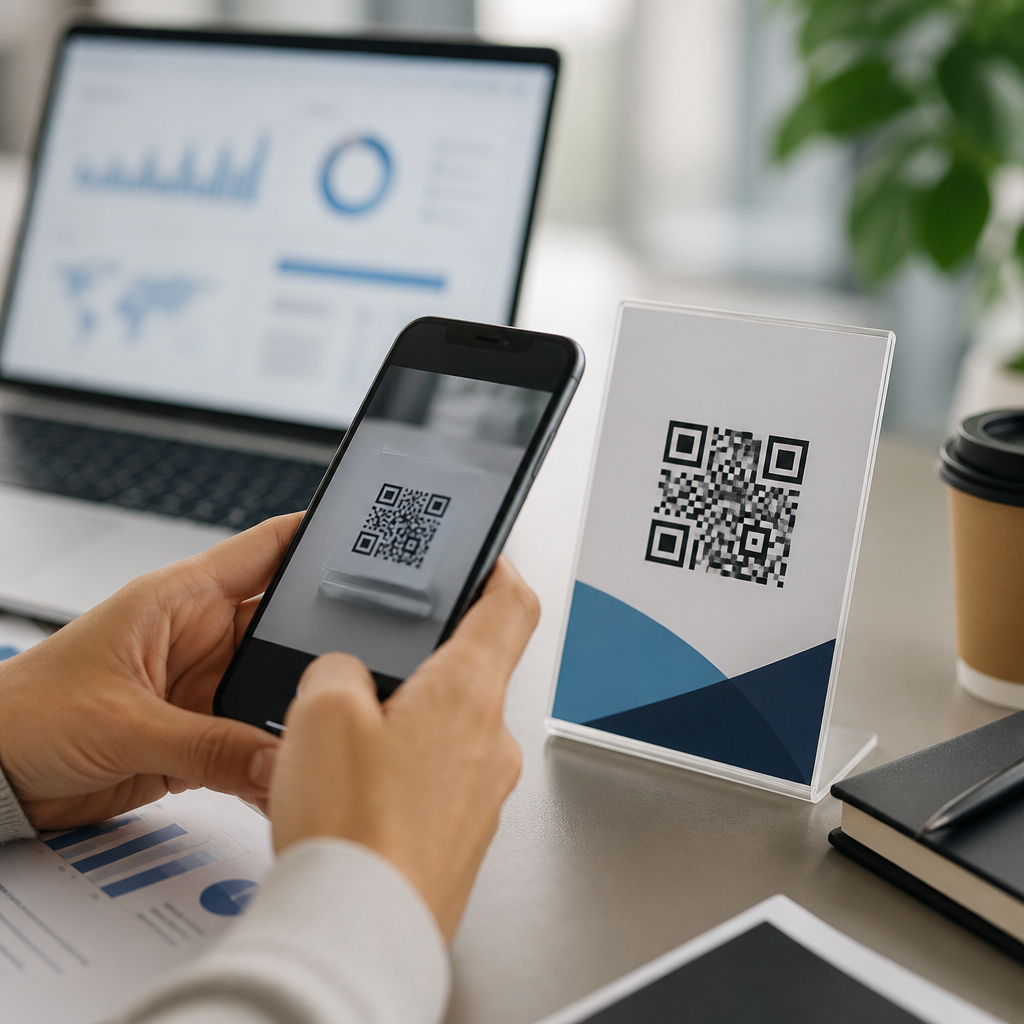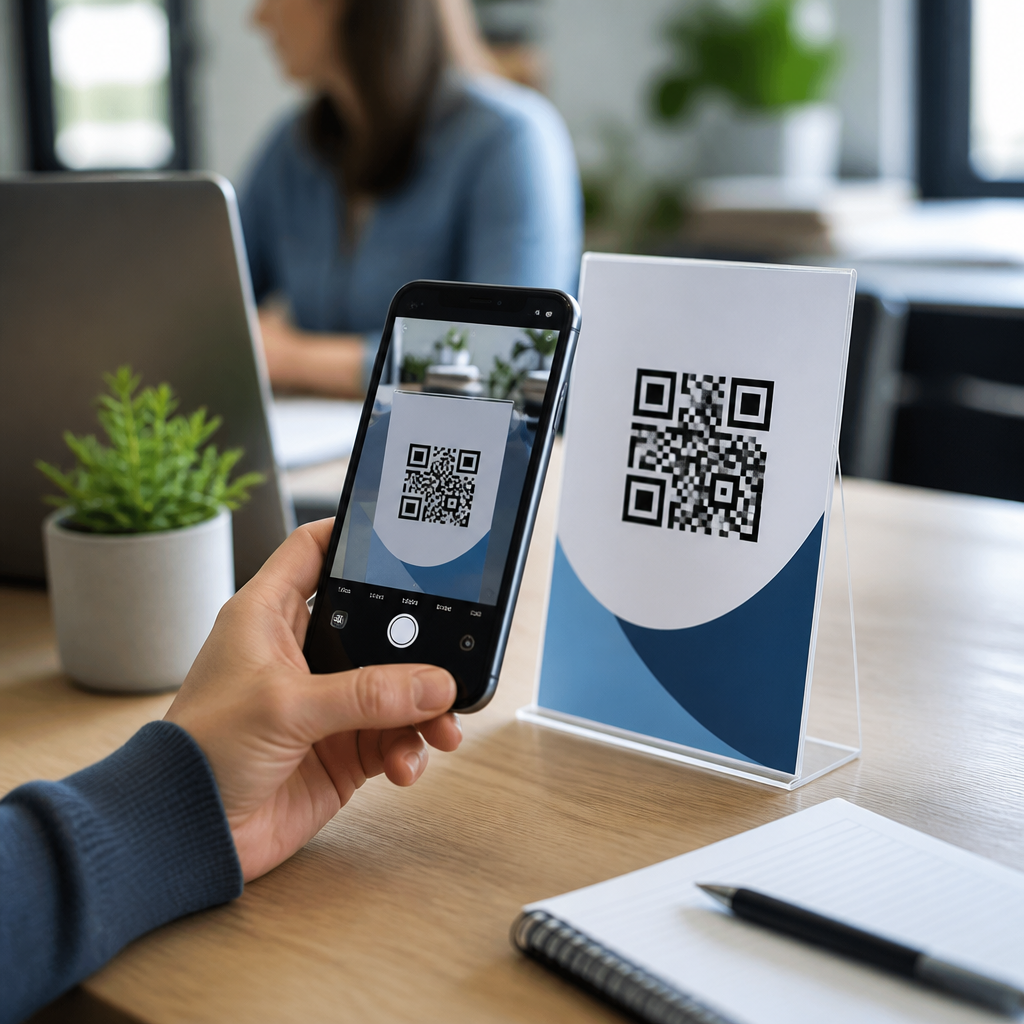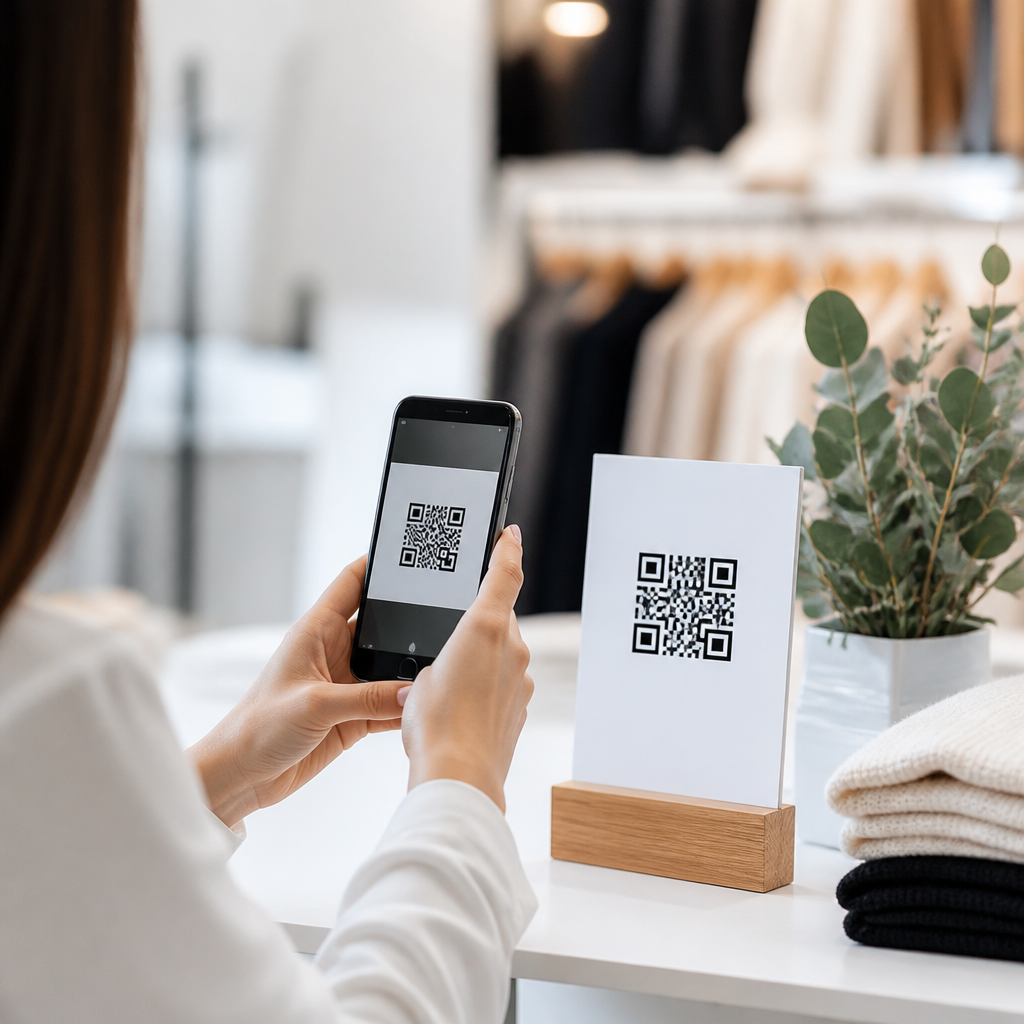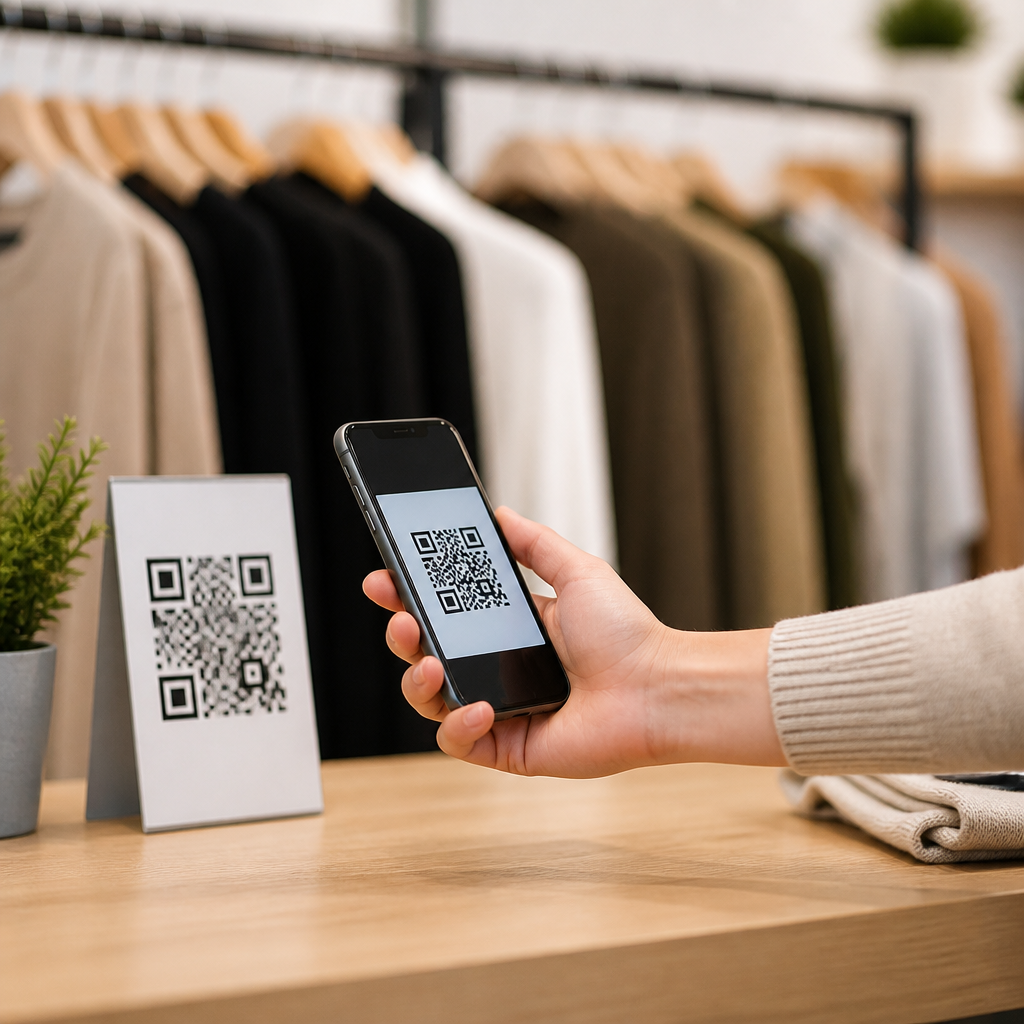
QR codes have become a practical bridge between email and mobile action, giving marketers a fast way to move subscribers from an inbox to a landing page, app, coupon, video, event check-in, or product page. In email newsletters, a QR code is simply a scannable two-dimensional barcode that opens a digital destination when a reader points a smartphone camera at it. I have used them in product launches, retail promotions, and event campaigns, and the pattern is consistent: when the offer is clear and the mobile destination is strong, QR codes can lift response from readers who are not ready to click immediately but will act later from another device.
Understanding how to add QR codes to email newsletters matters because email remains one of the highest-return marketing channels, while customer journeys increasingly jump across screens. A subscriber might open a newsletter on a laptop at work, then scan a code with a phone to save an offer, join a text list, download an app, or pull up directions to a store. That small interaction solves a common friction point in email marketing: converting attention on one device into action on another. For brands building a mobile QR codes for marketing strategy, email is one of the best places to deploy codes because the audience is permission-based, measurable, and already segmented.
To use QR codes in email marketing well, you need more than a generated image. You need the right code type, a destination optimized for mobile, reliable tracking, accessible design, and deliverability-safe placement. You also need realistic expectations. QR codes are not a universal replacement for email links or buttons. They work best when scanning creates a simpler path than clicking, typing, or searching. This hub explains where QR codes fit inside newsletters, how to create and measure them, and what mistakes reduce scans or create compliance risks.
What QR Codes Do Best in Email Marketing
QR codes in email newsletters are most useful when they connect digital messaging to immediate real-world action. The strongest use cases include redeeming in-store offers, opening app download pages, saving event tickets, accessing restaurant menus, launching product demos, adding contact details through a vCard, and joining loyalty or SMS programs. I have seen especially strong performance in retail and events, where the code becomes a portable utility rather than a novelty. A weekly apparel newsletter, for example, can include a weekend-only in-store code tied to a coupon landing page that associates scans with a specific campaign and store region.
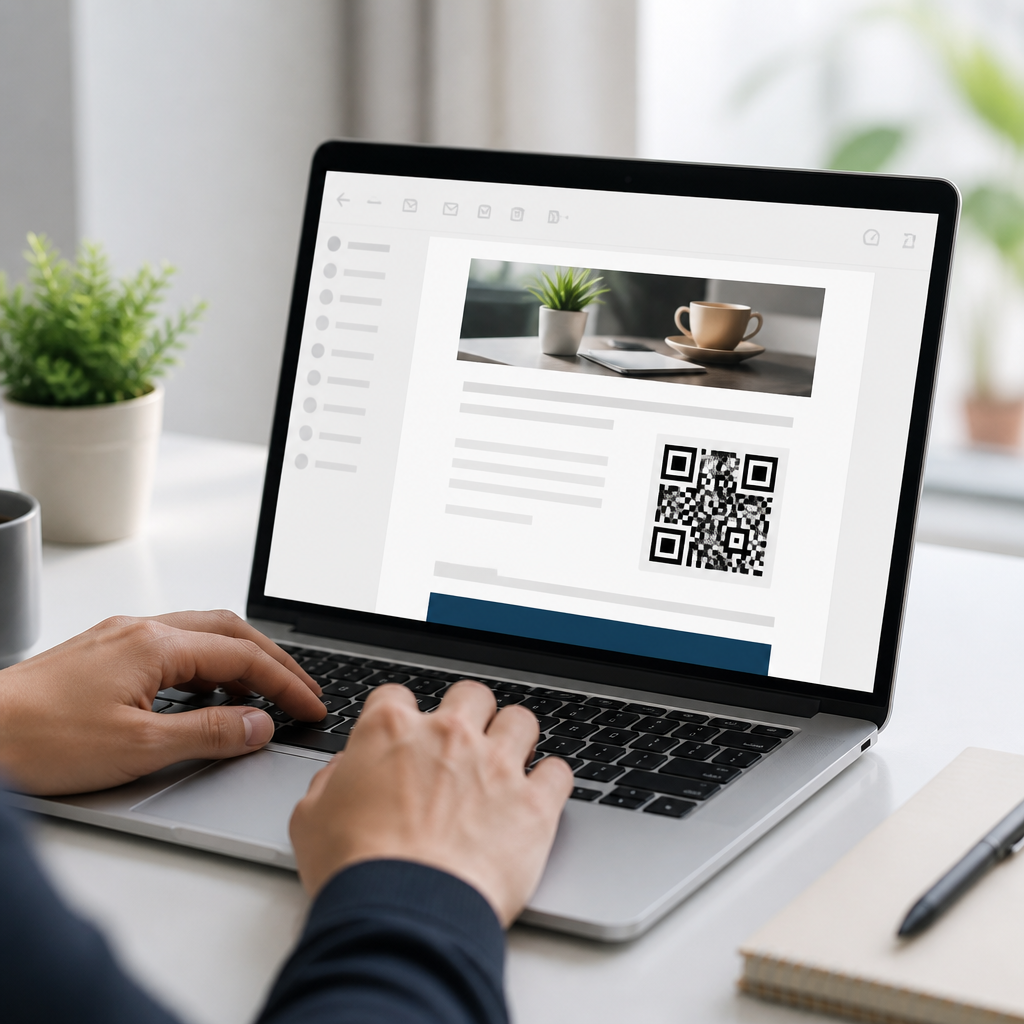
They also help when the primary email open happens on desktop. If someone receives a travel newsletter on a work computer, a QR code can move them to a mobile itinerary, map, or wallet pass without forcing them to email themselves a link. In B2B campaigns, a code can take prospects to a case study video or meeting scheduler on mobile after they review an email on a large screen. In practical terms, QR codes support cross-device continuity. They do not replace links; they complement them by giving subscribers a second path that often feels easier in the moment.
The most effective newsletter QR code has one job. If the code says “Scan to claim 20% off in store,” the landing page should show the exact offer, not a general homepage. If the email says “Scan to download our app,” the code should resolve to a smart app link page that detects iOS versus Android. Precision matters because scanning is a high-intent action. When the destination matches the promise, scan-to-conversion rates improve. When the destination is vague, people abandon quickly.
How to Create and Add QR Codes to Email Newsletters
The basic process is straightforward. First, choose the destination: URL, coupon page, PDF menu, app store page, event registration, digital business card, or wallet pass. Second, decide between a static QR code and a dynamic QR code. Static codes point directly to a fixed destination and cannot be edited after creation. Dynamic codes route through a short URL, letting you update the destination later and track scans by date, device, and sometimes location. For most marketing newsletters, dynamic codes are the better option because campaigns change, offers expire, and measurement matters.
Third, generate the image using a reliable QR code platform. Marketers commonly use Bitly, QR Code Generator Pro, Beaconstac, Flowcode, Uniqode, or enterprise campaign tools that include QR creation. Fourth, test the code across iPhone and Android cameras, both bright and dark mode email views, and different email clients. Fifth, export the QR code in a format your email service provider supports, usually PNG for dependable rendering. SVG can look sharper but is not handled consistently in all email clients. Sixth, insert it as an image block in your newsletter template, add descriptive alt text, and place a standard text link or button nearby for subscribers who cannot or do not want to scan.
| Decision Area | Recommended Choice | Reason |
|---|---|---|
| Code type | Dynamic QR code | Editable destination and scan tracking |
| Image format | PNG | Reliable rendering across email clients |
| Destination | Mobile landing page | Scanning happens on phones, so speed and layout matter |
| Placement | Near primary offer or event block | Context increases scan intent |
| Fallback | Button plus plain link | Accessibility and user choice |
In most email platforms, including Mailchimp, Klaviyo, Campaign Monitor, HubSpot, and Salesforce Marketing Cloud, the code is added like any other image. What matters more is template behavior. Make sure the code scales correctly on mobile and desktop, does not appear blurry on retina screens, and loads fast. I recommend keeping the code at least 200 by 200 pixels in the email creative and preserving generous white space around it, known as the quiet zone. Without that empty border, cameras may struggle to recognize the pattern.
Design, Placement, and Accessibility Best Practices
A QR code in an email should be easy to notice without overwhelming the message. Size matters. In most newsletter layouts, a rendered size between 160 and 240 pixels square works well, though larger may be appropriate for older audiences or visually dense designs. Contrast matters too. Black on white remains the safest combination. Brand-colored codes can work if contrast stays high, but heavily stylized codes with logos, gradients, or inverted colors often scan worse. I have had to replace attractive but underperforming custom designs more than once because visual branding reduced functional readability.
Placement should match intent. If the code supports the main call to action, place it close to the hero offer with a short instruction such as “Scan to save this coupon to your phone.” If it is secondary, position it lower in the email near store information, event details, or app content. Every code needs context. Never drop in a bare square and assume people will know why to use it. State the benefit, the outcome, and any time sensitivity. Clear microcopy improves scans more than decorative framing.
Accessibility is nonnegotiable. Some subscribers use screen readers, some block images, and some cannot easily scan from the device on which they are reading. Include meaningful alt text, such as “QR code linking to our mobile coupon page,” and always provide a visible fallback link or button. Also avoid putting critical information only inside the code itself. The offer, destination, and instructions should appear as text in the email. This protects usability and supports inbox environments where images are disabled by default.
Tracking, Measurement, and Optimization
To measure newsletter QR code performance, treat the code like a campaign asset with its own tracking structure. Start with UTM parameters on the destination URL so web analytics platforms such as Google Analytics 4 can attribute sessions and conversions to the email campaign. If you use a dynamic QR platform, enable scan analytics to capture total scans, unique scans, device type, operating system, time of day, and in some tools approximate location. Then compare scans against email metrics including open rate, click-through rate, click-to-open rate, and downstream conversion rate.
A useful framework is to ask three questions. First, did people notice the code? Heatmap tools in some email platforms and click behavior on nearby explanatory text can help answer that indirectly. Second, did they scan it? That comes from the QR platform. Third, did they complete the intended action? That requires destination analytics, conversion events, and ideally CRM integration. For example, if a fitness studio newsletter includes a code for a free class pass, you want to know not only scan volume but also booking completions and eventual membership sales.
Optimization usually comes from controlled testing. Test one variable at a time: placement, size, supporting copy, offer type, or destination page. In one campaign I ran for a chain retailer, changing the caption from “Scan me” to “Scan to save this barcode for checkout” materially improved usage because the value and next step were explicit. Also watch for false assumptions. A campaign can have low scans but still be successful if the nearby text link performs strongly. The goal is not forcing QR adoption. The goal is reducing friction for the subscriber segment that prefers scanning.
Common Mistakes, Compliance Issues, and When Not to Use QR Codes
The most common mistake is using a QR code where a normal button is easier. If a subscriber opens the email on a phone, clicking is faster than scanning. That is why every newsletter QR code should have a direct link alternative. Another mistake is sending scanners to a desktop page, PDF, or slow site that is hard to use on mobile. Because scanning usually happens on smartphones, the destination must be responsive, fast, and task-focused. Google’s Core Web Vitals are a useful quality check, especially for landing pages that need quick interaction.
Marketers also make technical errors: low-resolution images, insufficient quiet zone, poor contrast, expired short links, and excessive design customization that breaks readability. From a compliance perspective, the code must not obscure where the user is going. Be transparent about the destination, especially if the scan leads to data collection, app installation, SMS enrollment, or payment. Follow consent rules for email and texting, disclose terms for promotions, and align with platform policies and privacy laws such as GDPR or CCPA where applicable. If the code unlocks a coupon, make redemption conditions visible in text.
Do not use QR codes purely because they seem innovative. Use them when they remove effort, connect channels, or support a mobile-first action. For many newsletters, the best implementation is simple: one well-labeled code, one clear benefit, one optimized mobile landing page, and one fallback button. If your current email program lacks disciplined tracking or mobile-ready pages, fix those foundations first. Then add QR codes where they make the path to conversion shorter. Audit your next newsletter, identify one cross-device moment, and test a QR code with a measurable goal.
Frequently Asked Questions
What is a QR code in an email newsletter, and why would I use one?
A QR code in an email newsletter is a scannable two-dimensional barcode that sends a reader to a specific digital destination, such as a landing page, product page, coupon, app download, event check-in page, video, or contact form. Its main value is that it creates a fast bridge between reading an email and taking action on a mobile device. Instead of asking subscribers to click a small link, copy a promo code, or remember a URL, you let them scan and move immediately to the next step.
This is especially useful when your audience is likely to act on a phone. For example, a retailer can place a QR code in a promotional newsletter that opens a limited-time offer, a brand launching a new product can link directly to a purchase page, and an event marketer can connect subscribers to registration details or digital tickets. In practice, QR codes tend to work best when the offer is simple, the destination is mobile-friendly, and the call to action is obvious. The code itself is not the strategy; the convenience and clarity behind it are what drive results.
How do I add a QR code to an email newsletter correctly?
The process starts with choosing the destination you want subscribers to reach after scanning. That destination might be a webpage, downloadable coupon, app listing, video, event page, or any other mobile-accessible asset. Once you know the exact URL or action, generate a high-quality QR code using a reliable QR code generator. Many marketers prefer dynamic QR codes because they allow you to update the destination later and often provide scan analytics, but a static code can work well for straightforward campaigns that will not change.
After generating the code, save it in a clear image format and place it into your email design like any other visual asset. Make sure it is large enough to scan easily on different screen sizes and surrounded by enough white space so smartphone cameras can detect it without interference. Include a short, direct call to action near the code, such as “Scan to shop the launch,” “Scan to claim your coupon,” or “Scan for event details.” It is also smart to add a standard clickable text link or button as a backup, since some recipients will prefer tapping rather than scanning. Before sending the campaign, test the QR code on multiple devices, email clients, and screen brightness settings to confirm that it scans smoothly and opens the correct destination.
What are the best practices for making QR codes effective in email campaigns?
The most important best practice is to give the QR code a clear purpose. Subscribers should immediately understand what they will get by scanning. A vague code with no explanation usually underperforms, while a code paired with a strong benefit like “Scan to watch the demo,” “Scan to unlock 15% off,” or “Scan to reserve your spot” gives people a reason to act. Relevance matters just as much as visibility. The QR code should support the main objective of the email rather than feel like an extra design element added just because it looks modern.
Design and usability also play a major role. Keep the code large enough to scan comfortably, place it where it is easy to notice, and avoid clutter around it. Make sure the landing page is optimized for mobile because a smooth scan means little if the destination loads slowly or looks broken on a phone. Track performance whenever possible by using tagged URLs or dynamic QR code tools that report scans. It is also wise to segment usage by campaign type. QR codes often perform especially well in product launches, retail promotions, loyalty offers, and event marketing because those scenarios naturally benefit from quick mobile action. Finally, always provide a non-QR option so every subscriber has a path to the same content, whether they scan, click, or tap.
Can subscribers scan a QR code from an email on their phone?
Yes, but this is where context matters. If a subscriber is reading the email on a desktop or laptop, scanning the QR code with their phone is straightforward and often very effective. If they are already viewing the email on their smartphone, scanning the code on the same screen is less practical unless they use a second device, save the image for another app to interpret, or rely on built-in tools that can detect codes from screenshots. That is why QR codes in email newsletters should be seen as a complement to standard links and buttons, not a replacement for them.
In real campaigns, the strongest setup is to use both options together. The QR code serves desktop readers and people who want a quick handoff from inbox to mobile experience, while a nearby button or hyperlink supports those already reading on a phone. This dual-path approach improves accessibility, reduces friction, and prevents missed conversions. If your audience is primarily mobile, test carefully before making the QR code a prominent conversion element. If your audience frequently opens newsletters on desktop during work hours and then continues activity on a smartphone, QR codes can be particularly useful because they shorten the path from interest to action.
How can I measure whether QR codes in email newsletters are working?
The best way to measure performance is to treat the QR code like any other campaign entry point and track it with intention. Start by assigning a unique URL to the code, ideally with UTM parameters or equivalent campaign tags, so you can identify traffic coming specifically from scans. If you use a dynamic QR code platform, you may also gain access to scan counts, time-based activity, location trends, and device insights. These metrics help you understand not just whether people scanned, but when and how they interacted.
Beyond scan activity, focus on downstream outcomes. Did the QR code drive landing page visits, coupon redemptions, app installs, purchases, sign-ups, or event registrations? Comparing those outcomes against standard email clicks will tell you whether the QR code added meaningful value or simply duplicated existing behavior. It is also helpful to test variations in placement, wording, offer type, and design. A QR code tied to a strong incentive will almost always outperform one with generic messaging. Over time, patterns usually become clear: when the destination is mobile-friendly, the offer is obvious, and the audience has a reason to continue on a phone, QR codes can become a reliable performance tool rather than just a novelty in the newsletter layout.