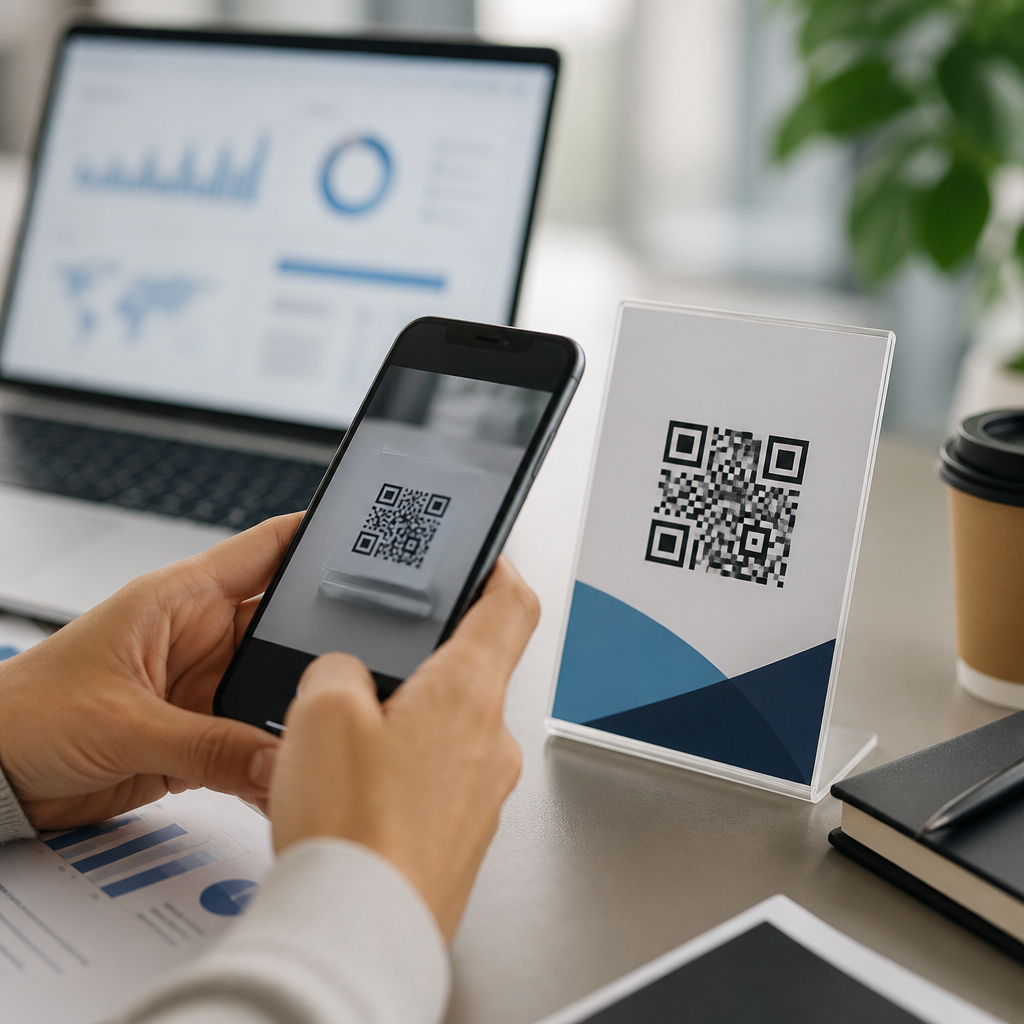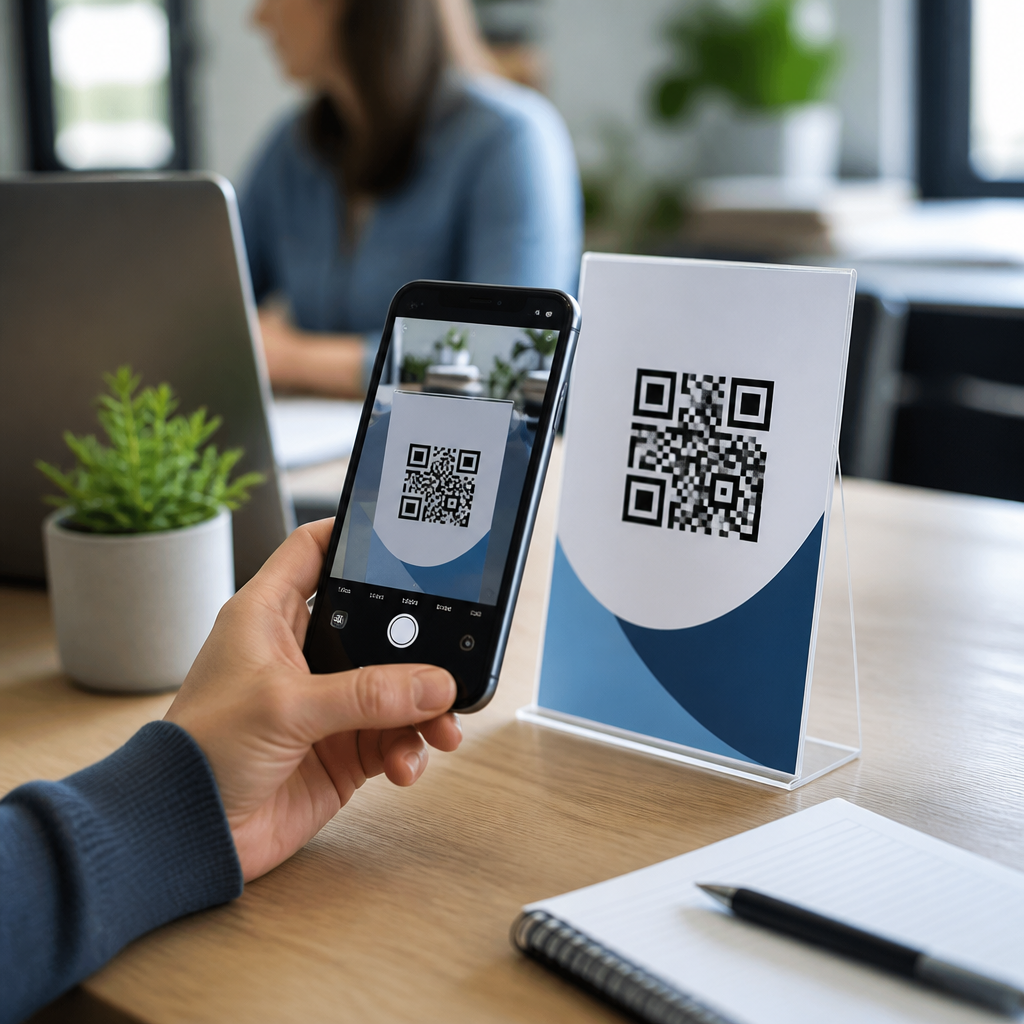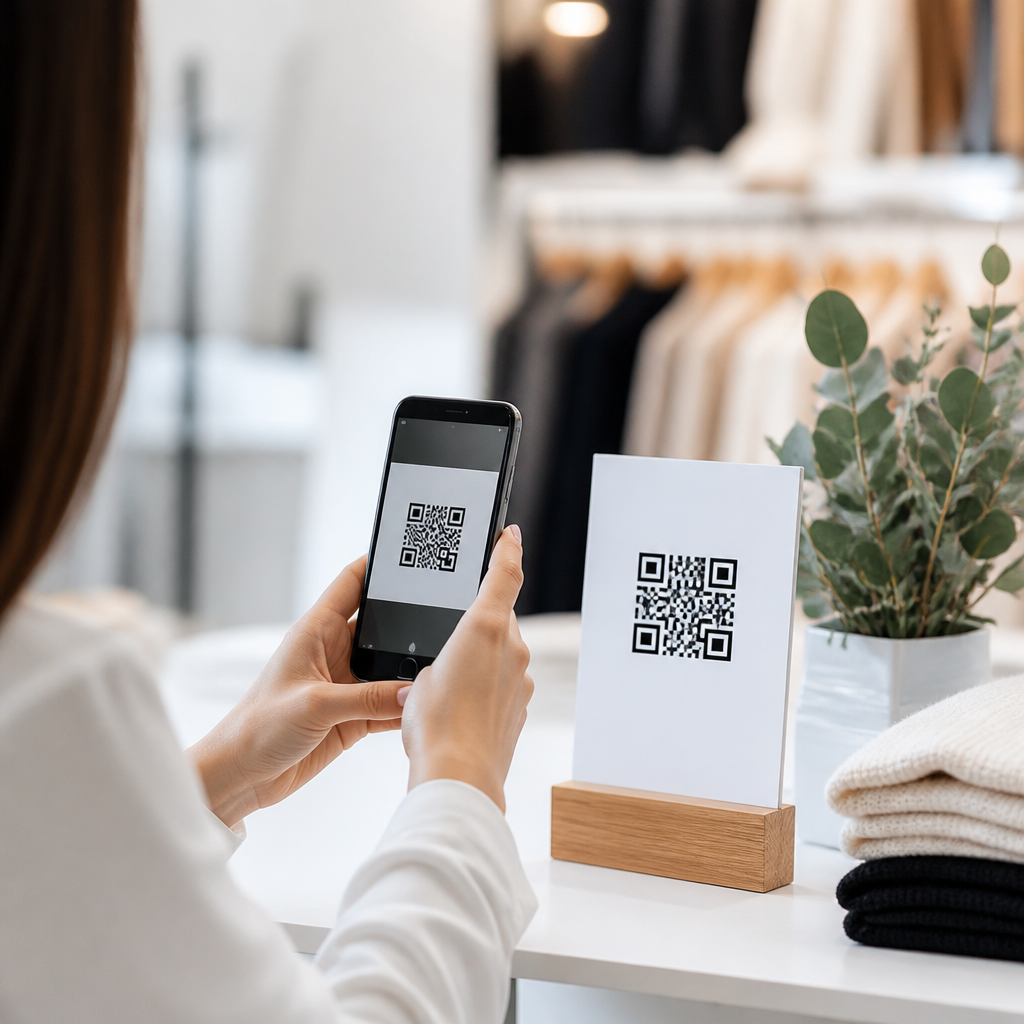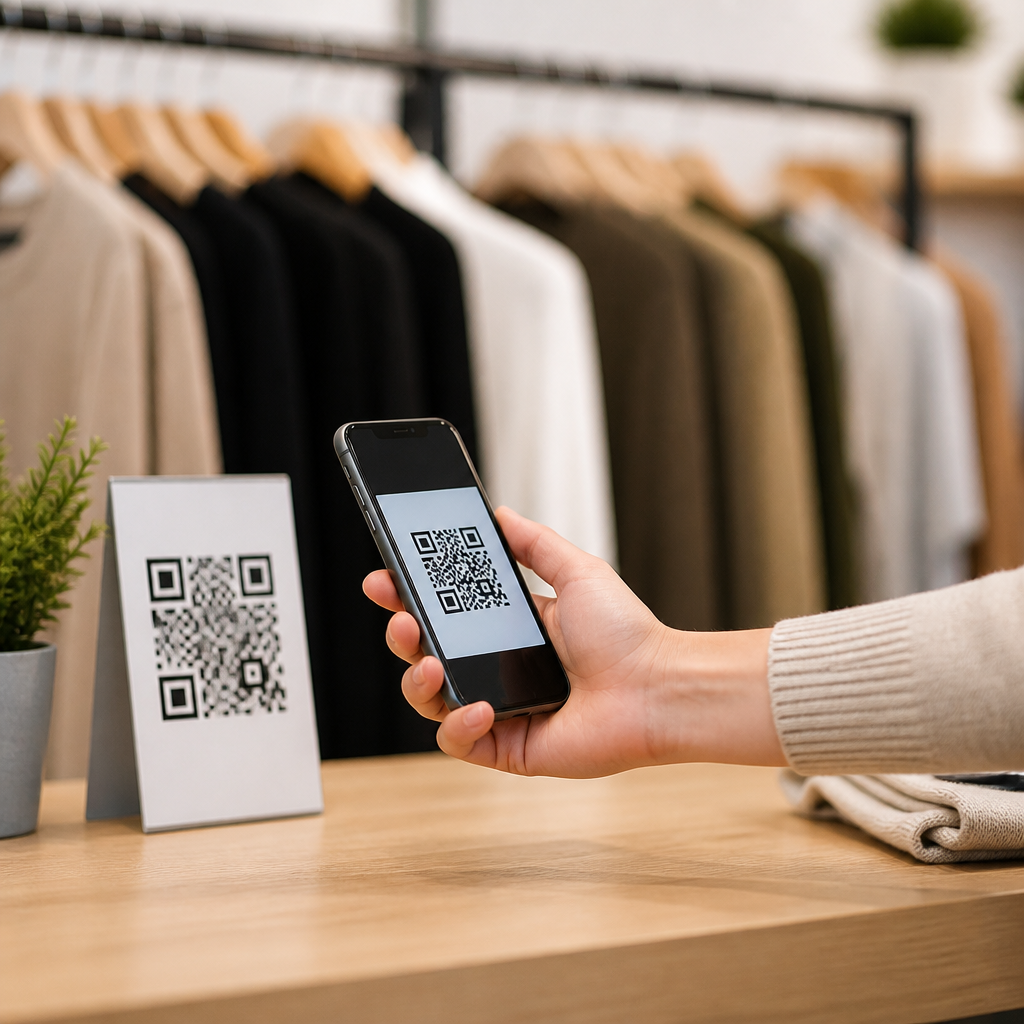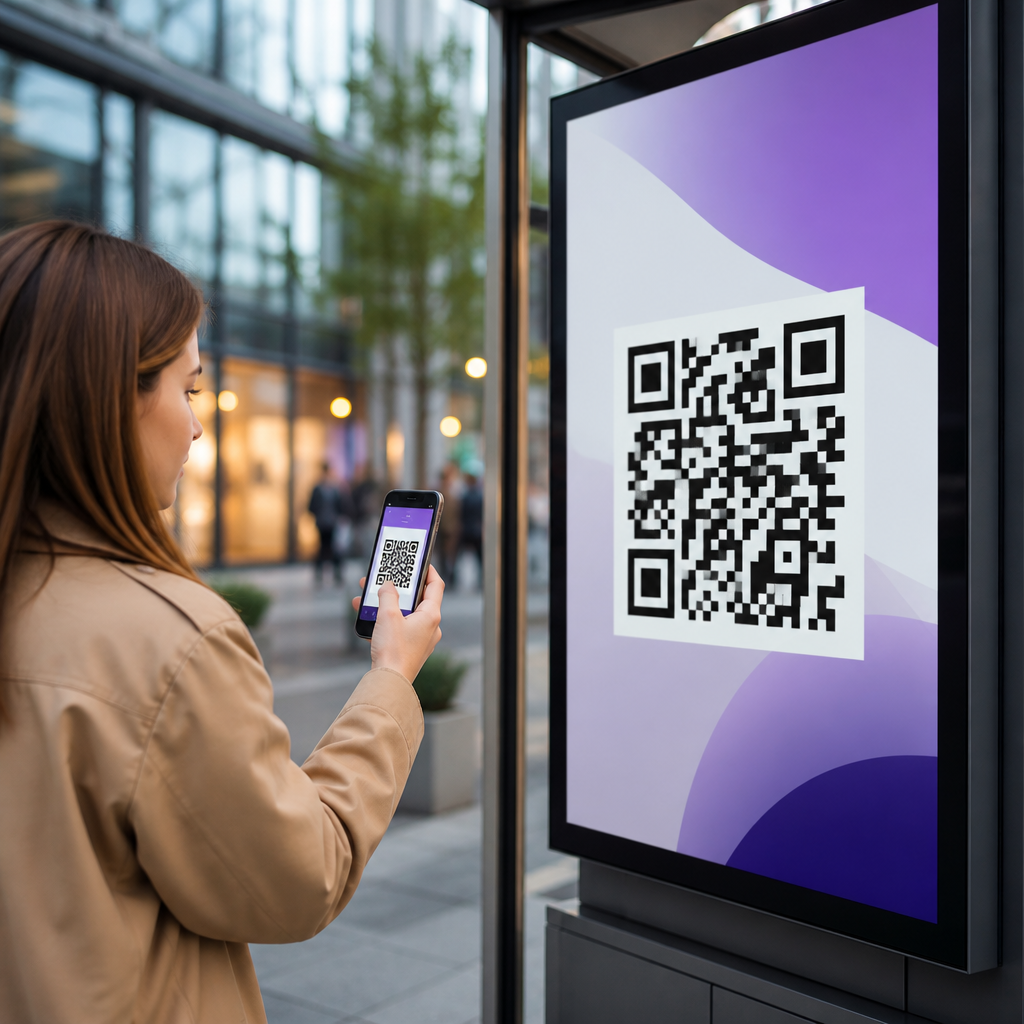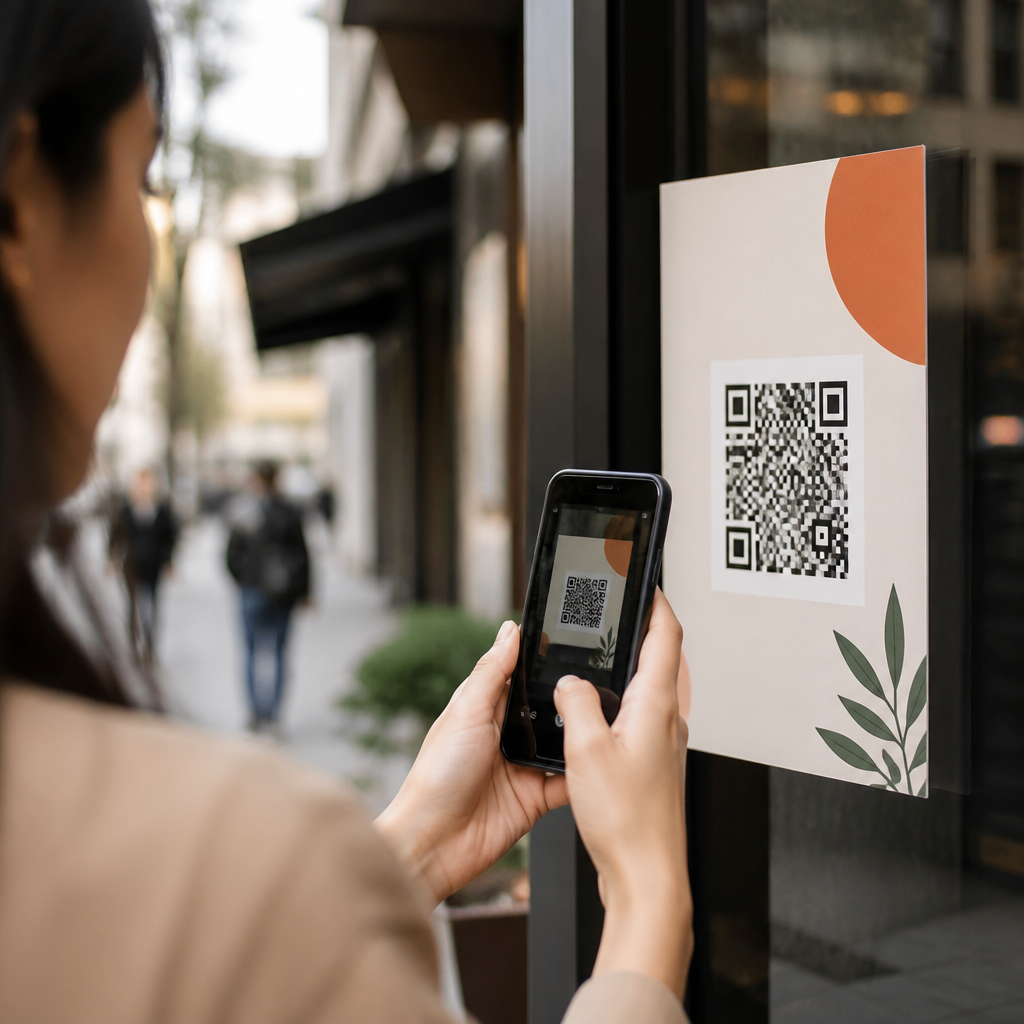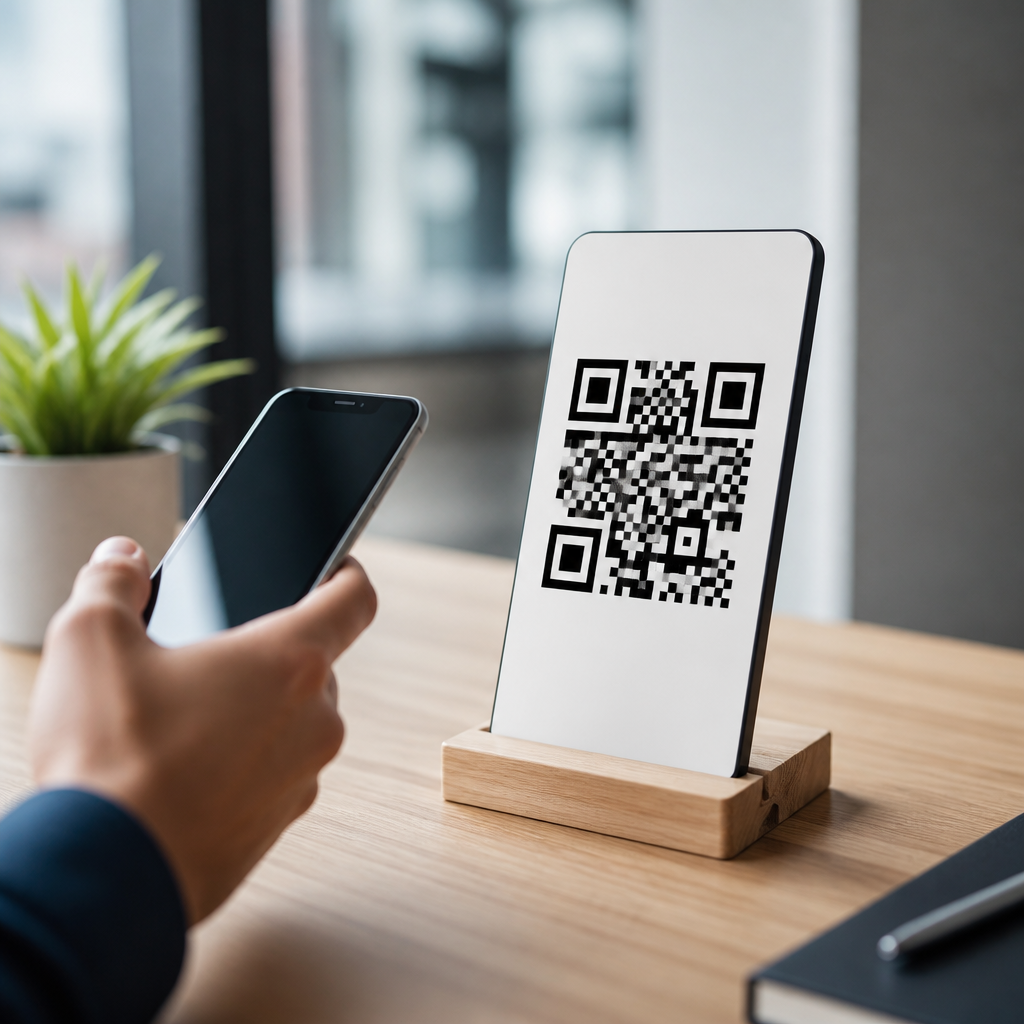
How to Link Multiple Social Profiles with One QR Code is a practical question for any brand trying to turn offline attention into online followers. A single social QR code sends one scan to a mobile landing page that displays several profile links at once, such as Instagram, TikTok, Facebook, LinkedIn, YouTube, X, Pinterest, or WhatsApp. Instead of choosing one destination and sacrificing the rest, marketers use one code to present every active channel in a clean, tappable format. I have implemented these campaigns for retail counters, event booths, direct mail inserts, and packaging, and the pattern is consistent: fewer decisions at scan time produce more visits across channels.
This matters because social discovery is fragmented. Customers may prefer short video on TikTok, community updates on Facebook, thought leadership on LinkedIn, or product support through WhatsApp. If a printed poster only links to one network, the business loses people who would have engaged elsewhere. A multi-link social QR code solves that mismatch by meeting users where they already spend time. It also simplifies operations. Teams print one code on signage, business cards, menus, receipts, or product labels, then update profile destinations later if a handle changes or a platform becomes more important.
In the broader world of mobile QR codes for marketing, social QR codes sit at the top of the funnel. They are not usually the final conversion point like a checkout page, appointment form, or coupon redemption screen. Their job is to extend the relationship after the initial physical interaction. That makes them especially valuable for local businesses, creators, service firms, franchises, and event marketers that need repeated visibility rather than one-time clicks. When built correctly, one QR code can act as a compact social hub, a measurable traffic source, and a durable offline-to-online bridge.
What a social QR code is and how it works
A social QR code is typically a dynamic QR code that points to a hosted mobile page listing multiple social destinations. The QR pattern itself stores a short URL, not every profile URL. When someone scans, the short URL resolves to the landing page, and the visitor taps the icon or button for the platform they want. This approach matters because static QR codes cannot be edited after printing. If your Instagram username changes or your brand launches a new YouTube channel, a static code becomes outdated. A dynamic code lets you update the destination page without reprinting the asset.
The landing page should be mobile first. In practice, that means fast load time, large tap targets, platform icons users recognize instantly, and a clear profile hierarchy. I usually place the most conversion-friendly or most frequently updated channels first, then support channels second. For a restaurant, that may mean Instagram, TikTok, and Google Business Profile links near the top. For a B2B consultancy, LinkedIn, YouTube, newsletter signup, and case study pages may deserve priority. The key is that the page should answer one user question immediately: where should I follow or contact this brand?
Marketers often ask whether a link-in-bio page is enough. It is useful, but not the same thing. A link-in-bio tool usually serves followers who already reached one social profile. A social QR code serves people offline who have not chosen a platform yet. That difference affects design and measurement. QR users need fewer choices, stronger branding, and direct analytics on scans, devices, geography, and time of day. Good QR platforms such as Bitly, QR Code Generator Pro, Beaconstac, Flowcode, Uniqode, and QR TIGER support editable codes, campaign naming, and performance tracking.
Why one QR code for multiple social profiles improves marketing performance
The biggest advantage is reduced friction. Every extra step between attention and action lowers response rates. When a customer sees a poster in a gym lobby or on event signage, they will not manually type five usernames. One scan is acceptable; searching across platforms is not. By consolidating destinations, the code shortens the path from curiosity to follow. In campaigns I have reviewed, social hub QR codes consistently outperform separate platform-specific codes on cluttered materials because they remove choice paralysis at the print level while preserving choice on the landing page.
A second advantage is channel diversification. Brands regularly overinvest in one platform and discover later that the audience prefers another. A boutique may think Instagram drives everything, then find TikTok generates more user content and WhatsApp produces more direct orders. A multi-profile QR code captures this reality without forcing the audience into a single behavior. It also protects against platform volatility. If engagement drops on one network, the QR campaign still works because the code points to a flexible hub rather than a fixed profile.
Third, one code creates cleaner brand presentation across physical assets. A business card with six social icons and long URLs looks chaotic. One branded QR code beside a short call to action looks deliberate and modern. This matters in retail packaging, trade show booths, menus, vehicle wraps, window decals, and mailers where space is limited. It also improves consistency for multi-location brands. Headquarters can standardize one template, then local teams update the linked profile set for region-specific accounts or customer service lines without changing printed inventory.
How to create a QR code that links several social accounts
The process is straightforward, but details determine whether the code performs well. Start by listing every profile that serves a real business purpose. Include only active accounts with consistent branding, current bios, and recent posts. Then choose a platform that offers a social links landing page and dynamic QR generation. Enter the profile URLs, arrange them by priority, add your logo and brand colors, and generate the code. Before publishing, test it on both iPhone and Android using multiple camera apps and low-signal conditions. Many failed campaigns are not creative failures; they are testing failures.
Design standards matter. Use high contrast between foreground and background, preserve the required quiet zone, and avoid shrinking the code below a scannable minimum. On print materials, I prefer at least 0.8 inch square for close-range scans and larger sizes for posters or storefronts viewed from a distance. Export in vector format such as SVG or EPS for print, and PNG for digital placement. If adding a logo in the center, keep error correction at an appropriate level and confirm that the modified code still scans quickly under glare, curved surfaces, and indoor lighting.
The call to action should state the benefit, not just the mechanic. “Scan to follow us” is acceptable, but “Scan for recipes, product drops, and customer support” performs better because it tells users what they get. If the hub supports a broader marketing goal, say so directly. A fitness studio might use “Scan for class clips, trainer tips, and schedule updates.” A software company might use “Scan for demos, webinars, and product news.” Specificity qualifies traffic and improves follow-through after the scan.
| Use case | Best profiles to include | Recommended call to action |
|---|---|---|
| Restaurant menu or takeout box | Instagram, TikTok, Facebook, WhatsApp | Scan for specials, videos, and quick ordering |
| Trade show booth | LinkedIn, YouTube, X, newsletter page | Scan for demos, updates, and follow-up resources |
| Retail packaging | Instagram, YouTube, Pinterest, support page | Scan for styling ideas, tutorials, and help |
| Real estate sign or brochure | Instagram, Facebook, YouTube, contact page | Scan for tours, listings, and agent updates |
Best practices for design, tracking, and campaign management
A strong social QR code campaign balances usability, brand fit, and measurement. First, keep the destination page narrow in purpose. If you add ten social links plus coupons, blog posts, appointment booking, and PDF downloads, users hesitate. For a social hub page, I usually cap visible primary actions at four to six. Second, maintain visual consistency with your social branding. Profile names, avatars, and icon treatments should match the actual platforms so visitors trust they are headed to the correct account. Broken brand signals reduce taps.
Tracking should be planned before launch. Use UTM parameters on destination links where possible, and separate campaigns by asset type, location, or audience. For example, a cafe could create one QR code for table tents, another for the front window, and another for loyalty cards. Each points to a similar social hub but with distinct campaign tags. This reveals where scans occur and which placements lead to actual follows or site sessions in Google Analytics 4. Pair QR platform metrics with native social analytics to see whether scan spikes correspond to follower growth, video views, or message volume.
Operational discipline is equally important. Review linked profiles monthly, especially during rebrands, mergers, seasonal promotions, or staff changes. Retire inactive channels instead of letting them dilute attention. If you manage multiple franchisees or branches, build governance rules around who can edit the social hub, how links are named, and what response times apply for direct-message channels like WhatsApp or Facebook Messenger. A QR code that promises easy connection but leads to neglected accounts damages credibility faster than having no code at all.
Common mistakes and when a different QR strategy is better
The most common mistake is sending every audience to the same generic link page. Context matters. Someone scanning a product package has different intent from someone scanning a conference badge. Tailor the social mix and message to the moment. Another frequent error is prioritizing vanity metrics over business value. Thousands of scans mean little if the landing page confuses users or if followers never convert into visits, inquiries, or sales. Measure downstream actions, not just scan counts.
Some campaigns should not use a social hub as the primary destination. If the immediate goal is a reservation, payment, app download, lead form, or emergency support action, link directly to that endpoint. Social follows can still be offered later on the thank-you page. I have seen brands lose measurable revenue by routing high-intent users through a social page first because it inserted an unnecessary step. The right rule is simple: use one QR code for multiple social profiles when relationship building is the goal, and use a direct-response QR code when conversion speed matters most.
One QR code that links multiple social profiles gives marketers a cleaner offline experience, broader platform reach, and better control over updates and analytics. It works because it respects how people actually behave: they scan quickly, choose familiar platforms, and engage on their own terms. Build the page carefully, track performance by placement, and keep the linked accounts active and relevant. If you manage QR Codes for Social Media within a larger mobile marketing program, make this hub page the standard starting point, then refine each campaign by audience and intent. Audit your current print assets, replace single-profile codes where appropriate, and launch a social hub QR code that earns every scan.
Frequently Asked Questions
What does it mean to link multiple social profiles with one QR code?
Linking multiple social profiles with one QR code means using a single scannable code that opens a mobile-friendly landing page containing several social media destinations at once. Instead of sending someone only to Instagram, only to TikTok, or only to LinkedIn, the QR code acts like a central gateway where people can choose the platform they prefer. This is especially useful for brands, creators, restaurants, retailers, event organizers, and service businesses that maintain an active presence across more than one network.
In practice, the experience is simple for the user. They scan the code with their phone camera, a short landing page opens, and they see tappable buttons or icons for channels such as Instagram, Facebook, TikTok, YouTube, X, LinkedIn, Pinterest, WhatsApp, and more. From there, they can follow, subscribe, message, or browse based on what they use most. The major benefit is that you do not have to force every customer into a single destination when your audience is spread across multiple platforms.
From a marketing standpoint, this approach also reduces friction. Printed materials often have very limited space, and adding multiple usernames or profile URLs can look cluttered and be hard to read. One QR code keeps the design clean while still expanding the number of online touchpoints available after the scan. It is a practical way to turn packaging, flyers, signs, menus, business cards, trade show materials, and storefront displays into a bridge between offline visibility and online engagement.
How do you create one QR code that opens several social media links?
The most effective method is to create a dedicated social landing page first and then generate a QR code that points to that page. The landing page should be optimized for mobile, load quickly, and clearly display each social platform in a logical, tappable layout. Most businesses include recognizable icons, short labels, and a strong visual hierarchy so users immediately understand where to tap. You can organize the links by importance, such as putting Instagram and TikTok first for a consumer brand or LinkedIn and YouTube first for a B2B company.
Once the landing page is ready, you generate a QR code that encodes the page URL. Many marketers prefer a dynamic QR code rather than a static one because a dynamic code lets you update the destination or edit the linked social profiles later without reprinting the code. That flexibility matters if you rebrand, change usernames, add a new platform, remove an inactive profile, or want to test different link orders to improve engagement. It also makes the QR code a longer-term asset instead of a one-time print element.
To get the best results, make sure the page behind the code is branded and easy to use. Include your logo, business name, a short call to action, and only the most relevant channels. Avoid overwhelming the visitor with too many options unless every profile serves a clear purpose. Before launching, test the QR code on both iPhone and Android devices, in different lighting conditions, and from different print sizes. A reliable scan experience is just as important as the links themselves.
Why is a single social QR code better than using separate QR codes for each platform?
A single social QR code is usually better because it simplifies the user experience and improves the design of your marketing materials. If you place separate QR codes for Instagram, Facebook, TikTok, YouTube, and LinkedIn on one printed piece, most people will hesitate or ignore them because the layout feels busy and the next step is unclear. One code creates one obvious action: scan here. That simplicity often leads to more engagement because there is less cognitive load and less visual clutter.
It also gives the user more freedom. Different people prefer different platforms. Some customers are active on Instagram, while others spend more time on TikTok, YouTube, Facebook, or LinkedIn. A multi-link social QR code respects that behavior by letting users choose the channel they already use. That can increase the chances of gaining a follower, subscriber, or direct message because the user is not being pushed to a platform they rarely open.
There are also operational advantages. Managing one code is easier than managing several, especially across physical assets like signage, labels, banners, table tents, vehicle wraps, brochures, or product packaging. If you use a dynamic setup, you can adjust all the linked destinations from one place. That means less rework, lower printing waste, and more consistency across campaigns. For brands trying to connect offline attention to a broader online presence, one well-designed QR code is usually the cleanest and most scalable solution.
What social platforms should be included on a multi-profile QR code landing page?
The right platforms depend on your audience, goals, and the context in which the QR code will appear. Common choices include Instagram, TikTok, Facebook, LinkedIn, YouTube, X, Pinterest, and WhatsApp, but not every brand should include all of them. The best approach is to feature the channels where you are genuinely active and where users are most likely to continue the relationship after scanning. If a platform has outdated content or limited value for the visitor, it is usually better to leave it off.
For consumer-facing brands, visual and discovery-driven platforms like Instagram, TikTok, YouTube, and Pinterest often make sense. For professional services, consultants, software companies, or B2B organizations, LinkedIn and YouTube may be more valuable. For customer communication, WhatsApp can be especially useful when the goal is to encourage direct inquiries, support requests, or appointment scheduling. If your brand uses X for updates or community engagement, it can be included as long as it supports the customer journey.
Prioritization matters as much as selection. Place your most important channels at the top, and think carefully about the action you want the user to take. Are you trying to build followers, drive video views, generate messages, or strengthen trust through social proof? A QR landing page performs best when it is curated, not crowded. In many cases, five to seven strong links outperform a long list of ten or more because users can make a faster decision. Keep the page focused on relevance, activity, and clarity.
What are the best practices for getting more scans and social follows from one QR code?
Start with placement and context. A QR code works best when it appears where people already have a reason to engage, such as product packaging, in-store displays, receipts, menus, event booths, direct mail pieces, presentation slides, business cards, and posters. The code should be easy to spot, large enough to scan comfortably, and paired with a clear call to action. Instead of simply showing the code with no explanation, tell people exactly what they will get, such as “Follow us on your favorite platform,” “Scan to connect with all our socials,” or “Pick your channel and stay updated.”
Design also plays a major role. Use adequate contrast, protect the quiet zone around the code, and avoid shrinking it too much for print. If you customize the QR code with brand colors or a logo, make sure it still scans instantly. The landing page should be mobile-first, fast-loading, and visually aligned with your brand. Keep the path from scan to tap as short as possible. If users have to wait for a slow page, scroll through clutter, or decode unclear labels, conversion rates will drop.
Finally, measure and optimize. If you use a dynamic QR code system with analytics, review scan volume, time of day, location performance, and click behavior on each social link. That data can help you identify which placements work best and which platforms attract the most interest. You may find, for example, that TikTok gets more taps at live events while LinkedIn performs better on conference materials. Small adjustments to the call to action, link order, page layout, or placement can have a meaningful effect over time. Treat your social QR code like a living marketing asset, not just a printed graphic, and it can become a reliable tool for building cross-platform engagement.