QR codes for lead capture turn an offline touchpoint into a measurable digital conversion path. In practical terms, a quick response code is a scannable matrix barcode that opens a landing page, form, contact card, app screen, or tracked campaign URL on a mobile device. Lead capture means collecting permission-based prospect information such as name, email address, phone number, company, product interest, or booking intent. When those two ideas are combined well, marketers remove friction at the exact moment curiosity is highest. I have implemented QR campaigns for trade shows, retail counters, direct mail, restaurant tables, and field events, and the difference between a vague scan destination and a conversion-focused experience is dramatic.
Why this matters is simple: smartphone cameras have made scanning effortless, while buyers increasingly move between physical and digital channels before making decisions. A printed flyer, packaging insert, booth graphic, or window decal can now function like a clickable ad. The strongest QR codes for lead generation do more than drive traffic. They connect source, intent, and follow-up by pairing dynamic links, mobile-first forms, UTM parameters, CRM routing, and consent language. Done correctly, they improve response rates, reveal attribution that offline media usually hides, and give sales teams cleaner signals about who is genuinely interested. Done poorly, they send people to slow pages, generic homepages, or forms that ask too much too soon. This hub explains the best practices that consistently produce better scans, better data, and better qualified leads.
Start with a specific lead capture goal and audience
The first best practice is to decide exactly what conversion you want before you generate the code. QR codes for lead capture are not a tactic on their own; they are a delivery mechanism for a defined offer. In B2B, that offer may be a demo request, gated buying guide, event registration, consultation booking, or product configurator. In local services, it may be a quote request or callback form. In retail, it may be VIP club signup, warranty registration, or review invitation linked to a first-party email capture. Each use case changes the page structure, form length, and follow-up workflow.
Audience context matters just as much as the offer. Someone scanning a code at a crowded trade show has less patience than someone scanning from direct mail at home. I usually map lead intent on three levels: cold curiosity, active comparison, and purchase-ready action. Cold audiences convert better on low-friction offers such as a checklist or giveaway entry. Warmer audiences can tolerate forms that ask qualification questions, especially if the value exchange is stronger. A code printed on product packaging after purchase can support upsell or referral capture because trust is already established. Matching the form to the moment is often the difference between useful volume and empty traffic.
Use dynamic QR codes, mobile-first landing pages, and tight tracking
Dynamic QR codes are the standard for serious marketing because they let you change the destination URL without reprinting the code. They also support analytics on scans by date, device, and location, depending on the platform. Tools such as Bitly, QR Code Generator PRO, Beaconstac, Flowcode, and Uniqode are common choices because they combine editable destinations with campaign management. Static codes still have a place for permanent information like a plain contact card, but for lead generation, dynamic control is essential. If a form breaks, an offer expires, or routing changes, you need to update the destination instantly.
The scan destination should be built for phones first. That means fast load times, readable type, obvious trust cues, and a form that works comfortably with thumbs. Google’s Core Web Vitals are relevant here because poor loading performance suppresses conversions even when scan volume looks healthy. Keep the landing page focused on one action. Remove top navigation when possible, repeat the call to action above the fold, and keep the message match tight between the physical prompt and the screen. If the QR code promises a free estimate, the landing page headline should confirm that exact offer immediately.
Tracking must be precise. Add UTM parameters for source, medium, campaign, and placement so your analytics platform can distinguish scans from a brochure versus a countertop display. Pass hidden fields into your CRM to preserve location, creative version, sales rep, or event name. Connect forms to HubSpot, Salesforce, Zoho, or your marketing automation stack so leads are scored, routed, and nurtured automatically. Offline lead attribution is weak when teams rely only on raw page visits. It becomes actionable when every scan is tied to a known asset and downstream outcome.
Reduce form friction without sacrificing lead quality
The best lead capture form is the shortest form that still supports the next sales action. Asking for eight fields when two would do is one of the most common QR conversion mistakes. On mobile, every added field increases abandonment. I generally start with email plus one qualifier, then add progressive profiling later through email nurture or follow-up forms. If sales truly needs more context, use smart defaults, dropdowns, radio buttons, and autofill-friendly inputs instead of open text wherever possible.
Lead quality does matter, so the answer is not to eliminate qualification entirely. The practical approach is to separate required fields from useful fields. For example, a commercial cleaning company might require name, business email, and facility size range, while leaving timeline and service frequency optional. A software vendor at a trade show might ask role and company size to help SDR routing, but leave budget and current tools for the discovery call. Consent language should be visible, specific, and compliant with applicable rules, especially when collecting phone numbers for SMS follow-up.
| Scenario | Recommended fields | Why it works |
|---|---|---|
| Trade show demo | Name, work email, company, role | Fast to complete while giving sales routing data |
| Direct mail quote request | Name, email, phone, service ZIP | Supports prompt contact and geographic qualification |
| Retail loyalty signup | Email, first name, birthday optional | Low friction and useful for future segmentation |
| Restaurant catering inquiry | Name, email, event date, guest count | Captures clear buying intent with minimal effort |
Design the code and placement for scan success in the real world
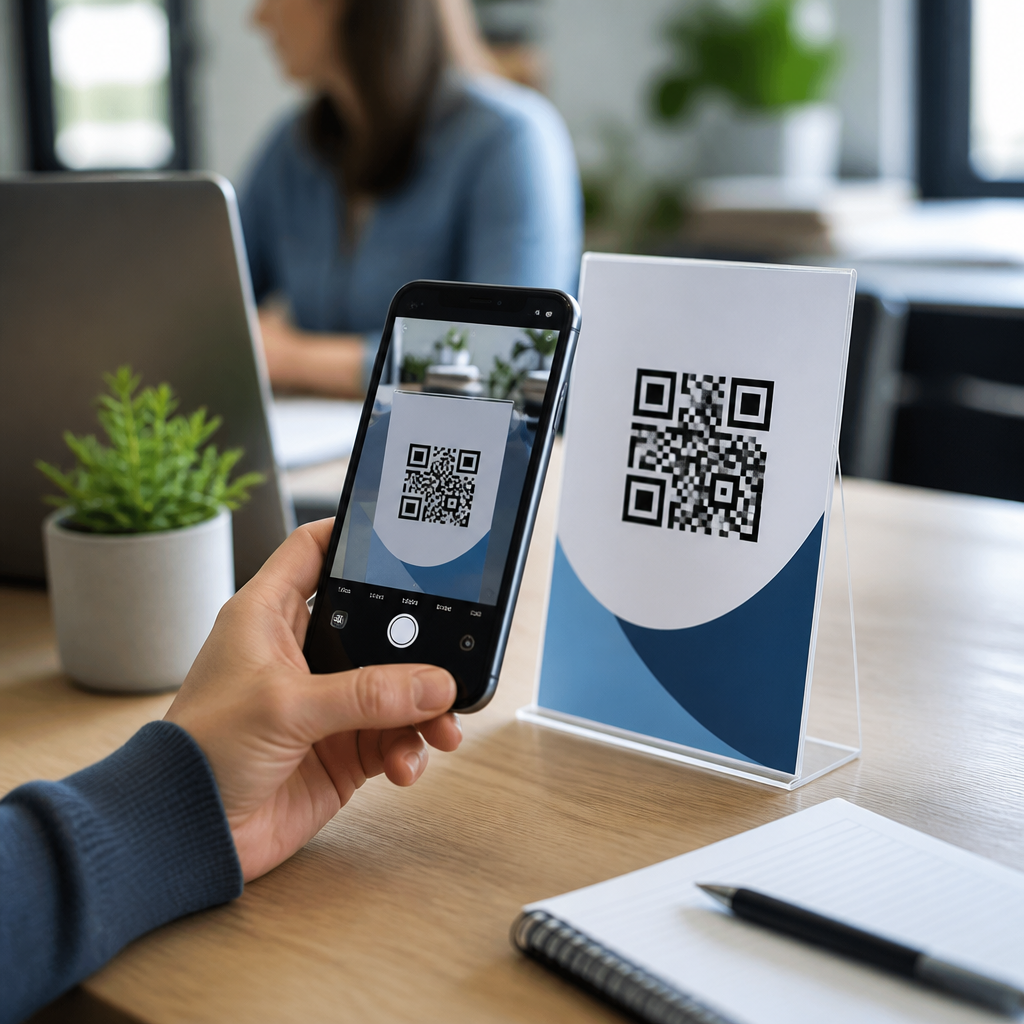
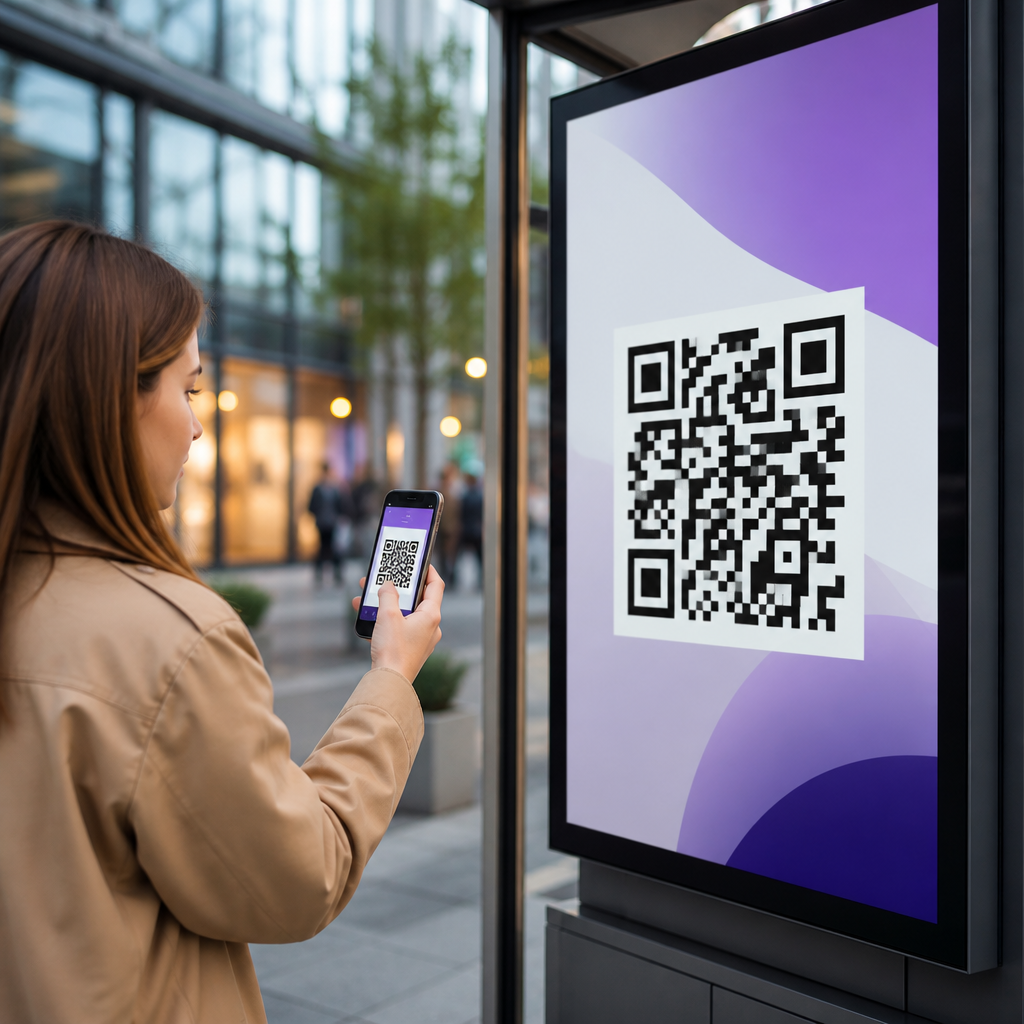
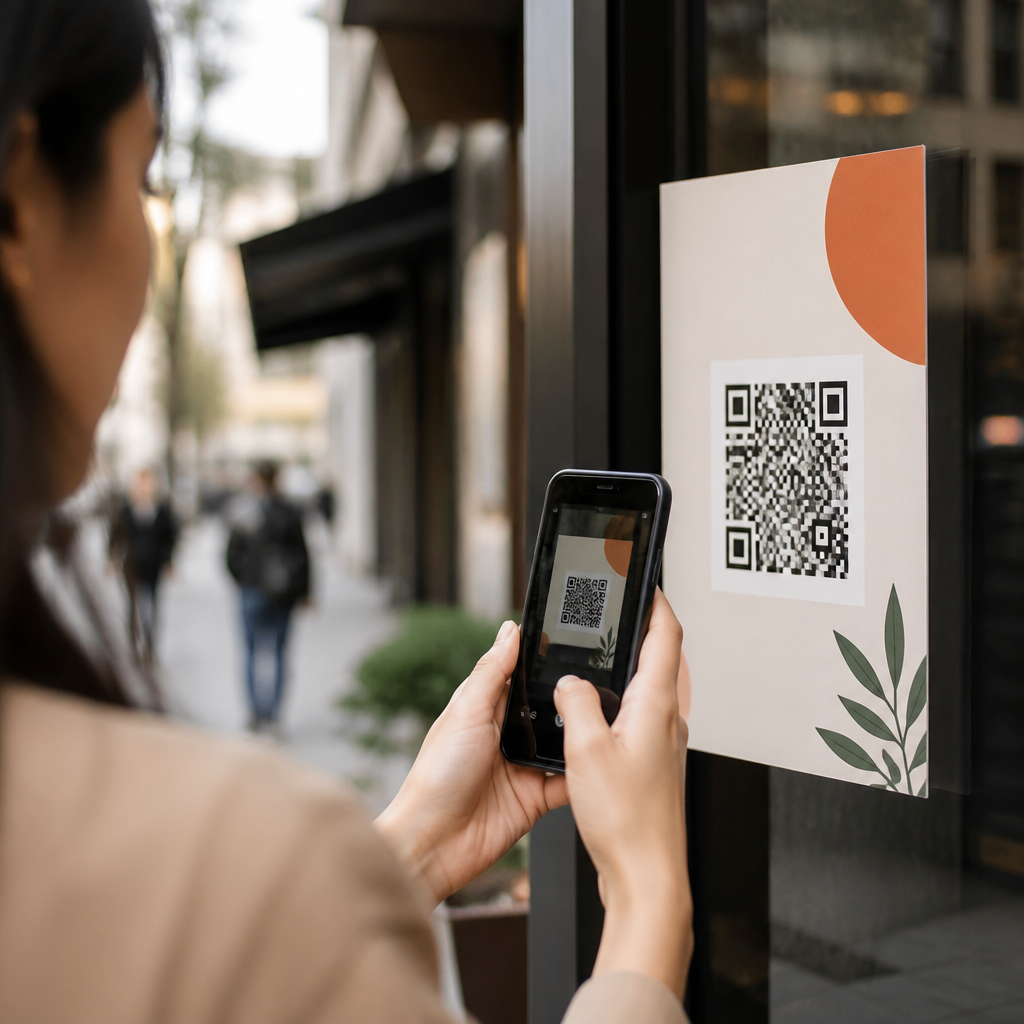
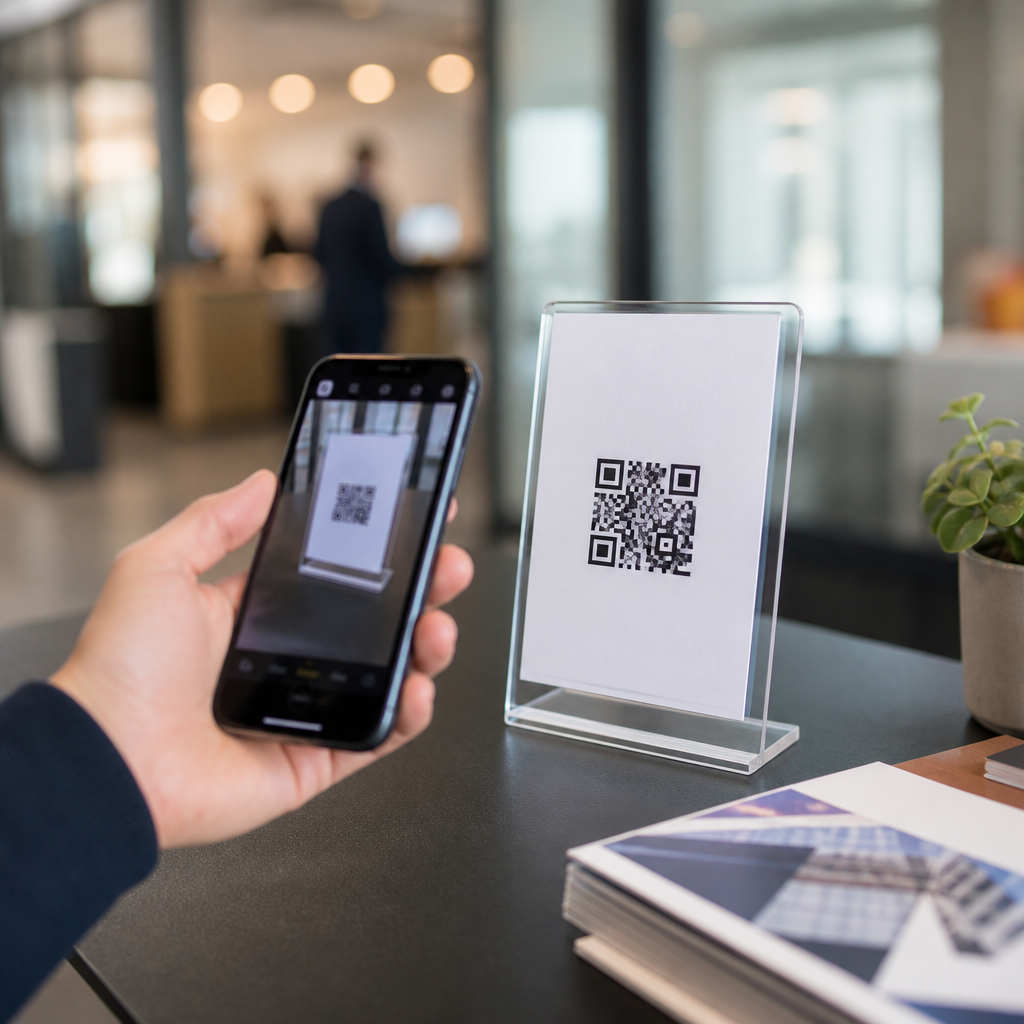
A QR code cannot capture leads if people cannot scan it quickly. Size, contrast, quiet zone, and placement are not minor production details; they are conversion variables. Use high contrast, preserve the required margin around the code, and test from expected scanning distances. A common rule is about one inch of code size for every ten inches of scanning distance, though environment and camera quality can shift that. Avoid glossy surfaces with glare, curved placements that distort the code, and busy backgrounds that reduce recognition.
Placement should follow natural stopping points. At events, codes near product demos, badge pickup, or seating areas usually outperform codes buried on back walls. In retail, codes beside a product benefit statement often beat codes at the bottom of packaging where hands cover them. On direct mail, placing the code near the call to action with a plain-language instruction such as “Scan to get your quote in 30 seconds” consistently helps. Branded codes can increase recognition, but do not over-customize. If logos, colors, or decorative frames interfere with scan reliability, conversion suffers. Always test across iPhone and Android devices before launch, and test again after printing because production changes can affect readability.
Offer a clear value exchange and follow up fast
People scan when the reward is concrete and immediate. “Learn more” is weak. “Get the spec sheet,” “Claim 10% off your first order,” “Book a 15-minute consultation,” or “Enter to win a sample kit” gives the user a reason to act. The best offers fit the environment. A property management company on a yard sign should not push a long ebook; it should offer availability, pricing, or a showing request. A manufacturer at an expo can offer a comparison guide because visitors are actively evaluating options. Relevance beats creativity.
Fast follow-up closes the loop. If a QR form submits into a queue that sits untouched for a day, high-intent leads cool off. Set automated confirmation pages and emails immediately, then route high-value submissions to a rep within minutes. For urgent categories such as home services, legal intake, or B2B demos, speed-to-lead has a direct effect on contact and appointment rates. Use lead scoring rules, SLA alerts, and calendar integrations so prospects can book the next step without waiting. The best QR lead generation systems feel instant from scan to response.
Measure what matters and keep improving
Scan count alone is not success. The core metrics for QR codes for lead generation are scan rate by placement, landing page conversion rate, cost per lead, lead qualification rate, meeting or quote rate, and revenue influenced. Compare creative versions, offers, and physical placements the same way you would test digital ads. For example, one restaurant group I worked with found that a countertop code offering catering menus produced fewer scans than a table-tent code offering event planning help, but the second generated larger average orders. Without full-funnel measurement, the weaker-looking asset would have won unfairly.
Continuous improvement should be structured. Review analytics weekly during active campaigns. Pause low-performing destinations, rewrite weak calls to action, shorten forms, and refine placement. If scans are high but conversions are low, the issue is usually message match, mobile UX, or form friction. If scans are low, the issue is often visibility, incentive, or trust. This hub should anchor your broader internal content around QR code analytics, event QR strategy, dynamic versus static codes, and mobile landing page optimization. Build each supporting page around one question, then link back to this guide as the central resource. QR codes for lead capture work best when every detail, from the printed prompt to the CRM workflow, is designed around user intent. Audit your current campaigns, fix the friction points, and turn more scans into qualified leads.
Frequently Asked Questions
What makes QR codes effective for lead capture?
QR codes are effective for lead capture because they connect an offline interaction directly to a digital action with very little friction. Instead of asking someone to remember a URL, type a web address, search for a brand, or manually enter contact details later, a QR code lets them move from interest to action in seconds. That speed matters. When a prospect is already engaged at a trade show booth, retail display, direct mail piece, product package, event sign, or printed ad, the easier it is to continue the journey on a mobile device, the higher the chance of conversion.
They are also valuable because they make offline marketing more measurable. A properly configured QR code can send users to a dedicated landing page, form, calendar booking page, downloadable resource, app experience, or tracked campaign URL. This allows marketers to measure scans, visits, form completions, time of day, location trends, and campaign-level performance. In other words, the code is not just a convenience tool; it becomes a bridge between physical media and digital analytics.
Another reason QR codes work well is that they support permission-based lead capture. Instead of collecting information through a passive or unclear process, the user is intentionally scanning, arriving on a page, and choosing whether to submit their name, email address, phone number, company information, or product interest. When the offer is relevant and the value exchange is clear, QR codes can produce stronger lead quality because the action is voluntary and tied to a specific context.
Finally, QR codes are versatile. They can support top-of-funnel education, mid-funnel qualification, and bottom-funnel booking intent. A single code can open a lead form, a quote request page, a product demo scheduler, a digital business card, or a coupon tied to customer data capture. That flexibility makes them useful across many industries and campaign types, especially when paired with strong messaging and a mobile-first user experience.
Where should businesses place QR codes to capture more qualified leads?
The best placement depends on where buyer intent is strongest. Businesses should place QR codes anywhere a prospect is likely to have immediate interest and a reason to continue the conversation on their phone. Common high-performing placements include trade show booths, point-of-sale displays, packaging inserts, direct mail pieces, event signage, showroom materials, restaurant tables, vehicle wraps, window decals, brochures, and sales presentations. The key is not simply visibility, but relevance. A QR code works best when it appears at a moment of curiosity, need, comparison, or decision-making.
Context matters just as much as placement. A code on a generic poster may underperform if the viewer does not understand what they will get after scanning. By contrast, a code next to a clear message such as “Scan to get a custom quote,” “Scan to book a demo,” or “Scan for pricing and availability” gives people a practical reason to act. High-intent placements often include situations where someone is already evaluating a product or service, such as on shelf talkers, real estate signage, product displays, conference handouts, and service menus.
It is also important to think about usability in the physical environment. The code should be large enough to scan comfortably, placed at an accessible height, and printed with sufficient contrast. If the code is on a moving object, very far from the viewer, or located in poor lighting, scan rates will drop. Marketers should test whether a typical user can scan the code quickly using one hand and a standard smartphone camera. Placement should support convenience, not create effort.
For lead quality, businesses should also align the destination with the audience source. A QR code on B2B conference signage may send visitors to a qualification form or meeting scheduler, while a code on consumer packaging may link to product registration, loyalty enrollment, or a giveaway form. Segmenting destinations by placement helps ensure that the information collected matches the prospect’s stage and intent level, which improves both conversion rates and downstream sales effectiveness.
What should the landing page or form include after someone scans a QR code?
The landing page should be mobile-first, fast-loading, and tightly aligned with the promise made next to the QR code. When someone scans, they expect immediate continuity. If the printed call to action says “Scan to get a free consultation,” the landing page should clearly repeat that offer and make the next step obvious. Any disconnect between the message on the physical asset and the destination page creates confusion and lowers trust.
An effective QR code landing page usually includes a strong headline, a short explanation of the benefit, a focused form, and a prominent call to action. It should remove unnecessary distractions such as extra navigation, unrelated links, or dense blocks of text that force the user to hunt for the next step. Since the user is on a phone, the form should be easy to complete with thumbs, use large tap targets, and request only the information needed for the immediate sales or marketing objective.
Form length is especially important. The best practice is to ask for the minimum amount of information necessary to qualify and continue the conversation. For many campaigns, that may be name and email address. For others, it may include phone number, company, product interest, location, or preferred appointment time. If the value offered is high, such as a personalized quote, live demo, or consultation, users may be willing to provide more details. But every additional field adds friction, so each one should have a clear purpose.
The page should also include trust elements. These can include a privacy note, consent language, recognizable brand visuals, testimonials, certifications, or a brief explanation of what happens after submission. Telling users whether they will receive a download, a call, a follow-up email, or a booking confirmation reduces uncertainty. If possible, use progressive profiling or CRM integrations so returning prospects do not have to re-enter information they have already shared. A good QR lead capture page is simple, relevant, fast, and built around one conversion goal.
How can marketers optimize QR code lead capture campaigns for better conversion rates?
Optimization starts with the offer. People do not scan QR codes simply because they exist; they scan because the value is clear and immediate. Marketers should pair every code with a specific benefit, such as access to pricing, a limited-time offer, a free guide, an instant quote, event registration, product specs, or a demo request. The more relevant the offer is to the environment where the code appears, the more likely users are to convert.
Next, marketers should refine the call to action. Generic language like “Scan here” is much less effective than action-oriented messaging that explains the outcome. “Scan to schedule a consultation,” “Scan to claim your sample,” or “Scan to see live inventory” gives the user a concrete reason to act. Small copy changes can have a meaningful effect on scan rate and lead quality, especially in busy or competitive environments where attention is limited.
Technical setup also matters. Use dynamic QR codes when possible so the destination URL can be updated without reprinting the code. Add campaign tracking parameters to the destination links so scans and conversions can be tied back to source materials, locations, events, or audience segments. This level of tracking helps marketers compare performance across placements and identify which offline touchpoints create the most valuable leads.
Testing should be ongoing. Marketers can A/B test landing page headlines, form length, button copy, incentive type, page layout, and follow-up timing. They can also test physical variables such as code size, color contrast, placement angle, and surrounding text. Monitoring not just scans but completed forms, qualified lead rate, booked meetings, and eventual revenue gives a fuller picture of campaign success. The goal is not only to increase scan volume, but to improve the percentage of scans that become sales-ready opportunities.
Finally, speed of follow-up is a major conversion factor. Once a lead is captured, the handoff should be automated where possible through CRM and marketing automation tools. Immediate confirmation emails, SMS responses, or calendar options can keep momentum high. If sales outreach is part of the process, timely follow-up helps convert interest while the offline interaction is still fresh in the prospect’s mind.
What are the most common mistakes to avoid with QR codes for lead capture?
One of the biggest mistakes is sending users to a poor mobile experience. Since most scans happen on smartphones, a slow page, cluttered design, hard-to-read text, or form that is difficult to complete will hurt results immediately. Marketers sometimes focus heavily on the printed asset and forget that the true conversion happens after the scan. If the digital destination is not optimized for speed, clarity, and ease of use, the campaign will underperform.
Another common mistake is asking for too much information too soon. Long forms can be appropriate in some high-intent cases, but many campaigns lose prospects by requiring excessive details before delivering any value. If the user is only mildly interested, asking for company size, budget, timeline, industry, address, and phone number all at once may feel intrusive. A better approach is to match form depth to offer value and buying stage, then gather additional details later through follow-up or progressive profiling.
Marketers also make the mistake of using QR codes without a clear call to action. A code by itself does not explain why someone should scan. Without supporting copy that communicates the benefit,