
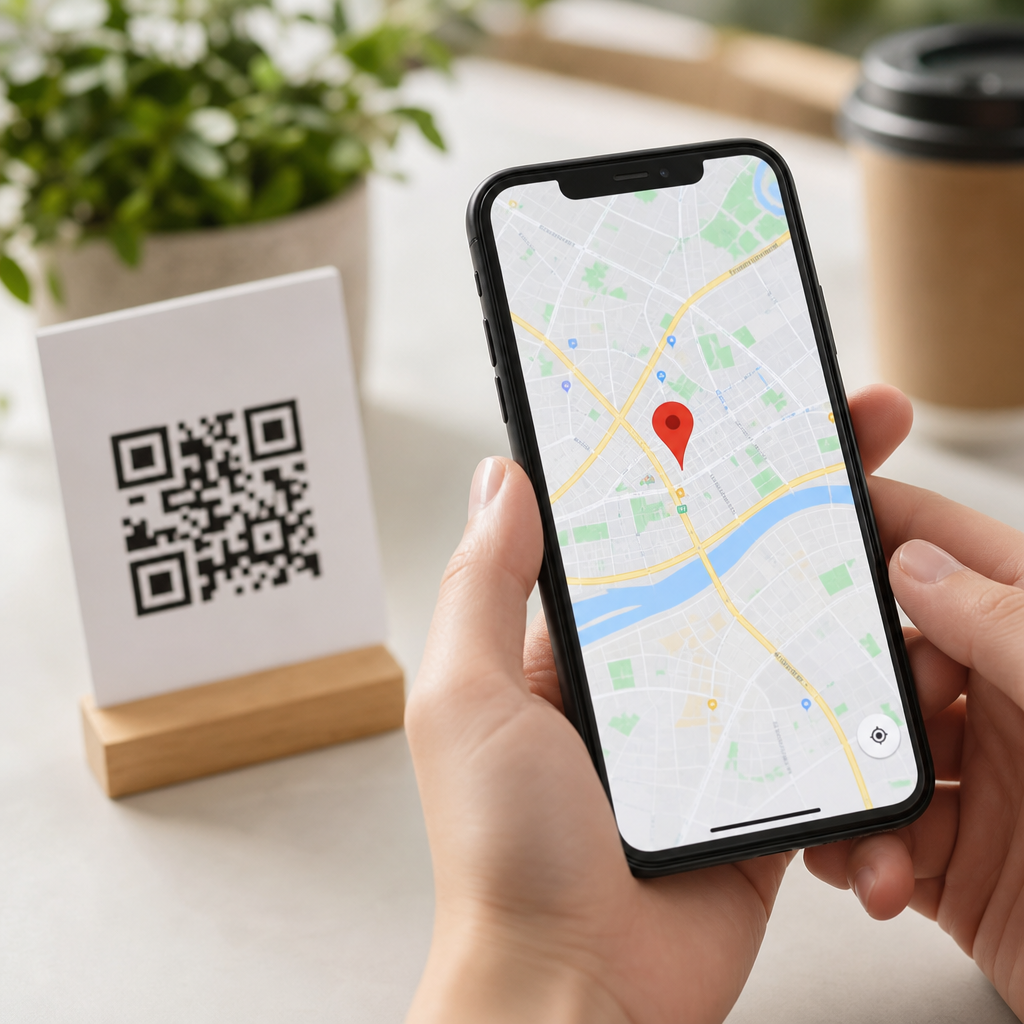
Location QR codes and Google Maps integration give businesses, venues, and event organizers a fast way to turn a physical touchpoint into a precise destination on a phone. A location QR code is a scannable code that opens map coordinates, a place listing, or turn by turn directions in a mapping app. In practice, I have used them on storefront windows, conference badges, real estate signs, delivery slips, and museum wayfinding because they remove friction at the exact moment a person needs directions. For a subtopic within mobile QR code basics, this page also serves as a hub for the broader types of mobile QR codes, since location codes are easiest to understand when compared with URL, vCard, SMS, app store, Wi Fi, and payment codes. The core idea is simple: a mobile QR code connects a smartphone camera to a mobile action. The quality of that action depends on the data format, the destination app behavior, and the context in which the code is scanned. Getting those details right matters because poor mobile redirection, inaccurate pins, or cluttered code design causes scan failure, confusion, and lost visits.
Why does this matter now? Smartphone cameras scan natively on iPhone and Android, Google Maps remains the default navigation tool for many users, and local discovery increasingly starts from a mobile search result or a physical sign. When someone stands outside a parking garage, a hospital campus, or a festival entrance, they do not want a brochure; they want the right pin, the nearest gate, and confidence that the route is correct. That is why location QR codes are valuable beyond convenience. They improve foot traffic, reduce support questions, shorten arrival time, and make attribution easier when paired with dynamic QR platforms that record scans by time, device, and geography. They also sit naturally inside a larger mobile QR strategy. If your goal is navigation, use a location code. If your goal is downloading an app, sharing contact details, joining Wi Fi, making a call, or opening a menu, another mobile QR type is better. Understanding those distinctions is what makes this hub useful.
How location QR codes work with Google Maps
A location QR code works by encoding a destination in a format a phone can open immediately. The most reliable options are a standard Google Maps URL, a geo URI, or coordinates paired with a place query. In real deployments, I prefer a short, clean HTTPS URL because it behaves predictably across iOS, Android, and desktop fallback. A scan can open a Google Maps place listing, a dropped pin, or directions from the user’s current location. The best implementation depends on intent. For a retail store, a place listing is ideal because it shows hours, reviews, and call buttons. For a parking lot entrance, exact latitude and longitude are usually better because the road access point may differ from the front door listed on the business profile. For a multi building campus, a directions link to a named entrance avoids sending visitors to the wrong side of the site.
Google Maps integration is less about embedding a logo and more about choosing a destination structure that the app understands cleanly. A common pattern uses a URL such as maps.google.com with a query parameter for the place name or coordinates. Another uses the Google Maps app link with travel mode parameters for walking, driving, or transit. When testing, always scan on both major mobile operating systems, because one device may open the browser first while another jumps directly into the app. Accuracy matters. I have seen restaurants accidentally point users to a municipal address centroid rather than the actual unit in a plaza, which created avoidable no shows. A good location QR code is therefore part technical setup, part map data validation, and part user experience design.
Types of mobile QR codes and when to use each
Location QR codes are one of several core types of mobile QR codes. A URL QR code opens a webpage, landing page, PDF, menu, or social profile and remains the most flexible option. A vCard QR code saves contact information directly to a phone’s address book, which is useful for sales reps, service technicians, and trade show exhibitors. An SMS QR code prepopulates a text message to a specific number, often used for support enrollment or short code campaigns. A phone call QR code initiates a dial action, helpful in emergencies or high intent service contexts. An email QR code drafts a message with subject line and recipient. A Wi Fi QR code joins a network without manually typing the SSID and password. An app store QR code routes users to the correct app listing by device. A payment QR code opens a wallet, bank app, or payment request. An event QR code can add calendar details, while a form QR code can launch registration, surveys, or consent flows.
The right choice depends on the next action, not the industry. A hotel may use a location QR code on parking confirmation emails, a Wi Fi QR code in guest rooms, a form QR code for feedback, and a URL QR code for room service ordering. A clinic may use a location QR code for satellite offices, a vCard QR code for provider contacts, and a payment QR code at discharge. Static versus dynamic setup is another important distinction. Static codes embed the final data directly and cannot be edited after printing. Dynamic codes point to a managed short URL that can be updated later and measured. For campaigns, changing store hours, temporary entrances, and event venues, dynamic QR codes are usually worth the cost because they preserve the printed asset while allowing redirects, A B testing, and analytics.
| QR code type | Best mobile use case | Main advantage | Common limitation |
|---|---|---|---|
| Location | Open maps, pins, or directions | Fast navigation with minimal typing | Bad coordinates send users to the wrong place |
| URL | Menus, landing pages, product pages | Most flexible destination type | Mobile page quality determines results |
| vCard | Save a person or business contact | Reduces manual data entry | Contact fields vary by device |
| Wi Fi | Guest network access | Simple onboarding | Password changes require code updates |
| Payment | Checkout, tipping, invoice settlement | Quick transaction flow | Wallet and banking support differs by region |
Best practices for creating effective location QR codes
Start with the destination, not the design. Confirm the exact pin in Google Maps, compare it with Apple Maps and Waze if relevant, and test from a user’s real approach path. For large sites, create separate QR codes for visitor parking, loading docks, emergency entrances, and reception rather than one generic location QR code. If the site uses suite numbers, include the suite in the place name or landing page context. For outdoor placement, maintain strong contrast, sufficient quiet zone, and a printed size that matches scanning distance. A code on a poster viewed from two feet can be small; a code on a roadside sign cannot. Error correction helps when logos or styling are added, but overbranding reduces reliability. I generally recommend prioritizing scan performance over visual novelty.
Dynamic QR management platforms such as Bitly, QR Code Generator, Beaconstac, and Scanova can provide editable destinations, scan analytics, and campaign tagging. For measurement, append UTM parameters to the Google Maps or landing page URL when appropriate, then review traffic in Google Analytics 4 or your attribution tool. For a chain retailer, I often send scanners first to a mobile landing page with one tap map buttons, store hours, and click to call options rather than straight into maps. That extra step adds context and captures better analytics, but it also adds friction, so the tradeoff must be intentional. Accessibility matters too. Always place plain text directions near the code, because not every user can or wants to scan. In regulated settings such as healthcare, avoid embedding sensitive information in a static code where anyone nearby can access it.
Use cases, mistakes to avoid, and how this hub connects to the wider topic
Real estate is a strong example of location QR codes done well. A yard sign can open the property pin, a listing page, and a tour booking option in sequence, helping buyers find rural lots or new builds that street addresses do not describe clearly. Events benefit even more. Festival organizers can place separate codes for parking, shuttle pickup, gate entry, merchandise tents, and first aid. Universities use them for campus tours, moving new students from a printed map to a live walking route. Local governments can add codes to trailheads, public parking notices, and building directories. In each case, the code succeeds because it answers the immediate question: where exactly should I go right now?
The most common mistakes are avoidable. Teams print static codes before finalizing the venue. They link to a homepage instead of a precise destination. They ignore mobile testing under poor lighting or low bandwidth. They place codes where glare, height, or distance makes scanning difficult. They also forget maintenance. If a business profile changes, a road closes, or an event entrance moves, the location QR code must change as well. This is why the wider category of types of mobile QR codes matters. Choosing between location, URL, vCard, Wi Fi, payment, and other formats is not a design decision; it is an action architecture decision. Use this hub to map user intent first, then choose the QR type that removes the most friction. Build one code, test it in the real world, and expand your mobile QR program from there.
Frequently Asked Questions
What is a location QR code, and how does it work with Google Maps?
A location QR code is a scannable code that sends someone directly to a physical destination on their phone. Instead of asking a customer, attendee, visitor, or delivery driver to manually type an address, search for a business name, or interpret written directions, the code opens a map destination immediately. In a Google Maps workflow, the QR code can point to a place listing, a full street address, exact latitude and longitude coordinates, or a directions link that launches navigation with minimal effort.
In practical use, this matters because it removes friction at the exact moment a person needs to get somewhere. If someone is standing outside a storefront, viewing a real estate sign, checking in at a conference, or navigating a museum, scanning a location QR code can instantly open Google Maps and show the correct place without guesswork. That improves convenience, reduces missed arrivals, and helps avoid common problems such as mistyped addresses, confusing building entrances, or map searches that surface the wrong location.
For businesses and venues, location QR codes also create a more reliable handoff from a physical touchpoint to mobile navigation. A printed code on a poster, badge, package insert, or receipt can direct people to a single verified destination every time. When paired with Google Maps, that means users benefit from familiar map features such as live routing, walking and driving options, traffic awareness, and business details like hours, reviews, and photos when relevant.
What are the main benefits of using location QR codes for businesses, venues, and events?
The biggest benefit is speed. A location QR code eliminates the extra steps between interest and arrival. Instead of expecting people to remember an address, copy it into a phone, and choose the correct listing, you give them one scan to get where they need to go. That reduction in effort can improve foot traffic, on-time arrivals, event attendance, customer satisfaction, and overall usability, especially in situations where people are making fast decisions on the go.
Another major advantage is accuracy. Many places have address variations, shared buildings, multiple entrances, or names that can be confused with similar listings. A properly configured QR code linked to Google Maps helps send users to the intended destination rather than leaving them to search manually. This is especially useful for office parks, campuses, wedding venues, apartment leasing offices, pop-up events, and properties where the front entrance is not obvious from the street address alone.
Location QR codes are also highly versatile in offline environments. They work well on storefront windows, event signage, table tents, flyers, business cards, conference badges, shipping materials, parking instructions, museum exhibits, and real estate marketing. In each case, they connect a static physical object to a dynamic mobile action. That makes them valuable not just for navigation, but for improving the entire visitor experience by reducing confusion and helping people act immediately.
From an operational standpoint, they can lower the number of calls and messages asking for directions, simplify check-in logistics, and support better wayfinding across multiple touchpoints. For marketing teams, they can also reinforce conversion by bridging print and digital channels more effectively. If someone scans a code from a brochure or poster and lands right in Google Maps, the path from interest to visit becomes much shorter and much more measurable.
What is the best way to create a Google Maps QR code that leads people to the right destination?
The best approach is to start by deciding exactly what the user should see after scanning. In some cases, sending people to a verified Google Maps business profile is ideal because it displays reviews, hours, phone number, and the official listing. In other cases, a direct address or exact GPS coordinates are better, especially for new construction, event entrances, remote venues, temporary installations, or locations that do not display clearly in search results. If turn-by-turn navigation is the priority, a directions-based link may be the strongest option.
Once you choose the destination format, test the map link itself before generating the QR code. Open it on different devices and make sure it resolves to the correct location. Confirm that the pin is accurate, the route is sensible, and the user is not dropped at the wrong side of the building or a general area nearby. This step is critical because a QR code will only be as useful as the destination URL behind it.
After that, generate the QR code from the finalized Google Maps link and use a high-resolution image for print. Make sure the code is large enough to scan easily and has strong contrast between the foreground and background. Avoid placing it over busy graphics or reflective surfaces, and include a short call to action such as “Scan for directions” so people understand the benefit immediately. If the location has special instructions, such as a side entrance, parking deck, loading zone, or check-in desk, consider pairing the code with a brief text note to set expectations.
Before wide distribution, test the printed version in real-world conditions. Scan it from different distances, under different lighting, and with both iPhone and Android devices if possible. This final verification helps ensure the code performs reliably in the same environments where customers or visitors will actually use it.
Can location QR codes improve customer experience and operational efficiency?
Yes, and often more than businesses expect. On the customer side, the improvement comes from removing uncertainty. People are far more likely to complete a visit when the path is simple, especially when they are already in motion, juggling multiple tasks, or traveling in an unfamiliar area. A location QR code reduces the cognitive load of searching, typing, and verifying a destination. That can make a business feel more helpful, modern, and easy to reach.
Operationally, location QR codes can reduce repetitive direction requests and minimize avoidable arrival problems. Staff members at stores, offices, event venues, and property sites often spend time answering the same questions: Which entrance should I use? Where should I park? Why did maps send me behind the building? A QR code linked to the correct Google Maps destination, and supported by concise instructions, can significantly cut down on that confusion. For events, it can help guests arrive on time; for deliveries, it can help drivers reach the proper drop-off point; for museums or campuses, it can support more intuitive internal wayfinding.
They are also useful when a location experience includes multiple stops. For example, a conference might place one code on registration materials for the main venue, another for parking, and another for an after-hours reception. A real estate team might use separate codes for the property entrance, model home, and leasing office. In each case, the QR code becomes a practical navigation layer that improves flow and reduces dependency on staff intervention.
When integrated thoughtfully, location QR codes support both service quality and efficiency. They do not replace signage or human assistance entirely, but they often make those systems work better by giving people a fast, mobile-first option exactly when they need it.
What should businesses watch out for when using QR codes for maps and directions?
The most common issue is linking to the wrong destination format. If a business relies on a vague search result or an outdated listing, users may be sent to the wrong place or given multiple options to choose from. That defeats the purpose of a location QR code. It is important to use a precise, tested Google Maps link and verify that it behaves correctly across devices. If your business has moved, has multiple branches, or shares space with other tenants, extra care is needed to make sure the correct destination is always selected.
Another challenge is poor placement or print quality. A code that is too small, low contrast, partially obstructed, or placed in a dimly lit or highly reflective area will not scan consistently. Physical context matters a lot. A storefront window may deal with glare, an outdoor sign may weather over time, and a conference badge may be scanned while moving. The design should account for real usage conditions, not just look good on a screen or in a mockup.
Businesses should also think about user intent. Some people want the business listing, while others want immediate directions. If the code opens a general place page when the user really needs navigation to a side entrance or parking garage, the experience can still feel incomplete. In those cases, supporting the code with a label such as “Scan for parking directions” or “Scan for main entrance navigation” makes the outcome clearer and more useful.
Finally, maintenance matters. If your hours, listing, address details, or access instructions change, your printed QR deployment should be reviewed too. A code placed on permanent materials can continue circulating long after operational details have shifted. The most effective location QR strategy is not just about generating a code once, but about treating it as part of the customer journey and keeping it accurate over time.





