
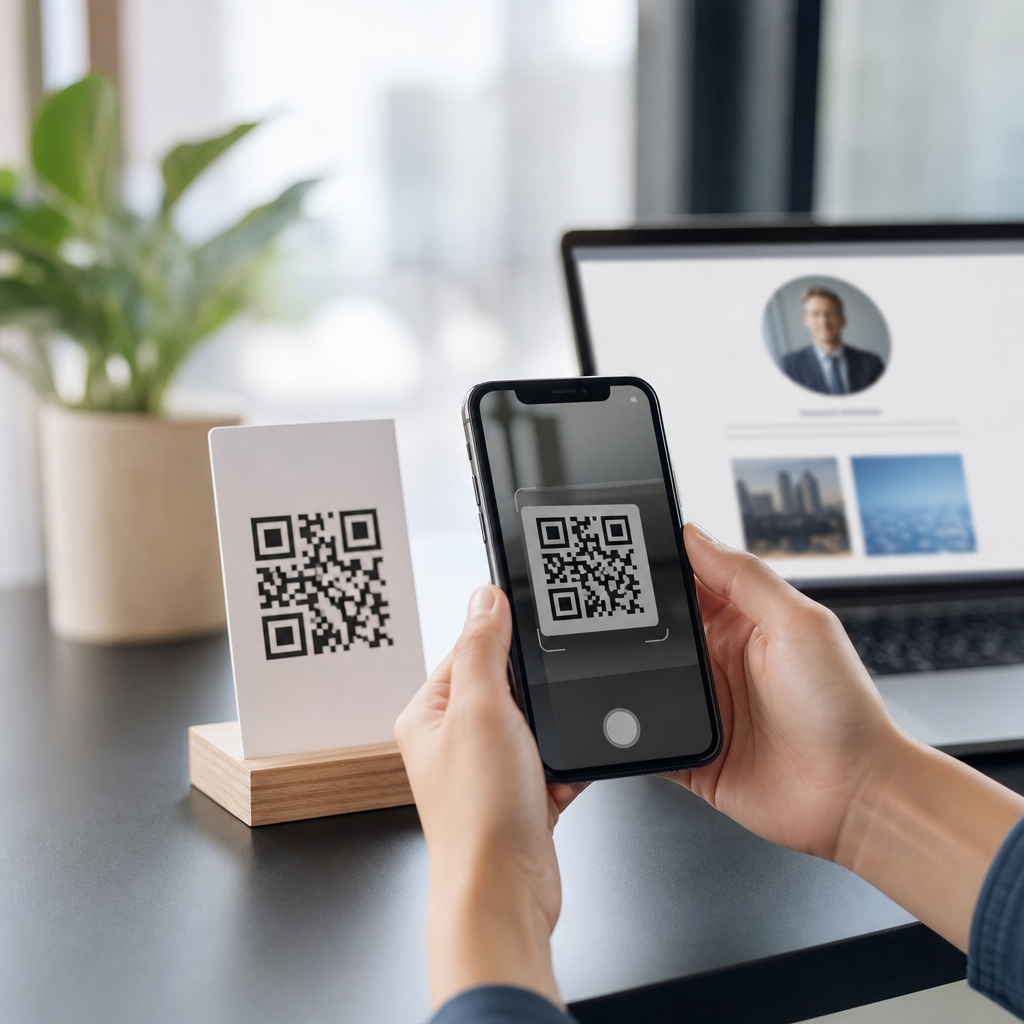
QR codes for personalized landing pages turn a simple scan into a tailored digital experience, connecting an offline moment to content that matches a person’s location, campaign source, product interest, or stage in the buying journey. In practice, QR code personalization means the destination page changes its message, offer, form, or call to action based on data carried in the URL, the scan context, or rules set inside a dynamic QR platform. I have used this approach in retail, events, packaging, and field sales, and the pattern is consistent: generic destinations produce curiosity, while personalized landing pages produce measurable action. That matters because a QR scan is high intent. Someone has already moved from seeing a code on a box, poster, mailer, menu, badge, or receipt to using a phone and asking for more information. If the page feels irrelevant, the moment is lost. If the page reflects why that person scanned, conversion rates improve, attribution becomes clearer, and follow-up automation gets cleaner data. For teams building advanced QR code strategies, personalized landing pages are not a nice extra. They are the mechanism that converts a scan into a qualified session, a lead, a purchase, or a tracked offline-to-online interaction that can be optimized over time.
What QR code personalization means in practice
A personalized QR experience starts with a dynamic QR code rather than a static one. Static codes hardwire a single destination and offer no flexibility after printing. Dynamic codes point to a managed redirect, allowing the final landing page, tracking parameters, and routing logic to change without replacing the printed asset. That is the foundation for QR code personalization because it lets marketers serve different page variants from one visual code. A product package can send first-time scanners to an onboarding page, returning scanners to replenishment content, and wholesale buyers to a distributor contact form. The QR image stays the same, while the destination adapts through rules.
The personalization itself usually happens in one of three ways. First, URL parameters pass campaign data into the landing page, such as source, placement, product line, sales rep, or audience segment. A code on a trade show badge might append booth location and event name so the page can greet that audience with a relevant demo request. Second, geolocation or device context informs page logic. A restaurant chain can route scanners to the nearest location page, language version, or region-specific promotion. Third, first-party data can shape the experience after the click. If the user is already recognized through a CRM-integrated email campaign, the page can prefill fields, shorten the form, and show the next-best offer. Used carefully, this creates relevance without becoming intrusive.
The key terms are straightforward. A landing page is a purpose-built page designed to drive one action. Dynamic QR codes are editable, trackable codes served through a redirect platform. Personalization means adapting content based on known attributes or behavior. Segmentation is the broader practice of grouping users by common traits; personalization applies those traits to the individual session. Understanding those distinctions helps teams build systems that are practical, measurable, and privacy-conscious.
Why personalized landing pages outperform generic QR destinations
Personalized landing pages perform better because they reduce the gap between the scanning context and the page content. When someone scans a code on limited-edition packaging, they expect content about that edition, not the website homepage. When a field rep leaves a code on a quote sheet, the buyer expects pricing support or a booking option, not a broad product catalog. Relevance lowers bounce rate, increases time on page, and improves form completion because the user does not need to search for the promised value. In campaigns I have audited, the difference is often visible within the first week: scans may remain constant, but conversion rises because the page answers the exact question implied by the placement.
There is also a strong attribution benefit. QR campaigns live at the intersection of print, packaging, out-of-home media, and in-person interactions, channels that are traditionally harder to measure than paid search or email. With personalized QR landing pages, each scan can carry source-level detail into analytics platforms such as Google Analytics 4, Adobe Analytics, HubSpot, or Salesforce Marketing Cloud. That means teams can compare not only scan volume, but assisted revenue, lead quality, store visits, coupon redemption, and downstream retention by print asset, geography, or partner. The result is better budget allocation and better creative decisions.
Personalization also improves operational efficiency. Instead of printing separate codes for every audience variation, teams can manage many experiences from one code family using a redirect engine and a page builder. Sales teams can deploy rep-specific codes, franchisors can manage location-level variants, and product marketers can update discontinued offers without reprinting packaging. The combination of flexibility and measurement is what makes this strategy central to advanced QR code programs.
How to build a QR code personalization workflow
The most reliable workflow starts with intent mapping. Define who is scanning, where they are scanning, what motivated the scan, and what action should happen next. That sounds basic, but it prevents the common failure of sending every audience to one catchall page. For example, a cosmetics brand may map in-store shelf talkers to shade finder content, influencer inserts to social proof and bundles, and reorder stickers on product packaging to subscription replenishment. Each asset creates a different intent signal, so each needs a different landing page structure.
Next, choose the personalization layer. Use URL parameters for campaign-specific messaging and analytics. Use rules in a QR management platform for location, time-based offers, or language routing. Use a landing page system such as Unbounce, Instapage, Webflow, HubSpot, or a custom CMS to swap headlines, images, forms, and calls to action. Connect those systems to a CRM so conversions tie back to the original scan source. If compliance matters, especially in healthcare, finance, or regulated consumer goods, involve legal teams early. Data minimization, clear consent, and secure redirects should be built into the design rather than added later.
| Personalization method | Best use case | Example | Main limitation |
|---|---|---|---|
| URL parameters | Campaign tracking and message matching | Mailer QR adds audience segment and offer code | Requires clean naming conventions |
| Rule-based redirects | Location, device, language, or time routing | One poster routes scanners to city-specific pages | Can become complex across many markets |
| CRM-aware landing pages | Lead nurture and returning visitors | Known contact sees prefilled demo form | Needs consent and strong data governance |
Finally, test the whole path on real devices and networks. I always test camera apps on iPhone and Android, low-signal environments, page speed on mobile, redirect latency, analytics firing, and form completion. A personalized QR campaign can fail from small execution problems: oversized page scripts, broken UTM mapping, a cookie banner that blocks the screen, or poor print contrast that reduces scan rates before the page even loads. Operational discipline matters as much as creative thinking.
Real-world use cases across retail, events, packaging, and sales
Retail is one of the strongest use cases because the scan happens near the decision point. A shelf tag QR code can open a landing page tailored to the exact SKU, nearby inventory, and local promotion, then trigger a store map or wallet pass. Beauty and apparel brands use this to connect physical browsing with digital guidance, reviews, and size or shade selection. Grocery brands use packaging QR codes to route scanners to recipes based on the product they are holding, then present retailer-specific coupons. The landing page is personalized because it reflects both the item and the shopping context, not just the brand generally.
At events, personalization helps compress the distance between interest and follow-up. Exhibitors often place different QR codes on booth walls, product demo stations, speaker slides, and attendee badges. Each scan can feed a distinct landing page: technical documentation for engineers, ROI calculators for buyers, media kits for press, or meeting booking for qualified prospects. Because event environments are fast and noisy, the page must answer the next question immediately. Personalized landing pages do that better than generic websites, and they create cleaner lead routing in Salesforce, Marketo, or HubSpot after the event ends.
In packaging and field sales, the strategy supports lifecycle marketing. A code inside a product box can welcome first-time users, explain setup, and register warranty details. Weeks later, a code on a refill pouch can send customers to replenishment or subscription options. Field reps can carry leave-behind materials with personalized QR codes tied to territory, account tier, or product line, making every scan attributable to the rep and the conversation context. These examples show why QR code personalization is not one tactic but a framework for matching post-scan content to real-world intent.
Measurement, optimization, and common mistakes to avoid
The right metrics go beyond scan count. Track scan-to-session rate, bounce rate, engagement time, click-through to the primary action, form completion, assisted conversions, revenue per scan, and repeat scan behavior. In GA4, build events for the page view, CTA click, form submit, coupon save, and downstream purchase where possible. Compare variants by placement, not only by creative, because the physical environment changes user intent. A code on transit signage behaves differently from a code on product packaging sitting in a kitchen drawer. Good analysis respects those differences.
Optimization should focus first on message match and speed. The headline must confirm what the scanner expected to find. The page should load quickly on mobile networks, ideally with compressed media, limited third-party scripts, and a clear above-the-fold call to action. Short forms usually outperform long ones for QR traffic because scans often happen while standing, walking, shopping, or talking to a salesperson. Where more detail is needed, progressive profiling works better than demanding everything at once. The strongest programs also use A/B testing on offers, imagery, CTA labels, and redirect rules while keeping the printed code unchanged.
Common mistakes are predictable. Teams send all scans to the homepage. They print static codes and lose flexibility. They over-personalize without consent and create discomfort. They forget accessibility basics such as readable text, proper contrast, and pages that work with screen readers. They fail to establish naming conventions, making reports unusable later. Most of these problems are avoidable with a documented taxonomy, dynamic QR governance, and a landing page template system built for mobile first.
QR codes for personalized landing pages work because they respect context, and context is what turns a scan into a conversion. The strategy combines dynamic redirects, smart segmentation, mobile-first page design, and disciplined measurement so offline touchpoints become targeted digital entry points. When implemented well, one printed code can support many audiences, many campaigns, and many stages of the customer journey without sacrificing attribution or agility. The practical lesson is simple: do not treat a QR scan as traffic to be dumped on a homepage. Treat it as an explicit request for the next relevant step. Audit your current QR placements, map the intent behind each one, and build landing pages that answer that intent directly. That is how QR code personalization becomes a scalable part of advanced QR code strategies.
Frequently Asked Questions
What are QR codes for personalized landing pages, and how do they work?
QR codes for personalized landing pages are scannable codes that send people to a destination page designed to adapt based on who is scanning, where they scanned, or what campaign the code belongs to. Instead of linking every person to the exact same static page, a personalized setup uses dynamic rules, URL parameters, or scan context to tailor the experience. That can mean showing different headlines, product recommendations, offers, forms, videos, or calls to action depending on the situation.
In practical terms, the QR code usually points to a dynamic URL rather than a fixed final page. When someone scans it, the system can read information such as campaign source, product SKU, location, language, device type, time of day, or the specific printed asset the code came from. The landing page then uses that information to adjust the content. For example, a code on product packaging might open a page with setup instructions for that exact item, while a code in a store display might lead to a local promotion and inventory-focused message.
This is what makes the experience feel relevant instead of generic. A shopper scanning from a package may need education or support, while a prospect scanning from an event badge may be ready for a demo request. Personalized QR landing pages help bridge offline interactions and digital journeys in a way that feels immediate and useful. They also improve measurement because you can tie scans back to campaigns, channels, and user intent more accurately than with a one-size-fits-all landing page.
What kind of personalization can be added to a QR code landing page?
There are several useful layers of personalization you can add, ranging from simple campaign-level customization to more advanced real-time experiences. One of the most common methods is URL-based personalization, where the QR code includes parameters that identify the source, product, audience segment, or promotion. The landing page then reads those values and changes its content accordingly. This is especially effective for print ads, direct mail, packaging inserts, event signage, and retail displays.
You can also personalize based on scan context. A dynamic QR platform may detect approximate location, device type, operating system, time of scan, or language preferences and use those signals to route visitors to the most relevant content. For instance, one user could see a page in Spanish, another could be directed to the nearest store page, and another could receive app download instructions tailored to iPhone or Android. This type of adaptation reduces friction and makes the landing page more likely to convert.
Beyond routing, the page itself can be personalized in deeper ways. You might swap out hero images, update the headline to match the product that was scanned, prefill part of a lead form, change the call to action based on funnel stage, or display different offers for first-time versus returning visitors. In retail, this may mean highlighting product benefits and reviews. At events, it may mean showing speaker schedules or booking links. On packaging, it may mean surfacing how-to videos, warranty registration, loyalty rewards, or reorder options. The most effective personalization is not just decorative; it aligns the page with the user’s intent in that exact moment.
Why are personalized QR code landing pages better than sending everyone to the same webpage?
Sending everyone to the same generic webpage is easy, but it often ignores the reason a person scanned in the first place. Someone scanning a QR code on a product box has a different expectation than someone scanning from a brochure, in-store display, business card, or trade show booth. Personalized landing pages work better because they respect that context. They continue the conversation that the physical touchpoint started, which makes the experience feel more seamless and relevant.
This relevance can improve nearly every important performance metric. When the landing page mirrors the message, product, or offer that prompted the scan, visitors are more likely to stay on the page, engage with the content, and complete the next step. Bounce rates can drop because users are not forced to search for what they expected to find. Conversion rates often improve because the call to action is more closely matched to intent. Even lead quality can get better, since the content and forms can be aligned to a visitor’s stage in the buying journey.
There is also a strong operational advantage. With dynamic QR codes and personalized landing page logic, marketers can reuse a core infrastructure while adapting the experience for multiple campaigns, regions, products, or audiences without printing new codes every time. That flexibility is especially valuable in retail, events, and packaging, where physical assets may remain in circulation for a long time. Instead of being locked into one static destination, you can update messaging, swap promotions, test variants, and optimize performance while keeping the printed QR code unchanged.
How do you measure the performance of QR codes linked to personalized landing pages?
Performance measurement starts with the QR scan itself, but the real value comes from tracking the full path from scan to outcome. At the top of the funnel, you should monitor scan volume, unique scans, repeat scans, scan time, geography, device type, and the specific asset or placement that generated the interaction. If each QR code or URL variation is mapped to a campaign source, product line, store, event station, or print placement, you can quickly see which offline touchpoints are driving the most engagement.
On the landing page side, the important metrics include engagement rate, bounce rate, time on page, scroll depth, clicks on key elements, form starts, form completions, add-to-cart actions, downloads, registrations, or whatever conversion event matters most. Because the page is personalized, it is also important to compare performance by segment. You may find that one offer performs better for event traffic while another resonates more with packaging scans. Those insights help refine both the QR strategy and the landing page experience.
Attribution is especially powerful when your analytics stack captures URL parameters, dynamic redirects, and downstream CRM or ecommerce events. This lets you tie scans to leads, sales, support actions, or repeat purchases rather than stopping at surface-level engagement metrics. A strong setup typically includes analytics tagging, event tracking, A/B testing, and reporting dashboards segmented by campaign and audience. The goal is not just to count scans, but to understand what each scan represents, how effectively the landing page responded to that intent, and which personalized experiences are producing measurable business results.
What are the best practices for creating effective QR codes for personalized landing pages?
The first best practice is to start with intent, not technology. Before generating the QR code, define who will scan it, where they will scan it, and what they are most likely trying to accomplish in that moment. The page experience should answer that need immediately. If the QR code is on packaging, people may want setup help, ingredients, product verification, or reorder options. If it is used at an event, they may want schedules, speaker details, or a booking form. If it appears in retail, they may want reviews, promotions, or product comparisons. The clearer the scan intent, the stronger the personalization strategy will be.
Next, use dynamic QR codes and build landing pages that are fast, mobile-friendly, and easy to navigate. Most scans happen on phones, so the page must load quickly, display clearly on smaller screens, and present the key message without requiring excessive scrolling. Keep the experience tightly connected to the physical trigger. Match the visual language, product name, campaign promise, or offer from the printed asset so users immediately know they are in the right place. It also helps to keep forms short, prefill what you can responsibly prefill, and make the call to action obvious.
Finally, treat personalization as an optimization process. Test different headlines, offers, media, and calls to action for different scan segments. Make sure tracking is configured properly from the start so you can learn what is working. Review privacy and consent requirements if you are using identifiable data or advanced segmentation. And do not forget the QR code itself: it should be large enough to scan easily, printed with strong contrast, placed in a convenient location, and accompanied by a clear prompt telling people what they will get by scanning. The most successful campaigns combine a technically reliable QR code, a context-aware landing page, and a value proposition that feels immediately worthwhile to the user.





