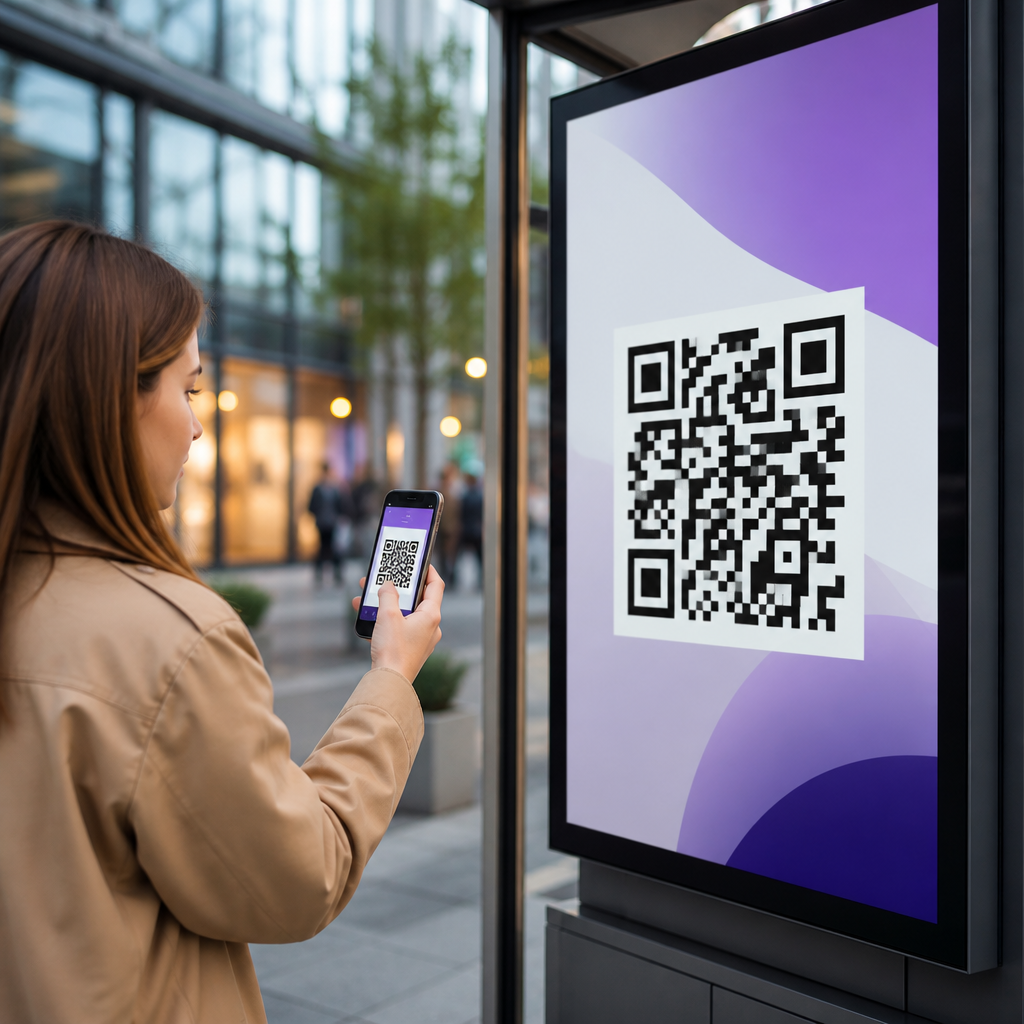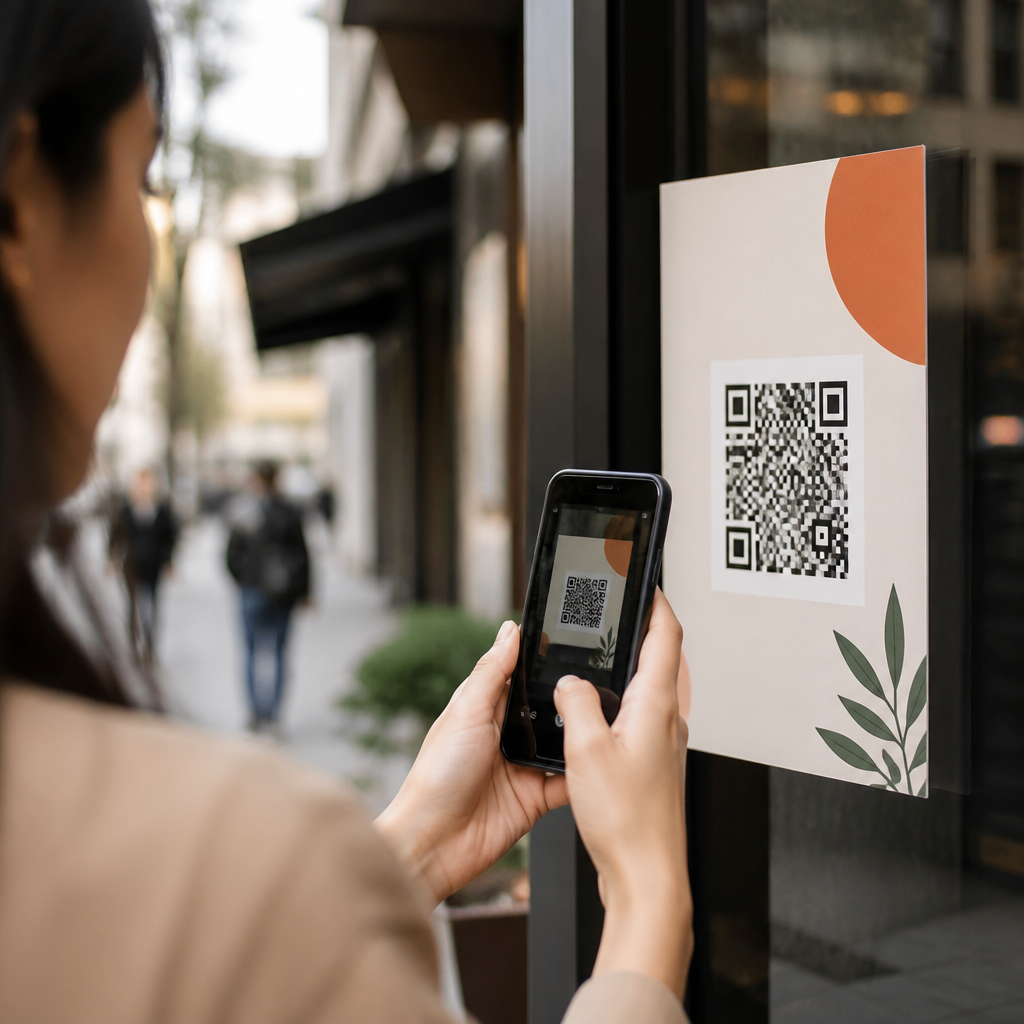
QR codes have become one of the most efficient tools for webinar signups because they remove friction between interest and action. A quick scan can take a prospect from a printed flyer, trade show banner, email footer, product insert, or social post straight to a registration page without requiring manual typing. In lead generation, that matters. Every extra step reduces conversion rates, especially on mobile devices where most event discovery now happens. When I build webinar campaigns, the best-performing flows usually share one trait: the signup path is immediate, mobile-first, and easy to track end to end.
For this article, a webinar signup QR code means a scannable code that directs a user to a registration destination, often a landing page, form, or calendar-confirmed event page. Static codes point to a fixed URL and cannot be edited after printing. Dynamic codes use a short redirect URL, which allows destination changes, tracking updates, retargeting logic, and campaign segmentation without replacing the printed asset. For webinar promotion, dynamic codes are almost always the better choice because dates, speakers, registration limits, and follow-up routing often change.
This topic matters beyond event promotion because webinar signups are a classic lead generation use case. A webinar attracts intent-rich prospects who are willing to exchange contact information for expertise. That makes the registration moment a high-value conversion point. A well-designed QR workflow can improve attendance, lower cost per lead, connect offline traffic to digital analytics, and reveal which channels actually drive registrations. As the hub page for QR codes for lead generation, this guide explains how to use QR codes for webinar signups, what setup works in practice, which metrics matter, and where this tactic fits within a broader mobile marketing system.
Why QR codes work for webinar lead generation
QR codes work because they bridge offline attention and online conversion in a single action. If someone sees your webinar on a poster in a lobby, on a booth wall at an expo, or on a direct mail piece, a scan is faster than searching for the event manually. That speed reduces drop-off. In campaigns I have audited, the highest scan rates usually come from placements where the user is already holding a phone and the value proposition is specific, such as “Register for the 30-minute compliance update webinar” rather than a generic “Learn more.”
They also improve attribution. A unique dynamic QR code can be assigned to each source: retail signage, partner handouts, speaker slides, print ads, packaging, or in-store displays. When those codes route through tagged URLs using UTM parameters, you can compare not only scans, but completed registrations, attendance rate, and downstream pipeline contribution. This is the real lead generation advantage. A QR code is not merely a shortcut; it is a measurable entry point that helps marketers connect top-of-funnel attention with sales-qualified outcomes.
Webinar signups are especially suitable because the conversion offer is time-bound and clear. People understand what they are getting, when it happens, and why they should act now. That clarity supports stronger calls to action and better landing page alignment. Compared with broader content offers, webinars often generate richer first-party data because registrants may share job title, company size, role, and topic preferences, giving sales and lifecycle teams better qualification signals.
How to create a high-converting webinar signup QR code
Start with the destination, not the code itself. The landing page must load quickly, explain the webinar benefit above the fold, and keep the form short. For most webinar campaigns, asking for first name, last name, work email, and company is enough. Additional fields can reduce conversion unless the audience is highly qualified or the event is premium. Use a responsive page, visible trust cues, time zone clarity, and a confirmation experience that offers calendar add buttons for Google Calendar, Outlook, and Apple Calendar.
Next, generate a dynamic QR code through a platform that supports analytics, editability, and branded styling. Common tools include QR Code Generator Pro, Bitly, Beaconstac, Flowcode, and Uniqode. Keep the design functional. High contrast, sufficient quiet zone, and error correction matter more than decorative branding. A logo in the center can work if the code remains easily scannable at different distances and lighting conditions. Test on iPhone and Android devices, on native camera apps and common third-party scanners, before publishing.
The call to action should tell users exactly what happens after the scan. “Scan to register for the webinar” outperforms vague phrasing. If there is a deadline, seat cap, certification credit, downloadable worksheet, or live Q&A with a named speaker, state it near the code. Context increases intent. A code with no surrounding copy forces the user to infer the value, and that usually hurts scans. On printed materials, place the code where the phone can capture it comfortably and include a short fallback URL for accessibility.
Best places to use QR codes for webinar signups
Placement drives performance as much as design. Trade shows are one of the strongest environments because attendees are already in discovery mode and often prefer asynchronous engagement. A booth sign promoting a post-event webinar can capture leads even when staff are busy. Retail counters, waiting rooms, event badges, product packaging, window displays, conference slides, tabletop inserts, and direct mail are also effective when the webinar topic is directly related to the setting. For example, a software company can place a QR code on onboarding inserts that invites customers to a training webinar, while a healthcare association can print one on event programs for an upcoming policy briefing.
Internal channels matter too. Add webinar QR codes to sales one-pagers, leave-behind sheets, catalogs, invoices, and customer success decks used in meetings. In B2B settings, I have seen field reps use QR codes on printed proposal folders to invite stakeholders to role-specific webinars that explain implementation, security, or ROI. This works because the code continues the conversation after the meeting and gives marketing a trackable conversion path tied to account-based activity.
| Placement | Why it works | Best practice |
|---|---|---|
| Trade show booth signage | Visitors are mobile and time-limited | Promote a specific follow-up webinar with date and takeaway |
| Direct mail postcard | Bridges print to instant registration | Use a short headline, deadline, and backup URL |
| Product packaging | Reaches current users at point of interest | Send to training or advanced feature webinars |
| Sales collateral | Supports account-based follow-up | Assign unique codes by rep, region, or campaign |
| In-store or lobby signage | Captures waiting-time attention | Keep scan distance and lighting in mind |
Tracking, attribution, and optimization
To measure webinar signups accurately, connect the QR code to a tagged landing page and define conversion events in your analytics stack. At minimum, use UTM source, medium, campaign, and content parameters. In Google Analytics 4, track QR landing page sessions, form starts, form submissions, and confirmation page views. In your marketing automation platform, such as HubSpot, Marketo, or Pardot Account Engagement, map the registration event to contact records and campaign membership. In your CRM, connect attendance and opportunity influence where possible.
The key metrics are scan rate, landing page conversion rate, cost per registration, attendance rate, and qualified pipeline generated from registrants. Scan rate helps evaluate creative and placement. Conversion rate shows whether the landing page and form are doing their job. Attendance rate reveals registration quality; high scans with weak attendance often mean the offer or reminder sequence needs work. If webinar signups are part of a larger lead generation system, compare conversion by source so you can identify which physical placements or partner channels produce leads that progress to meetings, demos, or revenue.
Optimization should be iterative. Test one variable at a time: call to action, visual size, landing page headline, incentive, speaker prominence, or form length. Dynamic QR codes make iteration practical because the printed asset can stay in market while the destination changes. If a postcard drives scans but weak conversions, improve the landing page before reprinting. If one event sign outperforms another, duplicate its message structure. Treat the QR code as a campaign endpoint you can refine, not a static graphic you place once and forget.
Common mistakes and how to avoid them
The most common mistake is sending users to a generic homepage instead of a dedicated webinar registration page. That creates unnecessary navigation choices and loses intent. Another frequent issue is using static codes for campaigns that may change, which forces reprints when the webinar date or URL shifts. Poor sizing, low contrast, glossy surfaces, and crowded layouts also hurt scans. A practical rule is to test every code in the real environment where it will appear, including distance, glare, and network conditions.
Marketers also undercut results by asking for too much information too early. Webinar registration forms should earn trust before demanding detail. If qualification matters, progressive profiling and post-registration enrichment are often better than long forms. Finally, many teams stop at registrations and fail to close the loop. A webinar signup QR code should feed a complete lead generation process: confirmation email, reminders, attendance tracking, replay access, sales follow-up, and reporting on influenced revenue. Without that system, you can count scans but not business impact.
How this fits into a broader QR code lead generation strategy
Webinar signups sit at the center of QR codes for lead generation because they combine urgency, education, and measurable conversion. They also connect naturally to adjacent use cases across a mobile marketing program. The same principles apply to QR codes for ebook downloads, consultation requests, newsletter subscriptions, event check-ins, coupon claims, product demos, and customer onboarding. As a hub topic, webinar QR codes illustrate the full lifecycle: attract attention offline, capture data online, nurture with relevant content, and score outcomes in CRM.
Build consistency across these campaigns. Standardize dynamic code governance, naming conventions, UTM taxonomy, design rules, landing page templates, and reporting dashboards. Use internal links across your lead generation content to connect related use cases, such as QR codes on flyers, business cards, packaging, and trade show materials. When teams share a measurement framework, they can compare channels fairly and scale what works. The payoff is simple: more qualified webinar signups, clearer attribution, and a lead generation engine that turns everyday mobile scans into pipeline. Review your current webinar promotion assets, identify one offline touchpoint, and launch a tracked QR test this week.
Frequently Asked Questions
How do QR codes improve webinar signup conversion rates?
QR codes improve webinar signup conversion rates by removing unnecessary steps between interest and registration. Instead of asking someone to remember a URL, type it manually, or search for your event later, a QR code creates an immediate path from discovery to action. That matters because webinar promotion often happens in places where attention is limited and distractions are high, such as trade show booths, printed handouts, presentation slides, packaging inserts, email signatures, and social graphics. In each of those situations, the easier you make the next step, the more likely people are to complete it.
They are especially effective on mobile, where most people now consume promotional content and discover events. Typing a long registration link on a phone introduces friction and increases the chance of abandonment. A QR code eliminates that friction by launching the signup page instantly. In practical terms, that can mean more completed registrations, lower drop-off, and faster response from prospects who are already interested. The best results usually come when the QR code is paired with a clear call to action, such as “Scan to save your seat” or “Register in 10 seconds,” and points to a fast, mobile-optimized landing page designed specifically for the webinar audience.
Where should I place QR codes to get more webinar registrations?
The best placement depends on where your audience is most likely to notice your webinar promotion and be ready to act immediately. High-performing placements often include printed flyers, event signage, booth displays, direct mail pieces, sales collateral, product packaging, business cards, email footers, presentation decks, and social media graphics. The core idea is simple: place the QR code wherever interest is being created so people can register at the exact moment their attention is highest.
For in-person marketing, large, highly visible placements tend to work well because they are easy to scan from a comfortable distance. On banners and posters, the code should be positioned where it is not crowded by other design elements and supported by a short line explaining the benefit of scanning. For digital use, such as in emails or social posts, the QR code can complement a standard registration link by giving mobile users a faster option. If you are using multiple channels, it is smart to create channel-specific QR codes so you can see whether your webinar signups are coming from trade shows, retail inserts, outbound sales materials, or online promotion. That tracking helps you invest more confidently in the placements that actually produce leads.
What should a QR code link to for the best webinar signup results?
For the best webinar signup results, a QR code should lead directly to a dedicated webinar registration page, not to a homepage, general events calendar, or broad landing page that forces users to click again. Every extra step after the scan can reduce conversions. If someone scans because they are interested in one specific webinar, the destination should match that expectation immediately with the webinar title, topic, date, time, speaker information, and a simple registration form visible without unnecessary scrolling.
The landing page should also be optimized for mobile speed and clarity. That means fast load times, clean formatting, short form fields, and a prominent registration button. If possible, pre-fill or minimize the information you request so signup feels easy. It also helps to reinforce the value proposition right away by explaining what attendees will learn, who the webinar is for, and why it is worth their time. If you are segmenting audiences, you can send different QR codes to different versions of the registration page with messaging tailored to that group. For example, one code on a trade show banner might emphasize practical takeaways, while another in a partner email might focus on industry insights. The closer the landing page matches the context of the scan, the better your conversion potential.
How can I track the performance of QR codes used for webinar promotion?
Tracking QR code performance is one of the biggest advantages of using them in webinar campaigns. The simplest way is to use unique QR codes for each placement or traffic source. For example, you can create one code for a printed flyer, another for a conference booth banner, another for your email footer, and another for LinkedIn graphics. Each code can point to a URL with source-specific tracking parameters so you can identify where scans and registrations are coming from inside your analytics platform or marketing automation system.
To go deeper, track more than just scans. Scans tell you interest, but registrations tell you conversion quality. Ideally, you want to measure the full path: scans, landing page visits, form completions, attendance rate, and even post-webinar actions such as demo requests or sales-qualified leads. This gives you a clearer picture of which QR code placements generate not just volume, but valuable prospects. Dynamic QR codes can also be useful because they let you update the destination URL without reprinting materials and often provide built-in analytics. When used correctly, QR code tracking helps you refine messaging, placement, design, and channel strategy so each webinar campaign becomes more efficient over time.
What are the best practices for creating QR codes that people will actually scan?
The most important best practice is to make the QR code easy to notice, easy to scan, and easy to trust. Start with adequate size and strong contrast. If the code is too small, too stylized, or placed against a busy background, people may ignore it or have trouble scanning it. In print, the code should be large enough for the expected viewing distance, and in digital formats, it should remain crisp and unobstructed. Always test it on multiple devices before launching the campaign to make sure it works quickly and reliably.
Equally important is the surrounding context. A QR code with no explanation often underperforms because people do not know what they will get by scanning. Add a clear call to action and a reason to respond, such as “Scan to register for the live webinar,” “Reserve your spot,” or “Get instant access to the signup page.” It helps to mention the value as well, whether that is learning a strategy, hearing from an expert, or securing limited seats. Branding matters too. When the QR code appears within a professional design that matches your company or event identity, users are more likely to trust it. Finally, send scanners to a friction-free landing page that delivers exactly what was promised. A strong QR code campaign is not just about the code itself; it is about the full experience from first glance to completed registration.