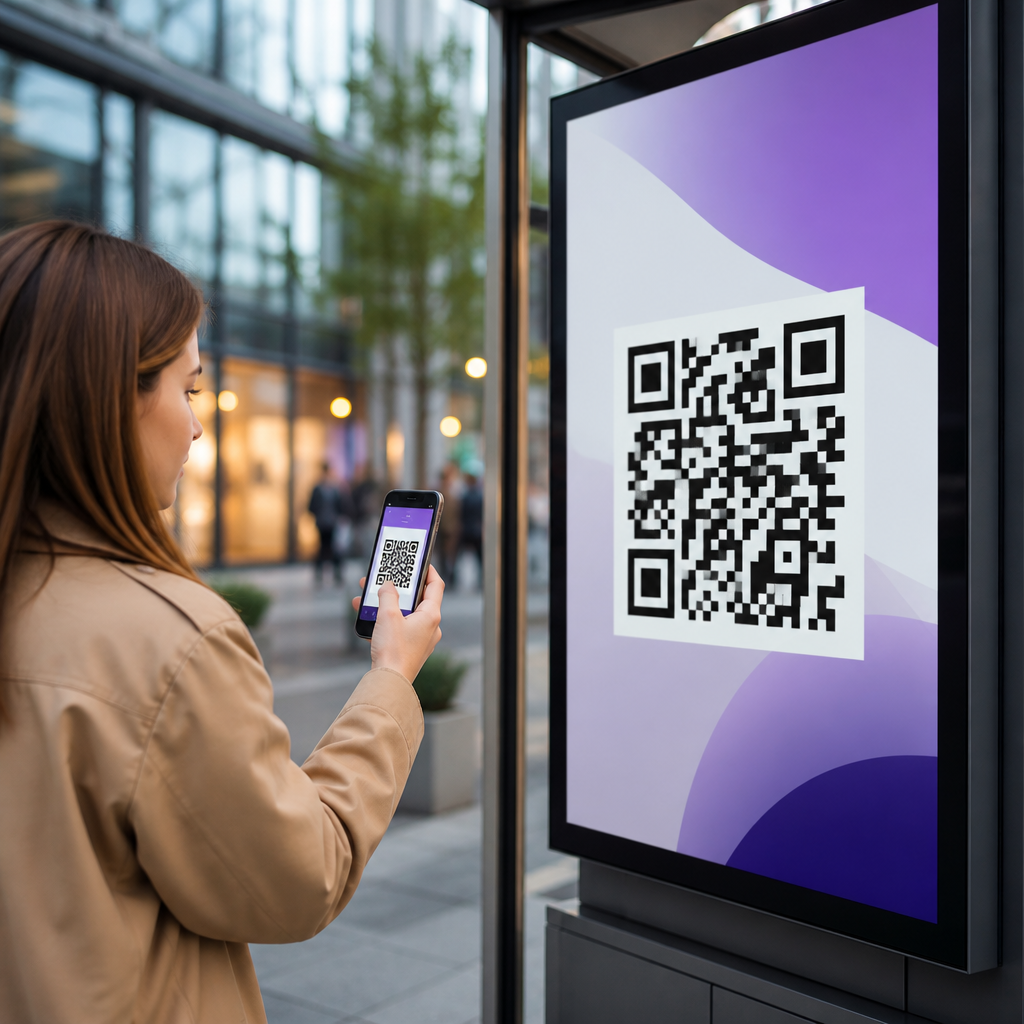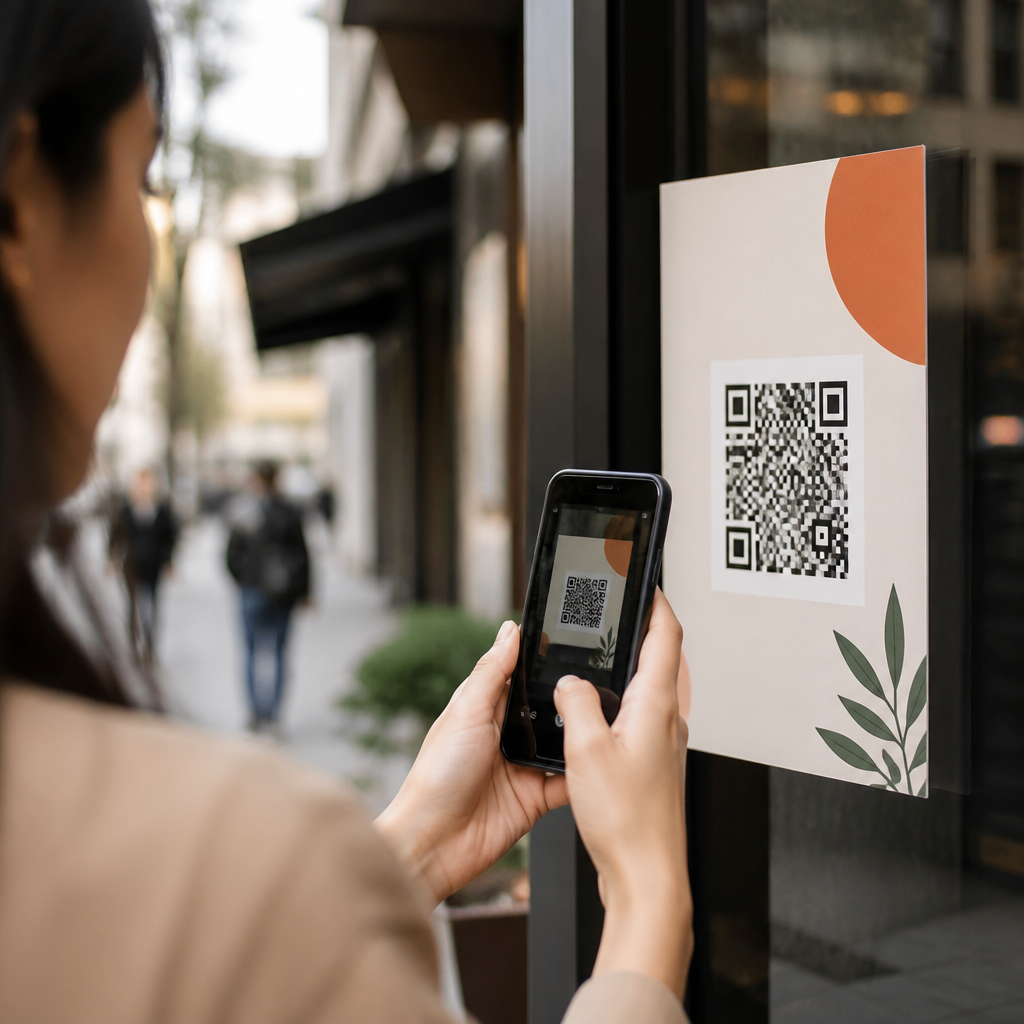
Tracking offline campaigns with QR codes turns posters, direct mail, packaging, event signage, and print ads into measurable traffic sources. A QR code is a scannable matrix barcode that sends a user to a digital destination, while QR code analytics refers to the data collected when that code is scanned, redirected, and followed through to a site, app, form, or purchase. For marketers responsible for proving return on investment, this matters because offline media has traditionally been difficult to attribute. I have implemented QR tracking across retail displays, trade show booths, restaurant menus, and local mailers, and the difference between a static code and a properly instrumented tracking setup is dramatic: one gives clicks, the other gives decision-grade evidence. When you connect dynamic QR codes with campaign URLs, analytics platforms, and clear conversion goals, you can measure scans by location, device, time, and downstream actions. That makes it possible to compare creative versions, optimize placements, and justify budget across channels. This article explains how to track offline campaigns with QR codes, what data to collect, which tools to use, and where common measurement errors distort results. It also serves as a hub for deeper work on QR code analytics and tracking, including attribution models, UTM governance, dashboard design, and conversion analysis across mobile journeys.
Build the measurement framework before you generate the QR code
The most effective QR code tracking starts before design. First define the business objective: lead capture, online sales, coupon redemption, app installs, appointment bookings, menu views, or store visit lift. Then define one primary conversion and two or three secondary conversions. For example, a direct mail campaign for a dental clinic may use booked consultation as the primary conversion, with form starts and click-to-call as secondary events. Without this hierarchy, teams often celebrate scan volume that never turns into value.
Next, choose dynamic QR codes rather than static QR codes for almost every campaign. A static code sends users directly to a fixed URL and cannot be changed after printing. A dynamic code points to a short redirect URL controlled by a QR platform, letting you edit the final destination, preserve the printed asset, and collect scan data. In practice, dynamic codes are the foundation of reliable QR code analytics because they create the logging layer between the scan and the landing page.
Use a naming convention that mirrors your offline media plan. I typically structure campaigns with fields for channel, format, region, audience, creative version, and date range. A code on a bus shelter in Chicago aimed at commuters might map to channel=OOH, format=bus-shelter, region=chicago, audience=commuters, creative=v2. That discipline prevents reporting chaos later when dozens of codes are active across multiple vendors and markets.
Your landing page matters as much as the code itself. Since most scans come from smartphones, build a mobile-first destination with fast loading, clear message match, and a single next action. If the poster promises “Get 20% off today,” the landing page should immediately present that offer, not force a user through generic navigation. Measurement improves when friction falls, because more visitors complete trackable events instead of bouncing.
Set up QR code analytics, campaign parameters, and conversion tracking correctly
To track offline campaigns with QR codes, connect three layers of measurement. Layer one is the QR platform, such as Bitly, QR Code Generator Pro, Beaconstac, Flowcode, or QR Tiger, which logs scans, timestamps, rough location, device type, and operating system. Layer two is web analytics, typically Google Analytics 4 or Adobe Analytics, which records sessions, engagement, events, and conversions after the redirect. Layer three is your CRM or commerce platform, such as HubSpot, Salesforce, Shopify, or Klaviyo, which ties campaign traffic to leads, revenue, and customer lifetime value.
Campaign parameters are essential. Add structured UTM tags to the destination URL so analytics tools can classify visits consistently. For offline media, source should identify the publisher or placement owner, medium should mark the channel category, and campaign should represent the initiative. Content is useful for creative variation, while term can be repurposed for audience segment when paid search is not involved. Example: utm_source=valpak, utm_medium=direct-mail, utm_campaign=summer-whitening, utm_content=postcard-a. This lets you compare performance across assets without relying only on the QR platform’s scan count.
In Google Analytics 4, configure key events that reflect business outcomes. Typical events include generate_lead, purchase, sign_up, add_to_cart, click_call, find_location, download_coupon, and form_start. Mark only the most important outcomes as conversions. If you need phone attribution, use call tracking tools such as CallRail or Invoca with dynamic numbers on the landing page. If redemptions happen in store, connect coupon codes, POS identifiers, or loyalty IDs so offline completion can be reconciled with the original scan session.
Redirect behavior deserves careful testing. A poor setup can strip UTM parameters, break deep links, or create duplicate sessions. Test every code on iPhone and Android, on both Wi-Fi and cellular, and verify that the final URL loads with the full parameter string intact. Review server-side redirects too. A 302 temporary redirect is common for dynamic codes, but what matters most is that analytics and consent tools fire consistently after the user lands.
What metrics matter most for QR code campaign performance
Marketers often overfocus on scan totals, but the strongest evaluation uses a funnel. Start with scans, then unique visitors, engaged sessions, primary conversions, revenue, and cost per conversion. Compare scan-to-session rate to detect technical issues. Compare session-to-conversion rate to detect landing page issues. Then compare revenue per scan or lead rate per 100 scans to judge business value. A code with fewer scans can outperform a high-volume code if its audience is better qualified.
Time and location patterns reveal practical insights. In one retail window campaign I managed, scans peaked between 5 p.m. and 7 p.m., when commuters passed the store after work. That led us to change the call to action from “Learn more” to “Reserve for pickup tonight,” which increased conversions because it matched intent. Location clustering can show that one venue or neighborhood outperforms others, helping reallocate print inventory and field promotions.
Device and operating system data are useful, but interpret them cautiously. A high iPhone share may reflect store geography or audience income, not creative quality. Similarly, low engagement from older Android devices may indicate slow page performance rather than weak offer relevance. Always pair device reporting with Core Web Vitals, page speed diagnostics, and form completion rates before drawing conclusions.
| Metric | What it shows | Common problem if weak |
|---|---|---|
| Scans | Initial response to placement and call to action | Code visibility, poor incentive, weak creative |
| Sessions | Successful landings after the scan | Broken redirects, slow pages, consent misfires |
| Conversion rate | Landing page effectiveness and audience intent | Message mismatch, long forms, unclear next step |
| Revenue per scan | Commercial value of each code interaction | Low-quality traffic, weak offer, bad targeting |
Use segmentation, testing, and attribution to improve offline results
Segmentation turns QR data into optimization. Create separate QR codes for each placement, creative variant, and audience whenever budget allows. Do not reuse one code across every flyer, poster, and in-store sign if you want actionable learning. Granularity is what tells you whether the café counter card outperformed the takeaway bag insert, or whether the event booth banner beat the speaker slide. In field campaigns, even a difference in code size, surrounding whitespace, or scan angle can change results.
A/B testing with offline media requires planning because you cannot swap printed assets instantly. The practical method is parallel testing: print two versions with separate dynamic codes and split distribution evenly by location or batch. Test one variable at a time, such as offer, headline, imagery, or destination experience. For example, a gym mailer might compare “Free 7-Day Pass” against “No Enrollment Fee,” each with its own code and landing page. Measure not just scans but memberships sold, because the cheaper offer may pull more curiosity while producing lower close rates.
Attribution is the area where many teams overclaim certainty. A QR scan is a strong signal of response, but not always the only touchpoint. A user may see a poster, scan later at home, then return via branded search on desktop to purchase. GA4’s data-driven attribution can help distribute credit across touches, while CRM reporting can associate first touch, last touch, and closed revenue. For higher-value sales, ask one self-reported question on the form such as “Where did you hear about us?” This is not perfect, but it often catches influence that session-based tools miss.
Privacy and data quality also matter. QR platforms usually estimate location from IP data, which is not precise enough for exact footfall measurement. Consent banners may reduce observable analytics events in regions governed by GDPR or similar laws. Apple’s privacy controls can affect downstream tracking in app flows and email follow-up. The answer is not to avoid measurement, but to document limitations and triangulate sources: QR scan logs, web analytics, CRM outcomes, coupon redemptions, and POS data.
Common mistakes in QR code tracking and how to avoid them
The first mistake is sending every scan to the homepage. A homepage dilutes intent, complicates attribution, and depresses conversions. Every offline campaign should have a dedicated landing page or tightly matched destination. The second mistake is printing static codes for campaigns that may change. If inventory, promotions, or event details shift, static codes become dead ends. Dynamic codes preserve flexibility and reduce reprint costs.
Another frequent error is poor placement. Codes printed too small, too high, on reflective surfaces, or without contrast scan badly. Follow practical standards: maintain generous quiet space, use high contrast, and size the code for viewing distance. On posters, I treat two centimeters as a bare minimum for close-range use, then increase size for street visibility. Always test from the actual user position, not just at a desk.
Teams also miss value by failing to connect scan data to revenue systems. If your dashboard stops at sessions, you cannot prove which offline campaigns produce customers. Pass source data into forms, preserve UTMs in hidden fields, and sync that information to the CRM. Finally, do not treat one month of results as a universal truth. Seasonality, weather, event attendance, and local competition all affect offline response.
QR code analytics and tracking make offline campaigns measurable, comparable, and improvable when the setup is disciplined. Start with a clear conversion goal, use dynamic QR codes, apply consistent UTM parameters, and connect scan data to analytics and CRM reporting. Evaluate performance through the full funnel, not scan volume alone, and segment codes by placement and creative so results can guide action. Test redirects, landing pages, and event tracking before launch, then review time, location, device, and revenue trends after distribution. Most important, acknowledge the limits of attribution and support your conclusions with multiple data sources. When you track offline campaigns with QR codes this way, print and physical media stop being black boxes and become accountable channels within your marketing mix. Use this article as your hub for QR code analytics and tracking, then build your next campaign with measurement built in from the first draft.
Frequently Asked Questions
1. How do QR codes help track offline marketing campaigns?
QR codes make offline campaigns measurable by creating a direct bridge between a physical asset and a digital destination. When someone scans a QR code on a poster, direct mail piece, product package, event sign, flyer, or print ad, they are sent to a landing page, app, form, coupon, or other online experience. That scan creates a trackable interaction, allowing marketers to see that the person came from a specific offline source rather than arriving through an unrelated channel.
In practice, this gives marketers visibility into metrics that traditional offline media often lacks. You can measure total scans, unique scans, time and date of scans, device type, approximate location, and what users do after they land on your website or app. If your analytics setup includes campaign parameters, conversion tracking, and goals, you can go further and tie scans to lead form submissions, purchases, bookings, downloads, or other business outcomes. This makes it much easier to evaluate which offline placements are generating meaningful engagement and which ones are underperforming.
QR codes are especially useful because they remove friction. Instead of asking someone to manually type a long URL, they can scan and immediately arrive at the intended destination. That convenience usually increases response rates while also improving the accuracy of attribution. For businesses trying to prove return on investment from offline media, QR codes transform static materials into measurable traffic sources and make campaign performance far easier to analyze and optimize.
2. What data can you collect from QR code analytics?
QR code analytics can reveal both top-level engagement and deeper conversion behavior, depending on how your tracking is configured. At the most basic level, marketers can typically see the total number of scans and the number of unique scans. This helps distinguish between overall activity and the number of individual users engaging with the campaign. Many platforms also report scan timing, showing when engagement peaks by hour, day, or date range.
Beyond basic scan counts, you can often collect device and environment data such as operating system, device type, and approximate geographic location. While this location data is usually not exact down to a precise street address, it can still be valuable for understanding regional response patterns. For example, if the same QR campaign appears in multiple cities, scan data can help identify which markets are driving the most interest and where your messaging may need adjustment.
The most valuable insights usually come after the scan. By connecting QR codes to web analytics platforms and using campaign parameters such as UTM tags, you can track user behavior on the destination page. This may include bounce rate, time on site, pages viewed, form completions, purchases, coupon redemptions, event registrations, or app installs. In other words, QR analytics should not stop at “someone scanned.” The strongest measurement approach follows the customer journey from physical touchpoint to digital action to final conversion. That full-funnel visibility is what allows marketers to compare offline campaign performance with online channels in a meaningful way.
3. What is the best way to set up QR codes for accurate offline campaign attribution?
The most effective setup starts with campaign structure. Each offline placement should have a distinct tracking approach so you can separate performance by channel, location, audience segment, or creative version. For example, a QR code used on in-store signage should not be identical to one used on direct mail if you want to compare results accurately. Creating unique destination URLs or using distinct campaign parameters for each variation helps preserve clean attribution.
Dynamic QR codes are usually the best choice for campaign tracking because they allow you to change the destination URL without reprinting the code. This is especially important for long-running campaigns, seasonal promotions, and situations where landing pages may need to be updated. Dynamic codes also tend to offer stronger analytics capabilities through the QR platform itself. Pairing those codes with UTM parameters ensures that traffic is categorized properly inside tools such as Google Analytics, allowing you to evaluate source, medium, campaign, and content in a standardized way.
It is also important to send scanners to a dedicated, mobile-friendly landing page that matches the context of the offline asset. If someone scans a code from product packaging, the page should reflect that experience and continue the message seamlessly. A generic homepage weakens attribution clarity and often hurts conversions. Marketers should also test every code thoroughly before launch, confirm that redirects work correctly, verify analytics collection, and establish clear naming conventions for all campaign assets. A disciplined setup makes reporting more reliable and gives you confidence when making budget decisions based on offline performance data.
4. Which offline channels work best with QR codes?
QR codes work well across a wide range of offline channels, especially those where people can quickly scan with a smartphone in the moment. Posters, transit ads, retail signage, event booths, direct mail, brochures, menus, catalogs, packaging, labels, business cards, and magazine ads are all strong candidates. The common trait is that the user sees the code in a physical environment and has an easy opportunity to act immediately.
Direct mail is often one of the strongest uses because recipients can scan instantly without typing a URL, and marketers can personalize the destination based on campaign or audience segment. Event signage is another effective channel because attendees are already engaged and looking for more information, schedules, giveaways, demos, or registration opportunities. Packaging also offers long-term value because it extends engagement after purchase, allowing brands to connect customers to product education, reviews, loyalty programs, cross-sell offers, or reorder pages.
The best channel depends on your goal. If you want fast response, high-traffic public signage may perform well. If you want higher-intent conversions, packaging and direct mail may produce better downstream results. The key is not just placing a QR code everywhere, but matching the code to a clear user motivation. People are more likely to scan when the value is obvious, such as accessing an exclusive offer, claiming a discount, viewing product details, entering a contest, or getting directions. A well-placed QR code with a compelling call to action can turn many traditional offline formats into measurable, conversion-oriented touchpoints.
5. What are the most common mistakes to avoid when using QR codes in offline campaigns?
One of the biggest mistakes is treating the QR code itself as the strategy. A code without a compelling reason to scan will often underperform. People need to understand what they will get by scanning, whether that is a special offer, useful information, a faster checkout path, an event registration page, or exclusive content. A strong call to action placed near the code can make a major difference in scan rate.
Another common mistake is sending users to a poor landing experience. Because most scans happen on mobile devices, the destination must load quickly, display properly on smaller screens, and align with the message on the offline asset. If the page is slow, confusing, or irrelevant, users are likely to abandon it immediately. Marketers also frequently make attribution errors by reusing the same QR code across multiple placements without unique tracking parameters. That approach may generate traffic, but it limits your ability to understand which specific assets are driving results.
Technical and design issues can also hurt performance. Codes that are too small, placed in low-visibility areas, distorted by poor printing, or set against low-contrast backgrounds can be difficult to scan. Placing a QR code where people have no time or ability to scan safely is another practical mistake. Finally, some teams fail to test thoroughly before rollout or neglect post-scan measurement, which means they can see scan volume but not actual business impact. The most successful QR campaigns combine clear intent, thoughtful placement, reliable technology, mobile-first user experience, and end-to-end analytics. When all of those elements work together, offline tracking becomes far more accurate and actionable.