
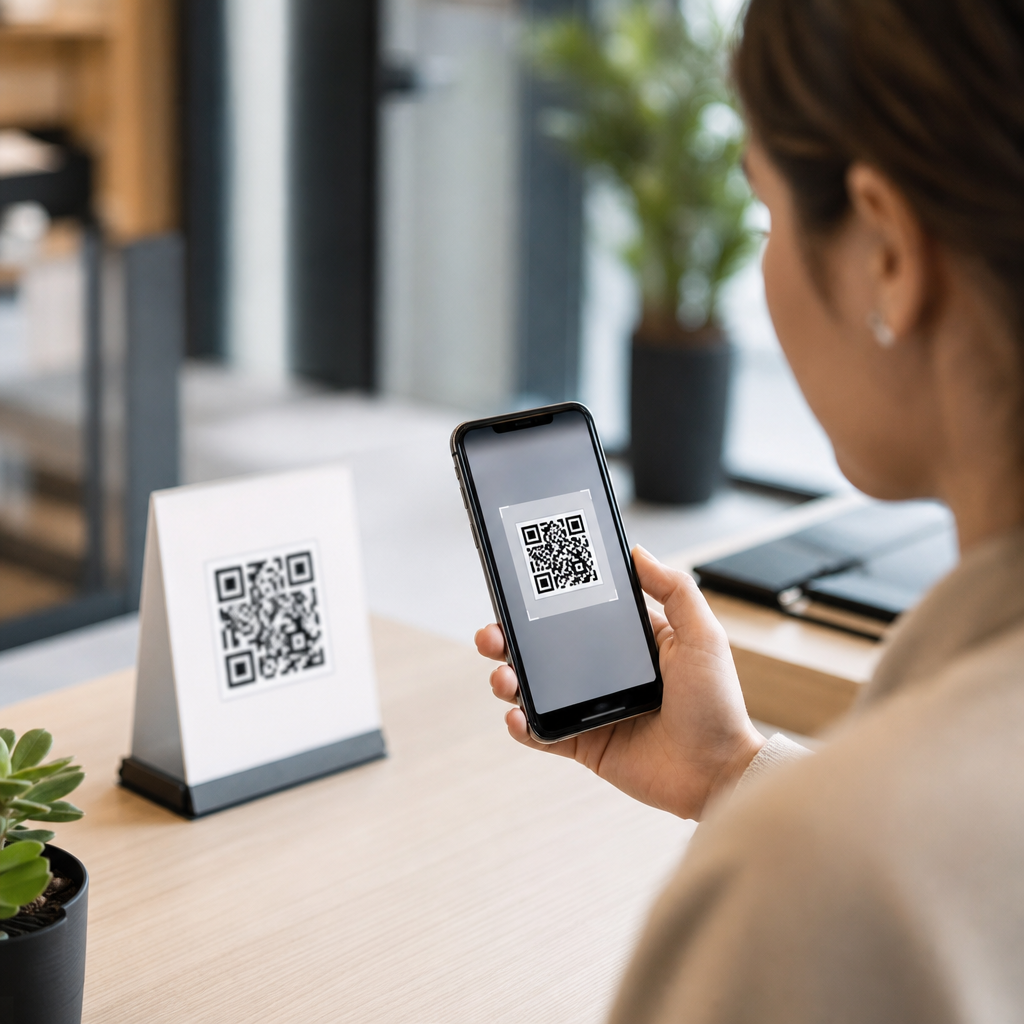
QR code personalization turns a single scannable image into a delivery system for tailored content, letting different people reach different landing pages, files, offers, or app experiences based on who they are, where they scan, or when the scan happens. In practical terms, custom content via QR codes means the code does not simply open one static URL forever. Instead, it connects to a rules-based destination, usually through a dynamic QR platform, where marketers, retailers, event teams, educators, and product owners can control the post-scan experience. I have used this approach for product packaging, venue signage, direct mail, and field sales enablement, and the pattern is consistent: personalized QR journeys increase relevance, and relevance increases scans, conversions, and measurable attribution.
To define the key terms clearly, a static QR code contains a fixed destination that cannot be edited after printing, while a dynamic QR code points to a short redirect URL that can be updated, tracked, and segmented. Personalization can be explicit, such as assigning a unique QR code to each customer record, or adaptive, such as changing content by device language, time of day, or scan location. Custom content may include personalized landing pages, gated PDFs, discount codes, appointment booking forms, videos, loyalty enrollments, or support instructions matched to a product serial number. This matters because generic mobile experiences underperform. Users scan with immediate intent, and the post-scan page must answer that intent in seconds. When content reflects audience context, the path to action gets shorter and the campaign becomes far easier to optimize.
For an Advanced QR Code Strategies hub, QR code personalization is the connective tissue between code creation, analytics, automation, compliance, and conversion design. It helps unify related subtopics such as dynamic QR infrastructure, scan tracking, CRM-triggered journeys, first-party data collection, geotargeted redirects, A/B testing, and print-to-digital attribution. The central question most teams ask is simple: how do you deliver custom content via QR codes without creating operational chaos? The answer is to build around a stable redirect layer, structured naming, audience logic, and a mobile-first destination architecture. Once those pieces are in place, you can personalize at scale across packaging, posters, catalogs, badges, menus, receipts, and mailers while maintaining governance, performance, and measurement.
Build personalization on dynamic QR infrastructure
The foundation of custom QR delivery is a dynamic QR code management platform. Tools such as Bitly, QR Code Generator PRO, Flowcode, Beaconstac, Uniqode, and enterprise campaign systems let teams create editable QR destinations, assign metadata, and capture scan events. In every production rollout I have managed, dynamic codes were non-negotiable because printed assets outlive campaigns. A code on a carton, brochure, or storefront may remain in circulation for months. If the linked page changes, inventory shifts, regulations update, or a campaign ends, the redirect must change without reprinting. Static codes are fine for permanent information like a homepage, but they are the wrong choice for personalized content.
Dynamic infrastructure also enables the segmentation logic that makes personalization work. At minimum, the platform should support editable destination URLs, campaign naming conventions, UTM parameter management, scan analytics, device detection, and API access. More advanced teams add CRM integration with HubSpot or Salesforce, automation through Zapier or Make, consent-aware forms, and webhooks that trigger post-scan workflows. For example, a sales team can print region-specific QR codes on one-pagers, then route each scan to a landing page preloaded with the correct distributor, language, and product bundle. The user sees a seamless experience, while the business captures precise campaign attribution. That redirect layer is the operational backbone of QR code personalization.
Choose the right personalization model for the use case
There are three practical models for delivering custom content via QR codes: one-to-many, segment-based, and one-to-one. One-to-many means every scanner reaches the same destination, but the destination itself adapts based on device or locale. This suits tourism signage, instruction manuals, and multilingual packaging. Segment-based personalization assigns different QR codes to audience groups such as store locations, postcard versions, event attendee tiers, or product lines. This is the most common model because it balances relevance with manageable complexity. One-to-one personalization assigns a unique code or unique token to each person, order, seat, or asset. This works for VIP invitations, patient education, warranty activation, and serialized packaging.
The best model depends on operational constraints. If you have print runs in the hundreds of thousands, one-to-one may require variable data printing, token management, and stronger fraud controls. If you need quick deployment across franchises, segment-based routing is often enough. A restaurant chain, for instance, may put different QR codes on window clings by neighborhood, sending each customer to the same menu template but with location-specific inventory, opening hours, and promotions. A manufacturer may print a QR code on each machine model that detects language and routes users to the right installation guide, safety sheet, and support video. Personalization should reduce friction, not create maintenance debt, so the model should match your content operations and data maturity.
Map scan context to content rules
After choosing the model, map the conditions that will determine which content appears after the scan. The most useful dimensions are audience identity, location, time, device type, language, referral source, and product or campaign identifier. These rules can live in the QR platform, a redirect service, or the landing page logic itself. The simplest setup uses separate dynamic QR codes for each segment. More advanced setups read URL parameters such as campaign, salesperson, SKU, or customer token and then assemble the correct page experience. The important principle is consistency. If your redirect logic is scattered across multiple systems, troubleshooting becomes difficult and reporting becomes unreliable.
A practical framework is to start with the user question at the moment of scan. On product packaging, the user often wants setup help, ingredients, compatibility, or proof of authenticity. At an event, they may want the agenda, speaker materials, or a lead capture form. In direct mail, they usually want to claim an offer or learn whether the message is relevant to them. Build the rule set around that intent. I have seen campaigns fail because the team personalized the greeting but not the utility. A QR code that says “Welcome, Sarah” but lands on a slow, generic page is weaker than a plain page that immediately shows Sarah’s nearest store, her coupon, and the exact next step. Useful customization beats cosmetic customization every time.
| Personalization trigger | How it works | Best-fit example | Main caution |
|---|---|---|---|
| Location | Redirect uses GPS permission, store code, or printed regional URL parameters | Retail posters showing nearest branch inventory | Do not require precise location unless it materially improves the experience |
| Time or date | Destination changes by campaign window or business hours | Event signage switching from registration to replay content | Test timezone handling carefully |
| Language | Browser or device language selects localized page | Consumer packaging distributed across several countries | Always offer manual language switching |
| Unique token | Personal ID in the URL loads a custom landing page | Direct mail with an individualized offer | Protect personal data and prevent token guessing |
| Product identifier | SKU or serial routes to the correct documentation set | Equipment setup and warranty registration | Maintain clean product data governance |
Create mobile-first destination experiences that convert
The QR code gets the scan, but the landing experience earns the result. A personalized QR campaign succeeds only when the destination loads quickly, matches the promise of the scan prompt, and makes the next action obvious. Google’s Core Web Vitals remain a useful benchmark for mobile performance, especially Largest Contentful Paint and Interaction to Next Paint. On QR traffic, every extra second matters because the user is already standing in a store aisle, at a booth, or holding a printed piece in one hand. Keep the page lightweight, remove unnecessary navigation, and place the primary action high on the screen. If the goal is download, booking, redemption, or sign-up, the page should feel like a continuation of the physical touchpoint, not a detour into your broader website.
Personalized landing pages should adapt both content and structure. If the scan comes from a product label, begin with model-specific instructions, then show FAQs, support contact options, and accessory recommendations. If the scan comes from a direct mail offer, present the offer first, validate eligibility, and reduce form fields using known data. Pre-filling a city, store, product type, or salesperson can materially increase completion rates. In B2B settings, I have repeatedly seen QR-driven lead forms perform better when paired with a short explainer video and one proof point, such as a customer logo or implementation timeframe, rather than a dense feature page. The mobile destination should answer the first question immediately and support the second question without forcing another search.
Track scans, attribution, and downstream outcomes
Measurement is where personalized QR codes justify their complexity. Good tracking starts with disciplined naming conventions: campaign, channel, asset, version, audience, geography, and date should be encoded consistently in the QR platform and in UTM parameters. Scan counts alone are incomplete. You also need unique scanners where available, destination page views, bounce rate, form completions, purchases, coupon redemptions, store visits, or support case deflection. Google Analytics 4, Adobe Analytics, HubSpot, Salesforce campaigns, and warehouse reporting can all contribute, but the redirect and landing page events must be mapped before launch. Otherwise, scans will spike while business outcomes remain ambiguous.
Attribution improves when QR codes are tied to specific offline assets. A catalog can use different codes by category spread. A trade show can use separate codes for booth walls, demo stations, and badge follow-up cards. A CPG brand can assign codes by retailer and package size, then compare scan-to-purchase or scan-to-warranty rates. This is especially useful for print and out-of-home channels that have historically been difficult to measure. One caution: scan analytics are directional, not omniscient. Privacy controls, ad blockers, and app browsers can obscure user identity. Treat QR data as a strong source of intent signals, then combine it with first-party conversion data to understand which personalized experiences actually influence revenue, retention, or service efficiency.
Address privacy, security, and governance from the start
Personalization introduces responsibility. If a QR code leads to content based on a named customer, account, or order, the system must protect that information. Avoid exposing sensitive personal data in plain URL parameters. Use opaque tokens, short-lived links when appropriate, HTTPS everywhere, and access controls on the destination content. If forms collect personal information, align disclosure and consent practices with applicable requirements such as GDPR, CCPA, or sector-specific rules. For healthcare, education, and financial services, extra review is often necessary because the convenience of QR delivery can accidentally expose regulated data if teams move too quickly.
Governance also matters operationally. Establish ownership for code creation, naming standards, redirect approvals, expiration policies, and content QA. Broken or outdated destinations damage trust fast because the physical code may still be visible long after the campaign team has moved on. I recommend a simple audit schedule for every live dynamic QR code, plus fallback destinations for expired campaigns. A good default is to redirect retired codes to a useful evergreen page rather than a dead end. The strongest QR personalization programs treat codes as managed digital assets, not as throwaway graphics. That mindset protects user trust and makes scaling possible across teams, regions, and product lines.
Delivering custom content via QR codes works when three elements stay aligned: a dynamic redirect layer, clear personalization rules, and a fast mobile experience built for the moment of scan. Start with the use case, choose the right personalization model, and connect each code to content that answers immediate user intent. Then instrument the journey so you can see not only who scanned, but what happened next. That is how QR code personalization moves from novelty to dependable performance across packaging, events, retail, field marketing, and customer support.
As a hub within Advanced QR Code Strategies, this topic connects naturally to dynamic QR management, campaign analytics, first-party data capture, CRM integrations, localized landing pages, and print attribution. The main benefit is simple: personalized QR experiences reduce friction and increase relevance, which improves conversion and makes offline media measurable. Review your current QR inventory, identify where users need tailored content, and replace static destinations with governed dynamic journeys. That single shift creates the foundation for every advanced QR strategy that follows.
Frequently Asked Questions
1. What does it mean to deliver custom content via QR codes?
Delivering custom content via QR codes means using a QR code as a smart access point rather than a simple link to one fixed webpage. Instead of sending every scanner to the same destination forever, a dynamic QR code can connect to a rules-based system that changes what people see based on conditions such as audience segment, location, device type, language, time of day, campaign source, or previous interactions. In practice, that could mean one customer scans a code and sees a discount offer, while another sees a product tutorial, event registration page, PDF download, mobile app prompt, or loyalty experience. This approach makes the QR code far more flexible because the printed code stays the same while the content behind it can be updated and personalized over time. For marketers, retailers, event organizers, and educators, this creates a scalable way to deliver more relevant experiences without constantly reprinting materials.
2. How do dynamic QR codes help personalize content for different users?
Dynamic QR codes are the foundation of personalized QR content because they do not store the final destination directly in the code. Instead, they point to a managed short URL or routing layer controlled through a QR code platform. That platform can apply logic to determine where the user should go after scanning. For example, a business might direct first-time users to an introductory landing page, returning customers to a loyalty reward, iPhone users to the App Store, Android users to Google Play, and users in different regions to localized language pages. A restaurant could show breakfast offers in the morning and dinner promotions later in the day. An event team could send VIP guests to an exclusive schedule and general attendees to the main agenda. Because the destination can be adjusted in the dashboard, teams can test messages, swap out expired promotions, correct broken links, and optimize campaigns in real time. That combination of flexibility, targeting, and manageability is what makes dynamic QR codes so effective for custom content delivery.
3. What kinds of custom content can you deliver through a QR code?
A QR code can deliver almost any digital experience that begins with a link, which makes it useful across many industries and campaign types. Common examples include personalized landing pages, discount offers, coupon codes, product detail pages, video demonstrations, digital menus, registration forms, surveys, feedback requests, onboarding flows, event schedules, downloadable PDFs, instructional documents, contact cards, app download pages, and gated member content. More advanced uses include linking scanners to different content based on their profile, campaign source, or real-time context. For example, educators can share class-specific study materials, retailers can deliver region-specific promotions, and B2B teams can route prospects to industry-tailored case studies. Healthcare organizations might use QR codes for patient instructions, while hospitality brands can direct guests to custom check-in information or property guides. The key is that the code serves as a bridge to content that is more relevant to the person scanning it, which typically improves engagement, conversions, and overall user experience.
4. What is the best way to set up a QR code campaign with personalized destinations?
The best approach starts with defining the user segments and the action you want each group to take after scanning. Before generating the QR code, map out the content journey clearly: who will scan, where they will scan, what device they are likely using, and what experience would be most useful for them in that moment. Next, use a dynamic QR code platform that supports editable destinations, scan analytics, and rules-based routing. Build the destination pages or files first, then configure the logic that determines which audience sees which content. After that, test the code thoroughly under real conditions, including different devices, operating systems, locations, and time-based scenarios. It is also important to keep the mobile experience fast and simple, since most QR interactions happen on smartphones. Use clear calls to action near the code so people know what they will get by scanning. Finally, monitor analytics such as scans, click-through rates, conversion actions, geography, and device data so you can refine the experience. A successful personalized QR campaign is not just about generating a code; it is about designing a relevant, measurable user journey behind it.
5. Are there any best practices or common mistakes to avoid when delivering custom content via QR codes?
Yes, and paying attention to them can make a major difference in campaign performance. One of the most important best practices is to use dynamic rather than static QR codes whenever personalization or future updates are needed. Static codes are limited because the destination cannot be changed once printed. Another best practice is to make sure the landing experience is mobile-optimized, loads quickly, and matches the promise made next to the QR code. If users scan expecting a coupon, guide, or exclusive content, the destination should deliver that immediately without confusion. It is also wise to keep the routing logic manageable; overly complex rules can create errors or inconsistent experiences. From a design standpoint, place the code where it is easy to notice and scan, with enough contrast and proper sizing. In terms of mistakes, common issues include linking to expired pages, sending all users through a generic homepage, failing to test different scan scenarios, and ignoring analytics after launch. Privacy should also be considered when personalization relies on user data, especially in regulated industries. The most effective QR code strategies combine relevance, reliability, strong mobile usability, and ongoing optimization so the custom content feels seamless rather than gimmicky.





