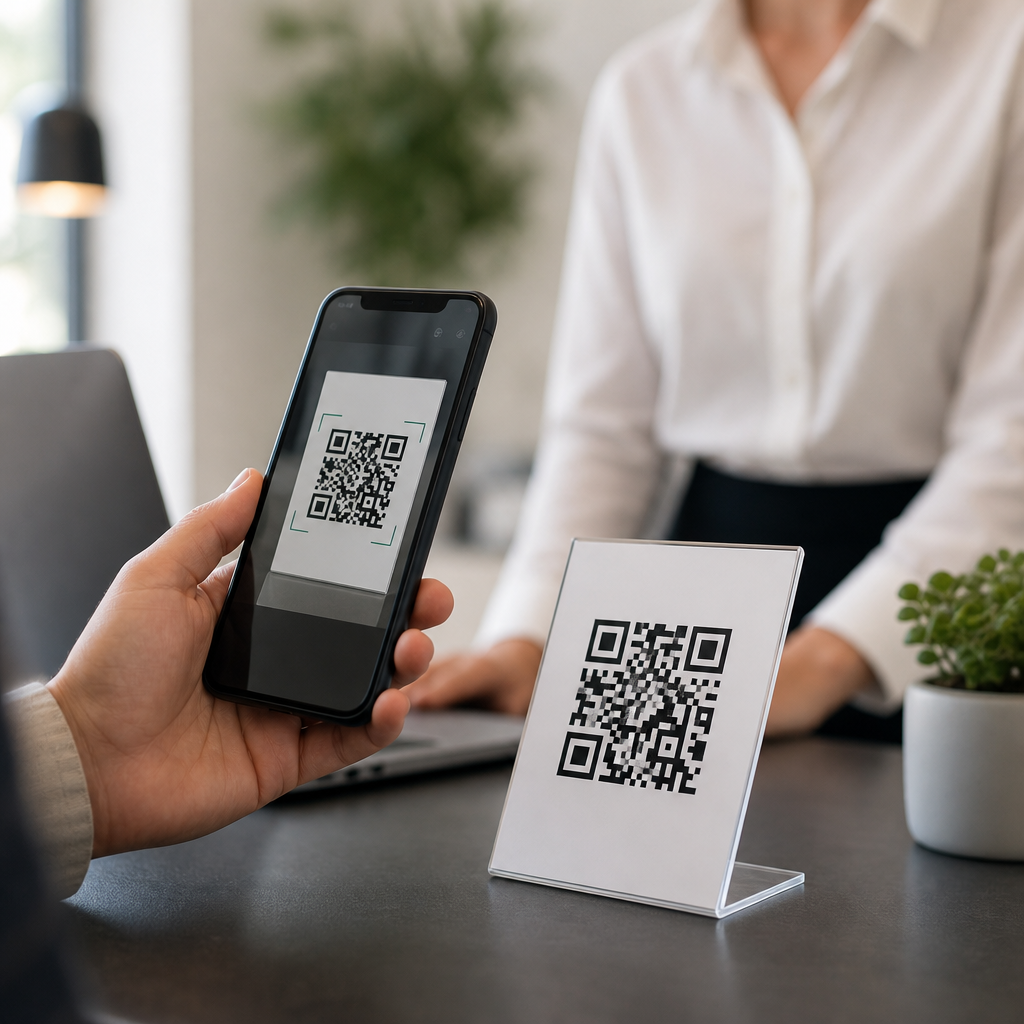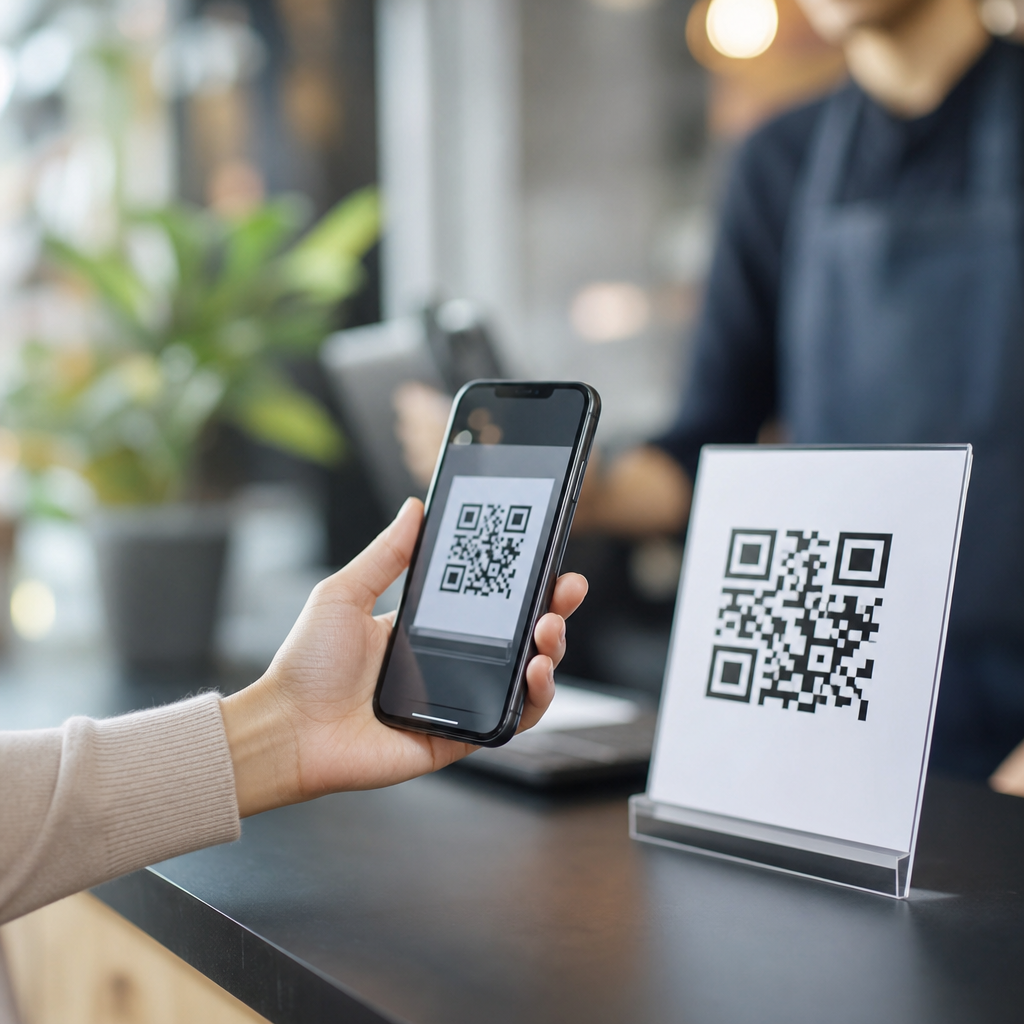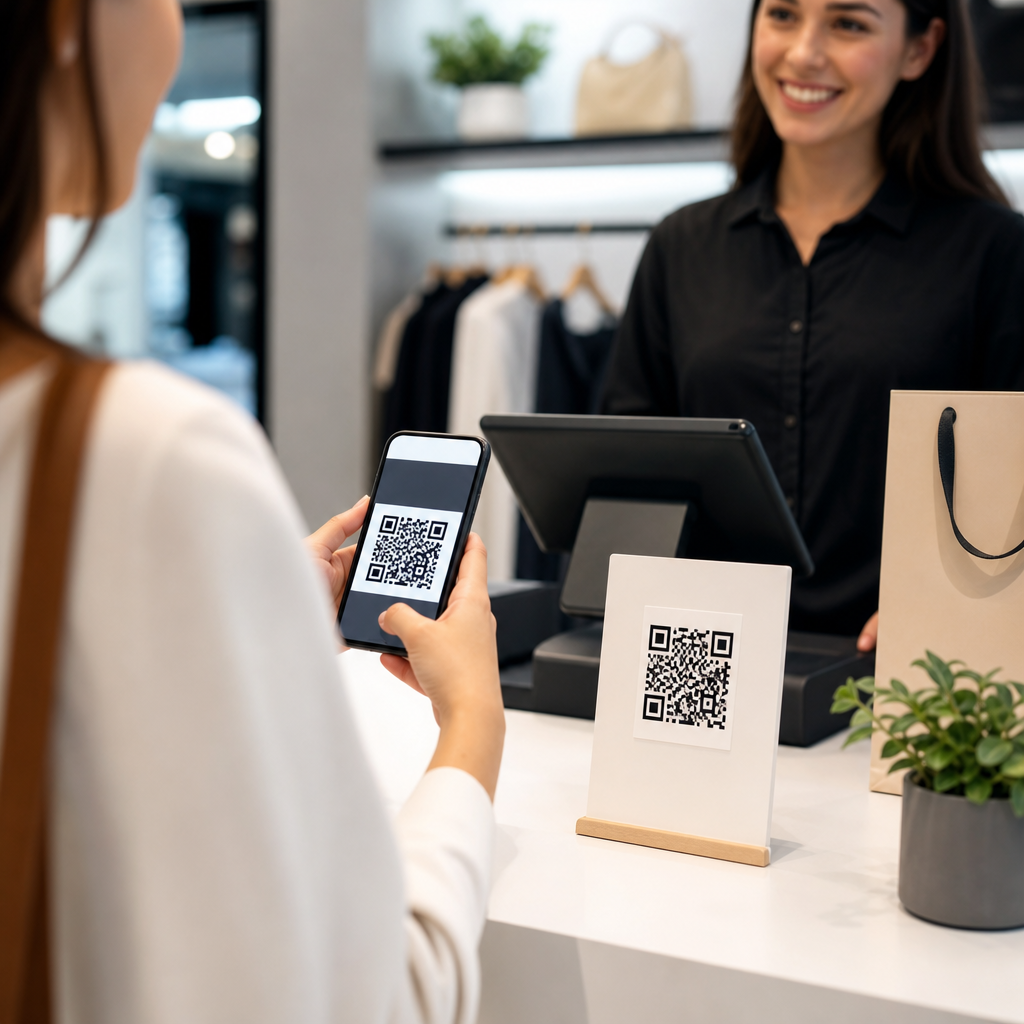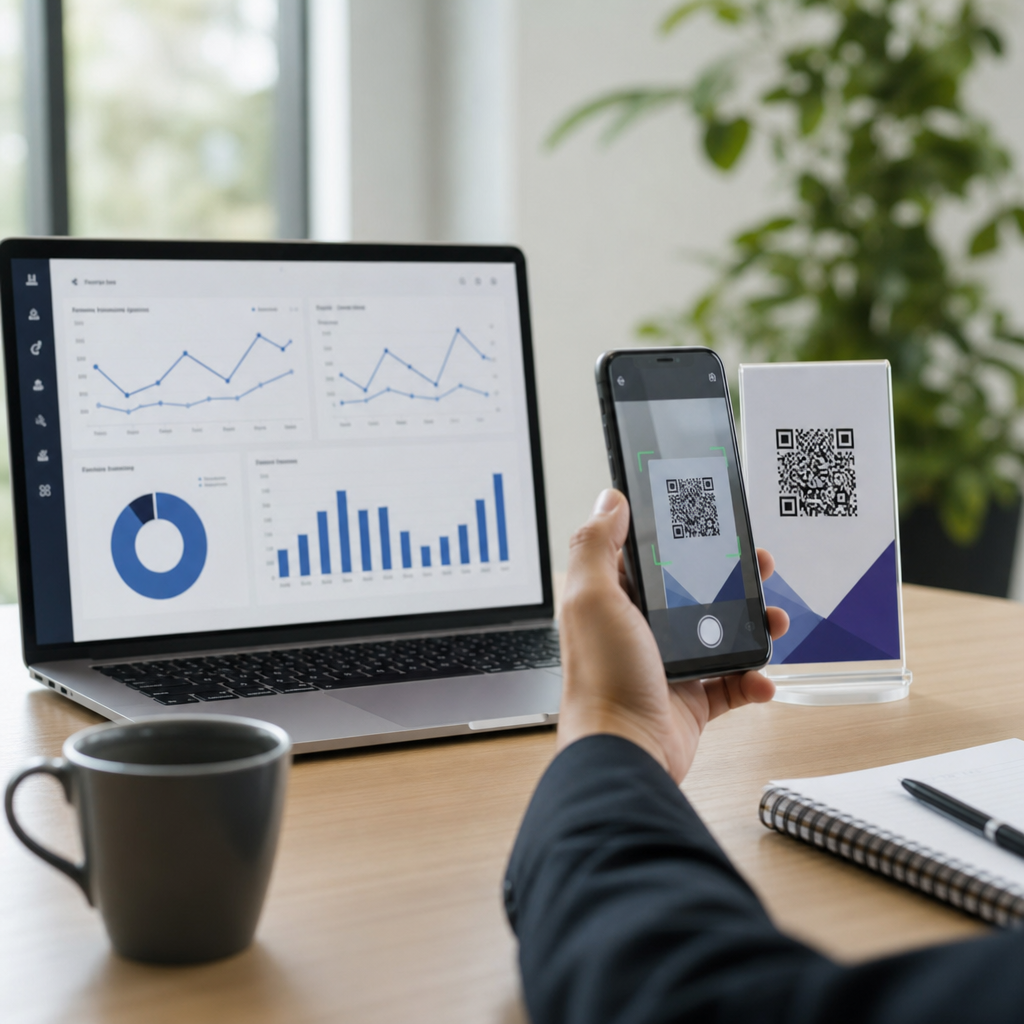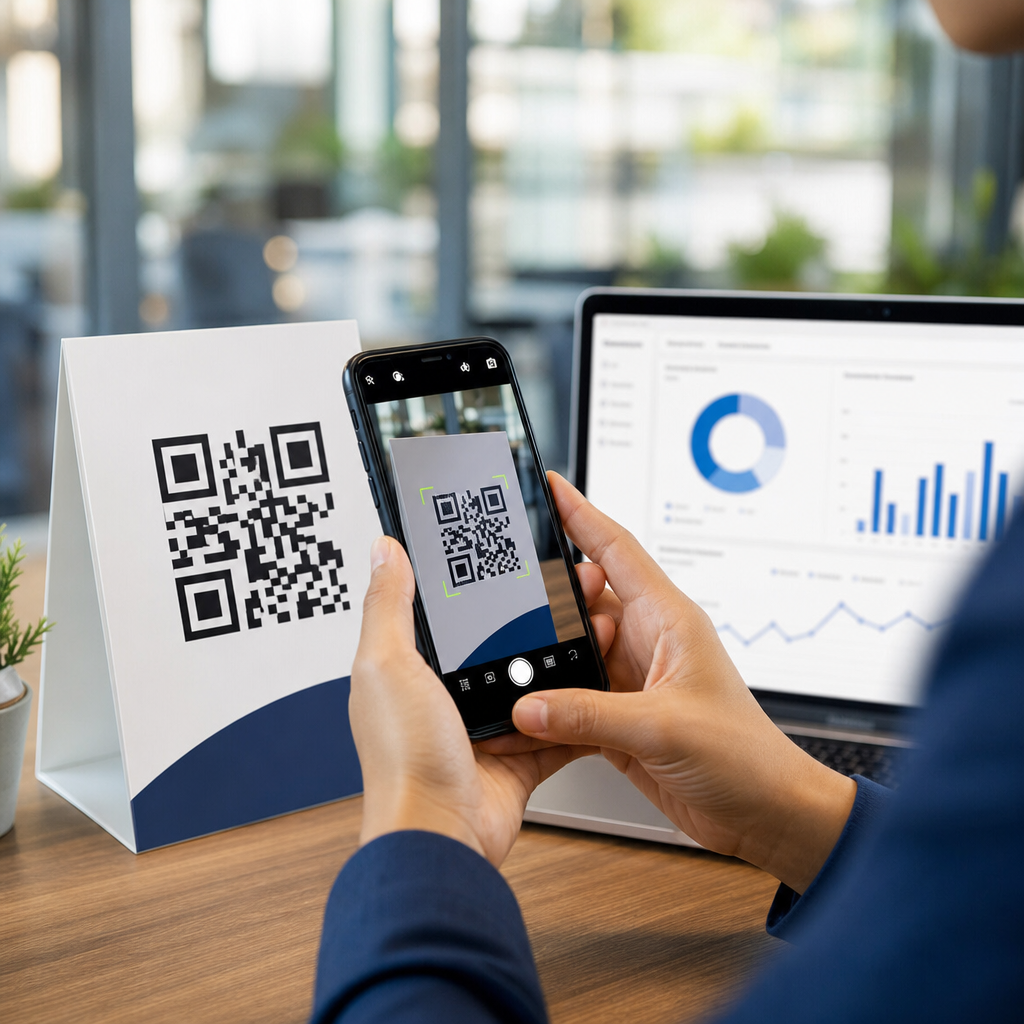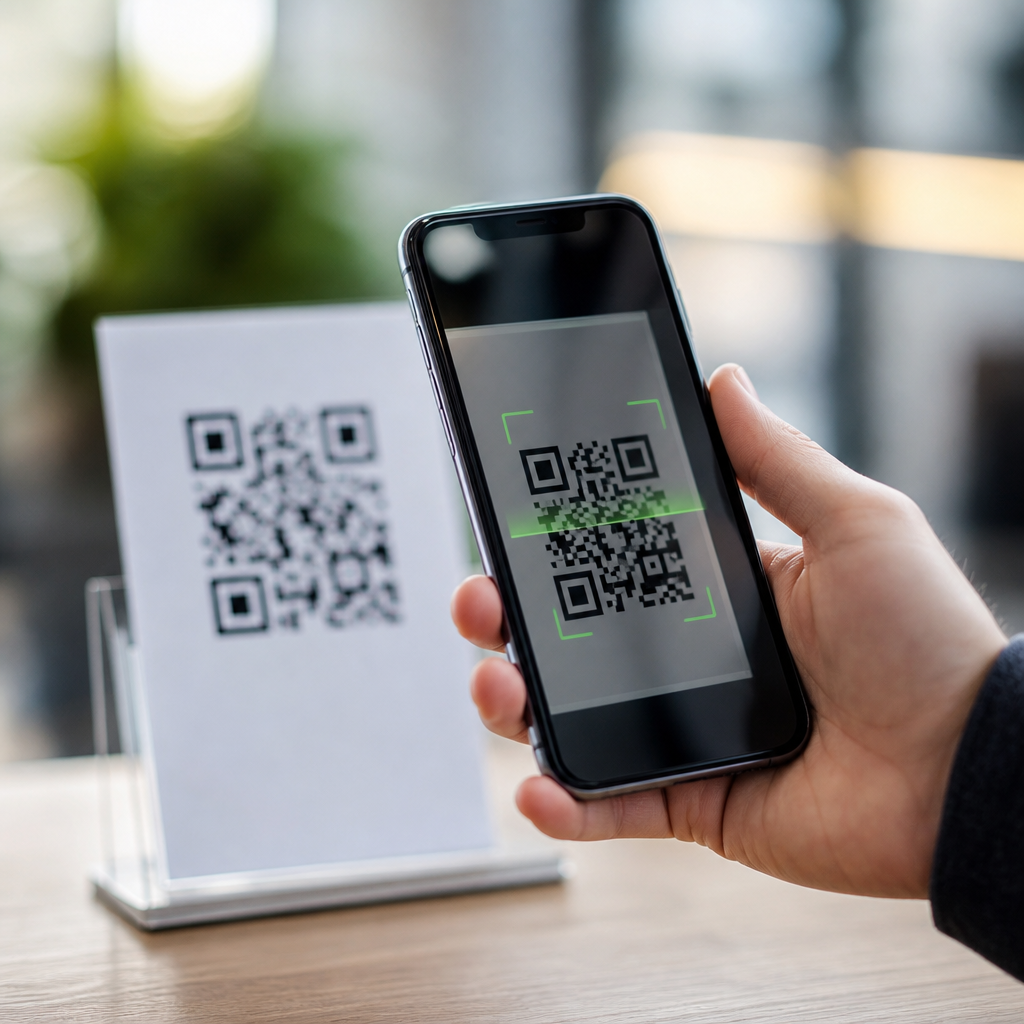
Scanning a QR code triggers a fast chain of events: your device opens the camera, detects the square pattern, decodes the stored data, checks what type of information it contains, and then offers the matching action, such as opening a website, joining Wi-Fi, saving a contact, or launching a payment screen. A QR code, short for Quick Response code, is a two-dimensional barcode designed to hold more data than a traditional barcode and remain readable even when part of the image is damaged. This matters because QR codes now sit at the center of everyday tasks, from restaurant menus and event tickets to logistics, product authentication, and customer support. I have implemented QR code campaigns for retail packaging and internal warehouse workflows, and the same questions always come up: what data is actually inside the code, does scanning cost money, can it track you, and how do you know whether it is safe? This hub answers those general QR code FAQs in clear terms so readers can understand what happens technically, what actions are normal, and what warning signs deserve caution before tapping any prompt.
How a QR code scan works from camera to action
When you point a phone camera at a QR code, software first identifies the three large square finder patterns located in the corners. Those markers help the scanner determine orientation, size, and perspective, even if the code is tilted. The scanner then maps the smaller modules, the tiny black and white squares, and converts that pattern into binary data. Error correction, commonly based on the Reed-Solomon method defined in the ISO/IEC 18004 standard, allows the scanner to recover information even when a corner is smudged or a label is scratched. In practice, that is why a code on a coffee cup can still work after handling or condensation.
After decoding, the phone examines the payload type. If the code contains a URL, the device offers to open a browser. If it contains a mailto link, it can open an email composer. If it contains a vCard or MeCard, it may prompt you to save contact details. A Wi-Fi QR code can fill in the network name, encryption type, and password automatically. Payment apps use their own structured formats to identify merchants, invoice references, or transfer amounts. The code itself does not magically execute random commands on a healthy modern phone; it passes data to the operating system or app, which then asks for an appropriate next step.
Most modern iPhones and Android phones include native QR scanning in the camera app, though some older devices rely on Google Lens or a dedicated scanner. In testing across retail environments, I have seen the biggest failures come from poor lighting, glossy surfaces, low print contrast, and codes placed too high for a stable camera angle. The scanning process is usually instant because the image processing happens locally on the device before any webpage or service is opened.
What information a QR code can contain
A QR code can store several kinds of data, and understanding that payload answers many common questions. The most familiar format is a web address, but QR codes can also encode plain text, phone numbers, SMS templates, email addresses, calendar events, geographic coordinates, app deep links, and authentication tokens. In business settings, they often carry inventory identifiers, serial numbers, support ticket IDs, or links to product documentation. In manufacturing and warehousing, I have used QR labels to direct workers to a specific part record in an asset system instead of forcing manual search.
The amount of data a QR code can hold depends on the version, encoding mode, and error correction level. A larger code can store more characters, but denser codes are harder to scan if printed too small. That tradeoff matters in packaging design. A compact URL generated with a short domain will scan more reliably on a tiny medicine box than a long tracking link packed with marketing parameters. Dynamic QR code platforms solve this by putting a short redirect URL inside the code and managing the destination server-side.
Not every scan requires the internet. If a QR code contains only plain text or contact information, the device can decode it offline. Internet access becomes necessary only when the action itself needs a network, such as opening a webpage, verifying a ticket, or fetching app content. This distinction is useful in troubleshooting because users often assume the code is broken when the real issue is weak connectivity after a successful scan.
Common uses, benefits, and limitations
QR codes are popular because they reduce friction. A user can move from physical object to digital action in one step. Restaurants use them for menus, transit systems for mobile tickets, utilities for bill payment, and support teams for quick links to setup guides. In healthcare and field service, QR labels on equipment can link staff directly to maintenance logs or safety instructions. During the pandemic, adoption accelerated because contactless interactions became operationally important, but the convenience remains useful long after that specific driver faded.
The benefits are measurable. They eliminate typing errors, shorten task completion time, and let printed materials stay simple while digital destinations remain flexible. They also support analytics when managed through dynamic redirects, allowing teams to see scan volume by date, location, or campaign. That said, QR codes have real limitations. If the destination page is slow, not mobile-friendly, or blocked by app interstitials, the scan experience fails even if the code itself works perfectly. Accessibility also matters: users need adequate contrast, nearby instructions, and an alternate path such as a short URL for anyone whose device cannot scan easily.
| Use case | What the code contains | What happens after scanning | Main limitation |
|---|---|---|---|
| Restaurant menu | Website URL | Browser opens digital menu | Poor mobile page design hurts usability |
| Wi-Fi access | SSID, password, security type | Phone offers to join network | Older devices may not support auto-fill |
| Event ticket | Unique token or attendee ID | Venue system verifies entry | Requires backend validation |
| Product support | Link to manual or help article | User lands on troubleshooting content | Broken redirects create dead ends |
| Mobile payment | Merchant account and transaction fields | Payment app opens confirmation flow | Standards vary by region and provider |
Are QR codes safe to scan?
Most QR codes are harmless, but safety depends on the destination, not the pattern itself. A QR code can point to a legitimate website, or it can lead to a phishing page designed to steal passwords, payment details, or multifactor authentication codes. This threat is sometimes called quishing, because it uses QR codes as the lure. Attackers place stickers over real codes in parking meters, posters, restaurant tables, or parcel lockers, betting that users will trust the physical setting and scan without checking.
The safest habit is simple: preview the link before opening it and verify the domain name carefully. Look for misspellings, odd subdomains, or unfamiliar URL shorteners. On phones that show only part of the destination, pause and inspect before proceeding. Avoid entering credentials on a page opened from a random public code unless you independently confirm the site. Businesses should print branded instructions near codes, use HTTPS, and avoid unnecessary redirects that make destinations harder to verify. In enterprise rollouts, I also recommend routine inspections of public-facing codes to catch tampering early.
Scanning a code by itself usually does not install malware on a modern phone. The larger risk is social engineering: the code persuades the user to visit a bad site, download a malicious profile, or approve a payment. Keep your operating system updated, use built-in browser warnings, and treat QR codes with the same caution you would apply to an emailed link from an unknown sender.
Why a QR code may not work and how to troubleshoot
If a QR code will not scan, start with the basics. Improve lighting, clean the camera lens, move closer, and hold the phone steady. If the code is behind glossy plastic or on a curved surface, change the angle to reduce glare and distortion. Printed codes need a clear quiet zone, the blank margin around the symbol, or scanners may struggle to isolate it. Low contrast, such as dark gray on black packaging, is another frequent failure I have had to correct after design teams prioritized aesthetics over readability.
Next, test the destination. A code can decode correctly while the landing page returns a 404 error, times out, or blocks mobile browsers. For dynamic QR codes, confirm that the redirect service is live and the target URL has not changed. If the code worked before and suddenly fails across many devices, a backend issue is more likely than a printing problem. In operations environments, I usually test with at least three devices and one dedicated scanning app to separate camera issues from data issues quickly.
Size matters too. As a practical rule, a QR code should be large enough for the intended scanning distance. A small code on a tabletop may be fine at 2 centimeters square, while a poster viewed from several feet away needs a much larger symbol. Error correction can help with wear and branding overlays, but pushing it too far reduces robustness. The best way to avoid support tickets is simple field testing under the exact conditions where users will scan.
Key FAQs and what to do next
The shortest accurate answer to “what happens when you scan a QR code” is this: your device reads encoded data and offers the matching action. Everything else depends on the payload, the app involved, and the quality of the printed code and destination. QR codes can hold links, text, contacts, Wi-Fi credentials, tickets, and payment details. They often work offline for decoding, but many actions require internet access afterward. They are convenient and efficient, yet safety still depends on checking where the code leads before you trust it.
For a hub page, the most useful takeaway is that general QR code questions fall into four buckets: how scanning works, what data is inside, whether the code is safe, and why it may fail. Once you understand those basics, troubleshooting becomes much easier. If a scan does not work, check the image conditions, then verify the destination. If a code seems suspicious, inspect the link and do not submit personal information until you confirm the source. If you manage QR codes for a business, test every code on multiple devices and maintain the linked content as carefully as the printed asset itself.
Use this hub as your starting point for deeper guidance on QR code scanning issues, security concerns, dynamic versus static codes, and device-specific fixes. Review your own codes, test the experience end to end, and update weak links before users ever encounter them.
Frequently Asked Questions
What actually happens step by step when you scan a QR code?
When you scan a QR code, your phone or scanning app goes through a quick series of checks and actions, usually in less than a second. First, the camera captures the image and looks for the QR code’s distinctive square shape, including the position markers in the corners that help it recognize the code’s orientation. Once the code is located, the software adjusts for angle, lighting, and perspective so it can read the pattern accurately even if the code is tilted or not perfectly centered.
Next, the scanner decodes the black-and-white modules, which are the small squares that store the data. It then determines what kind of information is inside the code. That could be a website URL, plain text, contact details, Wi-Fi credentials, a calendar event, a payment request, or another supported format. After identifying the data type, your device presents the appropriate action. For example, it may open a browser for a website, prompt you to join a Wi-Fi network, offer to save a contact, or launch a payment interface. In short, scanning a QR code is not just “reading a picture”; it is a rapid process of image detection, data decoding, content classification, and action matching.
How does a QR code store more information than a traditional barcode?
A traditional barcode stores data in one direction, typically as a sequence of vertical lines and spaces. Because it is one-dimensional, its storage capacity is limited. A QR code is different because it is two-dimensional, which means it stores information both horizontally and vertically. That layout allows it to hold far more data in a relatively small space, making it useful for many different tasks beyond product identification.
In addition to higher capacity, QR codes are designed with structural features that improve readability and flexibility. The larger square markers help scanners find the code quickly, while alignment patterns help compensate for distortion. QR codes also include error correction, which means they can often still be read even if part of the code is smudged, scratched, covered, or printed imperfectly. This combination of data density and durability is a major reason QR codes are used for websites, digital menus, payments, ticketing, authentication, app downloads, and device setup. They are built not just to store more information, but to make that information fast and reliable to access in real-world conditions.
Is scanning a QR code safe, and what risks should you be aware of?
Scanning a QR code is usually safe, but it depends on where the code came from and what action it is trying to trigger. A QR code itself is simply a way of storing data, so the real safety issue is the destination or instruction embedded inside it. If the code leads to a legitimate website, secure payment page, trusted Wi-Fi setup, or verified business action, there is generally little concern. However, scammers can create malicious QR codes that point to fake websites, phishing forms, fraudulent payment requests, or misleading downloads.
A good rule is to treat a QR code the same way you would treat a link in an email or text message. Before opening anything sensitive, check the preview if your phone provides one, look closely at the web address, and be cautious if the code appears on a sticker placed over another code, in an unexpected location, or in a message from an unknown sender. Avoid entering passwords or payment information on sites you do not trust. Many modern phones help reduce risk by showing a preview of the destination before fully opening it, but users still need to pay attention. The safest approach is simple: scan codes from trusted sources, verify the destination, and pause if anything feels suspicious.
Why can a QR code still work even if part of it is damaged?
One of the most useful features of a QR code is its built-in error correction. Unlike simpler codes that may fail completely if part of the image is missing, a QR code is designed to recover data even when sections are dirty, torn, faded, or blocked. This is possible because the encoded information includes redundant data that allows the scanner to reconstruct missing pieces. Depending on how the code was generated, different levels of error correction can be used, balancing data capacity against resilience.
This is why QR codes often remain scannable on packaging, posters, receipts, restaurant tables, and outdoor signs where wear and tear are common. It is also the reason some branded QR codes can include a logo or design element in the center without becoming unreadable, as long as the customized area does not exceed what the error correction level can tolerate. Of course, there are limits. If too much of the code is obscured, or if the key positioning markers are damaged, scanning may fail. But compared with many other machine-readable formats, QR codes are intentionally designed to be forgiving, which makes them highly practical for everyday use.
What kinds of actions can a QR code trigger after it is decoded?
After a QR code is decoded, the next step depends entirely on the type of data stored inside it. The most common action is opening a web page, but that is only one of many possibilities. A QR code can contain a direct URL, a block of text, a phone number, an email address, a contact card, Wi-Fi network details, a map location, an event invitation, an app link, or payment information. Once your device recognizes the format, it offers the corresponding action through the app or system feature best suited to handle it.
For example, scanning one code may open a restaurant menu in your browser, while another may instantly prefill Wi-Fi login details so you can connect without typing a password. Another might create a new contact in your address book, start composing an email, open navigation directions, or launch a digital wallet payment screen. In business and marketing, QR codes are also used to track campaign engagement, route users through redirect links, or connect printed materials to digital content. The important point is that the code does not “do everything” by itself; it stores data, and your device interprets that data and presents the next logical action. That seamless handoff is what makes QR codes feel so fast and convenient.