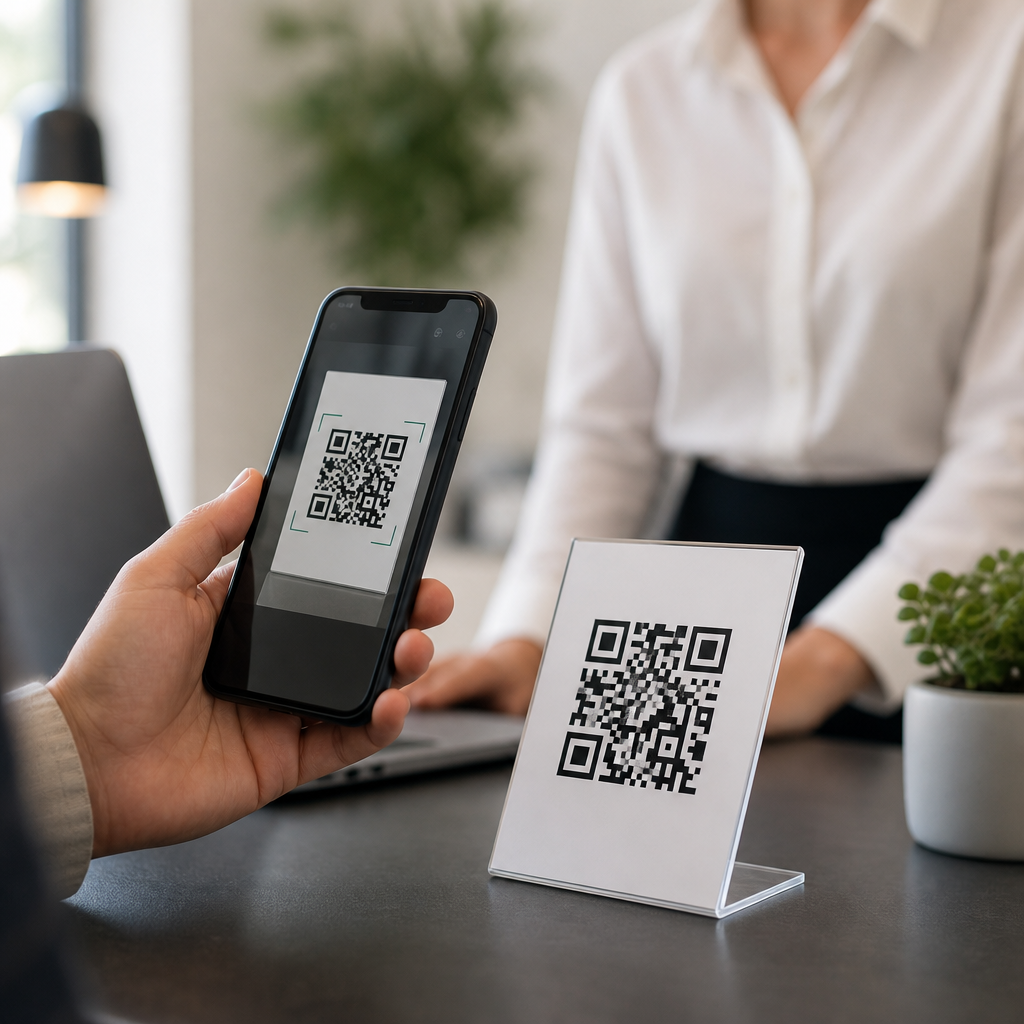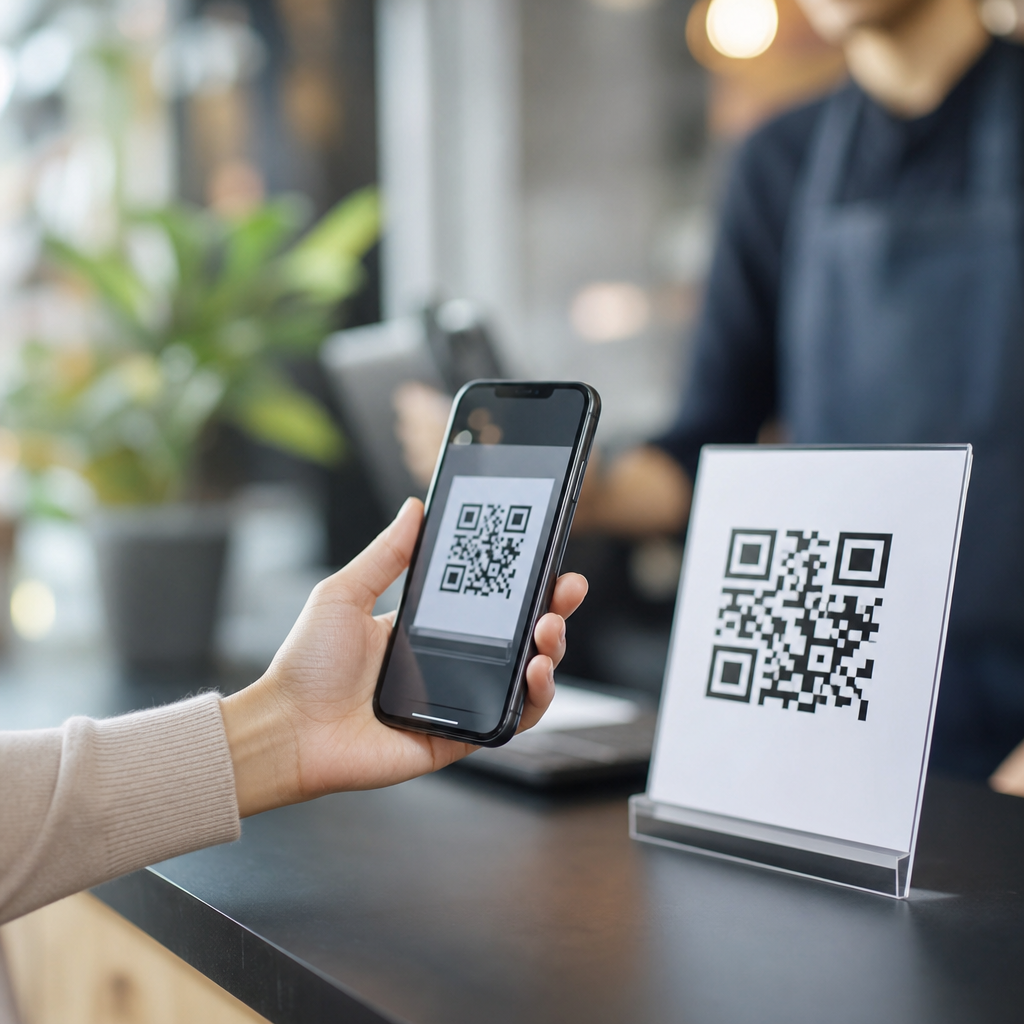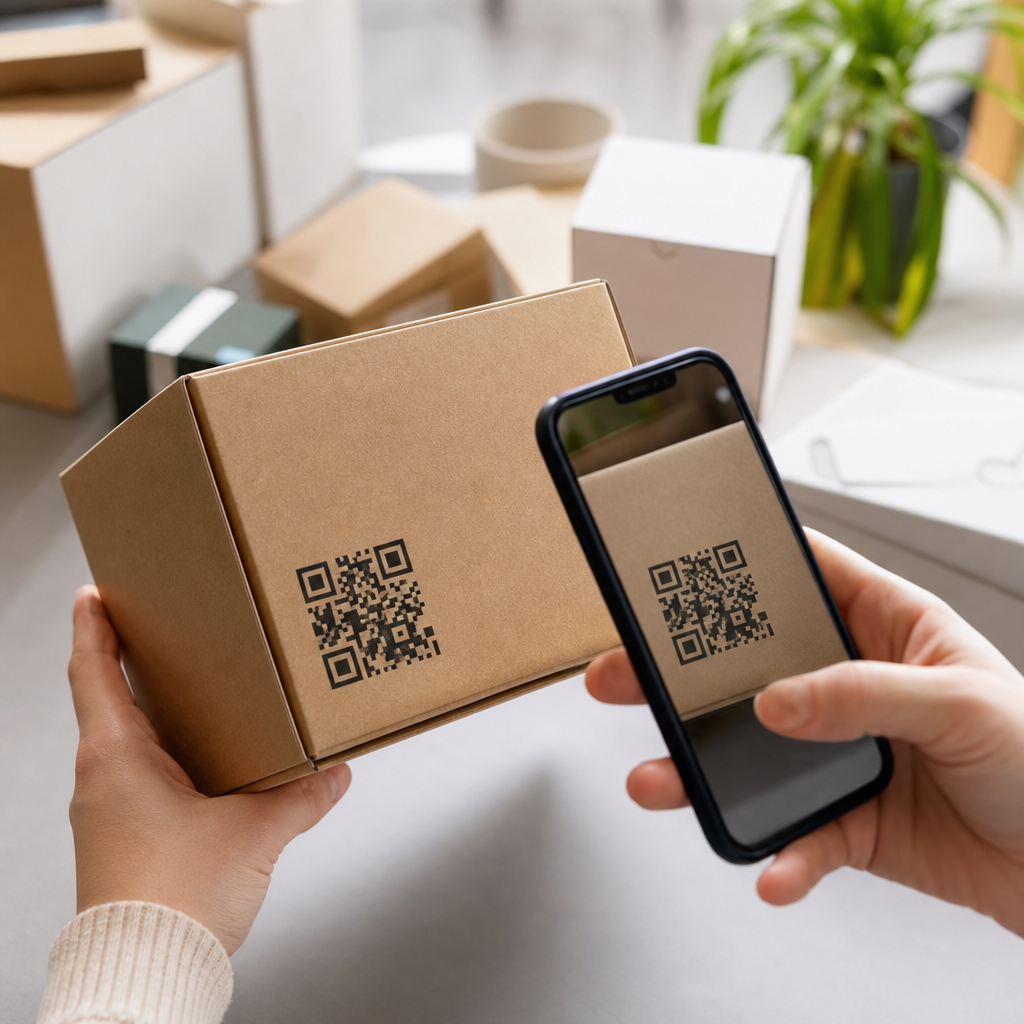
Adding QR codes to packaging starts with a clear goal: decide what the code should do, create a mobile-friendly destination, generate a high-resolution code, test it across devices and lighting conditions, then place and print it at a size and contrast scanners can read reliably. That simple workflow matters because packaging now functions as a live marketing channel, not just a protective shell. A QR code can connect a box, label, pouch, or carton to product education, reviews, loyalty programs, warranty registration, reorder pages, and support resources in seconds. I have helped brands add QR codes to folding cartons, shrink sleeves, pressure-sensitive labels, and corrugated shippers, and the difference between a campaign that lifts engagement and one that gets ignored usually comes down to planning the destination, the print specifications, and the post-launch analytics.
In packaging, a QR code is a two-dimensional matrix barcode that stores data such as a URL, serial number, or product identifier. Unlike a traditional UPC or EAN barcode used primarily at retail checkout, a QR code is designed for consumer scanning with smartphone cameras. Packaging refers to the printed or labeled materials that surround a product, from primary packaging like a bottle label to secondary packaging like a carton and tertiary packaging like an outer shipper. For business and marketing teams, QR codes matter because they bridge offline shelf presence with measurable digital behavior. They can shorten the path from discovery to purchase, reduce support volume, improve product storytelling, and create first-party data opportunities at a time when privacy changes have made third-party tracking less dependable.
This subject sits at the center of business and marketing FAQs because teams usually ask the same practical questions. Should the code be static or dynamic? Where should it go on the package? What size is best? Can it survive curved surfaces, matte varnish, or cold-chain condensation? How do you track scans without hurting page speed or privacy compliance? A strong hub page answers those questions directly and points to the broader strategy: QR codes work best when they support a specific customer action and fit the realities of packaging production, retailer requirements, and mobile user behavior. When done well, they turn every shipped unit into an interactive touchpoint that continues working after the product leaves the shelf.
Choose the purpose before you generate the code
The first step is defining one primary use case for the QR code on packaging. The most effective packaging QR codes do not try to do everything at once. They lead to one next action, such as viewing setup instructions, claiming a rebate, joining a loyalty club, verifying authenticity, registering a warranty, or reordering consumables. If a skincare brand wants repeat purchases, a QR code linking to a replenishment page makes more business sense than a generic homepage. If a food manufacturer gets frequent allergen questions, the code should open ingredient details and certifications immediately. This sounds obvious, but many failed implementations start with a code generated quickly and assigned a vague destination later.
In practice, I recommend mapping the code to the stage of the customer journey where the package is scanned. In-store scans often need short, persuasive product content and retail-compliant claims. At-home scans can support onboarding, assembly, recipes, tutorials, or referrals. Post-purchase scans can unlock loyalty points, registration, or service. The destination should also match the available package space. A tiny bottle neck label cannot explain much, so the surrounding call to action must be concise, such as “Scan for how-to video” or “Scan to verify authenticity.” When the prompt is specific, scan rates improve because customers understand the value before they reach for their phones.
Build the right landing page and tracking setup
Once the purpose is set, create the page or experience behind the code. Packaging scans are overwhelmingly mobile, so the destination must load fast, render correctly on smaller screens, and answer the user’s question within the first viewport. Use compressed images, clear headings, and a single dominant action. If the page supports business and marketing goals, include analytics events for scans, button clicks, video plays, form completions, and purchases. Google Analytics 4, Adobe Analytics, and server-side event tracking can all work, but the key is consistent campaign naming so packaging traffic can be separated by SKU, region, retailer, or creative version.
Dynamic QR codes are often the better choice for packaging because they let you change the destination after printing. That matters when product pages move, promotions expire, or localized content needs to change by market. Static codes can be fine for permanent destinations such as a product manual or recycling instructions, but they are unforgiving if the URL changes. Dynamic platforms such as Bitly, Flowcode, Beaconstac, and QR Code Generator Pro add redirect control and scan reporting, though businesses should review data retention, custom domain support, and export options before committing. If privacy regulations apply, publish a clear privacy notice on the destination page and avoid collecting personal data unless there is a strong operational reason.
Design and print the QR code for reliable scanning
Good packaging QR codes succeed or fail at the production stage. A code that looks sharp on a laptop screen may become unreadable after flexographic dot gain, foil glare, embossing, or curved-jar distortion. Use vector artwork whenever possible, maintain high contrast between dark modules and a light background, and preserve the quiet zone, which is the empty margin around the code required for scanners to distinguish it from nearby graphics. Black on white remains the safest option. Reversing the code, placing it over photography, or adding aggressive brand styling can hurt scan performance unless carefully tested.
Size depends on scan distance, device quality, and the amount of encoded data, but many packaging teams use a practical baseline of at least 0.8 by 0.8 inches for standard consumer scanning, then increase size on curved or textured substrates. Error correction helps a code remain scannable if part of it is obscured, but higher error correction also creates denser patterns, which can require a larger printed area. The safest path is to keep the encoded URL short, avoid unnecessary parameters, and test prototypes under real conditions: retail lighting, refrigerated cases, warehouse dust, and glossy coatings. ISO/IEC 18004 defines QR code specifications, and professional prepress review is worth the time because reprinting packaging is expensive.
| Packaging factor | Best practice | Why it matters |
|---|---|---|
| Code type | Use dynamic for campaigns and changing URLs | Allows edits after print and supports analytics |
| Color and contrast | Dark code on light background | Improves camera recognition and scan speed |
| Minimum size | Start around 0.8 inch square, then test | Small codes fail more often on shelves and curved packs |
| Placement | Use a flat, visible panel away from seams | Reduces distortion, folds, and scanner confusion |
| Destination | Mobile-first landing page with one clear action | Converts scans into measurable business outcomes |
| Tracking | Tag by SKU, region, retailer, and campaign | Shows which packaging programs actually perform |
Place the code where customers can see and use it
Placement should reflect how the package is handled before and after purchase. On a folding carton, the back or side panel often works because it offers flat real estate and room for a short call to action. On bottles or tubes, avoid extreme curves where the code wraps and distorts. On flexible pouches, stay away from gussets, seals, tear notches, and areas likely to crease. On corrugated shippers, placement may need to account for warehouse labels and tape. Retail visibility matters too. If in-store scanning is the goal, put the code on a shopper-facing panel. If post-purchase support is the goal, a side or back panel may be enough.
The call to action beside the QR code is not optional. Packages that merely display a code without explanation usually underperform because customers do not know what they will get. Specific prompts outperform generic ones: “Scan for setup video,” “Scan for nutrition facts and recipes,” or “Scan to earn points.” For regulated categories like alcohol, supplements, medical devices, and cosmetics, review legal and claims constraints before finalizing the message. Global brands should also consider localization, including translated destination pages and country-specific compliance content. A QR code is a tiny printed object, but it sits inside a much larger system of consumer expectations, retail rules, and brand promises.
Measure performance and improve over time
After launch, track scans as seriously as any paid media campaign. Review scan volume, unique users, repeat scans, time by market, bounce rate, downstream conversions, and assisted revenue where possible. Compare performance by SKU, package format, creative prompt, retailer, and placement version. In one consumer goods rollout I worked on, changing the packaging CTA from “Learn more” to “Scan for 30-second setup” lifted scans because it clarified the benefit and reduced perceived effort. Another common improvement is speeding up the landing page; even a strong code placement cannot overcome a slow mobile page.
There are limits and tradeoffs to acknowledge. Not every audience scans frequently, and poor cellular coverage in stores can suppress engagement. Older printed inventory can lock in outdated messaging if dynamic redirects are not used. Some retailers may restrict on-pack promotions, and heavily designed codes can sacrifice reliability for aesthetics. Still, when brands align the code with a real customer need, print it correctly, and measure outcomes carefully, QR codes become one of the most efficient additions to packaging. If you are building a business and marketing FAQ hub, start by standardizing your QR code process across design, packaging, legal, and analytics teams, then test one clear use case on a high-volume product and expand from proven results.
Frequently Asked Questions
1. What are the basic steps for adding a QR code to packaging?
The process is straightforward, but each step matters if you want the code to scan reliably and support a real business goal. First, decide exactly what the QR code should do. On packaging, that usually means linking customers to something useful such as product instructions, ingredient details, reviews, how-to videos, loyalty sign-ups, authentication pages, or a promotional landing page. A QR code should not be added just because it is available space on the box or label; it should serve a clear purpose that improves the customer experience.
Next, create the destination the code will send people to. That destination should be mobile-friendly, quick to load, and easy to use. Since most scans happen on smartphones, a page that is cluttered, slow, or difficult to navigate will reduce engagement even if the QR code itself works perfectly. After that, generate the QR code using a reliable tool and export it in a high-resolution format suitable for print production. Then test the code thoroughly before going to press. Scan it on different phone models, under different lighting conditions, and from realistic angles to make sure it works in the same environment where customers will use it.
Finally, place the code on the packaging in a location that is easy to find and easy to scan. It needs enough size, contrast, and clear space around it so cameras can read it quickly. Once printed, test again on actual packaging samples, not just on-screen proofs. That full workflow—goal, destination, generation, testing, placement, and print verification—is what turns a QR code from a design element into a functional part of the package.
2. Where should a QR code be placed on packaging for the best scan performance?
The best placement is somewhere visible, flat when possible, and free from design interference. A QR code should be easy for a customer to notice without having to rotate the product repeatedly or search through dense text and graphics. On boxes and cartons, one of the larger side panels often works well because it provides enough uninterrupted space. On labels, pouches, and curved containers, placement becomes more sensitive because distortion, seams, folds, and curvature can all make scanning harder.
It is also important to avoid placing the code too close to package edges, corners, folds, perforations, or closures. If a code is wrapped around a curve or interrupted by a seal line, scanner performance can drop significantly. The area around the code should include sufficient clear space, often called the quiet zone, so the scanner can distinguish the code from nearby artwork. Busy backgrounds, metallic finishes, textured materials, and reflective varnishes can all interfere with readability, even when the printed code looks sharp to the human eye.
From a usability standpoint, placement should match customer intent. If the code is meant for product education, it may belong near product details. If it leads to loyalty rewards, it may perform better in a more prominent area that invites action. A short call to action beside the code can also help, such as telling the user what they will get by scanning. Good placement is not only about scan mechanics; it is also about making the interaction feel natural and worthwhile.
3. How large should a QR code be on packaging, and what design choices help it scan reliably?
There is no single perfect size for every package, but the code must be large enough to scan comfortably in real-world conditions. In general, larger is safer, especially when packaging may be scanned in stores, kitchens, warehouses, or other environments with uneven lighting. Small codes can work, but they leave less room for print variation and are less forgiving if the surface is curved, glossy, or textured. The more compact the packaging, the more carefully you need to balance available space with scan reliability.
Contrast is one of the biggest factors in readability. A dark code on a light background is usually the safest option. Black on white remains the most dependable choice for print. While branded colors and stylized treatments can sometimes work, low-contrast combinations often reduce scan performance. The code should also be printed cleanly, with crisp edges and no blurring, bleeding, or distortion. If you are using custom packaging finishes such as foil, embossing, spot UV, or matte coatings, always verify that those effects do not interfere with camera recognition.
Another key design factor is preserving the code’s structure. Do not stretch it disproportionately, crowd it with graphics, or place text and icons too close to its boundaries. If a logo is added in the center, it should be done carefully and only within the tolerance allowed by the code’s error correction level. Even then, testing is essential. A QR code on packaging is not the place to prioritize visual experimentation over function. If customers cannot scan it quickly, the design has failed regardless of how polished it looks.
4. Should packaging use static or dynamic QR codes?
In many packaging applications, dynamic QR codes are the better choice because they offer more flexibility after printing. A static QR code points directly to one fixed destination, which means once the packaging is printed, the linked URL cannot be changed without reprinting the code. That can work for permanent information such as a stable product page or a long-term instruction library, but it creates limitations if you want to update campaigns, redirect users, fix broken links, or track engagement over time.
Dynamic QR codes, by contrast, let you change the destination behind the code without changing the printed artwork. That is especially valuable for packaging because packaging often remains in circulation for months, and brands may want to update promotions, seasonal messages, support content, or regional landing pages. Dynamic codes can also provide analytics such as scan counts, time patterns, device types, and sometimes location-level insights, depending on the platform used. Those data points can help brands understand how packaging is performing as a live marketing channel rather than just a printed container.
That said, the right choice depends on your goals, compliance needs, and budget. If you need a simple, permanent link with no tracking requirements, a static code may be enough. If you want measurement, flexibility, campaign control, or future-proofing, dynamic is usually the stronger option. For most brands investing in connected packaging, dynamic QR codes provide better long-term value because they keep the package useful even after the original print run is complete.
5. How should you test QR codes on packaging before mass production?
Testing should happen in multiple stages, not just once. Start by scanning the generated code digitally to confirm that it resolves to the correct destination and that the destination page works well on mobile devices. Then print physical proofs at actual production size. This step is critical because a QR code that works on a desktop screen may behave differently when reproduced through commercial printing processes, especially on packaging materials with coatings, textures, transparent films, or curved surfaces.
Use different smartphones and camera apps when testing, since scan performance can vary by device. Test under bright light, low light, indoor retail lighting, and angled conditions that reflect how customers will really interact with the pack. If the code is placed on a pouch, bottle, tube, or any flexible material, test the package both full and partially compressed because shape changes can affect readability. You should also confirm that nearby graphics, color changes, finishes, and dielines do not interfere once the final artwork is assembled.
Most importantly, test the full user journey, not just the scan itself. A successful packaging QR code is one that scans quickly, loads the right content fast, and gives the user a clear next step. If the page is slow, confusing, or not optimized for mobile, the package experience still fails even though the code technically works. Final approval should only happen after testing the printed sample in realistic conditions and confirming that both the code and the linked content meet the intended customer and marketing goals.