
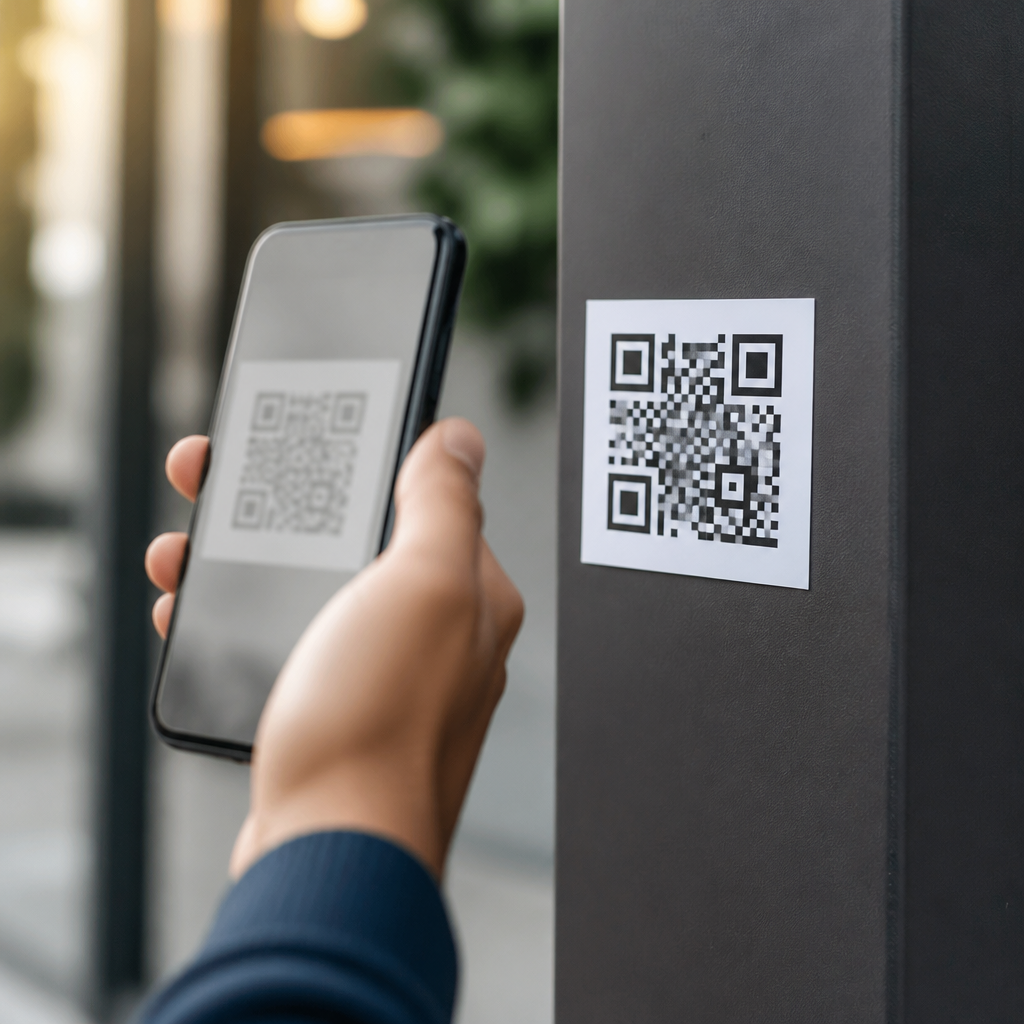
QR codes now sit on parking meters, restaurant tables, utility bills, package labels, posters, and login screens, which makes them convenient for users and equally attractive to criminals. A fake QR code is a malicious or misleading code placed where a legitimate one should be, or embedded in a message that appears trustworthy, with the goal of stealing payment details, login credentials, or personal information. Detecting fake QR codes matters because QR fraud works fast: people scan first, think later, and mobile screens often hide the full destination until it is too late. In my security reviews, the most damaging incidents were not sophisticated hacks but simple sticker swaps and phishing pages that looked convincing enough on a phone. This guide explains how to detect fake QR codes, prevent QR code fraud, and build safer scanning habits across consumer, workplace, and public settings. It also serves as a hub for the wider QR code security, privacy, and compliance topic by covering the warning signs, validation steps, technical controls, and governance practices that reduce risk in real-world deployments.
What Fake QR Codes Look Like in Practice
Most fake QR code scams fall into a few repeatable patterns. The first is physical tampering: a fraudster places a sticker over a real code on a parking machine, vending kiosk, or event sign. The second is digital impersonation: a fake code appears in an email, text message, social post, or PDF invoice that imitates a known brand. The third is account hijacking support fraud, where a code claims to help users log in to banking, messaging, or business software but actually sends them to a phishing site. Attackers prefer QR codes because the destination is visually opaque. Unlike a printed URL, a code conceals the domain until after the scan, and many users tap through quickly on mobile.
Physical clues are often the first signal. Check whether a code is misaligned, printed on a sticker, layered over another label, or attached with different material from the original sign. On restaurant tables and public kiosks, look for bubbles, corners lifting, inconsistent branding, blurry edges, or color tones that do not match the rest of the display. I have seen fraudulent parking codes printed on glossy paper and pasted onto matte metal surfaces; the mismatch was obvious once staff knew to inspect for it. Fraud also appears in low-tech places such as apartment lobbies and parcel lockers, where people assume posted instructions are legitimate and scan under time pressure.
Context matters as much as appearance. A real QR code should make sense for the task in front of you. A utility bill may contain a payment code, but a random flyer in a secure office asking employees to scan for payroll verification is suspicious. A package label may include tracking, but a code that requests login credentials before showing shipment status is not normal. If the code arrives through an unsolicited text claiming urgent account action, treat it as phishing. Fraudsters rely on urgency, convenience, and authority cues, so detection starts by asking a simple question: should this code exist here at all?
How to Verify a QR Code Before You Tap
The safest approach is to treat every code as an untrusted link until verified. Start by using a scanner that previews the destination before opening it. Most current smartphone camera apps show the URL or action, and some mobile security tools analyze reputation, but users still need to read carefully. Look at the root domain, not just the brand name in the path. For example, paypal-security-check.com is not PayPal, and company-login.example.ru is not your employer. Shortened links deserve extra caution because they hide the real destination. If the preview does not reveal a clear domain, do not continue.
Next, compare the destination with a trusted source you control. If a parking meter shows a QR payment option, check whether the same service name appears on the meter, nearby signage, or the city website. If an email includes a QR code for account access, ignore the code and navigate manually through your saved bookmark or official app. For business systems, open the known application first and look for the function there rather than starting from the scan. This simple habit breaks most phishing flows because criminals depend on users entering the process through the fake code.
Also inspect what the code asks your device to do. Not every QR code opens a webpage. Some trigger payment requests, app downloads, Wi-Fi joins, contact cards, or SMS drafts. A code that unexpectedly prompts an app install, permission request, or credential form deserves scrutiny. On Android and iPhone alike, the action should match the context exactly. A table menu should not request camera access beyond scanning, and a parcel tracking code should not initiate a cryptocurrency payment. If the destination page lacks HTTPS, uses poor grammar, or loads a generic login form with no clear company identity, stop immediately.
Common Red Flags and What They Usually Mean
Experienced fraud analysts look for clusters of signals rather than one absolute indicator. A single odd detail may be harmless; several together usually justify abandoning the scan. The table below summarizes the patterns I use when training frontline staff and reviewing incidents.
| Red flag | What it often indicates | Safer response |
|---|---|---|
| Sticker placed over an existing code | Physical tampering to redirect payments | Use the merchant app or report the sign |
| URL preview shows misspelled or unrelated domain | Phishing site imitating a trusted brand | Open the official site manually |
| Code arrives in an unsolicited text or email | Smishing or business email compromise | Verify through a known contact channel |
| Page asks for login after a simple task like parking | Credential harvesting | Do not enter credentials; use a card kiosk or official app |
| Prompt to install an app from outside an app store | Malware delivery or sideload abuse | Decline and search the app store yourself |
| Payment request goes to personal wallet or unfamiliar processor | Direct theft with little recourse | Stop and confirm accepted payment methods |
One subtle warning sign is inconsistency between the physical environment and the digital destination. A municipal parking sign that resolves to a consumer form builder, a retail display that routes to a free web hosting domain, or a hospital poster that opens a social profile should all be treated as suspect. Another red flag is overcollection. Legitimate QR flows are usually streamlined: menu viewing needs no login, package tracking rarely needs a password, and visitor check-in seldom needs banking details. When the requested data exceeds the obvious purpose, assume the process is unsafe until proven otherwise.
Preventing QR Code Fraud for Consumers and Employees
Prevention starts with behavior, not software. For consumers, the best rule is simple: pause before scanning and verify before paying or logging in. Use official apps for parking, transit, food ordering, and account access whenever possible. Type the known web address yourself if the task involves money or credentials. Enable multifactor authentication on important accounts so that even if a password is exposed through a fake QR code, the attacker still faces another barrier. Monitor card statements and digital wallet activity, especially after scanning in public places where tampering is common.
For employees, QR code security needs to be part of phishing awareness training. Many organizations teach staff not to click suspicious links on laptops yet ignore mobile scanning, even though invoice approval, visitor management, conference check-in, and device pairing now happen through QR workflows. Train teams to verify domains on mobile, avoid scanning codes from unexpected messages, and report any posted code that looks altered. I recommend tabletop exercises using realistic examples: a fake building access survey, a spoofed HR benefits poster, or a QR code in a vendor invoice. People learn faster when the scenario mirrors their daily work.
Technical controls add another layer. Mobile device management can restrict sideloading, enforce browser protections, and require managed apps for sensitive work. Email filters should inspect image attachments and PDFs because QR phishing often bypasses text-based link detection. Security teams increasingly use computer vision and sandboxing tools that decode QR images, extract the embedded URI, and score it against domain reputation services. Recognized platforms such as Microsoft Defender for Office 365, Google Workspace security controls, Proofpoint, and Mimecast can help, but tooling only works when reporting routes are clear. Employees need a fast way to flag suspicious QR content without fear of blame.
What Organizations Should Do to Secure Legitimate QR Codes
Organizations that deploy QR codes publicly have a responsibility to make them easy to trust and hard to counterfeit. Start with basic design governance: maintain an inventory of official QR codes, their destination URLs, owners, and approved use cases. Use branded landing pages on domains your audience already recognizes, and avoid unnecessary redirects that make verification harder. Dynamic QR platforms can be useful because they allow destination updates without reprinting, but they also concentrate risk, so access should be protected with multifactor authentication, role-based permissions, and audit logs. A changed destination should trigger review just like any other production content change.
Physical security matters too. Print codes directly onto durable materials where possible instead of using easily replaced stickers. On kiosks and signs, add human-readable URLs or payment instructions beside the QR code so users have a second validation path. Inspect high-risk locations such as parking stations, campus buildings, hotel lobbies, and self-service counters on a routine schedule. Incident response should include a playbook for fraudulent code reports: remove or cover the suspect sign, verify the legitimate destination, notify affected users, and preserve evidence such as photographs and timestamps. In regulated sectors, assess whether any exposed personal data triggers notification duties under applicable privacy laws and contractual obligations.
Compliance and trust are strengthened by documentation. Keep records of who approved each code, where it is displayed, what data the landing page collects, and how long logs are retained. Apply privacy-by-design principles so scans collect the minimum necessary information. If a code leads to a form, explain why each field is needed and secure the page with TLS, anti-phishing protections, and accessible branding. The goal is not only to reduce fraud but to make legitimate QR interactions predictable. When users know your organization always uses the same domain pattern, app flow, and payment processor, fake QR codes become much easier to detect. Review your current QR touchpoints, remove weak ones, and publish a simple verification policy users can follow.
Frequently Asked Questions
1. What are the most common signs that a QR code might be fake?
A fake QR code often shows small warning signs before you ever scan it. One of the biggest red flags is physical tampering. If a QR code sticker looks like it was placed over another code on a parking meter, payment terminal, poster, menu, or package label, treat it with suspicion. Crooked placement, bubbles under the sticker, mismatched branding, blurry printing, and codes that look newer than the surface around them can all suggest that someone replaced or covered the legitimate code. In digital settings, be cautious when a QR code appears in an unexpected email, text message, social media post, or login prompt, especially if it creates urgency or asks you to verify an account, reset a password, or make an immediate payment.
Another major clue is context. Legitimate QR codes usually match the company, location, and task in front of you. A utility bill should direct you to the utility provider, a restaurant menu should open a menu page, and a package label should connect to a recognized shipping or tracking site. If the QR code seems unrelated to the situation, asks for unusual information, or takes you somewhere that does not fit the brand or purpose, that is a strong reason to stop. Criminals rely on people scanning first and questioning later, so the more out-of-place the code feels, the more carefully you should investigate it.
Finally, watch for what happens after the scan. If the destination page uses a strange web address, misspells the company name, lacks secure HTTPS, or immediately asks for payment details, login credentials, one-time passcodes, or personal data, it may be part of a scam. Fake QR codes are designed to imitate trust, but they often fail in the details. A legitimate business page usually has consistent branding, a clean domain name, clear navigation, and normal account or payment steps. If anything feels rushed, sloppy, or unusually invasive, it is safer to back out and access the company through its official website or app instead.
2. How can I safely check where a QR code leads before entering any information?
The safest approach is to preview the destination before interacting with it. Many smartphone cameras and QR scanning apps display the link before opening it, which gives you a chance to inspect the URL. Read the domain name carefully, not just the first few words. Attackers often use addresses that resemble trusted brands but include extra letters, hyphens, unusual endings, or subtle misspellings. For example, a fake site might imitate a bank, delivery service, parking provider, or utility company with a domain that looks close enough to fool someone glancing quickly. Taking a few seconds to study the exact address can prevent a costly mistake.
If the link looks shortened or unfamiliar, do not rush forward. Shortened links can hide the final destination, which makes them especially useful to scammers. In that situation, it is smarter to avoid the QR code entirely and go directly to the organization’s official website by typing the address yourself or using the company’s known app. If the QR code is supposed to let you pay for parking, check the meter or nearby signage for the official payment app or website. If it is on a bill, compare the payment link to the one listed in previous statements or on the provider’s official site. Verifying through an independent channel is one of the strongest defenses against QR fraud.
You can also use device-level protections. Keep your phone’s operating system and browser updated, and consider mobile security tools that warn about unsafe or known malicious websites. Even with those protections, though, your own judgment matters most. Never enter passwords, card numbers, verification codes, or personal information on a page reached through a QR code unless you are fully confident the destination is legitimate. If there is any doubt, close the page and start over using a trusted source you located yourself.
3. Where are fake QR codes most commonly found?
Fake QR codes can appear almost anywhere people are conditioned to scan quickly and trust the situation. Physical locations are common targets because they allow criminals to place fraudulent stickers over real payment or information codes. Parking meters are a major example because drivers are often in a hurry and ready to pay on the spot. Restaurant tables and menus are another frequent target, especially in places where digital menus and mobile ordering are normal. You may also see risky QR codes on public posters, vending machines, transit signs, event flyers, package labels, and utility bills. Any setting where scanning feels routine can become an opportunity for fraud.
Digital channels are just as important to watch. Attackers increasingly embed QR codes in phishing emails, text messages, fake invoices, social media advertisements, and messaging apps. These scams work because QR codes can bypass the visual cues people usually use to judge suspicious links. Instead of seeing a clickable URL in the message itself, the victim scans the code and lands on the malicious page through their phone. This tactic is especially effective in workplace attacks, where employees may receive QR codes claiming to be for account verification, document access, multi-factor authentication, or password reset. The code can look official while sending the user to a credential-harvesting site.
The best way to think about location risk is not to assume that a QR code is safe just because it is in a public place or appears in a professional-looking message. Trust should come from verification, not from appearance. Whether the code is on a payment kiosk, a package, or an email from what seems to be a known sender, ask yourself whether the scan is expected, whether the source can be independently confirmed, and whether the destination matches the organization exactly. That mindset dramatically lowers your chances of falling for a fake code.
4. What should I do if I think I scanned a fake QR code?
If you believe you scanned a fake QR code, act quickly but calmly. Your first step is to stop interacting with the page immediately. Do not submit login credentials, payment details, one-time passcodes, or personal information. Close the browser tab or app, and if anything was downloaded, do not open it. If you entered a username and password, change that password right away using the official website or app, not the page reached through the QR code. If the same password was reused elsewhere, change those accounts too. Attackers often try stolen credentials on multiple services, so speed matters.
If you submitted financial information, contact your bank or card issuer immediately. Explain that your payment details may have been exposed through a fraudulent QR code and ask what protective steps they recommend. That may include locking the card, monitoring transactions, disputing charges, or issuing a replacement. If you entered personal information such as your name, address, phone number, or account numbers, monitor your accounts closely for suspicious activity. In some situations, it may also be wise to place fraud alerts on financial accounts or credit files, depending on what information was shared and where you live.
It is also smart to scan your device for threats, especially if the QR code led to a download or prompted you to install an app. Remove any unknown apps, review browser permissions, and check whether your device has been configured with suspicious profiles or settings. Then report the fake QR code to the affected business, property owner, payment provider, or IT/security team if it appeared in a workplace context. Reporting helps protect others and may allow the fraudulent code to be removed quickly. Even if you are not sure whether the code was malicious, it is better to investigate than ignore it.
5. How can I protect myself from fake QR code scams in everyday life?
The most effective protection is to slow down and treat every QR code as an entry point to a website, payment page, or account action, not as a harmless shortcut. Before scanning, look at the surrounding context. Is the code expected here? Does the business normally use QR payments or digital menus? Does the sign, bill, or screen show clear branding and official instructions? On physical surfaces, inspect the code for sticker overlays, tampering, or mismatched design. In emails and texts, be wary of urgency, threats, account warnings, prize claims, and payment demands. Those are classic scam tactics regardless of whether the attacker uses a link or a QR code.
It also helps to reduce your dependence on QR codes when safer alternatives exist. Instead of scanning a code to log in, pay, or update account information, use the company’s official app or type the known website address directly into your browser. If a parking meter, utility bill, or package notice asks for payment via QR code, verify the payment method through the provider’s customer service number or official site. Avoid entering sensitive information after arriving through a QR code unless you independently confirmed the destination. This single habit can eliminate much of the risk.
Finally, strengthen your overall security posture. Keep your phone updated, use strong unique passwords, enable multi-factor authentication, and consider a mobile security solution that can flag malicious sites. Teach family members and coworkers to inspect links and question unexpected scans, especially in fast-moving situations like travel, deliveries, public parking, and account verification. Fake QR code scams succeed when people rely on convenience alone. They fail when people combine convenience with verification. A quick pause to inspect the source, preview the destination, and confirm the purpose can make the difference between a safe scan and a stolen account.





