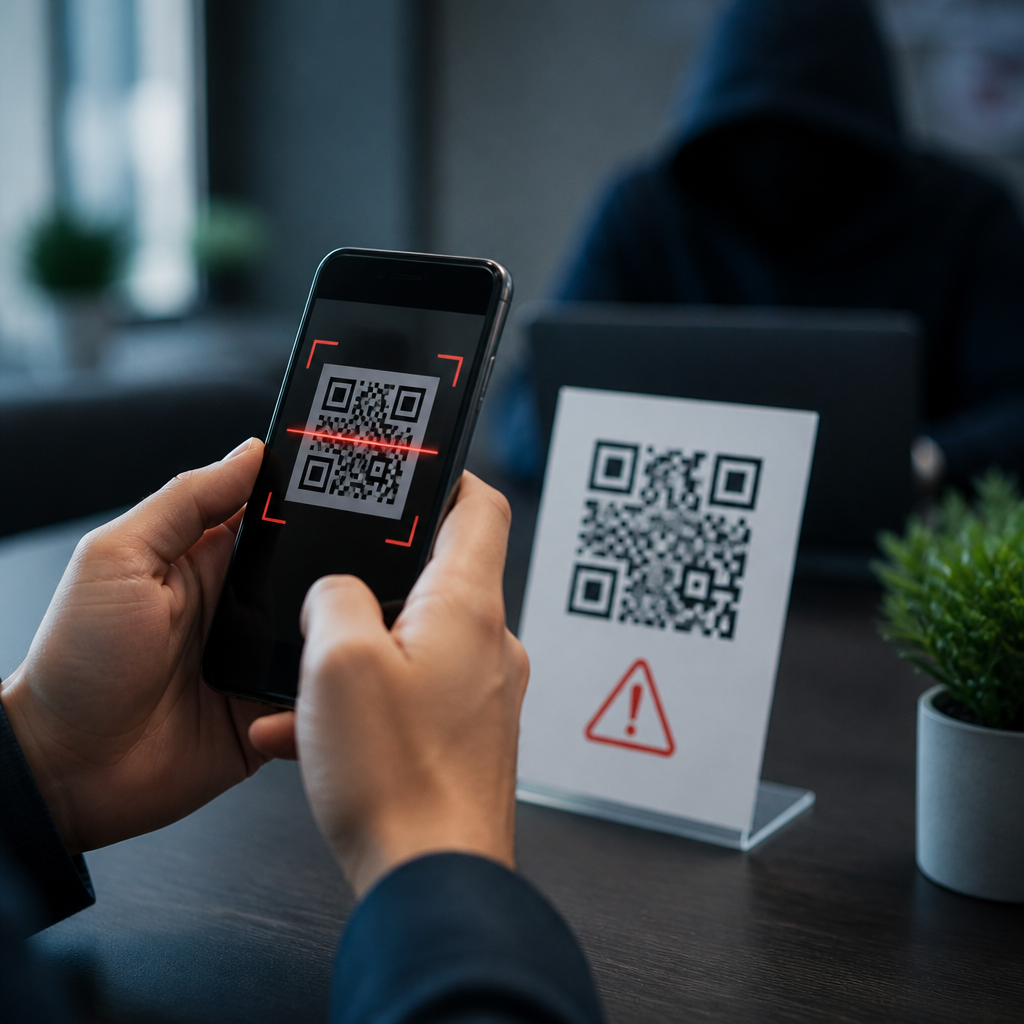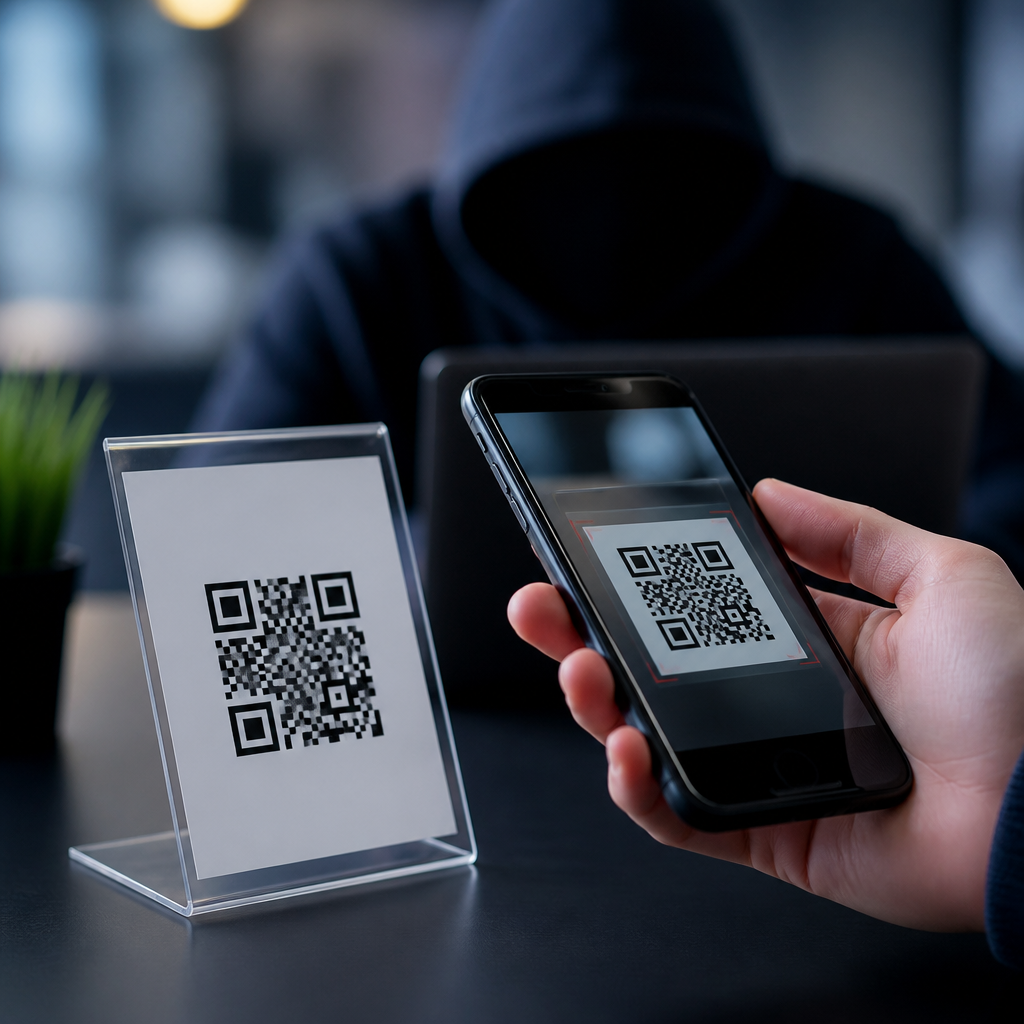
QR code phishing scams work by replacing trust with speed: a square pattern that looks harmless sends a victim to a fake website, malicious app download, payment page, or credential prompt before normal skepticism has time to catch up. Often called “quishing,” this form of phishing uses quick response codes instead of visible links, making the destination harder to judge at a glance. I have investigated incidents where fake codes were pasted over parking meter labels, restaurant menus, utility notices, and office posters, and the pattern is consistent: attackers rely on convenience, mobile-first behavior, and the assumption that printed material feels legitimate. For organizations managing QR code security, privacy, and compliance, understanding how QR code phishing scams work is the foundation for preventing QR code fraud. This matters because QR codes now sit inside payment flows, login journeys, ticketing systems, inventory processes, and customer communications. A single successful scan can expose passwords, card details, session tokens, device identifiers, or confidential business data. The risk is not theoretical. The FBI warned in 2022 that cybercriminals were tampering with QR codes to redirect victims to malicious sites and steal financial information, and security teams across retail, hospitality, healthcare, and local government now treat QR interactions as part of routine phishing defense.
What a QR code phishing scam looks like in practice
A QR code phishing scam begins with a code that appears to serve a normal function. The victim is told to scan for parking payment, package tracking, Wi-Fi access, menu ordering, document review, multi-factor authentication reset, or account verification. After the scan, the phone opens a browser or app intent. That destination may imitate Microsoft 365, Google, a bank, a payroll portal, or a payment processor. Because users do not see a typed URL beforehand, they lose an important verification step. On mobile screens, fake domains also become easier to miss, especially when the page uses brand logos, single sign-on language, and urgent prompts.
Attackers generally use three delivery methods. First, they create entirely fraudulent materials, such as emails, flyers, or text messages with a malicious QR code. Second, they overlay a legitimate code in a physical location. Third, they compromise a legitimate destination and keep the QR code intact, so the scan itself is not malicious but the landing page is. In my experience, the overlay method succeeds because people assume posted codes are maintained by a trusted operator. A sticker placed over a meter or table tent can survive for days before staff notice it.
How attackers build the fraud chain
Preventing QR code fraud requires understanding each stage of the attack chain. The code itself only stores data, usually a URL, but that URL can trigger multiple abuse paths. A common path is credential harvesting: the victim lands on a counterfeit sign-in page, enters email and password, then may be asked for a one-time passcode. Another path is payment diversion, where the victim pays a criminal-controlled merchant account instead of the intended business. A third path is malware delivery, often through a fake app update or mobile configuration profile. More advanced operations use tracking parameters, device fingerprinting, CAPTCHA gates, and geo-targeting so security researchers see benign content while real victims receive the malicious page.
Shortened links and redirects increase the problem. Attackers frequently put a short URL behind the code, then route victims through several domains before the final page. That adds resilience, obscures the destination, and lets criminals swap infrastructure quickly if one domain is blocked. Some use compromised content delivery networks, free site builders, or reputable cloud platforms so the first visible hostname appears trustworthy. Others exploit open redirects on legitimate sites. From a defensive perspective, every redirect hop matters because it changes what users, email filters, and web gateways can inspect.
Common scenarios and warning signs
QR phishing appears in both consumer and enterprise settings. In parking fraud, a fake sticker directs drivers to a payment page that copies municipal branding and asks for card details. In business email compromise campaigns, an email claims that a document is waiting for review and includes a QR code “for secure mobile access.” The scan leads to a cloned login page for Microsoft 365. In hospitality, criminals replace table or room-service codes with links to fake ordering pages, collecting card details and personal data. In warehouses and offices, malicious labels on devices or doors may instruct employees to scan for maintenance instructions or badge renewal, leading to credential theft.
Warning signs are consistent across these scenarios. The page asks for information unrelated to the stated purpose. The domain is misspelled, unusually long, or uses unrelated words. The site pushes urgency, such as “session expired” or “pay now to avoid penalty.” Branding looks correct, but the page behavior does not, for example forcing a sign-in before showing a menu or requesting payment by wallet transfer rather than the normal processor. Physically, mismatched stickers, crooked placement, low print quality, or a code covering another label should always raise suspicion.
Controls that actually prevent QR code fraud
The strongest prevention strategy combines design controls, user education, and technical enforcement. At the design level, use branded QR code materials with tamper-evident labels, asset inventories, and regular inspection schedules. For payments, place the full verified domain in plain text next to the QR code so users know what they should see after scanning. Use short, memorable domains you control rather than third-party shorteners. If codes are printed in public, document where each one is installed and assign inspection ownership. In one retail rollout I supported, simply adding weekly inspections and serial numbers to printed signage reduced unauthorized replacements from a recurring problem to a rare exception.
| Control | What it prevents | Practical example |
|---|---|---|
| Tamper-evident labels | Sticker overlays on public codes | Parking meter QR decals that tear if removed |
| Visible destination domain | Blind trust in scanned links | Menu sign states “Only use orders.example.com” |
| Mobile phishing-resistant MFA | Credential reuse after fake login | FIDO2 security keys block OTP relay attacks |
| MDM and mobile threat defense | Malicious app or profile installs | Block unmanaged profile installation on staff phones |
| Awareness training with simulations | Impulsive scanning behavior | Staff learn to inspect preview URLs before opening |
| Web filtering and DNS protection | Access to known malicious destinations | Secure web gateway blocks newly seen phishing domains |
On the technical side, enable phishing-resistant authentication where possible. FIDO2 passkeys and hardware-backed security keys are materially better than one-time codes against credential harvesting because the authentication is bound to the real domain. Apply mobile device management policies that block risky profile installs, enforce safe browsing, and route managed traffic through protective DNS or secure web gateways. For customer-facing flows, monitor domain registrations that imitate your brand, and use DMARC, SPF, and DKIM to reduce email-based delivery of fake codes. None of these controls is perfect alone, but together they raise attacker cost significantly.
Training users without relying on fear
Effective training for preventing QR code fraud is specific, brief, and operational. Telling people “be careful” does not change behavior. Show them exactly what to do: preview the URL after scanning, compare the domain against posted instructions, avoid entering credentials after scanning from a public object, and navigate manually to the known website if the interaction involves payment or login. On iPhone and Android, camera apps typically display the destination before opening it; users should pause there. If the code claims to be for a bank, payroll system, or software login, the safer action is to open the official app or type the known address independently.
Organizations should also make reporting easy. A frontline employee who spots a suspicious code should know where to send a photo, location, and time. Facilities, fraud, security, and communications teams need a shared playbook for removal, customer notification, and forensic review. In public-facing environments, staff should be trained to inspect posted codes during ordinary rounds. The best programs normalize verification instead of treating it as paranoia. That cultural shift matters because convenience is the attacker’s leverage; a two-second pause often breaks the scam.
Compliance, privacy, and incident response considerations
QR code phishing is not just a fraud problem; it can trigger privacy, regulatory, and contractual consequences. If a malicious QR code collects personal data, payment information, or employee credentials, the incident may create notification duties under state breach laws, card brand rules, employment obligations, or sector-specific requirements. Organizations handling health information, student records, or financial data face even higher scrutiny. Compliance teams should treat QR-enabled workflows as part of their data inventory and risk assessments. That means documenting where codes are used, what data the destination collects, who owns the process, and how authenticity is maintained over time.
Incident response should cover physical and digital evidence. Preserve the fraudulent sticker or sign, photograph placement, capture the destination URL chain, review web logs, and identify affected users quickly. If credentials were entered, reset sessions, revoke tokens, and examine downstream access. If payments were diverted, engage the processor and bank immediately; timing affects recovery odds. Post-incident, update signage standards, domain monitoring, and training content. Preventing QR code fraud is ultimately a governance issue as much as a technical one. Review every place your organization uses QR codes, publish clear verification rules, and tighten the controls before attackers test the weakest scan point.
Frequently Asked Questions
What is a QR code phishing scam, and why is it sometimes called “quishing”?
A QR code phishing scam is a type of social engineering attack that uses a QR code to send someone to a harmful destination instead of a legitimate one. That destination might be a fake login page designed to steal usernames and passwords, a payment page that routes money to a criminal, a malicious app download, or a website that asks for sensitive information under false pretenses. The term “quishing” combines “QR” and “phishing” and refers specifically to phishing attempts that rely on quick response codes rather than visible web links in emails, texts, posters, labels, or printed materials.
What makes quishing especially effective is that it removes one of the clues people often use to protect themselves: the ability to inspect a link before clicking. With a normal phishing email, a careful user may hover over a URL and notice that the domain looks suspicious. With a QR code, the destination is hidden inside the image. That creates a moment of forced trust. The code looks simple, familiar, and harmless, so people tend to scan first and think later.
Attackers take advantage of that speed and familiarity. They place fake QR codes on parking meters, restaurant menus, event signs, utility notices, flyers, and even office documents. They also embed them in emails and text messages to bypass defenses that are better at detecting suspicious text links than image-based lures. In short, quishing works because it blends convenience with concealment, encouraging fast action before skepticism has time to catch up.
How do QR code phishing scams usually work in real-world situations?
Most QR code phishing scams follow a familiar pattern: create trust, trigger urgency or convenience, and route the victim to a fake destination. In the physical world, criminals may print a fraudulent QR code and place it over a real one. For example, a fake sticker on a parking meter may send a driver to a convincing payment page that collects card details and payment information. On a restaurant table, a counterfeit code may pretend to offer a menu but actually lead to a credential prompt, malware download, or survey that harvests personal data.
In digital settings, attackers often place QR codes in emails, invoices, shared documents, or text messages. A message may claim that a package delivery failed, a corporate password is about to expire, or a secure document needs review. Instead of including a clickable link that security tools might flag, the attacker embeds a QR code image. The user scans it with a phone, moving the interaction away from the protected desktop environment and onto a mobile device where security controls may be weaker and users may be more likely to act quickly.
Once scanned, the victim is commonly directed to one of several malicious endpoints. A fake sign-in page may imitate Microsoft 365, Google, a bank, or an internal company portal. A fake payment screen may request credit card details. A fake security page may instruct the user to install an app or device profile. Some scams are designed to capture one-time passcodes or multifactor authentication prompts in real time. Others simply collect contact information for future fraud. The mechanics vary, but the playbook is consistent: hide the destination inside the code, create a believable reason to scan, and exploit the victim’s trust immediately after the scan.
Why are QR code scams harder to spot than traditional phishing links?
QR code scams are harder to detect because they hide the destination until after the scan. Traditional phishing often leaves visible clues: strange URLs, spelling errors, suspicious sender domains, or awkward formatting. Those clues still matter in quishing attacks, but the most important piece of information—the actual destination—is wrapped inside an image. That makes it more difficult for users to evaluate risk at a glance and more challenging for some filtering tools to inspect as effectively as plain text links.
Another reason these scams work is that QR codes inherit trust from their environment. People are used to seeing them in normal, useful situations: paying for parking, opening menus, joining Wi-Fi networks, checking in at events, confirming identity, and viewing documents. Because the format feels routine, many users lower their guard. A square code on a printed sign or in a polished email can seem more legitimate than a long, ugly URL, even when the opposite is true.
Mobile behavior also plays a major role. When people scan a QR code, they are often standing in a hurry, juggling tasks, or responding to a prompt that feels time-sensitive. On a phone screen, domain names may be truncated, browser indicators may be less noticeable, and the desire to complete the task quickly can override caution. Attackers understand that the scan-to-action flow compresses decision-making. That is why quishing is so effective: it uses convenience to reduce scrutiny and uses hidden destinations to delay doubt.
What are the warning signs that a QR code might be malicious?
One major warning sign is context that feels off. If a QR code appears in an unexpected email about account verification, payroll changes, invoice payment, password resets, or urgent document review, it deserves extra scrutiny. The same is true in physical settings. A sticker placed over an existing label, a code that looks newly attached or poorly aligned, or signage that seems unofficial can all indicate tampering. If a parking meter, utility notice, or restaurant table includes a code that does not match the business’s normal branding or instructions, pause before scanning.
Another warning sign is the behavior after scanning. Many phones display a preview of the destination URL before opening it. If the domain name is unfamiliar, misspelled, overly long, or unrelated to the organization you expected, do not continue. Be especially cautious if the page asks for a login, payment card, one-time verification code, app installation, or mobile configuration profile. Those requests may be legitimate in some cases, but they are also common goals in quishing campaigns.
You should also be wary of pressure tactics. Messages that say your account will be locked immediately, a package will be returned today, or a payment must be made right now are classic phishing triggers. QR-based scams often add urgency because they know the destination is hidden and they want to keep you moving. If you feel rushed, that is a signal to stop and verify through another channel. Go directly to the company’s official website, use its known app, call a verified number, or inspect the code’s purpose with a trusted scanning app before taking action.
How can individuals and businesses protect themselves from QR code phishing scams?
For individuals, the best defense is to treat QR codes the same way you would treat unknown links: with healthy skepticism. Before opening a scanned link, review the URL preview carefully and look at the full domain name, not just the page title or branding. If the code is asking you to pay, log in, download an app, or enter personal information, consider whether there is a safer path. Instead of scanning a code from an email or public sign, manually visit the company’s official website, use a bookmarked page, or open the organization’s known mobile app. If a physical code looks altered or covered by a sticker, avoid it and report it.
It is also smart to strengthen your fallback protections. Use multifactor authentication wherever possible, but be aware that attackers may try to steal both passwords and one-time codes in the same session. Keep your phone’s operating system and security software updated. Avoid sideloading apps prompted by random QR codes. Monitor financial accounts for unauthorized transactions, especially if you have used a QR code to make a payment in a public place. If you think you scanned a malicious code, change affected passwords immediately, revoke suspicious sessions, notify your bank if payment data was entered, and report the incident to the targeted service or your employer.
For businesses, protection requires both user awareness and technical controls. Security training should specifically include quishing examples, not just email link phishing. Employees need to know that QR codes in emails, posters, badges, invoices, and office notices can all be weaponized. Organizations should deploy mobile device management where appropriate, strengthen email filtering to inspect embedded images and attachments, and enforce conditional access controls that make stolen credentials less useful. Physical security matters too: regularly inspect payment kiosks, lobby signage, visitor materials, and printed assets for tampered labels or unauthorized stickers. The most effective approach is layered: educate users, verify physical materials, secure mobile workflows, and assume that attackers will keep using QR codes because they exploit both trust and convenience.