
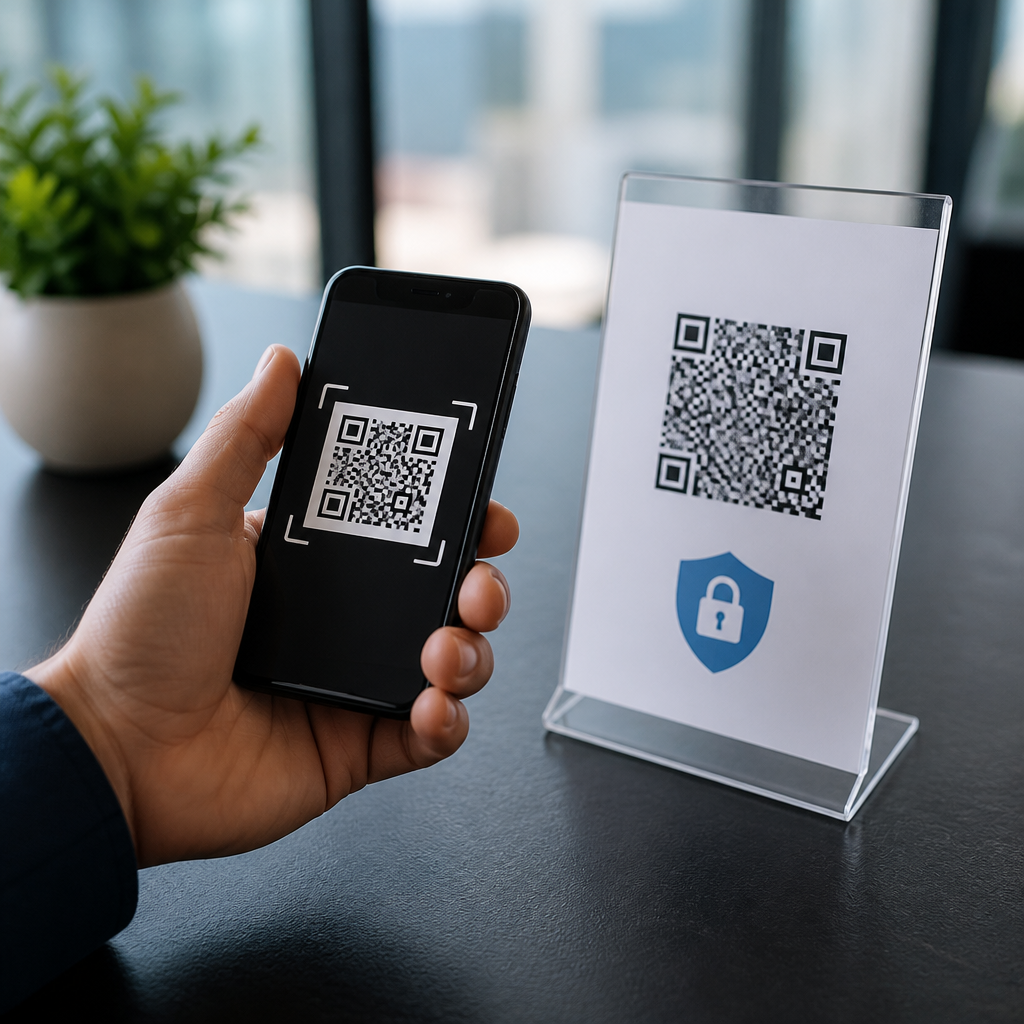
QR codes and CCPA compliance intersect wherever a scan can be tied to a California resident, a device, or a household, turning a simple bridge between offline and digital experiences into a privacy-regulated data collection point. For marketers, retailers, event teams, healthcare organizations, restaurants, and software vendors, that matters because the California Consumer Privacy Act, as amended by the CPRA, applies when personal information is collected, shared, sold, or retained beyond what is reasonably necessary. In practice, I have seen teams treat a QR code like a neutral image, only to discover that the destination URL, analytics tags, form fields, and downstream integrations create a full privacy workflow. This article serves as a hub for data privacy and GDPR-related QR code issues while focusing on what CCPA compliance actually requires. Key terms are worth defining at the outset. A static QR code contains a fixed destination and usually logs less by itself. A dynamic QR code redirects through a managed platform, enabling edits, attribution, campaign analytics, and often more data collection. Personal information under CCPA is broad: it includes names, email addresses, IP addresses, geolocation, browsing activity, purchase history, and inferences drawn from behavior. Sensitive personal information can include precise geolocation, account credentials, and certain government identifiers. A business must disclose what it collects, why it collects it, how long it keeps it, and whether it shares or sells it. A consumer can request access, deletion, correction, and limits on certain uses. Because QR experiences often sit at the top of a data funnel, they influence notice, consent design, vendor contracts, records of processing, and cross-border data transfer analysis under European privacy rules. Getting this right reduces legal risk, improves campaign performance, and builds trust at the exact moment a user decides whether to scan.
Why QR codes create privacy obligations
A QR code becomes a privacy issue the moment the scan reveals or contributes to identifying information. That can happen directly, such as a menu code that opens a form asking for an email, or indirectly, such as a dynamic code that captures timestamp, device type, approximate location, referral source, and a unique campaign identifier. Combined, those data points can be personal information under CCPA and personal data under GDPR. In my work auditing QR deployments, the most common mistake is assuming the printed code is the system. It is not. The system includes the QR generator, redirect server, landing page, cookies, mobile SDKs, CRM, ad pixels, payment processor, and support tools. If a retailer places shelf tags with QR codes that lead to product pages carrying Meta Pixel and Google Analytics, the scan may feed advertising profiles. If an apartment building uses QR codes for guest registration, the code may initiate collection of names, phone numbers, license plates, and timestamps. Each example triggers different disclosure and governance duties.
CCPA does not ban QR code tracking, but it requires transparency and limits. Users must be informed at or before collection about categories of personal information and purposes. If a business uses scans for cross-context behavioral advertising, the “Do Not Sell or Share My Personal Information” right may apply. If the code is posted in a physical venue, that notice challenge becomes operational: the user scans first and only then sees the landing page. The solution is layered notice. A short statement near the code can identify the operator and purpose, while the destination page provides the full notice. This same design also supports European requirements for fairness and transparency. Businesses that standardize this approach reduce friction when expanding from California compliance to broader global privacy management.
What data a QR campaign typically collects
Most QR campaigns collect more than teams expect, especially when dynamic code platforms and marketing stacks are involved. The table below shows typical data elements and why they matter for compliance decisions.
| Data element | Common source in QR workflow | Compliance significance |
|---|---|---|
| IP address | Redirect server or landing page analytics | Usually personal information; requires disclosure and retention limits |
| Approximate geolocation | IP lookup, mobile browser, app permissions | May affect notice, profiling, and sensitive data analysis if precise |
| Device and browser data | Analytics scripts, SDKs, fingerprinting tools | Can support identification and behavioral advertising |
| Email or phone number | Lead forms, loyalty signup, gated content | Direct identifier; triggers access, deletion, and correction rights |
| Purchase or redemption history | Coupon QR codes, POS integration, CRM sync | Personal information tied to marketing attribution and consumer rights |
| Unique campaign or user ID | UTM parameters, redirect rules, app deep links | Can become personal information when linkable to a profile |
That inventory matters because compliance starts with data mapping. Before launching a QR campaign, document what the code collects, where the data flows, which vendors receive it, how long it is retained, and what business purpose applies. I recommend reviewing network requests in browser developer tools, scanning the page with a tag debugger such as Google Tag Assistant, and checking consent behavior in OneTrust or similar platforms. This is often where hidden collection appears, such as session replay scripts or extra ad tags added through a tag manager. Once discovered, some of those tools should be removed entirely from QR landing pages, especially when the scan is tied to healthcare, children, employees, or sensitive locations.
Building a compliant notice, consent, and rights workflow
A compliant QR code privacy workflow has four layers: notice, choice, rights handling, and proof. Notice means the user understands who operates the code, what will be collected, and why. For a restaurant QR menu, that may be as simple as “Scan for menu; analytics may collect device and usage data. Privacy Notice.” For a trade show badge QR leading to lead capture, it should state that contact details and interaction data will be used for follow-up marketing and shared with named service providers. Choice becomes critical when non-essential cookies, ad pixels, or data sharing for targeted advertising are involved. Under California rules, the label “Do Not Sell or Share My Personal Information” or an equivalent universal opt-out mechanism process may be required. Under European standards, consent may be required before setting certain cookies or processing for marketing.
Rights handling is where many QR programs break down. If a user submits an access or deletion request, the business must know whether QR-derived data sits in the QR platform, analytics tool, CRM, email platform, or support system. That is why contracts and internal procedures matter. Vendors should be classified correctly, and data processing agreements should reflect actual data flows. For GDPR-linked operations, determine whether the vendor acts as a processor or independent controller and whether standard contractual clauses are needed for transfers. Proof means maintaining records: privacy notices shown, consent logs where applicable, retention schedules, and assessment notes for higher-risk uses. In one rollout I reviewed, a museum used QR codes for interactive exhibits and captured visitor behavior for personalization. The fix was not eliminating analytics entirely; it was reducing granularity, shortening retention, avoiding third-party ad tags, and documenting the legitimate operational purpose clearly.
Practical controls for QR code privacy and security
Strong privacy compliance for QR codes depends on security controls because unauthorized redirects, tampered stickers, and weak vendor settings can convert a privacy issue into a breach. Start with domain hygiene. Use a branded domain, enable HTTPS everywhere, and avoid unexplained shorteners that hide destination trust signals. Limit admin access to the QR management platform with single sign-on and multifactor authentication. Review redirect rules so only approved destinations are allowed. If a code points to a form, minimize fields and separate optional marketing consent from required transaction terms. Data minimization is not abstract; it means asking whether a sweepstakes QR truly needs birth date, exact location, and employer, or whether email alone is enough.
Retention deserves equal attention. Campaign teams often keep scan logs indefinitely because storage is cheap, but both California and European privacy expectations favor deleting or aggregating data when detailed records are no longer needed. A sensible pattern is short retention for raw logs, longer retention for aggregate reporting, and documented exceptions for fraud prevention or legal obligations. Also test the user journey on mobile. I frequently see privacy notices hidden behind tiny footer links or consent banners that break the landing page after a scan. If the experience is unusable, users cannot exercise meaningful choice. Finally, prepare for incident response. If a malicious actor places a fraudulent QR sticker over your code, the result may include credential theft, unauthorized collection, and brand damage. A response plan should include monitoring, takedown procedures, customer notification criteria, and coordination between privacy, security, legal, and marketing teams.
How this hub connects CCPA with GDPR and broader privacy governance
Although this article centers on QR codes and CCPA compliance, the real operational benefit comes from treating it as the hub for all QR code data privacy and GDPR work. The overlap is substantial: both regimes require inventorying personal data, defining lawful purposes, limiting retention, managing vendors, and honoring user rights. The differences matter too. California focuses heavily on notice, consumer rights, and selling or sharing concepts, while GDPR relies on lawful bases, processor obligations, and stricter consent expectations in many marketing contexts. A single QR deployment may face both standards if a California resident scans in Los Angeles and an EU traveler scans the same code later that day. Building one disciplined governance model is more efficient than patching rules campaign by campaign.
The practical path is clear. Map your QR ecosystem, publish layered notices, remove unnecessary trackers, align consent to actual processing, and verify that deletion and access requests reach every connected tool. Use recognized controls from the NIST Privacy Framework, ISO/IEC 27701, and your consent management platform to create repeatable processes. When teams approach QR codes as data collection interfaces rather than printed graphics, compliance becomes easier and security improves. Review your live codes, audit one campaign end to end, and make privacy-by-design the default before your next launch.
Frequently Asked Questions
Do QR codes themselves count as personal information under the CCPA?
Not automatically, but they can become part of a personal information workflow very quickly. A printed QR code, by itself, is usually just a machine-readable link or identifier. The compliance issue begins when scanning that code results in the collection, transmission, or association of data that can identify, relate to, describe, or reasonably be linked to a California resident, household, or device. That can include IP addresses, mobile advertising IDs, geolocation data, purchase history, customer account details, loyalty program identifiers, or browsing behavior collected after the scan.
In practice, many QR code campaigns are not just static links. They often route through tracking platforms, campaign attribution tools, analytics dashboards, CRM systems, and ad tech vendors. If the scan is logged with device-level or household-level information, or if the landing page uses cookies, pixels, SDKs, or form fields that connect the user to a broader customer profile, the interaction may fall squarely within CCPA obligations. That means businesses should evaluate the full data flow behind the QR code, not just the code image itself.
A useful way to think about it is this: the QR code is the entry point, but the compliance analysis depends on what happens before, during, and after the scan. If the scan is anonymous and no identifiable or linkable data is collected, the risk is lower. If the scan feeds into analytics, personalization, retargeting, lead generation, or customer record creation, then the business should assume CCPA requirements may apply and build the campaign accordingly.
When does a QR code campaign trigger CCPA notice and disclosure requirements?
A QR code campaign can trigger notice obligations when it collects personal information at or before the point of scan, or when the scan leads directly to a page, form, or workflow that does so. Under the CCPA and CPRA, businesses generally need to inform consumers about the categories of personal information collected and the purposes for which that information will be used. If a QR code takes users to a registration form, a digital menu with analytics tracking, a coupon page that requests contact details, or a product experience that uses cookies and location data, notice requirements should be reviewed carefully.
The key issue is visibility. QR interactions often happen in physical spaces such as packaging, point-of-sale displays, trade show booths, restaurant tables, posters, patient materials, and direct mail. That means consumers may scan before they ever see a website footer or app privacy menu. For that reason, businesses should consider layered notice strategies, such as brief disclosure near the QR code itself, a clear landing-page notice, and an accessible privacy policy that explains data categories, retention practices, sharing activities, and consumer rights. If the campaign involves sensitive personal information or precise geolocation, the need for clear and timely disclosure becomes even more important.
Good compliance practice also means avoiding vague assumptions such as “the privacy policy on our main website covers it.” Regulators and plaintiffs tend to look at the real user journey. If the QR code creates a new collection context, especially one that differs from ordinary site browsing, businesses should tailor disclosures to that context so consumers understand what data is being gathered and why.
Can sharing QR scan data with analytics, advertising, or technology vendors be considered a sale or sharing under the CCPA?
Yes, it can. This is one of the most important risk areas for QR-based campaigns. If scan-related data is disclosed to third parties for cross-context behavioral advertising or other valuable business purposes, that disclosure may qualify as a “sale” or “sharing” under California law, depending on the facts. Businesses sometimes assume they are safe because no money changed hands, but the CCPA definition is broader than a simple cash transaction. If a vendor receives personal information in exchange for value, insights, targeting capability, or attribution functionality, the arrangement deserves close legal and technical review.
For example, a QR code on packaging might send users to a landing page that loads marketing pixels, retargeting scripts, customer data platform tags, and session analytics tools. If those tools receive identifiers, browsing events, or device data and use it beyond a tightly limited service provider or contractor role, the business may be engaging in regulated sharing activity. That can trigger obligations such as offering a “Do Not Sell or Share My Personal Information” mechanism, honoring opt-out preference signals where applicable, and ensuring contracts contain the required restrictions on data use, retention, and disclosure.
The safest approach is to map every vendor involved in the QR journey: the QR generator platform, redirect service, hosting provider, analytics stack, ad platforms, CRM, CDP, and any embedded third-party content. Then determine whether each party is acting as a service provider, contractor, or third party under the statute. That classification matters because it affects notice language, contract requirements, opt-out rights, and enforcement exposure. Businesses that skip this step often underestimate how much data leaves their direct control once a scan occurs.
What are the best practices for making QR code experiences CCPA-compliant?
Start with data minimization. Only collect what is genuinely needed for the specific purpose of the QR interaction. If the QR code is meant to display a menu, product manual, event agenda, or simple informational page, there may be no reason to collect detailed identifiers, precise location, or behavioral tracking data. Reducing collection reduces compliance burden and lowers risk. From there, use a clear privacy-by-design process: document the purpose of the scan, identify all data elements collected, define retention periods, and verify whether any downstream system combines the scan data with existing customer records or household profiles.
Next, make disclosures easy to find and easy to understand. If appropriate, place a short notice near the code such as “Scanning may collect device and usage data; see privacy details here,” then provide a landing page or linked notice with fuller information. If the QR experience uses cookies, pixels, or other tracking technologies, ensure the consent and preference tools align with your broader privacy program and accurately reflect California rights. If consumers can submit forms, create accounts, sign up for texts, or make purchases after scanning, the notice should match those specific collection points and uses.
Operational controls matter just as much as legal language. Use compliant vendor contracts, limit unnecessary third-party tags, audit redirects, avoid hidden trackers, and test mobile user flows regularly. Businesses should also have a process for responding to access, deletion, correction, and opt-out requests when QR scan data is stored in identifiable form. Internal teams that deploy QR codes—marketing, retail operations, events, product, and IT—should be trained to treat them as data collection interfaces, not just creative assets. That mindset shift is often what separates a well-governed campaign from one that creates preventable CCPA exposure.
How does CCPA compliance differ for QR codes used in healthcare, restaurants, retail, and events?
The core privacy principles are similar across industries, but the risk profile and operational details can vary significantly. In healthcare, a QR code may direct patients to intake forms, appointment scheduling, prescription information, educational resources, or billing portals. Even when HIPAA is part of the picture, organizations should not assume HIPAA automatically resolves all California privacy obligations. Some data flows, vendors, or marketing uses may fall outside HIPAA-covered activities, so the QR experience still needs careful notice, access control, vendor review, and data minimization.
In restaurants, QR codes often replaced printed menus and now commonly connect to ordering systems, loyalty programs, feedback forms, and promotional offers. That means a simple table scan can evolve into collection of payment data, contact information, dining preferences, and device identifiers. Retail environments present similar issues, especially when codes are used on shelves, packaging, receipts, or in-store displays to drive app downloads, personalized promotions, product reviews, and post-purchase remarketing. Event teams also face elevated complexity because scans may tie into registration databases, badge systems, sponsor lead retrieval tools, geofenced campaigns, and post-event nurture sequences.
Across all of these sectors, the most important compliance question is not “What industry are we in?” but “What data ecosystem does this scan feed into?” If the QR code connects to profiling, targeted advertising, consumer databases, or retention practices beyond the immediate purpose of the interaction, CCPA obligations become more substantial. Industry context affects the details, but the compliance discipline is the same: map the data, disclose the collection, control vendor access, honor consumer rights, and avoid collecting more than the business can justify.





