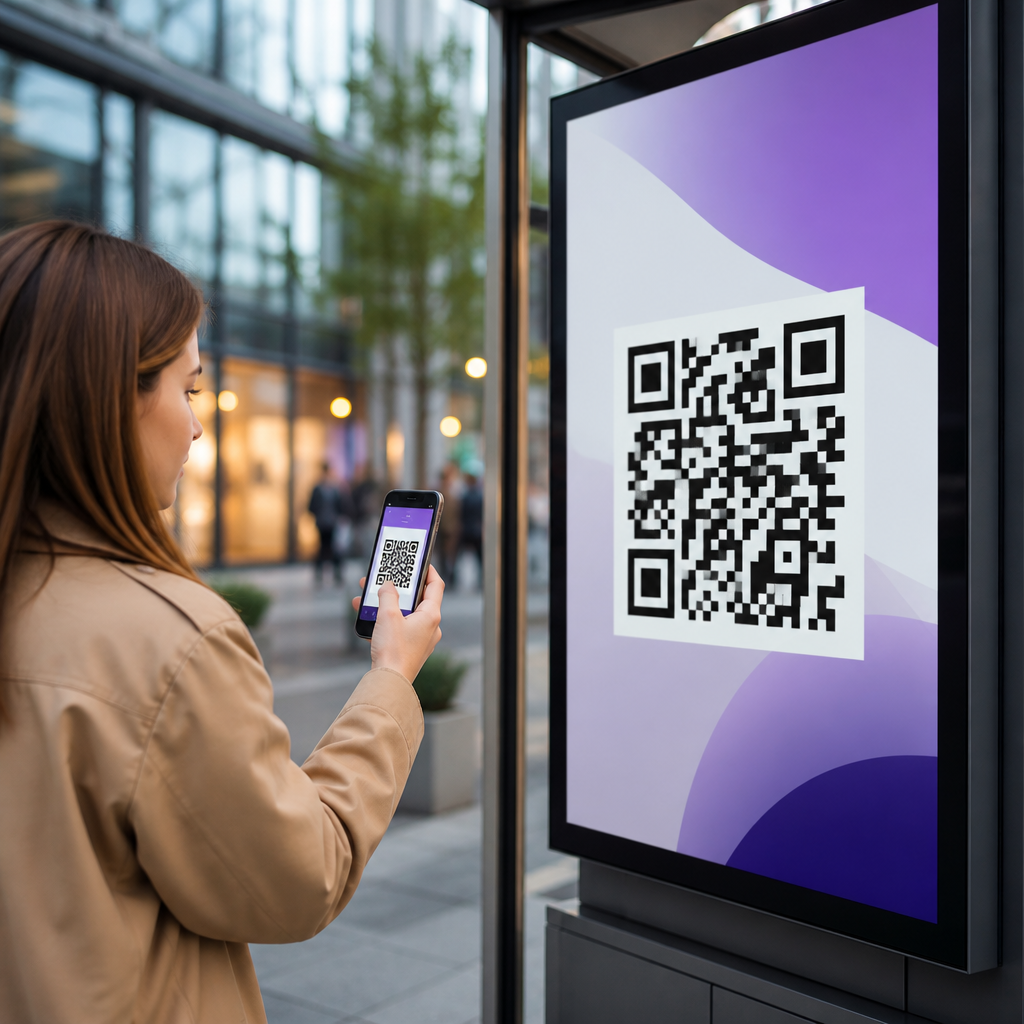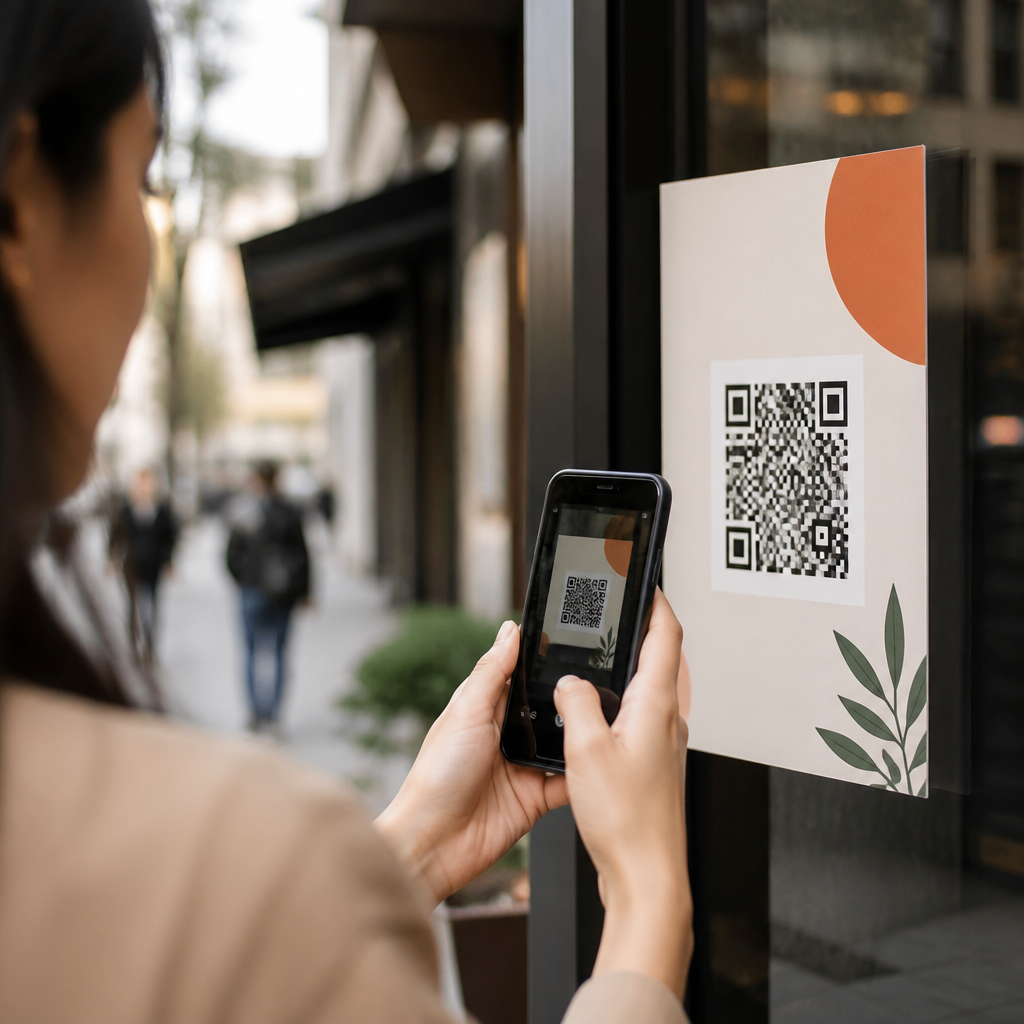
QR code conversion tracking turns a simple scan into measurable marketing data, letting teams see which codes drive visits, leads, sales, and offline actions. In practice, it connects a physical touchpoint like packaging, direct mail, signage, or event badges to digital analytics platforms, usually through tagged URLs, redirects, and conversion goals. That matters because QR campaigns often bridge channels that are hard to measure with standard web analytics alone. When I have implemented QR tracking for retail promotions and field events, the biggest mistake was assuming scan counts were enough. They are not. A scan is only the top of the funnel. Real performance comes from understanding source, session quality, form completion, purchase rate, and return on ad spend after the scan. For marketers building a repeatable reporting system, a proper setup creates accountability, reveals audience intent, and helps budget decisions across print, out-of-home, packaging, and in-store media.
To set up QR code conversion tracking well, you need four pieces working together: a destination URL, campaign parameters, a redirect or QR management layer, and an analytics platform that records defined conversions. The destination URL is the landing page users reach after scanning. Campaign parameters, typically UTM tags, identify the campaign, medium, and source. A redirect layer lets you edit destinations later, separate one printed code from another, and log scan metadata such as device, timestamp, and approximate location. The analytics platform, most commonly Google Analytics 4, records events like page views, purchases, calls, downloads, or submitted forms. This article serves as a hub for QR code analytics and tracking, covering the technical setup, reporting model, governance rules, and common pitfalls so every future QR campaign starts with reliable measurement instead of guesswork.
Start with a measurement plan before generating any QR code
The most effective QR tracking setup begins before anyone creates a code image. Define the business objective, the conversion event, and the reporting dimensions first. If the campaign goal is coupon redemption, the primary conversion may be a purchase event with a coupon code parameter, not simply a landing page visit. If the goal is lead generation at a trade show, the conversion may be a submitted demo request form, plus secondary events such as brochure downloads or calendar bookings. I usually document this in a one-page measurement plan listing the campaign name, placement, target audience, destination page, UTM naming convention, event definitions, owner, launch date, and reporting cadence. That planning step prevents the two most common failures: duplicate naming and untrackable outcomes.
Use a consistent taxonomy for every printed asset. For example, set utm_source to qr, utm_medium to print, and reserve utm_campaign for the promotion name, such as spring_launch_2026. Then use utm_content to distinguish placements like storefront_poster, product_box, receipt_insert, or booth_banner_a. This structure makes roll-up reporting possible in GA4, Looker Studio, Adobe Analytics, or a CRM dashboard. Without it, teams end up comparing inconsistent labels like QR, qr-code, and print_qr, which fractures reporting. Also define what counts as a unique code. A single creative used in three stores should usually have three destination links, not one, if store-level performance matters. Tracking only one shared URL hides operational insights you could otherwise use for local optimization.
Build trackable URLs with redirects, tags, and stable destinations
A QR code should rarely point directly to a long landing page URL. Instead, use a short branded link or dynamic QR platform that redirects to the final destination. This gives you flexibility if the landing page changes, if a promotion ends, or if legal copy needs updating after print production. Tools such as Bitly, Rebrandly, QR Code Generator Pro, Beaconstac, and Flowcode commonly support editable destinations, scan logging, and custom domains. A branded short domain improves trust and click-through behavior because users can recognize the brand before opening the link. It also reduces code density, which can improve scannability when printed small.
The final URL should include campaign parameters. A practical example is brand.link/springoffer redirecting to example.com/sale?utm_source=qr&utm_medium=print&utm_campaign=spring_launch_2026&utm_content=store_window_nyc. If the QR code appears on packaging that may circulate for months, route users to a stable evergreen page instead of a temporary promotion that could expire. That is a lesson many teams learn after old product inventory sends traffic to 404 pages. When required, append additional identifiers such as store ID, rep ID, or product SKU through query parameters, but avoid putting personal data in URLs. Query strings are visible, can be cached, and may be logged by third-party systems, so they are not the place for names, emails, or phone numbers.
Configure analytics platforms to capture scans and downstream conversions
After URL design, configure analytics so scans connect to outcomes. In Google Analytics 4, create or verify the key events that reflect value: generate_lead, sign_up, purchase, file_download, click_to_call, or custom events for loyalty enrollment and appointment booking. Mark the most important events as conversions. Use Google Tag Manager to standardize event firing and keep implementation maintainable. For ecommerce, validate that purchase events pass transaction ID, revenue, currency, and item data. For lead generation, ensure form submissions fire only once and after successful completion, not merely when a button is clicked. I also recommend excluding internal traffic and test scans; otherwise launch-day QA can contaminate small campaign datasets.
If phone calls or point-of-sale redemptions matter, web analytics alone is not enough. Connect call tracking platforms such as CallRail, Invoca, or DialogTech, and map QR campaign parameters into the CRM. For offline sales, use redeemable coupon codes, POS campaign fields, or cashier prompts tied to each QR placement. Many CRM and marketing automation systems, including HubSpot, Salesforce, and Marketo, can store first-touch or last-touch campaign values captured from UTMs. That allows revenue attribution beyond the session. The table below shows a practical tracking framework teams can deploy across common QR use cases.
| QR use case | Primary conversion | Recommended setup | Key validation check |
|---|---|---|---|
| Retail poster | Online purchase | Dynamic QR, UTMs, GA4 purchase event | Revenue tied to utm_content by location |
| Product packaging | Warranty registration | Branded redirect, CRM form, hidden campaign fields | Form captures source without duplication |
| Trade show badge or booth sign | Demo request | Short link, GA4 lead event, Salesforce campaign sync | Leads appear in CRM with campaign name |
| Restaurant table tent | Menu order or loyalty sign-up | QR platform analytics, ecommerce or signup events | Repeat scans do not inflate conversions |
Validate the full scan-to-conversion journey on real devices
Testing is where reliable QR code conversion tracking is won or lost. Before launch, scan each code with both iPhone and Android devices, on Wi-Fi and cellular, and confirm every redirect, page load, parameter, and conversion event. GA4 DebugView, Tag Assistant, browser developer tools, and network inspectors help verify that UTMs persist and events fire exactly once. I also test with popular in-app scanners such as the native camera app, Google Lens, Instagram, and some retailer apps, because app browsers can alter behavior. A code that works in one environment may drop parameters or mishandle cookies in another. If the landing page relies on consent banners, make sure conversion events still comply with privacy settings and regional consent requirements.
Print conditions matter too. QR codes fail in the field more often because of design choices than analytics mistakes. Follow common standards: maintain adequate quiet zone around the code, use strong contrast, avoid glossy reflections, and size the code based on scanning distance. A poster viewed from ten feet away needs a much larger code than a package insert held in hand. ISO/IEC 18004 defines QR code specifications, and most enterprise generators support appropriate error correction levels. Higher error correction can help when logos are embedded, but overdesigned codes can become unreadable. Always test the final printed proof, not just the on-screen file, because substrate, curvature, lighting, and color shifts affect scan success.
Report on metrics that show business impact, not just scan volume
Once campaigns are live, report on a hierarchy of metrics. Start with scans, unique users, sessions, engagement rate, and landing page speed to understand top-of-funnel quality. Then move to conversion rate, cost per conversion, revenue per scan, assisted conversions, and customer lifetime indicators where available. For location-based deployments, compare performance by placement, store, product line, or event day using utm_content and custom dimensions. I have seen a modestly trafficked QR code on packaging outperform a flashy event sign because packaging reached users closer to purchase intent. That insight only appears when you combine scan data with downstream behavior and value.
For dashboards, use Looker Studio, Tableau, Power BI, or native CRM reporting to blend QR platform data with GA4 and sales records. Include annotations for inventory changes, creative swaps, or landing page updates so stakeholders can interpret spikes correctly. Be careful with attribution. A QR scan may start on mobile and the purchase may happen later on desktop or in store. No system captures every cross-device path perfectly, especially with privacy constraints and reduced identifier availability. The best approach is to triangulate: use UTMs, first-party data capture, coupon or offer codes, and CRM campaign association. That creates a decision-ready view, even when attribution is probabilistic rather than absolute.
Establish governance for privacy, naming, and long-term maintenance
QR code analytics become unreliable when governance is weak. Create naming rules, ownership, and retention policies before campaigns scale. Every code should have a unique ID, documented destination, launch date, asset owner, and status such as active, redirected, or retired. Keep a central spreadsheet or database for this inventory. I prefer assigning IDs that tie back to campaign, placement, and revision, for example QR-RTL-NYC-POSTER-01. That makes audits and troubleshooting faster. Set redirect expiration rules carefully, especially for packaging and printed collateral with long shelf lives. Nothing undermines trust faster than a code that leads to an error page months after distribution.
Privacy and compliance deserve equal attention. If you collect personal data after a scan, disclose usage clearly and honor regional requirements under laws such as GDPR and CCPA. Avoid hidden redirects to unrelated domains, and never use QR codes to surprise users with downloads they did not request. Security also matters internally: limit edit access on dynamic QR platforms, require multifactor authentication, and log destination changes. The main benefit of QR code conversion tracking is confidence. When every scan can be traced to a defined outcome, marketers stop debating anecdotal performance and start improving creative, placement, and offers with evidence. Build the framework once, test it rigorously, and use it on every campaign. Your future QR reporting will be faster, cleaner, and far more actionable.
Frequently Asked Questions
What is QR code conversion tracking, and why is it important?
QR code conversion tracking is the process of measuring what happens after someone scans a QR code. Instead of treating the scan as an isolated interaction, tracking connects that scan to downstream actions such as website visits, form submissions, purchases, phone calls, appointment bookings, app downloads, or even offline outcomes tied back through a CRM. In practical terms, this is usually done by linking the QR code to a tracked URL that includes campaign parameters, a redirect, or a dedicated landing page, and then defining conversions inside analytics and ad platforms.
This matters because QR codes often sit at the intersection of offline and online marketing. A code printed on packaging, direct mail, in-store signage, trade show booths, receipts, posters, or event badges can drive meaningful digital engagement, but without proper setup, it is difficult to know which placements actually perform. Standard web analytics may show traffic arriving on a page, but they will not automatically tell you which printed asset, location, audience segment, or campaign variation generated that visit unless you plan the tracking structure in advance.
When set up correctly, QR code conversion tracking helps marketing teams make better decisions. You can compare performance by channel, creative, geography, time period, or distribution method; calculate return on ad spend and cost per acquisition; identify friction in the post-scan journey; and prove the value of offline marketing efforts using real data. It effectively turns a scan into a measurable event within a larger attribution model, which is why it has become such a useful tool for campaigns that span both physical and digital touchpoints.
How do you set up QR code conversion tracking step by step?
The most reliable way to set up QR code conversion tracking starts with a clear measurement plan. First, define the business outcome you want to track. That might be a purchase, lead form completion, newsletter signup, call click, store locator visit, coupon redemption, or another action that reflects success. Once the goal is clear, choose the destination URL you want people to reach after scanning. In many cases, this should be a dedicated landing page tailored to the specific campaign, because that makes both the user experience and the reporting cleaner.
Next, add trackable parameters to the destination URL. UTM parameters are a common choice because they work well with platforms like Google Analytics. For example, you might define a source such as qr, a medium such as print, and a campaign name that reflects the initiative, such as spring_mailer or retail_display_q2. If you want more granular reporting, you can also use content or term parameters to distinguish different code placements, creative versions, locations, or audience segments. Some teams route the QR code through a short redirect URL first, which can simplify code management and allow changes to the final destination later without reprinting the asset.
After the URL structure is ready, generate the QR code using that tracked link. Before publishing it, test the code on multiple devices and camera apps to ensure it resolves correctly, loads quickly, and preserves all tracking parameters. Then configure analytics to capture the desired conversion. In Google Analytics 4, for example, you would make sure the key events you care about are firing properly and then mark the relevant events as conversions. If you use Google Tag Manager, this is often where you configure event tracking for form submissions, button clicks, purchases, and other on-site actions. If you also advertise on paid platforms, you may want to import those conversions or set up parallel tracking there as well.
Finally, verify the full reporting flow before launch. Scan the QR code yourself, complete the intended journey, and confirm that the session source information appears as expected and that the conversion is recorded in your analytics platform. Document your naming conventions and campaign structure so future QR campaigns stay consistent. A disciplined setup process is what transforms a basic QR code into a dependable measurement asset rather than just a convenient shortcut to a webpage.
What tools and platforms are typically used to track QR code conversions?
Most QR code conversion tracking setups rely on a combination of QR code generators, analytics platforms, tag management tools, and sometimes CRM or marketing automation systems. At the simplest level, you need a way to create a QR code from a URL that includes tracking parameters. Many QR platforms support static or dynamic codes, scan analytics, and custom branding. Dynamic QR codes are especially useful because they allow you to update the destination URL later, which is helpful if a campaign changes or if you need to correct a link after print materials are already in circulation.
For analytics, Google Analytics 4 is one of the most common platforms because it can capture campaign parameters, attribute sessions, and record conversions tied to on-site behavior. Google Tag Manager is often used alongside it to deploy tracking tags and define events without constant code changes. If the campaign includes paid media or retargeting, platforms like Google Ads, Meta Ads, or LinkedIn Ads may also be part of the stack so that you can connect QR-driven traffic to ad audiences and downstream conversions.
Redirect and link management tools can add another layer of control. A branded short domain or redirect service can help keep URLs cleaner and make it easier to swap landing pages, route users by device or geography, and gather click-level insights before the visitor lands on the final page. For lead generation or sales attribution, many organizations also connect QR traffic to a CRM such as HubSpot or Salesforce. That allows teams to go beyond measuring a form fill and track whether the scan eventually influenced pipeline, revenue, or customer lifetime value.
The right toolset depends on your goals. If you only need to measure traffic and a few website actions, a QR code generator plus GA4 may be enough. If you need robust attribution across events, field teams, retail locations, or offline sales follow-up, you will usually want a more integrated stack that includes tag management, a CRM, and a naming convention strong enough to support detailed reporting over time.
What are the most common mistakes to avoid when tracking QR code conversions?
One of the biggest mistakes is sending every QR code to the same untagged homepage. When that happens, you lose the ability to tell which campaign or physical asset drove the visit, and the landing experience is often weaker because users are forced to find the relevant information on their own. A better approach is to use campaign-specific URLs with clear UTM parameters and landing pages designed for the context in which the code appears. Relevance improves both measurement accuracy and conversion rate.
Another common issue is relying only on scan counts from a QR platform and assuming that tells the full story. Scan data can be helpful, but it is not the same as conversion tracking. A person may scan and bounce immediately, or they may return later through another channel and convert. To understand performance properly, you need analytics configured to capture meaningful post-scan actions and a framework for how those actions will be attributed. In other words, the scan is the starting point, not the end metric.
Technical oversights also create problems. Parameters can break during redirects, landing pages can load slowly on mobile devices, forms may not fire tracking events correctly, or conversion goals may be missing altogether. Teams also sometimes forget to test on both iPhone and Android devices, in low-light conditions, or using different camera and browser behaviors. Since QR interactions are usually mobile-first, any friction after the scan can reduce both usability and data quality.
A final mistake is poor campaign governance. Inconsistent naming conventions, duplicated UTM values, undocumented redirects, and uncoordinated code creation make reporting messy fast, especially when multiple teams or vendors are involved. Establishing a simple taxonomy for source, medium, campaign, content, and placement keeps your data clean and comparable. Good tracking is not just about generating the code; it is about maintaining a system that supports trustworthy analysis across campaigns, channels, and time periods.
How can you measure the success of a QR code campaign beyond simple scan volume?
Scan volume is useful as a top-of-funnel indicator, but it should never be the only success metric. A high number of scans does not necessarily mean a campaign is working if very few people take the next step. To evaluate true performance, start by looking at the full funnel: scans or visits, engaged sessions, landing page behavior, click-throughs, form starts, form completions, purchases, calls, coupon redemptions, or any other actions that align with the campaign objective. The right metric depends on whether your goal is awareness, lead generation, e-commerce revenue, event engagement, or in-store action.
It is also important to compare conversion rates across placements and audiences. Two QR codes may generate similar traffic volumes, but one may produce far more qualified leads or sales because it appears in a better context or speaks to a more motivated audience. For that reason, many marketers track not just total conversions, but conversion rate, cost per conversion, revenue per visitor, average order value, and lead-to-customer rate. If you can connect QR traffic to your CRM, you can go even deeper by evaluating pipeline contribution and closed revenue rather than stopping at surface-level web actions.
Contextual analysis makes the reporting more actionable. You can examine differences by location, store, event, print asset, product packaging version, time of day, or creative message. You can also test variations in calls to action, landing page design, incentive offers, or code placement to improve