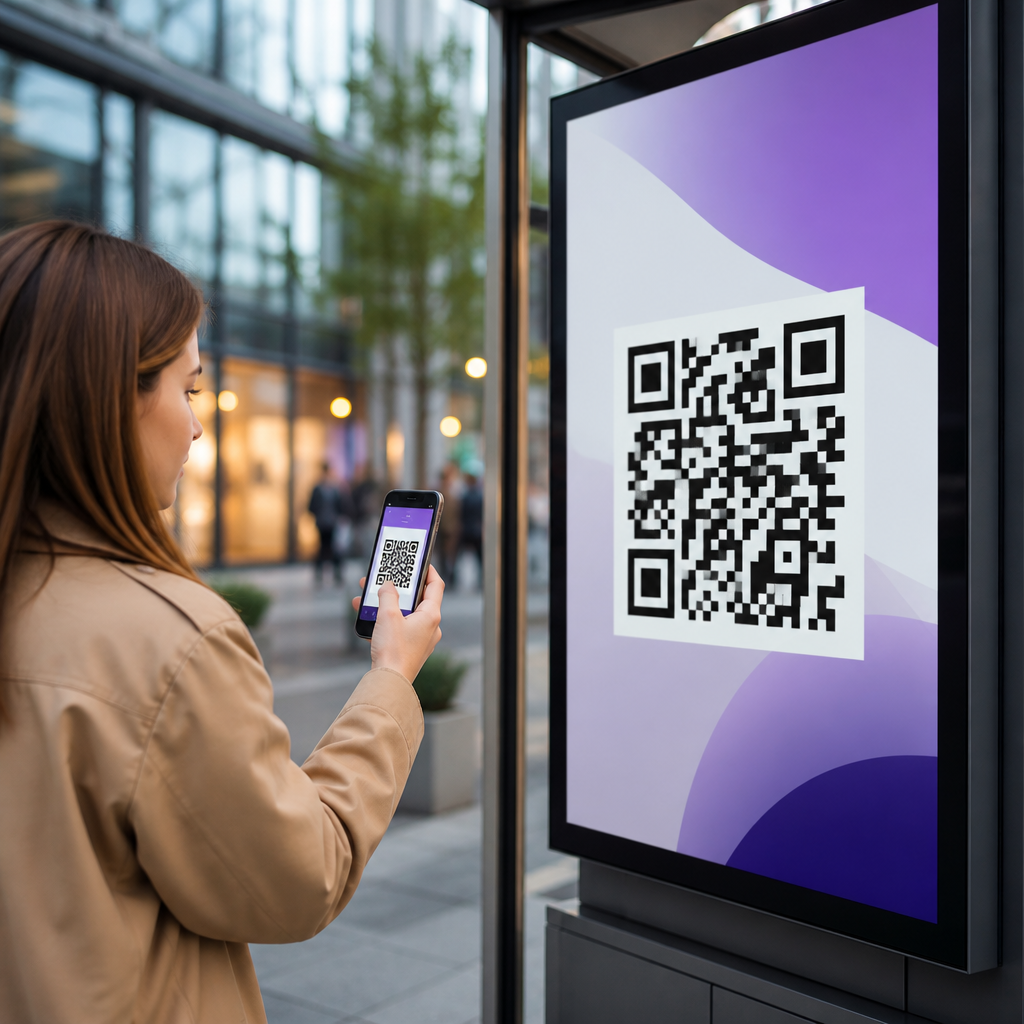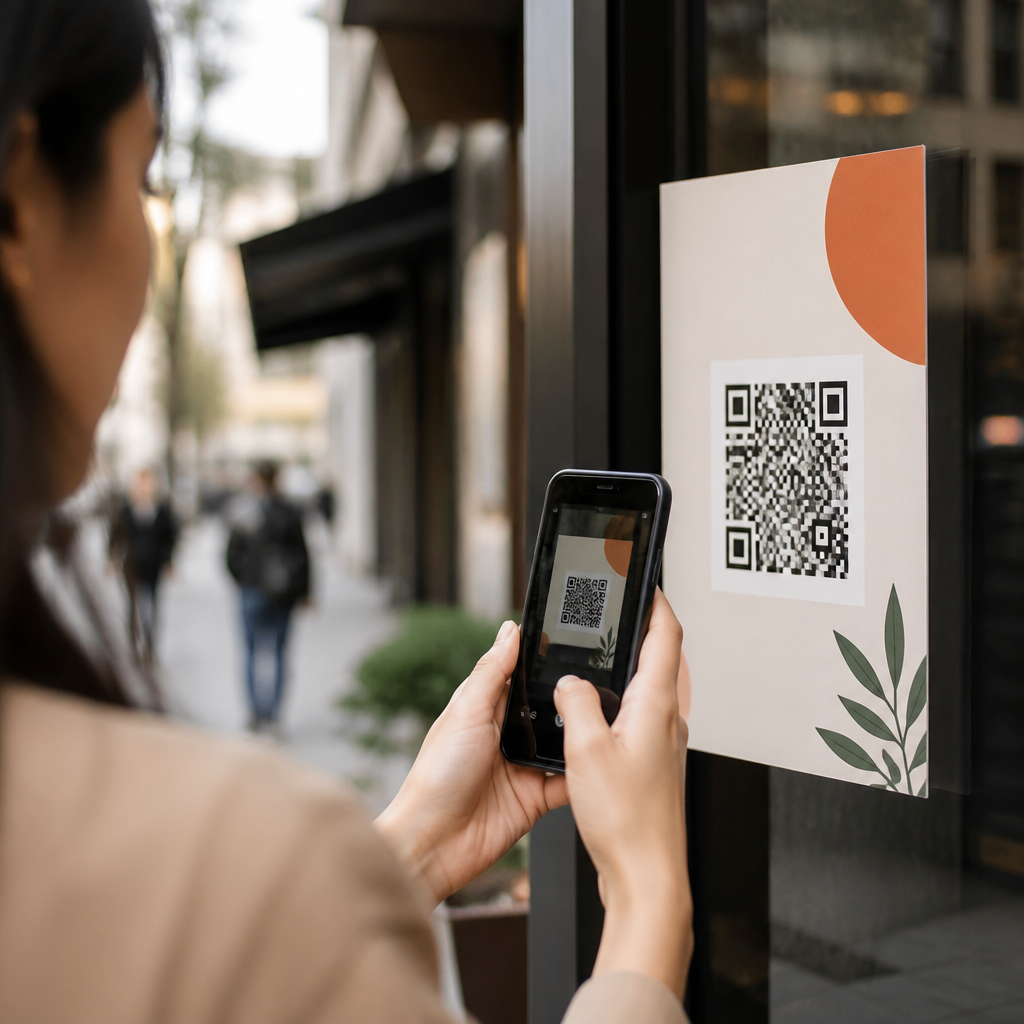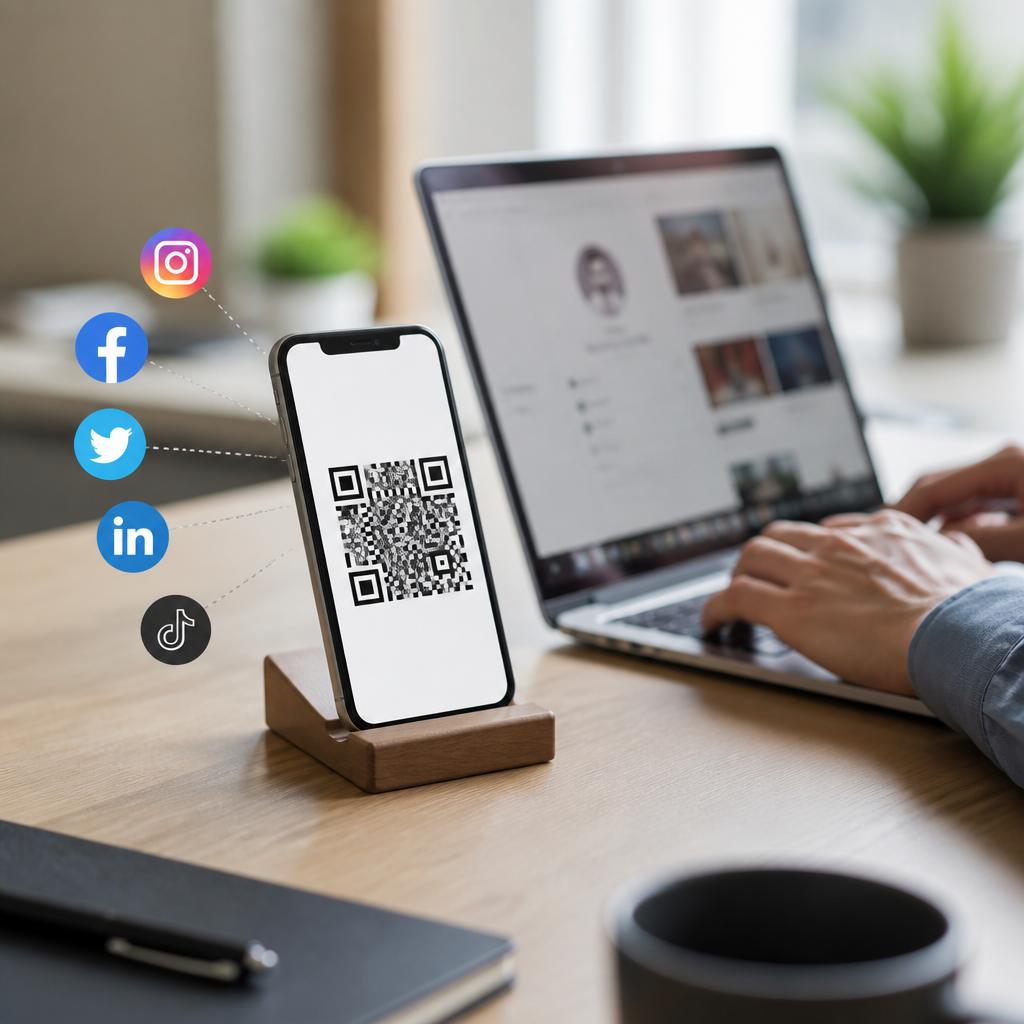
QR codes for social profiles turn a long profile URL or a bundle of social links into a fast mobile action: scan once, follow, message, watch, or subscribe. For marketers, creators, retailers, and event teams, that simple scan removes the friction that usually kills social growth in offline spaces. A poster, product label, table tent, business card, trade show booth, or storefront window can send people directly to Instagram, TikTok, LinkedIn, YouTube, Facebook, X, or a landing page that lists every network in one place. When I build QR campaigns for clients, the biggest lift usually comes from this friction reduction, not from design tricks. People follow when the path is immediate.
To create QR codes for social profiles well, you need to understand three terms. A static QR code stores the destination directly and cannot be edited after printing. A dynamic QR code uses a short redirect URL, so you can change the destination later and track scans by time, device, and location. A social profile QR code points to one profile, while a social links QR code points to a mobile landing page containing multiple platforms. That distinction matters because campaign goals differ. If a restaurant wants more Instagram followers, one direct code may outperform a multi-link page. If a consultant wants leads across LinkedIn, YouTube, and email, a social hub works better.
This matters because social discovery increasingly starts in physical environments. Customers see packaging before they visit a website. Conference attendees scan badges before they type names into search. In-store shoppers compare products on mobile in real time. A strong social QR strategy connects those offline moments to measurable digital engagement. It also supports attribution. With dynamic codes and UTM parameters, you can tell whether scans from flyers, receipts, or window signage actually generated follows, clicks, and conversions. Done correctly, QR codes for social media are not decorative add-ons. They are performance assets that connect print, mobile behavior, and audience growth across every major network.
Choose the Right Type of Social QR Code
The first decision is whether you need a single-profile QR code or a social links hub. A single-profile code is best when you want one clear action. Examples include a beauty brand pushing Instagram for user-generated content, a B2B founder growing LinkedIn thought leadership, or a musician driving YouTube subscriptions from venue posters. Because there is only one destination, the user journey is short and conversion rates are usually higher. I recommend this format whenever one platform clearly dominates your content strategy or your audience already prefers a specific app.
A social links hub works best when users may choose between platforms or contact methods. Real estate agents often combine Instagram for listings, YouTube for walkthroughs, WhatsApp for inquiries, and LinkedIn for credibility. Restaurants may include TikTok, Instagram, reviews, and online ordering. The advantage is flexibility, but there is a tradeoff: every extra option adds decision friction. Keep the menu tight, prioritize the most valuable network first, and design the landing page for thumb navigation. If your QR platform offers link ordering, icon branding, and analytics by button click, use those features. They reveal which channels users actually prefer after the scan.
Dynamic QR codes are usually the correct choice for social campaigns because profile names, landing pages, and campaign priorities change. A retailer may shift from promoting Facebook to TikTok during a seasonal launch. A creator may rebrand usernames. A local franchise may need different destinations by region. Dynamic codes let you preserve printed materials while updating the destination behind the scenes. They also support scan analytics, retargeting scripts on landing pages, password protection for limited campaigns, and expiration settings when needed. Static codes still have a place for permanent assets with stable URLs, but for active marketing, editable destination control is the safer professional standard.
Build the Destination Before You Generate the Code
The QR image is the last step, not the first. Start by preparing the exact destination experience. If you are linking to one social profile, confirm that the profile is public, complete, and mobile friendly. Use a recognizable profile photo, concise bio, and a pinned post or featured content section that tells new visitors what to do next. On Instagram, that might be a Reel explaining your brand promise. On LinkedIn, it might be a featured case study. On YouTube, it should be a strong channel trailer. A QR code cannot fix a weak destination; it only exposes it faster.
If you are building a social links page, design it with one objective in mind: fast scanning-to-tap behavior on a phone screen. Keep the page lightweight, use platform icons people instantly recognize, and put the highest-value action first. I have seen better engagement when the top link is framed as a benefit rather than a generic platform name, such as “See daily before-and-after projects on Instagram” instead of simply “Instagram.” Add UTM parameters to every button so analytics in Google Analytics 4, HubSpot, or another platform can separate traffic from QR scans by source, medium, campaign, and placement.
Brand continuity matters here. If the printed code appears on luxury packaging but leads to a cluttered free link page with mismatched colors, trust drops immediately. Match fonts, colors, icon treatment, and voice across print and mobile. Use HTTPS URLs, test load speed on cellular data, and remove pop-ups that block the social buttons. For accessibility, ensure sufficient contrast and readable button labels. The destination should answer the user’s likely question in seconds: Which social account is official, why should I follow it, and what do I get next if I do?
Generate and Design the QR Code for Reliable Scanning
Once the destination is ready, create the code using a reputable QR platform such as Bitly, QR Code Generator Pro, Beaconstac, Uniqode, Flowcode, or Canva for simpler use cases. For enterprise teams, I favor platforms that offer dynamic editing, bulk generation, scan analytics, custom domains, and governance controls. Use the final destination URL or dynamic short URL, choose a high error correction level if you plan to add a logo, and export in PNG for digital use or SVG/PDF for print production. Vector formats preserve edge sharpness, which improves scan reliability on signage and packaging.
Design should support function. Black on white remains the most reliable combination because smartphone cameras detect contrast more easily. Brand colors are acceptable if the contrast ratio stays high and the background remains clean. Avoid reversing the code to light shapes on a dark field unless you test thoroughly. Do not crop quiet zones, the empty margin around the code, because scanners need that breathing room to detect boundaries. Logos can improve trust, especially when users hesitate to scan unknown codes, but keep the logo small enough that it does not interfere with finder patterns or timing patterns.
| Element | Best practice | Why it matters |
|---|---|---|
| Minimum print size | At least 2 x 2 cm for close scans | Small codes fail on older cameras |
| Format | SVG or PDF for print, PNG for web | Prevents blur and preserves sharp edges |
| Contrast | Dark code on light background | Improves detection speed |
| CTA label | Add text such as “Scan to follow us” | Explains value and increases scan rate |
| Testing | Test on iPhone and Android in varied light | Confirms real-world usability |
Add a call to action next to the code every time. A bare QR image asks users to guess. A short instruction such as “Scan to watch tutorials on YouTube” or “Scan to get local updates on Instagram” clarifies the payoff. In store environments, place the code where people naturally pause, not where they walk past quickly. On packaging, avoid seams, curves, and reflective surfaces. On business cards, maintain adequate size and whitespace. Good placement often affects scan volume more than visual styling.
Track Performance, Test Placements, and Improve Results
The advantage of dynamic QR codes for social media is measurability. At minimum, monitor scans, unique scans, scan location, device type, and time of day in your QR platform. Then connect that data to downstream metrics inside each social network and your analytics stack. If a code sends users to a social links page, track button clicks by platform. If it points directly to Instagram, compare scan spikes with follower growth during the same period. With UTM-tagged destinations, Google Analytics 4 can show engagement and assisted conversions from QR traffic, while a CRM can attribute leads to specific placements.
Testing should be systematic. Print two versions of the same sign with different calls to action. Compare “Scan to follow us” against “Scan for weekly style drops on Instagram.” Test a direct profile code against a social links hub. Try placement near checkout versus entrance. For event badges, test front placement against back placement. I have repeatedly seen context-specific language outperform generic prompts because users respond to a clear benefit, not just a channel name. The right success metric also varies. A creator may optimize for followers, a nonprofit for shares, and a retailer for traffic to shoppable social content.
Common mistakes are easy to avoid. Do not link to private, unfinished, or geo-blocked profiles. Do not use a static code for a campaign that may evolve. Do not rely only on platform analytics if you need cross-channel attribution. Do not place a code where mobile signal is poor without offering guest Wi-Fi. Most important, revisit the destination monthly. Social bios change, campaigns expire, and audience preferences shift. Treat your social QR code as a living marketing asset. Audit performance, refine the experience, and link related resources across your broader mobile QR strategy so every offline touchpoint contributes to measurable social growth.
Conclusion
Creating QR codes for social profiles is straightforward when you focus on the full journey instead of only the graphic. Start with the goal, choose between a direct profile and a social links hub, build a strong mobile destination, generate a dynamic code, and design it for high-contrast scanning with a clear call to action. Then track scans, button clicks, follower growth, and conversions so you can improve placements and messaging over time. That process turns a simple square code into a reliable bridge between offline attention and social engagement.
The main benefit is efficiency. People do not need to search for your handle, wonder which account is official, or remember to follow later. They scan, arrive, and act immediately. For marketers working within the larger mobile QR codes for marketing ecosystem, this subtopic is a foundational channel because social platforms amplify every later interaction through content, community, and retargeting opportunities. Build one well-tested social QR campaign, learn from the analytics, and expand from there. Review your current print assets today and add the social QR experience that best matches your audience and business goals.
Frequently Asked Questions
1. How do I create a QR code for a single social media profile?
Creating a QR code for a single social media profile is straightforward. First, copy the full public URL of the profile you want people to visit, such as your Instagram page, LinkedIn profile, TikTok account, YouTube channel, Facebook page, or X profile. Then paste that link into a QR code generator and create the code. In most cases, you can choose between a static QR code, which permanently points to that exact URL, and a dynamic QR code, which lets you change the destination later without reprinting the code. For social marketing, dynamic codes are usually the better option because social handles, campaign pages, and profile strategies can change over time.
Once the code is generated, customize it carefully. You can often add brand colors, a frame, a call-to-action such as “Follow Us” or “Scan to Watch,” and even a logo. That said, design should never come at the expense of scan reliability. Keep strong contrast between the foreground and background, avoid over-stylizing the pattern, and test the QR code on multiple phones before publishing it. After that, download the code in a high-quality format such as PNG for digital use or SVG/PDF for print, and place it anywhere your audience is likely to scan it, including packaging, business cards, in-store signage, brochures, event materials, and product inserts.
2. Can I make one QR code that links to multiple social profiles?
Yes, and in many cases that is the smartest approach. Instead of sending people to only one platform, you can create a QR code that opens a mobile-friendly landing page containing multiple social links. This is especially useful for creators, brands, retailers, restaurants, and event teams that want to give people choices, such as following on Instagram, subscribing on YouTube, connecting on LinkedIn, or watching short-form content on TikTok. The QR code itself points to one destination page, and that page acts as a hub for your social presence.
This multi-link setup offers several practical advantages. It keeps your offline marketing flexible, since you can reorder, add, or remove links without changing the printed QR code if you use a dynamic destination. It also helps you match user intent more effectively. Someone scanning from a trade show badge may prefer LinkedIn, while someone scanning from a product label may be more interested in Instagram or YouTube tutorials. A well-designed social landing page can also include your logo, a headline, short descriptions, campaign-specific buttons, and analytics tracking so you can see which platforms attract the most engagement. If your goal is broader social growth rather than traffic to one specific channel, a bundled social QR code is often the best option.
3. What is the difference between a static and dynamic QR code for social profiles?
A static QR code stores the final destination directly inside the code. That means if you create a static QR code for your Facebook page or Instagram profile, the encoded URL cannot be changed later. Static codes can work well for permanent, low-risk uses where the destination is unlikely to change, but they are limiting for active marketing because social campaigns evolve, profile URLs sometimes get updated, and platform priorities can shift. If anything changes, you would need to generate a new code and replace it everywhere it appears.
A dynamic QR code, by contrast, points to a short redirect URL that you can update behind the scenes. This makes it much more practical for social profile marketing. You can switch the destination from one platform to another, replace a single profile with a multi-link social page, pause a campaign, or update a broken link without reprinting posters, labels, displays, or cards. Dynamic QR codes also usually include analytics such as scan count, time, location, and device data, which can be extremely valuable when measuring offline-to-online performance. For marketers and businesses using QR codes on physical materials, dynamic codes are generally the more strategic and scalable choice.
4. Where should I place a social profile QR code to get the best results?
The best placement depends on where your audience encounters your brand offline and what action you want them to take next. High-performing placements often include storefront windows, product packaging, shelf talkers, receipts, menus, table tents, flyers, postcards, trade show booths, business cards, conference signage, event badges, and point-of-sale displays. The key is to place the code where people have both the motivation and the time to scan. For example, a QR code on a waiting-room sign, restaurant table, or product box can perform well because the person is already standing still and open to taking a next step.
Context matters just as much as placement. A QR code should not appear by itself without explanation. Pair it with a clear call-to-action that tells people exactly what they will get, such as “Scan to follow us on Instagram,” “Scan to watch how-to videos,” or “Scan to connect with our team on LinkedIn.” Make sure the code is large enough to scan comfortably from the expected distance, printed with good contrast, and not placed on curved, glossy, wrinkled, or hard-to-reach surfaces. Also consider the user journey after the scan. If the QR code appears on a product label, the destination should feel relevant to that product, such as tutorials, user-generated content, or customer support channels. Strong placement works best when the location, message, and destination all align with the user’s immediate interest.
5. How can I make sure my social media QR code actually gets scanned and drives followers?
To improve scan rates and conversions, start with the basics: make the QR code easy to notice, easy to scan, and clearly worth scanning. Use a strong call-to-action that highlights the benefit, not just the action. “Scan to follow us” is acceptable, but “Scan for daily style drops,” “Scan to see product demos,” or “Scan for event updates and behind-the-scenes content” is stronger because it tells people why they should care. Your destination should also be mobile-optimized, load quickly, and match the promise made on the printed material. If the QR code leads to a cluttered page or an irrelevant profile, people are less likely to follow through.
Testing and tracking are equally important. Scan the code with different phone models and camera apps before launch. Check it in realistic conditions, including poor lighting, various distances, and actual print size. If possible, use a dynamic QR code platform with analytics so you can measure scans and refine your approach over time. You may discover, for example, that a code on packaging generates more Instagram follows than one on a counter sign, or that a multi-link page sends more traffic to YouTube than TikTok. Small optimizations can make a big difference: changing the call-to-action, improving placement, increasing size, simplifying the landing page, or tying the scan to a specific incentive. A social profile QR code performs best when it is treated as a conversion tool, not just a graphic element.