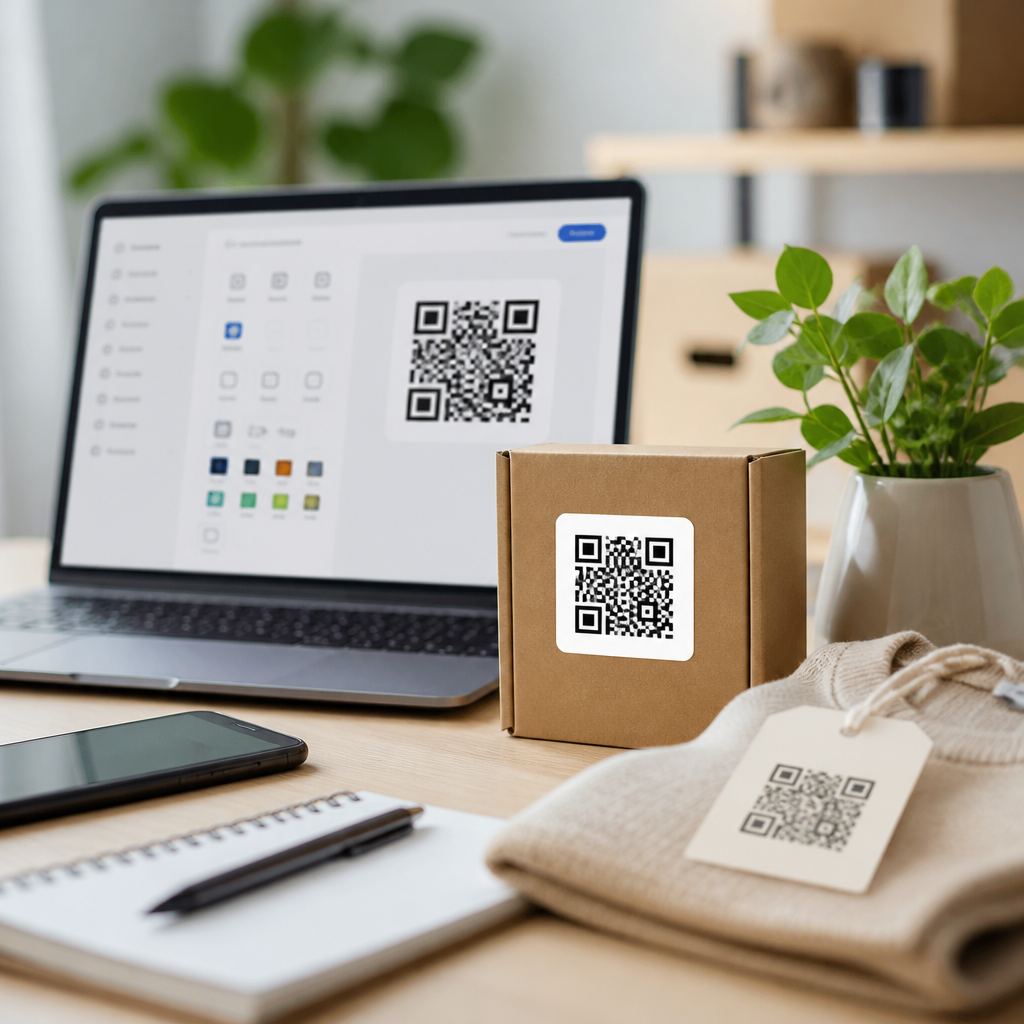
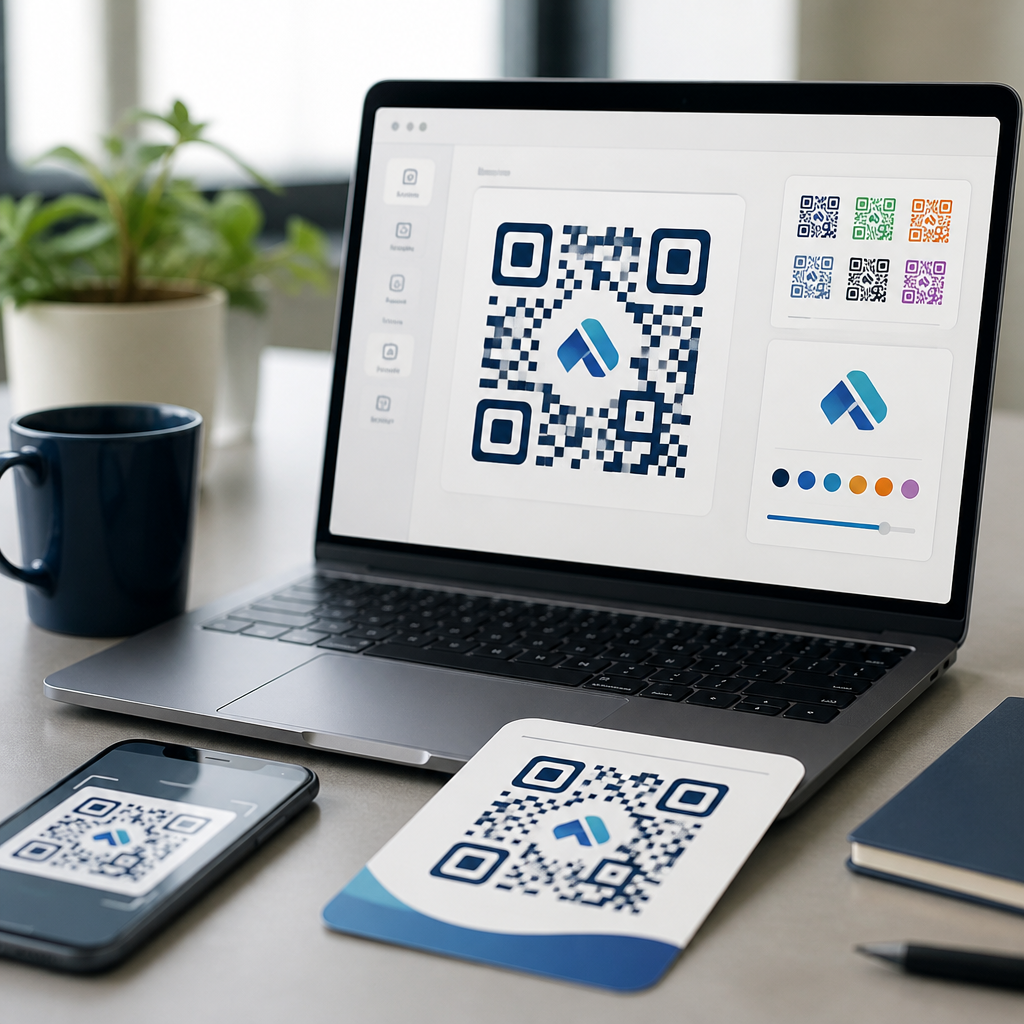
QR code design tools with logo integration sit at the center of modern brand-led mobile marketing because they turn a plain machine-readable square into a recognizable asset that people are more willing to scan. A QR code, or quick response code, stores data such as a URL, vCard, menu, payment address, PDF, app link, or Wi-Fi credential in a two-dimensional matrix that smartphone cameras can decode instantly. Logo integration means placing a brand mark, icon, or image in the center or another reserved area without breaking scan performance. I have designed and tested branded QR campaigns for retail packaging, event signage, restaurant menus, direct mail, and product onboarding, and the pattern is consistent: when design choices respect error correction, contrast, quiet zone spacing, and output format, branded codes outperform generic ones in trust and visual recall. This matters because the tool you choose affects scan reliability, analytics, print quality, campaign editing, and governance across teams. For marketers, designers, and operations teams, the best QR code design tools do more than color a code. They combine generation, customization, dynamic redirects, file export, asset management, and testing so one code can remain both on-brand and technically robust across packaging, posters, labels, email, and social content.
What QR code design tools actually do
QR code design tools create either static or dynamic codes, then provide controls for appearance and deployment. Static codes embed the final destination directly in the matrix, so they are simple and permanent, but cannot be edited after printing. Dynamic codes use a short redirect URL managed by a platform; that allows destination updates, scan analytics, device-based routing, expiration rules, and campaign attribution. In practice, dynamic codes are usually the better choice for business use because menus change, landing pages move, and promotions end.
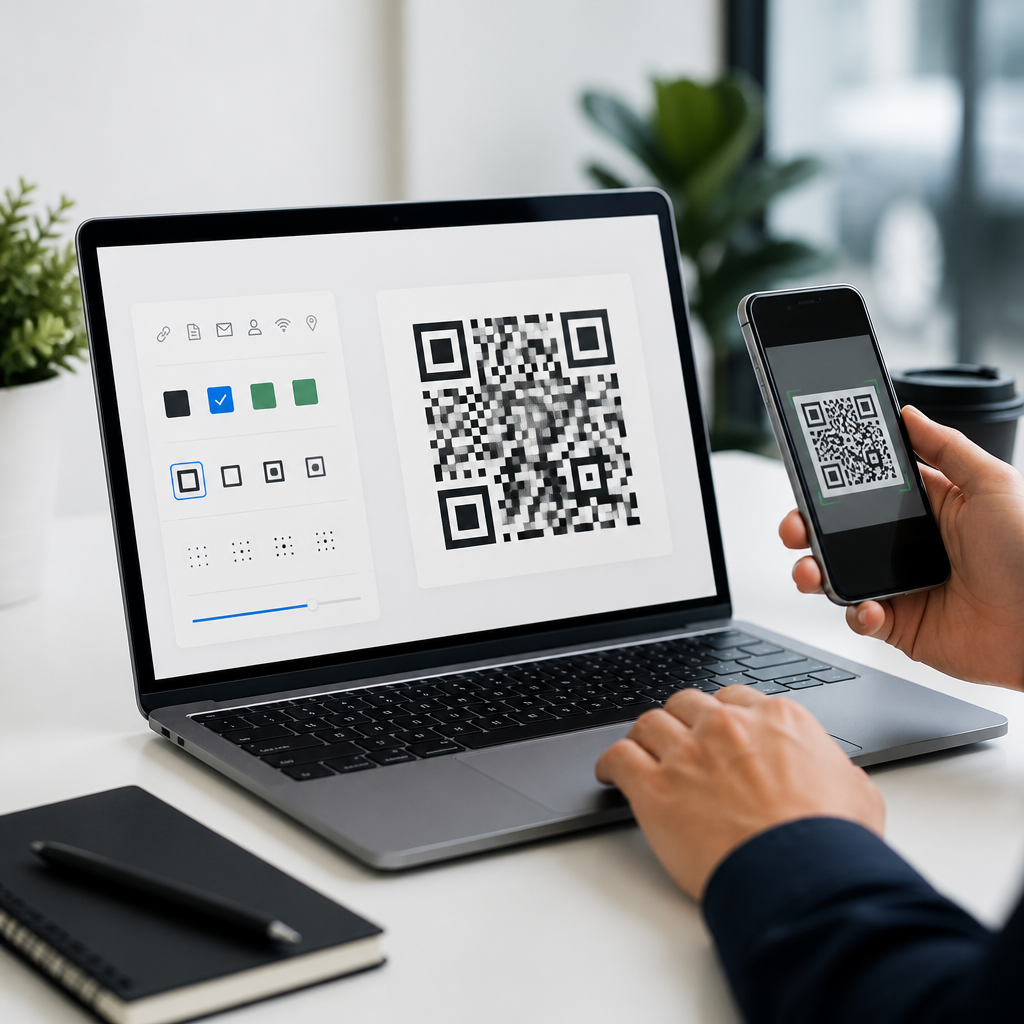
Design functionality varies widely. Entry-level generators may offer color changes, a center logo, and PNG download. Professional platforms add SVG, EPS, and PDF export, custom frames with scan prompts, bulk creation, API access, password protection, user roles, and integrations with Canva, HubSpot, Zapier, or Google Analytics via UTM parameters. The strongest tools also include scan testing previews, print-safe sizing guidance, and contrast warnings. Those features reduce the most common failure points I see in production: tiny quiet zones, low contrast on dark substrates, and logos that cover too much of the data area.
How logo integration works without breaking scans
A QR code remains scannable because of built-in redundancy called error correction. The four standard levels are L, M, Q, and H, with H offering the greatest tolerance for damage or obstruction. Logo integration usually relies on Q or H so the center image can occupy part of the matrix while the code still decodes. That does not mean every logo treatment is safe. Real-world reliability depends on module size, overall dimensions, print resolution, destination length, and camera quality.
Three rules matter most. First, preserve the quiet zone, the empty margin around the code, typically four modules wide. Second, maintain strong contrast, ideally a dark foreground on a light background; many stylish inverted or pastel combinations fail under glare or at distance. Third, keep the logo compact and centered, often under twenty percent of the code area unless the tool explicitly reserves a protected region. Rounded eyes, gradients, and custom module shapes can work, but only when tested on multiple devices. I routinely test with iPhone and Android cameras, native camera apps, and one third-party scanner before approving a design for print.
Features that separate professional tools from basic generators
If you are evaluating QR code design tools as a subtopic hub for broader QR code software research, focus on operational features, not only aesthetics. The best platforms support reusable brand presets, dynamic destination editing, analytics dashboards, campaign folders, and vector export. Brand presets matter when several teams produce codes for stores, packaging, and paid media; they prevent inconsistent colors, logo misuse, and frame text variations. Vector export matters because QR codes are often printed on packaging or large signs where raster images blur or pixelate.
Governance features are equally important. Enterprise and multi-user teams need role-based access, approval flows, audit trails, and domain controls for redirect links. Security questions also deserve attention. Ask whether the tool supports HTTPS redirects, custom domains, SSO, data retention settings, and regional hosting if privacy compliance matters. Tools used for healthcare, finance, and regulated manufacturing should document uptime, redirect behavior, and asset ownership clearly. A free generator can make a pretty code, but it rarely supports long-term campaign management.
Comparing common QR code design tool capabilities
The table below reflects the feature sets most buyers compare when choosing between online QR code design tools, marketing QR platforms, and graphic design suites with QR add-ons.
| Capability | Basic Generator | Marketing QR Platform | Design Suite Add-On |
|---|---|---|---|
| Static QR codes | Usually included | Included | Included |
| Dynamic QR codes | Limited or absent | Core feature | Usually depends on external service |
| Logo integration | Simple center upload | Advanced presets and protected templates | Flexible visual placement |
| Analytics | Rare | Robust scans, location, device, time data | Minimal without integration |
| Vector export | Sometimes paid | Common | Common |
| Bulk creation/API | Rare | Common | Rare |
| Team governance | Minimal | Strong | Moderate |
For a solo creator producing event handouts, a basic generator may be enough. For a chain restaurant, franchise network, or CPG brand with packaging cycles, a marketing platform is usually the better fit because codes must remain editable after print. Design suite add-ons help when visual control is the priority, but they often still rely on a separate redirect service for dynamic behavior.
Best use cases for branded QR code design
Different use cases place different demands on a QR code design tool. On retail packaging, the code must survive small print sizes, curved surfaces, and variable lighting in stores. Here, SVG or EPS output, high error correction, and production proofing are essential. On restaurant menus, dynamic codes are more valuable because menu links, promotions, and language routing change frequently. For trade shows and events, custom frames with action text such as “Scan for demo” increase response because they tell users what happens next.
In direct mail, branded QR codes benefit from campaign attribution. A dynamic platform can attach UTMs and route scans to different landing pages by date or geography. On product inserts, codes can support onboarding videos, warranty registration, and support documentation, reducing service costs. In internal operations, QR codes on equipment, shelves, or visitor badges often prioritize durability and bulk generation over decoration, but logo integration still helps staff identify the right system quickly. The lesson is simple: design should serve context. A code for a billboard needs a larger module size and simpler styling than one printed on a brochure held at arm’s length.
Design and testing standards that prevent failures
The safest way to build a branded QR code is to start with the destination and output context, then style within technical limits. Keep URLs short when possible, because dense data creates tighter modules that are harder to scan when small. Use a URL shortener or, better, a dynamic QR platform with a branded short domain. Export vector files for print, and raster files at sufficient resolution for digital placements. For offset printing, coordinate with the printer on minimum size, substrate color, varnish, and finishing effects that may reduce contrast.
Testing should be mandatory, not optional. Print prototypes at actual size and scan them from expected distances under bright light, low light, and glare. Test across current iPhone and Android models, because camera processing differs. Verify that the landing page is mobile optimized, loads quickly, and clearly matches the promise around the code. I have seen technically perfect QR codes underperform because the destination was slow, irrelevant, or hidden behind cookie walls. Performance depends on the entire scan journey, not just the symbol itself.
How to choose the right QR code design tool for your team
Choose based on campaign lifespan, design control, analytics needs, and production complexity. If your codes will appear in long-lived assets such as packaging, signage, manuals, or labels, dynamic editing is non-negotiable. If your brand team enforces strict identity standards, prioritize tools with templates, locked palettes, and logo libraries. If you need reporting, confirm whether the platform measures unique scans, repeat scans, device types, approximate location, and conversion paths through analytics integrations.
Budget matters, but so does cost of failure. Reprinting packaging because a static code points to an outdated URL costs more than a yearly subscription to a reliable platform. Review export formats, custom domain options, API documentation, and support responsiveness before committing. A strong hub strategy for QR code design tools should also connect readers to deeper topics such as dynamic versus static codes, QR code testing methods, print sizing guidelines, analytics setup, and logo best practices. Start by listing your use cases, required outputs, and ownership needs, then trial two or three tools with the same branded asset set and compare scan results before rollout.
QR code design tools with logo integration are not just cosmetic utilities; they are infrastructure for trustworthy, editable, and measurable mobile interactions. The right platform balances visual branding with technical standards such as error correction, quiet zone preservation, vector output, and dynamic redirect management. Across packaging, events, menus, direct mail, and support content, branded codes work best when the design invites a scan and the destination fulfills a clear promise. Teams should evaluate tools by use case, governance, analytics, and export quality, not by templates alone. If you are building a QR code software stack, make this topic your starting point, then map your next decisions around testing, dynamic campaign management, and print production requirements. Audit your current codes, identify where logo integration adds trust, and choose a tool that keeps every future scan both on-brand and reliably functional.
Frequently Asked Questions
1. What are QR code design tools with logo integration, and why do brands use them?
QR code design tools with logo integration are platforms that let you create scannable QR codes while customizing their appearance to match your brand identity. Instead of producing a basic black-and-white square, these tools allow you to add a company logo, adjust colors, change frame styles, edit eye shapes, and sometimes apply templates designed for packaging, menus, signage, business cards, and digital campaigns. The goal is to make the QR code feel like a deliberate part of the brand experience rather than an afterthought.
Brands use logo-integrated QR codes because familiarity increases trust and scan willingness. When people see a code that includes a recognizable logo, consistent brand colors, and a clear call to action, they are often more confident that the destination is legitimate and relevant. This matters in crowded retail environments, restaurant tables, event signage, direct mail, and social promotions where a generic code may be overlooked. A well-designed code can improve visual appeal without sacrificing function, helping bridge offline and online touchpoints more effectively.
These tools are especially useful in modern mobile marketing because QR codes can link instantly to a wide range of content, including websites, product pages, menus, payment links, app downloads, PDFs, Wi-Fi credentials, digital business cards, and promotional landing pages. When branding is added thoughtfully, the QR code becomes more than a utility object. It becomes a recognizable marketing asset that supports consistency across campaigns, reinforces brand recall, and encourages engagement at the exact moment a customer is ready to interact.
2. Does adding a logo to a QR code make it harder to scan?
It can, but not if it is done correctly. QR codes are built with error correction, which means they can still be read even if part of the code is obscured, damaged, or stylized. This built-in redundancy is what makes logo integration possible. Most quality QR code design tools account for this by using appropriate error correction levels and by helping users position the logo in an area that minimizes interference with the code’s core data pattern.
That said, scan reliability depends on several design choices. If the logo is too large, if the contrast between foreground and background is too low, or if decorative elements interfere with the quiet zone around the code, scanning performance can drop sharply. The quiet zone is the blank margin around the QR code, and it is essential for smartphone cameras to recognize the boundaries of the code. Similarly, replacing too many square modules with artistic elements can create a design that looks attractive but fails under real-world conditions such as glare, distance, low lighting, curved surfaces, or low-resolution printing.
The safest approach is to keep the logo centered, modest in size, and surrounded by sufficient contrast. Use dark modules on a light background, preserve the quiet zone, and test the code across different devices before deployment. Good practice also includes testing on both iPhone and Android cameras, from multiple distances, and in both digital and printed formats. A strong QR code design tool will usually offer scan previews, error correction options, and export settings that help maintain reliability while still allowing you to add branding in a controlled way.
3. What features should I look for in a QR code design tool with logo integration?
The most important feature is dependable scan performance. No amount of visual customization matters if the code does not scan quickly and consistently. Look for a tool that supports high error correction, maintains proper spacing and quiet zones, and generates high-quality outputs in both raster and vector formats such as PNG, SVG, EPS, or PDF. Vector export is particularly valuable for professional print work because it preserves sharpness at any size.
Beyond technical reliability, strong customization features are essential. A good tool should let you upload a logo, control logo size and placement, customize colors, choose frame and pattern styles, and add a call-to-action label such as “Scan to View Menu” or “Scan for Offer.” Some platforms also allow branded templates, background editing, and landing page customization, which is especially useful for businesses running multiple campaigns and needing visual consistency across touchpoints.
Another major consideration is whether the tool offers static or dynamic QR codes. Static codes point to fixed data that cannot be changed after creation. Dynamic QR codes, by contrast, let you edit the destination later without reprinting the code, which is extremely useful for marketing, seasonal promotions, event updates, and long-lived packaging. Many businesses also want built-in analytics, such as scan counts, device breakdowns, time-based activity, and geographic insights. These reporting features help measure campaign performance and justify QR usage beyond simple convenience.
Finally, consider workflow and governance. Teams often benefit from tools that support folders, user permissions, bulk generation, naming conventions, and asset management. If QR codes will be used across retail, hospitality, product packaging, real estate, education, or enterprise campaigns, centralized control can save time and reduce brand inconsistencies. In short, the best QR code design tool combines branding flexibility, reliable scanning, editable destinations, analytics, and production-ready exports.
4. What are the best design practices for creating a branded QR code with a logo?
Start with readability first and branding second. A successful branded QR code should still function instantly under everyday conditions. Use high contrast, ideally a dark foreground on a light background, and avoid overly light module colors, busy image backgrounds, or gradients that reduce clarity. Keep the quiet zone intact on all sides, and make sure the code is large enough for its intended viewing distance. For example, a code on product packaging may be scanned from only a few inches away, while a code on a poster or sign may need to remain readable from several feet away.
Logo placement should be deliberate and restrained. The center is the most common location because many QR code generators are built to accommodate a logo there with the help of error correction. However, the logo should not dominate the code. As a general rule, the logo should be prominent enough to reinforce branding but small enough that it does not block too many modules. Many professional designs also place the logo inside a white knockout area or border shape to preserve separation from the surrounding pattern.
Use brand colors carefully. It is fine to move beyond black and white, but maintain strong contrast and avoid combinations that blend together on camera, such as light gray on white, yellow on pastel backgrounds, or reflective metallic tones. If you use custom eye shapes or module styles, test them extensively. Rounded modules, stylized corners, and decorative frames can look polished, but excessive styling can reduce scanner recognition. If the code will be printed, account for ink spread, material texture, lamination, and lighting conditions that may affect clarity.
It is also smart to include context. A QR code with a logo performs even better when paired with a simple instruction or value statement, such as “Scan to Download App,” “Scan to View Menu,” or “Scan for Product Details.” This tells users exactly why they should engage. In practice, the best branded QR codes combine clean design, a recognizable logo, sufficient contrast, proper sizing, and a clear call to action. They look intentional, trustworthy, and easy to use.
5. Where can branded QR codes with logo integration be used most effectively?
Branded QR codes are highly versatile and can be used across both physical and digital customer journeys. In retail, they are commonly placed on packaging, shelf talkers, window displays, and point-of-sale materials to drive shoppers to product details, reviews, care instructions, limited-time offers, or loyalty signups. In restaurants and hospitality, they are often used for digital menus, ordering systems, guest Wi-Fi access, feedback forms, room service information, and local attraction guides. The logo helps reassure users that the code belongs to the business they are interacting with.
They are also effective in events, trade shows, and in-person networking. A well-branded QR code can connect visitors to registration pages, schedules, exhibitor maps, lead capture forms, downloadable brochures, or digital business cards. On print materials such as flyers, postcards, brochures, and business cards, logo integration makes the code feel cohesive with the rest of the design instead of looking like a generic utility block. That small visual improvement can have a meaningful effect on user engagement.
In professional services, education, healthcare, and real estate, branded QR codes can simplify access to appointment links, property tours, enrollment pages, patient resources, or document downloads. In e-commerce and product marketing, they can connect customers to setup instructions, warranty registration, tutorial videos, subscription programs, or personalized landing pages. Because they can carry users directly from an offline object to a mobile experience in seconds, they are especially valuable wherever fast access matters.
The most effective use cases are the ones where convenience and trust intersect. If a user needs immediate access to information and the brand wants to create a smooth, recognizable path to that information, a logo-integrated QR code is often the right fit. When combined with dynamic editing and analytics, these codes become even more powerful, enabling businesses to update destinations, track engagement, and continuously refine how offline audiences are guided into digital experiences.