Free QR code design tools and premium options solve the same basic problem—turning links, files, menus, forms, and app downloads into scannable codes—but they differ sharply in control, reliability, branding, and long-term business value. A QR code design tool is software that generates and styles QR codes, often letting you change colors, add logos, select error correction levels, create dynamic destinations, and track scans. In practice, I have used both free generators for quick campaigns and enterprise platforms for multi-location rollouts, and the gap becomes obvious once a code is printed on packaging, signage, or direct mail. At that point, design quality is only one factor; scan performance, editability, analytics, governance, and file export standards matter just as much. For businesses evaluating QR code design tools, the real question is not whether free or premium is universally better. The right choice depends on campaign lifespan, brand requirements, expected scan volume, and the cost of a failed scan in the real world.
This topic matters because QR codes now sit at the intersection of offline and digital marketing, customer service, payments, events, and product information. Restaurants use them for menus, retailers place them on shelves, manufacturers add them to packaging, and service teams put them on manuals for instant support access. A well-designed code can lift engagement by making the next action obvious and trustworthy. A poorly designed code can reduce scans, confuse users, or break after printing if the destination changes. That is why QR code design tools should be evaluated as production software, not just novelty generators. This hub article explains how free QR code design tools compare with premium options, what features actually affect outcomes, where each category fits, and how to choose a platform that matches your budget and operational needs.
What Free QR Code Design Tools Usually Offer
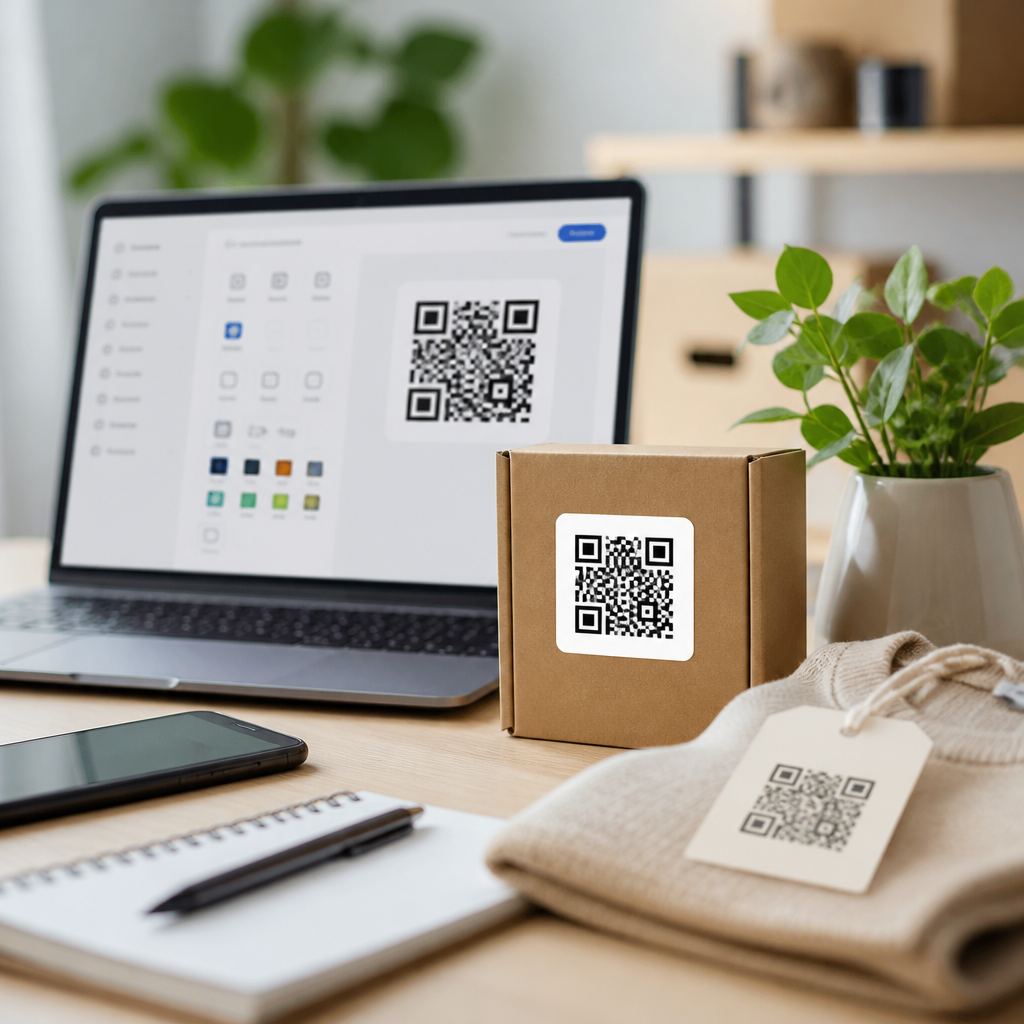
Free QR code design tools are best understood as entry-level generators built for speed and accessibility. Most let users create static QR codes for URLs, plain text, Wi-Fi access, email, vCards, or PDFs without paying or creating an account. Many also include basic styling such as foreground and background color changes, rounded modules, frame templates, and simple logo insertion. Popular examples in the market include Canva’s QR code app, QRCode Monkey, Adobe Express integrations, and browser-based generators bundled into site builders. For a freelancer promoting a portfolio, a teacher sharing a worksheet, or a café testing table signage, these tools are often enough. They lower friction, require little training, and can export PNG or SVG files suitable for small-scale use.
The main advantage of free tools is obvious: cost. But there are secondary advantages that experienced teams appreciate. Fast generation helps during prototyping. If a marketing manager wants three landing-page concepts tested on mock packaging, a free static generator can produce drafts in minutes. Free tools also work well when there is no need to edit the destination after printing. If the QR code points to a permanent homepage or a stable Google Form, dynamic management may be unnecessary. Another benefit is ease of sharing. Small teams can generate a code, drop the image into a design file, and move on without procurement, subscriptions, or admin setup. In low-risk use cases, that simplicity is valuable.
However, free does not mean feature-complete. Many free QR code design tools limit export resolution, remove vector formats, watermark the output, or gate advanced customization behind subscriptions. More important, they usually focus on appearance rather than governance. You may not get role-based access, naming conventions, campaign folders, API access, bulk generation, or a scan history. In one packaging review I worked on, a free tool produced an attractive code with a centered logo, but the quiet zone was too tight and the color contrast too low for corrugated print. The code looked branded on screen and failed in warehouse lighting. That is the hidden cost of using a tool that treats design as decoration instead of part of scan engineering.
What Premium QR Code Design Tools Add
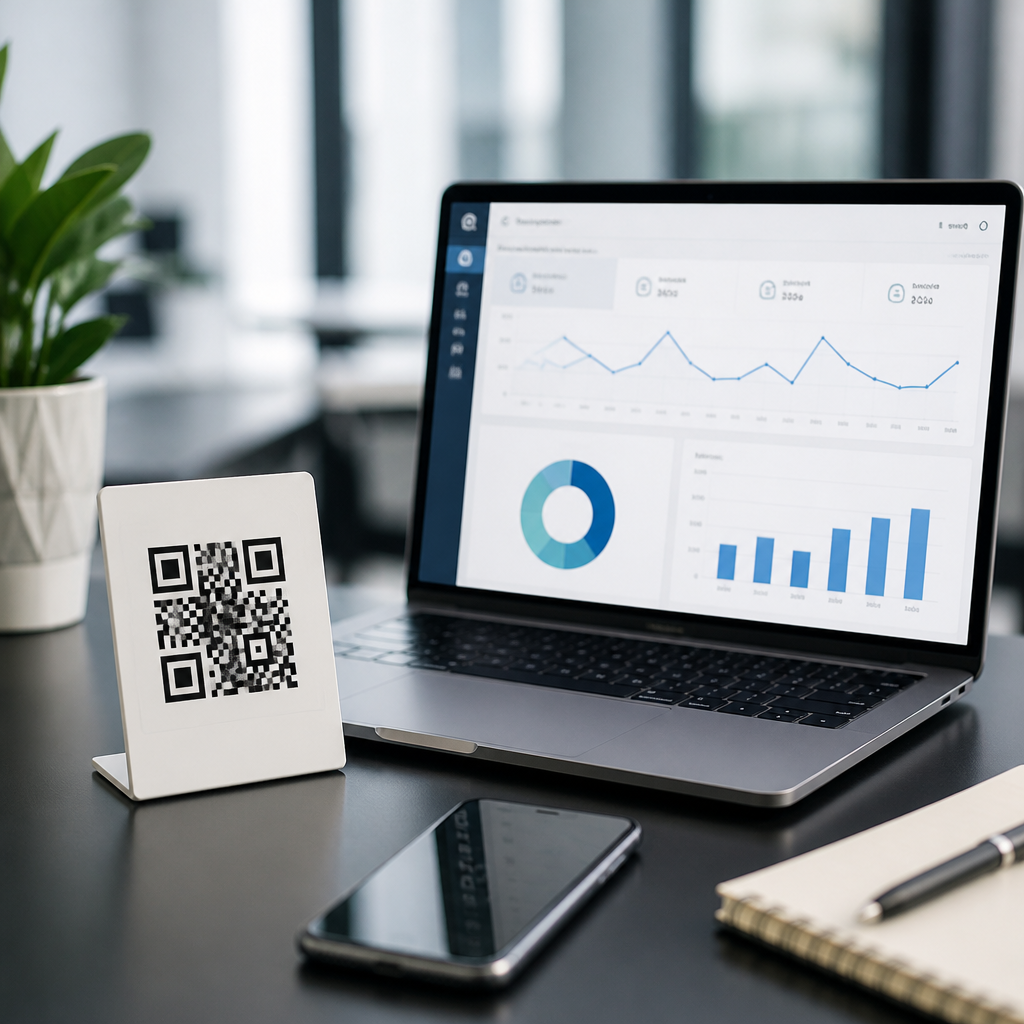
Premium QR code design tools are built for repeatable business use, not just code creation. The biggest difference is support for dynamic QR codes, which route scans through a managed short URL so the final destination can be changed after printing. That single capability is often enough to justify payment. A retailer can update a seasonal promotion without reprinting shelf talkers. A real estate agency can redirect a property flyer from a sold listing to a similar home. A manufacturer can shift a product support page as documentation evolves. Paid platforms such as Beaconstac, Bitly, Uniqode, Flowcode, and QR TIGER also pair dynamic codes with analytics, allowing teams to measure scans by date, device type, and sometimes location-derived metadata.
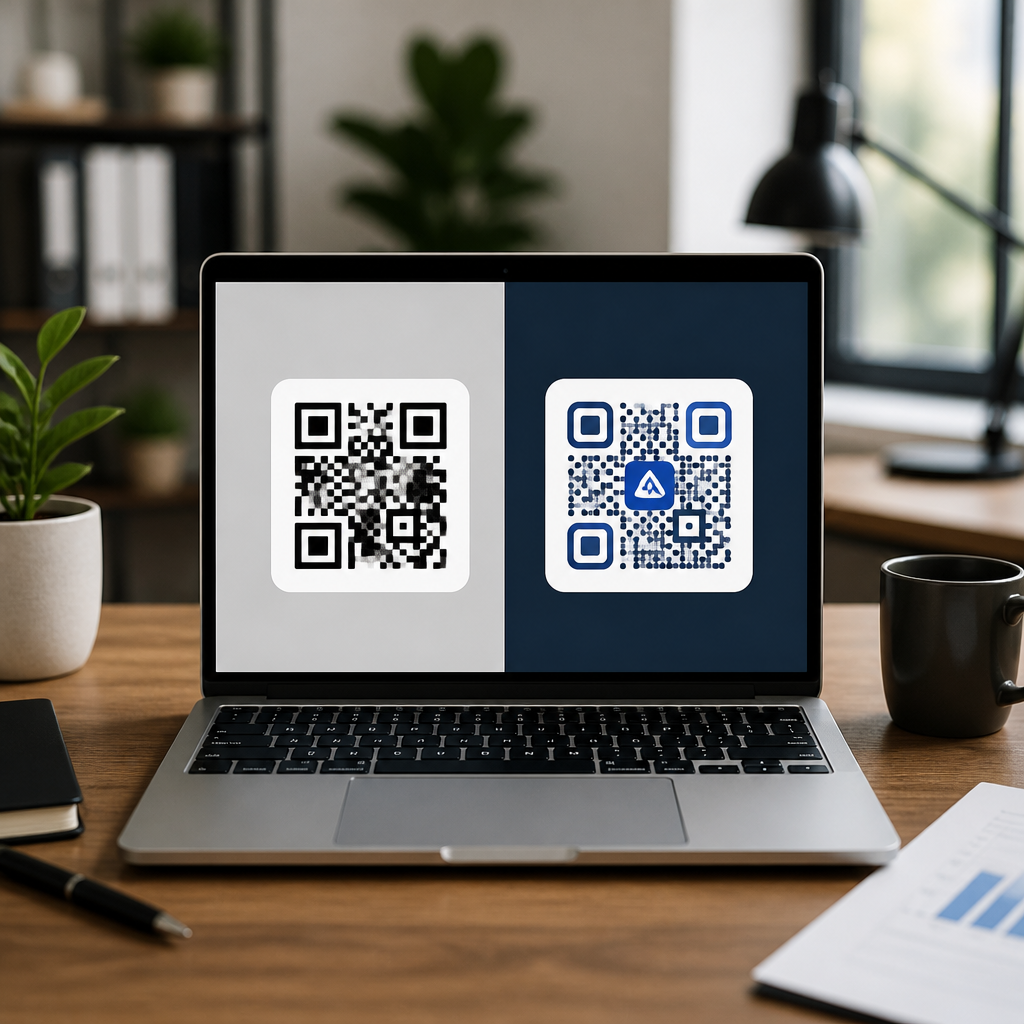
Premium options also improve design controls in ways that affect real performance. Better platforms let you tune error correction, test logo intrusion safely, preserve sufficient quiet zone, and export production-ready files such as SVG, EPS, or PDF for print vendors. They usually support brand kits, reusable templates, custom domains, password protection, expiration rules, and campaign-level organization. For larger teams, these are not luxuries. They are controls that reduce mistakes. If ten franchise locations create their own QR codes with random colors and destinations, brand trust suffers and analytics become fragmented. A premium platform standardizes output while still allowing local customization where appropriate.
Another major advantage is compliance and governance. Companies in healthcare, finance, and education often need audit trails, user permissions, and data handling clarity before deploying scannable assets. A free generator rarely provides contractual assurances around uptime, retention, or administrative control. Paid vendors, by contrast, usually publish support terms, onboarding material, and integration pathways. That matters when QR codes are no longer side projects but operational assets tied to customer journeys and regulated information.
Key Differences That Affect Results
When comparing free QR code design tools vs premium options, five factors determine outcomes: scan reliability, editability, analytics, scalability, and brand control. Scan reliability depends on technical choices such as module density, contrast ratio, error correction level, and adequate quiet zone. Editability matters when destinations change after print. Analytics matter when QR codes are part of measurable campaigns rather than static utilities. Scalability covers bulk creation, naming, permissions, and integrations. Brand control includes custom frames, logo handling, and domain trust. If a business ignores any of these, it can still generate a code, but not necessarily a dependable asset.
| Factor | Free Tools | Premium Options |
|---|---|---|
| Code type | Usually static only | Static and dynamic |
| Editing after print | Not available | Common feature |
| Analytics | Limited or none | Dashboards and campaign reporting |
| Export quality | PNG, sometimes SVG | High-resolution vector and print formats |
| Brand controls | Basic colors and logo placement | Templates, brand kits, custom domains |
| Team management | Rare | Roles, folders, bulk generation, API |
These differences become concrete in print and field conditions. A static code generated for a conference badge may be fine if it points to a permanent profile page. The same approach can become expensive on 50,000 product inserts if the landing page changes or the URL structure is migrated. Likewise, a code that scans on a desktop monitor may underperform when reduced on glossy packaging, viewed through a cracked phone camera, or placed under dim restaurant lighting. Premium platforms do not guarantee success, but they provide the controls and reporting needed to manage risk intelligently.
Best Use Cases for Free Tools and Best Use Cases for Paid Platforms
Free QR code design tools are a strong choice for personal projects, classroom materials, one-time event signage, temporary prototypes, internal office labels, and early-stage small businesses with minimal brand requirements. They work especially well when the destination is permanent, the print run is small, and there is no need to prove ROI. If you are creating a QR code for a wedding website, a startup pitch deck, or a single poster in a local shop, a good free generator can be entirely sufficient. The key is disciplined testing: print the code at intended size, scan it on both iPhone and Android, check it in low light, and verify that contrast and quiet zone remain intact.
Premium QR code design tools make sense when QR codes are tied to revenue, compliance, customer support, or distributed operations. Common examples include restaurant chains updating menu links, consumer brands printing codes on packaging, real estate teams managing many listings, event organizers measuring engagement by venue, and B2B companies routing brochure scans to localized landing pages. In these cases, dynamic redirection, analytics, team permissions, and custom domains create measurable value. Paying a monthly fee is cheaper than replacing printed collateral, losing attribution, or sending customers to outdated pages. For most growing organizations, the tipping point is simple: if a broken or unchangeable QR code would cost more than the subscription, a premium platform is justified.
How to Choose the Right QR Code Design Tool
Start by defining the code’s job. Is it informational, transactional, promotional, or operational? Next, decide whether the destination must be editable after deployment. Then evaluate design requirements, expected print environments, reporting needs, and who will manage the codes over time. I recommend shortlisting tools against a practical checklist: static and dynamic support, SVG or EPS export, safe logo insertion, custom domain support, scan analytics, folder structure, bulk generation, API availability, and documented uptime or support terms. Also test the onboarding workflow. A feature-rich platform is not helpful if local teams cannot use it correctly.
Finally, treat QR code design as part of the user journey, not just a graphic task. The landing page must load quickly, match the promise on the printed surface, and be mobile-friendly. The code should be large enough for scanning distance, with strong contrast and a clear call to action nearby. Whether you choose a free QR code design tool or a premium option, success comes from pairing sound design with operational thinking. Use free tools when simplicity and cost matter most. Invest in premium software when flexibility, measurement, and control affect business outcomes. Review your current QR code workflow, map the risks of static deployment, and choose a platform that can support the next campaign without guesswork.
Frequently Asked Questions
What is the main difference between free QR code design tools and premium QR code platforms?
The biggest difference is not whether both can create a scannable QR code—they usually can—but how much control, consistency, and business value you get after the code is generated. Free QR code design tools are typically built for speed and simplicity. They are useful when you need a basic code for a website URL, PDF, menu, contact card, or event page and you do not need much beyond that. In many cases, a free tool will let you change a few visual settings such as color, frame style, or even add a logo, which is enough for simple one-off uses.
Premium QR code platforms go further by treating QR codes as part of a larger marketing, operations, or customer experience system. Instead of only producing a static image, they often include dynamic QR codes, editable destinations, scan analytics, campaign management, user permissions, branded short links, higher-quality export formats, stronger testing workflows, and better support for print reliability. That matters when a business wants to update a destination after printing thousands of labels, compare scan activity by location, keep branding consistent across teams, or reduce the risk of broken experiences in the field.
There is also an important difference in reliability and ownership. Some free tools are excellent for temporary use, but others may place limits on downloads, watermarks, scan counts, or access to editing later. Premium services usually make those terms much clearer because companies are paying for uptime, maintenance, support, and feature continuity. In short, free tools are often ideal for quick, low-risk projects, while premium options are designed for organizations that need flexibility, tracking, brand control, and confidence over time.
Are free QR code generators good enough for business use?
They can be, but it depends entirely on the type of business use. If a company needs a simple static QR code that points to a permanent website page and does not require analytics, future edits, or advanced branding, a free generator may be completely sufficient. Common examples include a code on a business card, a flyer for a short local event, a classroom handout, or a small café menu that is unlikely to change often. In those cases, a free tool can be practical, fast, and cost-effective.
Where free tools become limiting is when the QR code is tied to an ongoing campaign or a customer journey that may evolve. Businesses often need to change the destination URL without reprinting packaging, monitor scan rates by region or date, add UTM parameters cleanly, assign codes across departments, or maintain visual consistency with logos and approved brand colors. If the code is going on product packaging, outdoor signage, retail displays, direct mail, trade show materials, or paid advertisements, the stakes are much higher. A code that cannot be updated, tested, or tracked properly can create real costs later.
Another consideration is trust and support. With business use, especially at scale, it helps to know who is maintaining the infrastructure behind the code and what happens if something breaks. A premium platform usually offers documentation, customer support, account management, and more transparent policies around dynamic redirects and scan tracking. So yes, free QR code generators can absolutely be good enough for some business situations, but they are best for low-complexity, low-risk, and mostly static use cases. For anything strategic or long-term, premium tools are often the safer investment.
When is it worth paying for a premium QR code design tool?
It is worth paying for a premium tool when the QR code is doing more than just linking to a page. If the code is part of a campaign, sales funnel, customer support system, product experience, or operational workflow, the added capabilities of a premium platform often justify the cost quickly. One of the clearest reasons is the need for dynamic QR codes. With a dynamic code, you can change the destination later without replacing the printed code itself. That alone can save a business a substantial amount in reprint costs and campaign delays.
Premium tools are also worth it when analytics matter. Businesses often want to know how many scans a code received, when people scanned it, where scans happened, which materials performed best, and whether a call to action is working. Those insights can improve future campaigns and help measure return on investment. Without analytics, a company is often guessing whether the QR code is actually contributing to traffic, conversions, app installs, form submissions, or customer engagement.
Brand consistency is another major reason to upgrade. Premium platforms generally offer stronger customization, cleaner logo integration, better file exports such as SVG or EPS for print, and more confidence that the final code will remain readable after design changes. They may also support team workflows, folders, templates, access controls, custom domains, and bulk creation. If multiple people in a company are generating QR codes, these features reduce mistakes and keep assets organized.
In practical terms, paying for a premium QR code design tool makes sense when the code is public-facing, high-volume, expensive to replace, tied to measurable outcomes, or important to the brand experience. If a failed or outdated QR code would cost money, waste ad spend, frustrate customers, or damage trust, premium tools usually offer enough value to make the decision straightforward.
Do premium QR code tools create better-looking and more reliable QR codes?
Often, yes—but the key point is that better-looking should never come at the expense of scan reliability. Premium QR code tools typically do a better job balancing design flexibility with technical performance. Many free tools allow some visual customization, but premium platforms are more likely to provide structured controls around contrast, quiet zones, logo placement, corner styles, error correction levels, and export quality. That matters because QR codes are not just graphics; they are machine-readable patterns that must remain scannable across different devices, lighting conditions, print surfaces, and sizes.
Reliability becomes especially important when a code is stylized heavily. A designer may want to use brand colors, rounded modules, custom frames, or a centered logo. Those choices can work well, but only if the tool preserves enough contrast and data integrity for scanners to read the code consistently. Premium tools usually include more robust rendering options and are more likely to support high-resolution or vector exports for packaging, posters, menus, product tags, and large-format printing. That leads to sharper results and fewer production issues.
Many premium services also support testing and dynamic management, which indirectly improves reliability. If a landing page changes, a redirect needs to be updated, or a campaign is localized, the code can continue functioning without forcing a complete replacement. In that sense, reliability is not just about whether the code scans today; it is also about whether the experience behind the code continues working next month or next year.
That said, a free tool can still create an excellent QR code if it is used carefully. A simple black-and-white static code with proper sizing and a stable destination can perform perfectly well. The difference is that premium tools generally make it easier to produce attractive codes without accidentally undermining scan performance, and they provide stronger support for long-term use in professional environments.
What features should I compare before choosing between a free and premium QR code tool?
Start with the most important question: do you need a static code or a dynamic code? A static QR code permanently stores the destination, which is fine for stable links that will never need changing. A dynamic QR code redirects through a managed link, allowing you to update the destination later. If flexibility matters, this feature should be high on your list. It is often the dividing line between casual use and business-grade use.
Next, compare customization and output quality. Look at whether the tool supports logo placement, custom colors, frames, shapes, and editable design elements without compromising scanability. Also check the export formats. PNG may be enough for digital use, but businesses often need SVG, PDF, or EPS for professional print production. A tool that limits file quality can create problems later when codes are resized or placed on branded materials.
Analytics and reporting are another major category. If you want to measure performance, look for scan counts, time-based reporting, location insights, device data, campaign tagging, and integrations with analytics platforms. Beyond that, review practical account features such as code management, folders, naming conventions, bulk generation, collaboration tools, user permissions, and custom domains. These are easy to overlook at first, but they become very important when a team is managing many QR codes across campaigns or locations.
You should also evaluate limits and transparency. Free tools sometimes restrict download quality, design options, dynamic edits, or scan history. Some may be perfectly generous, while others reserve the most useful features for paid tiers. Read the terms carefully so you understand whether your code will remain active and whether any redirects depend on the provider’s hosted infrastructure. Finally, consider support, documentation, and reputation. If a QR code is part of a serious customer-facing experience, you want confidence that the platform will still be dependable when you need to make changes quickly. Comparing these features upfront makes it much easier to choose the right balance of cost, control, and long-term value.