Branded QR codes have moved far beyond plain black squares printed on flyers. Today, marketers, retailers, restaurants, event teams, and software companies use customized QR codes to connect offline attention to digital action while preserving brand recognition. The best tools for branded QR code creation combine design control, reliable scan performance, dynamic link management, and analytics in one workflow. If you are building a resource hub around QR code design tools, this is the category page that explains what branded QR codes are, how the leading platforms differ, and which features matter before you commit to a subscription.
A branded QR code is a scannable code customized with brand colors, logos, frames, calls to action, and destination rules without breaking readability. Static QR codes send users to a fixed destination that cannot be edited later. Dynamic QR codes route through a managed short URL, letting you update the final destination, track scans, segment campaigns, and run time-sensitive promotions after print. That distinction matters because most serious branded QR code campaigns rely on dynamic management. In my experience setting up QR codes for packaging, trade show booths, restaurant menus, and retail shelf talkers, design is only one part of success. Error correction, quiet zone integrity, contrast, file format, and redirect speed matter just as much.
This topic matters because QR codes now sit at the intersection of branding, conversion optimization, and customer data. A well-designed code can lift scan intent by making the next step obvious, especially when paired with a frame that says “Scan to view menu,” “Register now,” or “Get the warranty.” A poorly built code, even if visually attractive, fails in the real world when glare, low contrast, or oversized logos interfere with scanning. The strongest QR code design tools solve both goals at once: they let teams create attractive assets that still meet practical scanning standards across iPhone and Android cameras, social apps, and industrial scanners.
What the Best Branded QR Code Tools Must Do
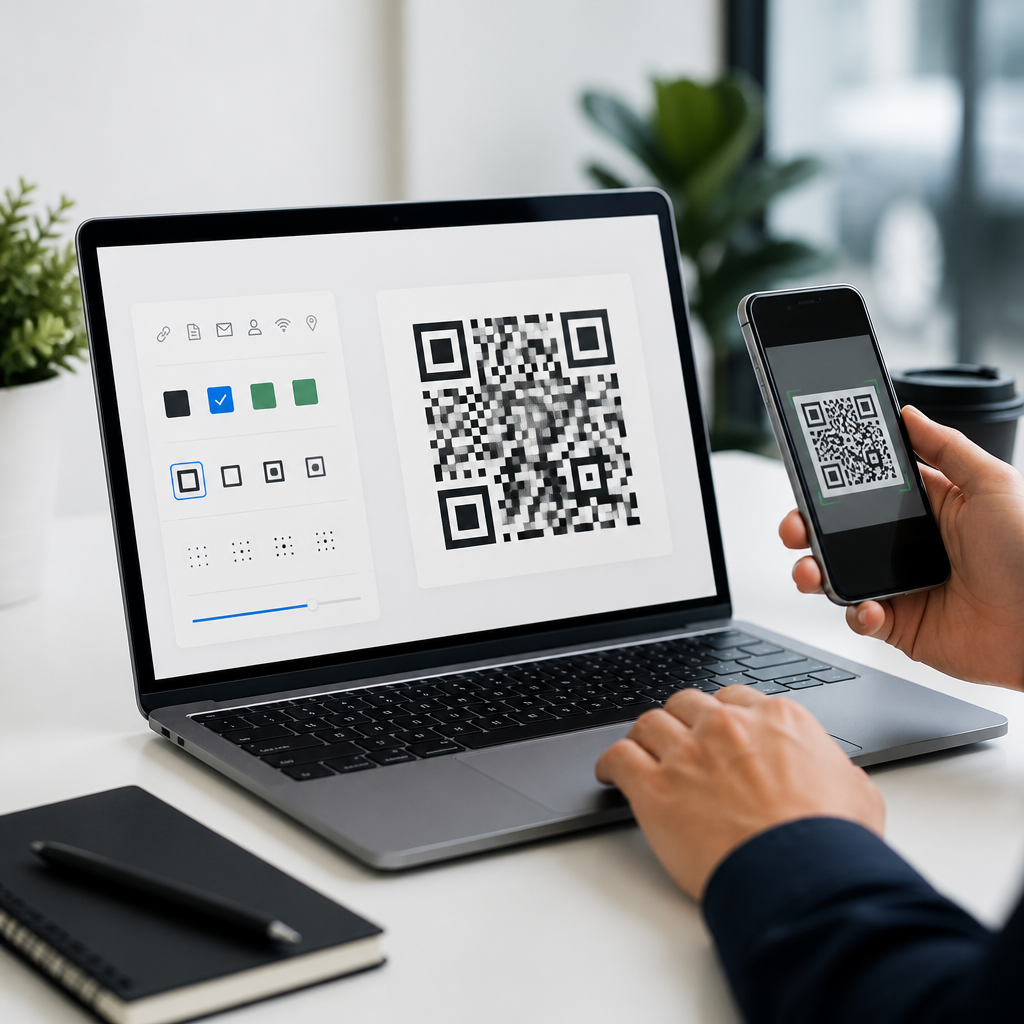
The best branded QR code creation tools share a small set of nonnegotiable capabilities. First, they support dynamic QR codes, because editable destinations and analytics are essential once codes appear on printed materials, product labels, signage, or packaging. Second, they provide meaningful design controls: logo insertion, color customization, eye shape options, frame templates, and export formats such as SVG, PDF, PNG, and EPS. Third, they protect scan reliability by enforcing contrast and error correction standards instead of letting users create beautiful but unreadable codes.
In practice, I look for four technical details before recommending a platform. One is error correction, usually based on Reed-Solomon levels L, M, Q, or H. For branded QR codes with a centered logo, higher correction levels often help preserve readability, though they increase pattern density. Another is vector export, because print shops and packaging designers need infinitely scalable files. Another is destination management, including UTM parameters, campaign folders, and bulk editing. The last is analytics quality: unique scans, location, device type, time of day, and sometimes first-scan versus repeat-scan behavior. Without these, a QR code tool is decorative software, not campaign infrastructure.
Top Tools for Branded QR Code Creation
QR Code Generator Pro remains one of the most recognized options for marketing teams because it balances ease of use with strong customization and dynamic management. It supports logo overlays, color changes, frames, landing pages, scan statistics, and team collaboration. For businesses that need quick deployment without technical setup, it is usually one of the fastest paths from concept to printable asset. Beaconstac is another strong enterprise-oriented platform, especially for companies that want advanced analytics, campaign governance, retargeting integrations, and secure dynamic QR code workflows at scale.
Bitly is not always the first name people associate with QR code design, but its QR features are compelling for teams already using branded links. The advantage is operational consistency: short links, redirects, campaign tracking, and QR code generation live in the same system. Uniqode, previously known as Beaconstac’s competitor in many comparisons, stands out for robust dynamic QR management, bulk creation, and solid design flexibility. Canva also deserves mention, not as the most advanced QR code management platform, but as a useful design layer for simple branded assets where visual composition matters more than enterprise controls. Adobe Express can play a similar role for teams already working in Adobe workflows.
| Tool | Best for | Key branded features | Main limitation |
|---|---|---|---|
| QR Code Generator Pro | Marketing teams | Dynamic codes, logos, frames, analytics, vector exports | Advanced governance depends on plan level |
| Beaconstac | Enterprise campaigns | Bulk creation, analytics, retargeting, team controls, API | Can be more than small teams need |
| Bitly | Link-first workflows | Branded short links, QR generation, campaign tracking | Design controls are less specialized than dedicated tools |
| Uniqode | Scalable dynamic QR management | Templates, bulk operations, analytics, strong customization | Requires process discipline to use its power well |
| Canva | Simple branded graphics | Easy layouts, brand kits, fast visual production | Limited QR management and analytics depth |
How to Choose the Right QR Code Design Tool
The right tool depends on campaign complexity, not just budget. If you only need a QR code for a business card or poster with no expectation of updates, a simple generator with logo support may be enough. If you are printing tens of thousands of product inserts, the risk profile changes. You need editable destinations, scan analytics, expiration controls, and dependable export files. I have seen companies waste entire print runs because they treated QR codes as one-off graphics instead of managed digital assets.
Start by asking six direct questions. Will the destination ever change? Do you need scan analytics for reporting? Will codes be printed on small surfaces like labels, or large surfaces like banners? Does your brand require strict logo usage and color rules? Do multiple teams need access and approval controls? Will you create codes one at a time or in bulk? These questions quickly separate lightweight design tools from platforms built for operations. A restaurant with multiple locations may prioritize editable menu URLs and location-level reporting. A manufacturer may care more about durable SVG output, high error correction, and long-term redirect stability for warranty registration or manuals.
Design Features That Improve Branding Without Hurting Scans
The most effective branded QR code designs are restrained. Good tools let you customize the code, but the strongest results usually come from moderate changes: a centered logo that does not occupy too much area, dark modules against a light background, and a clear quiet zone around the code. Rounded dots, custom eyes, and gradient fills can work, but only when contrast remains high. If a code looks impressive on a designer’s monitor yet fails under dim restaurant lighting or glossy packaging reflections, the design has failed its primary job.
Frames and calls to action are underused features that often matter more than decorative styling. In field tests and client campaigns, adding a frame with direct language such as “Scan to order,” “Scan for setup guide,” or “Scan for 10% off” regularly improves user response because it removes ambiguity. People scan when they know what happens next. The best QR code design tools include editable frame templates, label controls, and spacing guides that preserve readability while making the purpose explicit.
Analytics, Dynamic Management, and Integrations
Branding gets attention, but management features create business value over time. Dynamic QR codes let teams update destinations without replacing printed materials, which is critical for seasonal promotions, menu changes, event agendas, and product support links. Analytics reveal whether placement works. If a table tent gets many scans at lunch but none at dinner, that suggests operational or visibility issues. If a product insert drives scans but low downstream conversion, the problem may be the landing page, not the QR code.
Leading tools also integrate with broader marketing systems. Google Analytics with UTM tagging remains a baseline requirement. HubSpot, Zapier, Salesforce, Bitly, and Meta retargeting integrations can extend attribution and follow-up. API access matters when businesses need QR codes generated automatically for inventory items, customer onboarding packets, or event badges. In larger organizations, governance matters too. Folder permissions, naming conventions, expiration rules, and audit logs prevent QR sprawl, where dozens of unmanaged codes outlive campaigns and create broken customer journeys.
Common Mistakes and Practical Buying Advice
The most common mistake is choosing a tool solely on visual templates. A QR code platform should be evaluated like campaign software, not clip-art software. Another mistake is skipping real-device testing. Every branded code should be tested on current iPhone and Android cameras, at intended print size, from expected scanning distance, and under realistic lighting. I also recommend printing samples on the actual substrate, because matte cardboard, glossy labels, acrylic signage, and fabric banners behave differently.
Buying advice is straightforward. Small businesses should favor tools with dynamic editing, strong templates, and SVG export, even if they do not initially need advanced analytics. Growing teams should prioritize folders, naming standards, and integration support before code volume becomes unmanageable. Enterprises should insist on bulk creation, API access, security controls, and dependable redirect infrastructure. Across all tiers, the best tools for branded QR code creation are the ones that protect scan reliability while giving marketing teams enough design flexibility to stay on-brand.
Branded QR codes work best when design, usability, and measurement are treated as one system. The strongest tools do not simply decorate a code; they help teams manage destinations, preserve scan performance, export production-ready files, and measure results across campaigns. For most organizations, dynamic management, vector exports, clear calls to action, and practical analytics are the features that separate a useful platform from a novelty generator.
As the hub for QR code design tools, this guide should help you narrow the field quickly. If you need simple branded assets, start with tools that make layout and logo application easy. If you need scalable campaign control, choose a platform built for dynamic QR codes, analytics, and integrations. Review your use case, test on real devices, and select a tool that matches both your brand standards and operational needs. Then build your next QR campaign with confidence.
Frequently Asked Questions
What should I look for in the best tools for branded QR code creation?
The best branded QR code tools do much more than generate a scannable square. At a minimum, they should give you strong design flexibility, dependable scan performance, dynamic editing, and useful analytics. Design flexibility matters because branding is the entire point. A quality platform should let you add a logo, adjust colors, choose eye shapes and pattern styles, customize frames or calls to action, and preview how the final code will look in real-world use. However, those creative options should never come at the expense of functionality, so the tool should also include built-in safeguards that help preserve scan reliability.
Dynamic QR code support is another major factor. With a dynamic code, you can update the destination URL or campaign target later without reprinting the code. That is especially useful for packaging, menus, event signage, retail displays, direct mail, and product inserts where changing printed materials would be expensive or impractical. In addition, good tools provide centralized campaign management so teams can organize multiple codes by project, product line, client, or location.
Analytics are equally important if the QR code is tied to marketing performance. Look for reporting on scans, devices, locations, dates, and referral trends. Some platforms also integrate with analytics suites, CRM systems, or automation tools, which can make branded QR campaigns much easier to measure. Finally, consider export quality and workflow. The strongest tools offer high-resolution PNG, SVG, EPS, or PDF downloads for both digital and print use, along with collaboration features, templates, and brand consistency controls. In short, the best tool is one that balances creative freedom, operational flexibility, and measurable performance.
Do branded QR codes scan as reliably as standard black-and-white QR codes?
Yes, branded QR codes can scan just as reliably as standard QR codes when they are designed correctly. The key issue is not whether a code is customized, but whether the customization respects the technical rules that make the code readable. QR codes need enough contrast between the foreground and background, a clean quiet zone around the edges, and a structure that remains intact even after adding logos, colors, or design elements. A reputable QR code platform will help maintain that balance by limiting risky design choices and testing readability during the creation process.
Problems usually happen when branding is pushed too far. For example, very low contrast color combinations, overly large logos, crowded backgrounds, or decorative patterns that interfere with the finder markers can reduce scan performance. Printing quality also matters. A beautifully designed QR code may still fail if it is printed too small, placed on reflective packaging, distorted on curved surfaces, or displayed in poor lighting conditions. That is why top tools often include error correction settings, print-ready exports, and mobile previews that help users evaluate the code before launch.
The best practice is to treat scanability as non-negotiable. Choose a tool that validates your design, test the code across multiple phones and camera apps, and evaluate it in the actual environment where people will scan it. If the code will appear on menus, shelf talkers, billboards, labels, or event badges, test those specific use cases. In real-world marketing, the most effective branded QR code is not the most visually elaborate one. It is the one that clearly reflects your brand while scanning quickly and consistently for as many users as possible.
Why are dynamic QR codes better than static QR codes for branded campaigns?
Dynamic QR codes are generally the better choice for branded campaigns because they give you flexibility after the code has already been published. A static QR code sends users directly to a fixed destination, which means that if the landing page changes, the offer expires, or the campaign strategy shifts, you need to create and distribute an entirely new code. That can be manageable for one-off personal use, but it is limiting for businesses that run ongoing marketing, retail, restaurant, event, or product campaigns.
With dynamic QR codes, the visible code stays the same while the destination behind it can be updated from a dashboard. This is incredibly valuable for printed assets such as packaging, flyers, signage, table tents, trade show materials, and product labels. You can redirect traffic from one landing page to another, rotate seasonal promotions, correct errors, localize campaigns by region, or switch from a general homepage to a targeted conversion page without replacing the printed QR code itself. For brands trying to keep messaging current while reducing waste and reprint costs, that flexibility is a major advantage.
Dynamic codes also support analytics, which is one of the biggest reasons they are preferred in professional workflows. Instead of simply creating a code and hoping it performs, you can track scan activity, compare campaigns, and optimize results over time. Many tools let you monitor scan volume by date, geography, device type, or campaign source. That turns branded QR codes from simple access tools into measurable marketing assets. For most businesses and organizations, dynamic QR codes provide the adaptability, control, and reporting needed to make QR campaigns more strategic and effective.
Which industries benefit most from branded QR code creation tools?
A wide range of industries benefit from branded QR code creation tools because QR codes are now used anywhere physical touchpoints need to connect people to digital experiences. Retail is one of the clearest examples. Brands use customized QR codes on packaging, displays, shelf signage, and in-store promotions to drive shoppers to product pages, reviews, loyalty programs, care instructions, or limited-time offers. Restaurants also gain significant value by using branded QR codes for menus, ordering, feedback collection, reservations, and promotional campaigns while keeping the customer experience visually consistent with their identity.
Events and hospitality are also strong use cases. Event teams place branded codes on badges, booths, posters, schedules, and presentation materials to guide attendees toward registration pages, speaker information, session downloads, surveys, networking tools, or post-event follow-up content. In hospitality, hotels and venues use them to connect guests with check-in instructions, digital concierge services, amenity information, room service menus, and local recommendations. A branded design helps the code look intentional and trustworthy rather than generic or improvised.
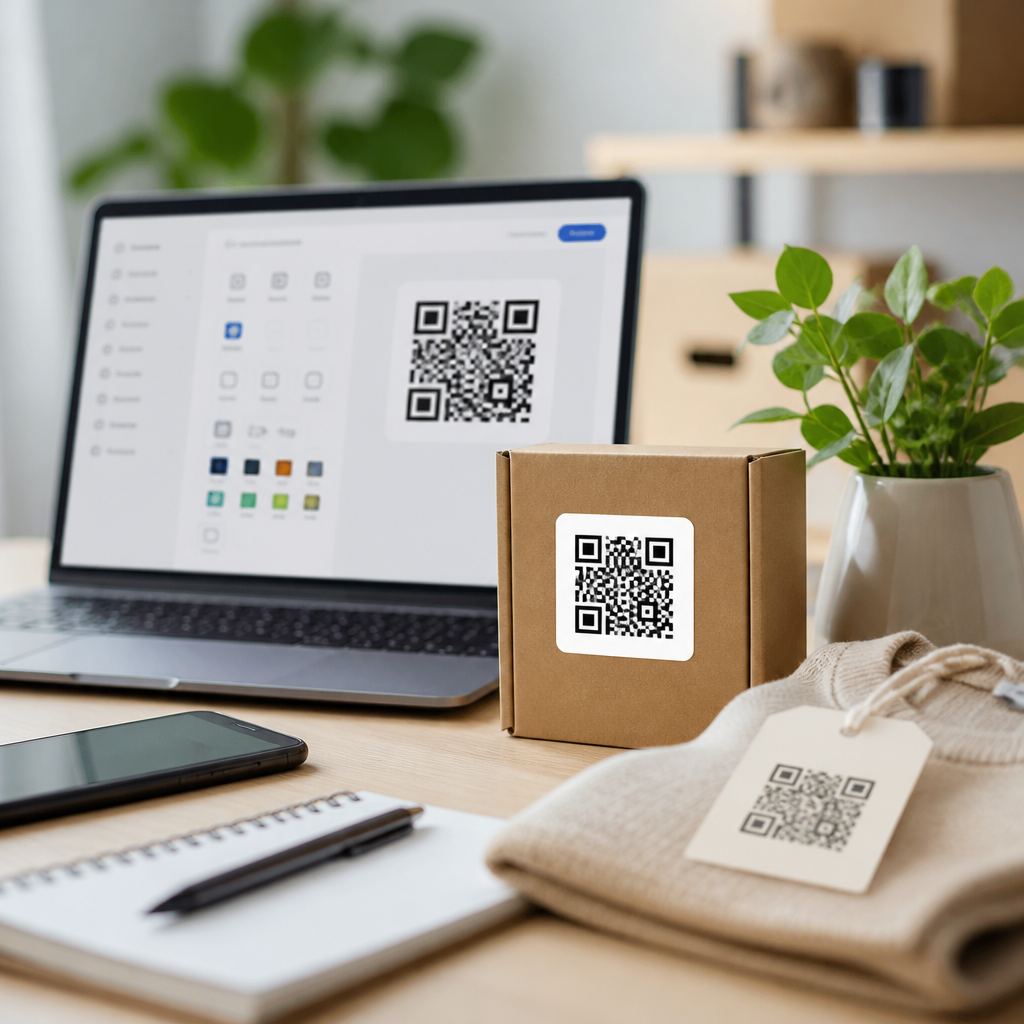
Software companies, agencies, healthcare providers, educators, real estate teams, and manufacturers can all benefit as well. SaaS brands often use QR codes in direct mail, conference materials, onboarding kits, and product documentation. Real estate professionals use them on signs and brochures to drive traffic to listings, virtual tours, and lead capture forms. Manufacturers and consumer brands place them on product packaging for setup guides, warranty registration, tutorials, and authentication experiences. In each case, the value comes from combining brand recognition, easier access, and campaign measurement in a single toolset.
How do analytics improve the value of branded QR code tools?
Analytics transform branded QR code tools from design utilities into performance-driven marketing platforms. Without analytics, a QR code may still connect users to a page, but you have very little visibility into how often it is used, where interest is coming from, or whether the campaign is delivering meaningful results. With analytics enabled, brands can measure scan volume, timing, device usage, user locations, and campaign-level performance. That information helps teams understand not only whether people are scanning, but also which placements, messages, and offers generate the strongest engagement.
This becomes especially useful when QR codes are deployed across multiple channels. For example, a retailer might use different branded QR codes on shelf displays, packaging inserts, and window signage. An event team might create separate codes for registration, sponsor booths, and post-session feedback. With analytics, each code can be evaluated individually, making it easier to identify high-performing touchpoints and underperforming ones. That leads to smarter budget decisions, stronger landing page optimization, and more effective offline-to-online conversion strategies.
Analytics also support ongoing testing and refinement. If scans are high but conversions are low, the issue may be the landing page rather than the QR code design. If one location sees much stronger engagement than another, teams can investigate differences in placement, audience behavior, or calls to action. Some advanced tools go further by integrating with broader marketing stacks, helping connect scan data to lead generation, purchases, app installs, or customer journeys. In practical terms, analytics make branded QR codes accountable. They allow businesses to move beyond aesthetics and focus on measurable impact, which is exactly what separates the best tools from basic generators.