QR code design platforms for marketing teams have evolved from simple generators into brand control systems that connect creative assets, campaign tracking, print production, and customer analytics in one workflow. A QR code is a machine-readable matrix barcode that opens a URL, downloads a file, launches an app, starts a message, or triggers another digital action when scanned with a smartphone camera. A design platform adds customization features such as colors, frames, logos, dynamic redirects, team permissions, and performance reporting. For marketers, that distinction matters because a plain code may function, but a well-managed branded code supports recognition, trust, and measurable conversion across packaging, direct mail, retail signage, events, and paid media.
I have worked with QR campaigns for product launches, in-store promotions, and trade show follow-up, and the pattern is consistent: teams rarely fail because the code cannot scan. They fail because asset ownership is unclear, landing pages change after print, analytics are incomplete, or a heavily stylized code underperforms under real lighting and distance conditions. The best QR code design tools solve those operational problems. They let a designer protect visual standards, a demand generation manager update destinations without reprinting, and an analyst compare scan volume by channel, geography, device, and date. That makes QR code software a practical part of the marketing stack rather than a novelty used only on flyers.
This hub explains what marketing teams should look for in QR code design tools, how the leading feature sets differ, where design choices affect scan reliability, and which governance practices prevent expensive mistakes. If your team is choosing a platform, standardizing templates, or scaling QR usage across campaigns, this guide gives you the criteria that matter.
What QR code design platforms actually do for marketers
A QR code design platform combines code generation, visual customization, destination management, and reporting. At a minimum, teams should expect support for static and dynamic QR codes. Static codes embed the final destination directly and cannot be edited later. Dynamic codes point to a short redirect URL controlled by the platform, so the destination can change after printing. For marketing, dynamic capability is usually the deciding requirement because campaigns shift, landing pages are retired, and regional routing often needs adjustment without replacing physical materials.
Good platforms also support multiple QR use cases. URL QR codes are the most common, but teams often need vCard codes for contact sharing, PDF downloads for sell sheets, app deep links for mobile acquisition, and Wi-Fi or SMS triggers for events. More advanced systems let marketers create bulk QR codes from spreadsheets, attach UTM parameters automatically, and set conditional redirects by device, language, or location. Those features reduce manual work and preserve campaign naming standards across large programs.
For enterprise and mid-market teams, administration features matter as much as design. Role-based access, folders, approval workflows, domain branding, and audit trails prevent the familiar problem of one person creating codes in a free tool that no one else can edit later. Platforms such as Bitly, QR Code Generator PRO, Flowcode, Beaconstac, Uniqode, and Scanova are commonly evaluated because they combine branded design with dynamic management and reporting. Adobe Express and Canva can help with quick visual creation, but they are not substitutes for full QR campaign governance unless paired with a dedicated management platform.
Core design features that influence brand consistency and scan performance
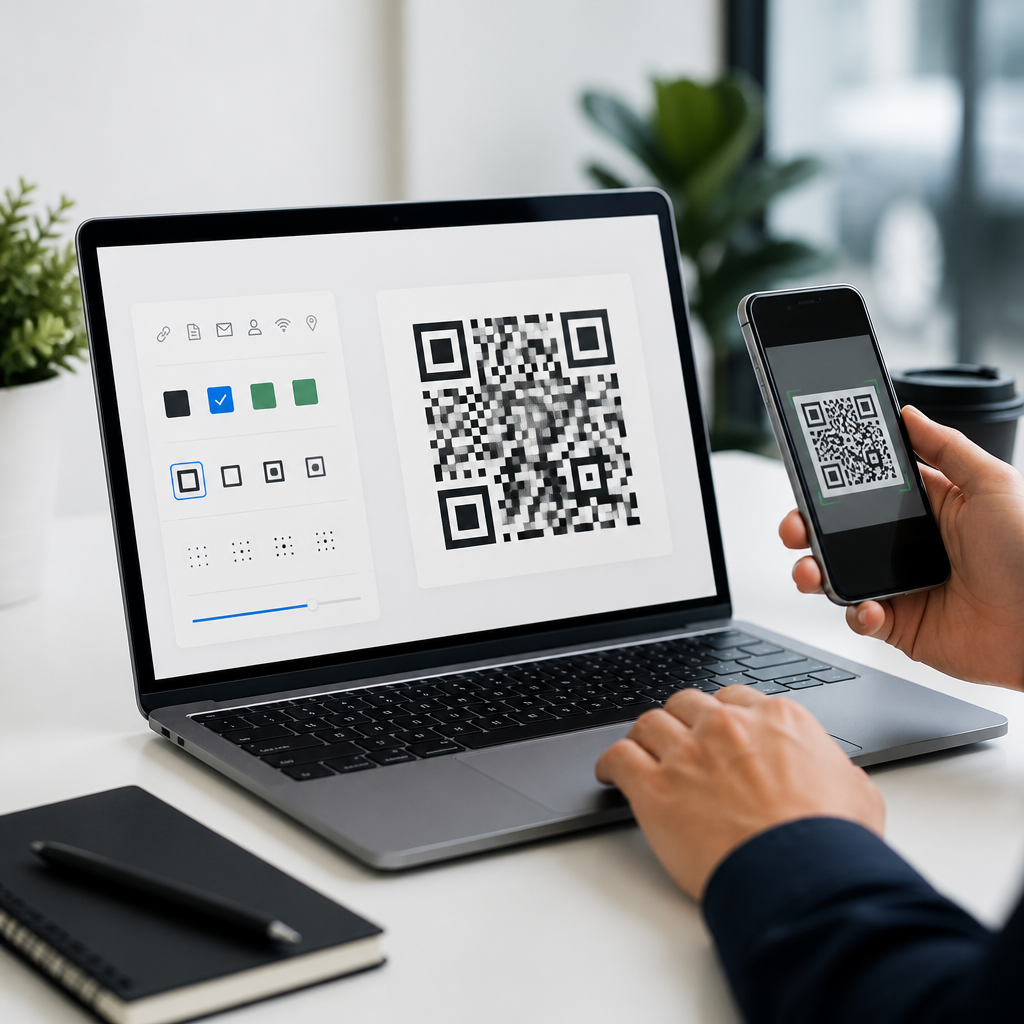
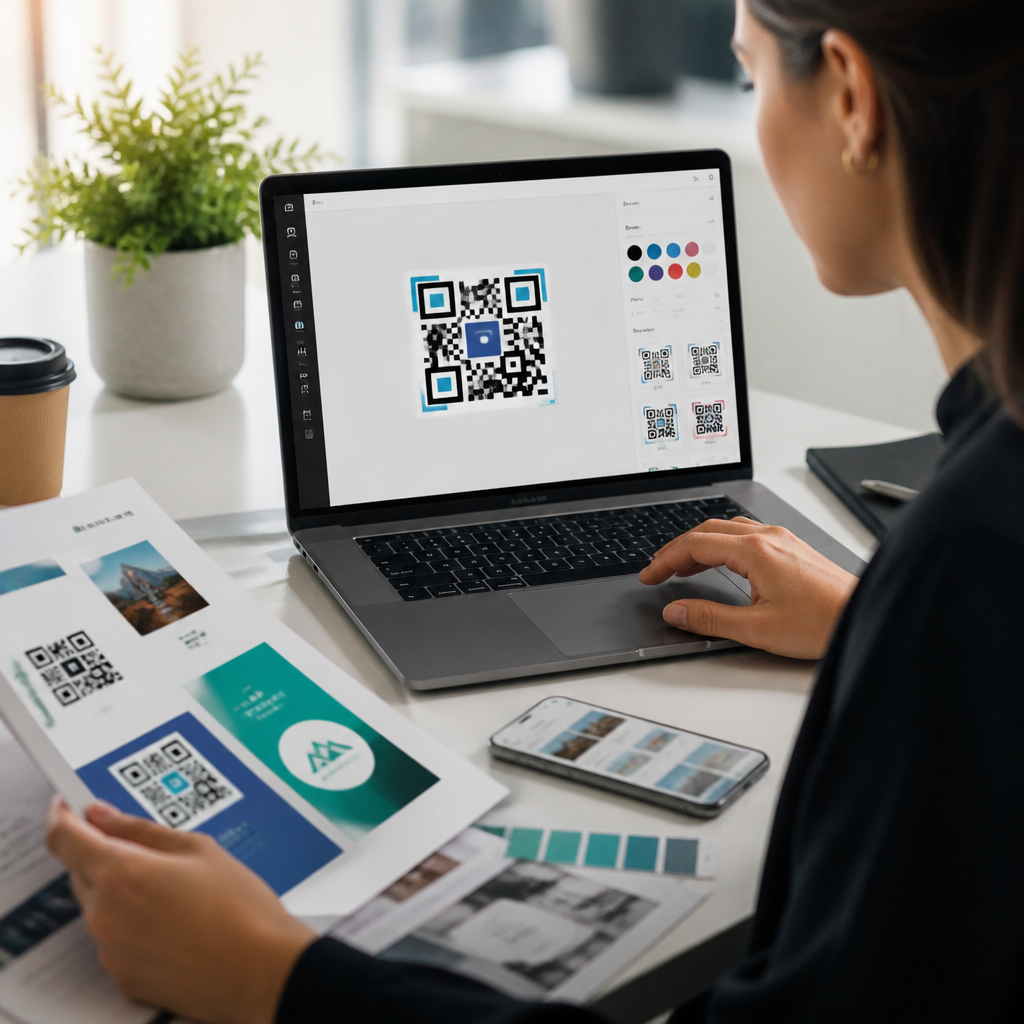
The design layer is where marketing teams often focus first, but the best results come from balancing aesthetics with scanning reliability. Useful customization options include foreground and background color control, rounded modules, corner marker styling, logo insertion, call-to-action frames, and export formats such as SVG, EPS, PNG, and PDF. Vector exports are especially important for print because they scale cleanly for packaging, posters, and storefront graphics without pixelation.
Not every visual option should be used aggressively. QR codes need contrast, quiet zone spacing, and error correction that matches the complexity of the design. In practical testing, dark foreground on a light background remains the most dependable combination, while low-contrast palettes, metallic ink, glossy surfaces, or busy image backgrounds increase failure rates. When a logo is placed in the center, error correction settings must be high enough to compensate for the obscured area, but excessive design distortion can still break readability. A capable platform warns users when customization exceeds safe thresholds.
Marketing teams should also evaluate frame libraries and CTA labels. A code with a frame that says “Scan to View Menu,” “Scan for 15% Off,” or “Scan to Register” typically outperforms an unframed code because the user immediately understands the value exchange. In retail pilots I have run, adding a clear CTA improved scan volume more than adding advanced pattern styling. Design tools that treat CTA text as a reusable template make that gain repeatable across campaigns.
How to evaluate QR code design tools by team use case
The right platform depends on campaign volume, channel mix, and approval structure. Small teams running occasional print campaigns can work effectively with a lightweight tool if it supports dynamic URLs, logo upload, UTM tagging, and export in print-ready formats. Larger teams need template locking, shared brand assets, and integrations with analytics and CRM systems. If multiple regions or franchise locations create their own materials, centralized controls become essential.
The table below shows the most important criteria marketing teams should compare before choosing QR code design software.
| Evaluation area | Why it matters | What to check |
|---|---|---|
| Dynamic editing | Prevents reprints when URLs change | Destination updates, redirect history, pause options |
| Brand control | Keeps codes visually consistent | Saved templates, approved colors, logo library, custom domain |
| Print readiness | Reduces production errors | SVG or EPS export, bleed guidance, size recommendations |
| Analytics | Connects scans to performance | Time, location, device data, UTM support, dashboard export |
| Collaboration | Supports multi-person workflows | Roles, approvals, folders, audit logs |
| Integration | Fits the marketing stack | GA4, CRM, Zapier, API, campaign naming conventions |
For example, a restaurant group may prioritize menu updates and location-level ownership, while a B2B events team may care more about lead capture, badge scans, and CRM sync. A consumer packaged goods brand often needs packaging-safe vector outputs, high-volume batch creation, and long-term redirect control because products remain on shelves for months after printing.
Leading platform categories and where each fits best
Most QR code design tools fall into three practical categories. First are basic generators, which are fast and inexpensive but limited. They are suitable for one-off internal uses, temporary signage, or campaigns where no post-print edits are expected. The downside is that they often lack dynamic redirects, team governance, and reliable analytics. Marketing teams outgrow them quickly.
Second are campaign-oriented QR platforms. These are the best fit for most marketing departments because they combine customization, dynamic links, scan analytics, bulk creation, and collaboration. Products in this category typically support custom short domains, folder structures, templates, and downloadable reports. If your team runs QR codes across print, events, packaging, and retail, this category usually offers the best balance of price and control.
Third are broader link management or customer engagement platforms that include QR functionality. Their advantage is ecosystem fit. A team already using Bitly for short links or a customer engagement suite for omnichannel journeys may gain easier governance and reporting by keeping QR operations there. The tradeoff is that some of these tools provide fewer visual styling options than specialists. When brand expression is a major requirement, compare actual template flexibility rather than assuming all premium tools are equal.
Adobe Illustrator and Figma also deserve mention in team workflows, not as QR management platforms, but as design environment partners. Many marketing teams generate the code in a dedicated platform, then place the SVG into Illustrator, InDesign, or Figma to build the final packaging, mailer, booth graphic, or ad creative. That division of labor is healthy. The QR platform should manage logic and reporting; the design suite should manage layout.
Implementation practices that prevent common campaign failures
Most QR code problems are process failures, not software failures. Start with destination strategy. Every code should map to a mobile-optimized landing page that loads quickly, states the benefit immediately, and matches the promise on the physical creative. If the poster says “Get the buyer’s guide,” the landing page should open directly to the guide or a short form, not a generic homepage. Relevance affects conversion more than decorative styling.
Next, test under real conditions. Scan from different phones, camera apps, lighting conditions, and distances. Print proofs at final size. On packaging, test curved surfaces and matte versus glossy finishes. On storefront windows, check reflections. A minimum printed size of around 2 x 2 centimeters can work at close range, but larger placements need proportionate scaling based on expected scanning distance. The practical rule many production teams use is roughly ten centimeters of viewing distance for every centimeter of code width.
Analytics setup should be intentional. Add UTM parameters, define campaign naming rules, and connect scan data with GA4 or your attribution platform. Some scan metrics are directional rather than absolute because privacy limits and device behavior can affect location precision. Still, trend analysis is valuable. In one retail program, scan volume by store region showed where associates actively pointed shoppers to shelf signage, which informed training more effectively than creative changes alone.
Finally, plan lifecycle ownership. Decide who can edit destinations, who approves design templates, and how long redirects remain active after a campaign ends. Printed codes often outlive the campaign calendar. Without ownership, customers scan old packaging and reach expired pages, creating avoidable friction and lost revenue.
How this hub supports your broader QR code tools and software strategy
QR code design tools sit at the intersection of branding, operations, and measurement. As a hub page, this topic should guide your next decisions: choosing between static and dynamic codes, comparing enterprise QR platforms, setting print specifications, building campaign templates, and connecting scans to revenue reporting. When teams treat design, governance, and analytics as one system, QR codes become a dependable acquisition and engagement channel rather than an isolated tactic.
The main takeaway is simple: the best QR code design platform is not the one with the most decorative options. It is the one that helps your team create branded codes that scan reliably, can be updated after launch, and produce usable performance data. Start by auditing current QR usage, list the workflows that break today, and evaluate platforms against those realities. Then standardize templates, test rigorously, and publish with confidence.
Frequently Asked Questions
What is a QR code design platform, and how is it different from a basic QR code generator?
A QR code design platform is a more advanced system built for teams that need more than a one-time code image. While a basic QR code generator usually creates a static code that points to a single destination, a design platform combines branding controls, campaign management, collaboration tools, dynamic redirects, file handling, and performance tracking in one place. For marketing teams, that difference matters because QR codes are often tied to larger initiatives such as product launches, direct mail, event promotions, retail displays, packaging, and out-of-home advertising.
In practice, a design platform allows teams to customize the appearance of the QR code so it aligns with brand standards, including color palettes, frames, call-to-action text, embedded logos, and shape styling. It also typically supports dynamic QR codes, which means the destination can be changed after printing without replacing the code itself. That flexibility is especially useful when a campaign URL changes, a landing page is updated, or a regional redirect needs to be adjusted after assets are already in the field.
Beyond design, these platforms often function as brand control systems. They help centralize approved templates, manage access across departments or agencies, and ensure consistency across every customer touchpoint. Many also include analytics dashboards so teams can measure scans, device types, time-based engagement patterns, and campaign performance. Instead of treating QR codes as isolated graphics, marketing teams can manage them as measurable, adaptable campaign assets tied directly to business outcomes.
Why do marketing teams need dynamic QR codes instead of static QR codes?
Dynamic QR codes are essential for marketing teams because they add flexibility, control, and long-term usability. A static QR code permanently stores its destination in the code pattern itself, so once it has been printed on packaging, signage, brochures, or mailers, the URL cannot be changed. If the destination page breaks, the offer expires, or the campaign strategy shifts, the only fix is to generate a new code and reprint the materials. That can be expensive, slow, and disruptive.
Dynamic QR codes work differently. The printed code points to a managed redirect, which can then be updated behind the scenes without altering the visible code. This lets teams change landing pages, swap offers, redirect by location, route traffic to app download pages, or update tracking parameters even after production is complete. For organizations running campaigns across multiple channels and time periods, that kind of adaptability is a major operational advantage.
Dynamic functionality also supports better analytics. Because scans pass through a managed platform, marketers can collect data on scan volume, timing, device behavior, and campaign attribution. That insight helps teams understand what is working and optimize underperforming assets. In many cases, dynamic QR codes also make A/B testing and phased rollouts more practical, since the same printed code can support changing experiences over time. For any team investing in large-scale printed or physical media, dynamic codes are usually the smarter and more durable choice.
What features should marketing teams look for in a QR code design platform?
The best QR code design platform for a marketing team should support both creative control and operational efficiency. On the design side, teams should look for brand customization options such as editable colors, frame styles, call-to-action labels, logo placement, and enough flexibility to create codes that feel consistent with campaigns without sacrificing scan reliability. Strong platforms also provide templates and asset libraries so teams can reuse approved styles across departments, products, and regions.
Dynamic redirect management is another core requirement. Teams should be able to edit destinations after launch, schedule redirects, assign different destinations by geography or device type, and preserve campaign continuity even when a page or offer changes. This is especially valuable for print campaigns, product packaging, retail signage, and event collateral that may remain in circulation for months.
Analytics and reporting are equally important. A capable platform should show scan counts, time trends, device data, and other campaign metrics in a clear dashboard. Integrations with broader marketing stacks can also make a difference, especially if the team needs to connect QR code performance with web analytics, CRM workflows, or lead capture systems. Collaboration features such as shared workspaces, approval controls, role-based access, and version history are useful for larger teams that work across brand, creative, production, and analytics functions.
Finally, teams should pay attention to output quality and production readiness. High-resolution export options, vector formats, print-safe configurations, and testing tools are essential for ensuring a code performs well in real-world environments. A platform may offer impressive design options, but if it does not protect scan performance or support professional production standards, it will create problems downstream. The strongest platforms balance design freedom, governance, measurement, and execution.
How can branded QR codes improve campaign performance without hurting scanability?
Branded QR codes can improve campaign performance by making the code more noticeable, more trustworthy, and more clearly connected to the brand experience. A plain black-and-white square may function technically, but it does not always attract attention or communicate why someone should scan it. When a code includes a recognizable logo, a brand-consistent frame, and a clear call to action, it can feel more intentional and more credible to the user. That can increase engagement, especially in crowded visual environments such as packaging, point-of-sale displays, trade show signage, and printed ads.
The key is to customize responsibly. Good QR code design platforms help marketers personalize the code while maintaining the structural integrity needed for reliable scanning. That means preserving sufficient contrast, maintaining the quiet zone around the code, avoiding overcomplicated styling, and ensuring the embedded logo does not interfere with critical data areas. Better platforms often include validation or testing features that help teams confirm scan performance before files go to print or distribution.
From a marketing perspective, branded QR codes do more than look better. They help bridge physical and digital experiences in a way that feels cohesive. A customer scanning a code on packaging or a brochure should feel confident that the destination is legitimate and relevant. Visual branding supports that confidence. When paired with thoughtful placement and a compelling destination, branded QR codes can lift response rates while reinforcing identity, professionalism, and campaign consistency. The most effective approach is not decoration for its own sake, but design that improves recognition and usability without compromising function.
How do QR code design platforms fit into broader marketing workflows and analytics?
Modern QR code design platforms fit into broader marketing workflows by acting as a link between creative production, campaign execution, and performance measurement. Instead of being treated as simple images added at the end of a project, QR codes can be managed as strategic assets from planning through reporting. This is particularly valuable for marketing teams running cross-channel campaigns that involve designers, brand managers, print vendors, media buyers, web teams, and analysts.
In the workflow stage, these platforms can centralize code creation and ensure every team uses approved branding, messaging, and tracking standards. That reduces inconsistencies and helps prevent common issues such as duplicate codes, broken URLs, or off-brand creative. Teams can create codes for direct mail, posters, packaging, menus, event materials, or in-store displays while keeping everything organized in a single system. Shared access and approval workflows are especially helpful when multiple stakeholders need visibility or control.
On the analytics side, QR code platforms give marketers a clearer view of how offline or physical touchpoints contribute to digital engagement. Scan data can reveal which materials are getting attention, when audiences engage, and which campaigns are driving action. This is important because many traditional print or physical channels are harder to measure than paid digital media. QR code analytics help close that gap by creating a trackable bridge from a real-world asset to an online experience.
Over time, this data can improve campaign planning, creative decisions, and budget allocation. Teams can compare performance across placements, refine calls to action, test landing pages, and identify high-performing channels. In that sense, a QR code design platform becomes more than a design utility. It becomes part of the marketing operations stack, helping teams manage brand consistency, reduce production risk, and connect offline engagement to measurable digital outcomes.