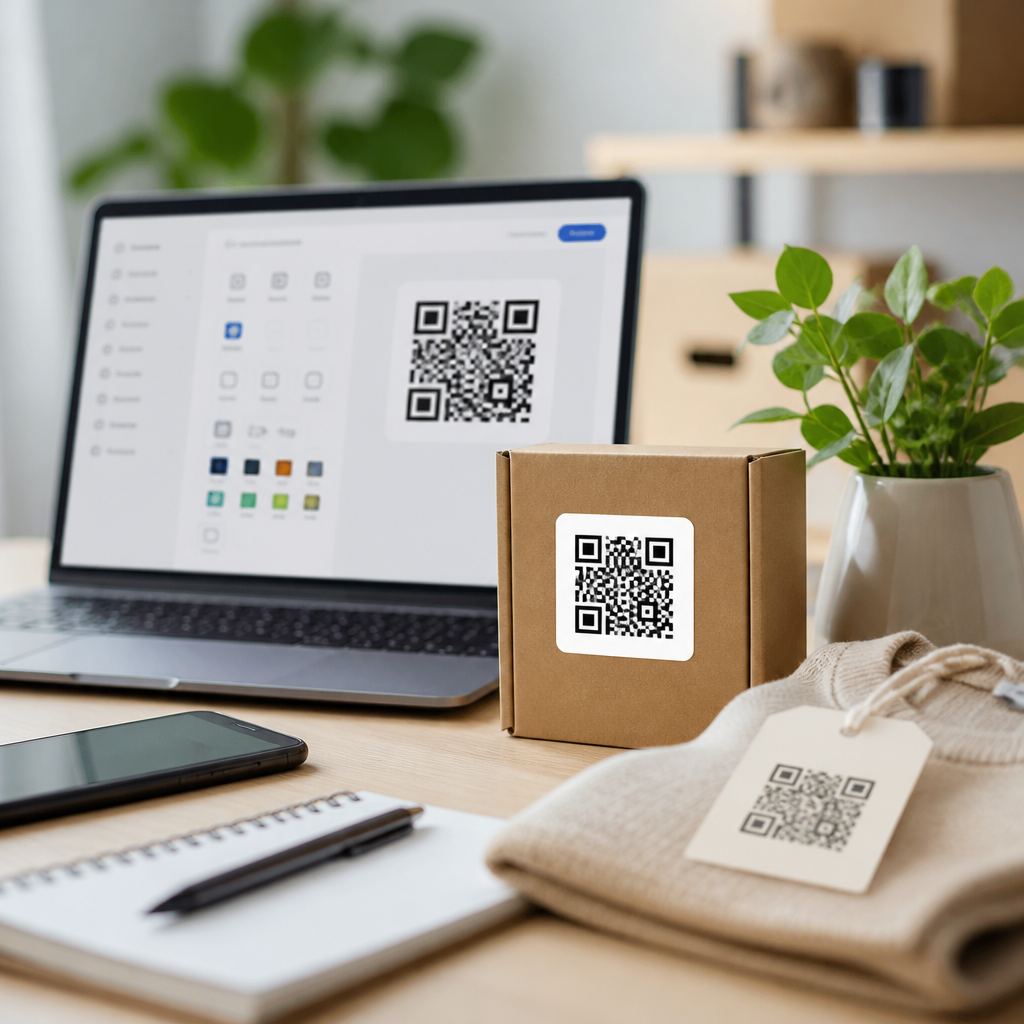
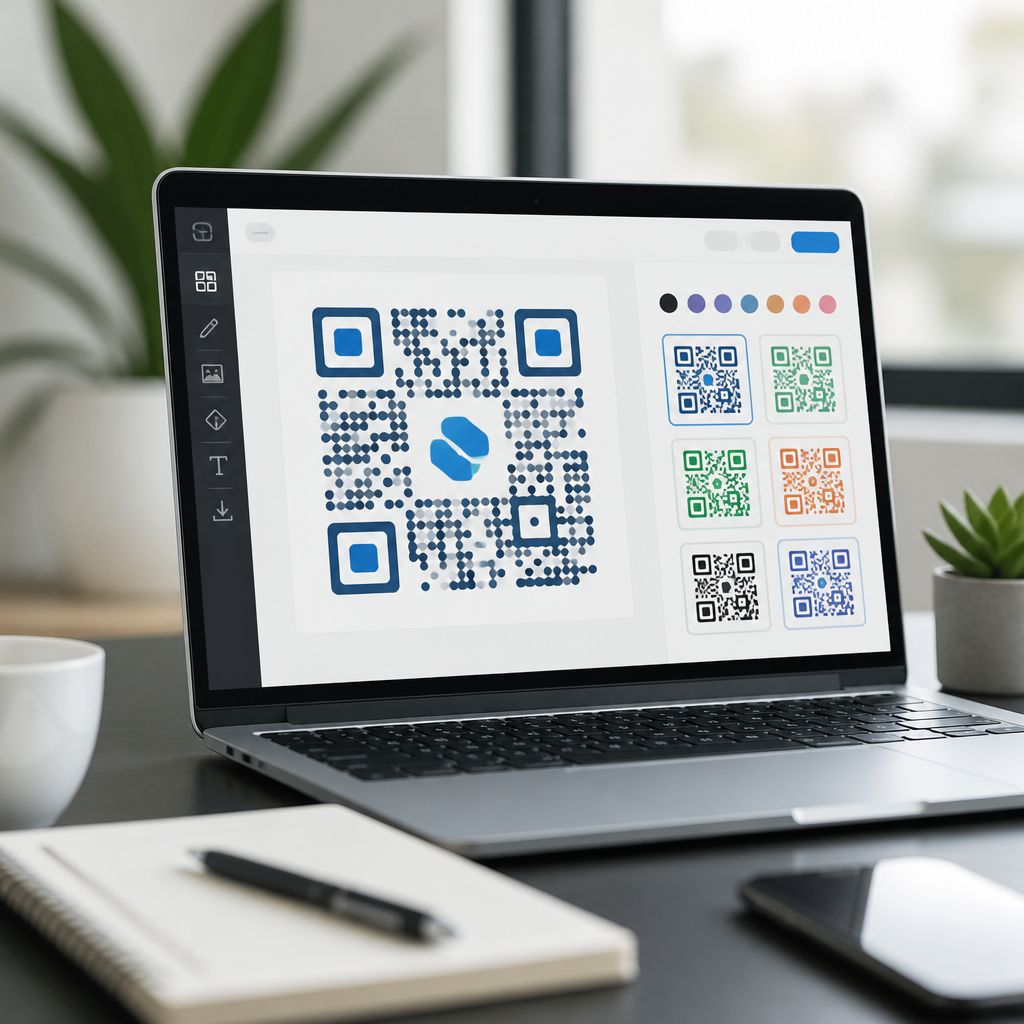
QR code design software with templates has become a core tool for brands that want scannable codes to look intentional, trackable, and trustworthy instead of generic black-and-white squares. In practice, QR code design tools combine code generation, visual customization, campaign management, and testing inside one workflow, often with prebuilt templates for menus, flyers, product labels, packaging, event check-ins, and digital business cards. A template in this context is a reusable layout that controls destination type, frame text, colors, logo placement, and print-safe sizing, so teams can create consistent QR campaigns quickly. This matters because design directly affects scan confidence, while software quality affects reliability, analytics, and compliance. I have seen attractive codes fail because of low contrast, oversized logos, or poor error-correction choices, and I have also seen simple, well-tested template systems increase scan rates by making codes recognizable and easy to use across every customer touchpoint.
Businesses need more than a basic generator because QR codes now sit inside broader customer journeys. Restaurants connect codes to live menus, retailers link packaging to warranty registration and product education, venues use them for ticket validation, and B2B teams place them on trade show signage to capture leads. In each case, the code has to balance branding with machine readability. The best QR code design software with templates solves that balance by giving non-designers structured options rather than unlimited, risky freedom. It also supports dynamic QR codes, which let you change the destination after printing, unlike static codes that permanently encode the original content. That single distinction often determines whether a campaign can be updated, measured, or corrected after launch. As a hub topic within QR code tools and software, QR code design tools deserve close attention because they influence conversion, production speed, brand consistency, and long-term maintenance.
When evaluating QR code design software, the key questions are straightforward: Can it produce dependable scans across devices? Does it offer templates for common use cases? Can teams manage brand standards at scale? Does it provide analytics, access controls, and export formats suitable for print and digital channels? Good software answers yes to all four. Strong platforms also support vector exports such as SVG, PDF, or EPS for sharp printing, define quiet zones automatically, and allow frame copy like “Scan to View Menu” to improve response. In my experience, teams get the best results when they treat QR design as a production system, not a one-off graphic task. Software with templates is valuable because it standardizes best practices, shortens approval cycles, and reduces preventable errors before anything reaches packaging, storefront windows, direct mail, or sales collateral.
What QR Code Design Tools Actually Do
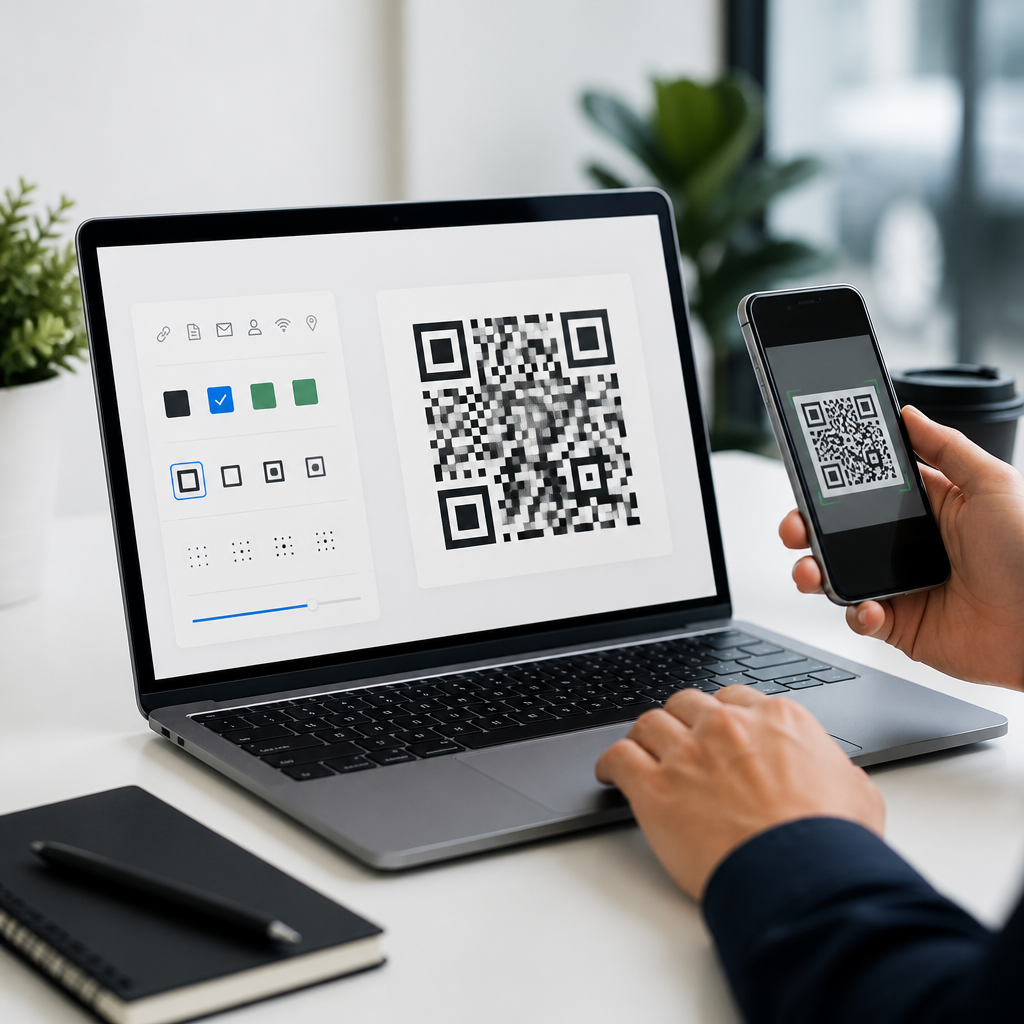
QR code design tools do far more than generate a matrix pattern. At a minimum, they encode a destination such as a URL, Wi-Fi credential, vCard, SMS prompt, payment link, app deep link, or downloadable file. More advanced platforms add dynamic redirects, scan analytics, user permissions, campaign folders, API access, expiration rules, and landing page builders. The design layer then lets users modify module shape, eye shape, foreground and background colors, border frames, embedded logos, and surrounding call-to-action text. Templates sit on top of those settings, preserving approved combinations that repeatedly scan well. For example, a franchise chain may create one template for table tents, another for takeaway packaging, and a third for curbside pickup signs, all with fixed colors, logo sizing, and tracked destination rules.
The strongest software also guides users away from choices that break readability. QR codes rely on contrast, clear finder patterns, and adequate quiet zones. ISO/IEC 18004 defines the symbology and error correction structure, but software quality determines how safely those technical rules are applied in commercial design. A good platform warns against low-contrast palettes, calculates the minimum size for print, and preserves error correction when a logo is inserted. It should also generate different file formats for different contexts: PNG for quick digital use, SVG or EPS for high-resolution print, and PDF for production handoff. These details matter because a code that scans perfectly on a mockup can fail after lamination, downsizing, poor lighting, or low-quality printing. The software should reduce those risks by design.
Core Features to Look for in QR Code Design Software with Templates
Several features separate professional QR code design software with templates from basic free generators. First is dynamic code management. Dynamic QR codes route through a short URL managed by the platform, allowing destination changes, A/B testing, geotargeting, and scan measurement without reprinting the symbol. Second is template governance. Teams need saved brand presets with locked elements, especially in multi-location organizations where unapproved redesigns cause inconsistency. Third is export flexibility. Print teams usually require vector files, while digital teams often need transparent PNGs sized for email, social posts, or mobile screens.
Fourth is analytics depth. Useful reporting goes beyond raw scan counts to include time, device type, location, and campaign source. Fifth is testing support. Some tools offer built-in previews on dark and light backgrounds, while better workflows involve testing on iOS and Android camera apps plus native in-app scanners such as WhatsApp or Instagram when relevant. Sixth is security and administrative control. Enterprise buyers often ask about SSO, role-based access, custom domains, and data retention. Seventh is landing page integration. If the destination page is not mobile-optimized, even a perfectly designed QR code underperforms. Good software recognizes that design does not stop at the code itself; it extends to the mobile experience after the scan.
| Feature | Why it matters | Best use case |
|---|---|---|
| Dynamic redirects | Change destination after printing and track scans | Packaging, posters, menus |
| Saved templates | Keep brand consistency and reduce setup time | Multi-location businesses |
| Vector export | Preserves sharp edges at any print size | Labels, signage, trade show graphics |
| Logo protection | Maintains scannability when branding is added | Consumer-facing campaigns |
| Analytics dashboard | Measures performance and campaign ROI | Marketing optimization |
How Templates Improve Speed, Consistency, and Scan Performance
Templates are not just convenience features; they are operational controls. In teams I have worked with, templates cut production time because marketers stop rebuilding the same design decisions for every campaign. A restaurant group, for instance, can save one dine-in menu template with a high-contrast dark-green foreground, white background, moderate logo placement, and a frame reading “Scan for Today’s Menu.” Each location changes only the destination link. The result is faster deployment and fewer errors. Without templates, local managers often improvise color choices or shrink the code to fit a layout, which leads to inconsistent experiences and support requests.
Templates also improve scan performance because they encode proven design patterns. The highest-performing QR codes are usually visually disciplined: strong contrast, enough white space, moderate customization, and an explicit call to action. A template can lock those elements in place. That is especially useful in regulated or quality-sensitive industries. Healthcare providers may need patient forms accessible through QR codes, but the code must remain clear under fluorescent lighting and on low-cost print materials. Consumer packaged goods brands often print codes on curved surfaces where distortion is a risk; a template can enforce larger sizing and simpler styling for those packages. In both examples, the template acts as a practical checklist embedded in software, turning previous testing into repeatable execution.
Popular Tool Categories and Real-World Use Cases
The market generally falls into four categories. First are simple online generators, useful for quick static codes but limited for brand management and analytics. Second are marketing-oriented QR platforms such as QR Code Generator Pro, Beaconstac, Flowcode, Bitly, and Uniqode, which combine design controls, templates, dynamic links, and dashboards. Third are design-suite workflows that rely on Adobe Illustrator, Canva, or Figma alongside a generator, giving designers more layout freedom but requiring stronger process discipline to preserve scan safety. Fourth are enterprise systems or APIs embedded into product-labeling, CRM, POS, or event-management software.
Use case determines the right category. A solo consultant creating a digital business card may do well with a lightweight tool that offers branded frames and a template for email signatures and conference badges. A restaurant chain needs dynamic menu codes, centralized templates, and role-based access. A manufacturer printing thousands of serialized labels may require API generation, batch creation, and error logging tied to inventory systems. An events company often needs short-lived destination changes, rush printing, and analytics by venue. The common thread is that QR code design software with templates becomes more valuable as scale, compliance, and campaign complexity increase. Templates are particularly important when multiple people create assets under deadline pressure.
Best Practices for Designing QR Codes That People Actually Scan
Design should support behavior, not distract from it. The first rule is contrast: dark foreground on a light background remains the safest option. In testing, pastel-on-pastel combinations and metallic finishes routinely hurt scan speed. The second rule is size. A common guideline is a scanning distance ratio near 10:1, meaning a code viewed from ten feet should be roughly one foot wide, though environment and camera quality still matter. The third rule is context. Add frame text that explains the benefit, such as “Scan for Installation Guide” or “Scan to Pay,” because response improves when users know what happens next.
Fourth, keep logos modest and preserve error correction thoughtfully. Fifth, test across real devices, glossy and matte print stocks, indoor and outdoor light, and likely network conditions. Sixth, use mobile-friendly destinations with fast load times. Seventh, track scans and retire dead links. Finally, document what worked. The best QR code design tools become hubs when they store templates, outcomes, and approved settings that other teams can reuse. If you are building a broader QR code tools and software stack, start by auditing current use cases, choosing software that supports dynamic management and template governance, and creating a small library of tested designs your team can deploy confidently.
That approach delivers the real benefit of QR code design software with templates: reliable scans, faster production, stronger branding, and measurable results. Instead of treating every code as a one-time graphic, you build a repeatable system that scales from a single flyer to national packaging runs. Review your current QR workflow, identify the campaigns that need consistency most, and implement templates before your next print deadline.
Frequently Asked Questions
What is QR code design software with templates, and how does it differ from a basic QR code generator?
QR code design software with templates is a more complete platform for creating, styling, organizing, and managing QR codes than a simple generator. A basic QR code generator typically produces a standard code that points to a URL, file, or text string, often with limited control over branding and almost no support for campaign workflows. By contrast, QR code design software brings together code creation, visual customization, testing, asset management, and performance tracking in one place.
Templates are a major part of that difference. In this context, a template is a reusable layout or preset that helps teams build QR codes for recurring use cases without starting from scratch each time. For example, a restaurant might use one template for menu QR codes, a retailer might use another for product packaging, and an event team might rely on a check-in template that includes a specific landing page structure, logo placement, color palette, and call-to-action. Instead of manually rebuilding those elements for every campaign, users can apply a template and update only the variable details, such as the destination link, item name, or event date.
This matters because QR codes are no longer just functional tools. For many brands, they are customer-facing touchpoints that need to look intentional and trustworthy. Design software allows users to adjust colors, add logos, choose frame styles, include short instructions like “Scan to View Menu” or “Scan to Register,” and align the final code with broader brand guidelines. Better platforms also include scan testing across different print sizes and surfaces, which helps reduce readability problems before the code goes live.
Another important distinction is control after publishing. Many advanced platforms support dynamic QR codes, meaning the destination can be updated without changing the printed code itself. That is especially valuable for packaging, signage, direct mail, and other materials that are costly to reprint. Basic generators often stop at creation, while true QR code design software supports the full lifecycle: planning, designing, deploying, measuring, and optimizing.
Why are templates so useful when creating branded QR codes for marketing and operations?
Templates save time, improve consistency, and reduce avoidable errors. For teams that create QR codes regularly, those advantages quickly become substantial. Without templates, each new code has to be configured manually, which increases the chances of inconsistent colors, missing logos, incorrect destination types, weak calls-to-action, or layouts that do not match the intended use case. A template standardizes the process so every code starts from a proven structure.
That consistency is especially important for brand trust. Customers are more likely to scan a QR code when it looks polished and clearly connected to the business presenting it. If the code includes recognizable brand colors, a properly placed logo, and a clear frame or instruction, it feels more legitimate than a generic black-and-white square floating on a flyer or package. Templates help preserve that professional look across campaigns, departments, and even different locations.
Templates are also practical from an operational standpoint. A business may need different QR code formats for menus, brochures, shelf tags, invoices, trade show booths, business cards, and shipping inserts. Each of those use cases benefits from its own layout rules. For example, a packaging template might prioritize strong contrast and compact sizing, while an event template might include a bold frame and a more prominent call-to-action for quick scanning at a distance. By creating templates around specific scenarios, teams make the design process faster while keeping the codes optimized for real-world use.
For larger organizations, templates support governance. Marketing teams can approve a set of branded standards once, and local teams or non-design users can then create new QR codes within those guardrails. That helps scale production without sacrificing quality. It also improves collaboration because everyone works from shared starting points instead of inventing a new design every time. In short, templates turn QR code creation from an ad hoc task into a repeatable system.
What features should I look for in QR code design software with templates?
The best QR code design software usually combines four categories of functionality: design control, template management, campaign flexibility, and performance insight. On the design side, look for tools that let you customize colors, corner shapes, patterns, frames, logos, and surrounding call-to-action text while still preserving scan reliability. Strong software should make it easy to brand a code without pushing the design so far that it becomes difficult to scan.
Template functionality should go beyond a simple saved style. Ideally, the platform should let you build reusable presets for specific use cases, duplicate them, organize them by campaign or department, and update recurring elements centrally. If a company changes a logo, brand color, or CTA language, the template system should make it easy to roll those adjustments into future QR codes. This is especially useful for agencies, franchise systems, multi-location businesses, and internal marketing teams that need repeatability.
Dynamic QR support is another major feature to prioritize. Dynamic codes let you change the destination after the QR code has been printed or shared, which adds flexibility and can save money on reprints. Along with that, useful software should support multiple destination types such as websites, PDFs, menus, contact cards, videos, app downloads, review pages, maps, coupons, and landing pages. The more adaptable the platform, the more valuable it becomes over time.
Testing and analytics are equally important. Good tools help verify that a code scans correctly under realistic conditions, including different sizes, materials, and contrast levels. Analytics can show scan counts, device types, time of scan, and sometimes location-level insights, depending on the platform and privacy settings. Those reporting features help marketers understand what is working and make better decisions about placement, messaging, and design.
Finally, consider workflow features. Folder organization, user permissions, export options, print-ready file formats, integrations with marketing systems, and bulk creation can all make a big difference. If your team creates QR codes at scale, those capabilities often matter just as much as the visual design tools themselves.
Can a custom-designed QR code still scan reliably, or do design changes make it harder to use?
Yes, a custom-designed QR code can still scan reliably, but only when it is designed with usability in mind. This is one of the main reasons businesses choose dedicated QR code design software rather than forcing visual changes onto a code manually. A well-built platform understands the structural rules that allow a QR code to remain readable while giving users room to customize its appearance.
Several factors influence scan reliability. Contrast is one of the biggest. A code needs enough difference between the foreground and background for camera systems to detect its pattern quickly. Dark-on-light usually performs best, while low-contrast combinations can cause failures, especially in poor lighting or on lower-quality phone cameras. Size also matters. A QR code that looks fine on a desktop screen may become too dense to scan when printed small on packaging or labels. Distance matters too: if people are scanning from farther away, the code needs to be physically larger and clearly presented.
Logo insertion and shape customization can work well, but they need restraint. QR codes have built-in error correction, which allows part of the design to be altered or partially obscured while remaining scannable. However, that does not mean every visual change is safe. Oversized logos, decorative effects, crowded backgrounds, extreme color choices, or distorted modules can all reduce performance. The best software helps balance brand styling with the technical integrity of the code.
Templates help here because they preserve proven settings. If a team has already validated that a certain color combination, frame treatment, and logo size scan well on menu cards, posters, or product boxes, they can reuse that template with confidence. It is still smart to test each code before release, especially if it will appear in print, outdoors, on curved surfaces, or in fast-moving environments like events. In practice, the goal is not just to make the code look attractive. The goal is to make it attractive enough to invite scanning while reliable enough to work instantly.
Which business use cases benefit most from QR code templates?
Almost any business that creates QR codes repeatedly can benefit from templates, but some use cases stand out because they demand speed, consistency, and frequent updates. Restaurants are a clear example. They often need QR codes for menus, table ordering, feedback forms, loyalty programs, and promotions. A template lets them maintain the same branded look across all locations while changing only the destination or offer details as needed.
Retail and consumer goods brands also benefit heavily. QR codes on packaging, shelf displays, product tags, and inserts may link to care instructions, ingredient information, authentication pages, warranty registration, promotions, or post-purchase content. Since packaging and labeling often have strict design and space constraints, templates help teams reuse layouts that have already been approved for both branding and scan performance. This reduces design rework and lowers the risk of errors during production.
Events and hospitality are another strong fit. QR codes are used for registration, check-in, schedules, digital tickets, venue maps, Wi-Fi access, and lead capture. These environments move quickly, and teams may need to launch materials on tight timelines. Templates make it easier to create event-specific QR codes that still follow a consistent visual system. They also help with crowd-facing use cases where readability at a distance matters.
Professional