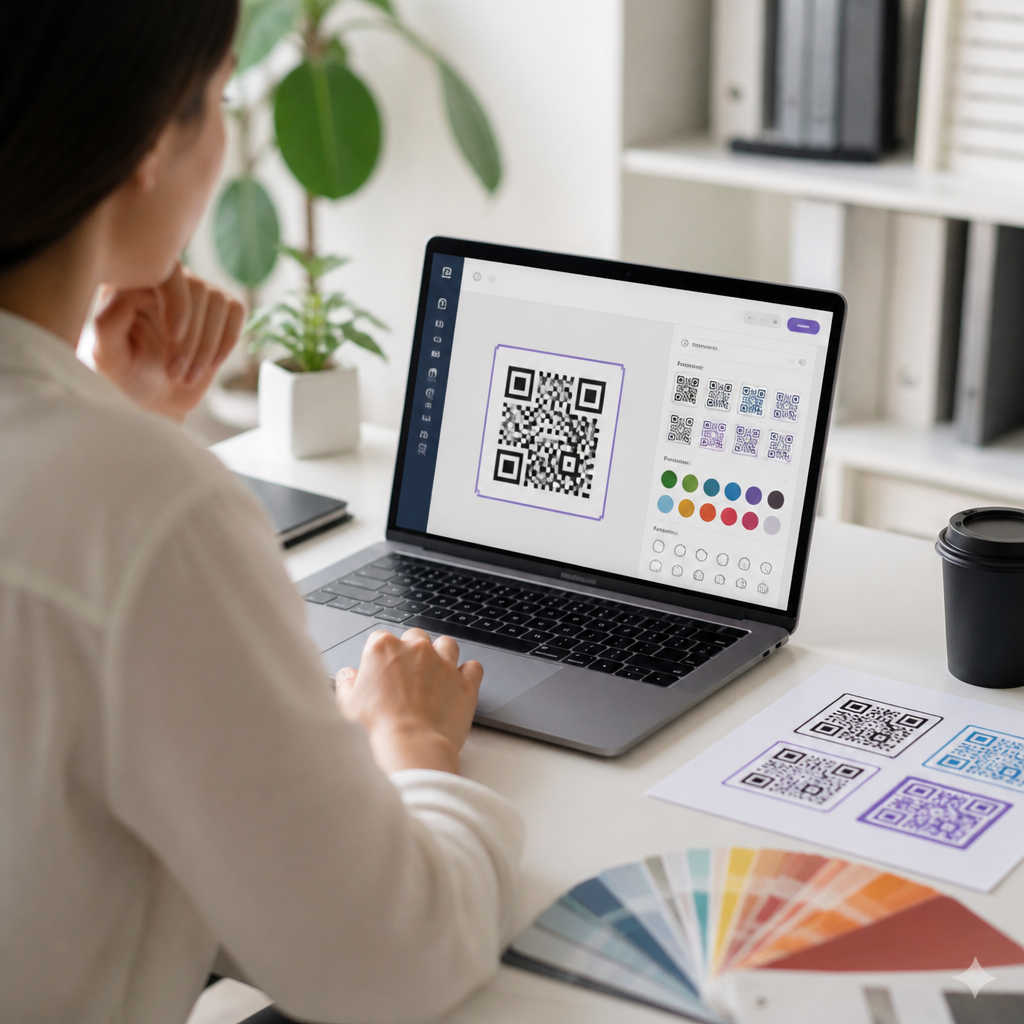
Choosing the right QR code design tool affects more than aesthetics; it determines whether your codes scan reliably, match your brand, integrate with campaigns, and produce measurable business results. A QR code design tool is software that generates and customizes QR codes by controlling data type, error correction, colors, shapes, frames, logos, export formats, and, in many platforms, analytics or dynamic redirection. In practice, I have seen teams treat QR codes as a simple graphic asset, then discover too late that decorative choices reduced scan performance or that a free generator lacked editable destination links after print production. That is why selection matters.
QR code design tools now sit at the intersection of brand design, mobile usability, print production, and marketing technology. A restaurant may need a tool that creates menu codes with editable destinations. A retailer may prioritize high-resolution vector export for packaging. A SaaS company may need bulk generation tied to campaign tracking parameters. Across these cases, the central question is the same: which platform balances visual flexibility with dependable scanning and operational control? The answer depends on understanding the core categories, technical requirements, and workflow constraints before you compare vendors.
This hub article explains how to evaluate QR code design tools comprehensively. It covers the essential features, the tradeoffs between static and dynamic codes, branding and scanability standards, security and governance concerns, and the practical criteria that separate hobby-grade generators from production-ready software. If you are building a shortlist for your organization, this guide gives you the framework to make a decision that supports design quality, campaign management, and long-term maintainability.
Start with the use case, not the template gallery
The best QR code design tool is the one that fits the job the code must do. Before reviewing colors, eye shapes, or logo placement, define the primary use case. Common scenarios include linking to a website, digital menu, PDF, app store listing, payment request, Wi-Fi credentials, contact card, event registration, product authentication page, or asset tracking workflow. Each use case changes what matters in the software. For a one-time poster campaign, basic customization and downloadable PNG files may be enough. For packaging distributed nationally, dynamic redirect capability, SVG or EPS export, and analytics become mandatory because changing a broken URL after print is impossible.
I recommend documenting five requirements first: destination type, expected scan volume, print or digital environment, branding level, and post-launch editing needs. This simple brief prevents costly mistakes. For example, if the code will be printed small on medicine packaging, dense data payloads and aggressive styling are risky. If the code will be used across franchise locations, you may need folder structures, naming conventions, and role-based access. Good QR code design tools support these operational needs, not just surface-level customization.
Another early distinction is whether the tool is meant for individual creators or teams. Solo users often value speed and low cost. Teams usually need template controls, approval workflows, shared asset libraries, and campaign reporting. Platforms such as QR Code Generator Pro, Bitly, Beaconstac, Flowcode, and Uniqode are often evaluated because they combine design controls with business features. By contrast, many free generators are perfectly adequate for simple static codes but become limiting once governance, analytics, or editability enters the picture.
Prioritize scan reliability over visual novelty
A QR code succeeds only if phones can scan it quickly under real conditions: glare, motion, distance, low light, wrinkled labels, or imperfect printing. This is why scan reliability should be your first technical filter. Strong design tools preserve structural integrity while allowing customization. They expose error correction settings, maintain quiet zones, warn against low contrast, and keep finder patterns recognizable. The QR Code standard defined by ISO/IEC 18004 leaves room for styling, but not at the expense of readability.
The most important scanning factors are contrast, module clarity, size, and data density. Dark modules on a light background remain the safest choice. In testing, pastel-on-pastel combinations routinely underperform, especially on older Android cameras or in dim indoor settings. Rounded dots, gradients, and embedded logos can work, but every decorative change increases risk. A capable design tool should preview the code at realistic sizes and allow exports for test printing. If a platform lets you create highly stylized codes without warnings, that is a red flag, not a benefit.
Error correction deserves special attention. QR codes typically support four levels: L, M, Q, and H. Higher levels restore more damaged data, which helps when adding a centered logo or when codes may get scratched, but they also increase complexity because more modules are required. In practice, H is often chosen for branded codes with logos, while M or Q can be more efficient for simpler layouts. The right tool makes this tradeoff visible instead of hiding it behind defaults.
| Evaluation factor | What to look for | Why it matters |
|---|---|---|
| Output formats | SVG, EPS, PDF, PNG | Vector files stay sharp for print, packaging, and signage |
| Error correction | L, M, Q, H options | Supports logos and damage tolerance without guesswork |
| Color controls | Contrast guidance and background settings | Prevents low-scan designs that look good only on screen |
| Dynamic editing | Editable destinations after publishing | Lets teams update links without reprinting materials |
| Analytics | Scans, location, device, time data | Measures campaign performance and operational usage |
| Team features | Folders, permissions, templates | Supports governance across departments and agencies |
Choose between static and dynamic QR codes carefully
One of the biggest decision points is static versus dynamic QR codes. Static codes encode the final destination directly in the symbol. They are simple, often free, and work indefinitely as long as the destination remains live. However, they cannot be edited after creation. Dynamic codes point to a short redirect URL managed by the platform, which then forwards users to the current destination. This allows link updates, campaign rotation, scan tracking, device-based routing, and A/B testing.
For most business uses, dynamic capability is worth the subscription cost. I have worked on campaigns where a landing page slug changed after 50,000 brochures had already been printed; dynamic redirection prevented a complete reprint. Dynamic tools are also essential when localizing content by geography or switching to a temporary outage page during maintenance. The tradeoff is vendor dependency. If you stop paying for the service or the provider sunsets the redirect, your code may no longer function as intended. Reliable vendors are transparent about uptime, export options, and account policies.
Static codes still have valid use cases. Wi-Fi credentials for internal office guests, a permanent vCard for a founder, or a museum exhibit linking to a long-lived archive page may not need analytics or editing. If permanence and independence matter more than measurement, static may be preferable. The right QR code design tool should support both modes and explain them clearly so users do not select static by accident to save a few dollars.
Assess design controls, brand consistency, and production readiness
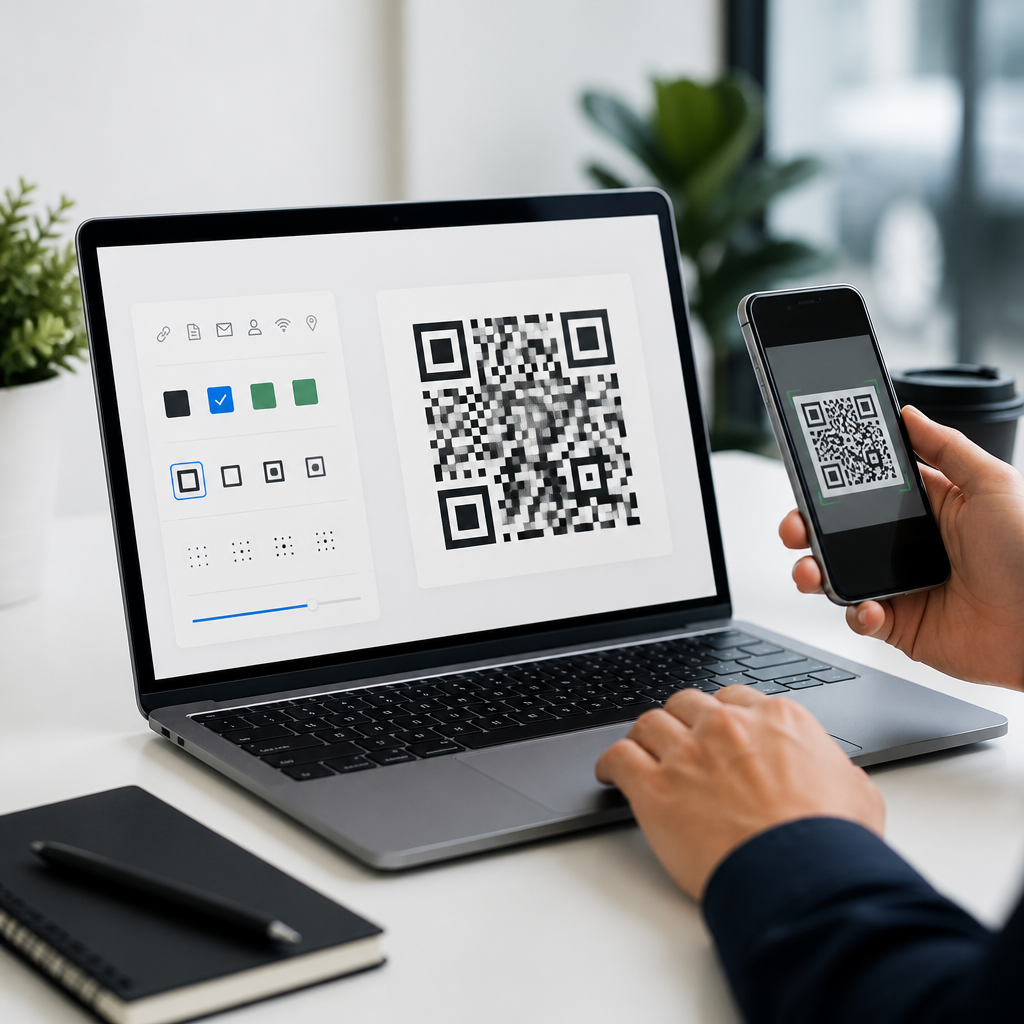
Design flexibility matters, but only when it serves consistent brand execution. Professional QR code design tools should let you control frame text, corner markers, module shapes, color palettes, logo insertion, and landing page appearance without breaking usability. The strongest platforms also support brand presets, so marketing teams can lock approved colors, logos, and CTA frames into reusable templates. This is especially useful for multi-location businesses, universities, and agencies managing campaigns for several clients.
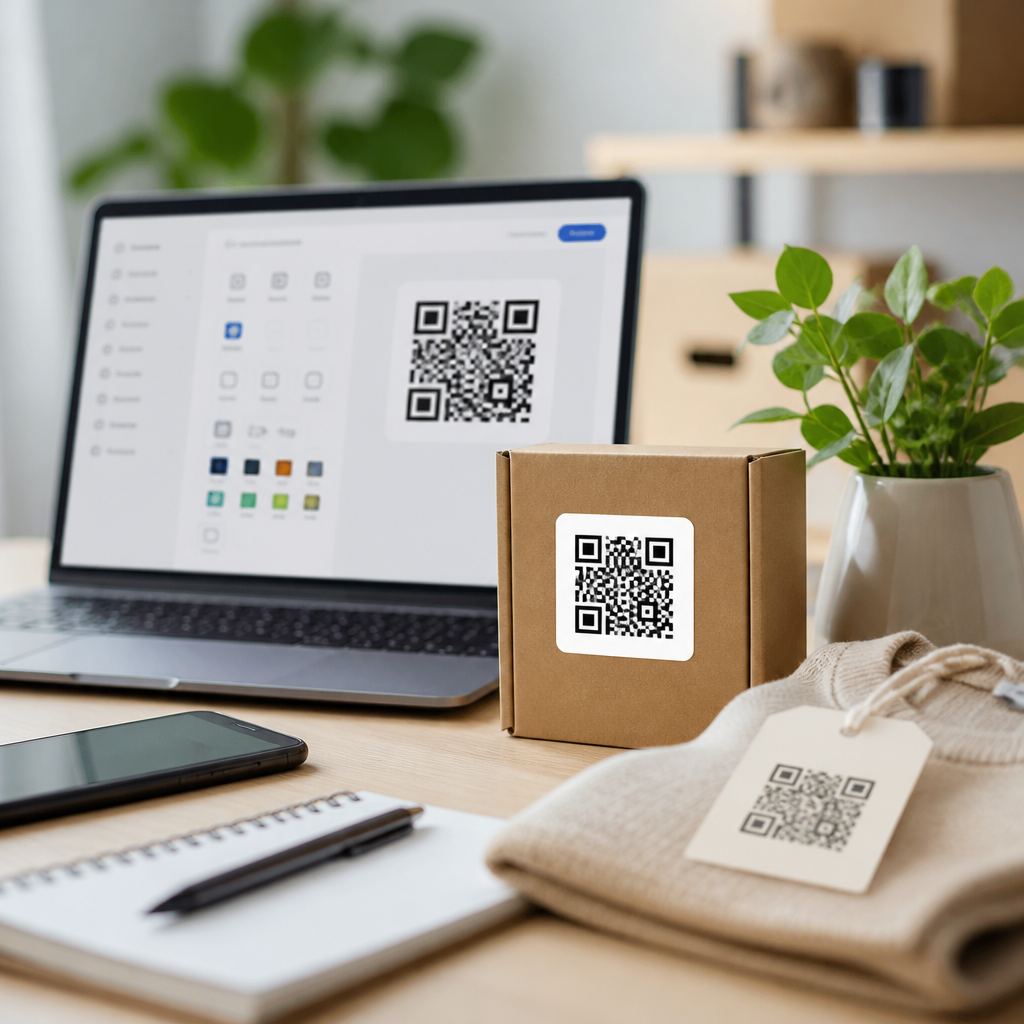
Look closely at export and production features. PNG may be adequate for social posts, but print vendors usually prefer vector formats such as SVG, EPS, or press-ready PDF. If the tool only exports raster files, you may see blurring or artifacts when scaling for storefront windows, trade show panels, or product cartons. Bleed, margin control, and transparent background options also matter when codes are being placed into packaging layouts in Adobe Illustrator, InDesign, or Figma-based workflows.
Landing page customization can be another differentiator. Some QR platforms include mobile landing pages, forms, app download flows, and link-in-bio style experiences. If your campaign requires a fast deployment without web development resources, this can be valuable. Still, compare the hosted page quality carefully. Page speed, SSL, analytics tagging, and domain branding influence trust and conversion. A beautifully designed QR code that resolves to a generic, slow-loading hosted page is not a polished customer experience.
Examine analytics, security, and software fit before you commit
If you need measurement, the best QR code design tools provide analytics that go beyond raw scan counts. Useful dashboards break down scans by date, approximate location, device type, operating system, and sometimes first-time versus repeat interactions. More advanced platforms support UTM parameters, integrations with Google Analytics, Zapier, HubSpot, or Salesforce, and bulk management for campaign operations. These features turn QR codes into a measurable channel rather than a decorative shortcut.
Security and governance are just as important. At minimum, evaluate custom domains, SSL support, user permissions, SSO availability, audit trails, and data retention policies. For regulated industries, ask where redirect and analytics data is stored and whether the vendor offers a data processing agreement. Branded short domains reduce user hesitation because people can see a recognizable link preview in some scanner apps. They also protect brand consistency across physical and digital touchpoints.
Finally, judge the software by workflow fit, not feature volume. A platform with every option may still be wrong if its interface slows down nontechnical users or if billing scales poorly for bulk creation. Run a realistic pilot: generate a few branded codes, print them at target sizes, test them on iPhone and Android devices, change a destination, review analytics, and export assets to your design team. That small exercise usually reveals the right choice faster than any sales demo.
The right QR code design tool combines dependable scanning, brand-safe customization, editable campaign control, and operational features your team will actually use. Start by defining the use case, then filter for scan reliability, static versus dynamic needs, export quality, analytics, security, and workflow fit. Tools that score well across those areas are far more valuable than generators that only offer eye-catching styles. As you build out your QR Code Tools & Software stack, use this hub as your decision framework, shortlist two or three platforms, and test them with real assets before rolling out at scale.
Frequently Asked Questions
What features matter most when choosing a QR code design tool?
The most important features are the ones that affect both scan performance and business usability. A good QR code design tool should first support the right data types, such as URLs, vCards, Wi-Fi credentials, PDFs, app links, and landing pages. It should also offer strong customization controls, including colors, eye shapes, patterns, frames, and logo placement, without making the code unreadable. Error correction settings are especially important because they help preserve scannability when you add branding elements or print codes in less-than-ideal environments.
Beyond visual controls, look closely at export and production options. You want a tool that can generate high-resolution PNG, SVG, EPS, or PDF files so the same code works across packaging, signage, print ads, product labels, and digital campaigns. If your marketing team plans to run ongoing promotions, dynamic QR code support is a major advantage because it lets you change the destination without reprinting the code. Analytics, scan tracking, campaign tagging, bulk generation, folder organization, user permissions, and integrations with platforms like CRM, email, or automation tools can also make a huge difference once you move beyond one-off usage.
In short, the best tool is not just the one with the most design effects. It is the one that balances branding flexibility, technical reliability, workflow efficiency, and measurable campaign performance. Teams often focus on how the QR code looks, but the more important question is whether it will scan consistently, fit into your campaign systems, and deliver useful data after launch.
How important is scan reliability compared with visual customization?
Scan reliability should always come first. A beautifully branded QR code that does not scan quickly and consistently is a failed asset, no matter how polished it looks. Many businesses are tempted by advanced styling options like gradients, custom modules, rounded corners, embedded logos, and decorative frames, but every visual change can affect readability. The right QR code design tool should help you customize confidently while preserving the structural integrity that scanning apps and smartphone cameras depend on.
This is where better platforms separate themselves from basic generators. A quality tool will maintain quiet zones, handle contrast warnings, support appropriate error correction levels, and preview how design choices affect performance. Some tools also provide scan testing or readability scoring, which can help you avoid common mistakes such as low color contrast, oversized logos, overly dense data, or patterns that become hard to detect on small labels. These safeguards are especially valuable in real-world use cases like retail packaging, restaurant tables, direct mail, trade show signage, and outdoor posters, where lighting, distance, and print quality can vary.
The practical rule is simple: design should enhance recognition, not interfere with function. Brand alignment matters, but the code still needs to work instantly for users. If a tool gives you creative freedom without guardrails, that is not necessarily a strength. The best choice is a platform that protects scanability while still giving you room to create a code that looks on-brand and professional.
Should I choose a static or dynamic QR code tool?
That depends on how you plan to use QR codes, but for most business and marketing scenarios, dynamic QR code capability is worth prioritizing. A static QR code permanently stores the destination data inside the code itself. That can be fine for simple, fixed uses, such as a personal contact card, a permanent product instruction page, or a Wi-Fi login where the information will not change. Static codes are usually straightforward and may be enough for very limited use cases.
Dynamic QR codes offer much more flexibility. Instead of hard-coding the final destination, they point to a redirect that can be updated later. This means you can change a landing page, swap a seasonal offer, fix a broken link, localize content, or reroute traffic without replacing the printed code. For businesses running campaigns across packaging, flyers, menus, point-of-sale materials, or large-format signage, that flexibility can save time and money. It also allows for performance tracking, including scan counts, device types, time-based trends, and sometimes geographic insights, depending on the platform.
When comparing tools, do not just ask whether dynamic codes are available. Ask how easy they are to manage at scale. Can you edit destinations quickly? Are analytics clear and exportable? Can you organize campaigns, set naming conventions, manage expiration rules, or integrate with other systems? If long-term control, optimization, and measurement matter to you, then a tool with strong dynamic QR code features is typically the smarter investment.
How do branding and design options affect business results?
Branding matters because QR codes are more likely to be trusted and used when they look intentional, relevant, and clearly connected to the brand or campaign around them. A plain black-and-white code can work perfectly well, but in crowded marketing environments, custom design can improve visibility and encourage engagement. Frames with a call to action, branded colors, subtle logo placement, and consistent visual styling can make the code feel like a designed campaign element rather than an afterthought.
That said, branding only creates results when it supports clarity. The tool you choose should make it easy to add brand identity without sacrificing contrast, sizing, or readability. For example, adding a frame with text like “Scan to View Menu” or “Scan for Setup Guide” can improve response because it tells people exactly what they will get. Matching colors to your brand palette can reinforce recognition, but the tool should help ensure there is still enough contrast for reliable scanning. Good design options contribute to stronger results when they reduce hesitation, improve user understanding, and make the QR code feel safe and purposeful.
From a business standpoint, the right design features can also improve consistency across teams and channels. If your company uses QR codes in packaging, retail displays, brochures, events, and customer support materials, a tool with templates, reusable styles, and brand controls helps maintain a professional standard. That consistency supports trust, and trust often leads to higher scan rates and better downstream outcomes such as signups, purchases, downloads, or support resolution.
What should I look for if I need QR codes for marketing campaigns and analytics?
If your goal is campaign performance, choose a QR code design tool that goes beyond generation and customization. You should look for built-in analytics, dynamic redirects, campaign organization, and integration options that let QR codes function as measurable marketing assets. At minimum, a strong platform should show scan volume over time, allow destination editing, and support multiple campaigns with clear naming and tracking structures. Some tools also provide device data, location trends, UTM support, A/B testing options, or dashboard reporting that can be shared with stakeholders.
It is also important to consider operational features. Can the platform generate QR codes in bulk for multiple products, locations, or sales reps? Can it support team collaboration with user roles and permissions? Can it connect with your CRM, marketing automation platform, or analytics stack? These details matter because once QR codes become part of a larger campaign system, manual work and disconnected reporting quickly become bottlenecks. A tool that looks simple at first may become limiting if it cannot support scale, testing, or reporting requirements.
Finally, think about the full lifecycle of the campaign. You may need to pause destinations, update links, compare performance across channels, or preserve historical data for future planning. The best QR code design tools help you manage that entire process, from initial design through post-launch optimization. In other words, if measurable business results are part of your goal, then analytics and campaign controls are not optional extras. They are central to choosing the right platform.