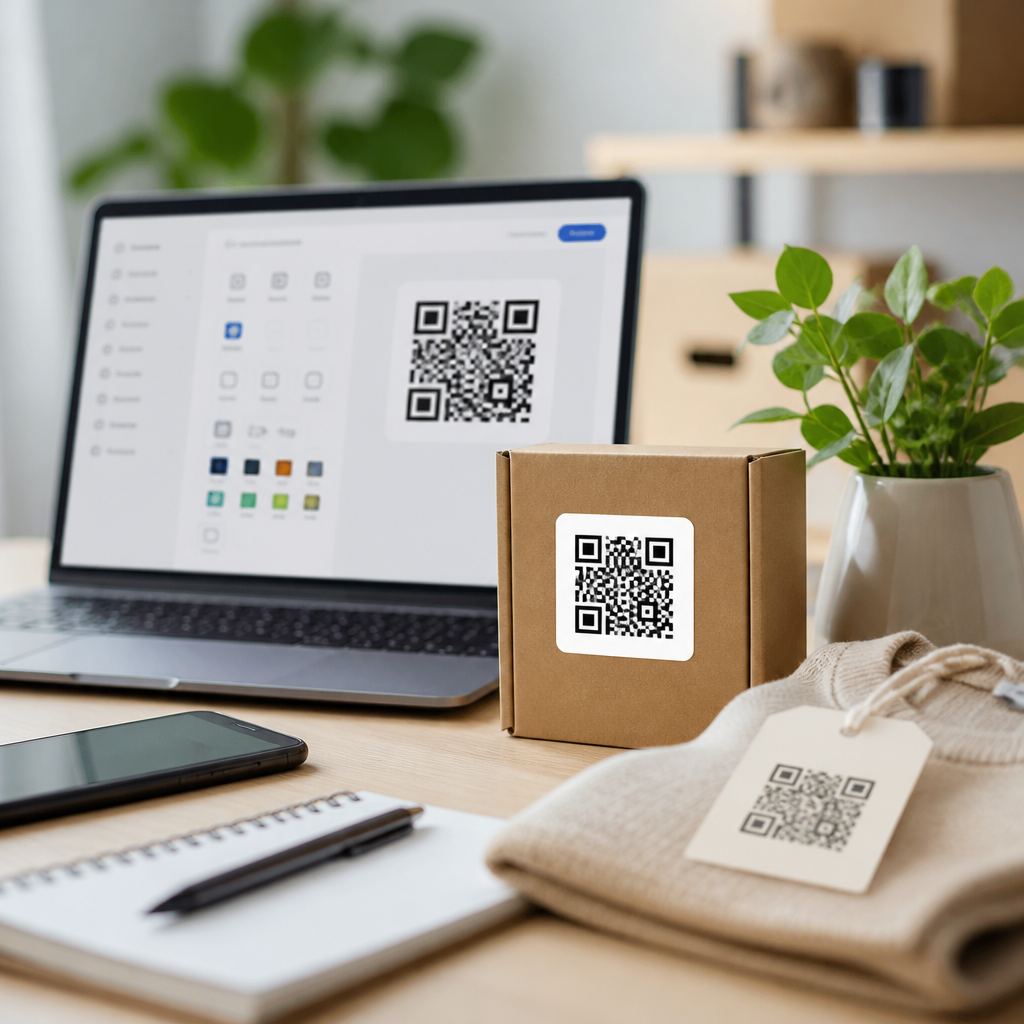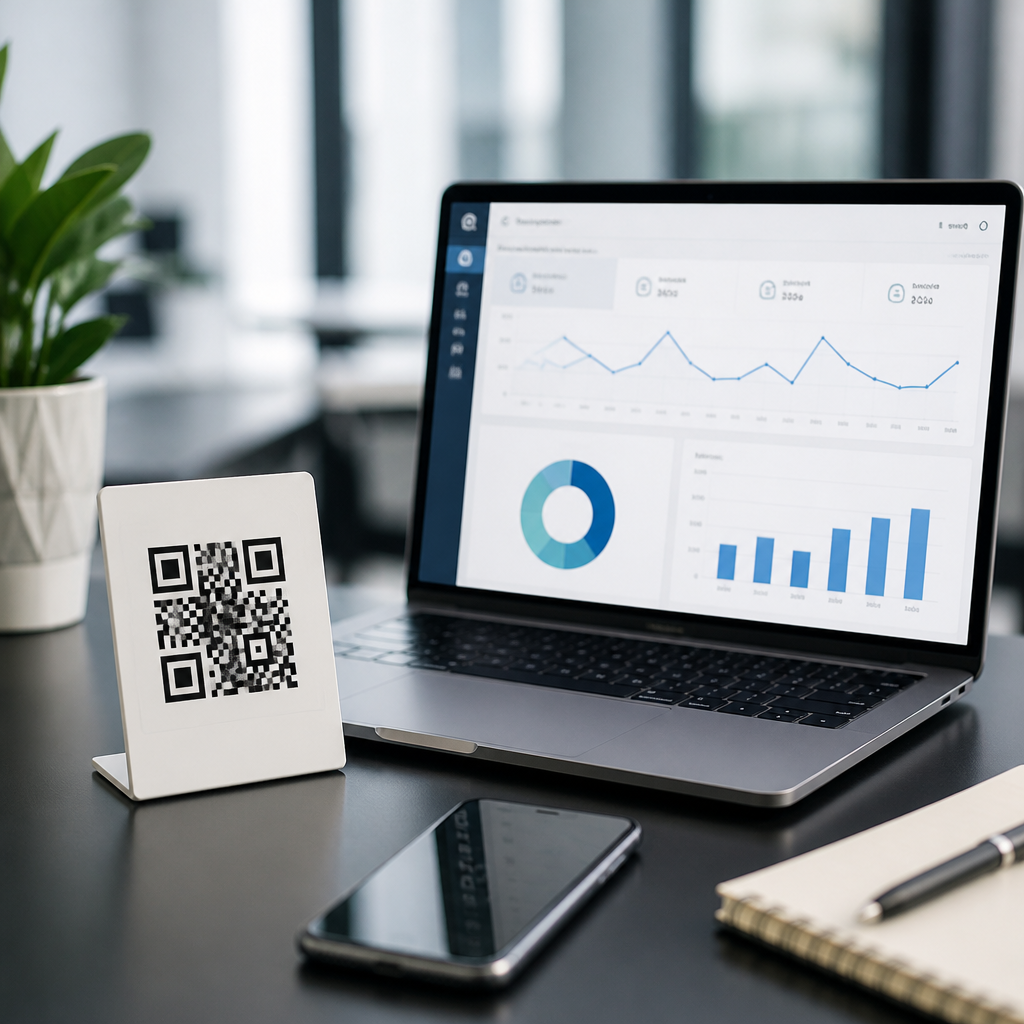
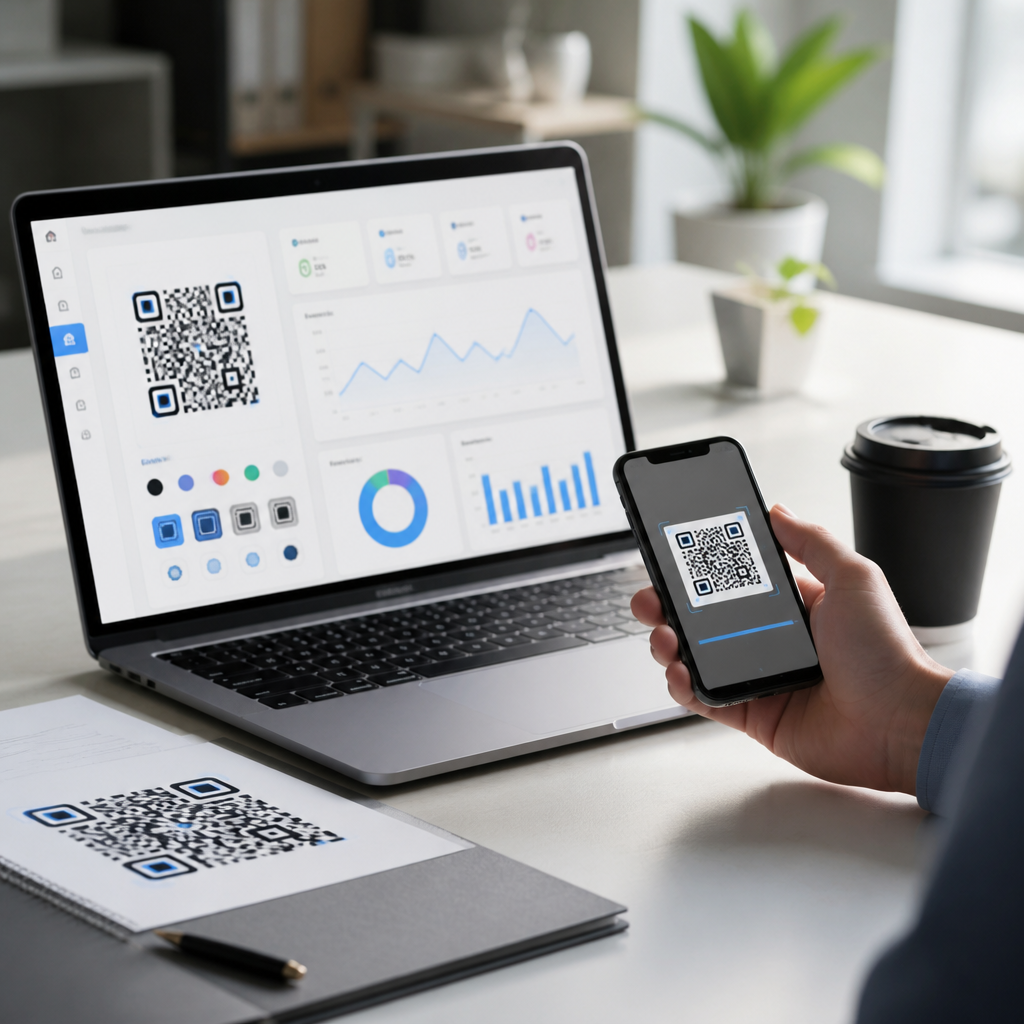
Best QR code design platforms with analytics combine two jobs that used to be separate: creating a code that people will actually scan and measuring what happens after the scan. In practice, that means a platform should let you customize shape, color, logo placement, and landing behavior while also reporting scans, devices, locations, and campaign performance. For marketing teams, retailers, restaurants, event organizers, and product brands, that combination matters because a QR code is no longer just a shortcut to a URL. It is a measurable touchpoint that connects print, packaging, signage, direct mail, and in-store experiences to digital outcomes.
When I evaluate QR code design tools for clients, I look at four baseline requirements. First, the code must remain readable after customization; attractive codes that fail under low light or midrange phone cameras are useless. Second, analytics must be tied to dynamic QR codes, because static codes cannot be updated or tracked once printed. Third, campaign controls should include editable destinations, UTM parameters, expiration rules, and scan segmentation. Fourth, the platform should fit the organization’s workflow, whether that means bulk generation for product labels, brand templates for franchise locations, or API access for software teams.
This hub article covers the major categories of QR code design tools, what analytics features matter most, how leading platforms differ, and which use cases each serves best. If you are comparing QR code generator software for packaging, restaurant menus, event check-in, omnichannel campaigns, or local business promotions, the goal is simple: choose a system that balances design freedom, scan reliability, and reporting depth. A good platform improves conversion rates, preserves brand consistency, and gives your team evidence for what is working across channels.
What a QR code design platform with analytics should include
A QR code design platform should do more than produce a PNG. The strongest products support dynamic QR codes, vector exports such as SVG or EPS, editable short URLs, error correction controls, campaign folders, and user permissions. On the analytics side, minimum viable reporting includes total scans, unique scans, scan time, device type, operating system, and geography by country or city. Better platforms also show repeat scans, language, referral context, and conversion tracking through integrations with Google Analytics 4, Meta Pixel, Zapier, or native webhooks.
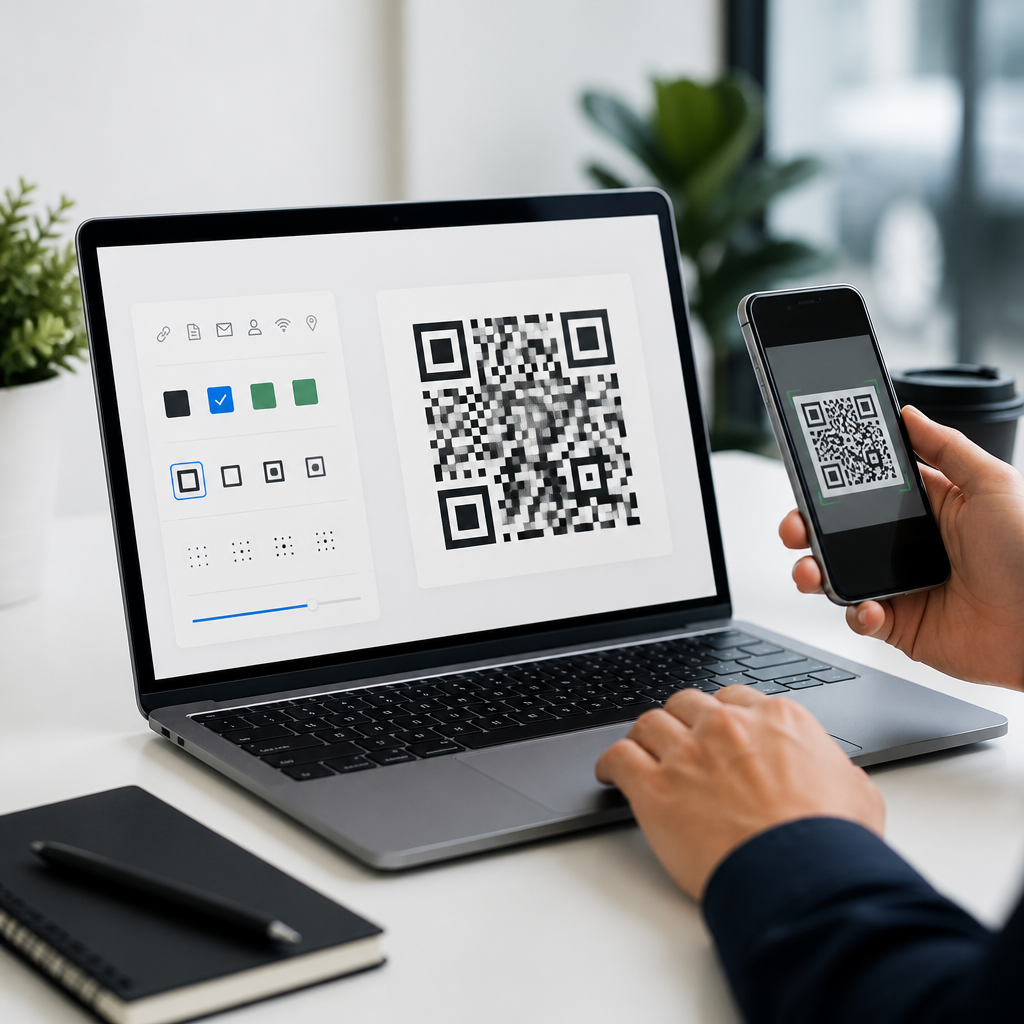
Design controls matter because branded QR codes consistently outperform generic black-and-white squares when used correctly. Useful options include rounded modules, custom eyes, gradients, logo insertion, branded frames with calls to action such as “Scan to Order,” and quiet-zone management. However, every design change affects scannability. I generally advise clients to test across iPhone and Android devices, glossy and matte print surfaces, and at realistic distances before approving production. High error correction helps when adding a logo, but excessive styling can still reduce scan success.
Security and governance are just as important. Enterprise buyers should look for password-protected accounts, role-based permissions, asset libraries, custom domains, audit logs, and data export. Teams operating in regulated sectors should also review data retention policies and privacy disclosures, especially if location reporting is used in regions with stricter consent expectations.
Top QR code design platforms and where each one fits
Beaconstac is one of the strongest options for midmarket and enterprise teams that need advanced design plus serious analytics. It supports branded templates, bulk creation, retargeting pixels, API workflows, and detailed tracking across campaigns. I have seen it work particularly well for packaged goods and retail signage programs where hundreds of dynamic QR codes need to follow a single brand system. Its reporting is not just decorative; teams can isolate underperforming placements and change destinations without reprinting assets.
QR Code Generator Pro is widely used because it balances ease of use with broad design flexibility. Marketers can create dynamic codes, manage multiple campaign types, and access scan reporting without a heavy technical setup. For agencies and smaller businesses, the interface is approachable, and the platform handles common use cases such as vCards, landing pages, PDFs, menus, and app downloads. It is often a practical choice when a team needs faster deployment more than deep enterprise administration.
Flowcode stands out for modern design, attractive templates, and user-friendly reporting. Creators, events, hospitality brands, and small commerce teams often choose it because the code styling looks polished without much manual tuning. Analytics cover the essentials, and the platform is effective for promotions, posters, creator links, and live experiences. The tradeoff is that highly technical teams may want more granular controls or broader integration options than Flowcode typically emphasizes.
Bitly, while known for link management, is relevant here because many organizations already rely on it for branded short domains and campaign tracking. Its QR capabilities inherit that link infrastructure, which can simplify governance and attribution. Uniqode, formerly Beaconstac’s category peer in many comparisons, is another strong contender for teams needing bulk generation, templates, and enterprise controls. Adobe Express and Canva also enter the conversation for design-first users, but they are best treated as visual creation layers unless paired with a robust dynamic QR system for analytics.
| Platform | Best for | Design strengths | Analytics depth |
|---|---|---|---|
| Beaconstac | Enterprise campaigns | Templates, bulk branding, logo-safe customization | High |
| QR Code Generator Pro | General marketing teams | Flexible styling, broad QR types | Medium to high |
| Flowcode | Events, hospitality, creators | Clean visual presets, easy branded output | Medium |
| Bitly | Teams already using link management | Simple QR creation with branded domains | Medium |
| Uniqode | Bulk QR operations | Brand controls, scalable asset management | High |
How to compare analytics features that actually influence decisions
Not all QR code analytics are equally useful. Vanity metrics, such as total scans without context, rarely help optimize a campaign. The reports that matter most are unique scans, scan rate by placement, time-based trends, location clusters, and device breakdowns. If a poster in a transit station drives many scans but few conversions, while product packaging drives fewer scans but stronger conversion quality, you need the platform to surface that distinction. Otherwise, creative and media decisions are based on guesswork.
Dynamic destination editing is the feature that often delivers the biggest operational win. A retailer can print one code on shelf talkers nationwide, then redirect by season, stock status, or regional promotion. A restaurant can keep table tents in place while changing menu URLs or limited-time offers. An event team can switch from registration to live agenda to post-event survey using the same printed asset. That flexibility only becomes valuable when analytics show when and where each phase is performing.
Integrations matter because QR scans usually sit near the top or middle of the funnel. The platform should support UTM tagging and connect cleanly to GA4, CRM systems, email platforms, or ecommerce tools. In one packaging campaign I worked on, scan volume looked healthy until we mapped it to product page sessions and discovered a mobile page-speed issue was suppressing add-to-cart rates. The QR platform alone could not diagnose that, but solid attribution made the problem visible quickly.
Design best practices that protect scan performance
The best QR code design tools make customization easy, but good design starts with engineering limits. Contrast remains nonnegotiable: dark modules on a light background scan best. Logos should be centered and sized conservatively, usually with higher error correction enabled. Printed codes need sufficient quiet zone, which is the blank margin around the symbol that helps cameras isolate it. For small packaging, vector export is essential because raster files can blur at print time.
Calls to action consistently improve engagement. A frame that says “Scan to View Ingredients,” “Scan for Warranty Registration,” or “Scan to Get 10% Off” sets clear user intent and filters out low-quality scans. Context also matters. Menu QR codes work best at arm’s length with larger sizing for dim restaurant lighting. Outdoor signage needs larger codes and simpler styling because glare, distance, and movement reduce scan reliability. For direct mail, I typically recommend pairing the code with a short branded URL so recipients have a fallback path.
Testing should be formal, not casual. Scan with older devices, test under fluorescent and natural light, and print at final size on final material. A QR code that works on a designer’s laptop mockup may fail on corrugated packaging or reflective acrylic signage. Reliable platforms help by previewing contrast issues, preserving error correction, and generating high-resolution assets, but responsibility still sits with the team approving the code.
Choosing the right platform for your use case
The best platform depends on volume, governance needs, and how central QR codes are to your marketing stack. Small businesses often do well with a straightforward tool that supports dynamic codes, decent design controls, and simple scan analytics. Restaurants, salons, local retailers, and solo consultants rarely need enterprise workflow features, but they do need dependable editing and clear reporting.
For multi-location brands, analytics should support comparison across stores, regions, or franchise groups. For product packaging, bulk generation, API access, and redirect management become critical. For events, speed matters: fast code creation, mobile-friendly destinations, and real-time scan visibility are more valuable than complex administration. For agencies, reusable templates, client folders, branded domains, and export consistency save hours and reduce errors across campaigns. This hub should guide your next step: compare platform reviews, scan testing methods, dynamic versus static QR strategy, and industry-specific recommendations before committing.
Best QR code design platforms with analytics help teams turn a simple square into a measurable, branded customer journey. The right tool should let you design confidently, update destinations without reprinting, and understand performance by channel, location, device, and campaign. Across the market, Beaconstac, QR Code Generator Pro, Flowcode, Bitly, and Uniqode each serve different needs, but the evaluation criteria stay consistent: dynamic functionality, strong customization, dependable scan performance, useful reporting, and workflow fit.
If you remember one principle, make it this: design is only valuable when the code scans easily and the data leads to action. Attractive styling, by itself, does not improve results. Better outcomes come from pairing readable design with clear calls to action, disciplined testing, and analytics that connect scans to business goals. That is how QR codes support menu access, lead generation, product education, event engagement, app installs, and post-purchase journeys at scale.
Use this hub as your starting point for the broader QR Code Tools & Software landscape. From here, review detailed platform comparisons, design best practices, implementation guides, and analytics deep dives for your industry. Shortlist the tools that match your workflow, test them on real devices and print materials, and choose the platform that gives your team both creative control and measurable performance.
Frequently Asked Questions
What should I look for in a QR code design platform with analytics?
The best QR code design platforms with analytics do more than generate a scannable image. They should give you strong creative control and meaningful reporting in one place. On the design side, look for options to customize colors, frames, patterns, corner shapes, logos, and calls to action without hurting scan reliability. Good platforms also let you preview how the code will look across print, packaging, menus, posters, business cards, and digital placements so you can balance branding with readability.
On the analytics side, the essentials include total scans, unique scans, scan time, device type, operating system, browser, and geographic location. More advanced tools may show campaign-level performance, repeat scans, conversion paths, UTM support, and integrations with tools like Google Analytics, CRM platforms, ad platforms, or email software. Dynamic QR code functionality is especially important because it allows you to change the destination URL or landing experience after printing the code, which is critical for ongoing campaigns, product packaging, restaurant menus, and event promotions.
You should also evaluate usability and governance features. Teams often need folder organization, user permissions, template management, brand controls, and export formats such as PNG, SVG, EPS, or PDF for production use. If compliance matters in your industry, pay attention to data handling, privacy controls, and retention policies. In short, the ideal platform helps you create a visually branded QR code that scans reliably and gives you enough performance data to improve campaigns over time.
Why are analytics so important for QR code campaigns?
Analytics turn a QR code from a static graphic into a measurable marketing or operational tool. Without reporting, you may know that a code exists, but you will not know whether people are actually engaging with it, when they scan it, where they scan it, or what devices they use. That missing visibility makes it much harder to justify campaign spending, optimize placement, or improve the customer journey after the scan.
With analytics, teams can answer practical questions that directly affect performance. For example, a retailer can compare scan activity across stores or packaging versions. A restaurant can see whether table tents drive more scans than window signage. An event organizer can measure engagement before, during, and after an event by tracking scans on badges, banners, and handouts. Product brands can compare regions, campaigns, or seasonal promotions without relying only on sales data or broad traffic trends.
Analytics also support better decision-making. If scan volume is high but conversions are low, the issue may be the landing page, not the QR code itself. If one design frame or call to action performs better than another, that insight can improve future creative. If mobile devices dominate scans, you can prioritize mobile-first landing experiences. In other words, analytics help teams move beyond guessing and into measurable optimization, which is exactly why platforms that combine design and reporting are so valuable.
Are dynamic QR codes better than static QR codes for marketing and business use?
In most business and marketing situations, yes. Dynamic QR codes are generally the better option because they give you flexibility after the code has already been printed or published. A dynamic code points to a managed redirect, which means you can update the destination URL, change the landing page, pause a campaign, or swap content without replacing the QR code itself. That is extremely useful for packaging, menus, flyers, signage, direct mail, and long-term branded materials where reprinting would be expensive or impractical.
Dynamic QR codes are also the foundation for reliable analytics in many platforms. Because the scan passes through the platform before reaching the destination, the system can record metrics such as scan count, time, location, and device details. That visibility is what makes campaign testing and optimization possible. If you are running multiple promotions, A/B testing offers, or sending people to different landing pages over time, dynamic functionality is often essential.
Static QR codes still have a place. They can be useful for simple, permanent uses such as linking to a fixed URL, sharing Wi-Fi credentials, or encoding contact information when tracking is not needed. They can also be appealing for organizations that want a one-time code with no subscription dependency. But for brands that care about performance, post-launch control, and reporting, dynamic QR codes are usually the smarter long-term choice.
How much customization is safe without making a QR code hard to scan?
Customization is valuable, but it should never come at the expense of scan performance. Most modern QR code design platforms allow significant branding changes, including color adjustments, logo placement, custom eyes, frames, and pattern styles. These can improve visibility and brand recognition, especially when the code appears in crowded environments such as product shelves, event spaces, restaurant counters, or printed advertisements. A well-designed code often gets more attention and can increase scan intent when paired with a clear call to action.
That said, there are limits. Strong contrast between the foreground and background is critical, and very light color combinations often cause scan failures. Excessive styling, overly dense patterns, oversized logos, or decorative distortions can reduce readability. Quiet space around the code must be preserved, and the final size should match the expected scanning distance and placement. A code on product packaging may need different design considerations than a code on a billboard or digital screen. Testing across multiple phones, lighting conditions, print materials, and camera angles is one of the best ways to confirm real-world usability.
The safest approach is to use a platform that combines design flexibility with built-in validation or scan testing. Many strong platforms help you keep the code within reliable error-correction and contrast thresholds while still allowing brand expression. The goal is not to create the most artistic QR code possible; it is to create a code that looks on-brand, attracts attention, and scans quickly every time.
Which businesses benefit most from QR code design platforms with analytics?
Many industries benefit, but the biggest gains usually come from organizations that use QR codes as part of customer engagement, promotions, or distributed physical materials. Marketing teams use them for product launches, outdoor ads, direct mail, brochures, in-store displays, and packaging campaigns where they need to measure interest and attribute traffic. Retailers use analytics-enabled QR codes to evaluate store signage, shelf talkers, coupon campaigns, and product education experiences. Restaurants often rely on them for menus, ordering, loyalty programs, feedback collection, and limited-time promotions.
Event organizers also see major value because QR codes can support registration, schedules, exhibitor information, lead capture, and post-event follow-up. With analytics, they can identify which touchpoints generated the most engagement and when attendee interest peaked. Product brands can use QR codes on packaging to connect buyers with authenticity verification, setup guides, recipes, instructions, warranty registration, or promotional experiences while measuring regional and campaign-level scan behavior.
Even organizations outside traditional marketing can benefit. Schools, nonprofits, healthcare providers, real estate teams, and local service businesses often use QR codes to simplify access to forms, information, booking pages, or updates. The common thread is simple: if a business wants a QR code to do more than just exist, and instead wants it to support measurable outcomes, then a platform that combines design quality with analytics is a strong investment.