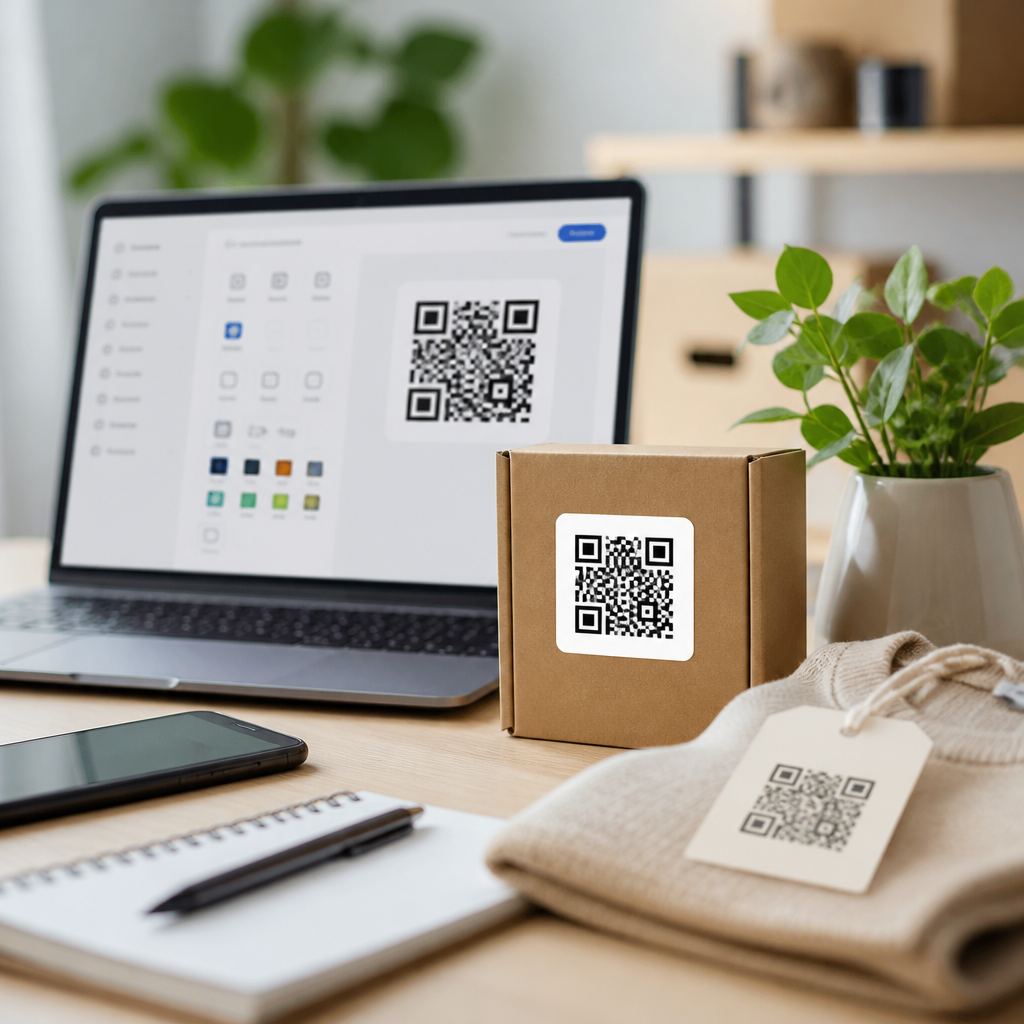
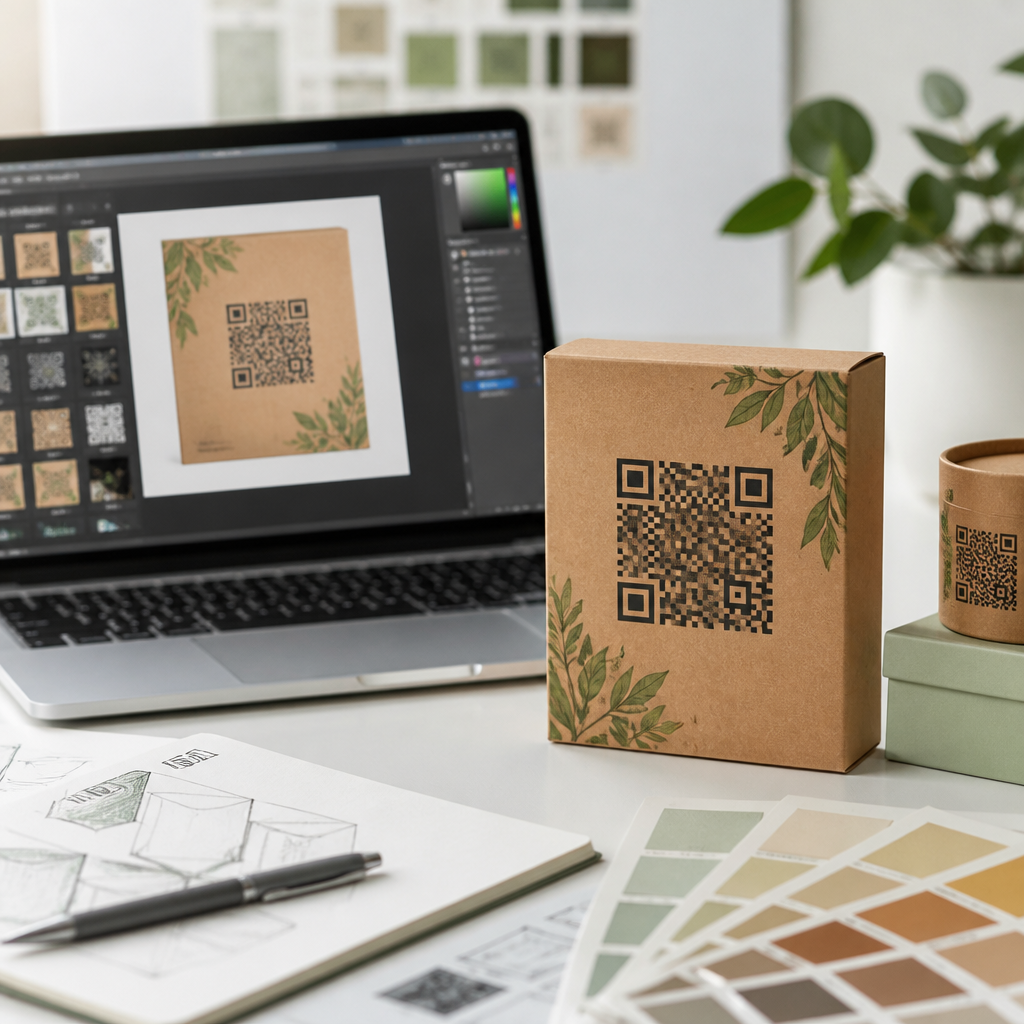
Best QR code design tools for packaging help brands turn a plain scannable square into a functional packaging asset that supports discovery, trust, and measurable conversions. In packaging, a QR code is not just a link. It can connect shoppers to product instructions, ingredient sourcing, warranty registration, loyalty programs, traceability records, augmented reality experiences, and regional compliance content. Design tools matter because packaging imposes hard constraints: limited surface area, curved materials, varying print methods, retail lighting, and the need for fast scans from many smartphone cameras. A code that looks attractive but fails under gloss varnish, shrink sleeves, or low contrast is a production mistake, not a design choice.
When I evaluate QR code design tools for packaging, I look beyond templates and color pickers. The right platform must support dynamic codes, error correction control, vector exports, batch generation, scan analytics, and governance features for teams handling multiple stock-keeping units. It should also allow design customization without compromising readability. For consumer packaged goods, pharmaceuticals, cosmetics, electronics, and food labels, packaging teams need tools that bridge marketing, operations, and print production. This hub article explains what QR code design tools do, which platforms are strongest for packaging, how to compare features, and where each type of tool fits. If you manage package design, prepress, brand systems, or product marketing, choosing the right QR code software directly affects scan rates, compliance, and customer experience.
What QR code design tools for packaging must do
A QR code design tool for packaging should create codes that remain reliable after they move from screen to substrate. That means support for static and dynamic QR codes, editable destinations, and export formats suitable for print, especially SVG, EPS, and PDF. Dynamic codes are usually the better packaging choice because product pages, campaign URLs, and regulatory content change while printed packaging remains in circulation. A good platform also lets teams set error correction intentionally. Higher error correction can preserve scanability when logos or design treatments cover part of the code, but it increases symbol density, which can become a problem on very small labels.
Packaging use cases also demand practical testing controls. In my projects, the strongest tools make it easy to review quiet zone spacing, contrast, module shape changes, and minimum size before files go to production. They often include scan testing or best-practice warnings. Tools built only for social media often look polished but lack packaging-grade outputs. For example, if a platform exports only low-resolution PNG files, it is risky for flexographic or offset printing. If it cannot manage multiple destination URLs by region or product line, it creates manual work and governance gaps. On packaging, design flexibility matters, but scan certainty matters more.
Best QR code design tools for packaging by use case
Several platforms consistently perform well, but they serve different needs. QR Code Generator Pro is strong for marketers who need branded dynamic codes, campaign tracking, and an accessible design interface. Uniqode, formerly Beaconstac, is one of the most packaging-friendly enterprise options because it combines bulk generation, access controls, analytics, and robust design customization. Bitly works well when link management is central and packaging QR codes are part of a larger short-link ecosystem. Flowcode offers polished design options and straightforward campaign workflows, especially for direct-to-consumer brands. Adobe Express can help with visual ideation, but it is usually better paired with a dedicated QR platform when packaging is mission critical.
For highly controlled print environments, Adobe Illustrator remains important even though it is not a QR management platform. I have seen packaging teams generate a code in Uniqode or QR Code Generator Pro, then finalize placement, spacing, and dieline alignment in Illustrator. That workflow matters because packaging files must account for bleed, varnish knockouts, and curved panel distortion. Shopify apps and label software can also fit if packaging is tied to ecommerce fulfillment or variable data printing, but they are often narrower in scope. The best tool is the one that supports your code lifecycle from creation to reprint, not just the first design mockup.
| Tool | Best for | Key packaging strengths | Main limitation |
|---|---|---|---|
| Uniqode | Mid-market and enterprise packaging teams | Dynamic codes, bulk creation, analytics, team controls, print-ready exports | Higher cost than entry-level tools |
| QR Code Generator Pro | Brand campaigns across many product lines | Easy branded design, editable destinations, tracking, multiple code types | Less prepress-oriented than design software |
| Bitly | Organizations centered on link management | Strong URL governance, recognizable analytics, dynamic redirection | Design features are less specialized |
| Flowcode | Consumer marketing and fast deployment | Clean interface, attractive customization, campaign usability | Fewer advanced packaging workflow controls |
| Adobe Illustrator | Prepress and packaging production teams | Precise placement, vector editing, dieline integration | Not a full dynamic QR management platform |
How packaging constraints change tool selection
Packaging is different from posters, business cards, or restaurant menus because the code has to survive manufacturing and real-world handling. Material choice changes scan performance. A matte carton generally gives better readability than reflective foil. Flexible pouches wrinkle. Glass bottles curve. Small cosmetics cartons may leave only a narrow panel for the code and quiet zone. As a result, packaging teams should prioritize tools that let them keep enough contrast, preserve square integrity, and export vector artwork that printers can reproduce accurately at small sizes.
Print process matters too. In flexography, dot gain can thicken modules and close small gaps. In digital printing, variable data is easier, but toner behavior on synthetic materials can affect edge sharpness. Good QR code design tools cannot solve every print issue, yet they make better outcomes possible by giving you control over file quality and symbol complexity. GS1 Digital Link initiatives are also influencing packaging decisions, especially for brands preparing for next-generation barcodes in retail. If your packaging roadmap includes standards-based product identification, choose software that can support structured URLs and scalable governance rather than one-off campaign codes.
Design rules that keep branded QR codes scannable
The best branded QR code for packaging follows clear technical rules. First, maintain strong contrast between foreground and background; dark code on a light background remains the safest option. Second, preserve the quiet zone, the clear margin around the symbol, because scanners need that separation. Third, use logos carefully and rely on tested error correction rather than aggressive decoration. Fourth, size the code for the likely scanning distance and context. A tiny code may work on a monitor but fail on a bottle sitting behind a retail shelf lip.
Module styling should be approached conservatively. Rounded dots, gradients, or custom corner markers can work, but only after testing across iPhone and Android camera apps, low-light conditions, and older devices. In my experience, the failure point is usually not the generator itself but a late-stage packaging change such as shrinking the panel, adding metallic ink, or reversing the code out of a dark background. Strong tools reduce these mistakes by previewing customizations and preserving vector fidelity. Still, no software replaces physical proofing. Print samples, scan from different angles, and test after final finishing processes, including lamination and varnish.
Features that matter most for teams and scale
If you manage more than a few products, team features quickly become essential. Bulk QR code generation saves time when every SKU, flavor, size, or market needs a unique destination. Folder structures, naming rules, and role-based permissions prevent mistakes. Analytics help packaging teams measure scan volume by campaign, geography, or date range, then compare performance after redesigns. Some platforms also support API access, which is useful when QR code creation needs to connect to a product information management system, digital asset manager, or packaging workflow software.
Governance is often overlooked until something goes wrong. I have seen brands reprint thousands of cartons because a static code pointed to an expired campaign page. Dynamic code management avoids that problem. Redirect controls also help when regulations, languages, or seasonal offers differ by market. For agencies and in-house studios, white-labeling and approval workflows can be useful, but export reliability remains more important than presentation features. When evaluating software, ask practical questions: Can it produce SVG and EPS files? Can destinations be edited without changing artwork? Can analytics be segmented? Can expired codes be prevented through subscription safeguards or account policies?
How to choose the best QR code design tool for packaging
Start with the packaging use case, not the tool list. If the code will live on millions of units for a year, dynamic management and uptime matter more than decorative flexibility. If the code supports traceability, ingredient transparency, or manuals, prioritize stable redirects, multilingual content handling, and enterprise permissions. If the packaging is produced by multiple print vendors, insist on vector exports and proofing discipline. For a limited promotional run, a simpler tool may be enough, provided it still supports reliable testing and editable destinations.
Next, match the software to your team structure. Brand marketers often prefer QR Code Generator Pro or Flowcode for campaign speed. Operations-heavy organizations usually gain more from Uniqode because of administration, bulk workflows, and analytics depth. Design teams will almost always keep Illustrator in the workflow for final package assembly, whether or not it is the primary QR platform. Cost should be evaluated against reprint risk and lost scan opportunities, not only license fees. A low-cost tool that produces one unreadable code on a national packaging run is more expensive than a robust platform with stronger controls.
Best QR code design tools for packaging combine design freedom with production discipline. The strongest options support dynamic QR codes, vector exports, analytics, team governance, and packaging-aware customization. For most growing brands, Uniqode and QR Code Generator Pro are the leading choices, with Bitly, Flowcode, and Illustrator fitting specific roles. The core decision is simple: choose software that protects scanability after printing, not just visual appeal during design.
As the hub for QR code design tools, this guide should help you compare platforms, define requirements, and avoid common packaging failures. Use it to audit your current workflow, test your codes on final materials, and standardize a toolset that marketing, packaging, and production teams can trust. The next step is straightforward: shortlist two or three platforms, run print-based scan tests, and select the one that performs best in real packaging conditions.
Frequently Asked Questions
What should brands look for in the best QR code design tools for packaging?
The best QR code design tools for packaging need to do far more than generate a scannable square. Packaging is a constrained environment, so brands should prioritize tools that balance visual customization with reliable scan performance. A strong platform should let you adjust colors, add logos, shape modules, and match the code to your packaging design system without sacrificing readability. That matters because packaging often involves curved bottles, flexible pouches, textured labels, glossy finishes, and very small print areas, all of which can reduce scan success if the code is not built carefully.
It is also important to look for dynamic QR functionality. Dynamic codes let brands change the destination URL or content after packaging has been printed, which is extremely useful for campaigns, seasonal messaging, recalls, region-specific compliance information, or product page updates. Instead of reprinting inventory, a brand can update the experience behind the code. For packaging teams, that flexibility can significantly reduce cost and operational friction.
Analytics are another essential feature. The best QR code design tools provide scan tracking, device and location insights, time-based reporting, and campaign attribution so brands can measure engagement and conversion. Since packaging often acts as a bridge between physical products and digital experiences, measurable data is one of the biggest strategic advantages of using QR codes in the first place. Without reporting, it becomes difficult to know whether the packaging experience is actually driving registrations, repeat purchases, loyalty signups, or customer education.
Brands should also evaluate export quality and print-readiness. Packaging production requires vector formats, high-resolution outputs, proper quiet zones, and testing tools that simulate real-world scan conditions. Tools that support SVG, EPS, or print-optimized PDF exports are particularly valuable for professional packaging workflows. Finally, enterprise teams should consider integration and governance features such as bulk code generation, user permissions, version control, and API access. These capabilities help maintain consistency across SKUs, markets, and product lines while reducing errors in production.
Why are QR code design tools especially important for product packaging compared to other marketing uses?
QR code design tools are especially important for packaging because packaging presents technical and strategic challenges that are less common in digital ads, posters, or social content. On packaging, every millimeter matters. Brands must fit mandatory information, product claims, legal copy, barcodes, and visual branding into limited space, which means the QR code has to perform well even when it is relatively small. A general-purpose QR generator may produce a code that works on a screen but fails in the real world once it is printed on a curved container or reduced to fit a label panel.
Packaging is also permanent in a way many marketing assets are not. Once units are printed and distributed, changing the customer experience can become expensive or impossible unless the QR code is dynamic. This is why specialized design tools are so valuable: they support future flexibility while helping teams protect scan reliability from the start. A well-designed tool allows brands to create one code experience that can evolve over time, whether the goal is to update instructions, localize content, add traceability data, or support promotional campaigns after the product is already on shelves.
Another reason these tools matter is that packaging QR codes often support high-intent actions. Consumers may use them to verify authenticity, review ingredients, register warranties, access setup instructions, learn about recycling, or join a loyalty program. In these use cases, trust and usability are critical. The code must look credible, scan quickly, and lead to a mobile-friendly destination that feels consistent with the brand. Better design tools help brands create that seamless handoff between package and digital experience.
Finally, packaging QR codes often involve cross-functional stakeholders, including packaging designers, compliance teams, product managers, marketers, and operations teams. The right design platform helps all of those groups collaborate without compromising technical standards. That makes QR code tooling not just a design decision, but a packaging performance and business process decision.
Can a branded or customized QR code still scan reliably on packaging?
Yes, a branded or customized QR code can still scan reliably on packaging, but only when it is designed within the technical limits that preserve readability. This is where high-quality QR code design tools make a major difference. Good tools allow customization while maintaining the core elements needed for scanning, including sufficient contrast, error correction, quiet zone spacing, and clean module structure. In other words, customization should enhance the code visually without interfering with how smartphone cameras and scanning apps detect it.
For packaging, contrast is one of the most important factors. A QR code should generally use a dark foreground on a light background, and the difference between the two should be strong enough to remain readable under retail lighting, glare, and variable camera quality. While brand colors can often be incorporated, low-contrast combinations may create problems. Likewise, adding a logo to the center of the code is usually possible if the code has enough error correction built in, but the logo should not cover too much data area.
Physical packaging conditions also affect scan performance. Matte and gloss coatings, embossing, shrink sleeves, metallic inks, transparent substrates, and curved surfaces can all interfere with readability. A customized QR code that scans perfectly in a design mockup may perform poorly once printed on an actual package. That is why the best practice is to test codes in realistic production conditions, at actual size, on final materials, and across multiple smartphone devices. Reliable tools support this process with print-quality exports and scan validation guidance.
The most effective approach is to treat branded QR design as a balance between aesthetics and function. A code should feel integrated into the package rather than pasted on as an afterthought, but it should never become so stylized that it creates friction for the shopper. The best tools help brands stay within safe customization boundaries while still producing a code that looks polished, on-brand, and trustworthy.
Are dynamic QR codes better than static QR codes for packaging?
In most packaging use cases, dynamic QR codes are the better choice because they offer flexibility, measurement, and long-term control. A static QR code points directly to a fixed destination, which means once the packaging is printed, the link cannot be changed. That can work for simple, unchanging use cases, but packaging often needs to support updates over time. Product instructions may change, campaign landing pages may expire, regulatory content may need localization, and traceability or warranty experiences may evolve. With a dynamic QR code, the printed code stays the same while the destination can be updated behind the scenes.
Dynamic QR codes also provide analytics, which is one of the strongest reasons to use them on packaging. Brands can track how often a code is scanned, when scans occur, where they happen, and which products or markets are generating engagement. Those insights can help teams understand customer behavior after purchase, compare packaging variants, optimize promotions, and identify opportunities to improve onboarding or retention. Static QR codes do not typically provide this level of visibility.
Another advantage of dynamic codes is market adaptability. A single product line may be sold across different regions with different languages, laws, or content requirements. Dynamic QR platforms can route users to region-specific pages, compliance documents, or translated experiences based on geography or rules set by the brand. That makes them particularly useful for global packaging programs where flexibility and consistency both matter.
That said, static QR codes may still be suitable in narrow situations where the destination will never change, tracking is not important, and simplicity is the highest priority. But for most consumer packaged goods, electronics, cosmetics, supplements, and other products with evolving digital touchpoints, dynamic QR codes are usually the smarter strategic investment. They give packaging a longer useful life and allow brands to continue improving the customer experience after the product has already been produced and distributed.
How can brands use QR code design tools to improve packaging performance and conversions?
Brands can use QR code design tools to improve packaging performance and conversions by treating the QR code as a deliberate part of the customer journey rather than a decorative add-on. The first step is aligning the code with a clear user intent. On packaging, the highest-performing QR codes usually promise something specific and useful, such as “Scan for setup instructions,” “See ingredients and sourcing,” “Register your warranty,” or “Unlock rewards.” Design tools help by making the code visually integrated and credible, but conversions increase most when the purpose is immediately obvious to the shopper.
These tools also help optimize code placement and presentation. A QR code placed near usage instructions, authenticity messaging, or a promotional callout is more likely to be scanned than one hidden on the bottom of a box with no explanation. The best design workflows consider not only how the code looks, but where it appears, how much space surrounds it, what text supports it, and whether it is easy to scan in retail, at home, or during unboxing. A strong toolset makes it easier to produce print-ready files that fit these placement strategies without losing readability.
Conversion performance improves further when the destination experience is tailored to mobile behavior. A shopper scanning from packaging expects speed, clarity, and relevance. QR code platforms that support dynamic routing, campaign testing, and analytics allow brands to refine these experiences over time. For example, a food brand might send first-time scanners to product education and recipes, while a beauty brand may use packaging scans to drive loyalty enrollment or product authentication. Measuring those interactions helps teams identify which journeys are creating