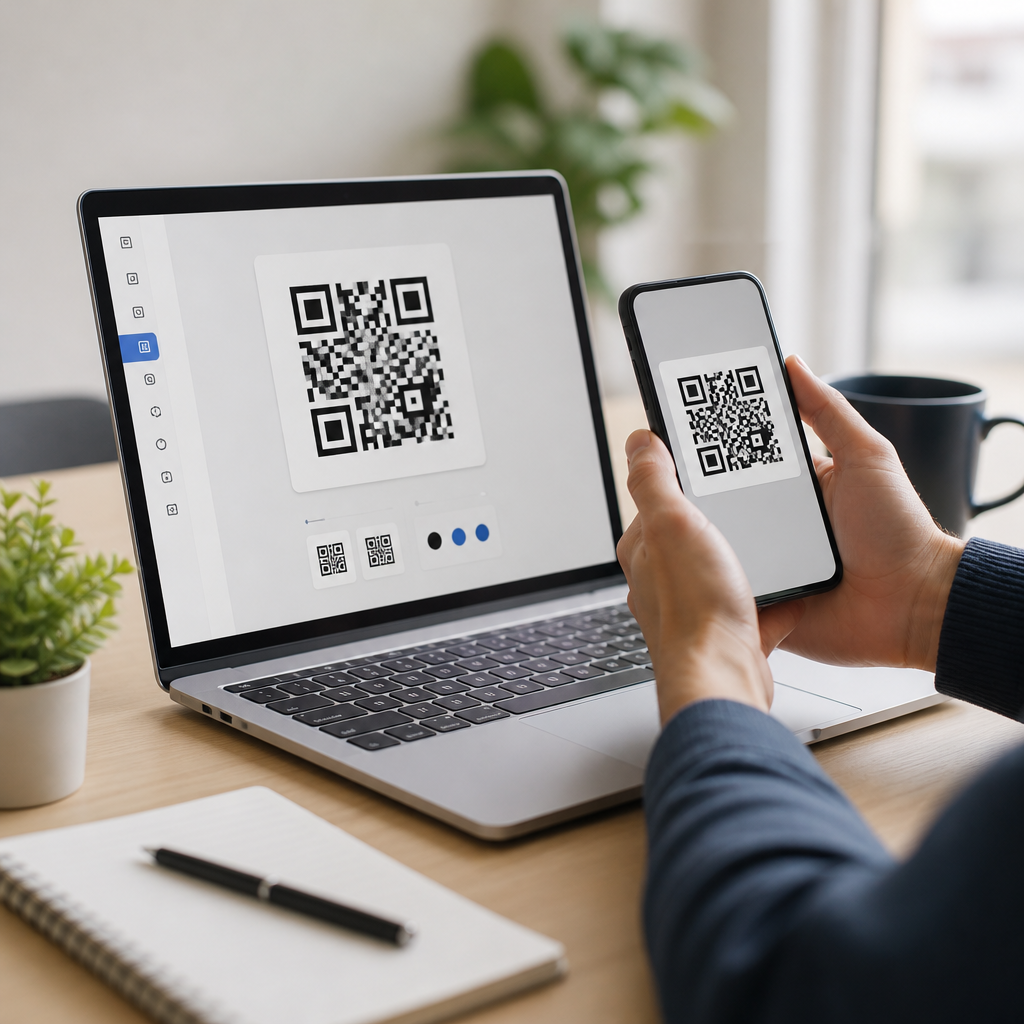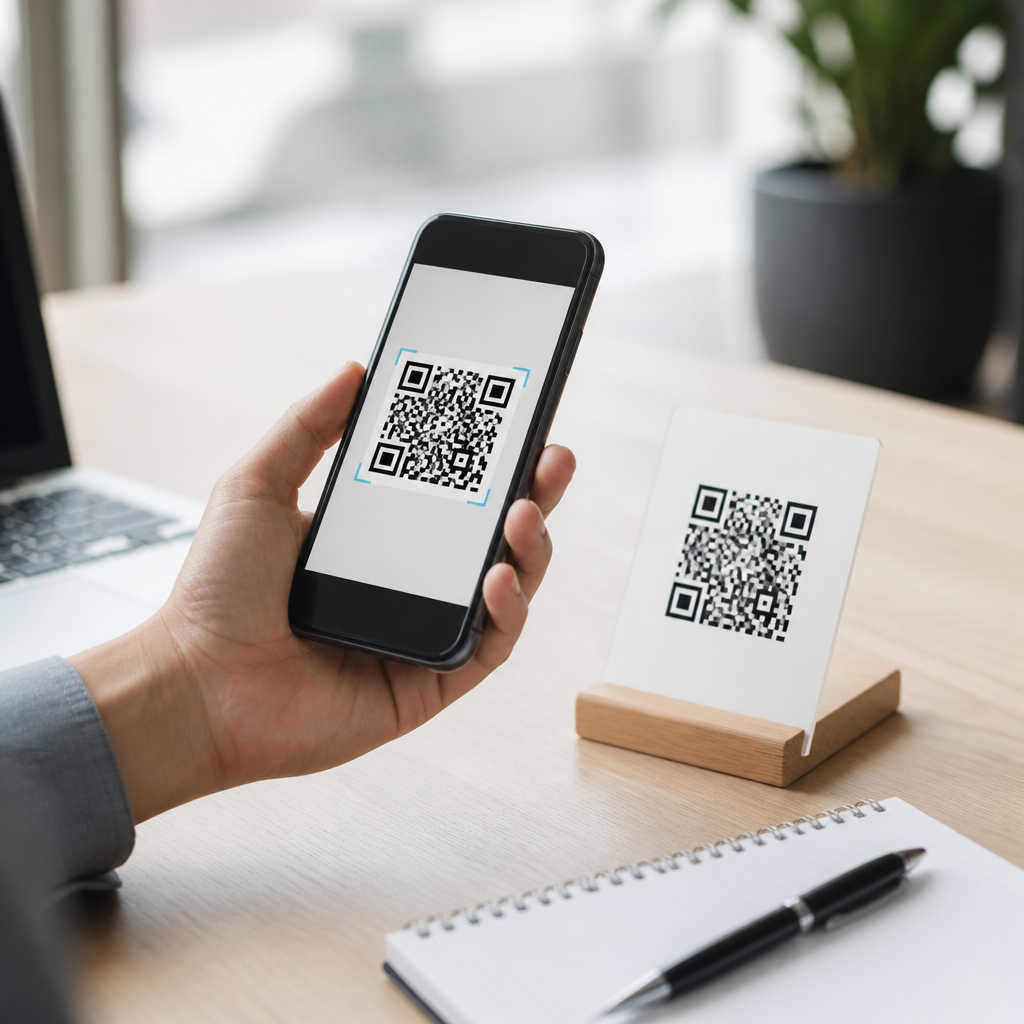
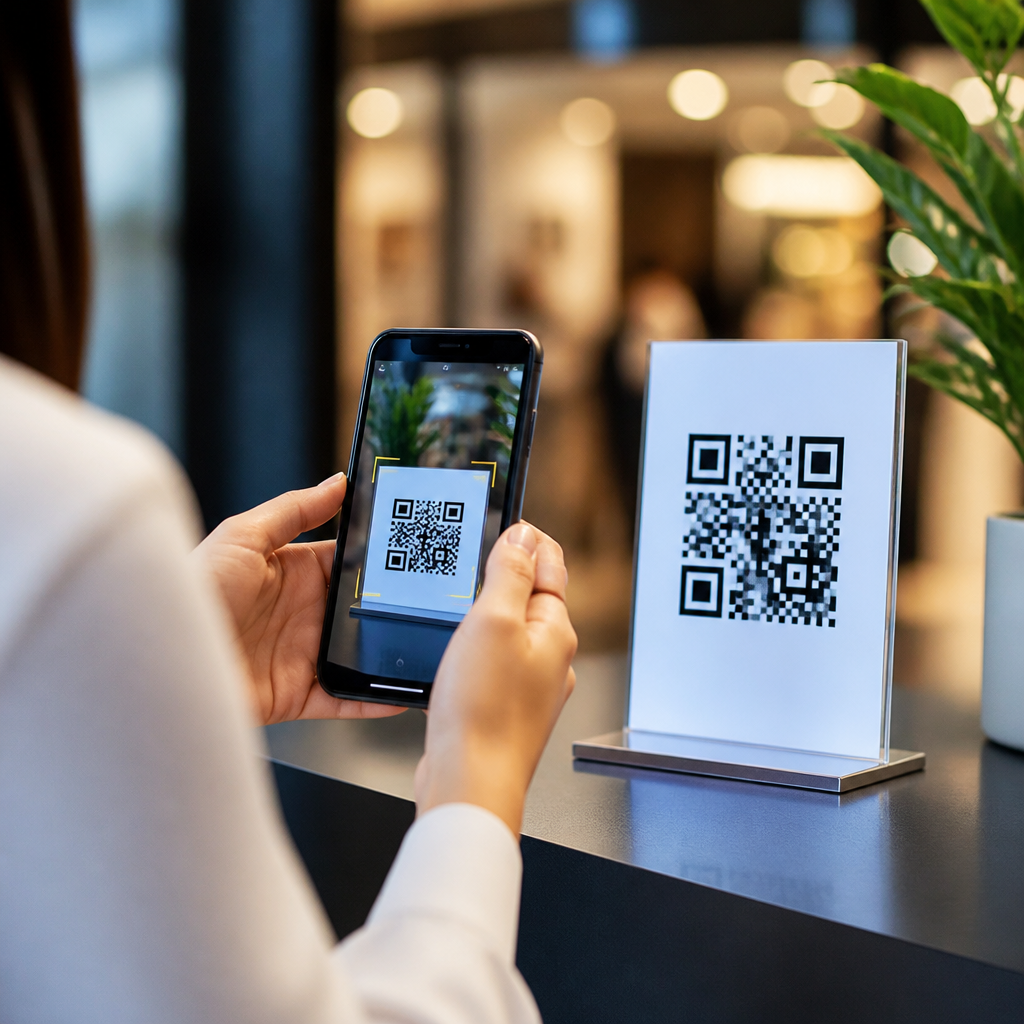
QR codes have moved from novelty to standard marketing infrastructure because they connect physical attention to digital action in a single scan. In marketing campaigns, a QR code is a machine-readable square pattern that opens a URL, downloads a file, launches an app, starts a message, or triggers another mobile action when scanned by a smartphone camera. For teams running print, retail, events, packaging, direct mail, or out-of-home media, that bridge matters because it turns passive impressions into measurable responses. I have used QR codes across store signage, product inserts, sales sheets, and trade show booths, and the difference between a code that simply exists and one that performs usually comes down to strategy, destination design, and tracking discipline.
Using QR codes in marketing campaigns effectively means matching the code to a clear business goal. That goal might be lead generation, product education, coupon redemption, app installs, review collection, event registration, or post-purchase support. The code itself is not the campaign. It is the access point. Performance depends on where the code appears, what promise surrounds it, how quickly the landing page loads, and whether the visitor sees an obvious next step. This is why QR code marketing works best when it is planned like any conversion path: audience, context, message, offer, destination, and measurement.
Marketers also need to distinguish between static and dynamic QR codes. A static code contains fixed information and cannot be edited after printing. A dynamic QR code points to a short redirect URL, allowing the destination to be changed later and enabling scan analytics such as time, location, and device type. In most campaign settings, dynamic codes are the better choice because they preserve creative assets while allowing updates and testing. If your team is building educational assets or downloadable collateral, this broader tutorials hub pairs well with a practical pillar guide on how to create a QR code for a PDF, which covers one of the most common content-delivery use cases.
Set the campaign objective before generating the code
The fastest way to waste a QR code placement is to generate the code first and decide its purpose later. Start by defining one primary action per placement. If a restaurant table tent asks diners to join a loyalty program, do not send them to the home page with five competing options. If a product box is meant to reduce support calls, route scanners to setup instructions, warranty registration, and a troubleshooting flow. Clear objectives improve conversion rates because the user does not need to guess what to do next.
Map the goal to a marketing funnel stage. Awareness-stage codes work well on posters, packaging, and transit ads where the user wants quick education, a video demo, or a landing page with a concise value proposition. Consideration-stage codes fit brochures, catalogs, and comparison sheets, where visitors may want specifications, testimonials, or pricing. Decision-stage codes belong on coupons, event handouts, shelf talkers, and direct mail, where the user is ready for booking, checkout, or claiming an offer. Retention-stage codes are ideal for onboarding inserts, receipts, and customer emails that link to setup guides, referral programs, or support content.
In practice, I recommend writing the objective as a measurable statement: “Drive 500 scans from in-store signage and convert 15 percent to email signups within 30 days.” That wording forces alignment on audience, channel, call to action, and success metric before design begins.
Choose the right destination and mobile experience
A QR code is only as effective as the page or asset it opens. Most scans happen on mobile devices, often in distracting environments such as sidewalks, aisles, lobbies, or event floors. The destination must load fast, display cleanly on smaller screens, and present the promised value immediately. A page that buries the offer below the fold, asks for too many fields, or uses intrusive pop-ups will underperform no matter how attractive the printed creative looks.
Good destinations are purpose-built. For lead generation, use a short landing page with a single form and a concise privacy reassurance. For promotions, show the discount code at the top and add a wallet-save or copy function. For product education, lead with a 30- to 60-second explainer video, then place technical details beneath it. For retail packaging, consider a microsite that combines unboxing instructions, care tips, accessories, and cross-sell recommendations. For B2B campaigns, a QR code can open a meeting scheduler, a case study library, or a gated white paper, depending on buyer intent.
If the destination is a downloadable asset, test file size and preview behavior across iPhone and Android devices. PDFs above a few megabytes can be frustrating on mobile networks, especially at events. Compress files, use descriptive filenames, and provide a fallback web page if the asset fails to render.
Design QR codes for scanning reliability and brand fit
High-performing QR codes are easy to scan at a glance and at a distance. Maintain strong contrast, ideally dark modules on a light background, and avoid color combinations that reduce camera detection. Leave a proper quiet zone around the code, generally a margin of at least four modules, so smartphone cameras can isolate it from surrounding graphics. Do not distort the square shape or place the code over busy photography. Brand styling is useful, but not at the cost of readability.
Size should match viewing distance. A practical rule used in print production is roughly one inch of code width for every ten inches of scanning distance, then adjusted based on lighting and camera quality. A code on product packaging may work at 0.8 to 1.2 inches wide, while a code on a storefront window or trade show banner may need to be several inches across. Always print and test final-size proofs in real conditions before approving a run.
The surrounding call to action matters as much as the code itself. “Scan to learn more” is weak because it hides the benefit. “Scan for a 15% first-order discount,” “Scan to watch the 45-second demo,” and “Scan to reserve your seat” are stronger because they answer the user’s immediate question: why should I bother? When I audit underperforming campaigns, vague calls to action are one of the most common issues.
Match QR code tactics to marketing channels
Different channels create different scanning behavior, so the placement strategy should change accordingly. In retail, shelf tags and endcap displays work when the code solves a specific hesitation, such as compatibility, ingredients, setup, or financing. On packaging, QR codes extend the product experience after purchase through tutorials, warranty registration, reorder links, and referral offers. In direct mail, the code should reduce friction by taking recipients straight to a personalized landing page rather than asking them to type a long URL.
Events and trade shows are especially strong environments for QR code marketing because attendees expect quick digital follow-up. Booth signage can route visitors to a demo booking page, product catalog, or lead form. Speaker slides can direct audiences to a resource bundle. Name badges and table cards can support networking or session feedback. Restaurants, hotels, and venues often use QR codes for menus, upsells, reviews, and local recommendations; the best implementations keep the path short and contextually relevant.
| Channel | Best QR Code Use | Primary Metric | Common Mistake |
|---|---|---|---|
| Packaging | Setup guides, warranty, reorder links | Post-purchase engagement | Linking to homepage |
| Retail signage | Product comparisons, coupons, reviews | Scan-to-redemption rate | Codes too small to scan |
| Direct mail | Personalized offers and booking pages | Response rate | No mobile-specific landing page |
| Events | Lead capture, agendas, resource downloads | Qualified leads | Weak Wi-Fi contingency |
| OOH advertising | Simple offers with short action paths | Scans by location | Placing codes where scanning is unsafe |
Track performance with dynamic codes and campaign analytics
Serious QR code marketing requires measurement beyond raw scans. Dynamic QR code platforms such as Bitly, QR Code Generator PRO, Beaconstac, Uniqode, and Flowcode can report total scans, unique scans, timestamps, geolocation estimates, and device data. Pair those numbers with UTM parameters in Google Analytics 4 or Adobe Analytics so scans can be tied to sessions, conversions, revenue, and downstream behavior. If you use a CRM such as HubSpot or Salesforce, pass source data into forms and workflows to connect scans to pipeline impact.
Separate your metrics into three layers: engagement, conversion, and business outcome. Engagement includes scans, unique users, and landing-page views. Conversion includes form fills, coupon claims, downloads, purchases, or bookings. Business outcome includes revenue, average order value, retention, support deflection, or customer lifetime value. This structure keeps teams from celebrating scans that do not lead to results.
Testing matters here. Run A/B tests on calls to action, placement height, offer framing, and landing-page design. I have seen the same QR code offer produce materially different results when moved from the bottom corner of a poster to eye level near the headline. Small production decisions often drive large performance differences.
Avoid common mistakes and build a repeatable process
The most common QR code mistakes are predictable: sending traffic to a generic homepage, printing static codes before final approval, skipping mobile QA, using low contrast, placing codes where scanning is inconvenient, and failing to explain the benefit of scanning. Another frequent error is ignoring context. A commuter rushing through a station will not complete a long form, while a trade show attendee standing at a booth may. Match effort to environment.
Create a repeatable workflow. Start with objective, audience, and offer. Build the destination page. Generate a dynamic code. Add UTM tagging. Test on multiple devices, screen brightness levels, and network conditions. Verify that the code scans from intended distances. Then document naming conventions, version control, and ownership so your team can update destinations after launch without confusion. Governance matters when campaigns scale across regions, stores, or franchise locations.
QR codes work because they remove friction between interest and action, but they only deliver consistent results when the campaign is designed end to end. Set one goal per placement, send users to a fast mobile destination, make the code easy to scan, and measure what happens after the scan. For marketers building intermediate campaign systems, QR codes are not just a convenience feature; they are a practical conversion tool for print, retail, events, packaging, and customer retention.
Use this hub as your starting point for planning objectives, destinations, design standards, channel tactics, and analytics. Then apply those lessons to your next flyer, box insert, storefront sign, or event display with disciplined testing. A well-executed QR code campaign turns offline attention into trackable digital intent. Start with one focused use case, measure it carefully, and expand only after the numbers prove the path works.
Frequently Asked Questions
1. How do QR codes improve marketing campaign performance?
QR codes improve marketing campaign performance by reducing the number of steps between seeing a promotion and taking action. Instead of asking someone to remember a URL, search for a brand later, or manually type a landing page address, a QR code lets them move from physical attention to digital engagement in one scan. That speed matters in real-world environments like retail stores, trade shows, packaging, direct mail, posters, and out-of-home ads, where attention is limited and friction quickly lowers response rates.
From a performance perspective, QR codes can increase engagement because they create a direct path to a specific outcome. A code can send people to a product page, coupon, registration form, video, app download, review page, survey, menu, or loyalty program. That makes campaigns more measurable and more actionable than traditional offline media alone. Instead of judging success only by impressions or distribution volume, marketers can track scans, landing page visits, conversions, time of engagement, device type, and sometimes even location-based trends.
They also help connect offline and online attribution. If a brand runs a flyer, in-store sign, product label, or event banner, the QR code serves as a digital bridge that shows whether people responded and what they did next. This gives marketing teams stronger visibility into which placements, messages, and calls to action actually drive results. In practical terms, QR codes turn passive exposure into a trackable interaction, which is why they have become a standard part of modern campaign infrastructure rather than a novelty feature.
2. What are the best ways to use QR codes in different types of marketing campaigns?
The best use of a QR code depends on the campaign channel and the action you want the audience to take. In print marketing, QR codes work well on brochures, flyers, catalogs, magazine ads, and direct mail because they extend a limited physical format into a richer digital experience. A printed piece can quickly lead to a landing page, appointment booking form, promo code, product demo, or lead capture page without requiring the user to do any extra searching.
In retail environments, QR codes are especially effective for product education and conversion support. A code placed near shelving, signage, or fitting rooms can open sizing guides, ingredient details, how-to videos, reviews, tutorials, or mobile-exclusive offers. On packaging, they can support onboarding, warranty registration, reorder flows, recipes, care instructions, or brand storytelling. At events and trade shows, QR codes can streamline check-in, collect leads, distribute presentation materials, book demos, or connect attendees to event schedules and follow-up content.
Direct mail campaigns can use QR codes to personalize response paths by sending recipients to unique landing pages tied to specific offers, audience segments, or geographic areas. Out-of-home campaigns such as transit posters, billboards, and street signage can use QR codes to drive immediate mobile action while attention is still present. The key in every case is relevance. The destination should match the context of the scan. If someone scans a code from packaging, they should land on something useful to ownership or purchase. If they scan at an event, they should get timely event-related value. Strong QR campaigns succeed because they align placement, audience intent, and next-step experience.
3. What makes a QR code call to action effective?
An effective QR code call to action tells people exactly what will happen when they scan and why it is worth their time. One of the most common mistakes in QR marketing is displaying a code with no explanation. Most people will not scan simply because a code is present. They need a clear reason, such as “Scan to get 15% off,” “Scan to watch the demo,” “Scan to download the guide,” or “Scan to join the loyalty program.” A strong call to action removes uncertainty and sets expectation before the scan happens.
Clarity and immediacy are important. The benefit should be specific, concise, and easy to understand within a second or two. Vague language like “Learn more” can work in some settings, but high-performing campaigns usually offer something more concrete, such as access, savings, convenience, exclusivity, or useful information. It also helps to match the wording to the setting. For example, in-store signage might focus on product details or discounts, while event signage might focus on registration, schedule access, or content downloads.
Design and placement matter as well. The QR code should be easy to see, large enough to scan comfortably, and positioned where people have time and space to use their phones. The call to action should sit next to the code, not somewhere disconnected from it. Adding a brief trust cue can also improve response, especially if the scan leads to a form or download. Phrases such as “No app required,” “Takes 10 seconds,” or “Mobile coupon inside” can reduce hesitation. In short, the best call to action answers three questions immediately: what the user gets, why it matters, and what happens next.
4. How can marketers track and measure QR code campaign results?
Marketers can track QR code performance by using dynamic QR codes, campaign-specific URLs, analytics tags, and dedicated landing pages. A dynamic QR code is especially useful because it allows the destination URL to be updated without reprinting the code, and it often includes scan reporting such as total scans, time of scan, device type, and location trends. This flexibility is valuable for campaigns that run across multiple channels or need optimization after launch.
For more complete measurement, marketers should connect the QR destination to their broader analytics stack. That usually means adding UTM parameters to the landing page URL so visits can be identified in platforms like Google Analytics or other reporting systems. With proper tagging, teams can compare traffic from direct mail, retail displays, event booths, packaging inserts, and out-of-home placements. If each code or placement has a unique URL structure, it becomes possible to measure not just total scan volume but also which creative, location, or audience segment performs best.
Results should not be judged by scans alone. A scan is an engagement signal, but the more important metrics depend on campaign goals. For lead generation, that may be form completions or booked meetings. For commerce, it may be purchases, coupon redemptions, or add-to-cart activity. For customer retention, it may be app downloads, account activations, or repeat orders. For education-focused campaigns, time on page, video completion, or content downloads may be more useful. The most effective measurement approach treats the QR code as the entry point and evaluates the full customer journey after the scan. That is what turns QR usage from a tactic into a measurable performance channel.
5. What are the biggest mistakes to avoid when using QR codes in marketing?
The biggest mistakes usually come down to poor user experience, weak strategy, or lack of testing. One common problem is sending scanners to a generic homepage instead of a focused landing page. If a person scans from a specific ad, product, or event sign, they expect a destination that continues that exact experience. Sending them somewhere broad forces them to hunt for the next step, which increases drop-off and wastes the intent created by the scan.
Another frequent mistake is using a QR code without a clear value proposition. If there is no obvious reward, utility, or next action, many people will ignore it. Marketers also sometimes place QR codes in environments where scanning is inconvenient or unsafe, such as on moving vehicles, high roadside billboards, or hard-to-reach surfaces. Even a well-designed code will underperform if the audience cannot realistically scan it. Size, contrast, spacing, and print quality matter too. Codes that are too small, distorted, low contrast, or placed on reflective materials often create avoidable scan failures.
Teams should also avoid launching without mobile optimization. Since QR scans almost always happen on phones, the destination must load quickly, display properly on small screens, and make the next action simple to complete. A slow page, cluttered layout, or difficult form can destroy performance after a successful scan. Finally, do not skip testing. Every QR code should be tested across multiple devices, lighting conditions, and user scenarios before rollout. The strongest campaigns treat QR codes as part of the full conversion experience, not just a graphic element. When strategy, placement, design, and destination are all aligned, QR codes can become one of the most efficient tools for turning offline attention into measurable marketing outcomes.