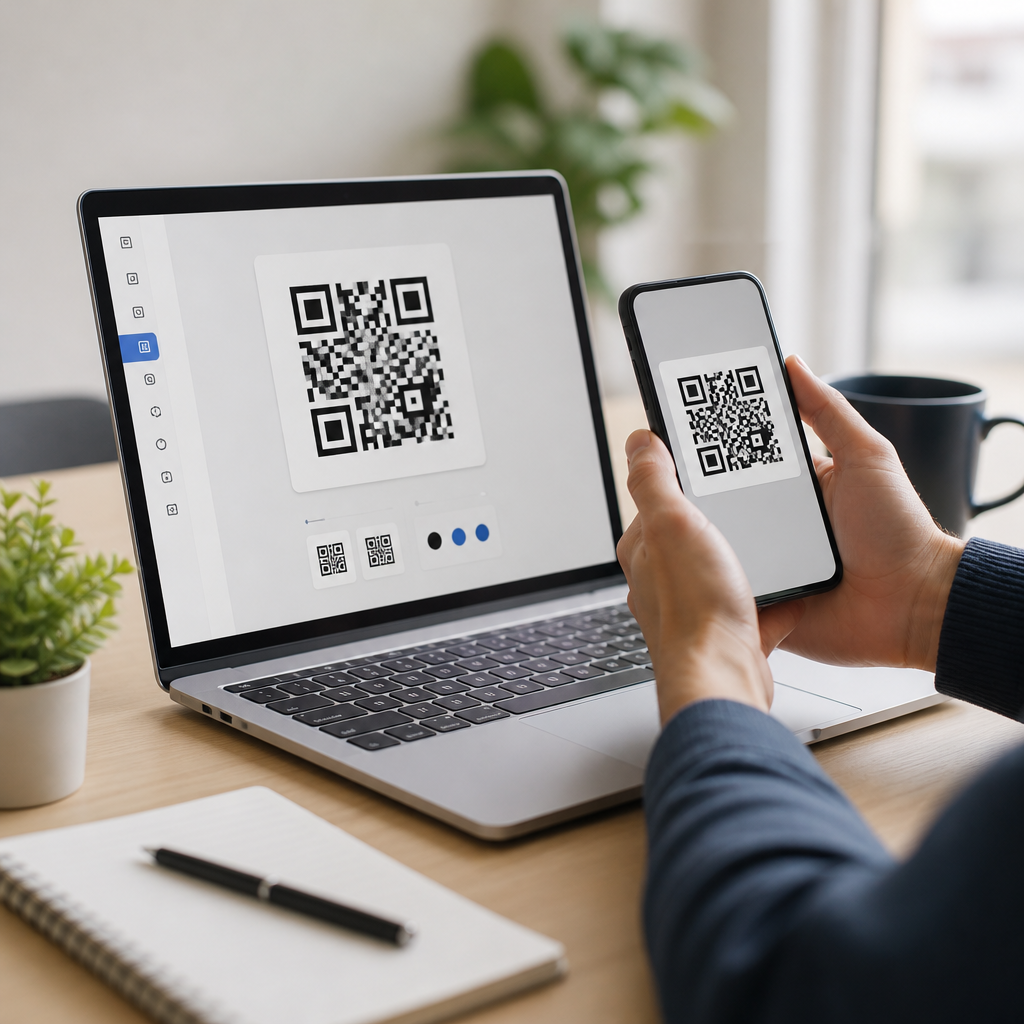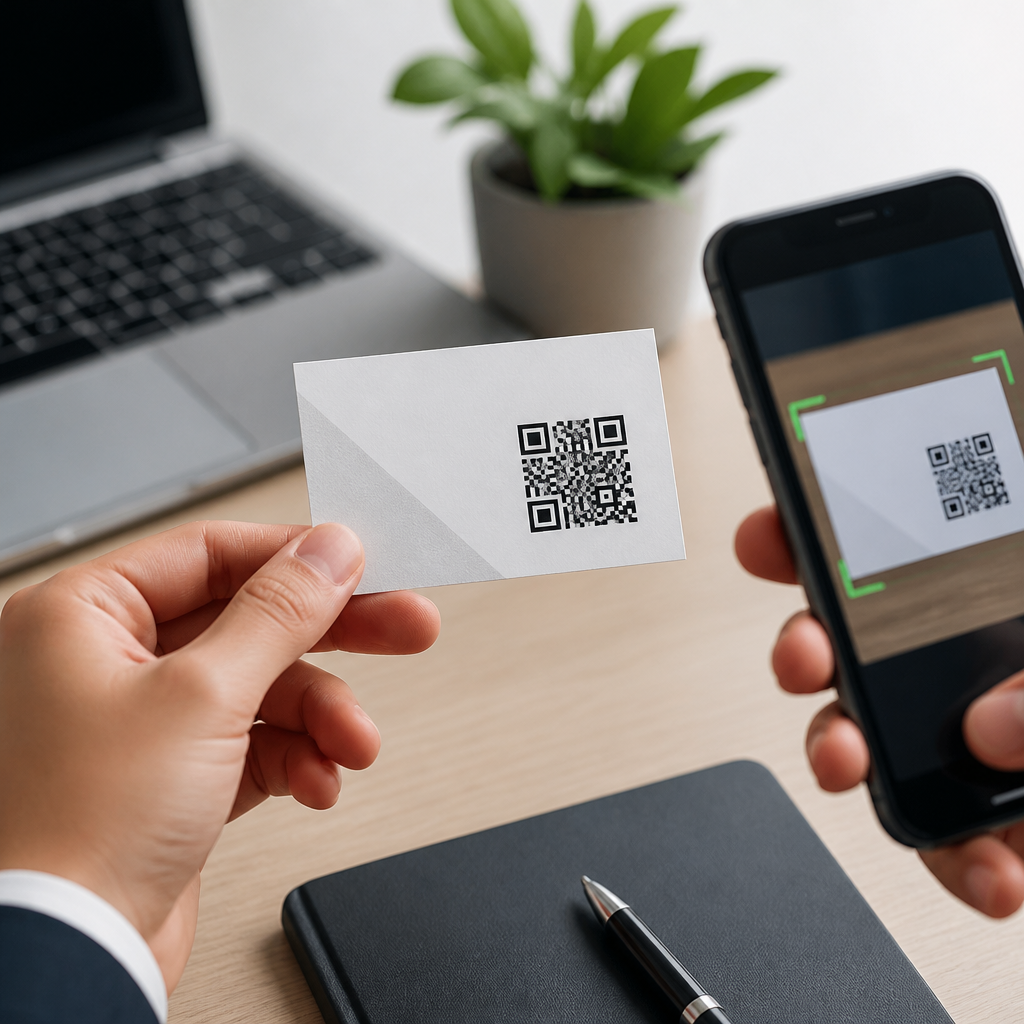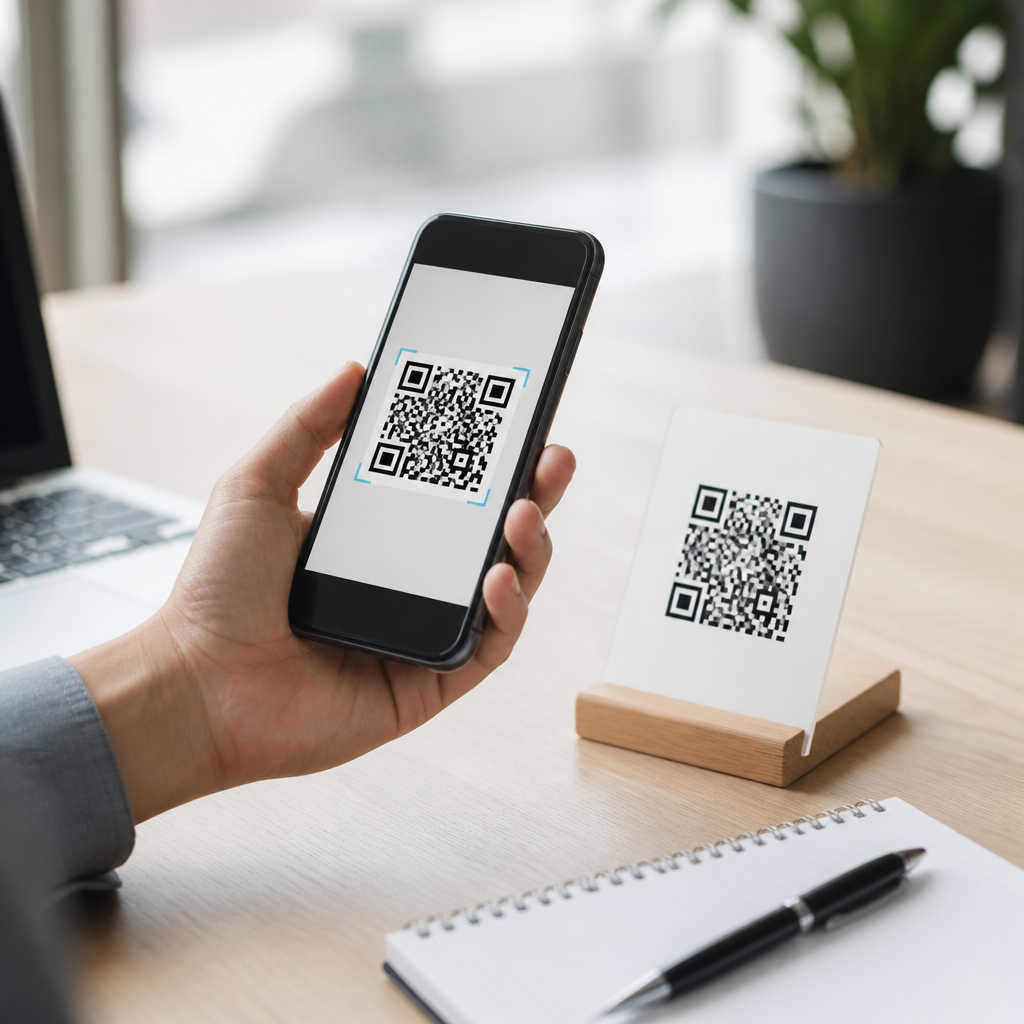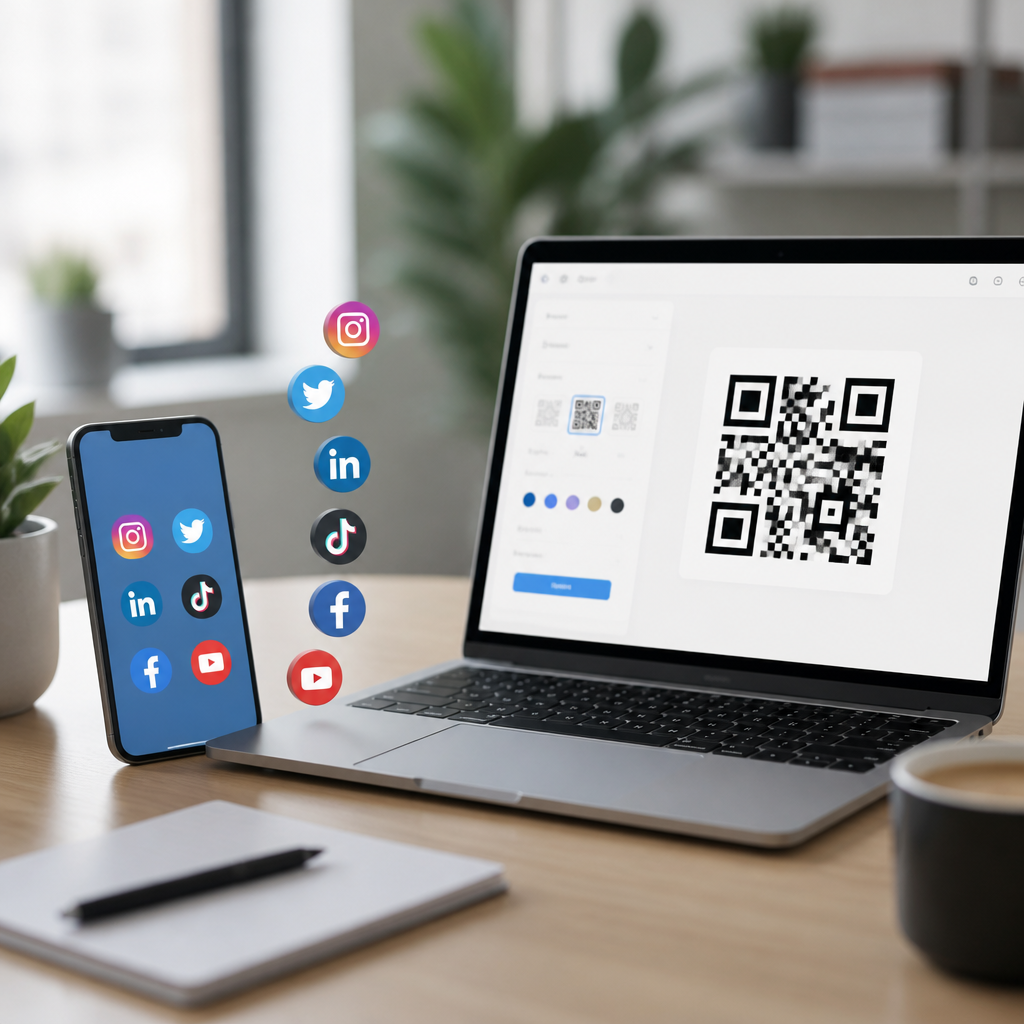
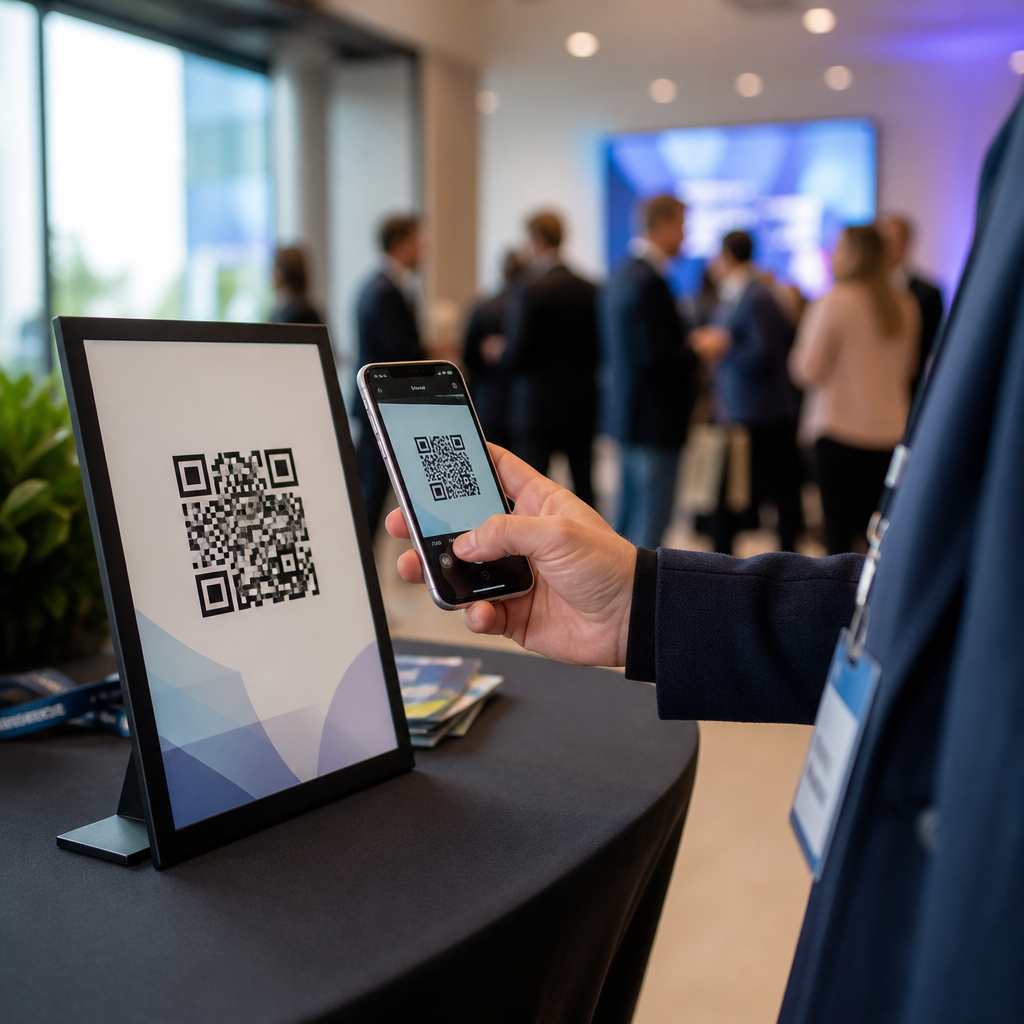
QR codes have become one of the most practical tools in event marketing because they connect physical spaces to digital actions in a single scan. For organizers, sponsors, exhibitors, and venues, knowing how to use QR codes for event marketing means turning posters, badges, slides, tables, tickets, and follow-up emails into measurable conversion points. A QR code is simply a scannable matrix barcode that opens a destination such as a landing page, registration form, calendar file, video, app download, map, coupon, or PDF. In live environments where attention is limited and people are moving quickly, that speed matters. I have used QR codes across conferences, trade shows, community events, and internal company roadshows, and the pattern is consistent: campaigns work best when the code solves one immediate attendee need.
That practical role is why QR codes matter more now than they did in earlier event cycles. Smartphone cameras scan natively on iPhone and Android, reducing friction that once hurt adoption. Event teams can also track scan volume, time, location, and downstream behavior when they use dynamic QR codes tied to analytics platforms. This gives marketers a clearer view of what signage, sessions, booths, or sponsor placements actually drive response. Used well, QR codes improve registration, wayfinding, content distribution, lead capture, app adoption, survey completion, and post-event nurturing. Used poorly, they create dead ends, weak mobile experiences, and unattributed traffic. The difference comes down to strategy, placement, design, and measurement.
This intermediate guide explains where QR codes fit in the event funnel, which campaign types deliver the strongest results, how to design scans that people trust, and how to measure performance without guessing. It also serves as a hub for deeper tutorials under this topic, so the goal is not just to define the tactic but to show how to operationalize it. If you need the foundational setup for document-based campaigns, start with the main guide on how to create a QR code for a PDF, then return here to map that knowledge to event promotion, attendee experience, and follow-up.
Use QR codes across the full event marketing funnel
The most effective event marketers do not treat QR codes as a last-minute add-on for posters. They assign each code a funnel stage and a single conversion goal. Before the event, QR codes can drive registrations from print flyers, direct mail, outdoor signage, retail counters, partner locations, or speaker promo kits. During the event, they reduce queue time, distribute agendas, collect leads, activate sponsors, and push attendees toward high-intent actions such as booking demos or joining breakout sessions. After the event, the same placements can redirect to recordings, slides, surveys, special offers, or sales meetings if you use dynamic destinations.
For example, a conference entrance banner should not send visitors to a generic homepage. It should open the exact check-in page, venue map, or “What’s on now” schedule. A booth table tent should not link to a broad company site if the goal is lead generation; it should open a short mobile form, product selector, or meeting scheduler. At trade shows, I have seen scan rates double when exhibitors replaced brochure downloads with a two-step landing page offering “Get pricing and the spec sheet” because the value proposition was explicit. The lesson is straightforward: match the scan context to immediate intent.
Segmentation matters too. Different audiences need different destinations even inside one event. Attendees may want schedules and networking links, sponsors may want impression reports and upgrade options, media may need press kits, and speakers may need green-room instructions. Creating separate QR codes for each audience improves user experience and makes reporting cleaner. It also simplifies attribution when you compare scans from badges, session screens, restroom posters, lanyards, food stations, and sponsor booths.
Choose the right QR code campaign for each event objective
Every event objective maps to a specific QR code use case. Registration campaigns work best with QR codes placed in channels where audiences already pause, such as direct mail, venue posters, retail windows, handouts, and presentation decks. Content distribution campaigns support agendas, white papers, product sheets, speaker slides, and certificates. Lead capture campaigns are common at exhibitions, where a code opens a mobile form integrated with HubSpot, Salesforce, or a simple webhook. Engagement campaigns invite attendees to vote in live polls, join contests, enter giveaways, or submit questions for panel sessions. Operational campaigns support parking instructions, floor plans, emergency information, Wi-Fi access, and support desks.
Dynamic codes are usually the right choice for event marketing because destinations change frequently. You may need to swap a pre-event RSVP page for a live check-in page on event day, then point the same code to on-demand recordings afterward. Dynamic codes also support A/B testing of landing pages and preserve printed assets when details shift. Static QR codes still have value for permanent destinations, but event environments are fluid, and flexibility is usually worth the extra setup.
| Event goal | Best QR destination | Recommended placement | Primary metric |
|---|---|---|---|
| Increase registrations | Mobile registration page | Flyers, partner posters, speaker slides | Completed sign-ups |
| Speed up arrival | Check-in or ticket wallet page | Reminder emails, entrance signage | Check-in completion time |
| Generate booth leads | Short form or meeting scheduler | Booth counters, product displays, badges | Qualified leads |
| Share resources | PDF, slide deck, or resource hub | Session screens, handouts, tables | Downloads or time on page |
| Collect feedback | Post-session or post-event survey | Exit doors, seat cards, follow-up emails | Survey completion rate |
This framework keeps campaigns from becoming vague. If the objective is unclear, scans will be high but business value will be low. Strong event QR strategy starts with one action per code, one audience per placement, and one success metric per destination.
Design QR code experiences that people actually scan
A QR code does not perform because it exists; it performs because users trust what happens after they scan. The most common event mistake is showing a code with no instruction. Add a short call to action that states the benefit in plain language: “View today’s agenda,” “Book a product demo,” “Download the slides,” or “Enter to win.” In my testing, specific verbs outperform generic labels like “Scan me” because they set expectations and reduce hesitation.
Size and distance also affect performance. A practical rule is a scan distance ratio of roughly 10:1, meaning a code viewed from ten feet away should be about one foot wide. For brochures or table tents, smaller codes can work, but crowded layouts reduce usability. Always maintain high contrast, preserve the quiet zone around the code, and avoid placing it on reflective surfaces, curved bottles, dark acrylic, LED walls with moiré issues, or low-light corners. Error correction can help if you add a logo, but over-branding a code often makes it less reliable.
The landing page matters as much as the code itself. Event scans happen on mobile devices, often on congested networks. Pages must load fast, display clearly on small screens, and ask for minimal input. Use autofill-friendly forms, compressed images, and concise copy. If you are collecting leads, ask only for fields your team will use. At one expo, reducing a booth form from eight fields to three increased completions substantially because attendees could finish before the next conversation started. A good QR code flow respects time pressure.
Track performance, attribution, and post-event value
Measurement is what turns QR codes from a novelty into a dependable event marketing channel. At minimum, track scans, unique users, destination clicks, conversions, and assisted outcomes such as booked meetings or downloads. Add UTM parameters so web analytics platforms can separate booth traffic from signage traffic, or keynote traffic from sponsor lounge traffic. Distinct dynamic codes for each placement make reporting much more actionable than reusing one code across every asset.
For lead generation, connect the scan flow to your CRM and event stack. Platforms such as Google Analytics 4, HubSpot, Salesforce, Marketo, and event systems like Cvent or Bizzabo can capture attribution when configured correctly. The useful question is not “How many scans did we get?” but “Which placements produced qualified actions?” A sponsor backdrop may generate many scans and little intent, while a demo station may generate fewer scans but far better sales conversations. Scan count alone is a vanity metric.
Post-event optimization is where experienced teams pull ahead. Review heat maps of placement performance, compare conversion rates by destination type, and look at time-of-day trends. If survey scans spike near exits, next year you can place feedback prompts closer to transition points. If attendees ignore a code on slides but use one on seat cards, that tells you where attention exists. Keep a running playbook of what worked by event format, audience size, venue type, and traffic pattern. Over time, QR campaigns become easier to predict and justify.
Common mistakes and a practical rollout plan
The biggest mistakes in event QR code marketing are avoidable. Teams link to desktop pages, print static codes too early, reuse one code for unrelated goals, omit tracking parameters, or place codes where people cannot stop and scan safely. Another frequent problem is weak on-site testing. Always test with multiple phones, lighting conditions, network states, and user paths before assets go live. If a code is critical for check-in or wayfinding, provide a short fallback URL nearby. Accessibility also matters: pair codes with clear text instructions so users who cannot scan still reach the destination.
A practical rollout plan starts six to eight weeks before the event. Define goals, audiences, and destinations first. Build mobile pages next, then generate dynamic codes, naming each asset consistently by event, audience, and placement. Test every code in context, not just on a desktop monitor. During the event, monitor scan volume and destination performance so you can update underperforming links quickly. Afterward, export results, compare against registrations, leads, or content engagement, and document lessons for the next campaign.
QR codes work best when they remove friction at moments that already matter to attendees. Use them to answer immediate questions, deliver useful content, and capture measurable intent. When each code has a clear job, a mobile-first destination, and reliable tracking, event marketing becomes easier to scale and easier to prove. Review your next event journey from invitation to follow-up, identify the places where a scan can save time or increase action, and start building a smarter QR code plan.
Frequently Asked Questions
1. How can QR codes improve event marketing before, during, and after an event?
QR codes improve event marketing by creating a direct bridge between physical event touchpoints and digital actions at every stage of the attendee journey. Before an event, organizers can place QR codes on posters, flyers, direct mail pieces, social graphics, speaker announcements, and venue signage to send people to registration pages, agenda previews, ticketing platforms, or early-bird offers. This reduces friction because attendees do not need to manually type a URL, which often increases response rates and makes promotion more convenient. For sponsors and exhibitors, QR codes can also be used in pre-event outreach to distribute product previews, meeting booking links, or gated content that helps generate qualified interest ahead of the event.
During the event, QR codes become powerful engagement and conversion tools. They can be printed on badges, booth displays, presentation slides, table tents, product packaging, lanyards, and handouts to drive attendees toward specific actions such as downloading an event app, joining a session waitlist, accessing presentation decks, participating in polls, entering contests, requesting demos, or saving contact information. This turns almost any surface into an interactive marketing channel. Because each scan can be tracked, teams gain measurable insight into what materials, locations, and calls to action are performing best in real time.
After the event, QR codes continue to support follow-up and attribution. Organizers can add them to thank-you emails, recap pages, post-event surveys, on-demand content hubs, and sponsor offers. This helps extend the life of the event and gives attendees a simple path to continue engaging after they leave the venue. When used strategically, QR codes do more than add convenience; they create measurable conversion points across the full event lifecycle, making campaigns easier to optimize and easier to tie back to real outcomes.
2. Where should QR codes be placed at an event for the best results?
The best placement for QR codes depends on the action you want attendees to take, but in general, they perform best when they appear at natural decision points where people are already looking for information or are ready to engage. High-performing placements often include entry signage, registration desks, badges, booth panels, presentation slides, product displays, menus, table cards, seat backs, printed programs, and exit signage. These are moments when attendees are waiting, exploring, or actively seeking the next step, which makes them more likely to scan.
For event organizers, registration areas are ideal for QR codes linked to digital check-in support, venue maps, schedules, session updates, Wi-Fi access, and event apps. In conference rooms, a QR code on the opening and closing slides can drive attendees to presentation downloads, speaker bios, surveys, or next-session recommendations. At networking events, QR codes on name badges or table markers can support digital contact exchange, community signups, or social media participation. For exhibitors, booth placement is especially important. A code positioned at eye level on a booth wall, near a live demo station, or next to a clear value proposition typically performs better than one buried in cluttered graphics or printed too small to scan comfortably.
Good placement also requires practical visibility. QR codes should be large enough to scan from the intended distance, surrounded by enough white space, and paired with a clear call to action so attendees know exactly what they will get. A code without context is easy to ignore. A code that says “Scan to book a live demo,” “Scan for the agenda,” or “Scan to enter the giveaway” is much more likely to convert. The most effective event marketers think carefully about attendee flow and place QR codes where the next digital action feels obvious and useful.
3. What should a QR code link to in an event marketing campaign?
A QR code should link to a destination that matches the attendee’s immediate intent and offers a fast, relevant next step. In event marketing, some of the most effective destinations include registration forms, event landing pages, digital agendas, calendar files, venue maps, exhibitor directories, app download pages, lead capture forms, product demos, speaker resources, surveys, and post-event content libraries. The destination should never feel generic. If someone scans a code from a booth display, they should land on a page connected to that booth experience, not a broad homepage that forces them to search for what they need.
Context matters. A QR code on a pre-event flyer might link to ticket sales or an event overview. A code on a session slide might lead to downloadable resources, a feedback survey, or a related offer from the speaker or sponsor. A code on a networking table could open a contact-sharing form or community discussion page. A code on packaging at a sponsor activation might direct attendees to a promotional video, coupon, or product trial. The strongest QR campaigns are built around a single clear action rather than a page overloaded with too many choices.
It is also important to optimize the destination for mobile users, since most scans happen on smartphones. Landing pages should load quickly, display properly on smaller screens, and make completion easy with minimal typing. If the goal is lead generation, keep forms short. If the goal is content consumption, remove unnecessary distractions. If the goal is app download or session booking, get users to that action in as few taps as possible. In practical terms, the best QR destination is one that is timely, useful, mobile-friendly, and tightly aligned with the exact moment the attendee decides to scan.
4. How do you track the performance of QR codes at events?
Tracking QR code performance starts with using unique codes for different placements, audiences, or calls to action rather than reusing one code everywhere. This allows event marketers to measure which booth sign, poster, slide, badge insert, or email generated the most scans and conversions. Dynamic QR codes are especially useful because they let you change the destination URL without reprinting the code and often come with built-in analytics such as scan count, time of scan, device type, and approximate location. That flexibility is valuable when event details change or when you want to optimize performance during a live campaign.
For more complete reporting, marketers often combine QR codes with analytics platforms and tracking parameters. Adding campaign tags to URLs can help identify traffic sources in web analytics tools, while dedicated landing pages and conversion events can reveal what happened after the scan. For example, you can track not just how many people scanned a booth code, but how many completed a lead form, downloaded a brochure, booked a meeting, or registered for a follow-up webinar. This is where QR codes become especially powerful in event marketing: they transform offline materials into measurable digital touchpoints tied to business outcomes.
To evaluate success accurately, look beyond scan volume alone. A code with fewer scans but a higher conversion rate may be more valuable than one with high traffic and low engagement. Review metrics such as total scans, unique scans, conversion rate, bounce rate, time on page, form completions, meeting bookings, and revenue influence when possible. By comparing results across placements and audience segments, organizers, sponsors, and exhibitors can learn which messages and formats actually drive action. Over time, this data helps improve booth design, signage strategy, content offers, and the overall event marketing funnel.
5. What are the best practices for creating effective QR codes for event marketing?
The most effective QR codes for event marketing are built around clarity, usability, and a strong reason to scan. Start with a specific goal for each code, such as increasing registrations, collecting leads, distributing session materials, or driving app downloads. Once the goal is clear, pair the code with a concise and compelling call to action that tells attendees exactly what they will receive. Instead of displaying a standalone code with no explanation, use language such as “Scan to view the agenda,” “Scan to get the slides,” or “Scan to claim your free sample.” Clear expectations improve trust and engagement.
Design and functionality matter just as much as messaging. Use high-contrast colors, preserve the code’s scannability, and avoid shrinking it too much or placing it on busy backgrounds. Make sure there is enough white space around the code so phone cameras can detect it easily. Test it under real-world conditions, including different lighting situations, distances, and phone types. At events, codes may be scanned while people are walking, standing in crowds, or viewing screens from the back of a room, so ease of use is critical. It is also wise to use dynamic QR codes when possible, since they allow updates to the destination without needing to reprint signage or materials.
Finally, always think about the full user experience after the scan. The landing page should be fast, mobile-optimized, and directly relevant to the code’s promise. Avoid sending attendees to a desktop-only page, a generic homepage, or a long form that discourages completion. If internet connectivity may be inconsistent at the venue, keep pages lightweight and simple. Effective QR code strategy is not just about generating scans; it is about making every scan meaningful. When the message, placement, design, and destination all align, QR codes become one of the most practical and measurable tools in modern event marketing.