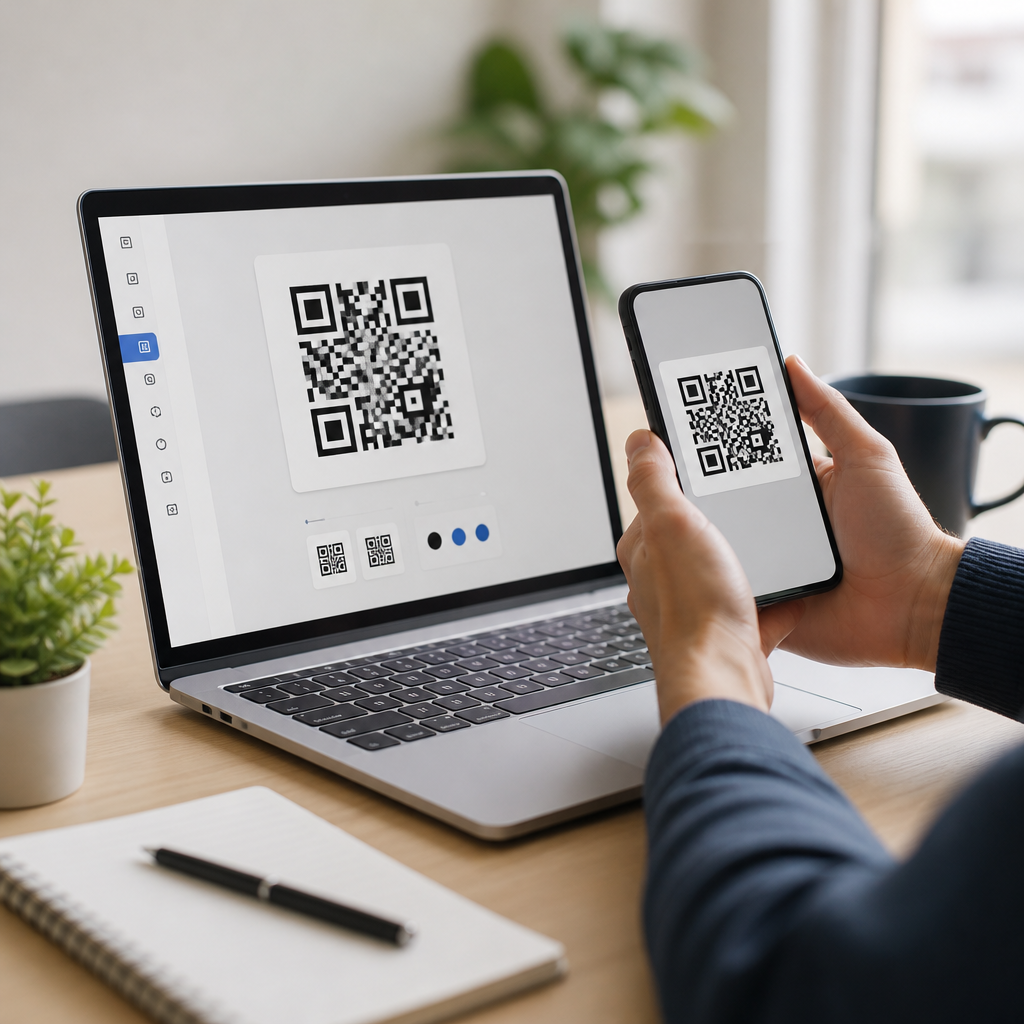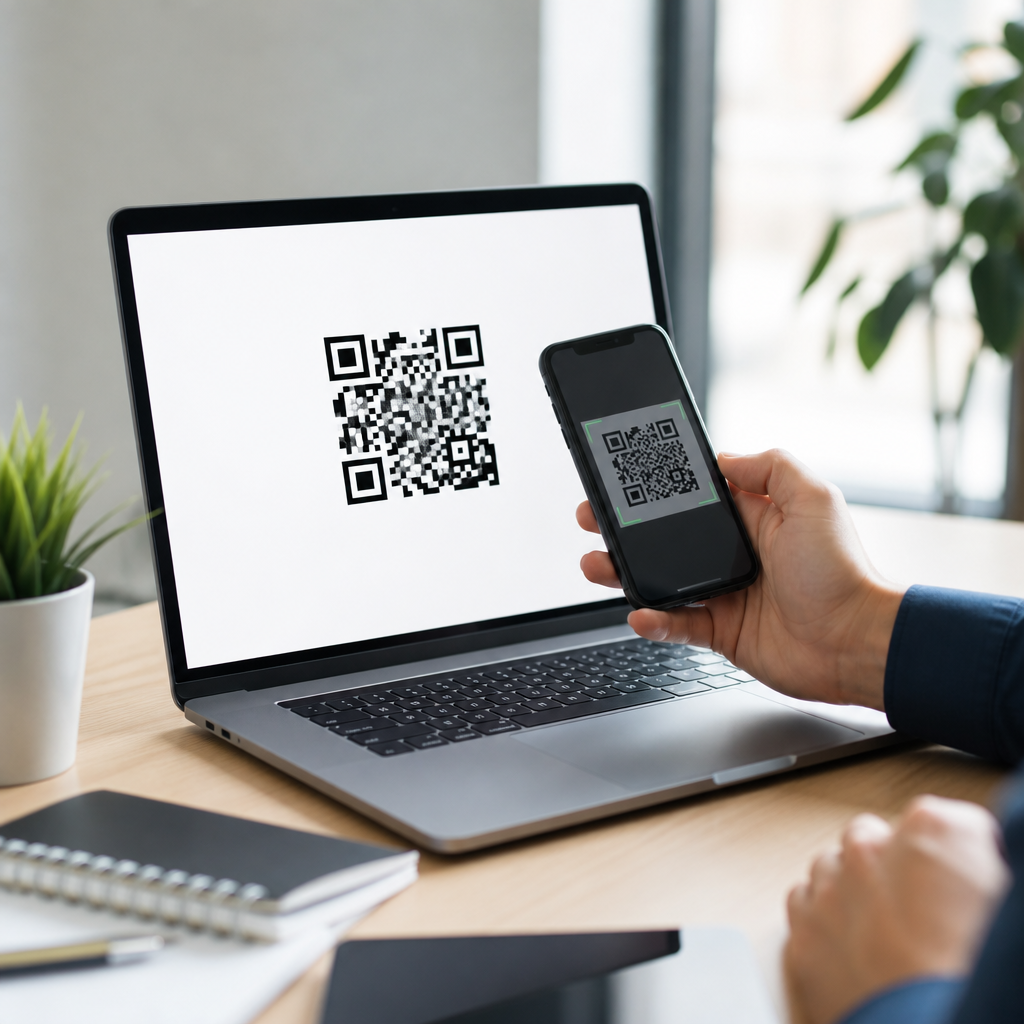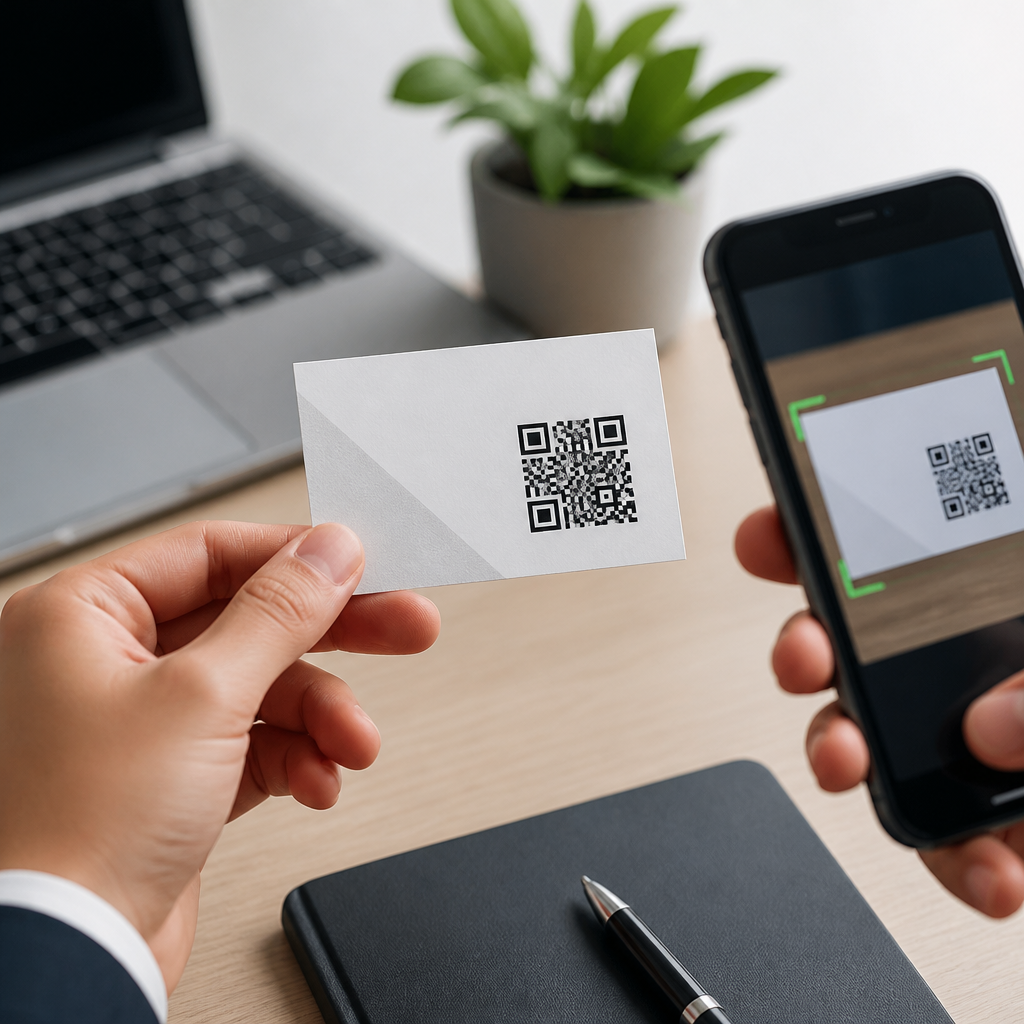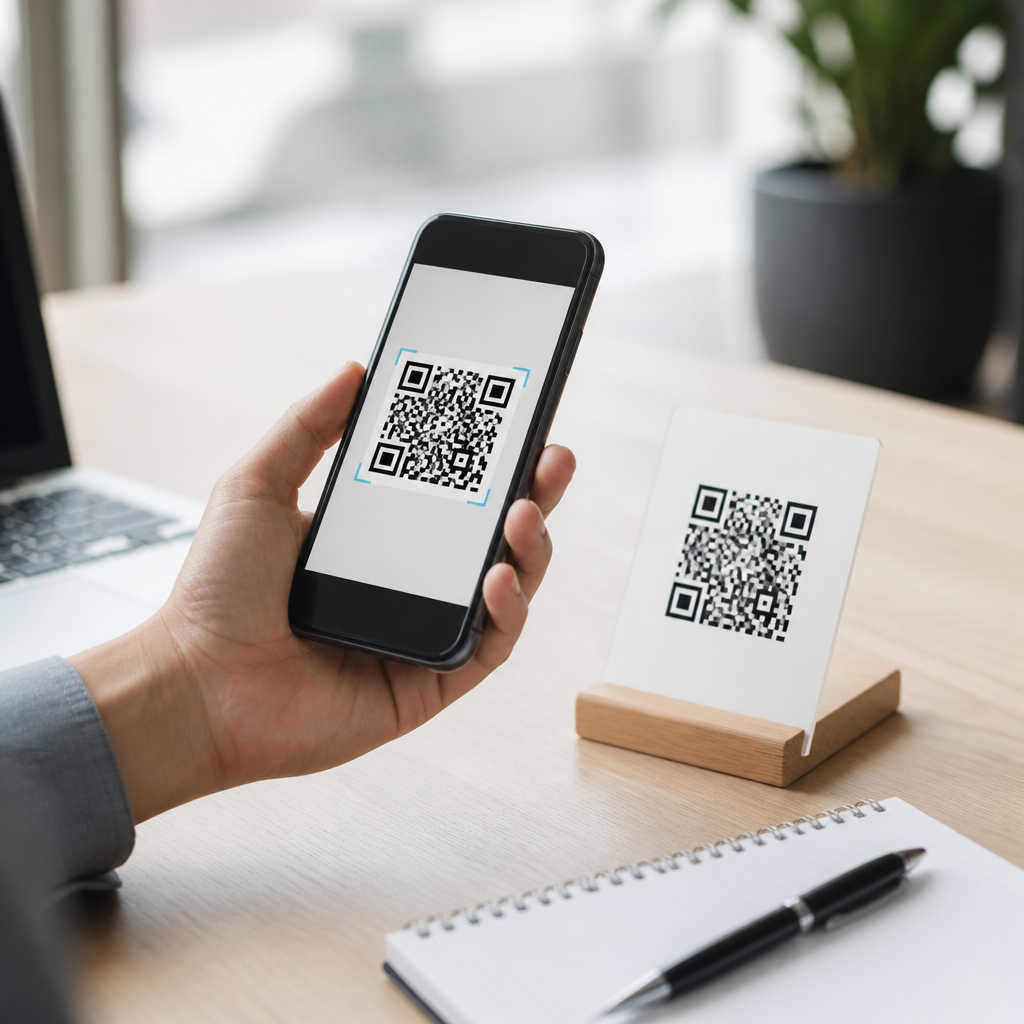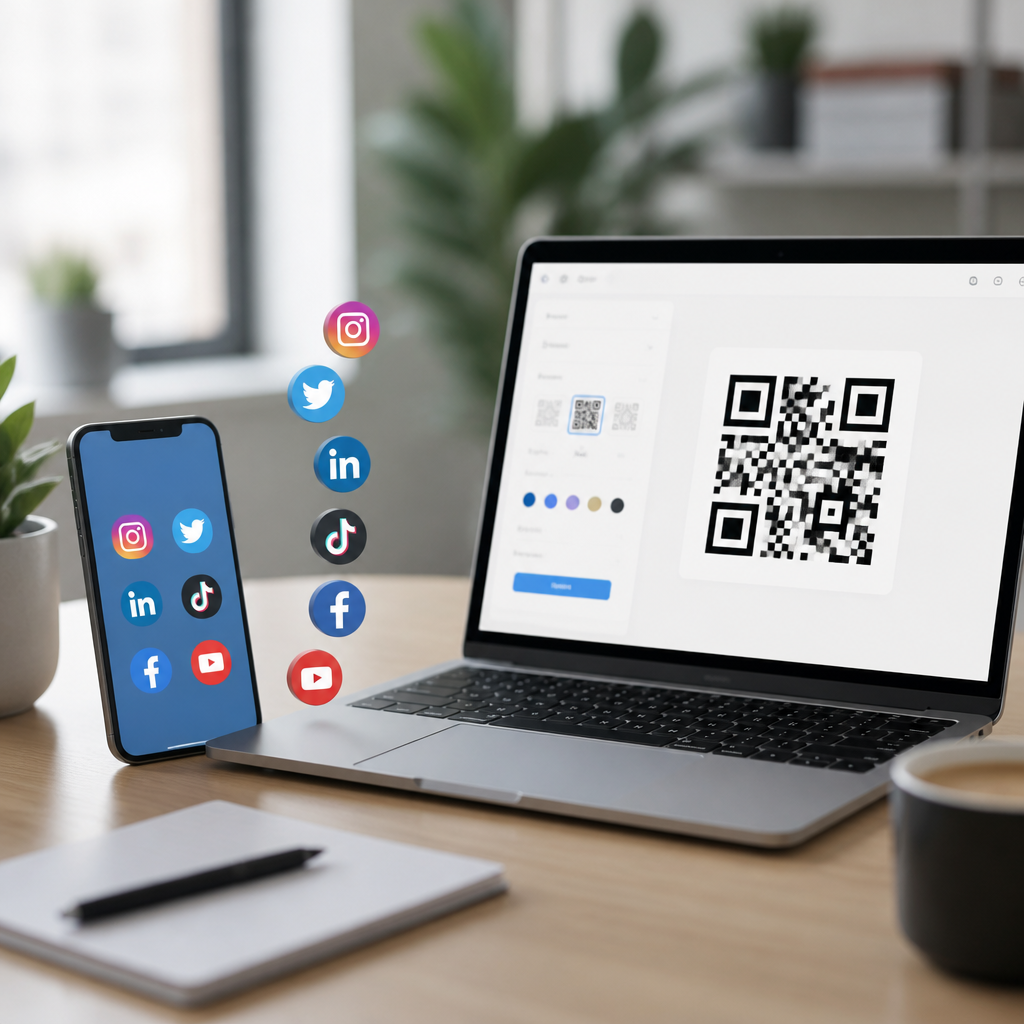
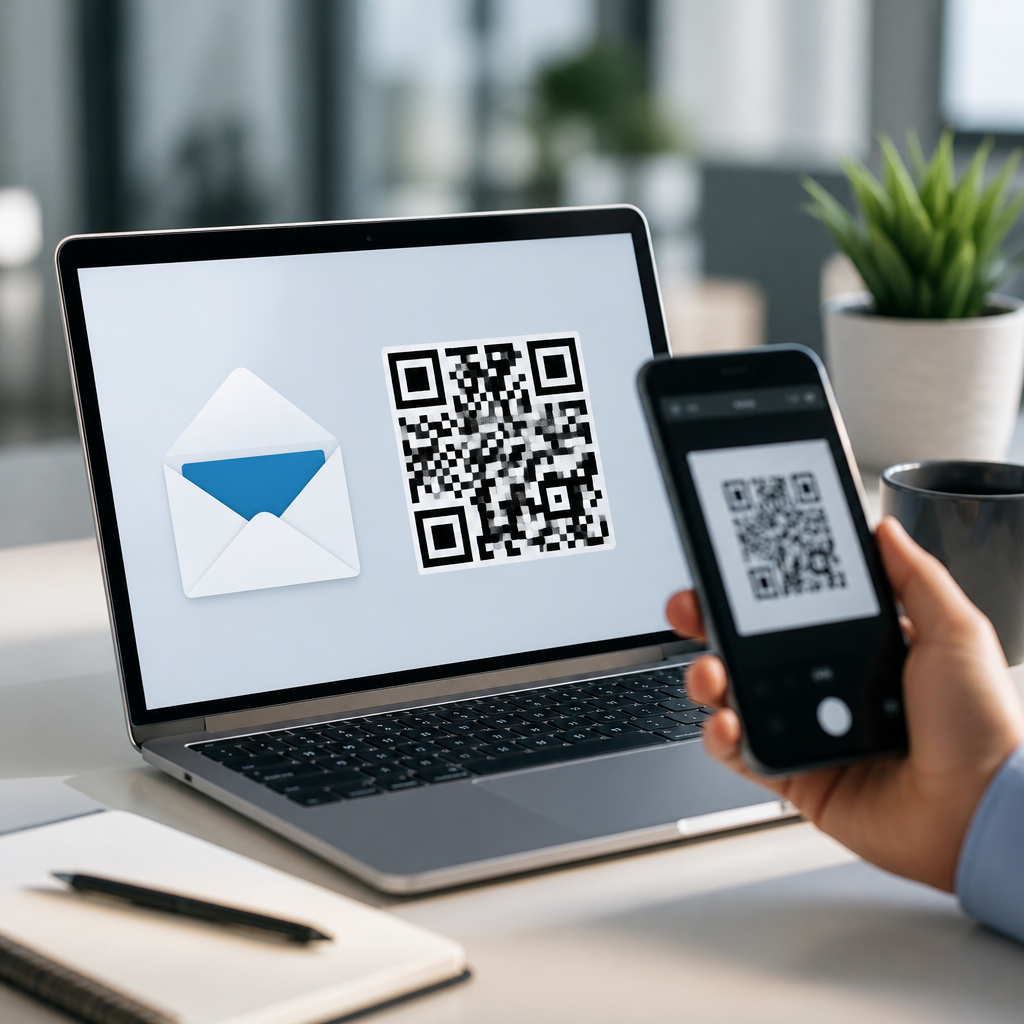
Email marketers use QR codes to close the gap between inbox attention and real-world action, turning a message on a screen into a scan that drives signups, downloads, purchases, and event responses. A QR code, or Quick Response code, is a two-dimensional barcode that stores data such as a URL, email address, vCard, coupon page, or app link. In email campaigns, the most common use is a scannable code that sends readers from a desktop inbox to a mobile landing page, but that is only the starting point. I have used QR codes in product launch emails, trade show follow-ups, retail promotions, and onboarding sequences, and the difference between a useful code and a wasted block of pixels usually comes down to strategy, not design.
Creating QR codes for email campaigns matters because email is often opened on more than one device, buyer journeys are fragmented, and attribution is harder than many teams admit. A QR code gives subscribers an immediate bridge from one environment to another. Someone reading an offer at work can scan it with a phone and redeem it later in a store. A conference attendee can open a recap email and scan a code to save slides, join a community, or book a demo without typing a long URL. The code also creates a measurable interaction when paired with tagged links, dynamic redirects, and campaign analytics.
For intermediate marketers, the challenge is not generating a code. Any free tool can do that in seconds. The real task is choosing the right destination, using a trackable structure, placing the code in a layout that survives dark mode and image blocking, and testing scan performance across devices and email clients. This guide covers those decisions in practical terms so it can serve as a hub for deeper how-to articles on design, tracking, automation, and campaign optimization.
Choose the Right QR Code Type for the Campaign Goal
The first decision is what the QR code should do. For most email campaigns, a URL QR code is the correct choice because it can send users to a landing page, form, product page, video, app store listing, or downloadable file. If the campaign is tied to a document workflow, link the scan to a hosted asset rather than embedding a file directly, and review the broader setup in the main pillar guide on how to create a QR code for a PDF. Other options exist, including mailto QR codes that open a draft email, vCard codes for contact sharing, and calendar-event links for webinars or appointments. However, those formats are less flexible than a standard URL because editing or redirecting them later is harder.
In practice, I recommend dynamic QR codes for any campaign with a meaningful audience or budget. A static code permanently stores the destination. A dynamic code points to a short redirect URL controlled by the platform, which then forwards the user to the final landing page. That extra step enables edits after send, scan analytics, device segmentation, expiration rules, and A/B testing without changing the printed or embedded image. If a product page changes, inventory runs out, or legal copy needs revision, a dynamic QR code prevents the email from becoming obsolete.
Match the code type to user intent. A discount campaign should land on a mobile-optimized offer page with the promotion pre-applied. An event email should send users to registration, agenda details, or an add-to-calendar flow. A customer retention email might direct users to a support article, rewards dashboard, or feedback survey. The simpler the action after the scan, the better the completion rate. Asking someone to scan and then hunt for the next step wastes the convenience that QR codes are supposed to provide.
Build the Destination and Tracking Before You Generate the Code
Before creating the image, build the scan destination properly. The landing page must load quickly, be readable on small screens, and continue the message from the email with consistent headline, offer, and branding. I usually create a dedicated mobile-first landing page rather than sending traffic to a generic homepage. This reduces friction and improves attribution because there is a single conversion path. If the page includes forms, keep fields minimal and use autofill wherever possible. For ecommerce, deep-link directly to the product or cart instead of a category page.
Tracking should be set before the code exists. Use UTM parameters consistently so analytics platforms can distinguish QR-generated sessions from normal email clicks. For example, source can be email, medium can be qr, campaign can be spring_launch, and content can identify the specific placement such as hero_code or footer_code. In Google Analytics 4, these values help separate direct scan behavior from linked-button behavior inside the same message. In CRM and marketing automation systems such as HubSpot, Salesforce Marketing Cloud, Klaviyo, or Marketo, append parameters that map to contact records and downstream conversions where allowed by your privacy policy.
Use the shortest clean URL possible before encoding it. Long URLs create denser QR patterns, which can reduce scan reliability at small sizes. If your platform supports dynamic redirects, let the service handle the complexity behind the scenes. Also consider destination resilience. If the landing page may change, point the QR code to a redirect layer you control. That can be a branded short domain, a QR management platform, or a server-side route with 301 or 302 logic depending on reporting needs.
Create a QR Code That Scans Reliably in Email Clients
Email is a hostile environment for graphics. Outlook may render images differently than Apple Mail, Gmail can proxy image requests, and dark mode can alter contrast around surrounding elements. To create a reliable QR code, start with high contrast: dark modules on a light background. Black on white is still the safest choice. Branded colors can work, but low-contrast combinations often fail on older phone cameras or under poor lighting. Keep a quiet zone, the blank margin around the code, at least four modules wide so scanners can separate the pattern from nearby design elements.
Size matters more than many marketers realize. For email, I generally avoid displaying a QR code smaller than about 180 by 180 pixels, and I prefer 240 by 240 or larger for promotional sends where scanning may happen from a laptop at arm’s length. Export as PNG or SVG depending on email support in your workflow, though PNG remains the easiest option across platforms. Use an adequate error correction level, often M or Q, especially if you plan to add a logo. Error correction helps recovery from minor distortion, but excessive customization can still make a code unreadable.
| Element | Recommended practice | Reason |
|---|---|---|
| Destination type | Dynamic URL | Allows edits, analytics, and redirects after send |
| Display size | Minimum 180×180 px, ideally 240×240 px | Improves scanability from desktop screens |
| Contrast | Dark code on light background | Maximizes camera recognition across devices |
| Quiet zone | At least 4 modules | Prevents nearby graphics from interfering |
| Tracking | UTM-tagged landing URL | Separates scans from regular email clicks |
Test the final image with multiple scanning apps and native phone cameras before the email goes live. I typically check iPhone Camera, Google Lens on Android, and at least one third-party scanner because each interprets codes slightly differently. Then send proofs to major email clients and view them on desktop at realistic zoom levels. If the code only scans when the screen brightness is high and the phone is close, it is too fragile for a campaign.
Place QR Codes in the Email Where They Support User Behavior
Placement should follow context, not decoration. The strongest location is usually near a clear value proposition and a short instruction such as “Scan to claim your offer” or “Scan to view the menu on your phone.” Users need to know why they should scan and what happens next. A QR code dropped into a footer without explanation often underperforms because subscribers treat it like a generic design element. In product emails, placing the code beside a hero image and one supporting sentence usually works well. In event recap emails, a code near slides, recordings, or booking links performs better than one buried below a long summary.
Remember that many people open email on mobile, where scanning the same screen with the same device is impractical. That does not make QR codes useless in email, but it does mean every code should have a conventional text or button link as a fallback. This is essential for accessibility and conversion coverage. If a subscriber is already on a phone, the button should perform the same action instantly. If they are on desktop, the QR code provides the faster cross-device bridge. Design for both paths rather than assuming one behavior.
Segment use cases where QR codes add genuine convenience. B2B teams often use them in webinar follow-ups, sales enablement emails, and trade show nurture flows. Retailers use them for in-store redemption, loyalty signup, and local inventory checks. Restaurants use them for mobile ordering and menu access. Nonprofits use them in donation appeals tied to live events or printed collateral that follows the email. The common thread is friction reduction. If scanning is not easier than clicking, the code is not helping.
Measure Performance and Improve the Next Send
A successful email QR code campaign is measured beyond scans alone. Scans indicate curiosity, but conversions reveal business value. Review scan count, unique scanners, device type, time of day, landing-page bounce rate, completion rate, revenue, and assisted conversions. In GA4, compare QR sessions against standard email click sessions to see whether QR users convert differently. In many campaigns I have managed, scan volume was lower than button clicks, but conversion quality was higher because scanners showed stronger intent and often completed actions on personal devices with saved payment methods.
Use testing to refine performance. Compare one email with a QR code in the hero area against another with the code lower in the message. Test instruction copy such as “Scan to shop on mobile” versus “Scan for 10% off.” Evaluate whether including a small phone mockup improves understanding. If dynamic QR software supports geolocation or device rules, tailor the destination for iOS versus Android or route in-store traffic to location-specific pages. Keep records of each variation so future campaigns build on evidence rather than assumptions.
Also account for limitations. Image blocking can hide the code until images load. Privacy protections and Apple Mail prefetching can complicate open-rate interpretation. Some enterprise recipients read email on locked-down desktops and cannot use phones in secure areas. These realities do not weaken the tactic; they define where it fits best. The most effective teams treat QR codes as one response path inside a broader email strategy, not as a novelty.
Creating QR codes for email campaigns is straightforward when you approach it as a conversion system rather than a graphic task. Start with a clear goal, choose a dynamic URL whenever possible, build a fast mobile destination, add clean tracking, generate a high-contrast code, and place it where the scan naturally supports user behavior. Always provide a standard link for mobile readers and accessibility. Then measure downstream results, not just scans, so each campaign becomes easier to improve.
For intermediate marketers, this hub is the foundation for deeper guides on design standards, analytics setups, automation workflows, and campaign testing. The main benefit is simple: QR codes let email drive action across devices with less friction and better attribution. Audit one active email journey, identify a moment where a cross-device action would help, and launch a tracked QR test this week.
Frequently Asked Questions
What is the best way to use QR codes in an email campaign?
The most effective way to use QR codes in an email campaigns is to connect inbox engagement with a fast mobile action. In practice, that usually means placing a QR code in an email that a reader opens on a desktop or laptop, then scans with a smartphone to reach a mobile landing page, product page, signup form, app download, coupon, event check-in page, or other conversion destination. This is especially useful when the next step is easier on a phone than on a computer, such as downloading an app, redeeming an in-store offer, saving contact details, or completing a purchase on mobile.
To make QR codes work well, start by defining one specific goal for each code. Avoid using a QR code just because it looks interactive. Instead, ask what action the subscriber should take after scanning and whether scanning truly reduces friction. For example, if your audience is reading your email on a desktop at work, a QR code can quickly move them to a phone-based registration page without requiring them to type a long URL. If most readers are already on mobile, a standard clickable button may be more practical, since scanning a QR code from the same device can be inconvenient.
Placement also matters. Put the QR code near a clear call to action, explain what the scan will do, and provide a fallback link underneath it. A short label such as “Scan to claim your discount,” “Scan to download the app,” or “Scan to RSVP on mobile” gives readers confidence and context. Strong campaigns also support the QR code with surrounding copy that communicates value, urgency, and trust. In other words, the code itself is not the strategy; the strategy is the offer, and the QR code is the bridge that makes the offer easier to access.
How do you create a QR code for an email campaign step by step?
Creating a QR code for an email campaign starts with choosing the destination you want subscribers to reach after scanning. In most campaigns, that destination is a URL, such as a mobile landing page, checkout page, event registration page, app store listing, coupon page, or lead form. You can also create QR codes for other data types, including an email address, a digital business card, a PDF, or a Wi-Fi access prompt, but marketing emails most often benefit from sending scanners to a conversion-focused web page.
Next, prepare the destination before generating the code. Make sure the landing page is mobile-friendly, loads quickly, and matches the message in the email. Keep forms short, use clear headlines, and remove unnecessary distractions. If you want to track campaign performance accurately, add UTM parameters or other analytics tags to the destination URL so you can identify traffic and conversions from the email QR code separately from clicks on buttons or links.
Once the destination is ready, use a reliable QR code generator. Enter the URL or data you want the code to contain, then choose whether to create a static or dynamic QR code. A static QR code permanently stores the original destination and cannot be edited later. A dynamic QR code points through a managed short link or redirect, which allows you to update the destination, monitor scans, and often access richer analytics after the email is sent. For most professional email campaigns, dynamic QR codes offer more flexibility and measurement.
After that, customize the design carefully. You can often adjust colors, add a frame, include a small logo, and shape the code to better match your brand. Keep readability as the top priority. Maintain strong contrast, preserve the required quiet zone around the code, and avoid making the design so stylized that phone cameras struggle to scan it. Export the final QR code in a high-quality format, ideally sized large enough to remain sharp in email layouts on both standard and high-resolution displays.
Finally, test the QR code thoroughly before sending the campaign. Scan it with multiple devices and camera apps, confirm that it opens the correct page, check that analytics are recording visits properly, and verify that the code displays correctly across major email clients. Include alt text where appropriate, place a text link nearby as a backup, and preview the full message on desktop and mobile. A QR code is easy to create, but the success of the campaign depends on testing the complete user experience from inbox to final conversion.
Should you use a static or dynamic QR code in email marketing?
In most email marketing situations, a dynamic QR code is the better choice because it gives you control after the email has already been delivered. With a dynamic code, you can update the destination URL, fix mistakes, swap in a new landing page, pause a promotion, or redirect users based on campaign timing without changing the visual code embedded in the email. That flexibility is extremely valuable because emails cannot be edited once they reach subscribers’ inboxes.
Dynamic QR codes also provide stronger analytics. Depending on the platform you use, you may be able to track total scans, unique scans, device types, locations, time-based activity, and downstream behavior when combined with web analytics tools. For marketers, that visibility makes it easier to evaluate performance, compare campaigns, and understand whether the QR code is driving meaningful actions such as signups, purchases, downloads, or event confirmations.
Static QR codes still have a place, especially for simple, permanent destinations that are unlikely to change. They are often sufficient for linking to a homepage, a long-term contact page, or evergreen content. They can also be attractive when you want a straightforward, low-cost option with no dependency on a third-party dashboard. However, static codes are less forgiving. If the URL changes, if tracking was not added properly, or if the campaign strategy evolves, the code cannot be updated.
For email campaigns specifically, dynamic QR codes usually align better with real-world marketing needs. Email promotions may be time-sensitive, landing pages may need optimization, and tracking is often essential for reporting. If you want agility, post-send control, and better measurement, dynamic is typically the smarter route. If your use case is simple and permanent, static can work, but it offers less room for improvement once the message is live.
What design and placement tips help QR codes get more scans in emails?
Successful QR code performance depends on visibility, clarity, and context. Start with size: the code should be large enough to scan comfortably from a desktop or laptop screen using a smartphone camera. If the code is too small, overly compressed, or surrounded by clutter, scan rates will suffer. Leave enough white space around the code so devices can recognize it quickly, and make sure it remains sharp when rendered by different email clients.
Color and contrast are equally important. Dark code elements on a light background are usually the safest choice. While branded colors can work, low contrast combinations often reduce reliability. It is also wise to avoid placing the QR code over busy backgrounds or images. If you add a logo in the center, keep it modest so it does not interfere with scanning. Attractive branding can increase trust, but function should always come first.
Placement should support the natural reading flow of the email. Position the QR code near the related offer and call to action, not as an isolated graphic with no explanation. Readers should immediately understand what they gain by scanning. A short instruction such as “Scan to shop the collection,” “Scan to register in seconds,” or “Scan to save your seat” removes uncertainty and helps increase action. Supporting text can also clarify whether the destination is a coupon, form, app page, video, map, or digital pass.
One overlooked best practice is to include a standard clickable link or button alongside the QR code. Some subscribers will open the email on mobile, where scanning a code inside the same device is awkward, while others may prefer clicking over scanning. Offering both options improves accessibility and protects conversions. In many cases, the strongest layout uses a button for direct clicks and a QR code for desktop readers who want to continue on mobile. That combination gives users choice while preserving the convenience that makes QR codes valuable in the first place.
How can you track and measure the success of QR codes in email campaigns?
Tracking QR code performance begins with connecting the code to a measurable destination. The simplest and most important step is to use a URL with campaign parameters, such as UTM tags, so visits from the QR code can be identified in analytics platforms. This allows you to separate QR-driven traffic from standard email clicks and evaluate how subscribers behave after scanning, including page views, time on site, form submissions, purchases, downloads, and other conversions.
If you use a dynamic QR code platform, you can often access scan-level reporting in addition to website analytics. That may include total scans, unique users, date and time trends, approximate location data, and device information. These insights are useful because they show not just what happened after visitors landed on your site, but also how often the QR code itself was engaged. For example, you might learn that scans peak shortly after send time, that one audience segment scans more often than another, or that a particular offer performs better in a desktop-heavy campaign.
To measure success accurately, define your key performance indicators before the campaign launches. Depending on the goal, that could include scan rate, landing page conversion rate, revenue per scan, app installs, event RSVPs, or coupon redemptions. Compare QR performance against traditional email links and buttons to