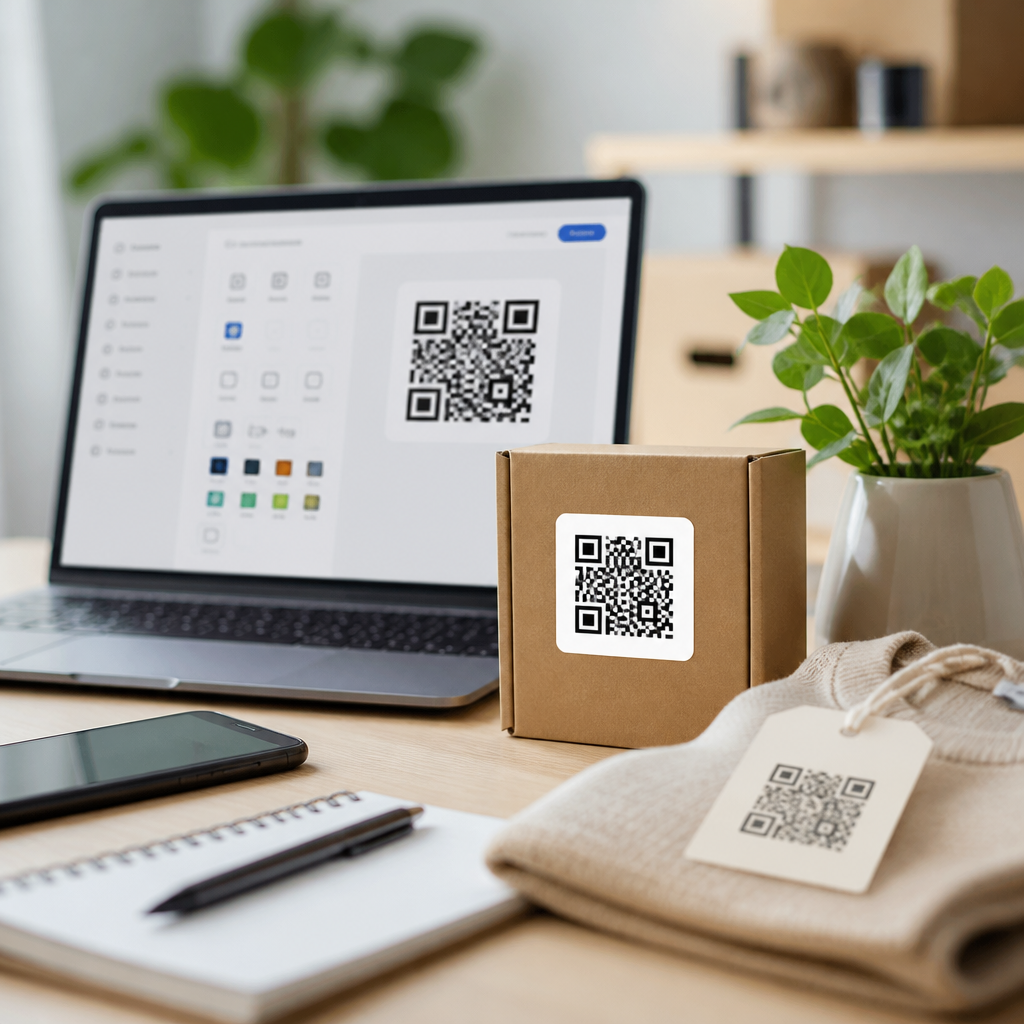
Choosing the right QR code generator seems simple until a campaign fails, scans drop, or customers land on broken pages. I have seen all three happen in retail launches, restaurant rollouts, event check-ins, and packaging updates where the code itself looked fine but the generator settings undermined performance. This guide explains the most common QR code generator mistakes to avoid, what a QR code generator actually does, and how to choose software that supports reliable, trackable, secure scans at scale.
A QR code generator is the tool that converts a destination, such as a URL, PDF, app link, Wi-Fi credential, vCard, payment request, or menu, into a machine-readable matrix barcode. Good generators do more than draw squares. They manage error correction, static versus dynamic behavior, file export formats, scan analytics, redirect logic, access controls, and compliance features. Those details matter because a QR code sits at the intersection of print production, mobile UX, analytics, and security. A small setup error can create a code that is technically valid yet commercially ineffective.
For businesses evaluating QR code tools and software, this topic deserves hub-level attention because generator decisions ripple through every downstream use case. The same platform may power product packaging, flyers, business cards, receipts, digital menus, customer support, and asset tracking. If the generator lacks editability, bulk creation, uptime guarantees, or proper domain controls, teams pay for those weaknesses later with reprints, fragmented data, and avoidable support tickets. Understanding generator mistakes upfront helps marketers, operations teams, designers, and IT select tools that work in the real world, not just in a demo.
Picking the Wrong QR Code Type
The most common mistake is selecting a static code when a dynamic code is required. A static QR code stores the final destination directly in the pattern, which means the content cannot be changed after printing. That is acceptable for permanent information, such as a fixed Wi-Fi password in a small office or a personal contact card that rarely changes. It is a costly choice for campaigns, menus, product labels, or documents that may need edits. Once a static code is printed on 50,000 boxes, every changed landing page becomes a reprint problem.
Dynamic QR codes solve that by encoding a short redirect URL controlled by the generator platform. You can update the destination later without changing the printed symbol. In practice, I recommend dynamic codes for nearly every business use case except the most permanent offline references. They also enable scan analytics, device insights, geolocation summaries, and A/B testing. The tradeoff is vendor dependency: if the provider shuts down, suspends an account, or removes a redirect, scans can fail. That is why platform stability, SLA terms, and export policies matter when comparing QR code generators.
Ignoring Scan Reliability and Error Correction
A QR code that renders is not automatically a QR code that scans well. Many teams trust the generator defaults without understanding symbol version, module density, quiet zone, or error correction level. Error correction determines how much damage or obstruction a code can tolerate while remaining readable. The standard levels are L, M, Q, and H, with H providing the most recovery capacity. If you plan to add a logo, print on curved packaging, or expose materials to wear, higher error correction is usually the safer option.
However, higher error correction also increases pattern complexity, which can hurt performance at very small print sizes. This is where poor generator choices show up. Some tools over-customize by default, pushing dense designs into tiny spaces on labels or business cards. Others compress long URLs into static symbols that become too intricate for lower-end smartphone cameras under glare or low light. Reliable QR code generators should preview scan difficulty, support short dynamic URLs, and export clean vector files. Testing across iPhone and Android devices, matte and glossy stock, and near and far distances is nonnegotiable.
Overdesigning the Code and Breaking Usability
Branding matters, but excessive customization is one of the fastest ways to reduce scan rates. I have audited codes with inverted colors, decorative corners, aggressive gradients, transparent backgrounds, and oversized center logos that looked polished in approval decks but failed in stores. The core rule is simple: contrast and clarity come before style. Dark modules on a light background remain the safest standard. Most scanners can handle some variation, but not every mobile camera app performs equally well, especially older devices and budget phones.
Good QR code generators make this easier by enforcing practical design limits. They should preserve the quiet zone, warn when a logo covers too much of the data area, and let teams export proofs for scan testing. A safe customization workflow is straightforward:
| Element | Best Practice | Common Failure |
|---|---|---|
| Color | Use dark foreground on light background | Low-contrast pastel combinations |
| Logo | Keep centered and modest in size | Logo obscures finder or data modules |
| Format | Export SVG, EPS, or high-resolution PNG | Using compressed screenshots |
| Margin | Preserve quiet zone on all sides | Cropping too close in layouts |
| Placement | Print on flat, visible surfaces | Wrapping around curves or folds |
If a design team wants heavy styling, insist on field tests before approval. Scan the code from different angles, in sunlight, under fluorescent lighting, and through social media app cameras, not only the native phone camera. A beautiful code that requires perfect conditions is a poor business asset.
Choosing a Generator Without Analytics, Governance, or Scale Features
Many free QR code generators are adequate for one-off personal use, but they often become liabilities in business environments. The mistake is assuming all generators offer the same operational controls. They do not. For commercial deployments, analytics should show total scans, unique scans where available, scan time, device type, approximate location, and top-performing assets. Without that data, teams cannot compare packaging variants, measure poster placements, or identify broken user journeys after the scan.
Governance features matter just as much. In larger organizations, multiple people create codes across marketing, support, retail, and field operations. The generator should support folders, naming conventions, user permissions, audit logs, and domain governance. Otherwise, codes sprawl across personal accounts, no one knows which assets are active, and mission-critical redirects depend on a former employee’s login. Bulk generation is another overlooked requirement. If you need unique codes for table tents, tickets, assets, or serialized packaging, manual creation does not scale and introduces avoidable errors.
Established platforms such as QR Code Generator Pro, Scanova, Beaconstac, Flowcode, Bitly, and Uniqode each emphasize different strengths, from enterprise administration to campaign reporting and bulk workflows. The correct choice depends on the use case, but the evaluation criteria should stay consistent: uptime, redirect speed, analytics quality, custom domain support, API access, export options, and account controls.
Neglecting Destination Experience, Security, and Maintenance
A QR code generator can only do part of the job. Another major mistake is focusing on the symbol while ignoring the destination and long-term maintenance. Every scan should lead to a mobile-optimized page that loads quickly, uses HTTPS, and matches the expectation created by the call to action. If a code says “View Menu” and opens a desktop PDF that takes ten seconds to load on cellular data, the problem is not the scan; it is the experience after the scan.
Security is also a real concern. Because QR codes obscure the visible destination, users are trained to be cautious, and organizations must earn trust. Custom branded domains help because people recognize the URL after scanning. Reputable generators support custom short domains, SSL, and controlled redirects. Avoid tools that route users through suspicious-looking shared domains or inject interstitial ads. Maintenance completes the picture. Review dynamic destinations regularly, monitor for 404 errors, and document ownership for every live code. The best QR code generator is the one your team can manage responsibly for years, not just launch quickly this week.
The biggest QR code generator mistakes are rarely about the code looking wrong. They are about choosing the wrong type, ignoring scan physics, overdesigning for style, underbuying on platform features, and forgetting that the landing experience determines whether a scan becomes a result. When teams treat QR codes as operational assets instead of decorative add-ons, performance improves immediately.
For any business building out QR Code Tools and Software, start with a simple standard: use dynamic codes by default, test across real devices, preserve contrast and margins, require analytics and governance, and secure the destination with a branded, mobile-first experience. That framework prevents most expensive failures before they reach print.
If you are reviewing QR code generators now, turn this article into a checklist and compare your current tool against each risk area. A few disciplined decisions today can save reprints, recover lost scans, and give every future QR campaign a stronger foundation.
Frequently Asked Questions
What is the most common mistake people make when choosing a QR code generator?
The most common mistake is choosing a QR code generator based only on convenience or price, without evaluating whether it supports long-term reliability. Many people create a code quickly, test it once, and assume the job is done. The problem is that not all generators offer the same level of stability, editability, analytics, security controls, file quality, or campaign management. A code may appear to work during setup but still fail later because of an expired trial, disabled destination link, platform branding restriction, weak hosting infrastructure, or poor redirect handling.
A good QR code generator does much more than turn a URL into a scannable image. It may host redirects, enable dynamic editing, track scans, support different output formats, manage user permissions, and integrate with marketing systems. If any of those parts are weak, the QR campaign can underperform even when the printed code looks perfect. That is why the best approach is to choose a generator based on use case: print packaging, menus, event check-in, retail signage, direct mail, or product labeling all have different requirements. Before publishing, confirm that the platform offers dependable uptime, editable destinations if needed, high-resolution exports, mobile-friendly landing behavior, and clear ownership over the QR asset. In most failed campaigns, the issue is not the QR code concept itself. It is the tool selection and settings behind it.
Why do some QR codes scan correctly at first and then stop working later?
This usually happens because the QR code depends on a generator platform setting that was overlooked during setup. In many cases, the code itself is still technically valid, but the destination behind it is no longer available. For example, a dynamic QR code may rely on a redirect managed by the generator. If the subscription expires, the campaign is paused, the account is deleted, the destination URL is changed incorrectly, or the provider limits usage, scans can fail even though the printed code remains unchanged. This is one of the biggest risks when users do not fully understand whether they are creating a static or dynamic QR code.
Another common reason is poor destination management. The landing page may have been removed, the URL may contain errors, the site may not be mobile optimized, or there may be redirect chains that slow loading or break on certain devices. Some campaigns also fail because the generator was connected to a temporary link, staging environment, or file hosting service that later changed permissions. In print, these problems are especially costly because once the QR code is on packaging, menus, posters, or displays, replacing it can be expensive and slow.
To avoid this, verify exactly how the generator handles redirects, account status, and destination editing. Test the QR code on multiple devices, networks, and scanning apps. Review the final landing page path, not just the first redirect. Make sure the account remains active for as long as the code will be in circulation, and document who owns the generator login and linked assets. A QR code campaign should be treated like infrastructure, not just artwork.
Is using a free QR code generator a bad idea?
Not always, but it can be risky if you do not understand the limitations. A free QR code generator may be perfectly fine for simple, short-term, static uses, such as sharing a personal website or printing a one-time handout. The issue is that many business users assume “free” means fully dependable for commercial deployment, when in reality free tools often come with tradeoffs. Those tradeoffs may include limited file formats, lower resolution exports, branding overlays, no analytics, no dynamic editing, weak support, unclear scan limits, account-based expiration rules, or uncertain data handling practices.
For business campaigns, the hidden cost of a free tool can be much higher than the subscription fee for a professional platform. If a restaurant menu code breaks, a retail display sends customers to the wrong page, or an event check-in line slows down because scans fail, the operational damage can outweigh any savings immediately. Free generators also vary widely in security and transparency. Some do not clearly explain whether they store scan data, how redirects are managed, or what happens if the platform changes its pricing or shuts down features in the future.
The better question is not whether a generator is free, but whether it is appropriate for the campaign. If the QR code will be used in packaging, storefronts, field marketing, product labels, or any long-life asset, reliability matters more than upfront cost. Review terms carefully, confirm whether the code is static or dynamic, test export quality, and make sure there is a clear support path if something goes wrong. Free can be useful, but only when the stakes are low and the limitations are understood in advance.
How do generator settings affect QR code scan performance?
Generator settings have a direct impact on how easily a QR code scans in real-world conditions. Many scan problems are not caused by the printed material alone but by choices made during creation. For example, using an excessively dense code by encoding too much data can make scanning harder, especially at small print sizes. Adding heavy customization, low-contrast colors, decorative frames, or oversized logos can also reduce readability if the generator does not preserve enough quiet space and error correction balance. Even when the code looks attractive on a screen, those settings may hurt performance under glare, distance, motion, or poor lighting.
File export settings matter too. A low-quality raster image may blur when enlarged for posters, packaging, or window signage. If the generator does not provide proper vector formats for print, the code can lose edge definition and become inconsistent across production runs. Destination settings are equally important. A code that opens a slow page, a non-mobile page, or a poorly configured redirect can feel broken to users even if the scan technically succeeds. In practice, scan performance includes both recognition and what happens after the scan.
To improve results, choose settings that prioritize function over decoration. Keep contrast high, maintain proper margins, use an appropriate error correction level, and avoid overloading the code with unnecessary embedded data when a clean URL will do. Export in suitable formats for the final medium and test samples at actual production size. Then validate the full user journey on different phones and operating systems. Strong scan performance comes from a combination of readable code design, reliable generator output, and a fast, relevant landing experience.
What should businesses look for in a QR code generator to avoid campaign failures?
Businesses should look for a generator that supports reliability, control, measurement, and security from the start. At a minimum, that means clear distinction between static and dynamic codes, dependable redirect infrastructure, high-quality export options, and stable destination management. If the campaign may need updates after printing, dynamic editing is essential. If marketing performance matters, analytics should show meaningful scan data such as time, location trends, device patterns, and campaign-level comparisons. If multiple teams are involved, role-based access and account governance become important so codes are not accidentally changed or lost.
Security is another major factor that is often underestimated. A professional generator should support secure destination handling, transparent platform policies, and sensible administrative controls. Businesses should know who owns the QR codes, who can edit them, what happens if an employee leaves, and how linked data is protected. This matters in industries where codes are used for payments, authentication, documents, patient information, check-ins, or product traceability. A QR code may look simple, but in many workflows it is a gateway to sensitive systems or customer interactions.
It is also wise to evaluate support, documentation, uptime reputation, and ease of testing. Ask practical questions: Can the destination be updated without reprinting? Are there scan limits? Does the provider offer vector files? Can campaigns be organized by location or product line? Is there a reliable audit trail? Will the platform still make sense six months from now when teams need reporting or changes? The right QR code generator is not just a creation tool. It is part of the customer experience, the measurement stack, and the operational backbone of the campaign. Choosing with that mindset helps prevent the most common and most expensive mistakes.