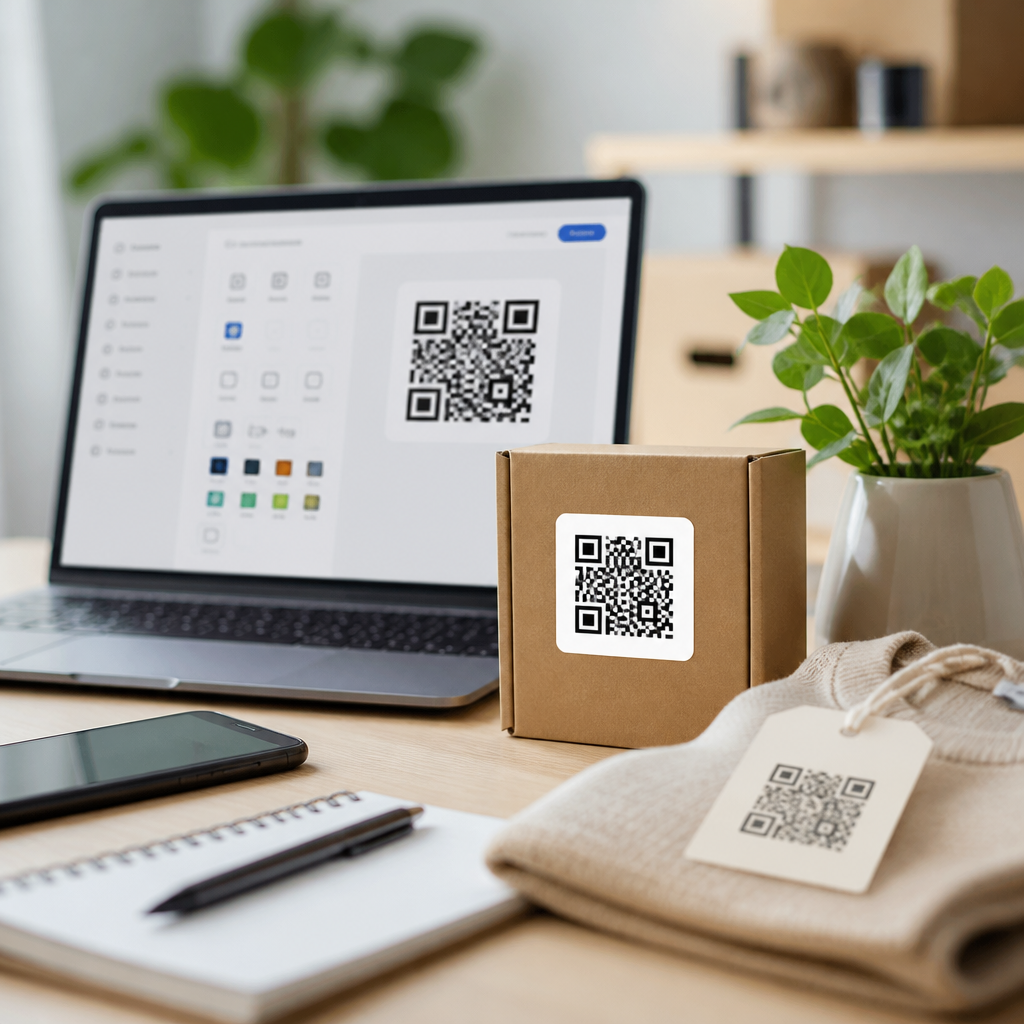
Choosing the best QR code generator APIs for developers starts with understanding what these services actually do: they create scannable matrix barcodes on demand, usually from a URL, text string, Wi-Fi credential set, vCard, or payment payload, and return either an image, a vector file, or structured data you can embed into an application. In practical terms, a QR code generator API lets a product team automate code creation at scale instead of manually producing images one by one. That matters for SaaS onboarding flows, event ticketing, restaurant menus, package tracking, retail promotions, and device pairing, where reliability, scan performance, analytics, and branding all affect user experience and conversion.
Developers evaluating QR code generator APIs are usually balancing four priorities: output quality, feature depth, integration speed, and long-term operating cost. A basic endpoint that returns a PNG may be enough for an internal tool, but customer-facing products often need dynamic QR codes, editable destinations, scan analytics, expiration rules, access control, custom domains, and high error correction for logo overlays. I have implemented QR generation in checkout systems and mobile onboarding flows, and the difference between a simple image service and a production-ready QR platform becomes obvious once marketing asks for branded codes, support asks for audit logs, and operations needs dependable uptime under campaign spikes.
This hub article explains the main categories of QR code generator APIs, the features that separate leading options, common implementation patterns, and the tradeoffs between hosted services and self-managed libraries. It also highlights the best QR code generator APIs for developers based on practical selection criteria, so you can decide whether you need a lightweight image endpoint, a dynamic QR management platform, or a hybrid stack that combines both. If you are building anything under the broader QR Code Tools & Software category, this guide gives you the foundation for deeper articles on analytics, dynamic redirects, security, design, and enterprise governance.
What a QR code generator API should support in production
A production QR code generator API should do more than encode a string into squares. At minimum, it should support multiple payload types, predictable rendering, adjustable error correction levels, and export formats suitable for both web and print. PNG is common for web delivery, but SVG and EPS matter when codes appear on packaging, posters, kiosks, or ID badges, because vector output preserves crisp edges at any size. Quiet zone control, module sizing, foreground and background color settings, and margin configuration also matter because scanners are less forgiving when design teams push branding too far.
The best APIs also separate static and dynamic QR code generation. A static code directly encodes the final destination, such as a URL or text blob, and cannot be changed once printed. A dynamic code points to a managed short URL or redirect layer controlled by the provider, allowing you to update the final destination without changing the printed asset. Dynamic QR codes are usually the better choice for campaigns, multi-location operations, and products with changing links, but they add vendor dependency, privacy considerations, and recurring cost. For many teams, that tradeoff is justified because analytics, device targeting, UTM management, expiration windows, and A/B destination testing all depend on a redirect layer.
Security and compliance deserve attention early. If your QR code payload includes personally identifiable information, login tokens, or one-time activation secrets, you need transport security, limited data exposure, and ideally short-lived or signed destinations. Payment-related QR implementations may need standards support such as EMVCo merchant-presented QR formats, while healthcare or education use cases may involve stricter data handling requirements. A good API should document authentication methods, rate limits, retention policies, and webhook security clearly.
Best QR code generator APIs for developers by use case
There is no single best QR code generator API for every team. The right choice depends on whether you need bare-bones image generation, branded marketing campaigns, enterprise lifecycle management, or complete control through open-source code. In the market, developers commonly compare services such as QR Code Dynamic, QuickChart, goQR.me, Beaconstac, Bitly, Scanova, QR TIGER, and Flowcode, while also considering self-hosted libraries like node-qrcode, ZXing, or qrcode.js when they want direct generation inside their own stack. Some vendors are stronger in campaign management and analytics, while others excel at simple API access and low-friction integration.
| Option | Best for | Strengths | Tradeoffs |
|---|---|---|---|
| QuickChart QR API | Fast developer setup | Simple URL-based generation, good docs, easy PNG/SVG output | Limited campaign management compared with dedicated platforms |
| goQR.me API | Basic static QR images | Very low barrier to entry, straightforward parameters | Minimal governance, branding, and analytics features |
| Beaconstac | Enterprise marketing teams | Dynamic codes, analytics, bulk management, access controls | Higher cost and broader interface than some developers need |
| Bitly | Link management plus QR | Strong short-link infrastructure, branded domains, analytics | QR customization can be secondary to link features |
| Self-hosted libraries | Maximum control | No per-scan fees, full data ownership, flexible deployment | You maintain rendering, redirects, analytics, and support |
For startups and internal tools, QuickChart and similar APIs are attractive because integration can take minutes. You pass text or a URL, specify size and format, and receive a usable code immediately. That simplicity is valuable when QR generation is not the product’s core differentiator. For marketing-led organizations, Beaconstac, Scanova, QR TIGER, and Flowcode are stronger contenders because they package analytics dashboards, campaign controls, bulk creation, team permissions, and design tools that non-developers can use without engineering support.
Bitly deserves special consideration because many businesses already rely on it for short links. If your workflow centers on branded links, attribution, and redirection rules, adding QR functionality through the same platform reduces operational complexity. On the other hand, if you need encoded Wi-Fi credentials, vCards, PDF landing experiences, or high-volume batch generation with fine-grained styling controls, a specialized QR provider may fit better.
Static versus dynamic QR code generation
Static QR code generation is best when the payload is permanent and harmless if exposed. Examples include a public homepage, a plain text message, a product SKU, or a Wi-Fi guest network credential displayed in a venue. Static codes are cheaper, faster, and easier to self-host because the code directly stores the content. They are also resilient to vendor churn because there is no dependency on a third-party redirect service after printing.
Dynamic QR code generation is best when the destination may change, when scans need to be measured, or when access should be controlled over time. A restaurant can update a seasonal menu without reprinting table tents. A logistics company can point the same package label to different tracking pages during transit. An event organizer can redirect attendees to parking information before doors open and to a feedback form after the event. Those are concrete business gains, and they are why dynamic QR APIs often justify their subscription cost.
The main limitation is that dynamic codes add another infrastructure hop. If the provider has an outage, scans may fail even though the printed code is fine. This is why uptime history, redirect latency, and export or migration options matter. When I evaluate vendors for production, I always check whether destinations can be bulk exported and whether branded domains are supported, because both reduce switching risk.
Implementation details developers should evaluate
API design affects development speed. Good QR code generator APIs provide REST endpoints with clear parameter validation, predictable status codes, and authentication via API keys or OAuth where appropriate. They document payload size limits, supported character encoding, SVG behavior, and logo overlay constraints. They also expose idempotent creation patterns or resource identifiers for managing existing dynamic codes. If bulk creation is part of your workload, asynchronous job handling and webhooks can prevent timeout problems.
Rendering quality is another decisive factor. QR codes are not tolerant of careless styling. Rounded modules, low-contrast colors, aggressive logo sizes, and insufficient quiet zones can reduce scan success significantly, especially on low-end Android cameras or under poor lighting. Strong providers either enforce safe defaults or warn when a design exceeds practical limits. Testing across iOS and Android with native camera apps is mandatory, not optional.
Analytics should also be interpreted carefully. Scan counts are useful, but they are not the full picture. You may want unique scans, repeat scans, device type, geography, timestamp, campaign tags, and destination conversion events tied to analytics platforms such as Google Analytics 4 or server-side attribution systems. Privacy laws and platform policies limit how much can be collected, so the best vendors are explicit about methodology rather than inflating precision.
Hosted API or self-hosted library?
Hosted QR code generator APIs are best when speed, managed infrastructure, and business-user tooling matter more than total control. They reduce time to launch, offload rendering and redirect uptime, and often include governance features that would take months to build internally. That is why they are common in retail, hospitality, and campaign-heavy environments.
Self-hosted libraries are best when data ownership, custom workflows, or cost predictability are paramount. Libraries such as node-qrcode can generate server-side images inside a Node.js service, while ZXing remains a trusted standard across Java and other ecosystems for encoding and decoding barcode formats. A self-hosted stack can pair a library for image generation with your own short-link service, analytics pipeline, and CDN. The downside is obvious: you are now responsible for scan testing, security hardening, redirect performance, observability, and support.
A hybrid approach often works best. Use self-hosted static generation for operational labels or internal assets, and a hosted dynamic platform for customer-facing campaigns where marketers need editing and analytics. This avoids forcing one tool to solve every QR code use case badly.
How to choose the right QR code generator API
The best QR code generator APIs for developers are the ones that match your operational reality. Start with five questions. What payloads do you need to support? Do links need to change after printing? Who needs access: only engineers, or also marketers and support teams? What level of analytics is actually actionable? And what is your acceptable vendor risk if millions of printed assets depend on a redirect service?
Then test finalists with a real pilot. Generate codes in PNG and SVG, print them at different sizes, scan them on older phones, measure redirect speed, inspect API error handling, and review export options. A provider that looks polished in a demo can still fail in edge cases like batch generation, logo handling, or regional latency. Choose the platform that performs reliably under your actual constraints, then document standards for sizing, contrast, and destination governance. If you are building out your QR Code Tools & Software stack, use this hub as the starting point and map each use case to the right generator model before you commit.
Frequently Asked Questions
What is a QR code generator API, and how is it different from a basic online QR code tool?
A QR code generator API is a developer-focused service that creates QR codes programmatically based on data you send in a request. Instead of opening a website, pasting in a URL, and downloading an image manually, a team can integrate the API directly into its product, backend workflow, mobile app, or internal system. The API typically accepts content such as website links, plain text, Wi-Fi credentials, vCards, SMS messages, email data, app deep links, or payment payloads, then returns a PNG, SVG, PDF, EPS, or raw data response that the application can store, display, print, or distribute automatically.
The main difference is scale, automation, and flexibility. A simple online generator is fine for one-off use cases, but it becomes inefficient when a business needs to create hundreds or thousands of codes tied to users, orders, campaigns, tickets, labels, or devices. With an API, developers can generate unique codes on demand, apply consistent branding rules, connect creation to business logic, and trigger code generation inside existing workflows. That makes QR code generator APIs especially useful for SaaS products, logistics systems, event platforms, retail applications, marketing automation, and customer onboarding tools where codes need to be created reliably and repeatedly without manual effort.
What features should developers look for when choosing the best QR code generator API?
Developers should start with reliability and output quality. A strong QR code API should generate standards-compliant, scannable codes consistently across devices and scanning apps. It should also support multiple output formats, especially raster and vector options such as PNG and SVG, because different applications need different file types. PNG is often useful for web and mobile display, while SVG is usually better for print, resizing, and high-resolution branding workflows. If the API supports advanced options like error correction levels, quiet zone control, size configuration, foreground and background color control, and logo overlays, that can be a major advantage for teams building customized or branded experiences.
Beyond output options, the best APIs usually provide strong developer experience. That includes clear documentation, predictable endpoints, authentication support, SDKs or code samples, reasonable rate limits, fast response times, and stable uptime. It is also important to evaluate whether the service supports dynamic QR codes, analytics, editable destinations, batch generation, webhooks, and security controls. Pricing structure matters too: some APIs charge per request, some by subscription tier, and some impose restrictions on commercial use or branding removal. In practice, the best choice is the one that balances technical capability, scalability, cost, and ease of integration for the specific product you are building.
Do developers need dynamic QR codes, or are static QR codes enough?
That depends on the use case. Static QR codes permanently encode the destination or payload directly in the image itself. If the code contains a fixed website URL, a Wi-Fi login string, a vCard, or product text that will never need to change, static codes are often enough. They are simple, fast, and usually cheaper because they do not require redirect logic or management infrastructure after creation. For internal tools, labels, packaging, or permanent documentation links, static QR codes can be the most practical and efficient choice.
Dynamic QR codes become valuable when flexibility and tracking matter. With a dynamic code, the visible QR image usually points to a managed short URL or redirect layer, allowing the destination to be updated later without replacing the printed or embedded code. That is extremely useful in marketing campaigns, event materials, customer support flows, restaurant menus, packaging, and product lifecycle use cases where links may change over time. Dynamic systems also often include analytics such as scan count, location, device type, or campaign attribution. For developers, this means the decision is less about which option is universally better and more about whether the application needs editability, reporting, and long-term control after the code has been distributed.
How do QR code generator APIs handle branding, customization, and scan reliability?
Most modern QR code generator APIs support a meaningful level of customization, but the safest implementations never compromise readability for appearance. Developers can often control dimensions, margins, color schemes, file format, and error correction level, and some services also support embedded logos or custom design elements. These features are important for brands that want QR codes to feel integrated into packaging, signage, receipts, emails, apps, or print collateral instead of looking like generic black-and-white blocks. For customer-facing products, that branding flexibility can improve trust and create a more polished user experience.
That said, design freedom has limits. QR codes remain machine-readable symbols, so heavy styling can reduce scan performance if contrast is too low, modules are distorted, the quiet zone is removed, or a logo covers too much of the data area. The best QR code APIs help developers balance aesthetics and functionality by exposing sensible defaults and allowing control over error correction settings. In practice, reliable scanning should always take priority over visual experimentation. Developers should test customized QR codes across different phone cameras, screen sizes, print surfaces, and lighting conditions before deploying them at scale, especially in high-stakes environments like payments, access control, shipping, or healthcare workflows.
What are the most important integration and security considerations when using a QR code generator API in production?
In production, integration quality matters just as much as code generation quality. Developers should confirm how the API authenticates requests, what its rate limits are, how errors are returned, and whether responses are cacheable or suitable for asynchronous workflows. It is also important to know whether the service can support batch generation, high concurrency, and low-latency response times if codes need to be created in real time during checkout, registration, fulfillment, or device provisioning. Good APIs make this easier with stable endpoints, versioning, well-documented parameters, and predictable output formats that fit cleanly into automated pipelines.
Security and governance are equally important. If QR payloads contain sensitive data, credentials, customer identifiers, or payment information, teams need to understand how that data is transmitted, logged, stored, and retained by the provider. HTTPS should be standard, API keys should be protected, and access permissions should be managed carefully in server-side environments. Developers should also think about abuse prevention, especially if users can generate their own QR codes through a public-facing product. Input validation, usage monitoring, and destination controls can help reduce malicious or misleading code creation. For regulated or enterprise environments, teams may also need to evaluate compliance posture, service-level guarantees, and data residency. The best QR code generator API is not just easy to use; it is dependable, secure, and operationally sound for long-term deployment.