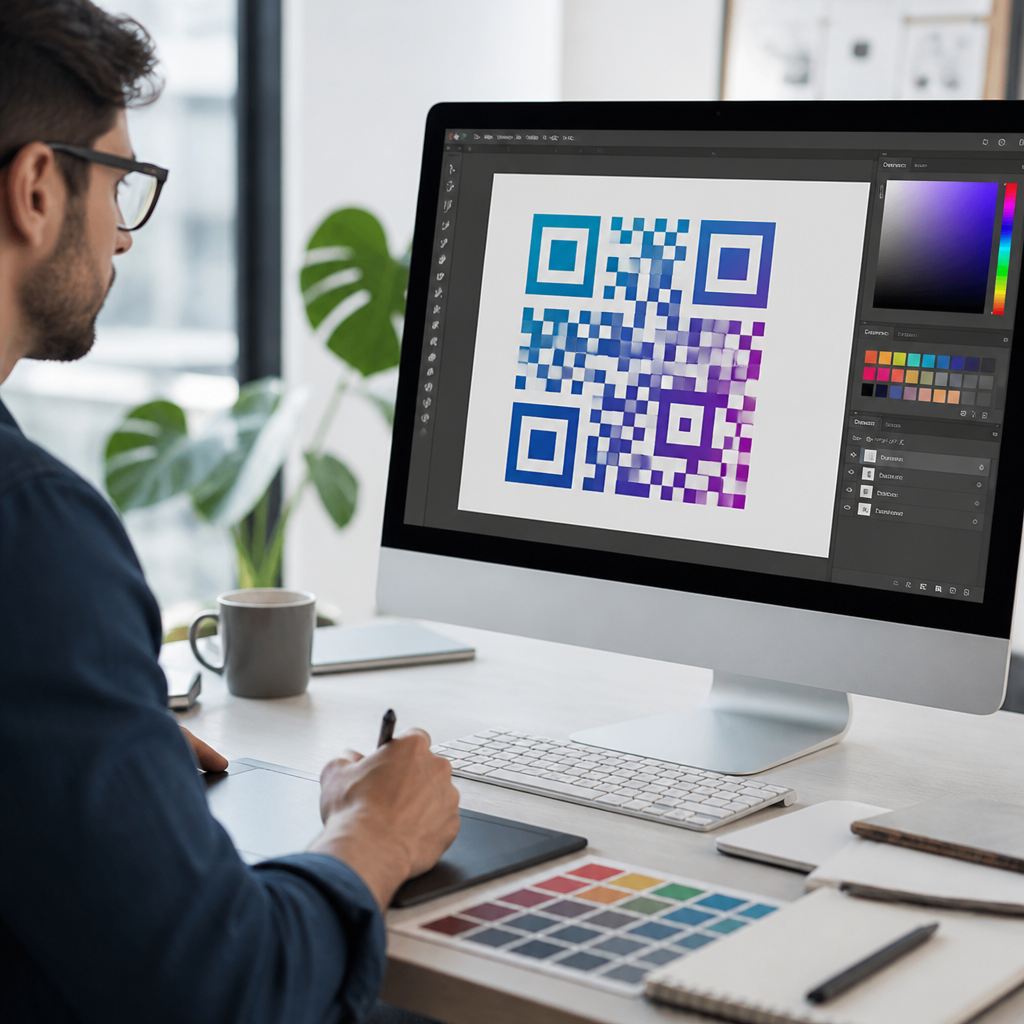
QR code design tools for agencies have moved from niche utilities to core campaign infrastructure because clients now expect branded, measurable, mobile-first experiences across print, packaging, events, retail, and out-of-home media. A QR code is a two-dimensional matrix barcode that stores data, usually a URL, and a design tool is the software layer that lets teams generate, customize, test, manage, and track those codes at scale. For agencies, the design part matters as much as the scan itself. A plain black-and-white code may work technically, but brand teams want colors, logos, frames, custom short links, and landing page control without sacrificing readability. In practice, that means choosing tools that balance creative flexibility with error correction, analytics, security, and production workflows. I have seen campaigns succeed or fail on that balance: a beautifully branded code can lift engagement when contrast is strong and quiet zones are preserved, while an overdesigned code can collapse scan rates in the field. This hub explains what QR code design tools do, which features agencies should prioritize, how leading platforms compare, and where each tool fits in a modern creative and media stack.
What QR Code Design Tools Actually Do
QR code design tools help agencies create scannable codes that also match brand standards, campaign objectives, and reporting requirements. At the simplest level, the software converts a destination such as a website, PDF, vCard, app deep link, menu, coupon, or payment page into a QR symbol. Better platforms add dynamic QR code support, which means the destination can be edited after print production without changing the code image. That single capability is why agencies use professional tools instead of free generators for serious work. When a retailer delays a landing page, a venue changes event timing, or a franchise needs location-specific routing, dynamic editing protects the campaign and avoids reprinting cost.
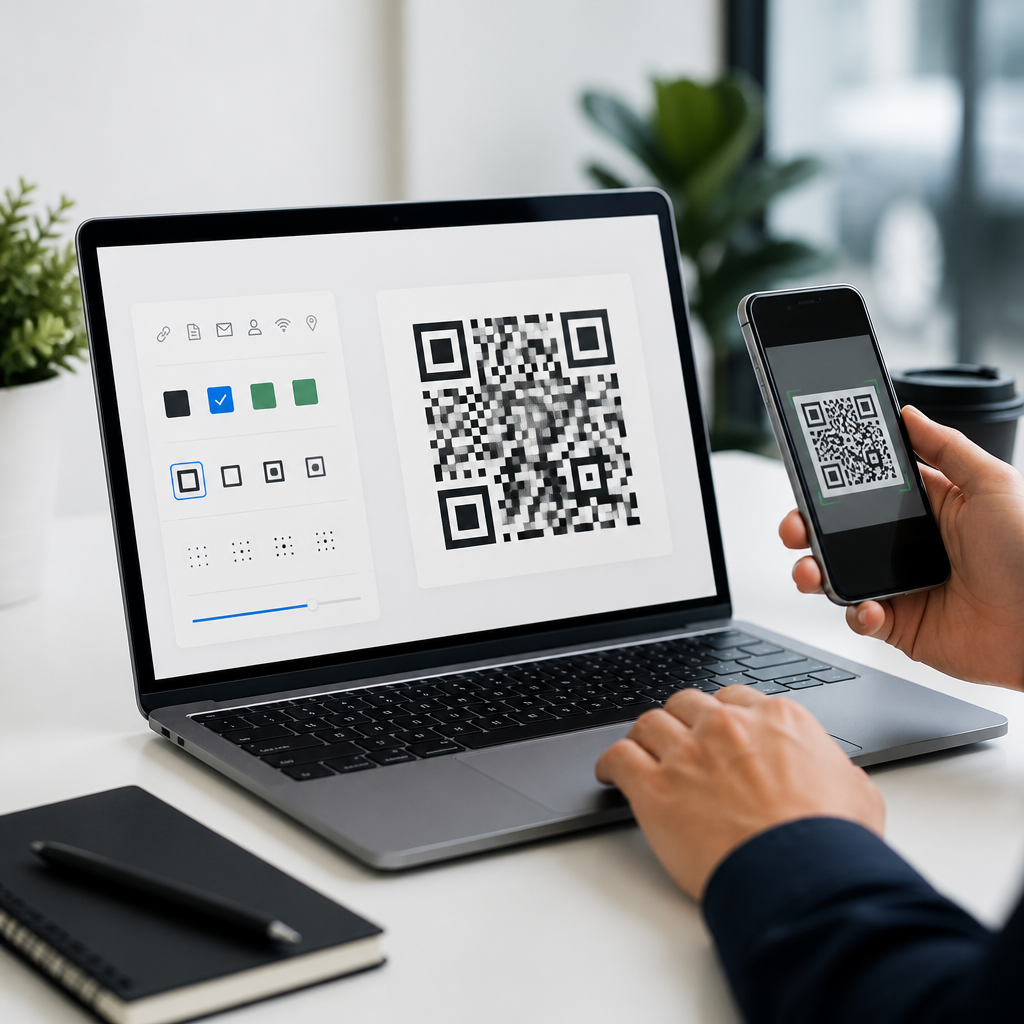
Design features usually include color controls, logo insertion, eye shape styling, pattern adjustments, frames with calls to action, custom domains, and export options such as SVG, EPS, PNG, and PDF. The important distinction is that good tools design within technical limits. A QR code remains readable because of finder patterns, alignment patterns, data modules, contrast, and quiet zone spacing. Reputable platforms validate these constraints and often preview scan reliability before export. Agencies should treat that validation as nonnegotiable. A code that looks polished in a presentation deck can still fail on corrugated packaging, glossy menus, or a bus shelter viewed in glare.
Most agency teams also need campaign management features around the code itself. That includes folders, naming conventions, user permissions, bulk generation, UTM parameter handling, API access, pixel integrations, and analytics dashboards showing scans by time, geography, device, and operating system. The strongest tools connect the creative layer to measurable outcomes, which makes them useful not only for designers but also for strategists, media buyers, account leads, and developers. In other words, QR code design tools are not just barcode generators. They are workflow systems for branded offline-to-online conversion.
Core Features Agencies Should Evaluate First
When I evaluate QR code design tools for agency use, I start with reliability before aesthetics. The first checklist item is dynamic code management, because static codes lock the destination permanently and create expensive downstream risk. Next comes export quality. Vector formats such as SVG and EPS are essential for packaging, large-format print, and signage because raster files can blur at scale. Then I check error correction support. QR standards define levels L, M, Q, and H, with H allowing the greatest damage tolerance, which is useful when a logo covers part of the code or when the surface may crease or scuff.
Branding controls matter, but they must be practical. The best tools let agencies apply approved hex colors, upload logos, add frame text like “Scan to view menu,” and test contrast in real conditions. A code in pale brand beige may satisfy a style guide yet underperform on low-end phone cameras. Strong tools make that tradeoff visible. Team collaboration is another differentiator. Agencies need shared libraries, approval workflows, and client-safe access so a regional marketer can update a destination without changing artwork or exposing master account settings.
Analytics and integrations often determine long-term value. Native scan reporting is useful, but agencies usually need deeper attribution. That means support for UTMs, Google Analytics 4, Adobe Analytics, Meta Pixel through landing pages, or webhook/API connectivity into CRM and automation platforms such as HubSpot, Salesforce, Zapier, and Make. Security features deserve equal attention. Custom domains reduce trust friction, password-protected destinations can gate files, and role-based access helps prevent accidental edits. Finally, pricing should be evaluated against volume, users, and retention. A cheap plan becomes expensive fast if it limits dynamic codes, removes analytics history, or watermarks exports.
Leading QR Code Design Tools for Agency Workflows
No single platform fits every agency, but several tools consistently cover the needs of branding, scale, and measurement. QR Code Generator Pro is widely used because it combines strong design controls with dynamic editing, bulk management, and enterprise options. Bitly is not a dedicated QR-first platform, yet many agencies choose it when link management and branded short domains are central to the campaign. Beaconstac stands out for enterprise governance, API depth, and security controls, which matters for franchises, healthcare, and regulated industries. Scanova is often selected by teams that want straightforward campaign management without a heavy implementation burden. Uniqode, formerly Beaconstac’s brand peer in some comparisons, is frequently evaluated for dynamic workflows, landing pages, and access control.
Adobe Express and Canva also appear in agency stacks, but usually as companion tools rather than systems of record. They help with quick mockups, social graphics, and simple branded QR placements, yet they are weaker for lifecycle management, analytics depth, or post-print destination changes unless paired with another platform. On the opposite end, open-source libraries such as qrcode.js or Python’s qrcode package can support custom applications and fully controlled generation pipelines. I have used custom generation successfully for high-volume product labeling, but only when a development team owned testing, redirect logic, and analytics instrumentation. For most agencies, a managed platform shortens risk and speeds production.
| Tool | Best fit | Strengths | Limits to check |
|---|---|---|---|
| QR Code Generator Pro | Creative campaigns | Branding, dynamic edits, analytics, bulk exports | Plan-based feature caps |
| Bitly | Link-centric programs | Branded links, QR creation, reporting, domain control | Design flexibility is lighter |
| Beaconstac | Enterprise accounts | Security, API, governance, scale | Higher complexity and cost |
| Scanova | Midsize agencies | Usability, dynamic management, decent analytics | Advanced integrations may be limited |
| Canva or Adobe Express | Fast design mockups | Easy creative workflow, broad asset support | Not full campaign management platforms |
The right choice depends on the campaign mix. If the agency runs national packaging programs, prioritize scale, API access, and governance. If it builds experiential activations, speed of creative iteration and mobile landing pages may matter more. If clients demand strict brand compliance, choose tools with templates, permission controls, and domain governance. Tool selection should reflect operational reality, not only the prettiest demo.
Design Principles That Protect Scan Performance
Agency teams often ask how far they can customize a QR code without breaking it. The practical answer is less than many design comps suggest. High contrast remains the first rule. Dark modules on a light background scan best, and reverse codes should be tested rigorously before approval. Quiet zone spacing around the symbol must remain intact; trimming it to fit a layout is one of the most common production mistakes. Logo overlays should stay modest and rely on higher error correction. Decorative eye shapes and rounded modules can work, but every change reduces tolerance, especially when combined with small print sizes or textured materials.
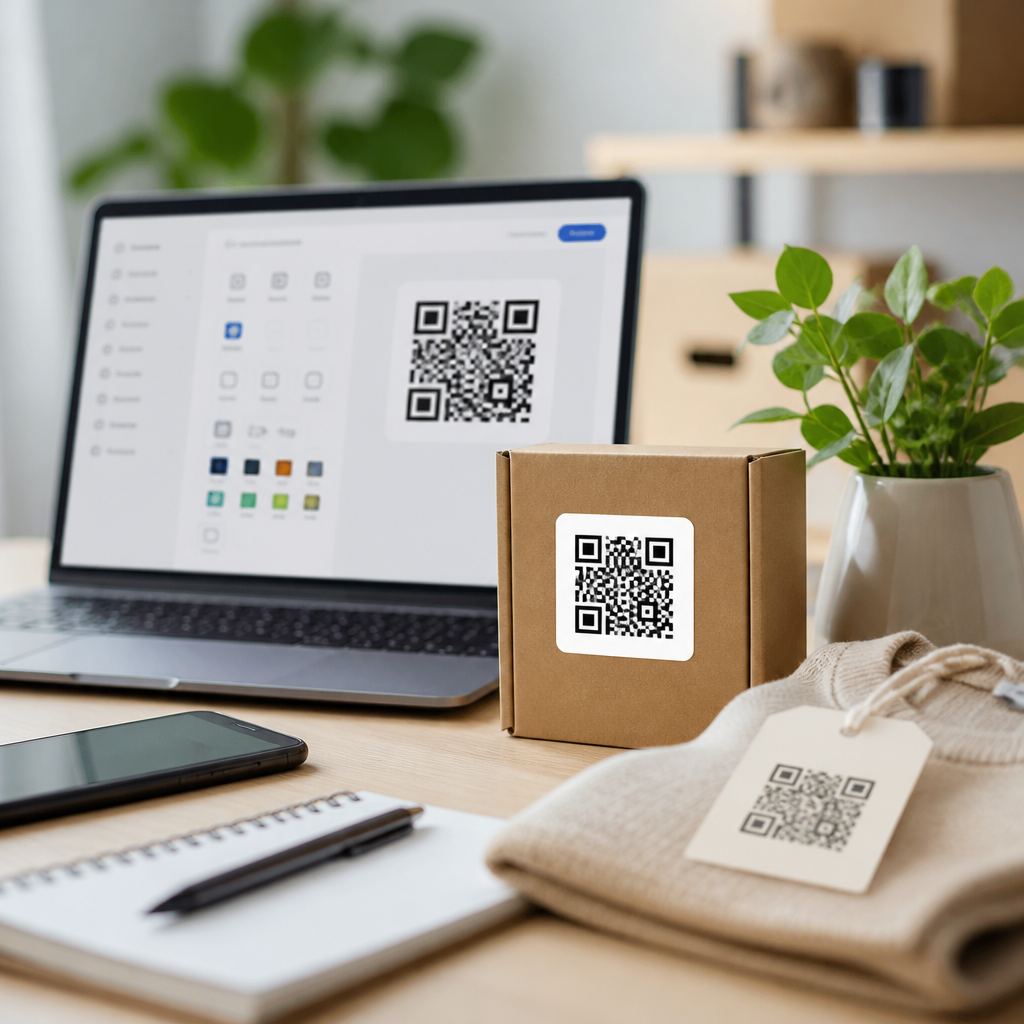
Size depends on distance and context. A countertop code may scan comfortably at around 2 by 2 centimeters if printed crisply, while posters, transit placements, or stadium signage require much larger dimensions because users scan from farther away. Surface and environment also matter. Matte stock usually outperforms glossy finishes under strong light. Curved bottles, foil packaging, and fabric banners need field testing because distortion and reflections can confuse cameras. I recommend testing on older Android devices as well as current iPhones, because a code that scans instantly on flagship hardware may struggle on cheaper devices still common in retail traffic.
The call to action around the code is part of design performance too. “Scan me” is weaker than “Scan for 20% off today” or “Scan to see installation instructions.” Clear value increases scans more reliably than exotic visual styling. Agencies should also consider where the code resolves. A mobile-optimized landing page with fast load time, consent-aware tracking, and message continuity outperforms a generic homepage almost every time. The code is only the bridge; the destination determines conversion.
How Agencies Build Scalable QR Code Operations
Strong agencies standardize QR code workflows instead of rebuilding the process for every client. A practical operating model starts with templates: approved code styles, logo placements, CTA frames, minimum size rules, and prebuilt UTM conventions. Designers then work inside safe parameters, which reduces review cycles and scan failures. Account teams should request the destination, owner, expiration logic, analytics needs, and update authority before the code is generated. This prevents the common scramble where a print file is approved before the redirect path or campaign tagging is final.
For high-volume use, naming structure is critical. I use conventions that include client, region, campaign, placement, version, and launch date, because that makes post-campaign reporting much cleaner. Folder hierarchy and metadata tags matter once an agency manages hundreds or thousands of active codes. Bulk generation becomes especially valuable for restaurant groups, dealer networks, real estate signage, or direct mail variants. Instead of manually producing every code, the agency uploads a CSV, maps destinations, and exports a complete set with consistent styling.
Measurement should be planned at the brief stage. Decide whether success means scans, unique users, lead form completions, app installs, coupon redemptions, or assisted conversions. Then connect the QR tool to the reporting environment the client already trusts. A dashboard that combines scan volume with landing page engagement, conversion rate, and geography tells a much stronger story than scan counts alone. Agencies that operationalize these basics turn QR codes from one-off design requests into a repeatable service line.
Common Mistakes and How to Avoid Them
The most expensive QR mistakes are usually simple. Teams choose static codes for changing campaigns, export low-resolution PNGs for large print, remove the quiet zone to satisfy layout constraints, or use low-contrast brand colors that look elegant but scan poorly. Another frequent issue is sending traffic to a desktop page, PDF, or app store link without considering mobile friction. If the promise at the point of scan is immediate access, forcing a slow or awkward experience wastes intent.
There are also compliance and governance risks. A code on product packaging may remain in market for months or years, so the redirect should be controlled by the brand or agency under a documented process. Domains should be renewed, SSL certificates maintained, and ownership clarified in contracts. I have seen campaigns break because a microsite expired while the printed code remained in circulation. The fix is boring but essential: dynamic redirects, documented owners, and recurring audits. Agencies that treat QR code design tools as infrastructure, not novelty, deliver better results and fewer emergencies.
QR code design tools for agencies are most valuable when they combine branding freedom, dependable scan performance, dynamic management, and measurable outcomes. The best platforms let teams create codes that fit a client’s visual system without compromising readability, then manage those codes as live campaign assets long after files go to print. Agencies should evaluate tools through four lenses: technical reliability, creative control, operational scalability, and analytics depth. That framework keeps selection grounded in real delivery needs rather than feature lists alone.
As this sub-pillar hub under QR Code Tools & Software grows, it should guide decisions on branded QR code generators, dynamic versus static QR codes, bulk QR code creation, QR code analytics, API-based QR workflows, and QR code testing for print and packaging. Those related topics all connect back to one principle: good design only matters if the code scans, resolves fast, and can be governed over time. If your agency is formalizing its QR offering, audit your current tools, document your production standards, and choose a platform that supports both creativity and control.
Frequently Asked Questions
What are QR code design tools, and why do agencies need them?
QR code design tools are software platforms that help agencies create, customize, manage, test, and measure QR codes for client campaigns. At the most basic level, a QR code stores information such as a URL, landing page, file download, contact card, menu, app link, or form destination. What makes a design tool valuable for agencies is that it adds a full creative and operational layer on top of that basic function. Instead of generating a plain black-and-white code one at a time, agencies can build branded QR experiences that align with a client’s visual identity while still remaining easy to scan across real-world environments.
For agencies, these tools have become essential because QR codes now sit at the center of many mobile-first campaign journeys. They appear on packaging, direct mail, posters, brochures, event signage, retail displays, product labels, out-of-home advertising, and business cards. Clients do not just want a scannable code anymore. They expect the code to look intentional, support campaign tracking, route users to the right destination, and generate measurable performance data. A good QR code design tool helps agencies meet all of those expectations from one place.
These platforms also support the realities of agency work at scale. Teams often manage multiple brands, multiple stakeholders, and multiple live campaigns at once. That means they need version control, organized asset libraries, dynamic editing, analytics dashboards, role-based access, and the ability to produce large volumes of codes without creating confusion. In practice, the right tool reduces production time, improves quality control, protects brand consistency, and makes reporting easier for both internal teams and clients. In short, QR code design tools are no longer just convenience software; for many agencies, they are part of core campaign infrastructure.
What features should agencies look for in a QR code design platform?
Agencies should look for a combination of creative flexibility, operational control, and measurement capabilities. On the creative side, the platform should allow customization of colors, frames, patterns, corner shapes, calls to action, and logo placement so the code fits naturally into a brand system rather than feeling like an afterthought. It should also provide enough design freedom to make the code visually distinctive without compromising scan reliability. The best tools help agencies strike that balance by showing real-time previews and scanability validation during the design process.
On the campaign management side, dynamic QR code support is one of the most important features. A dynamic code lets the agency change the destination URL or content after the code has already been printed or distributed. That is extremely valuable when campaigns need to be updated, corrected, localized, or optimized without reprinting physical assets. Agencies should also prioritize bulk generation, folder organization, naming conventions, templates, and white-label or client-facing dashboards if they plan to operationalize QR workflows across many accounts.
Analytics is another critical category. A strong platform should track scans over time, device type, location data where appropriate, campaign-level performance, and other engagement signals that help agencies demonstrate value. Integrations with analytics platforms, CRM systems, marketing automation tools, and landing page software can make reporting much more useful. Beyond features, agencies should also consider governance and reliability: user permissions, security controls, export formats, uptime, error correction support, and customer service all matter when QR codes are tied to paid media, live events, or high-volume retail campaigns. The best platform is not simply the one with the most design options; it is the one that helps an agency produce branded, measurable, dependable experiences at scale.
How can agencies customize QR codes without hurting scan performance?
Agencies can absolutely customize QR codes, but successful customization depends on respecting the technical limits of the format. A QR code must still maintain enough contrast, spacing, and structural clarity for smartphone cameras and scanning apps to read it quickly. Problems usually happen when a design becomes too decorative, the contrast is too low, the logo is too large, or the code is placed on a busy background. That is why agencies should use professional QR code design tools that include built-in scan testing, error correction management, and previews across different output sizes.
In general, high contrast remains one of the safest best practices. Dark code elements on a lighter background tend to scan more reliably than low-contrast combinations. Agencies can still use brand colors, but they should test those combinations in realistic conditions such as glossy print, packaging curves, window displays, dim event spaces, and outdoor lighting. Quiet zone spacing, which is the empty margin around the code, is also essential. If surrounding graphics, text, or patterns crowd the code too closely, scan performance can drop significantly.
Logo placement should be handled carefully as well. Most agencies want to add a brand mark in the center, and in many cases that works well if the code uses appropriate error correction and the logo does not obscure too much data. Shape changes, stylized modules, and decorative frames can also be effective, but every design should be tested on multiple devices before release. The practical rule is simple: branding should enhance recognition, not interfere with usability. The best agency workflows treat QR code design like any other performance creative asset—visually on-brand, but always validated in the environments where real people will scan it.
Why are dynamic QR codes especially valuable for agency campaigns?
Dynamic QR codes are especially valuable because they give agencies flexibility after launch. Unlike static QR codes, which lock in the destination forever, dynamic QR codes point to an editable redirect. That means the agency can change the final landing page, update campaign content, fix broken links, rotate offers, swap regional destinations, or retarget based on timing without changing the printed code itself. For agencies managing live campaigns across print, packaging, events, and out-of-home channels, that flexibility can save both time and budget.
This is important because campaign conditions often change. A product launch may need a revised landing page. An event may need a last-minute schedule update. A retail promotion might shift by market. A client may want to test multiple post-scan experiences or extend a campaign beyond the original timeline. With dynamic QR codes, the agency can respond quickly instead of reprinting signage, packaging inserts, or brochures. That adaptability turns the QR code from a fixed asset into a manageable marketing touchpoint.
Dynamic QR codes also improve measurement. Because they route through a managed platform, they typically allow agencies to collect scan analytics and segment performance by campaign, creative, placement, geography, or time period. That data is useful for optimization and even more useful for client reporting, since it connects offline media to digital engagement in a measurable way. For agencies, this combination of flexibility and visibility is what makes dynamic QR codes strategically important. They reduce risk, improve campaign agility, and make physical media more accountable in modern omnichannel marketing.
How should agencies measure the success of QR code campaigns for clients?
Agencies should measure QR code performance using both scan-level data and downstream business outcomes. Scan volume is the starting point, but it should never be the only metric reported. A high number of scans may indicate strong creative placement or curiosity, but it does not automatically mean the campaign delivered meaningful results. Agencies should also look at unique scans, repeat scans, time-based trends, device behavior, location insights where available, and completion metrics tied to the destination experience.
The next layer is post-scan engagement. Depending on campaign goals, agencies might measure landing page visits, dwell time, bounce rate, form submissions, purchases, coupon redemptions, app installs, video plays, reservation completions, or store visit indicators. The most effective reporting frameworks connect the QR code to a defined conversion path. For example, a packaging QR code might be judged by product education engagement and repeat purchase behavior, while an event QR code might be measured by lead capture quality and sales follow-up outcomes. Success should always be framed in the context of campaign objectives, not just technical interaction.
Agencies should also compare performance across placements, designs, and calls to action to understand what drives stronger response. A QR code on product packaging may perform differently from the same code on in-store signage or direct mail. Frame copy, placement height, surrounding creative, incentive strength, and landing page speed can all affect results. When agencies use a robust design tool with analytics and dynamic controls, they can test and refine these variables over time. That creates smarter campaigns, stronger reporting, and clearer proof of ROI for clients. In the end, the best measurement approach treats QR codes not as isolated graphics, but as trackable gateways within a larger brand and conversion strategy.