Designing a QR code with software looks simple, but the most common mistakes can make codes hard to scan, expensive to reprint, or inconsistent with brand standards. In practice, QR code design tools give marketers, product teams, event managers, and print designers powerful controls over colors, shapes, error correction, file formats, and tracking. Those controls matter because a QR code is not just a graphic; it is a machine-readable data matrix governed by ISO/IEC 18004, camera limitations, lighting conditions, and user behavior. A beautiful code that fails on a dim restaurant table or curved package has failed its job. This article explains the most frequent design errors, why they happen inside QR code design software, and how to avoid them while building a reliable workflow for print, packaging, signage, and digital campaigns.
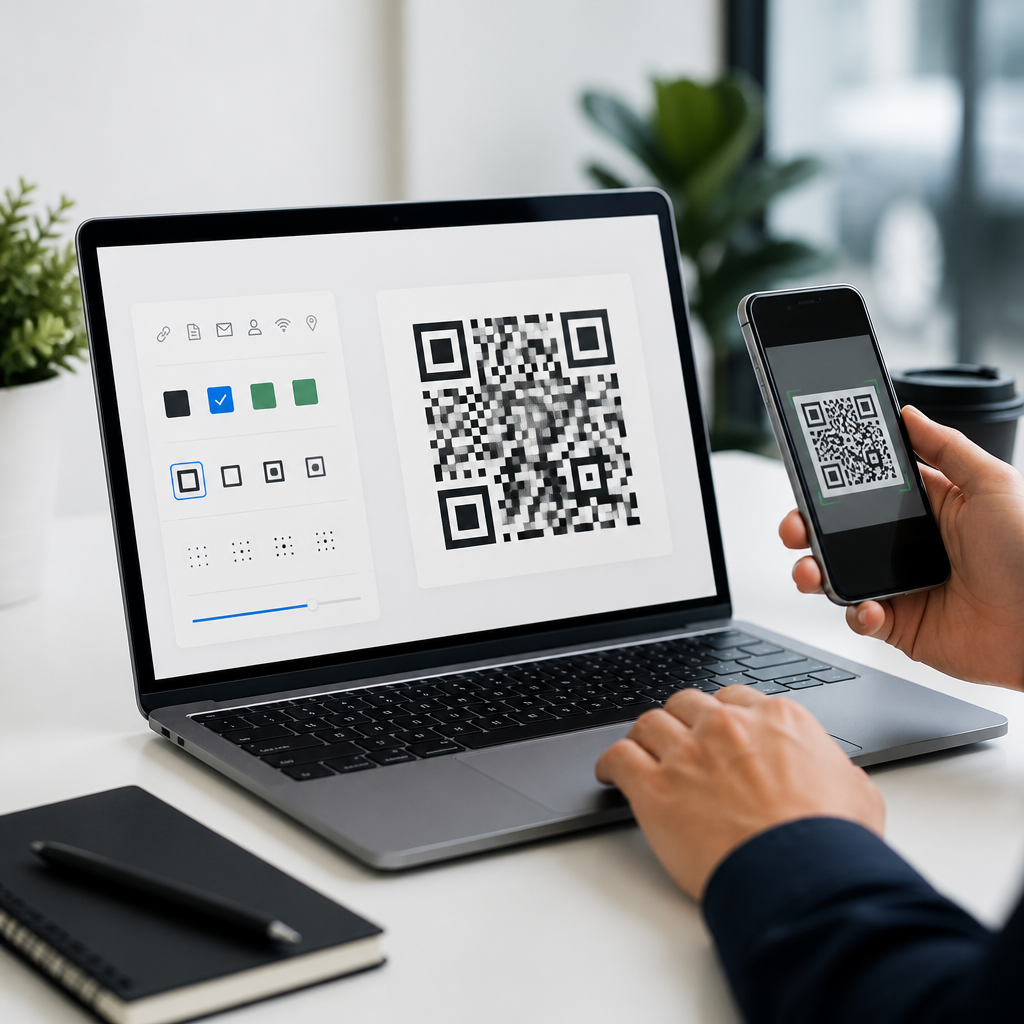
QR code design tools are applications or platforms used to generate static or dynamic codes, customize their appearance, export files for different media, and often connect scans to analytics. Some are lightweight generators. Others are full QR code software suites with templates, campaign management, bulk creation, API access, and team permissions. I have worked with both types across retail packaging, trade show signage, and restaurant menus, and the pattern is consistent: teams rarely fail because the software lacks features. They fail because they overuse design options without understanding scanning tolerance, quiet zone requirements, contrast ratios, size limits, destination URL behavior, or testing procedures. If this page serves as your hub for QR Code Design Tools, start here: the safest design decisions are the ones that preserve scan reliability first and visual branding second.
Choosing QR code software for appearance instead of scan reliability
One of the biggest mistakes is picking QR code software based on templates and visual effects before evaluating technical output. Good QR code design tools should let you control error correction level, export vector formats such as SVG or EPS, preserve the quiet zone, support dynamic QR codes, and generate high-resolution files for print. If the software focuses only on logos, gradients, and decorative frames, it may encourage designs that break under real conditions.
Reliable QR code design software also needs predictable data handling. Dynamic codes should allow editable destinations, campaign labels, UTM parameters, and scan analytics without changing the printed symbol. For enterprise or regulated use, teams should check user permissions, bulk generation, and API documentation. In my experience, software selection errors show up later, when a marketing team discovers exported PNG files are too small for packaging, or when a print vendor requests vector artwork the platform cannot supply.
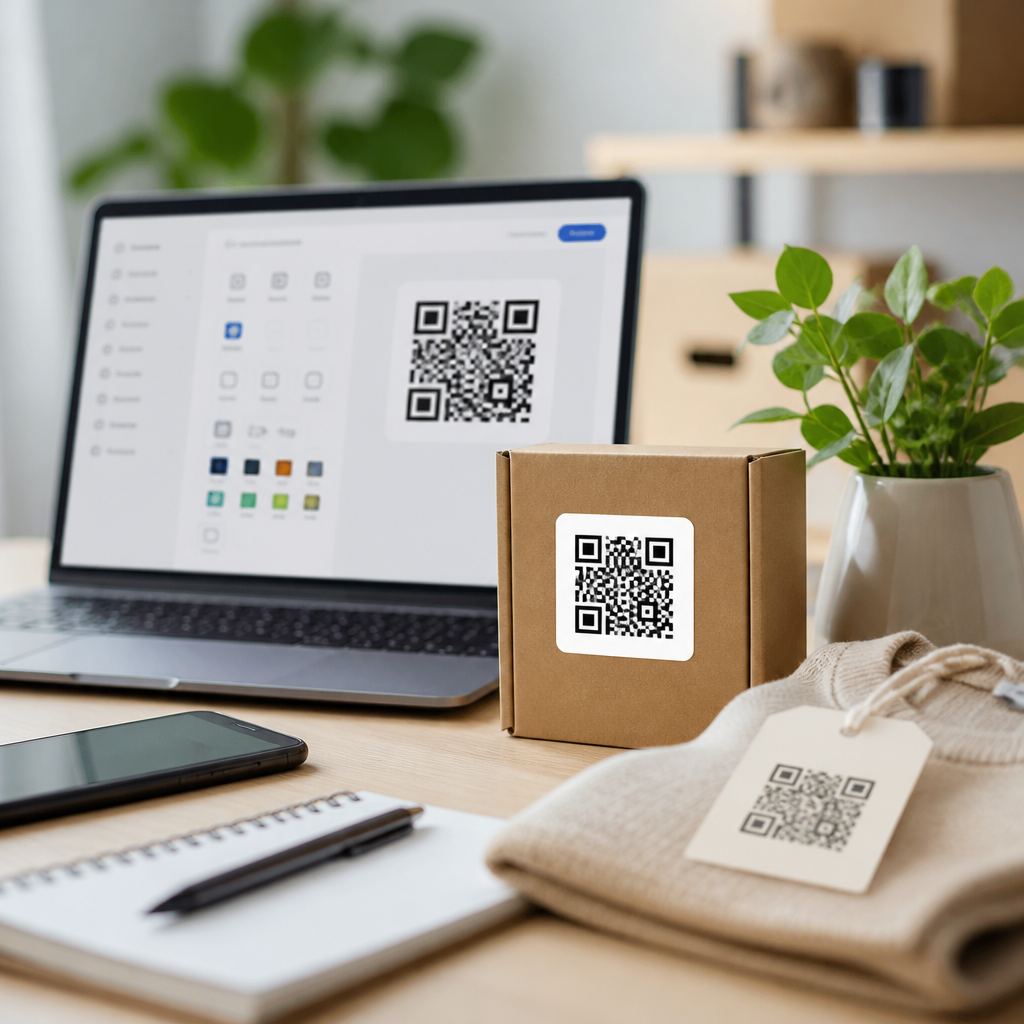
Another software mistake is ignoring preview context. The best QR code design tools simulate placement on posters, labels, menus, and product boxes. A code that looks balanced on a white artboard can become unreadable on textured packaging or glossy acrylic signage. Software should support practical iteration, not just attractive mockups.
Breaking core scannability rules during customization
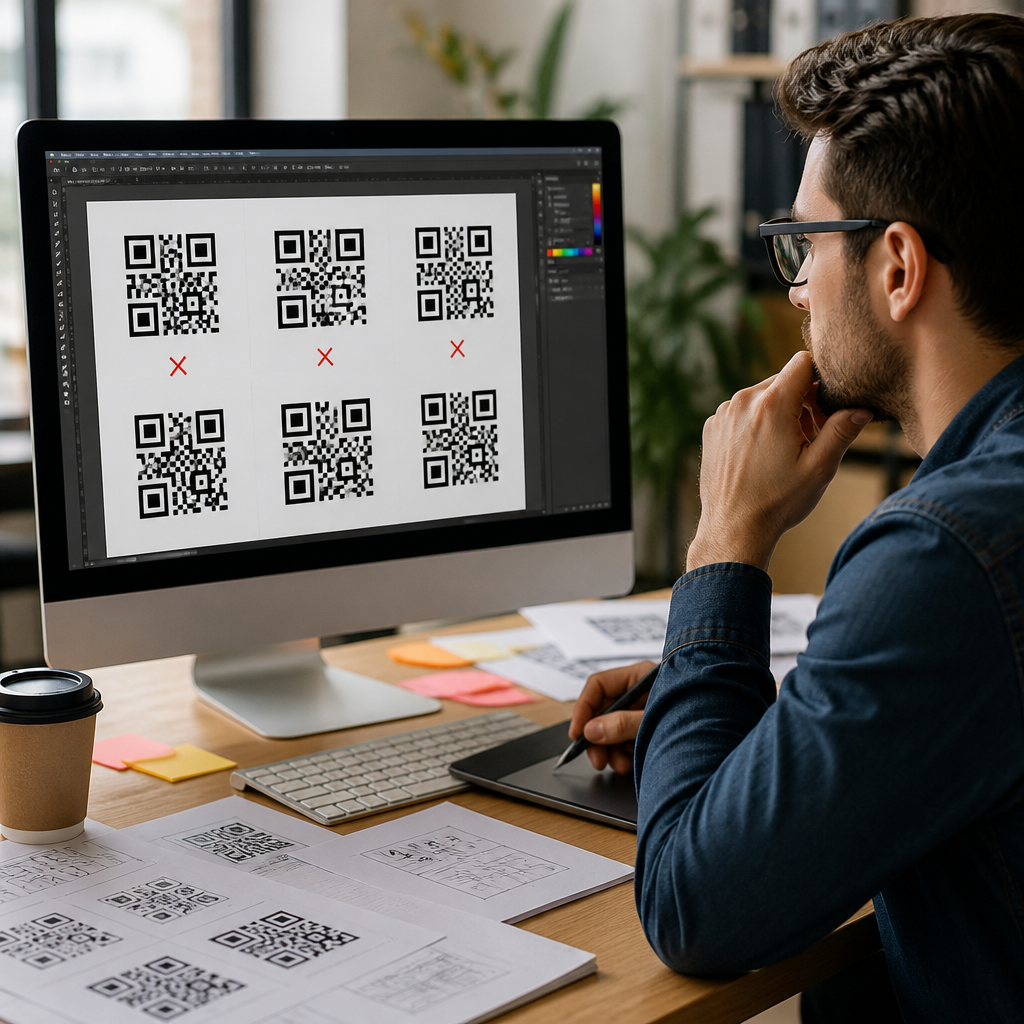
The most damaging QR code design mistakes happen when users customize modules, eyes, colors, or backgrounds beyond what scanners can tolerate. The three position markers in the corners help cameras detect orientation. Distorting them too aggressively, shrinking them, or blending them into surrounding artwork reduces recognition speed. Rounded dots can work, and so can modestly stylized eyes, but the underlying geometry must remain distinct.
Low contrast is another frequent problem. Dark foreground on a light background remains the standard because phone cameras need clear luminance separation. Pale gray on pastel pink may look elegant on a brand board and still fail in restaurant lighting. Reversing colors can work in some conditions, but it is less forgiving, especially with reflections or low-end cameras. Gradients are even riskier when they create soft transitions across finder patterns or data areas.
The quiet zone is regularly overlooked by inexperienced designers. A QR code needs empty space around all four sides so a scanner can isolate the symbol from nearby graphics or text. Many QR code design tools show this area, but users crop it out to save space. That choice often breaks scans on packaging, flyers, and shelf tags where surrounding elements are busy. Likewise, excessive logos placed at the center may exceed what error correction can safely recover. Error correction improves resilience, but it is not permission to remove substantial encoded data.
| Mistake | What happens | Better design choice |
|---|---|---|
| Low contrast colors | Camera struggles to separate foreground from background | Use dark code elements on a light, solid background |
| Quiet zone cropped | Scanner cannot isolate the symbol edges | Keep clear space on all sides |
| Oversized center logo | Data loss exceeds error correction tolerance | Use a small logo and test across devices |
| Highly stylized finder patterns | Detection slows or fails entirely | Keep corner markers visually distinct |
| Tiny export size | Printed code becomes blurry or pixelated | Export vector files or high-resolution raster files |
Using the wrong size, format, and material for the use case
QR code design software can generate a valid symbol that still fails because the physical production choices are wrong. Size should match scanning distance. A common field rule is roughly one inch of code width for every ten inches of scanning distance, though environment and camera quality can shift that requirement. A code on a business card can be small because the user holds it close. A code on a storefront window or transit sign needs much more space.
Export format matters just as much. For print, vector formats such as SVG, PDF, or EPS are safer than low-resolution PNG files because they scale without pixelation. Raster files are acceptable for digital display if the dimensions are large enough, but they can degrade badly after repeated resizing in presentation software or social graphics tools. I often see teams download a code once, paste it into multiple layouts, and unknowingly compress it each time.
Materials and finishing introduce another layer of risk. Gloss lamination can create glare. Curved bottles distort module alignment. Embossing, foil stamping, and textured stock can reduce edge definition. Transparent labels on dark containers can weaken contrast. Good QR code design tools help with artwork creation, but they cannot override bad production choices. Designers should test on the final substrate whenever possible, not just on a monitor.
Sending users to poor destinations and weak campaign logic
A QR code is only as good as the experience after the scan. One of the most expensive mistakes is treating design as separate from destination planning. Teams spend time styling the code, then link it to a desktop page, a PDF that loads slowly on mobile, or a homepage that forces users to search for the promised content. If the sign says “See menu,” the code should open the menu directly. If packaging says “Watch setup,” the code should open a short mobile-friendly setup page or video.
Dynamic QR codes are often the better choice because they allow destination edits after printing. That flexibility matters for seasonal campaigns, product updates, broken links, or A/B testing. It also supports better analytics. You can track scans by time, location, and campaign asset, then compare performance across packaging variants or in-store displays. However, teams should understand the tradeoff: dynamic codes usually depend on a managed redirect service, so vendor reliability, link governance, and privacy policies matter.
Good campaign logic includes clear labeling, consistent naming conventions, and tagged URLs. In larger organizations, QR code software becomes part of a wider content operations stack involving analytics dashboards, landing page builders, and asset management systems. Without naming discipline, teams lose track of which code belongs to which campaign, market, or print run.
Skipping structured testing across devices and environments
Many QR code failures would be caught by a basic testing protocol. Yet this is the step teams rush through because the code scans once on the designer’s phone. Real testing should cover iPhone and Android devices, older camera hardware, different lighting conditions, common scan angles, and actual placement heights. A code on packaging should be tested while wrapped on the product. A code on a window should be tested in daylight and at night with indoor reflections.
Testing should also include destination behavior: page load speed, redirect accuracy, app deep linking, and analytics firing correctly. If a code opens a form, verify keyboard type, autofill, and submit flow on mobile. If it launches Wi-Fi access, payment, or contact download, confirm the payload is formatted properly. In software terms, scan success is only the first validation layer. Task completion is the real metric.
Another overlooked issue is version control. When multiple stakeholders export and modify QR code files, outdated codes can slip into production. Teams should store master assets, approved sizes, destination records, and test results in a single system. That discipline is especially important for a QR Code Tools & Software program that spans packaging, events, support, and retail operations.
Building a durable QR code design workflow
The best way to avoid common mistakes when designing QR codes with software is to standardize the workflow. Start by defining the use case: print or digital, expected scanning distance, environment, destination type, and whether the code must remain editable. Then choose QR code design tools that support those requirements, especially vector export, dynamic management, and analytics. Create brand-safe templates with approved colors, minimum sizes, logo limits, and protected quiet zones.
Next, pair design review with technical review. Marketing should evaluate visual fit, while production or digital teams verify contrast, file quality, destination behavior, and scan tests. For high-volume organizations, document these requirements in a simple style guide and approval checklist. That turns QR code design software from a one-off generator into a reliable operating system for campaigns.
Finally, measure outcomes and refine standards. Review scan rates, landing page engagement, and failure reports from customer service or field teams. When a code underperforms, inspect both the design and the context around it. Strong QR code design is not about pushing customization to the limit. It is about creating a code people can scan instantly, trust immediately, and use without friction. Audit your current QR codes, set practical design rules, and make your software work for performance, not just appearance.
Frequently Asked Questions
1. What is the most common QR code design mistake people make in software?
The most common mistake is treating a QR code like a decorative graphic instead of a machine-readable symbol. QR code generators and design platforms often make it easy to change colors, round corners, add logos, alter eye patterns, or export in different file formats, but every visual change affects scannability. A code may still look clean on screen and yet fail in real-world use because smartphone cameras, lighting conditions, print surfaces, viewing distance, and image compression all introduce scanning challenges that software previews do not fully simulate.
In practical terms, the biggest errors usually happen when too many styling changes are stacked together at once. For example, a designer may lower contrast, place a logo in the center, use a dense data payload, choose a small final print size, and export a raster file that becomes blurry after resizing. Any one of those choices might be survivable on its own, but combined they can push the code beyond reliable scan tolerance. This is why strong QR code design starts with function first: encode only the necessary data, maintain high contrast, preserve the quiet zone around the code, and test the output on actual devices before approving it for print or production.
A good rule is to remember that QR codes are governed by technical standards, including ISO/IEC 18004, and they work best when design software is used with restraint. Branding matters, but readability comes first. The safest approach is to begin with a standard black-on-white code, confirm it scans instantly, and then introduce branding changes gradually while re-testing at each step.
2. Why do customized colors and branded styling make some QR codes hard to scan?
Color customization is one of the most misunderstood features in QR code software. Many users assume that if a code is visually attractive to humans, it will also be easy for cameras to interpret. In reality, scanners rely heavily on contrast and edge detection. Traditional dark modules on a light background work best because they create a clear distinction that cameras can process quickly. When designers use low-contrast combinations such as pastel-on-white, metallic gradients, brand colors with similar luminance, or dark backgrounds with transparent modules, the code may become unreliable or fail entirely under everyday conditions.
The issue is not simply color choice but how cameras perceive color. A combination that looks distinct on a calibrated monitor may collapse in poor lighting, on glossy packaging, at an angle, or through a lower-quality mobile camera. Red on black, gold on cream, and navy on dark gray are common examples of combinations that look sophisticated but often scan poorly. Gradients can create uneven contrast across the symbol, making some areas easier to read than others. Transparency effects can also cause background interference, especially when the code is placed over photos, patterns, or textured materials.
Branded styling can also introduce problems when the shape of modules and finder patterns is altered too aggressively. Rounded dots, decorative corners, and custom eye designs may still work if the underlying geometry remains clear, but extreme stylization can confuse recognition software. The safest best practice is to maintain strong contrast, use a light solid background, keep the finder patterns recognizable, and test across multiple phone models and scanning apps. If brand consistency is important, apply it thoughtfully through surrounding layout, call-to-action text, or accent colors rather than forcing the QR symbol itself into a highly artistic treatment that compromises performance.
3. How do size, quiet zone, and file format mistakes affect QR code performance?
These three factors are responsible for many failed QR implementations because they directly affect whether the code can be recognized in the first place. Size matters because a QR code must be large enough for the intended scanning distance and data density. A small code containing a long URL, tracking parameters, or other dense information produces tiny modules that are difficult for cameras to resolve. Designers sometimes approve a code that scans on a desktop preview or from a close-up test print, only to find that it fails on packaging, posters, menus, badges, or product labels where users scan from farther away.
The quiet zone is equally important and often overlooked. This is the clear margin around the QR code that helps scanners isolate the symbol from surrounding text, graphics, borders, and background noise. When designers crop too tightly, place the code inside a busy layout, or add decorative frames too close to the edges, they reduce the scanner’s ability to detect the code correctly. Even a technically valid code can become unreliable if the required breathing room is not preserved.
File format mistakes create another layer of risk. Raster formats such as JPEG and low-resolution PNG can introduce blur, compression artifacts, and soft edges, especially if the code is resized after export. JPEG is particularly risky because its compression can distort module boundaries. Vector formats such as SVG, EPS, or PDF are generally better for print because they preserve sharp edges at any size. For digital use, a high-resolution PNG can work well, but it should be exported at the final intended size or larger, not stretched later.
The best practice is to choose the final use case before generating the code. If the code is going on print materials, use a vector file whenever possible. Keep a proper quiet zone, avoid excessive resizing, and test the smallest actual production size. If the code will appear on screens, verify how it renders on different devices, especially smaller displays where scaling or anti-aliasing can reduce clarity.
4. What mistakes do teams make with logos, error correction, and data density?
A frequent misunderstanding is assuming that higher error correction makes a QR code indestructible. Error correction does help a QR code remain readable when part of it is obscured or damaged, which is why many branded codes include a centered logo. However, this feature has limits. If the logo covers too much of the symbol, if the surrounding modules are heavily stylized, or if the encoded data is already dense, the remaining readable structure may not be sufficient for reliable scanning. In other words, error correction provides tolerance, not immunity.
Data density is a major part of this problem. The more information you encode, the more complex the QR pattern becomes. Long URLs, appended campaign parameters, serialized identifiers, and other data-heavy payloads create smaller modules and more visual complexity. Then when a logo is added in the middle, some of that already compact structure is removed. Designers may think the code looks balanced, but scanners have less margin for error, especially in poor light or at small sizes.
Another common mistake is using static QR codes with long destination URLs when a short redirect or dynamic QR solution would reduce density and offer more flexibility later. Dynamic codes can be especially valuable in marketing and print workflows because they allow destination updates without reprinting the symbol. That can save significant cost when campaigns change, links break, or tracking requirements evolve. Teams that skip this planning stage sometimes end up reprinting materials simply because the original code encoded the wrong destination directly.
The strongest approach is to keep the payload lean, choose an appropriate error correction level based on the design treatment, and size the logo conservatively. If a logo is important, test it on multiple devices and in realistic conditions. The goal is not just “it scanned once in the office,” but “it scans quickly and consistently in the hands of real users.”
5. How can you properly test a QR code before finalizing it in software or sending it to print?
Proper testing is where many avoidable mistakes are caught, yet it is often rushed or reduced to a single quick scan. A reliable QR code should be tested as a full production asset, not just as a generated symbol inside the software. That means evaluating the actual exported file, final size, intended substrate, color treatment, placement, and surrounding design context. A code that works perfectly in a generator preview can still fail once it is embedded in packaging artwork, compressed for the web, printed on textured stock, or displayed on a dim screen.
Start by testing on multiple smartphones, not just one device. Different camera systems, autofocus performance, screen glare tolerance, and scanning software can produce different results. Test under varied lighting conditions such as bright daylight, indoor office light, and lower-light settings. If the code is meant for print, print it at actual size on the intended material when possible. If it is for signage or events, test from the expected scanning distance and angle. If it is for retail packaging, test with curved surfaces, glossy finishes, or shrink wrap if those conditions apply.
You should also test the landing experience, not just the scan itself. Confirm that the code resolves quickly, opens the correct destination, uses a mobile-friendly page, and supports any required campaign tracking. A QR code that scans but leads to a broken link, a slow page, or an unoptimized mobile experience still fails the user. This is particularly important when software tools allow analytics and dynamic redirects, because the technical success of the scan is only part of the performance story.
Finally, build testing into the workflow rather than treating it as a last-minute check. Save a master version, keep notes on size and export settings, and retest after any design change, even one that seems minor. Changes to color, scale, logo size, background, or file handling can all affect performance. Consistent testing is what separates a QR code that merely looks polished from one that works reliably in the real world.