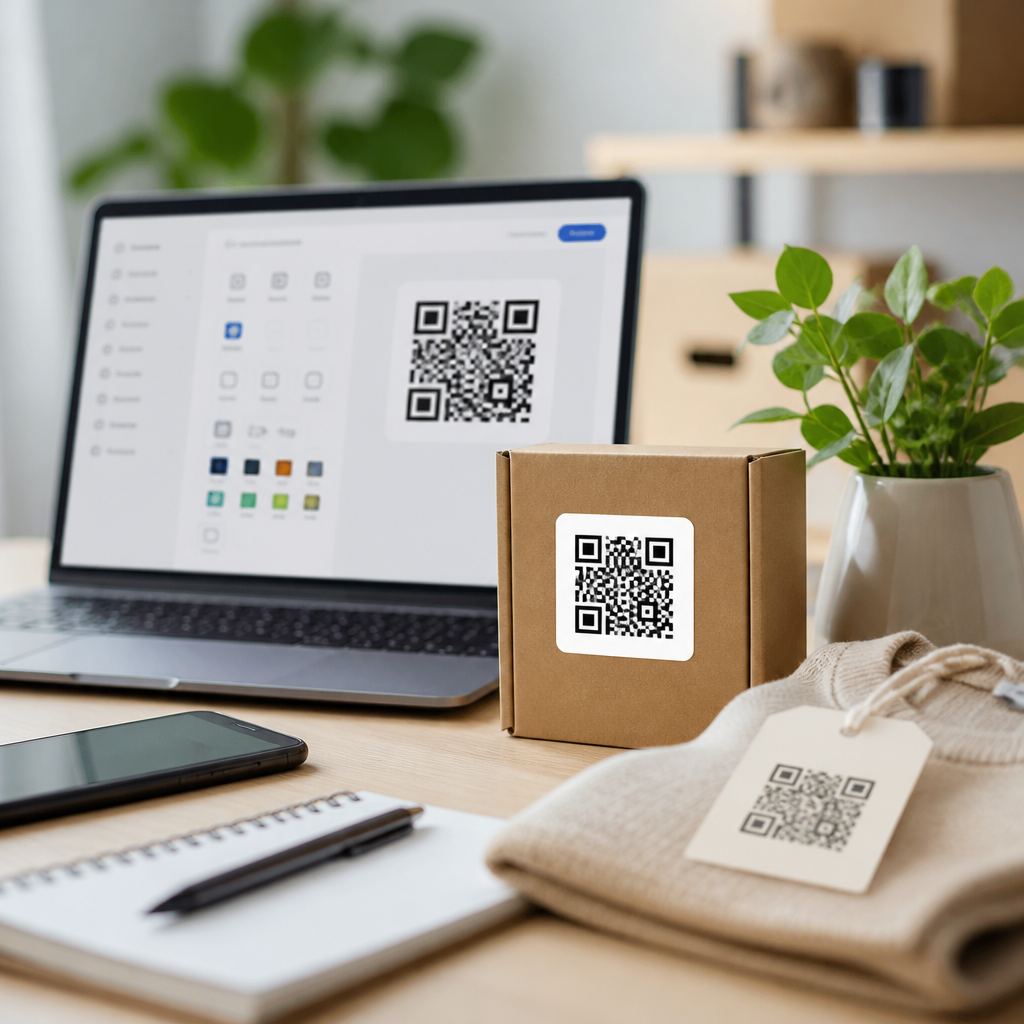

Choosing the right QR code generator for dynamic codes can determine whether your campaigns stay measurable, editable, and secure or become static assets you quickly outgrow. A QR code generator is software that creates scannable codes linking users to digital destinations such as websites, PDFs, menus, app downloads, payment flows, and lead forms. Dynamic codes differ from static codes because the short URL behind the pattern can be updated after printing, allowing you to change the destination, track scans, add retargeting pixels, or pause campaigns without reprinting materials. That flexibility matters for restaurants updating menus, retailers rotating offers, event teams replacing expired registration links, and operations teams labeling equipment with editable documentation. After testing generators for client campaigns, packaging rollouts, and in-store signage, I have found that the best platforms balance editing control, analytics depth, branding, and governance. This guide explains what dynamic QR code generators do, which platforms lead the market, how to compare them, and when each option makes sense.
What a dynamic QR code generator should do
A strong dynamic QR code generator does more than output a scannable image. It should create reliable redirect-based codes, support high error correction, and let you change content without changing the printed symbol. In practice, that means you can print one code on a flyer and later point it to a new landing page, seasonal coupon, or localized experience. The best tools also support custom domains, UTM parameters, password protection, expiration rules, bulk creation, folder permissions, and downloadable formats such as SVG, EPS, PNG, and PDF. Analytics should include total scans, unique scans, time, location, device, and operating system, with export options for CSV or direct connectors to Google Analytics 4, Zapier, or CRM systems.
There are also operational requirements many buyers overlook. Enterprise teams need role-based access control, audit logs, SSO support, and predictable uptime. Agencies need reusable templates, white labeling, and client workspaces. Small businesses usually care most about ease of editing, attractive design options, and affordable scan limits. If a generator does not clearly explain redirect ownership, data retention, and what happens when a subscription lapses, treat that as a serious risk. Dynamic QR campaigns can fail silently if the vendor disables redirects or adds branding overlays after plan changes.
Top QR code generators for dynamic codes
Beaconstac is one of the strongest all-around options for dynamic QR codes because it combines editable redirects, detailed analytics, bulk generation, and security controls suited to larger organizations. I have used it for retail shelf talkers and product packaging, where the ability to update destinations by SKU and monitor scan geography mattered more than decorative design. Beaconstac supports password protection, expiration, GPS-based behavior, and integrations with analytics stacks. For marketing teams managing many campaigns, its dashboard is structured enough to avoid the clutter that appears in simpler tools once you pass a few dozen codes.
QR TIGER is often the best fit for businesses that want broad feature coverage without the steeper learning curve of enterprise software. It supports dynamic URL codes, file QR codes, vCard, menu, social links, app stores, and bulk creation. Its interface is straightforward, and the platform has become common among small brands, schools, and event marketers because it offers design flexibility alongside practical reporting. If you need editable codes, branded frames, and campaign tracking without a procurement-heavy rollout, QR TIGER is a reliable short list candidate.
Scanova remains a solid choice for agencies and mid-market teams. It offers dynamic editing, lead generation pages, smart rules, and campaign management features that help when one account manages multiple brands. The platform is especially useful when you need to govern many codes across brochures, posters, and on-pack placements while still allowing nontechnical staff to update destinations. Adobe Express and Canva can create simple QR graphics, but they are not substitutes for dedicated dynamic QR management when analytics, redirects, and scale are priorities.
Bitly is another important option, especially for organizations that already use branded short links. While it is not positioned only as a QR platform, its QR features inherit the strengths of link management: trustworthy redirects, branded domains, and campaign measurement. For teams that think in terms of omnichannel links first and QR second, Bitly can simplify governance. Uniqode, formerly Beaconstac’s competitor in many evaluations, also deserves attention for enterprise deployments because it emphasizes secure infrastructure, scalable code management, and administrative controls that align with compliance-conscious teams.
How the leading generators compare
| Platform | Best for | Key dynamic features | Watchouts |
|---|---|---|---|
| Beaconstac | Enterprise and retail operations | Edit destination, bulk creation, advanced analytics, access controls | More capability than very small teams may need |
| QR TIGER | SMBs and campaign marketers | Editable codes, design tools, file hosting, bulk generation | Feature depth varies by plan |
| Scanova | Agencies and mid-market teams | Dynamic redirects, smart rules, lead forms, folders | Pricing can rise with scale |
| Bitly | Link-centric marketing teams | Branded links, QR generation, analytics, governance | Less specialized for QR-first use cases |
| Uniqode | Security-conscious organizations | Centralized management, analytics, admin controls, integrations | May require a more structured onboarding process |
The right pick depends on workflow more than headline features. A restaurant chain updating menu links across locations usually needs bulk management, templates, and location-level reporting. A packaging team launching one national product may care more about scan reliability, editable content, and long-term redirect stability. An agency serving many clients needs workspace separation and approval processes. I recommend testing each vendor with a real use case instead of a sandbox example: create ten codes, export print-ready files, assign user roles, update destinations, and review analytics exports. That exercise reveals more than any pricing page.
Features that separate average tools from dependable ones
The most important feature is redirect durability. Dynamic QR codes work through an intermediate short URL, so the vendor must maintain infrastructure that resolves quickly and consistently. Slow redirects can reduce conversions, and unstable domains can trigger user distrust. Look for HTTPS support, custom domains, and service reliability disclosures. Error correction level also matters when codes appear on curved packaging, outdoor signage, or materials prone to wear. Design customization should never compromise contrast, quiet zone spacing, or module clarity. The best generators warn you when branding choices threaten scannability.
Analytics quality is the next separator. Basic scan counts are not enough if you plan to optimize campaigns. Good platforms distinguish total scans from unique scans, show scan time by day, approximate location by IP, and identify device type. The strongest tools let you append UTM parameters automatically so web analytics systems can attribute downstream sessions and conversions. If your team reports to stakeholders, scheduled exports and dashboard sharing save time. If your team handles regulated data, verify whether scan metadata is anonymized, how long it is retained, and where it is hosted.
Finally, governance features matter because QR codes often outlive the people who launched them. I have seen campaigns fail because a code was created in a designer’s personal account and became inaccessible after an employee departure. Shared ownership, naming conventions, tags, folders, and audit logs prevent that problem. For larger teams, SSO via SAML, SCIM provisioning, and role-based permissions make QR management part of normal IT administration instead of an orphaned marketing tool.
How to choose the best generator for your use case
Start with the destination type. If you only need URL redirects, most major generators will work. If you need hosted files, digital business cards, app deep links, forms, multi-link landing pages, or menu builders, narrow the field to platforms that support those natively. Next, estimate volume: one event with twenty codes has different needs from a manufacturing company labeling five thousand assets. Then define ownership. Who can create codes, who can edit destinations, and who can view analytics? These questions determine whether you need enterprise controls or a simpler subscription.
Budget should include more than the monthly fee. Consider scan limits, file hosting allowances, custom domain setup, API access, and whether downloads in vector formats are restricted by plan. Also factor in the cost of failure. Reprinting packaging or signage because you chose static codes or a weak dynamic provider is almost always more expensive than paying for a stronger platform from the start. Before committing, print test codes at realistic sizes, scan them on older phones, and verify behavior in low light, at distance, and behind reflective surfaces.
Common mistakes when using dynamic QR code generators
The biggest mistake is treating the QR code image as the asset and ignoring the redirect behind it. The image is only the carrier; the redirect is the campaign. Another common mistake is overdesigning the code with low contrast colors, tiny size, or crowded logos. Follow practical print standards: maintain a clear quiet zone, keep dark modules on a light background, and size for scanning distance. Teams also forget to label links with UTMs, making performance impossible to attribute once traffic reaches the website.
A final mistake is neglecting lifecycle management. Dynamic QR codes should have owners, review dates, and retirement rules. Codes on physical assets can remain in use for years, so destinations must stay current and relevant. Build a spreadsheet or use platform tags to track where each code appears, what it points to, and when it was last validated. That discipline turns QR from a novelty into a dependable channel.
Dynamic QR codes are valuable because they let businesses edit destinations, measure engagement, and protect printed materials from becoming obsolete. The top QR code generators for dynamic codes are the ones that combine stable redirects, useful analytics, practical design controls, and account governance that survives real-world turnover. For many teams, Beaconstac, QR TIGER, Scanova, Bitly, and Uniqode will cover the field, but the best choice depends on whether you prioritize scale, simplicity, branding, security, or link management. Evaluate vendors using your actual workflow, not a feature checklist alone. Print samples, test scans, confirm reporting, and verify what happens to active codes if your plan changes. If this page is your starting point for QR Code Tools & Software, use it as the hub for deeper comparisons, pricing breakdowns, and platform-specific setup guides, then choose a generator that will still serve you well after the first campaign ends.
Frequently Asked Questions
What is a dynamic QR code, and how is it different from a static QR code?
A dynamic QR code is a QR code that points to a short redirect URL rather than directly embedding the final destination inside the code itself. That redirect can be updated later, which means you can change where scans go even after the QR code has been printed on packaging, flyers, menus, signage, business cards, or product labels. By contrast, a static QR code contains the final destination permanently. Once it is created, the encoded link cannot be changed without generating and reprinting a completely new code.
This difference matters because dynamic QR codes are built for flexibility and measurement. If you need to swap a landing page, fix a broken URL, update a seasonal promotion, rotate between campaigns, or redirect users by device, location, or time, a dynamic setup makes that possible. Dynamic platforms also typically include scan analytics such as total scans, unique scans, time, location, and device type, which are essential for marketing attribution and campaign optimization. Static codes are still useful for simple, permanent use cases, but for businesses that want editable destinations, trackable performance, and room to scale, dynamic QR codes are usually the better long-term choice.
Why should I use a dynamic QR code generator instead of a basic free QR code maker?
A basic free QR code maker can be fine for one-off, noncritical use cases, but dynamic campaigns usually require much more than the ability to generate a scannable image. The best dynamic QR code generators provide a management layer around the code: editable destinations, dashboard-based analytics, team access, bulk creation, branded design controls, password protection, expiration rules, retargeting integrations, and download options for print-ready files. Those features become important very quickly once QR codes move beyond simple personal use and into marketing, retail, hospitality, events, product packaging, or lead generation.
Using a higher-quality dynamic QR code generator also reduces operational risk. Some low-end or ad-supported tools limit scan counts, insert branding unexpectedly, offer little transparency about data retention, or may not provide dependable redirect infrastructure. If the platform is unreliable, your QR code campaign can fail even if the printed code itself is perfectly designed. A strong provider should offer stable hosting, fast redirects, clear pricing, editable links, analytics you can trust, and confidence that your codes will remain active over time. In practice, the right generator is not just a design tool; it is the system that keeps your QR campaigns measurable, secure, and easy to update without reprinting assets.
What features should I look for when comparing top QR code generators for dynamic codes?
When comparing providers, start with the core dynamic capabilities: the ability to edit the destination URL after launch, access scan analytics, and manage multiple codes from a central dashboard. From there, evaluate reporting depth. The best tools show total scans, unique scans, time-based trends, geographic data, device and operating system breakdowns, and sometimes campaign-level tagging or UTM support so scans can be tied back to broader marketing reporting. If measurement matters, analytics quality should be one of the first filters, not an afterthought.
Next, look at practical workflow and brand controls. Important features often include bulk generation, folder organization, API access, user permissions, custom domains, branded short links, custom colors and frames, logo insertion, high-resolution file exports such as SVG, EPS, or PDF, and landing page templates for destinations like app downloads, menus, forms, and file downloads. Security features also matter, especially for enterprise or regulated use cases. Useful options include password protection, code expiration, scan limits, domain whitelisting, audit logs, and privacy-conscious data handling. Finally, compare reliability and pricing structure carefully. Some platforms charge by number of codes, active codes, feature tiers, or scan volume. The best choice is usually the one that balances flexibility, analytics, brand control, uptime, and predictable cost for the scale of campaigns you expect to run.
Are dynamic QR codes better for marketing campaigns, and what can they help me measure?
Yes, dynamic QR codes are generally better for marketing campaigns because they combine adaptability with performance tracking. In a live campaign, things change: landing pages get revised, forms are optimized, promotions expire, and creative tests need to be rotated. A dynamic QR code lets you make those changes behind the scenes while keeping the printed code the same. That means a poster in a store, a mailer in circulation, or packaging already on shelves can continue working even if the campaign destination evolves. This alone can save time, money, and wasted print inventory.
From a measurement standpoint, dynamic QR codes can reveal how people engage with offline and cross-channel materials. Depending on the platform, you may be able to track scan volume, unique users, repeat scans, time and date patterns, approximate location, device type, and operating system. When combined with UTM parameters and analytics platforms, those scans can be connected to downstream actions such as purchases, bookings, app installs, form submissions, or content downloads. This makes QR codes much more than a convenience feature; they become a bridge between physical touchpoints and digital attribution. For marketers trying to understand which placements, audiences, or offers perform best, dynamic QR code reporting can be extremely valuable.
How do I choose the best QR code generator for dynamic codes for my business needs?
The best way to choose is to match the platform to your use case, not just the feature list on a pricing page. Start by defining what the codes need to do. If you only need a few editable links with basic reporting, a simple and affordable tool may be enough. If you are managing campaigns across stores, sales teams, packaging runs, events, or client accounts, you may need stronger analytics, bulk creation, custom domains, user roles, and integration options. For agencies and larger organizations, collaboration features and account structure often matter just as much as code generation itself.
It is also wise to evaluate long-term reliability before you commit. Review the provider’s pricing model, export options, redirect performance, design flexibility, customer support, and policy around keeping codes active if you change plans. Check whether you can download vector files for print, whether the platform supports branded short URLs, and whether its analytics are detailed enough for your reporting standards. If security or compliance matters, review data practices and access controls carefully. A good dynamic QR code generator should make your campaigns easier to update, easier to measure, and safer to manage over time. In most cases, the right provider is the one that can support both your current campaigns and the more complex ones you are likely to run later.