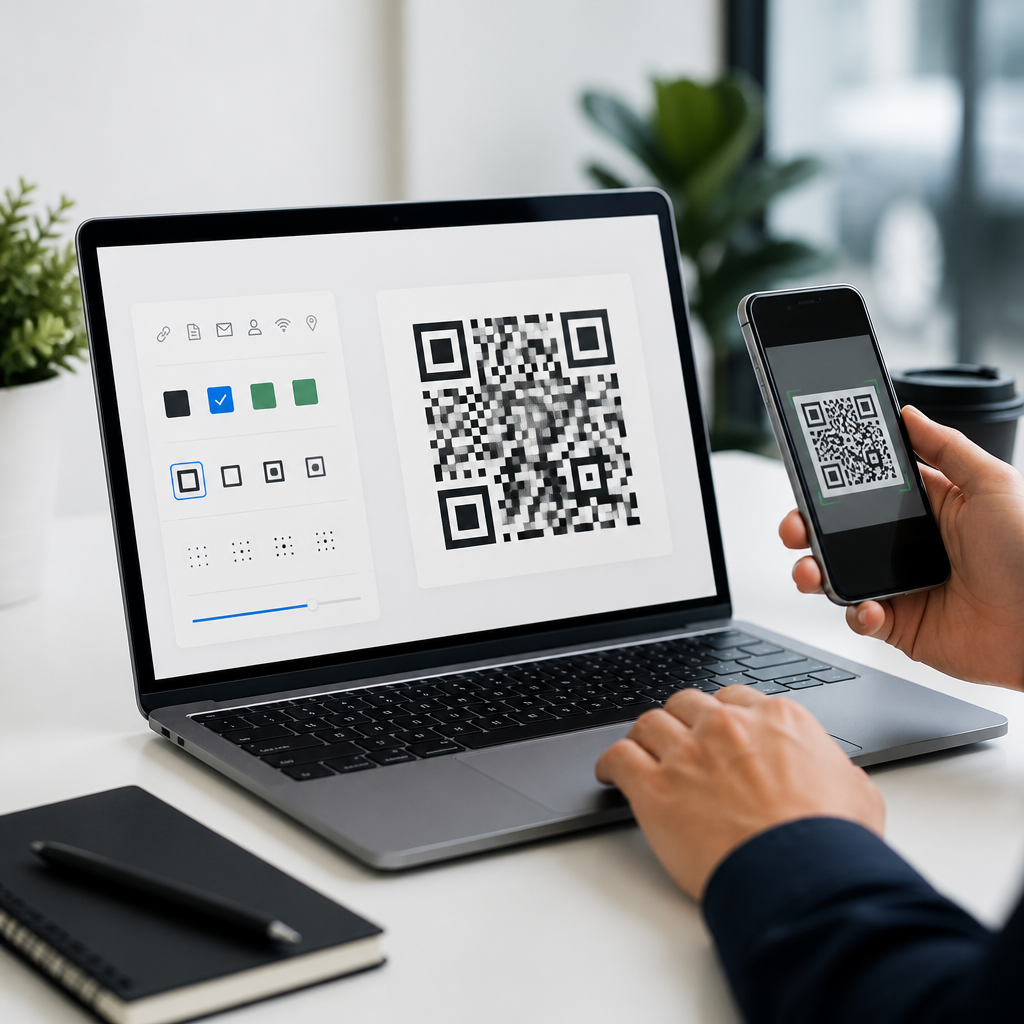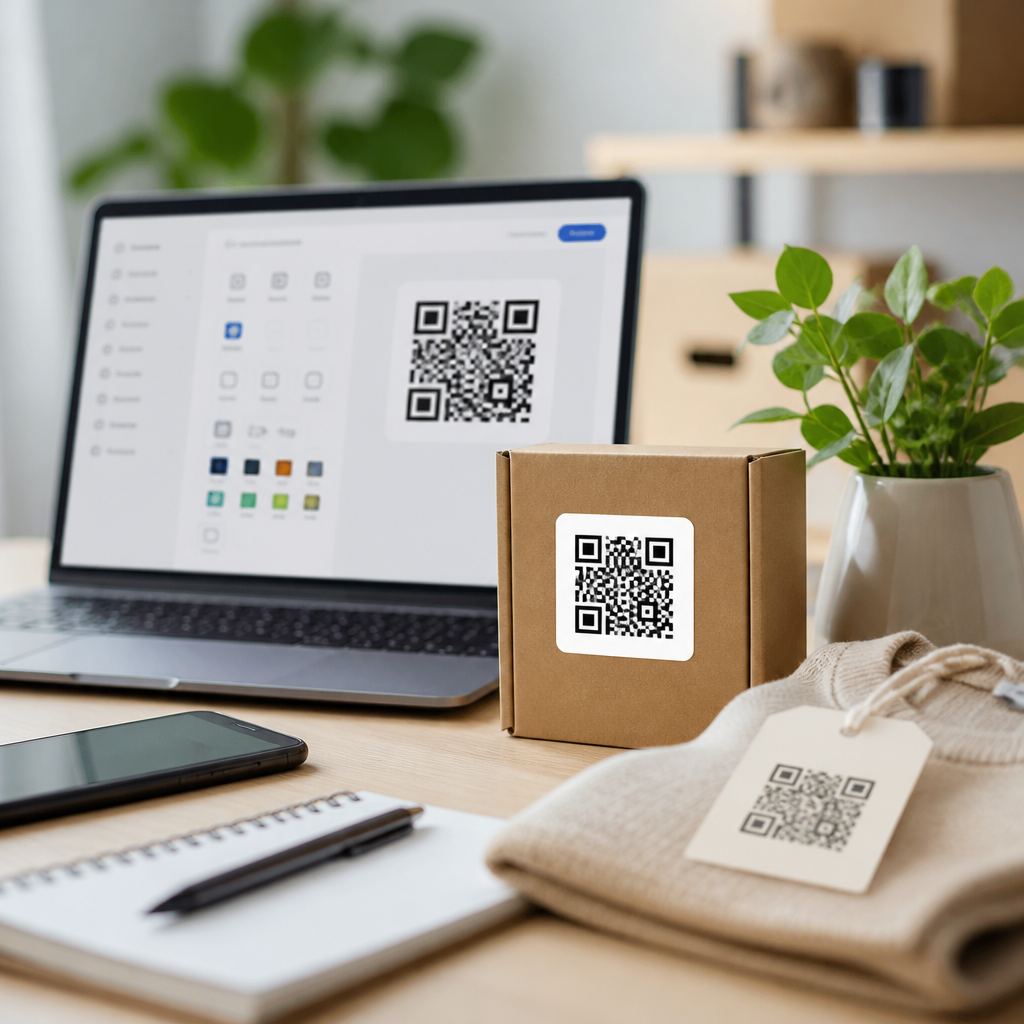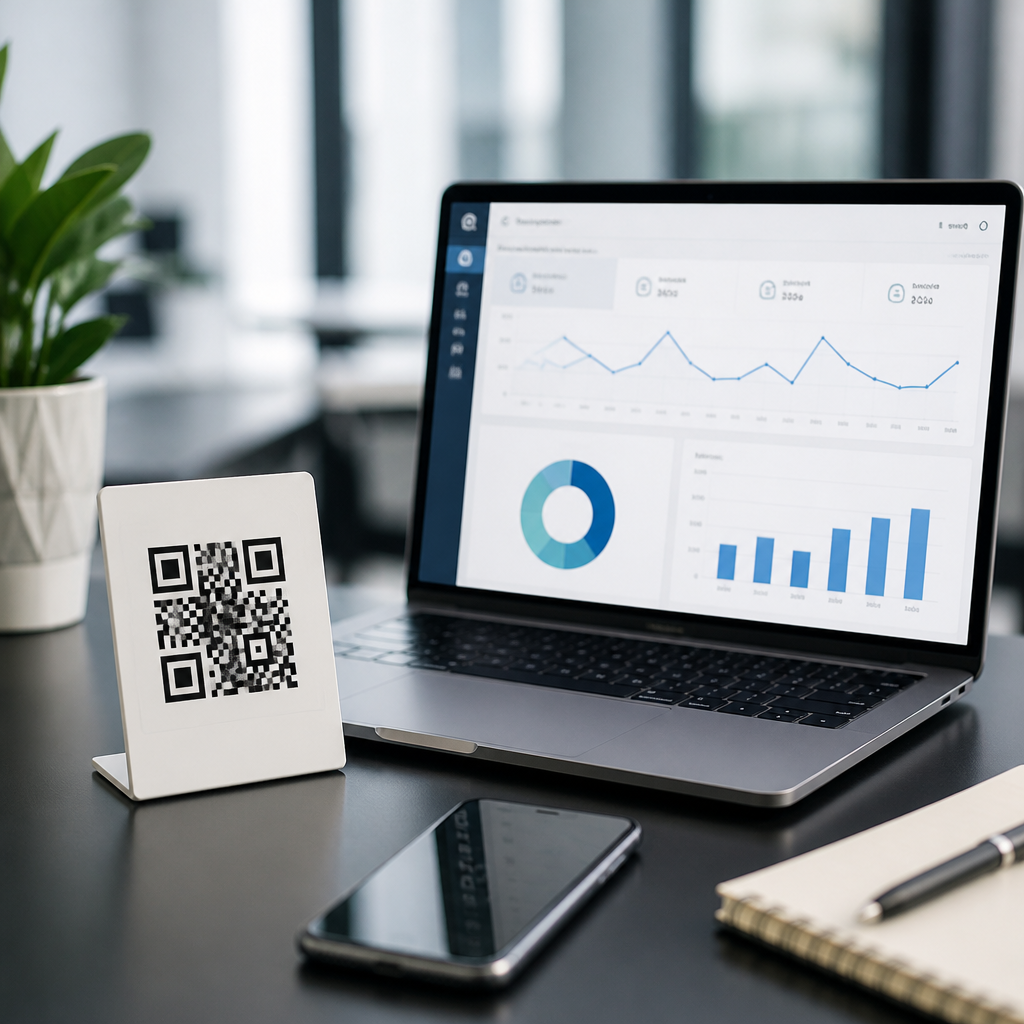
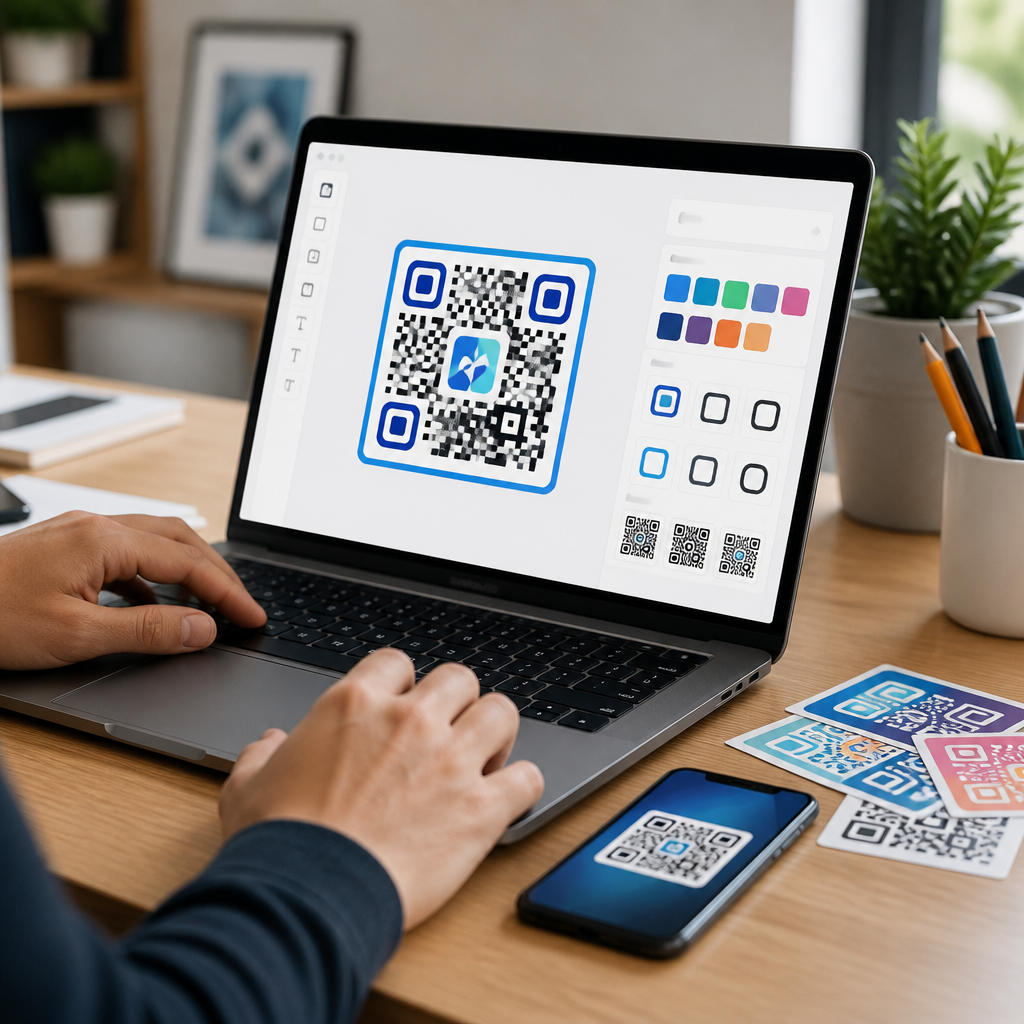
Best QR code design tools for custom codes solve a practical problem: businesses need scannable codes that match their brand, work across print and digital surfaces, and support measurable campaigns. A QR code is a two-dimensional matrix barcode that stores data such as a URL, contact card, Wi-Fi credential, payment link, or app deep link. A design tool adds control over the visual layer, including colors, frames, logos, eye shapes, quiet zones, and export formats. The challenge is balancing aesthetics with error correction, contrast, and scanner compatibility. I have tested custom QR codes on product packaging, event signage, restaurant menus, and paid social creatives, and the same lesson comes up every time: a beautiful code that fails on older phone cameras is worse than a plain one that scans instantly. That is why choosing the right QR code design software matters. The best platforms let teams create branded codes quickly, validate readability, manage dynamic destinations, and export files suitable for web, offset print, and large-format production without introducing scan errors.
For a sub-pillar page under QR Code Tools and Software, the useful approach is to separate design features from campaign needs. Some teams only need a static code with a logo for a flyer. Others need dynamic QR codes tied to analytics, UTM parameters, team permissions, and bulk generation. There are also compliance considerations. Payment QR codes may need industry-specific formatting. Printed packaging requires vector exports and strict contrast checks. Hospitality teams often need editable menu links with no reprint cost. In all of these cases, the best QR code design tools for custom codes are the ones that combine creative flexibility with technical safeguards. This guide explains what to look for, which tools are strongest for different use cases, and how to design codes that stay on-brand without sacrificing performance.
What a QR code design tool should actually do
A strong QR code design tool does more than decorate a black-and-white square. At minimum, it should support static and dynamic QR codes, SVG or EPS export, logo placement, frame text, and scan testing. Dynamic codes matter because they let you change the destination after printing, which is essential for campaigns, packaging, and evergreen signage. Vector export matters because raster PNG files can blur when enlarged, especially on posters, shelf talkers, or trade show backdrops. Error correction is another core feature. Most quality tools expose the standard L, M, Q, and H levels defined in ISO/IEC 18004, and H is commonly used when adding logos because it tolerates more damage or obstruction.
From hands-on use, the most valuable features are not always the flashy ones. Contrast warnings, quiet-zone protection, minimum size guidance, and device preview prevent costly mistakes. A quiet zone is the empty margin around the code that scanners need to isolate the symbol. If a tool lets a background pattern crowd that margin, scan rates drop fast. Good platforms also preserve the finder patterns, the three larger corner markers, because aggressive styling there is a common failure point. If a design tool includes analytics, look for event timestamps, location summaries, device type, and UTM compatibility rather than vanity dashboards.
Best QR code design tools for custom codes by use case
Adobe Express is a useful entry point for teams that already work inside Adobe’s ecosystem and need straightforward branded assets quickly. It is not the deepest QR management platform, but it is convenient for social posts, flyers, and lightweight marketing collateral. Canva offers a similarly accessible workflow and is often easier for non-designers. Its strength is template-driven production: a marketer can generate a code, place it into a menu, poster, or Instagram Story, and keep brand colors consistent. The limitation with both tools is campaign governance. They are design-first environments, not full QR lifecycle systems.
For dynamic QR code campaigns, QR Code Generator Pro, Bitly, Flowcode, Beaconstac, and Uniqode are stronger choices. Uniqode stands out for enterprise controls, bulk creation, folders, role-based access, and broad destination types, which is why larger marketing operations often standardize on it. Beaconstac is strong for physical-digital journeys, especially where analytics and integrations matter. Flowcode has a polished interface and performs well for creators, events, and quick deployment. Bitly is valuable when short links and QR codes need to live in one reporting environment. QR Code Generator Pro remains popular because it balances usability with enough customization for mainstream business needs.
| Tool | Best for | Key strength | Main limitation |
|---|---|---|---|
| Canva | Fast branded layouts | Easy template workflow | Limited campaign controls |
| Adobe Express | Creative teams | Smooth asset production | Less robust analytics |
| Uniqode | Enterprise deployment | Bulk management and governance | Higher cost for small teams |
| Beaconstac | Analytics-heavy campaigns | Integrations and tracking | Design interface less flexible than graphic tools |
| Flowcode | Events and creators | Clean UI and rapid setup | Advanced controls vary by plan |
| Bitly | Link plus QR management | Unified reporting | Design options are moderate |
If you need open-source or developer-friendly options, QRCode Monkey and goQR are useful for simple custom codes, while libraries such as qrcode.js, ZXing, and Python’s Segno give technical teams complete generation control. These are ideal when you want to embed QR production into internal systems, ticketing flows, receipts, or warehouse labels. The tradeoff is obvious: flexibility goes up, but built-in safeguards, hosting, and marketer-friendly analytics go down. In practice, I recommend hosted platforms for campaign teams and code libraries for product or operations teams.
How to evaluate customization without breaking scan performance
The best custom QR code is not the most stylized one; it is the most stylized code that still scans instantly in realistic conditions. Start with contrast. Dark foreground on a light background remains the safest configuration, and black on white is still the benchmark. Reversing that scheme can work, but it increases risk under glare, poor lighting, or low-quality printing. Gradients are possible, yet subtle gradients outperform dramatic transitions. Logos should usually stay centered and sized conservatively. If the logo covers too many modules, especially on a short URL with a dense pattern, the code becomes fragile even at high error correction.
Shape customization also needs restraint. Rounded modules and custom eye shapes are generally safe when the finder patterns remain obvious and the code is tested on multiple devices. Decorative frames can improve scan rates because they add a call to action such as “Scan to view menu” or “Scan for setup guide.” What hurts performance is clutter near the edges, low contrast between module and background, or exporting a raster file too small for print. As a rule, I test every final code on iPhone and Android, under indoor and outdoor light, and at the actual production size before approving it.
Size and distance should be planned together. A practical rule used in print is a scanning distance ratio of about 10:1, meaning a code intended to scan from 10 inches away should be roughly 1 inch wide. For posters viewed from several feet away, the code must scale accordingly. Material also matters. Matte finishes scan more reliably than glossy finishes under strong lights. Curved bottles, textured cardboard, and metalized packaging introduce distortion or reflections, so the safe design choice is often a simpler code with stronger contrast and a larger quiet zone.
Choosing the right tool for marketing, operations, or product teams
Marketing teams usually need dynamic destinations, analytics, branded templates, and easy collaboration. For them, Uniqode, Beaconstac, Flowcode, or QR Code Generator Pro are usually the best fit. A retail brand running seasonal in-store signage needs to swap landing pages without reprinting; a dynamic code platform handles that cleanly. Operations teams, by contrast, often care more about reliability, bulk generation, and internal system integration than about visual styling. A logistics workflow for bins, assets, or work orders may be better served by a library-driven approach tied to an internal database, with minimal design customization.
Product teams sit somewhere in the middle. They may use QR codes for device onboarding, warranty registration, authentication, or app pairing. Here, the destination logic can become complex: one code may route users by region, operating system, or product serial range. Hosted tools with API access are useful, but so are developer libraries when the code must be generated on demand inside the product flow. The key is matching the tool to the job. Paying for advanced campaign analytics makes little sense if your real need is a durable SVG code on a factory label. Likewise, using a free generator for a national packaging rollout is risky if you need editable destinations, governance, and scan reporting.
Best practices for custom QR code design that lasts
Use short, trustworthy destinations, even when the code hides the visible URL. Shorter encoded strings generally create less dense patterns, which improves resilience and allows more visual customization. If you are using dynamic QR codes, the redirect domain should be branded or at least recognizable to users. Include a clear call to action near the code, because people scan more when the benefit is explicit: “Scan to activate warranty,” “Scan for assembly video,” or “Scan to reorder.” Test printed proofs, not just screen mockups, and keep a version log so teams know which code maps to which campaign.
Accessibility and longevity matter too. Do not rely on color alone to communicate purpose. Keep enough white space around the code, and place it where a phone can physically focus without awkward angles. Archive master vector files and document the destination owner, expiration dates, and tracking parameters. The main benefit of the best QR code design tools for custom codes is control: control over branding, control over updates, and control over measurement. Choose a platform that fits your team’s workflow, validate every design in real conditions, and build a repeatable approval process before your next campaign launches.
Frequently Asked Questions
What should I look for in the best QR code design tools for custom codes?
The best QR code design tools combine visual customization with dependable scan performance. At a minimum, a strong tool should let you adjust brand-facing elements such as colors, frames, corner eyes, patterns, logos, and call-to-action text without weakening readability. It should also support common QR destinations, including URLs, vCards, Wi-Fi credentials, payment links, app links, and file downloads. Beyond appearance, pay close attention to practical features like high-resolution export options, vector file support such as SVG or PDF, transparent backgrounds, print-ready output, and sizing controls for packaging, signage, labels, business cards, and digital campaigns.
Another major factor is whether the platform supports dynamic QR codes and analytics. Dynamic codes let you change the destination after printing, which is extremely useful for ongoing campaigns, seasonal promotions, product packaging, restaurant menus, and multi-channel marketing. Built-in tracking can help measure scans by time, device, and location, making it easier to evaluate campaign performance. If your business is running codes at scale, also look for batch generation, team collaboration, folder organization, brand templates, and integrations with tools like CRMs, analytics platforms, or design software. The best solution is not just the one with the most visual effects, but the one that helps you create branded QR codes that remain easy to scan and easy to manage over time.
How do custom QR code designs stay scannable while still matching a brand?
Scannability comes first, because even the most attractive QR code fails if users cannot scan it quickly. Good design tools protect this balance by preserving the technical structure of the code while letting you modify its visual layer in controlled ways. In practice, that means maintaining strong contrast between the foreground and background, keeping a sufficient quiet zone around the code, avoiding excessive distortion of the data modules, and placing logos carefully within the allowable error-correction range. A well-built tool often includes previews, scan tests, and warnings when design choices become too aggressive.
To match a brand safely, use brand colors with enough contrast instead of forcing low-visibility combinations. Dark-on-light usually performs best. If you add a logo, keep it modest in size and choose a higher error-correction level so the code can still be read if part of the center is covered. Frames and call-to-action text can improve both branding and usability because they tell users what the code does, such as “Scan to View Menu” or “Scan to Download App.” Testing is essential: scan the code on multiple devices, under different lighting conditions, and from realistic distances. The most effective custom QR codes are not the most heavily decorated ones, but the ones that express the brand clearly while still scanning instantly in real-world settings.
Are dynamic QR codes better than static QR codes for custom marketing campaigns?
For most business and marketing use cases, dynamic QR codes are the better choice because they give you flexibility after the code has already been published or printed. A static QR code permanently stores the final destination, such as a URL or contact card, and cannot be changed later. That makes static codes suitable for simple, fixed uses where the content is unlikely to change. Dynamic QR codes, by contrast, point to a short redirect that can be updated in the background. This means you can change the landing page, replace outdated content, correct mistakes, rotate promotions, or retarget users without needing to reprint the code.
Dynamic codes are also far more useful for measurable campaigns. Many design tools that support dynamic QR codes include analytics dashboards showing scan volume, timing, approximate location, device type, and other performance signals. That data helps marketers understand which print placements, in-store displays, direct mail pieces, or digital surfaces are actually generating engagement. For branded campaigns, dynamic functionality is especially valuable because custom QR codes are often used across packaging, posters, menus, brochures, and ads that stay in circulation for a long time. If long-term control, campaign reporting, and content flexibility matter to you, dynamic QR codes usually provide a much better return than static ones.
Which export formats and file settings are best for printing and digital use?
The right export format depends on where the QR code will appear. For professional printing, vector formats such as SVG, EPS, or PDF are usually best because they scale without losing sharpness. This is important when codes need to appear on everything from small labels to large posters or trade show signage. Raster formats such as PNG can also work well, especially for web use and quick design workflows, but they must be exported at high enough resolution to remain crisp. Transparent background support is helpful when placing QR codes into branded layouts, packaging designs, product labels, and promotional materials.
In addition to format, file settings matter. Make sure the code is exported at a size appropriate for its scanning distance and intended surface. A code on a business card has different needs than one on a storefront window. Maintain strong contrast and preserve the quiet zone, even if the code is placed over a designed background. If the QR code is being used digitally, optimize it for fast loading and responsive display while keeping enough clarity for mobile scanning. A capable QR code design tool should make it easy to export multiple versions for print and screen, so your custom code stays consistent, readable, and on-brand across every channel.
Can a highly customized QR code still support analytics, branding, and long-term campaign management?
Yes, as long as the tool is built for business use and not just surface-level visual editing. A highly customized QR code can absolutely support analytics, branding consistency, and long-term campaign management when the underlying code structure is handled properly. The visual customizations people notice first, such as logo insertion, eye styling, branded colors, frames, and shape adjustments, sit on top of a machine-readable pattern. If the platform respects technical limits and gives you quality controls, you can have a code that looks distinctive without sacrificing performance. This is why premium design tools often include scan simulation, error-correction controls, reusable brand presets, and quality warnings before export.
From a management perspective, the most useful tools go beyond design and function more like campaign platforms. They let teams organize QR codes by project, track scan performance over time, update destinations, run A/B tests on landing pages, and maintain consistent branding across departments or locations. This is especially important for businesses using QR codes on packaging, retail displays, event materials, invoices, menus, or direct mail. Instead of treating each QR code as a one-off graphic, advanced tools help turn them into trackable, reusable marketing assets. That combination of design control, analytics, and post-launch flexibility is what separates a basic QR generator from a truly effective custom QR code design solution.