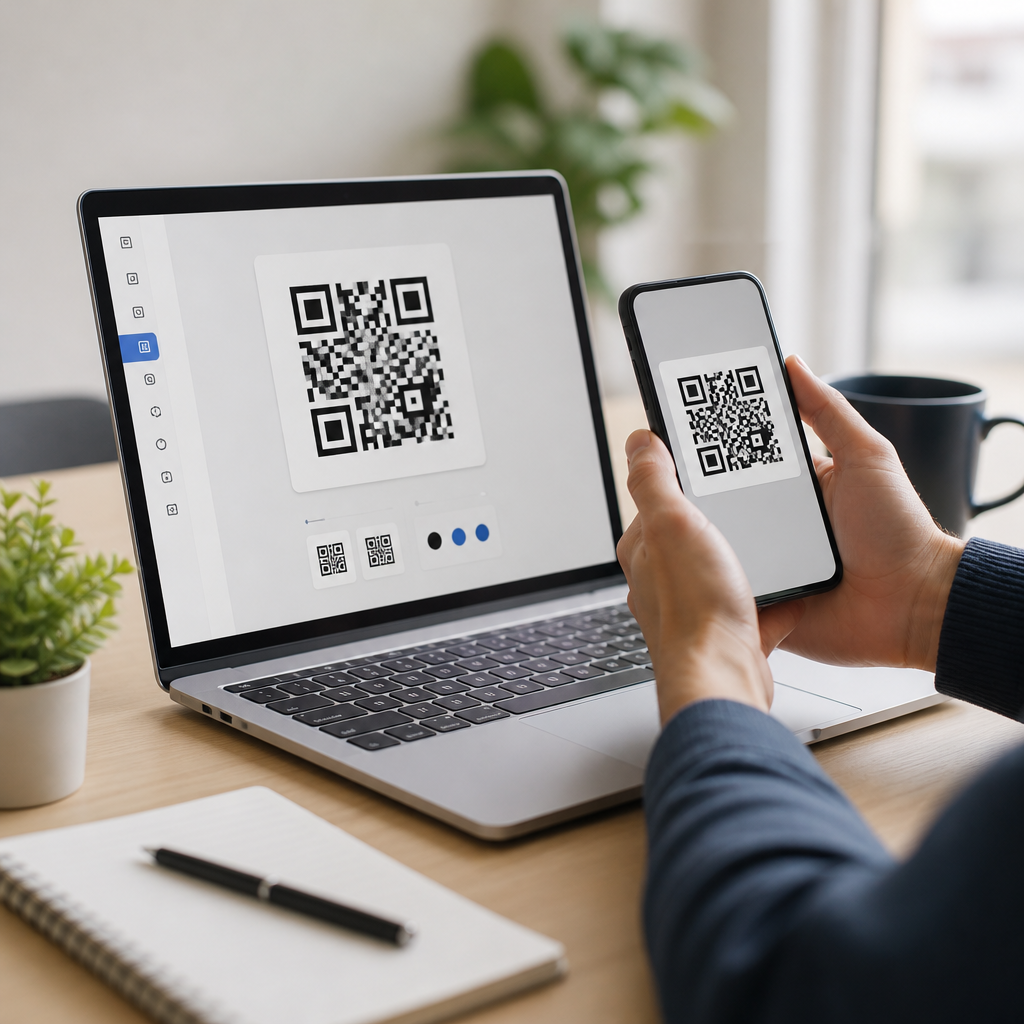
QR codes have evolved from simple shortcuts into a practical infrastructure for personalized user experiences across retail, events, hospitality, education, and product support. A personalized QR code experience means the code does more than open a generic page: it routes each scan to content shaped by context, audience segment, device, location, language, purchase history, or campaign logic. When implemented well, one printed square can deliver different outcomes for different people while remaining easy to deploy at scale. That combination matters because customers now expect relevance immediately, and businesses need measurable interactions that connect offline touchpoints to digital behavior.
I have used QR systems in product packaging, venue signage, and post-purchase onboarding, and the biggest lesson is consistent: the code itself is not the strategy. The strategy is the destination logic behind it. Static QR codes point to a fixed URL and cannot be changed after printing. Dynamic QR codes point to a short redirect URL managed through a platform, allowing edits, tracking, A/B testing, expiration rules, and conditional routing without replacing the printed asset. Personalization depends heavily on dynamic infrastructure, because advanced implementations require segmentation, analytics, and governance.
Why does this matter now? Smartphone camera recognition is mainstream, consumers are comfortable scanning, and marketing teams are under pressure to prove attribution beyond clicks. QR codes can connect a shelf talker to a localized offer, a restaurant table tent to dietary preferences, or an event badge to role-specific agendas. They also support service use cases: a device label can open warranty details for the exact model and region, while a patient handout can launch language-specific aftercare instructions. In each case, the user gets a faster path and the organization gets actionable data.
Build the personalization layer before you generate codes
Effective personalized QR campaigns start with architecture, not artwork. Define what variables will influence the destination: referral source, scan location, time window, device type, loyalty status, first-time versus returning visitor, and preferred language are common inputs. Then decide where those rules will live. In simpler deployments, the QR platform handles redirects through built-in conditions. In more mature stacks, the redirect service passes parameters into a customer data platform, CRM, or marketing automation tool such as HubSpot, Salesforce Marketing Cloud, Klaviyo, or Braze.
The destination should also be designed for continuity. A scan from packaging should not drop users onto a generic homepage. It should land on a mobile page that already knows the product family, campaign, and likely intent. I usually recommend URL parameters tied to a naming convention covering channel, placement, creative, market, and audience. That naming discipline makes reporting usable months later when multiple teams have created assets. If you need baseline setup guidance before moving into advanced workflows, the main pillar guide at https://mobile-qr-codes.org/how-to-create-a-qr-code-for-a-pdf/ covers the foundation.
Data protection must be planned from the start. Personalized does not mean invasive. Avoid encoding personal information directly inside the QR code, because printed codes are public and easily copied. Instead, store the intelligence server-side and issue anonymous identifiers or session tokens. If you operate in regions covered by GDPR or CCPA, provide clear notice, minimize data collection, and separate operational tracking from consent-based marketing enrichment. Personalized QR experiences work best when users perceive them as helpful, not surveillant.
Use contextual signals to change what each scan delivers
The most effective advanced implementations rely on context that can be observed at the moment of scan. Location-aware routing is common in retail chains. The same QR code on in-store signage can detect store geography through geofencing or IP approximation and open inventory, pricing, and promotions for the nearest branch. Hospitality teams use similar logic so a room placard opens spa hours in one property and ski shuttle schedules in another. This reduces print complexity because a single artwork file can serve many sites.
Time-based logic is equally useful. A conference organizer can place one code on a badge and change the destination each day from registration to session check-in to post-event surveys. Restaurants can swap breakfast, lunch, and dinner menus automatically. I have seen manufacturers use timed redirects after a product launch: the QR code first points to teaser content, then to setup instructions once shipping begins, and later to accessory bundles. The printed asset stays the same while the customer journey matures.
Device and language detection add another layer. If a scan comes from iOS, direct users to Apple Wallet passes or App Store deep links; if Android, use Google Wallet or Play Store links. For multilingual audiences, browser language is a strong default, but always offer an override. Auto-routing should help, not trap. A practical rule is to personalize the first screen and then make switching easy with visible controls. That preserves convenience while respecting edge cases, travel scenarios, and shared devices.
Connect QR codes to customer profiles and lifecycle stages
Truly personalized QR code experiences emerge when scan events update and reference customer profiles. In commerce, a QR code inserted into packaging can identify the product SKU, order cohort, and fulfillment region. After the scan, the landing page can present setup videos for that exact model, invite warranty registration, and trigger a post-purchase email flow based on whether the customer completed onboarding. In lifecycle terms, the same code supports activation, education, retention, and support without forcing the user to search.
For known users, account-based personalization is powerful but must be deliberate. A loyalty member who scans from a direct mail piece can be recognized through a secure login state and shown points balance, recommended items, or a store-specific offer. An event attendee scanning a booth code can receive content tied to industry role, such as technical documentation for engineers and ROI calculators for procurement leads. The underlying principle is identity resolution: match the scan to a profile only when you have a lawful basis and a clear value exchange.
The table below shows common advanced implementations and the systems typically involved.
| Use case | Personalization trigger | Typical systems | User outcome |
|---|---|---|---|
| Retail shelf signage | Store location, campaign, inventory | QR platform, CMS, product feed | Local pricing, stock status, offer |
| Product packaging | SKU, region, ownership stage | Redirect service, CRM, support hub | Model-specific setup and warranty |
| Events and trade shows | Badge role, session time, language | Registration system, MAP, analytics | Agenda, lead capture, follow-up |
| Hospitality | Property, room type, time of day | PMS, CMS, service platform | Relevant amenities and service links |
Design landing pages, deep links, and analytics for measurable relevance
A personalized scan fails if the destination loads slowly or asks the user to repeat information the system already knows. Build mobile-first landing pages with compressed media, clear hierarchy, and one primary action. If the goal is app engagement, use deferred deep linking tools such as Branch or AppsFlyer so users with the app installed go to the right in-app screen, while everyone else gets a smart fallback. This is especially important for membership cards, ticketing, onboarding, and support workflows where friction destroys completion rates.
Measurement should go beyond scan count. I track at least four layers: scans, unique scanners, destination engagement, and downstream conversion. In Google Analytics 4, define custom events for scan landing, CTA click, form completion, video start, and purchase or registration. Pair those with campaign parameters and server-side logs from the redirect layer. Scan rate tells you distribution reach; completion rate tells you whether the experience actually matched intent. High scans with low completion usually indicate a mismatch between the promise on the print asset and the landing page.
Testing is nonnegotiable. A/B test the call to action near the QR code, the first headline after scan, and the number of form fields. Also test practical conditions: low light, older phones, weak Wi-Fi, and apps that open embedded browsers. QR code readability depends on contrast, quiet zone, and print size, but performance also depends on where the code appears physically. At a distance, users need a stronger CTA and larger code; on packaging, they need reassurance about what the scan will open and whether it requires an app.
Common mistakes, operational limits, and scaling best practices
The most common mistake is treating personalization as a one-time campaign tactic instead of an operating model. Teams print dynamic QR codes but forget governance, so redirects break when pages are retired or ownership changes. Create a registry for every code with fields for owner, purpose, destination rules, launch date, and review date. Broken QR journeys are more damaging than broken web links because the user has already crossed from physical to digital and expects immediate payoff. Routine audits prevent silent failures.
Another mistake is overpersonalizing too early. If every scan path depends on identity before value is delivered, abandonment rises. Give useful content first, then ask for sign-in, registration, or preferences when the benefit is obvious. Also watch for accessibility and inclusion. Pages should support screen readers, high contrast, and plain-language instructions. In multilingual environments, never assume machine translation is good enough for safety, healthcare, or legal content. Human review is essential when consequences are significant.
To scale successfully, standardize templates, taxonomies, and dashboards. Use one redirect domain, one naming convention, and one analytics schema across departments. Document print specifications and approval workflows. When advanced QR implementations are managed this way, personalization becomes reliable, measurable, and easy to extend. Start with one high-intent use case, such as post-purchase onboarding or event navigation, prove the lift in completion or conversion, and then expand to additional touchpoints. QR codes deliver personalized user experiences when the logic behind the scan is disciplined, context-aware, and built around user benefit. Audit your current journeys, identify one offline touchpoint with clear intent, and redesign it with dynamic routing, strong measurement, and a mobile page that answers the user’s next question immediately.
Frequently Asked Questions
What does it mean to use QR codes for personalized user experiences?
Using QR codes for personalized user experiences means the scan does not always lead every person to the exact same destination. Instead, the QR code acts as a smart entry point that can route users to content based on relevant context such as device type, language preference, location, time of day, customer segment, campaign source, purchase history, or whether the person is a first-time or returning visitor. In practice, that could mean one customer scans a code on product packaging and sees setup instructions in their local language, while another scans the same code and lands on warranty information, accessories, or tailored support content.
This approach turns a QR code from a static link into a flexible delivery layer. The printed code remains the same, but the experience behind it can adapt through rules in the destination platform or dynamic QR code management system. That flexibility is especially useful in retail, events, hospitality, education, and product support, where businesses often need to serve multiple audiences from a single physical touchpoint. Rather than printing separate codes for every variation, organizations can use one code and control the experience centrally.
The core advantage is relevance. Personalized experiences reduce friction because users reach what is most helpful to them faster. That can improve engagement, conversions, satisfaction, and support outcomes. It also makes offline-to-online interactions measurable, since each scan can be tracked and analyzed to understand what content performs best for different audiences. When implemented thoughtfully, personalized QR codes create a more useful, efficient, and human experience without making the scan process more complicated for the user.
How can one QR code show different content to different users?
One QR code can show different content to different users when it points to a dynamic routing system rather than a fixed, unchangeable URL. Instead of hardcoding a single destination into the QR code, the scan directs users to a controlled endpoint that evaluates conditions and decides what to display. Those conditions can include browser language, device operating system, geolocation, referral source, time-based campaign logic, authentication status, or user data stored in a CRM, loyalty platform, or event registration system.
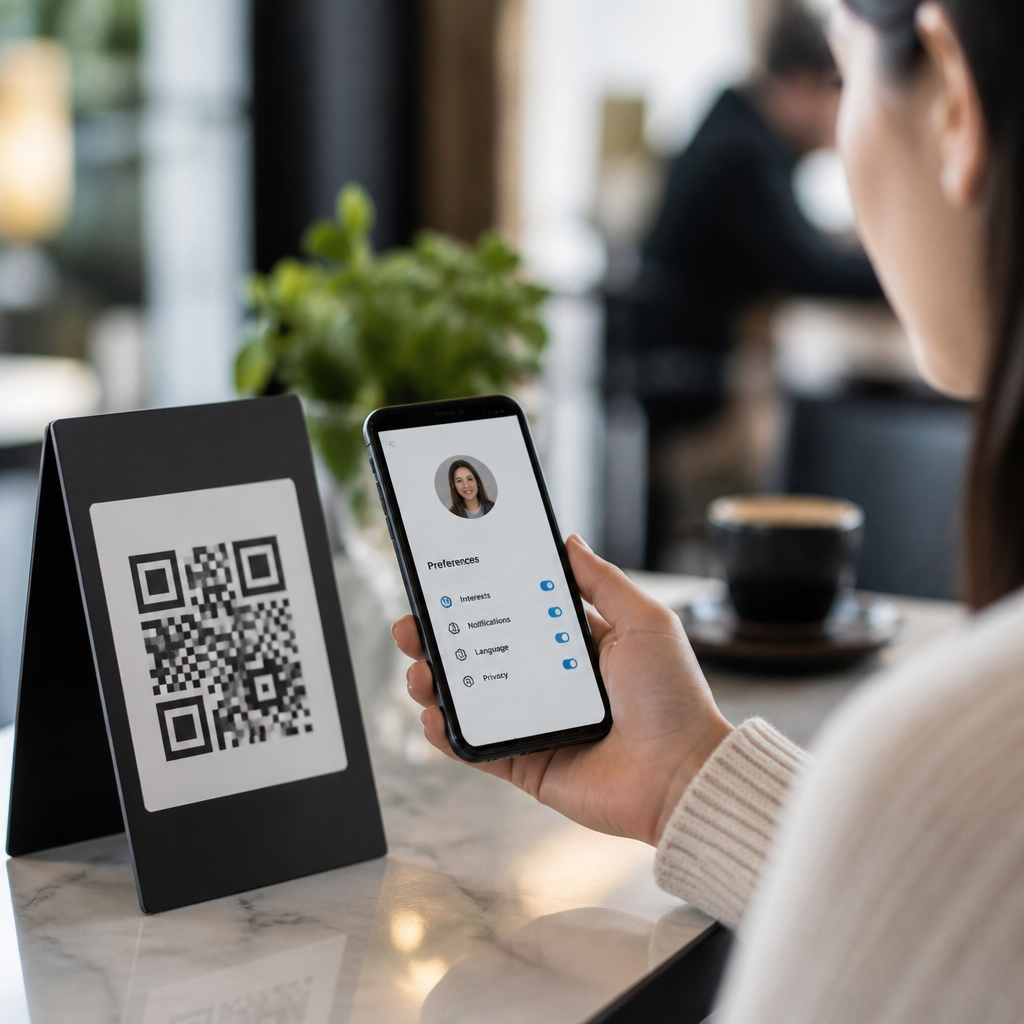
For example, a restaurant table QR code could show one menu to users whose phone language is set to Spanish and another to users whose phone language is set to English. A conference badge QR code might send VIP attendees to exclusive networking content while general attendees see the main event agenda. A product QR code on packaging could recognize whether a user is scanning before or after purchase based on a linked account or campaign flow, then present either product education, setup guidance, or post-purchase support.
This is typically made possible through dynamic QR code platforms, redirect rules, personalization engines, or integrations with analytics and customer data tools. The printed code itself does not change at scan time; the destination logic does. That distinction is important because it allows marketers and operations teams to refine experiences after materials are already in circulation. It also makes testing easier. Teams can compare destinations, monitor user behavior, and optimize the journey over time without reprinting signs, labels, packaging, or event materials.
What are the best use cases for personalized QR codes in business and customer experience?
Personalized QR codes are especially effective anywhere a business needs to bridge a physical interaction with a digital experience that feels timely and relevant. In retail, they can power tailored product recommendations, loyalty offers, how-to content, replenishment flows, or localized promotions. A code on a shelf tag, receipt, or package can guide customers to size guides, styling tips, inventory at nearby stores, or offers based on previous purchases. This helps make the in-store experience more informed and more connected to the customer’s broader journey.
In events, personalized QR codes can support registration, attendee segmentation, agenda customization, lead capture, and post-event follow-up. A single scan point on event signage or attendee badges can deliver different schedules, sponsor offers, or networking options depending on ticket type, attendee role, or session interests. In hospitality, hotels and travel brands can use QR codes for multilingual guest services, room-specific information, upsells, dining reservations, local recommendations, and contactless support. This keeps the experience convenient while also making it feel more individually relevant.
Education and product support are also strong use cases. Schools and training organizations can use QR codes to direct different learners to beginner, intermediate, or advanced materials, or to language-specific resources. Manufacturers can place QR codes on products, manuals, or packaging that route users to setup videos, troubleshooting content, spare parts, warranty registration, or model-specific documentation. Across all these industries, the pattern is the same: personalized QR codes work best when they reduce confusion, shorten the path to value, and help people get exactly what they need in the moment they need it.
What do you need to implement personalized QR codes successfully?
Successful implementation starts with clear strategy, not just the code itself. The first step is defining the user scenarios you want to support. That means identifying who will scan, where they will scan, what context matters, and what action you want them to take next. A QR code meant for packaging will have different requirements than one used on in-store signage or event credentials. The more clearly the use case is mapped, the easier it is to design routing logic that genuinely improves the experience rather than adding unnecessary complexity.
From a technical perspective, most organizations need dynamic QR codes, a destination management platform, and a way to apply personalization rules. That can be as simple as language or location redirects, or as advanced as CRM-connected audience segmentation and campaign automation. It is also important to have analytics in place so teams can measure scans, click-through behavior, conversions, drop-off points, and performance by audience segment. Without tracking, it is difficult to know whether the personalization is delivering business value.
Execution details matter as much as strategy. The landing experience should be mobile-friendly, fast-loading, and easy to understand. The QR code should be placed where people can comfortably scan it, and there should be a clear call to action explaining what users will get by scanning. Testing is essential across different devices, lighting conditions, networks, and user scenarios. Teams should also establish governance for updating links, managing expired campaigns, and maintaining consistency across channels. The best personalized QR programs are not just technically functional; they are operationally reliable, easy to optimize, and designed around real user needs.
Are there privacy, security, or user trust concerns with personalized QR code experiences?
Yes, and they should be taken seriously. Personalized QR code experiences often rely on contextual signals or user data, which means businesses need to be thoughtful about privacy, consent, and transparency. If the personalization uses information such as location, account status, purchase behavior, or CRM segmentation, that data handling should align with applicable privacy laws and the organization’s own data policies. Users do not need to see the full technical details, but they should not feel misled about what happens after they scan.
Security is equally important because QR codes can hide destination URLs from view, which makes users naturally cautious. To build trust, businesses should use branded landing pages, secure HTTPS destinations, and clearly labeled scan prompts that explain the purpose of the code. Redirect chains should be minimized, and the final destination should feel consistent with the physical item being scanned. It is also wise to monitor QR code performance for anomalies, protect management platforms with strong access controls, and establish processes for quickly updating destinations if a campaign changes or a security issue is identified.
Trust improves when personalization feels helpful rather than intrusive. A good rule is to use only the amount of personalization necessary to make the experience more relevant. For example, offering language-specific instructions or location-aware store information is often seen as useful, while excessive data-driven customization may raise questions if it is unexpected. Clear value exchange matters: when users scan a code and immediately receive content that is faster, more accurate, and more relevant, they are far more likely to view the personalized experience as a benefit rather than a risk.