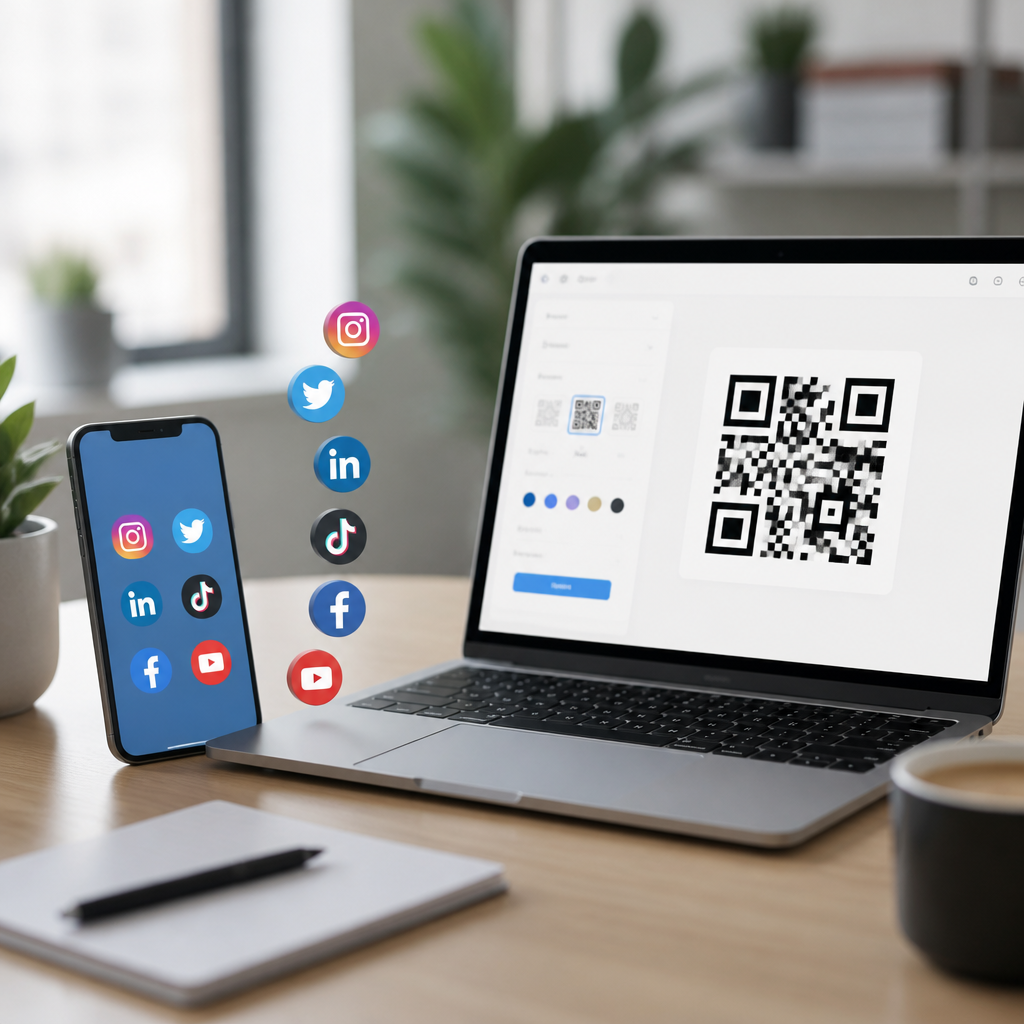
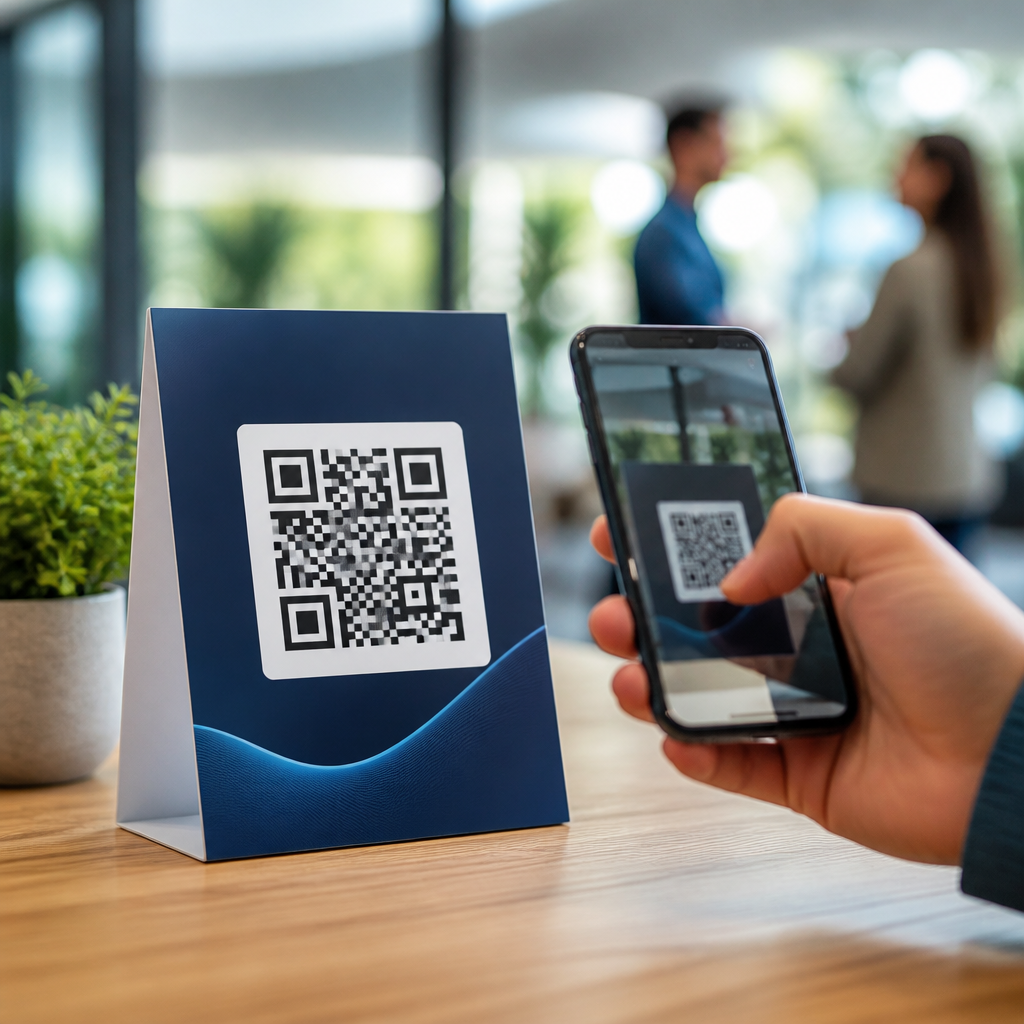
Dynamic QR codes give marketers a flexible way to connect print, packaging, events, and offline media to digital experiences without reprinting the code each time a campaign changes. Unlike static QR codes, which permanently encode a destination such as a URL or vCard, dynamic QR codes point to a short redirect URL managed on a platform dashboard. That redirect can be edited after the code is published, while scan data such as time, device type, and location can be measured. I use dynamic QR codes whenever a campaign needs testing, localization, analytics, or the option to swap landing pages after launch. For marketing teams, that combination of agility and measurement matters because budgets are tight, creative cycles are short, and offline attribution is notoriously difficult. A well-built dynamic QR code program turns posters, direct mail, menus, product labels, retail displays, and sales collateral into measurable traffic sources. It also reduces operational risk: if a landing page breaks, inventory ships late, or an event registration link changes, you update the destination in minutes instead of recalling printed materials.
To create dynamic QR codes for marketing effectively, you need more than a generator and a logo. You need a clear campaign objective, a reliable redirect architecture, scan-safe design, naming conventions, analytics integration, and governance for long-term maintenance. Intermediate guides focus on that operating layer between basic code creation and enterprise automation. This article explains the process, the tools, the decisions, and the common mistakes, then serves as a hub for deeper tutorials your team can build from. If you need a foundational walkthrough before setting up campaigns at scale, review the main pillar guide on how to create a QR code for a PDF, then return here to expand into redirect management, performance tracking, and channel-specific execution.
Start with the right campaign structure
The first step is defining what the code should accomplish and what will change over time. In practice, most marketing use cases fall into four buckets: traffic generation, lead capture, content delivery, and post-purchase engagement. A flyer may drive visitors to a product launch page, a tradeshow badge card may open a lead form, a product insert may deliver setup documentation, and a box label may send customers to warranty registration. Dynamic QR codes are ideal when any part of that destination may need updating after print production. I normally map three layers before generating anything: the physical placement, the audience context, and the desired conversion event. That map determines the best landing page, the required UTM parameters, and the reporting setup inside Google Analytics 4, Adobe Analytics, or another measurement platform.
Marketers often skip naming conventions, then struggle to manage dozens of similar codes later. A practical convention includes channel, campaign, asset, geography, and date, such as retail-summer-launch-poster-uk-2026-06. That format makes dashboard filtering easier and reduces the chance of editing the wrong destination. It also helps when exporting scan data to a spreadsheet or business intelligence tool like Looker Studio or Power BI. Another structural decision is whether to create one master code for a whole campaign or separate codes for each placement. If you care about location-level attribution, use separate codes for each asset version or placement. A single code is simpler, but it collapses insights you may later wish you had.
Choose a platform that supports redirects, analytics, and governance
A dynamic QR code is only as dependable as the platform that resolves the redirect. Core requirements are editable destinations, HTTPS, fast redirects, exportable analytics, custom domains, and account permissions. Better platforms also support password protection, expiration rules, bulk creation, API access, and folder-based organization. In my experience, custom domains are especially valuable because they improve trust, strengthen branding, and reduce the likelihood that a generic short domain will be blocked by cautious users or corporate networks. If your packaging says scan.brand.com instead of an unfamiliar short link domain, scan confidence usually rises.
Analytics features deserve careful scrutiny. Native scan metrics tell you what happened at the code level, but they are not a substitute for site analytics. A scan is not the same as a session, and a session is not the same as a conversion. The best setup uses both: the QR platform records scans and redirect events, while Google Analytics 4 records pageviews, engagement, and downstream conversions. Add UTM parameters consistently so scans can be segmented by source, medium, and campaign. I generally set source to qr, medium to offline, and campaign to the marketing initiative name, then use content for placement detail. That simple taxonomy makes offline traffic visible in standard acquisition reports.
| Decision Area | Minimum Requirement | Why It Matters in Marketing |
|---|---|---|
| Redirect control | Edit destination after printing | Prevents reprint costs when offers, dates, or landing pages change |
| Analytics | Scan counts, timestamps, device data, export | Shows which assets generate interest and when scans occur |
| Custom domain | Branded short URL support | Improves trust and aligns offline media with brand identity |
| Governance | Roles, folders, audit trail | Reduces errors when multiple teams manage active codes |
| Scalability | Bulk upload or API | Speeds campaigns with many products, stores, or territories |
Build landing pages that match scan intent
The most common reason QR campaigns disappoint is not the code itself; it is the landing experience. Every scan happens in a context, often on mobile, often quickly, and usually with a specific expectation created by nearby copy. If a poster promises a discount, the page must land on the discount. If product packaging promises instructions, the page should open directly to setup steps, not a generic homepage. Message match is a conversion lever. I have seen identical creative assets double performance simply by replacing a homepage destination with a focused mobile page that repeated the offer headline, loaded in under two seconds, and removed unnecessary navigation.
Technical basics matter here. Mobile-first layouts, compressed images, accessible typography, and clear buttons are standard, not optional. Use PageSpeed Insights or Lighthouse to identify render-blocking scripts and layout instability. If the code may be scanned in areas with weak connectivity, keep the page lightweight. For localized campaigns, dynamic codes can route users to region-specific pages using separate codes or rules based on placement. For product education, consider PDF fallbacks, but remember that web pages are easier to measure and optimize than file downloads. Also make privacy expectations obvious when a scan leads to a form. Consent banners, transparent data use language, and minimal form fields support trust and completion rates.
Create scan-safe QR codes with brand styling that does not break readability
Design flexibility is useful, but readability comes first. A dynamic QR code still depends on camera recognition, contrast, and error correction. I recommend high contrast between dark modules and a light background, a quiet zone of at least four modules around the code, and testing at real print size before approval. Avoid reversing the code to light modules on a dark field unless the platform confirms reliable scanning and your tests pass across iPhone and Android devices. Rounded modules, brand colors, and center logos can work, but every decorative change increases the chance of failure if pushed too far.
Size should match viewing distance and scanning context. A simple field rule is about one inch of code width for every ten inches of scanning distance, then validate it in the actual environment. A magazine ad may scan comfortably at around 1.2 inches, while a storefront window viewed from a sidewalk may require much larger dimensions. Put codes on flat surfaces when possible, because curves on bottles or narrow labels distort the pattern. Always include a call to action near the code, such as “Scan to view the demo” or “Scan for 15% off.” Response rates improve when people know exactly what they will get.
Measure results, test variables, and maintain active codes
Once the code is live, treat it like a landing page or paid ad: monitor it, test it, and maintain it. Useful performance indicators include scans, unique scanners where available, landing page sessions, bounce rate or engagement rate, form completions, revenue, and assisted conversions. I also watch time patterns. A restaurant menu code may peak at lunch and dinner, while an event banner may spike during keynote breaks. Those patterns help validate placement and staffing decisions. If scans are high but conversions are low, the issue is usually the landing page, offer clarity, or mobile usability rather than the QR code graphic.
Testing should be deliberate. Compare call-to-action language, code placement, destination page length, and incentive structure. For example, direct mail often benefits from a short value-focused CTA, while in-store signage may perform better when the CTA reduces uncertainty, such as “Scan to check sizes in stock.” Maintenance is just as important as testing. Dynamic codes can outlive the campaigns that created them, which means broken redirects, expired forms, and outdated terms become brand liabilities if nobody owns them. Assign an owner, review active codes on a schedule, archive unused assets, and document where each code appears physically. That operating discipline is what turns a convenient tactic into a dependable marketing channel.
Dynamic QR codes are one of the most practical bridges between offline attention and digital action because they combine editable destinations with measurable behavior. The method is straightforward: define the campaign objective, choose a platform with reliable redirects and analytics, create mobile landing pages that match scan intent, design for readability first, and measure both scans and conversions. When those pieces work together, printed media stops being a black box and becomes a source of attributable traffic, leads, and revenue. That is the central benefit for marketing teams under pressure to prove performance across channels.
As the hub for intermediate guides, this topic should lead your next steps. Build separate tutorials around UTM conventions, branded short domains, retail signage deployment, packaging use cases, event lead capture, landing page optimization, and QR reporting in Google Analytics 4. Those subtopics are where teams usually gain the biggest improvements after learning the basics. Keep your standards simple: one purpose per code, one clear call to action, one accountable owner, and routine testing across devices and print conditions. Start with a single campaign, document the workflow, and expand only after the reporting and maintenance process is stable. That approach will help you create dynamic QR codes for marketing that scale cleanly and perform reliably.
Frequently Asked Questions
What is a dynamic QR code, and how is it different from a static QR code?
A dynamic QR code is a QR code that does not store the final destination directly inside the code itself. Instead, it contains a short redirect link that points to a destination managed through a QR code platform or dashboard. That means you can change where the code sends people even after it has been printed on packaging, flyers, posters, signs, business cards, or event materials. A static QR code, by contrast, permanently encodes the final content, such as a website URL, PDF, contact card, or plain text. Once a static code is created and distributed, the destination cannot be changed without generating and reprinting a new code.
For marketing, this difference is significant. Dynamic QR codes give you flexibility when campaigns evolve, landing pages change, products get updated, or you want to test different offers. Instead of replacing printed assets, you simply update the redirect destination in your dashboard. Dynamic codes also support scan tracking, which is one of their biggest advantages. Depending on the provider, you can view metrics such as scan time, device type, general location, and overall engagement patterns. That makes dynamic QR codes especially useful for campaigns that connect offline touchpoints with digital experiences and need both adaptability and measurable performance.
How do you create a dynamic QR code for a marketing campaign?
Creating a dynamic QR code usually starts with choosing a reliable QR code generator or campaign platform that offers editable redirects and analytics. After signing in, you select the campaign type, most often a URL-based redirect, and enter the destination you want users to reach first, such as a landing page, product page, event registration form, app download page, coupon, or lead capture form. The platform then creates a short redirect URL behind the scenes and generates the QR code image that points to it rather than to the final destination directly.
From there, you can customize the code to match your brand by adjusting colors, adding a logo, changing the frame style, or including a call to action such as “Scan to Learn More” or “Scan for 10% Off.” Once the design is ready, test it on multiple devices and under realistic conditions before publishing it. After testing, download the QR code in a suitable format for print or digital use, typically SVG, EPS, or high-resolution PNG. The final step is campaign management: place the code on your marketing materials, monitor performance in the dashboard, and update the redirect destination whenever the campaign needs to change. This workflow is what makes dynamic QR codes so useful for marketers who need speed, flexibility, and measurable results.
Why are dynamic QR codes better for marketing than static QR codes?
Dynamic QR codes are better for marketing because they support the way campaigns actually operate in the real world. Marketing assets often live for weeks or months across print ads, direct mail, product packaging, trade show booths, retail displays, outdoor signage, and handouts. During that time, offers may change, landing pages may be updated, events may sell out, or a campaign may need to be redirected to a new promotion. With a dynamic QR code, you can make those changes without reprinting the original code, which saves time, protects your budget, and reduces waste.
They also improve decision-making through analytics. A static QR code may send users to a page, but it offers no built-in visibility into how often the code was scanned or what happened across locations and devices. A dynamic QR code platform can provide scan counts, timing data, device trends, and location-level insights that help marketers understand what is working. This is especially valuable for comparing performance across channels, stores, product lines, or event materials. Dynamic QR codes also make A/B testing easier because the destination can be swapped without changing the printed code. In practical terms, they turn a simple scan tool into a flexible, trackable campaign asset.
What should marketers track when using dynamic QR codes?
Marketers should track more than just total scans. Scan volume is a useful starting point, but the real value comes from understanding patterns and outcomes. Important metrics often include scan date and time, which helps identify peak engagement windows; device type, which can influence page design and mobile optimization; and approximate location, which can reveal where physical placements are performing best. If the QR platform integrates with analytics tools or marketing automation software, you may also be able to connect scans to conversions, sign-ups, purchases, downloads, or other campaign goals.
It is also smart to evaluate context-specific performance. For example, if the same dynamic QR code appears across multiple printed assets, stores, or event touchpoints, use distinct codes or tagged destinations so you can measure each source accurately. Track bounce rate, time on page, form completion, and revenue where possible, not just scan activity. A QR code that gets many scans but few conversions may signal weak messaging, poor audience fit, or a landing page issue. By pairing scan analytics with downstream marketing metrics, you can optimize both the code placement and the experience after the scan. That is what turns dynamic QR codes from a novelty into a serious performance channel.
What are the best practices for using dynamic QR codes effectively in print, packaging, and event marketing?
The most important best practice is to give people a clear reason to scan. A QR code without context often underperforms, even if it is technically functional. Use strong supporting copy that explains the benefit, such as accessing exclusive content, claiming a discount, viewing product instructions, registering for an event, watching a demo, or entering a giveaway. Placement also matters. Make sure the code is large enough to scan comfortably, printed with strong contrast, and positioned where lighting, distance, and user behavior support quick interaction. On packaging, think about how the product is held or displayed. At events, think about foot traffic and how long attendees will have to notice and scan the code.
Just as important, send users to a mobile-friendly destination that matches the promise of the call to action. If someone scans for a coupon, do not send them to a generic homepage. If they scan from product packaging, consider directing them to setup help, ingredient details, loyalty programs, or related offers. Always test the code before launch on different phones and in real-world conditions, including glossy surfaces, curved packaging, and varying distances. Because the code is dynamic, keep improving it after launch by updating the destination, refining the offer, and monitoring performance data. When used strategically, dynamic QR codes create a seamless bridge between offline attention and online action, which is exactly what modern marketing campaigns need.