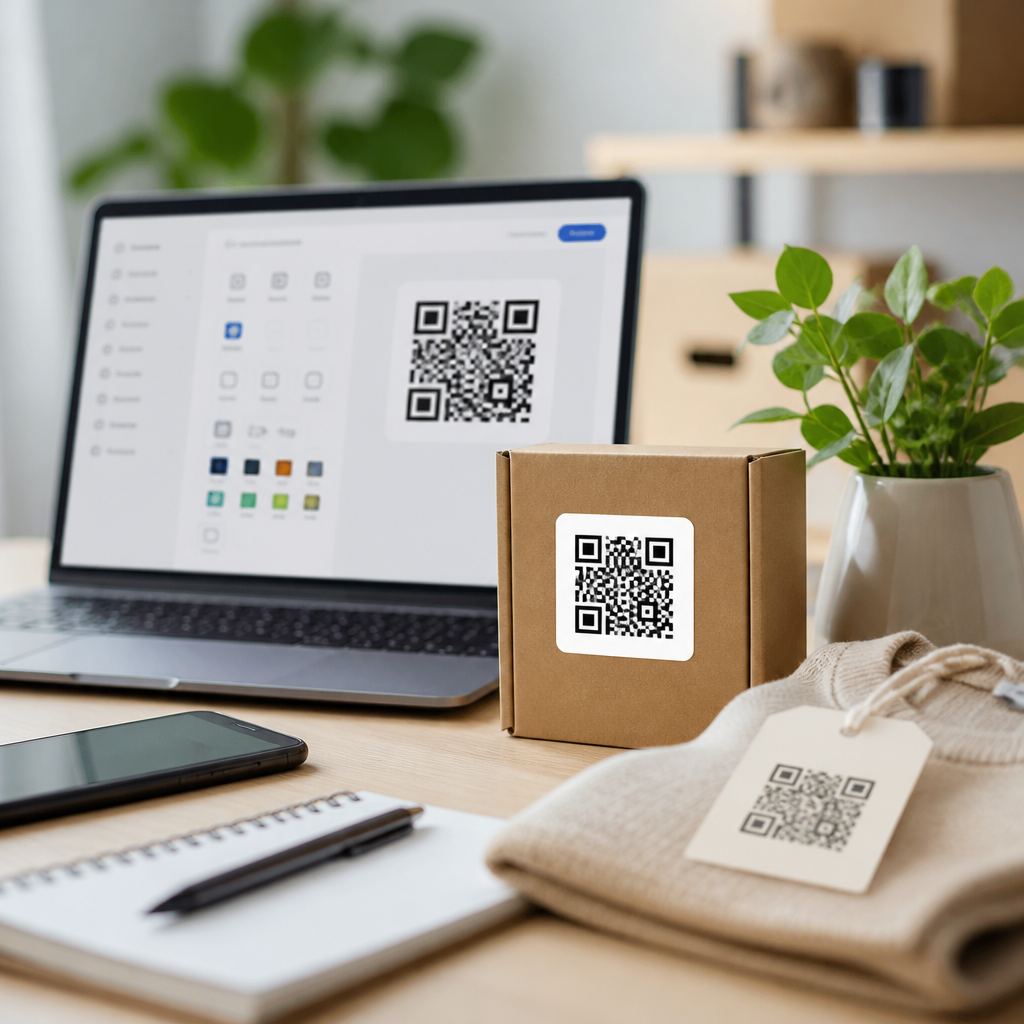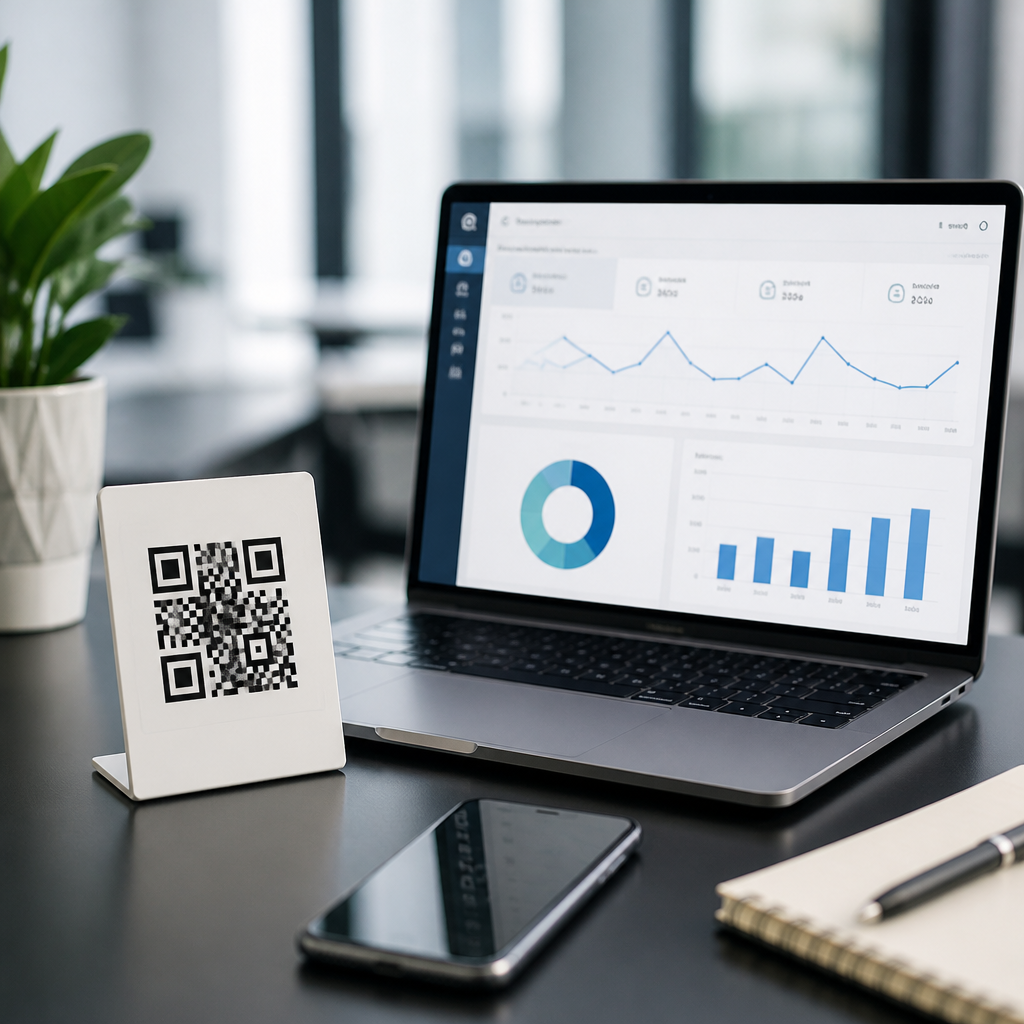
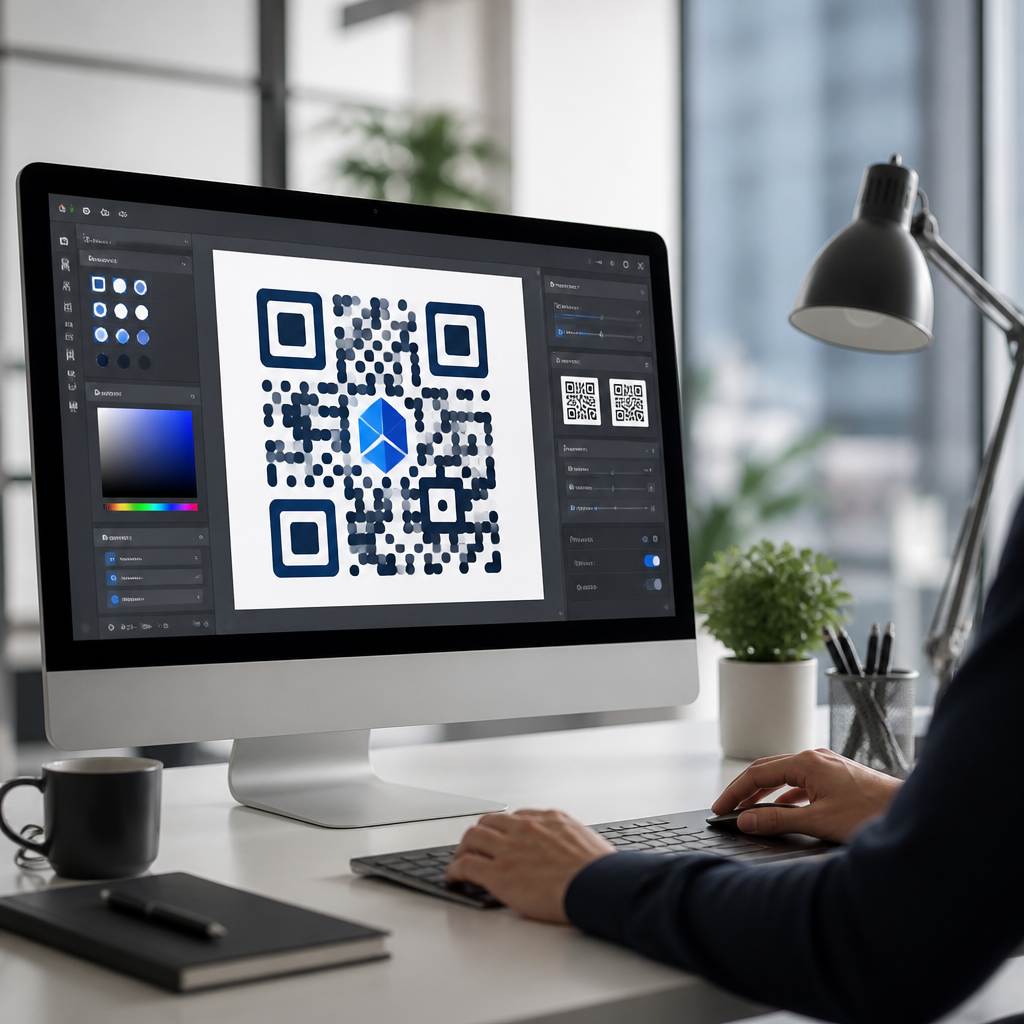
Advanced QR code design software for professionals goes far beyond generating a black-and-white square, giving designers, marketers, product teams, and print specialists control over branding, data behavior, scan reliability, and campaign measurement. In practice, QR code design tools combine a QR encoder, visual customization features, export settings, and analytics into one workflow so teams can create codes that look on-brand without breaking technical standards. For professionals, that distinction matters because a QR code is both a machine-readable data container and a public-facing design asset. If either side fails, the campaign fails. I have worked on packaging, event, retail, and restaurant projects where a beautiful code scanned poorly under low light, and others where a plain code performed perfectly but weakened brand perception. The right software helps avoid both outcomes.
At a technical level, QR code design software manages symbol version, error correction level, quiet zone, module shape, color contrast, logo placement, and output format. Better platforms also support dynamic URLs, batch generation, API access, short-link management, UTM tagging, and scan analytics. These capabilities matter because professional use cases are rarely one-off. A product team may need serialized codes for inventory, a retailer may need location-specific landing pages, and an agency may need editable campaign destinations after print has shipped. This article serves as the hub for QR code design tools within the broader QR code tools and software landscape, explaining what advanced software should do, how to evaluate platforms, and where different categories fit in a professional stack.
The business value is straightforward: well-designed QR codes improve scan rates, preserve brand consistency, and make offline media measurable. According to ISO/IEC 18004, QR symbols have defined structural requirements, and reliable design software respects them even when users apply visual styling. That is the line between consumer-grade generators and professional systems. Professionals need software that protects scanability while still allowing branded frames, gradients, call-to-action labels, and logos. They also need governance features such as team access, asset libraries, export presets, and analytics that can be trusted by marketing and operations teams. Choosing the right platform is less about novelty and more about dependable performance across print, packaging, signage, and mobile screens.
What advanced QR code design software includes
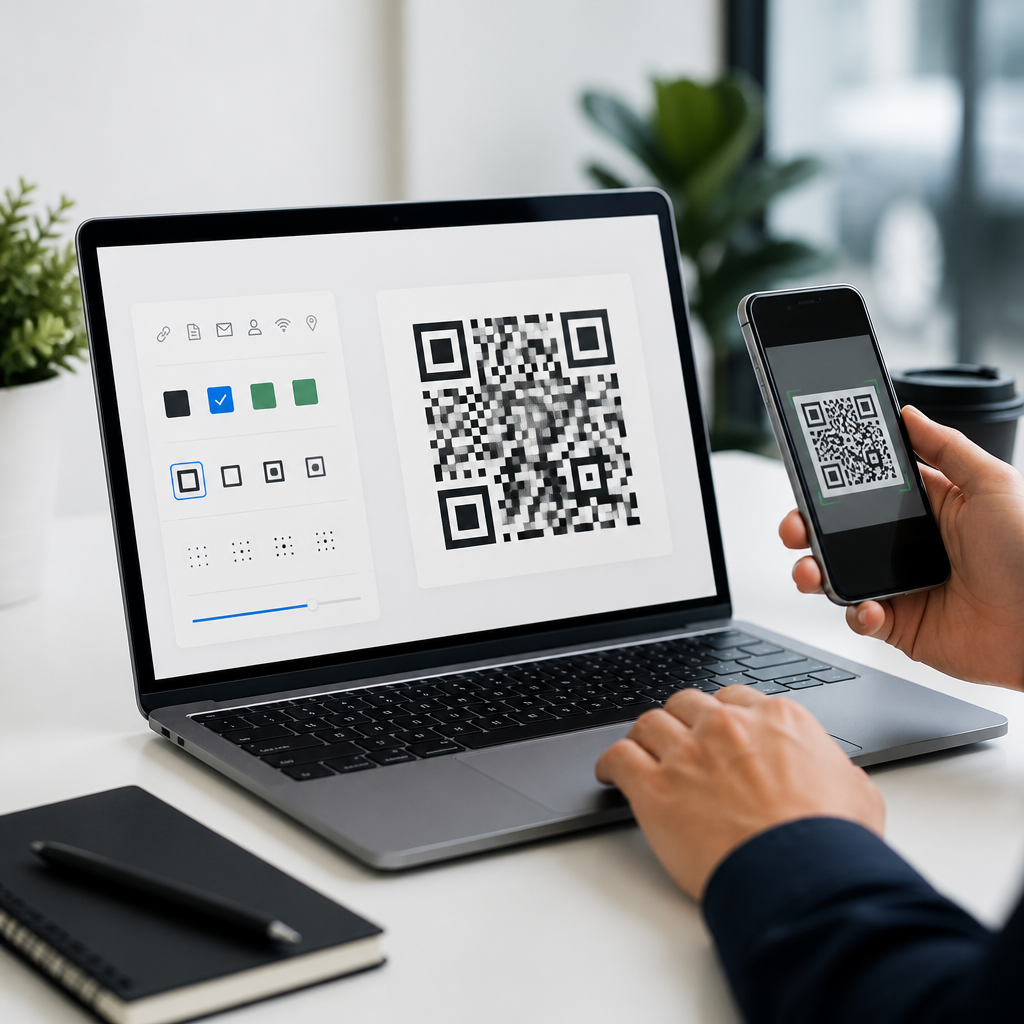
Advanced QR code design software includes four core layers: data control, visual design, output production, and performance measurement. Data control covers static versus dynamic codes, editable destinations, password protection, expiry rules, and content types such as URL, vCard, PDF, app deep link, Wi-Fi, and menu. Visual design covers module style, eye pattern customization, logo insertion, color settings, backgrounds, and branded frames with human-readable prompts like “Scan to view menu.” Output production includes vector exports such as SVG, PDF, and EPS, plus raster formats like PNG at sufficient resolution for print and digital use. Performance measurement includes scan counts, timestamps, location data where privacy rules allow, device breakdowns, and integrations with analytics platforms.
In real projects, the most important feature is often not the design editor but the guardrails around it. Good platforms warn when contrast is too low, when a logo covers too much data area, or when a gradient reduces readability. They also let teams test across error correction levels L, M, Q, and H. Higher correction allows more visual disruption, but it also increases code density, which can hurt scanning at small print sizes. Professional software exposes that tradeoff clearly instead of hiding it behind templates. Named platforms often used in business settings include QR Code Generator Pro, Bitly Connections Platform, Beaconstac, Flowcode, Uniqode, and Adobe Illustrator workflows paired with validation tools. Each sits at a different point between design freedom and campaign management.
Design principles that protect scan performance
The best-looking QR code is useless if phones cannot read it quickly. Professionals therefore design within proven scanning rules. Maintain a strong contrast ratio between dark modules and light background; black on white remains the benchmark because smartphone cameras and decoding libraries identify it fastest. Preserve the quiet zone, the empty margin around the code, because readers use it to locate the symbol. Avoid busy photographic backgrounds, reversed light modules on dark fields unless thoroughly tested, and extreme module stylization that turns squares into ambiguous shapes. Logos should stay centered and modest in size, typically supported by higher error correction and validation testing on both iOS and Android devices.
Print context changes the technical threshold. A code on corrugated packaging may need thicker modules because ink spread and surface texture degrade edges. A code on a restaurant table tent must scan under warm indoor lighting and from oblique angles. A code on a billboard has a very different viewing distance requirement than one on a product label. I usually test minimum physical size, scanning distance, and substrate together rather than relying on generic size charts. Advanced software helps by previewing density, warning on overspecification, and exporting crisp vectors. The point is simple: QR code design is not decoration added after encoding; it is production design governed by optics, materials, and camera behavior.
How professionals compare QR code design tools
When evaluating QR code design tools, professionals should compare them on the criteria that affect operational outcomes, not just editor polish. The table below captures the categories I use when selecting a platform for client work or internal programs.
| Criterion | What to check | Why it matters |
|---|---|---|
| Design controls | Module shapes, eye styles, frames, gradients, logo handling | Supports brand expression without manual workarounds |
| Scan reliability | Contrast warnings, quiet zone protection, test modes | Reduces failed scans after printing or publishing |
| Dynamic management | Editable URLs, redirects, expiration, password options | Lets teams update campaigns after distribution |
| Analytics | Scans, devices, geography, UTM support, exports | Makes offline media measurable and optimizable |
| Output formats | SVG, PDF, EPS, PNG, bulk export presets | Essential for packaging, signage, web, and app use |
| Team workflow | Roles, approvals, folders, brand kits, API access | Prevents errors in multi-user environments |
| Compliance and security | Custom domains, SSL, privacy settings, data retention | Important for enterprise governance and customer trust |
That framework reveals a common mistake: teams buy for aesthetics when they really need control and accountability. A freelance designer may prioritize Adobe integration and vector precision, while a retail chain may care more about dynamic redirects, location analytics, and bulk generation. Event teams often need fast landing-page swaps and scan spikes during short windows. Product manufacturers may need serialized codes linked to inventory or warranty registration. The best QR code design software is therefore context-specific. A good hub strategy is to map your tool choice to use case, output medium, team size, and whether your codes are static assets or living campaign endpoints.
Key software categories and where they fit
Professional QR code design tools generally fall into five categories. First are online business platforms, which combine design, dynamic code management, analytics, and collaboration. These suit marketing teams running campaigns across print and digital channels. Second are graphic design tools such as Adobe Illustrator or Figma plugins, better for visual refinement and brand consistency but usually dependent on another system for dynamic redirects and analytics. Third are developer-oriented libraries and APIs, including goQR, ZXing-based implementations, Python qrcode, or commercial APIs, ideal for product teams needing automation, personalization, or embedded workflows. Fourth are enterprise campaign platforms that add permissions, SSO, audit trails, and large-scale governance. Fifth are specialized packaging and industrial systems built around variable data printing and serialization.
Understanding category fit prevents expensive mismatches. I have seen teams force an agency-grade design app into an operations role, then struggle with version control and broken links. I have also seen enterprise platforms purchased for a small project that only needed five static codes and high-quality SVG export. Dynamic code capability is usually the pivot. If destinations will change, or if you need meaningful analytics, a management platform is worth the subscription. If the destination is permanent and governance is simple, design-led tools may be enough. For this sub-pillar topic, related articles should branch from here into platform reviews, logo QR code best practices, dynamic versus static code decisions, print sizing, testing methods, and analytics implementation.
Workflow, testing, and governance best practices
The strongest professional workflow starts with intent, not styling. Define the scan action, destination page, and success metric before opening the editor. Next choose static or dynamic architecture, set tracking parameters, and generate a base code with the lowest complexity that meets the need. Then apply branding gradually: frame first, color second, logo third, stylization last. After each change, test with multiple phones, multiple camera apps, and realistic lighting. Print prototypes at actual size, especially for packaging, labels, menus, and outdoor signage. Validation should include fast-scan behavior, not just eventual success, because friction lowers conversion even when the code is technically readable.
Governance matters once QR codes spread across departments. Store brand-approved templates, define who can edit destinations, and keep naming conventions consistent so teams can audit active codes later. Use a custom short domain when possible to reinforce trust and improve link recognition. Review destination pages for mobile speed, because a slow landing page wastes the scan you just earned. Finally, retire or redirect old codes instead of leaving them orphaned. Advanced QR code design software earns its value when it supports this full lifecycle: creation, review, deployment, measurement, and maintenance. If you are building a serious QR code tools and software stack, start by standardizing on tools that protect scanability, support your campaign model, and fit your production workflow.
Frequently Asked Questions
What makes advanced QR code design software different from basic QR code generators?
Advanced QR code design software is built for teams that need much more than a simple black-and-white code image. Basic generators usually focus on one task: converting a URL or text string into a scannable square. Professional platforms expand that process into a full workflow that includes branded visual design, dynamic content management, export control, testing, error correction settings, and performance analytics. That matters because professional use cases often involve print campaigns, packaging, retail displays, event materials, product labels, and multi-channel marketing where both appearance and reliability directly affect results.
In practical terms, advanced tools let professionals customize color palettes, frames, call-to-action labels, corner styles, patterns, gradients, and logo placement while still preserving scan performance. They also allow users to manage dynamic QR codes, which means the destination can be edited after printing without changing the visible code. On top of that, many professional platforms include scan tracking, device and location insights, campaign segmentation, user permissions, asset libraries, batch generation, and export options optimized for digital and print production. The real difference is control: basic generators make a code, while advanced software helps professionals create, deploy, measure, and maintain QR codes as branded business assets.
How can professionals customize a QR code without making it hard to scan?
The key is balancing visual branding with the technical structure required for accurate scanning. A QR code can absolutely be customized, but every design decision has to respect how scanners read contrast, positioning markers, data modules, and quiet zones. Advanced QR code design software helps by applying customization within safe limits instead of leaving users to guess. For example, it may warn against low-contrast color combinations, preserve required spacing around the code, and recommend appropriate error correction levels when adding logos or decorative elements.
Professionals should prioritize strong contrast between the foreground and background, maintain a clean quiet zone around the code, avoid distorting the core grid beyond recognition, and test across different devices and lighting conditions. Logo overlays should be sized conservatively, especially if the code contains a lot of data. Gradient use should remain readable, and inverted or light-on-dark treatments should be verified carefully because they can reduce compatibility with some scanners. The best software supports this process with live validation, scan simulation, and export previews for print and screen. In short, good customization is not about making the code look artistic at any cost; it is about making the code feel on-brand while preserving fast, dependable scanning in real-world conditions.
Why are dynamic QR codes important for marketing, packaging, and product teams?
Dynamic QR codes are essential because they separate the printed code from the destination content. Instead of encoding a final URL directly into the pattern, a dynamic code points to a managed redirect that can be updated later. For professional teams, that creates flexibility, reduces waste, and makes long-term campaign management far easier. If a landing page changes, a product page moves, a seasonal promotion ends, or a market-specific experience needs to be swapped in, the destination can be updated without reprinting packaging, signage, inserts, or promotional materials.
That flexibility is especially valuable in marketing and product environments where campaigns evolve quickly. A brand can run one code on printed collateral and later redirect different audiences to region-specific pages, new offers, app download flows, or support resources. Dynamic QR codes also enable scan analytics, which is another major advantage. Teams can measure scan volume, time, approximate location, device type, and campaign performance to understand how users interact with physical touchpoints. For packaging and product teams, this supports use cases such as updated instructions, authentication flows, warranty registration, user education, and lifecycle engagement. In short, dynamic QR codes turn a static printed asset into a manageable, measurable digital connection point.
What features should professionals look for when choosing QR code design software?
Professionals should evaluate QR code design software as a production and campaign platform, not just a design utility. The first priority is reliable code generation that supports relevant data types, strong error correction options, and both static and dynamic QR codes. From there, visual customization should be robust enough to support brand standards, including custom colors, shapes, frames, CTAs, and logo integration, while still protecting scanability. The platform should also offer export formats suitable for professional use, such as SVG, EPS, PDF, and high-resolution PNG, because web, packaging, signage, and print workflows all have different technical requirements.
Beyond design and export, teams should look closely at testing and validation features. Good software should help verify quiet zones, contrast, readability, and output quality before production. Analytics matter as well, especially for marketing and campaign measurement. Look for scan tracking, UTM support, segmentation, and dashboard reporting. If multiple people are involved, collaboration features such as shared folders, approval workflows, templates, permission controls, and brand asset management can save significant time and reduce inconsistencies. Batch generation is also important for inventory labels, product variants, event badges, and serialized use cases. Finally, consider governance and scalability: URL management, expiration controls, domain branding, API access, and integration with marketing or asset systems often separate entry-level tools from truly professional solutions.
How do analytics and testing improve the performance of professionally designed QR codes?
Analytics and testing are what turn QR codes from simple graphics into performance-driven assets. Testing ensures the code works before it reaches the public, while analytics reveal what happens after deployment. On the testing side, professionals need to verify scan success across different smartphone cameras, operating systems, lighting conditions, material finishes, viewing distances, and print sizes. A code that looks perfect on a designer’s screen may fail when printed too small on textured packaging or placed on a reflective surface under store lighting. Advanced software helps reduce that risk by supporting preview modes, output validation, and real-world testing workflows before production is finalized.
Once the code is live, analytics provide the feedback needed to improve outcomes. Teams can identify which placements drive the most scans, which campaigns perform best, when users engage, and whether traffic comes from packaging, print ads, direct mail, displays, or events. This data helps marketers refine calls to action, compare design variants, optimize landing pages, and justify print or media investments. For product teams, analytics can highlight post-purchase engagement patterns and support content updates tied to customer needs. Combined, testing and analytics create a continuous improvement loop: test for reliability, launch with confidence, measure behavior, and optimize future QR code designs and destinations based on actual performance rather than assumptions.