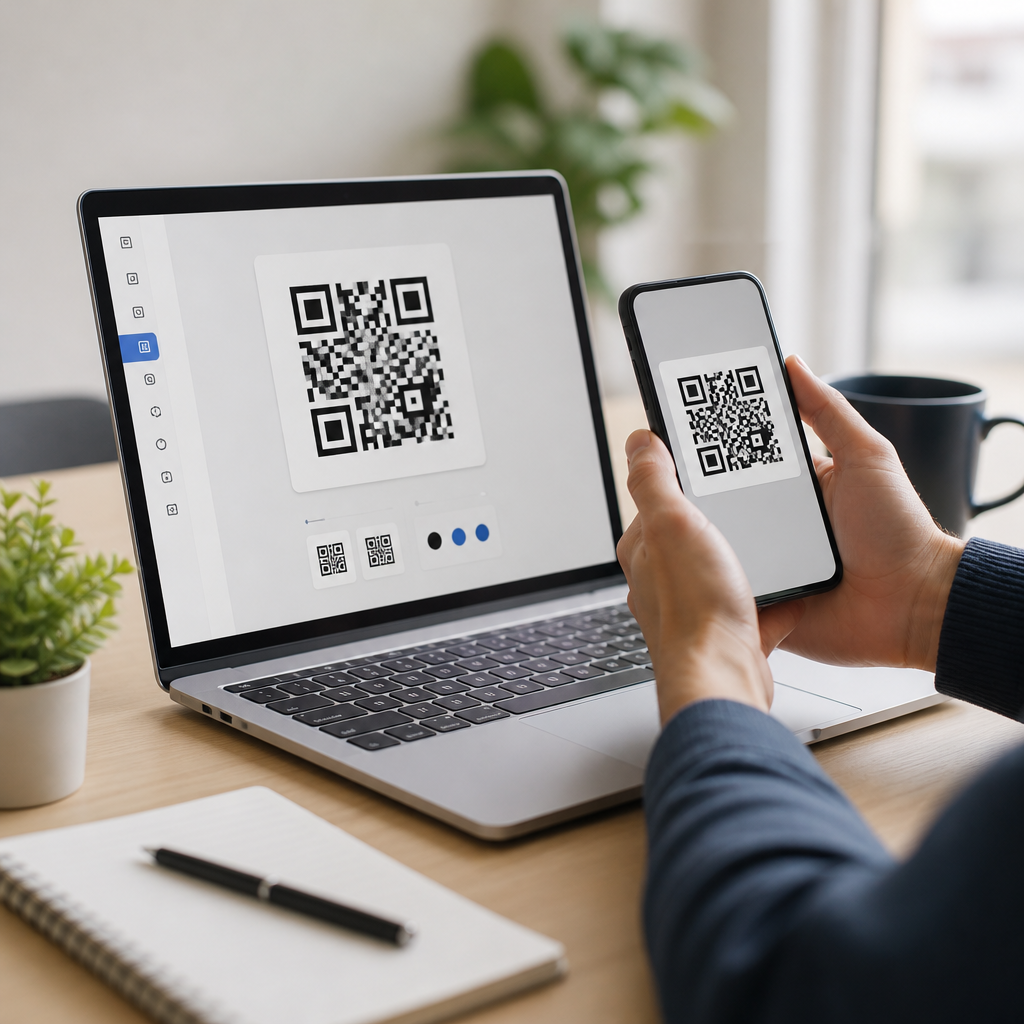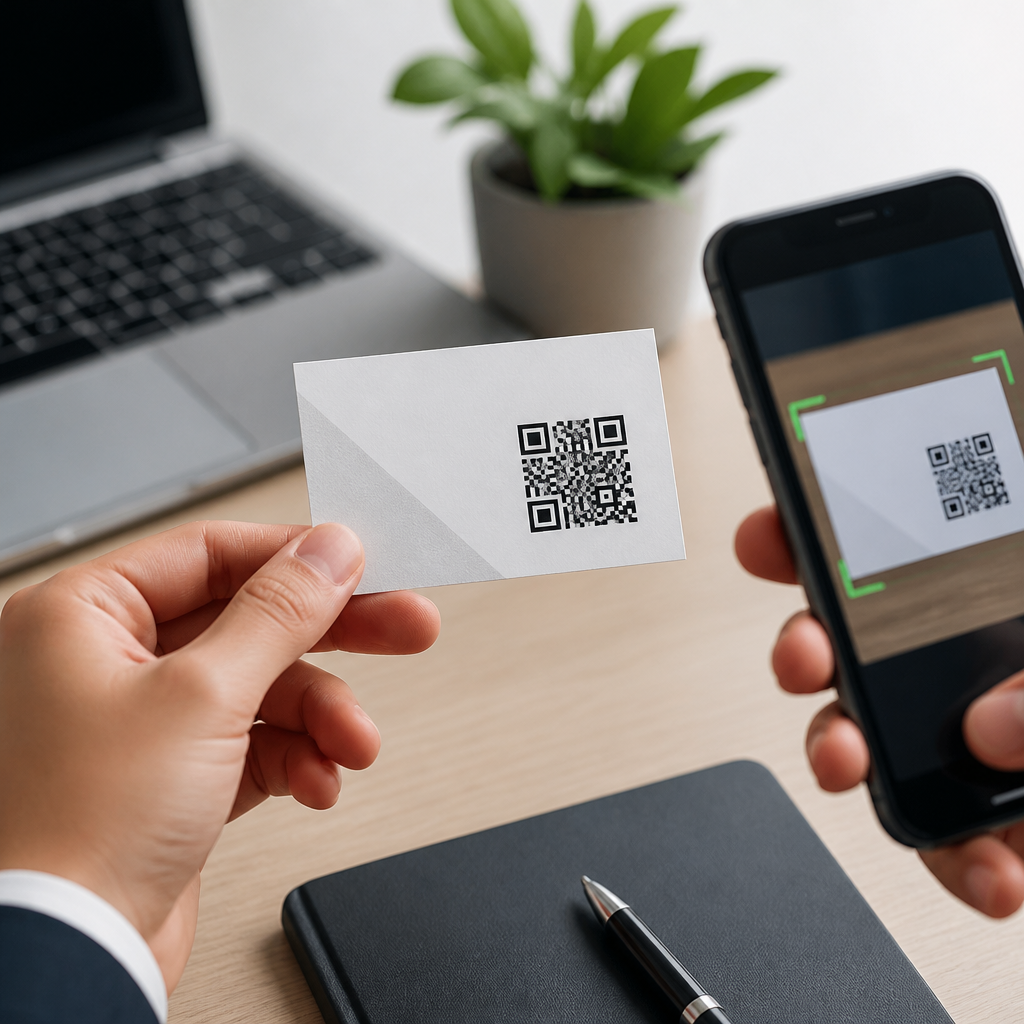
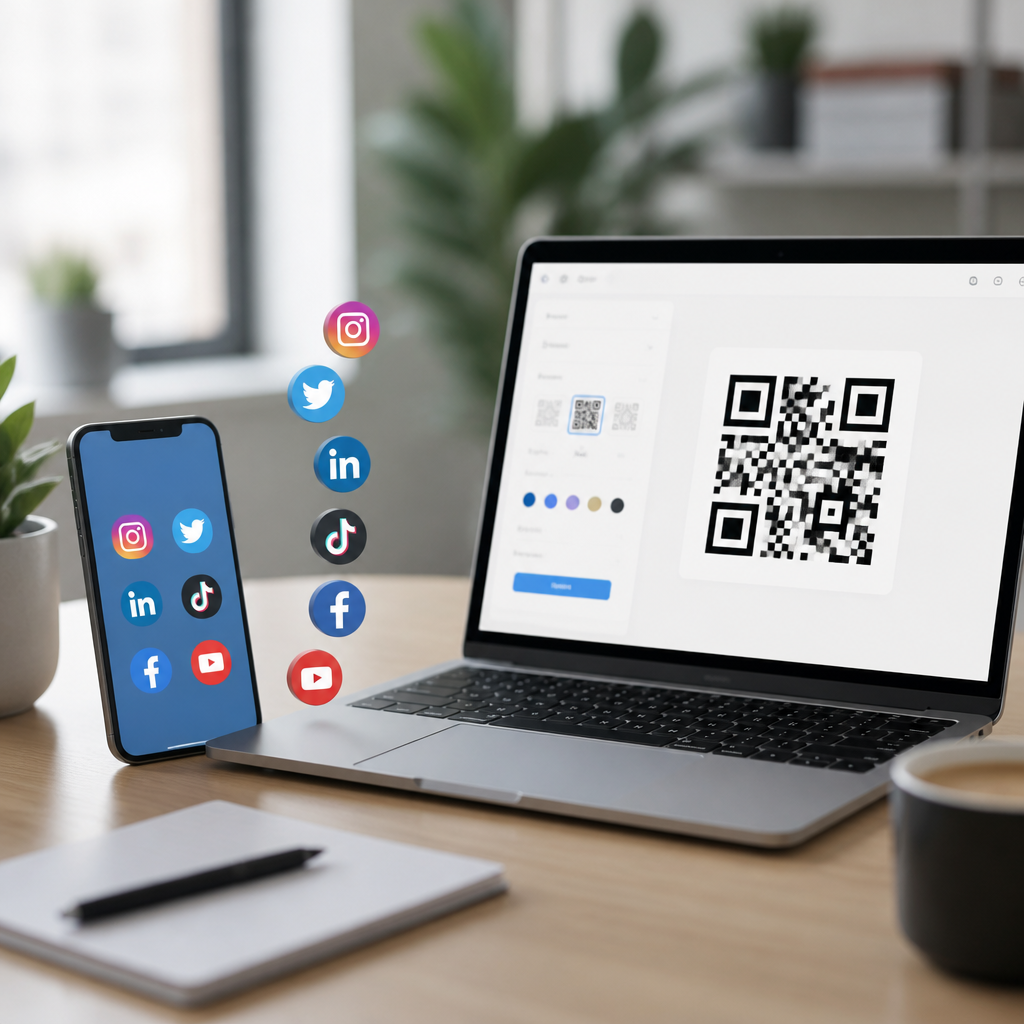
Generating a QR code for social media profiles is one of the simplest ways to turn offline attention into online followers, messages, and measurable engagement. A social media QR code is a scannable image that sends someone to a profile, post, link hub, or contact point when they open a phone camera. I have set these up for retail counters, trade show badges, packaging inserts, restaurant menus, and speaker slides, and the pattern is consistent: when the destination is clear and the design is easy to scan, people use it. For beginners, the value is practical. You reduce friction, avoid misspelled usernames, and give people one tap from interest to action. This guide explains how to generate a QR code for social media profiles, which tools to use, what type of code to pick, how to test it, and where to place it so it actually performs. It also serves as a central beginner tutorial, covering the foundational decisions that support related how-to topics such as branded QR codes, editable destination links, campaign tracking, print sizing, and troubleshooting failed scans.
What a social media QR code does and when to use one
A social media QR code connects a scan to a digital destination, usually a profile on Instagram, TikTok, Facebook, LinkedIn, X, YouTube, Pinterest, or a multi-link landing page. The destination matters because each platform supports different user behavior. If your goal is direct messages, an Instagram profile or WhatsApp click-to-chat link may work best. If your goal is credibility, a LinkedIn profile is stronger. If you need one code for several networks, use a landing page that lists all profiles in one place. In practice, that option is often the most durable because social platforms change usernames, content priorities, and in-app browsing behavior over time.
Use a social media QR code anywhere people have only a few seconds to act: storefront windows, event signage, product packaging, business cards, invoices, table tents, presentation decks, posters, and email signatures. I generally recommend matching placement to intent. A code on a conference badge should lead to LinkedIn or a contact card. A code on consumer packaging should lead to Instagram, TikTok, or a creator-style link page. A code at a service counter can invite reviews, support messages, or follows. The best beginner decision is not the code style but the destination. Choose the one action you want, then build the QR around that action.
Choose between a direct profile link and a landing page
Beginners usually ask a simple question: should the QR code point straight to one profile, or to a page that lists multiple social media profiles? The short answer is this: use a direct profile link when there is one obvious next step, and use a landing page when users may need options. A direct link is fastest. It reduces clicks and improves completion for a single goal, such as “Follow us on Instagram.” A landing page is more flexible. It lets users choose YouTube, TikTok, LinkedIn, email, or your website from one scan.
There are tradeoffs. A direct profile code is cleaner for print and easier to explain on signage. However, if your username changes, every printed item becomes outdated unless you used a dynamic QR code that lets you edit the destination later. A landing page adds one extra tap, but it future-proofs the asset and supports analytics better. Many small businesses now use Linktree, Beacons, Campsite, a branded site page, or a simple page built in WordPress, Squarespace, or Shopify. That approach also helps when platform access varies by audience. A B2B audience often wants LinkedIn and a website. A consumer audience may prefer Instagram and TikTok. One code can support both if the landing page is concise and mobile friendly.
How to generate a QR code step by step
To generate a QR code for social media profiles, start with the exact URL you want people to visit. Copy the full profile link from the platform, not just the username. On Instagram, for example, use the public profile URL. On LinkedIn, copy your custom public profile link. If you are using a landing page, confirm that the page loads quickly on mobile and that the top options are visible without scrolling. Then open a QR code generator. Reliable beginner-friendly tools include QR Code Generator, Bitly Connections Platform, Canva, Flowcode, QR TIGER, and Uniqode. Most let you paste a URL and instantly create a code.
Next, choose static or dynamic. A static QR code stores the final destination directly in the image. It is free in many tools, but you cannot change the destination after printing. A dynamic QR code uses a short redirect URL controlled by the provider. That means you can edit the destination later, add UTM parameters, and review scans by date, device, and location. For any sign, card, packaging insert, or poster that will be reused, dynamic is usually the correct choice. After that, customize cautiously. Add your brand color, insert a logo if the tool supports error correction properly, and keep high contrast between the foreground and background. Download in PNG for digital use and SVG or PDF for print if available.
| Decision | Best choice for beginners | Why it works |
|---|---|---|
| One network vs many | One direct profile for a single goal; landing page for multiple goals | Matches user intent and reduces confusion |
| Static vs dynamic | Dynamic for anything printed long term | Lets you edit the destination and track scans later |
| File type | PNG for screens, SVG or PDF for print | Preserves clarity at different sizes |
| Design style | High contrast with minimal branding | Improves scan reliability across phone cameras |
Design rules that make QR codes scan reliably
The most common beginner mistake is overdesigning the code. QR codes are functional graphics first. Keep dark modules on a light background, preserve the quiet zone around the code, and avoid busy images behind it. A quiet zone is the blank margin around the code; if it is trimmed too tightly, many cameras struggle to detect the pattern. Most generators handle the structure automatically, but problems appear when people paste codes into flyers and stretch, crop, or recolor them. I test every final export on both iPhone and Android because camera behavior is not identical across devices or lighting conditions.
Size matters too. For print, a practical baseline is at least 2 x 2 centimeters for close-range scanning, though larger is safer on posters or window graphics. Distance changes the requirement. A poster scanned from several feet away needs a much larger code. Material finish can also interfere. Glossy surfaces create glare, curved bottles distort the image, and low-contrast brand palettes reduce readability. If you want a logo in the center, use a generator that supports proper error correction and do not let the logo cover too much of the code. The visual goal is simple: a person should immediately understand what the code does and be able to scan it in one try.
Tracking performance with analytics and campaign tags
If you want to know whether your social media QR code is working, add measurement before you publish. The standard approach is to use UTM parameters on the destination URL or inside the dynamic redirect. For example, you can tag source as print, medium as QR, and campaign as spring_event or product_insert. In Google Analytics 4, those tags help you separate scans from other traffic sources. Many dynamic QR platforms also report total scans, time of day, approximate location, operating system, and repeat scans. That is especially useful for stores, events, and direct mail.
Interpret the data carefully. A high scan count does not always mean high value if the destination page fails to convert. I have seen posters generate strong scan volume but weak follower growth because the profile page did not explain why someone should follow. Conversely, a modest number of scans from a trade show badge can produce excellent downstream results if the landing page includes LinkedIn, booking, and email options. Measure the right outcome: followers, profile visits, message starts, bookings, or purchases. Then refine placement, call-to-action wording, and destination layout. For beginners, analytics is not a nice extra; it is what turns a QR code from decoration into a channel you can improve.
Best placement, calls to action, and beginner troubleshooting
A QR code performs better when people know exactly what happens after scanning. Always place a short call to action next to it, such as “Follow us on Instagram,” “Scan for all social links,” or “Connect on LinkedIn.” Specific language outperforms generic prompts because it sets expectations. Placement also changes results. On packaging, put the code where hands naturally pause, not on a fold or seam. On a poster, keep it in the lower center or lower right area where people can approach and scan without blocking the message. On presentation slides, leave the code visible long enough for the back row to open a camera and scan.
When scans fail, the cause is usually straightforward: the code is too small, contrast is too low, the URL is broken, the quiet zone is missing, or the mobile destination is poor. Test in bright and dim light, on current phones and older devices, and within social apps that open in embedded browsers. Some platforms handle login walls differently, so a public landing page is often safer than sending users to gated content. Also check redirects. Too many chained redirects can slow the experience and occasionally trigger distrust. For printed materials, run a final proof on the actual substrate and size. That one step prevents most costly mistakes.
Conclusion
Learning how to generate a QR code for social media profiles is less about making a square image and more about reducing friction between interest and action. Start with the destination that matches your goal, choose dynamic if you may need edits or analytics, keep the design simple enough to scan instantly, and test on real devices before publishing. For beginners, the smartest long-term setup is often a mobile-friendly landing page that can link to Instagram, TikTok, LinkedIn, YouTube, and your website from one code. That gives you flexibility without sacrificing usability.
The main benefit is convenience that you can measure. A well-built social media QR code shortens the path to follows, messages, bookings, and brand discovery while giving you data on what placement and messaging work best. Use this guide as your hub for beginner tutorials, then expand into related tasks such as branded design, print optimization, editable redirects, and campaign tracking. Pick one profile or landing page today, generate the code, test it twice, and place it where your audience can scan it easily.
Frequently Asked Questions
What is a social media QR code, and how does it work?
A social media QR code is a scannable code that sends people directly to a social platform destination when they open their phone camera or a QR scanner. That destination could be a single profile such as Instagram, TikTok, LinkedIn, Facebook, or X, or it could be something broader like a link-in-bio page, a specific post, a message thread, a sign-up form, or a contact page. The goal is simple: reduce friction. Instead of asking someone to search for your handle, type a long URL, or remember your brand name later, the code takes them straight to the action you want them to take in that moment.
In practice, this is especially effective in offline settings where attention is limited. On a retail counter, product insert, event booth, speaker slide, badge, menu, poster, or business card, a QR code creates an instant bridge between physical presence and digital engagement. Someone scans, lands on your chosen page, and can follow, message, browse, or buy within seconds. That convenience is why social media QR codes consistently outperform text-only calls to action in real-world use.
Technically, the code stores either a direct URL or a short redirect link. When scanned, the phone reads the pattern and opens the destination in a browser or app. If you use a dynamic QR code, you can usually change the destination later without reprinting the code, which is useful if you want to update a campaign, switch from one social profile to another, or move traffic to a special promotion while keeping the same printed materials in circulation.
How do I generate a QR code for my social media profile?
The process is straightforward. First, decide exactly where you want the code to send people. In many cases, that is a direct profile URL, but it may be smarter to use a landing page or link hub if you want to give people multiple choices, such as Instagram, TikTok, YouTube, and your website in one place. Once you have the destination URL, copy it from your browser or app and paste it into a QR code generator. The generator will create a scannable image based on that link.
Next, customize the QR code carefully. Most tools let you change colors, add a frame, include a logo, or adjust the shape of the modules and corners. Branding can help the code feel more trustworthy and visually consistent with your materials, but usability matters more than design flair. Keep strong contrast between the foreground and background, leave sufficient white space around the code, and avoid excessive styling that can reduce scan reliability. If your audience will scan from packaging, signage, or slides, test the design in realistic conditions before using it publicly.
After generating the code, download it in the right format for your intended use. PNG is often fine for digital placements and small prints, while SVG or EPS is better for larger print applications because vector files stay sharp at any size. Then test the QR code on multiple devices and camera apps. Make sure it opens quickly, loads the correct destination, and clearly supports the action you want, whether that is following a profile, watching a reel, sending a message, or visiting a profile collection page. A good setup is not just about the code itself; it is also about the quality and clarity of the page it opens.
Should I link a QR code to one social media profile or a multi-link page?
The answer depends on the context and the user’s intent. If your call to action is specific and immediate, linking directly to one profile is usually the better choice. For example, if a sign says “Follow us on Instagram for daily specials,” the QR code should go straight to Instagram. If a speaker slide says “Connect with me on LinkedIn,” the code should open LinkedIn, not a page with six competing options. A direct path removes hesitation and increases the likelihood that the person will complete the intended action.
A multi-link page works best when your audience may want different things from you. This is common for creators, small businesses, restaurants, public speakers, and brands with active communities across several channels. One person may want to follow you on TikTok, another may want your website, and someone else may want to message you or browse your latest products. In that case, a single landing page that organizes those options can be more efficient than printing multiple QR codes or forcing everyone into one platform.
The tradeoff is friction. Every extra click can reduce conversions, so a multi-link page must be clean, fast, mobile-friendly, and easy to understand at a glance. If you choose that route, put the most important action at the top and limit clutter. The best way to decide is to match the destination to the situation. Use a single-profile QR code when the action is clear and singular. Use a multi-link destination when flexibility improves the user experience without making decisions harder.
What makes a social media QR code effective in print, packaging, and in-person marketing?
The most effective social media QR codes combine three things: a clear destination, strong placement, and a compelling call to action. People are far more likely to scan when they know exactly what they will get. A code by itself is not enough. You should label it with a short instruction such as “Scan to follow us on Instagram,” “Scan to watch the demo,” or “Scan to message our team.” Clarity reduces uncertainty, and reduced uncertainty increases scan rates.
Placement matters just as much. The code should appear where people have enough time and physical comfort to scan it. On a counter display, that might be near checkout. On event signage, it might be at eye level where lines naturally form. On product packaging, it should be easy to find without competing with regulatory text or visual clutter. For presentations or speaker slides, keep it on screen long enough for the audience to react, unlock phones, and scan. If a code is too small, too far away, or too briefly displayed, even interested viewers will not engage.
Design and usability also play a major role. Use a high-contrast QR code, maintain a quiet zone around it, and print at a size appropriate for the scanning distance. Test in real conditions, not just on your desktop screen. Scan from different phone models, under different lighting, and from the distances your audience will actually use. Also make sure the destination page is optimized for mobile and immediately relevant to the context. If someone scans a menu QR code and lands on a generic homepage instead of your profile, offers, or ordering flow, you lose momentum. The strongest results come when the code, the message, and the landing experience all feel like part of one seamless action.
Can I track performance and update my social media QR code after printing it?
Yes, and this is one of the biggest advantages of using a dynamic QR code instead of a static one. A static QR code points directly to a fixed URL, which means once it is printed, you generally cannot change the destination without replacing the code. A dynamic QR code uses a short redirect link managed through a platform, allowing you to edit the final destination later. That flexibility is valuable if your social strategy changes, your handle changes, or you want to rotate traffic between a profile, a campaign page, a seasonal offer, or a new content hub.
Tracking is equally important because it turns a QR code from a convenience tool into a measurable marketing asset. Depending on the platform you use, you may be able to see scan counts, time-based trends, location-level data, device types, and other engagement signals. You can also combine QR code tracking with URL parameters and analytics tools to understand what happens after the scan. That helps you compare placements, refine messaging, and identify which offline channels are actually generating followers, clicks, inquiries, or sales.
For example, you might place one QR code on packaging inserts, another on event signage, and another on table tents, each pointing to a tailored destination or campaign-tagged link. Over time, the data will show which environment creates the best response. This makes optimization much easier. If one code gets scanned often but produces few follows, the issue may be the landing page or the offer. If another gets fewer scans but higher conversion, the audience or context may be stronger. In other words, dynamic QR codes give you both control and feedback, which is exactly what you want when using social media QR codes to drive real, measurable engagement.