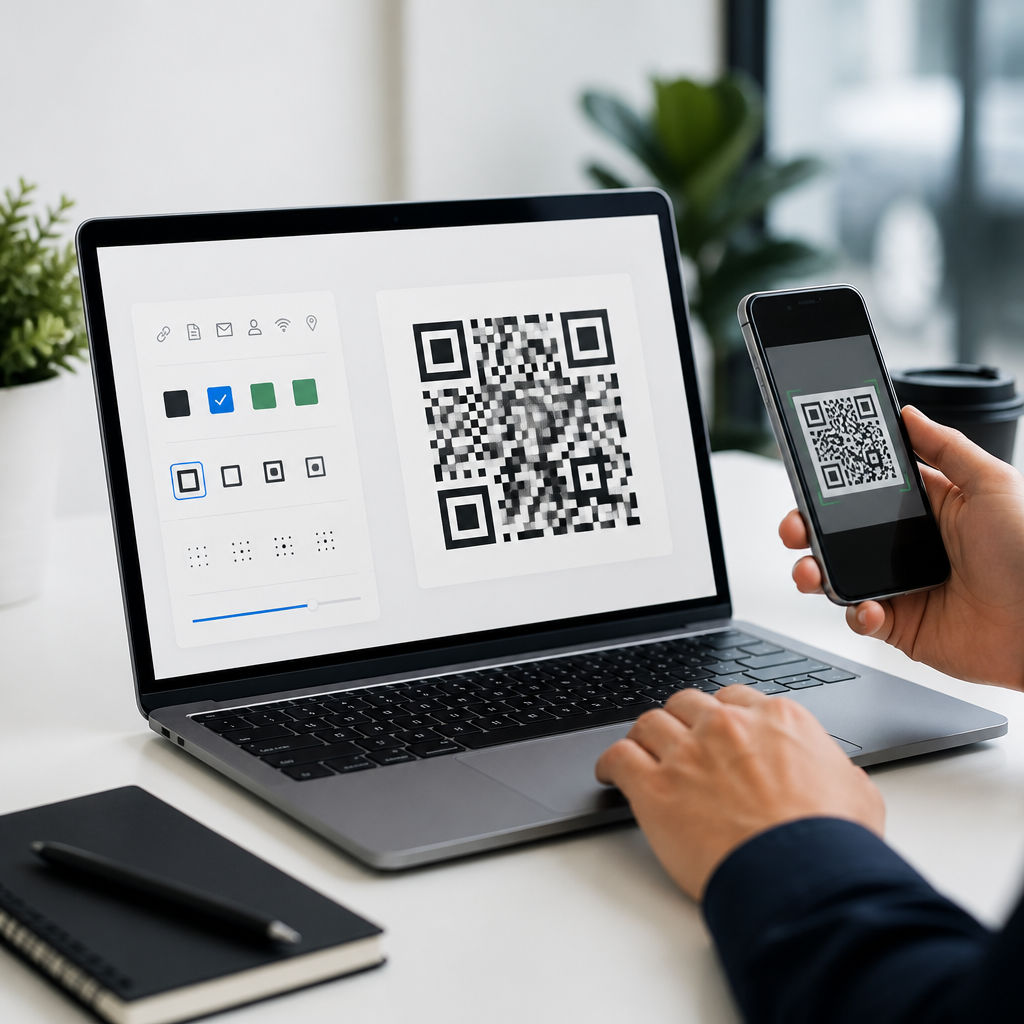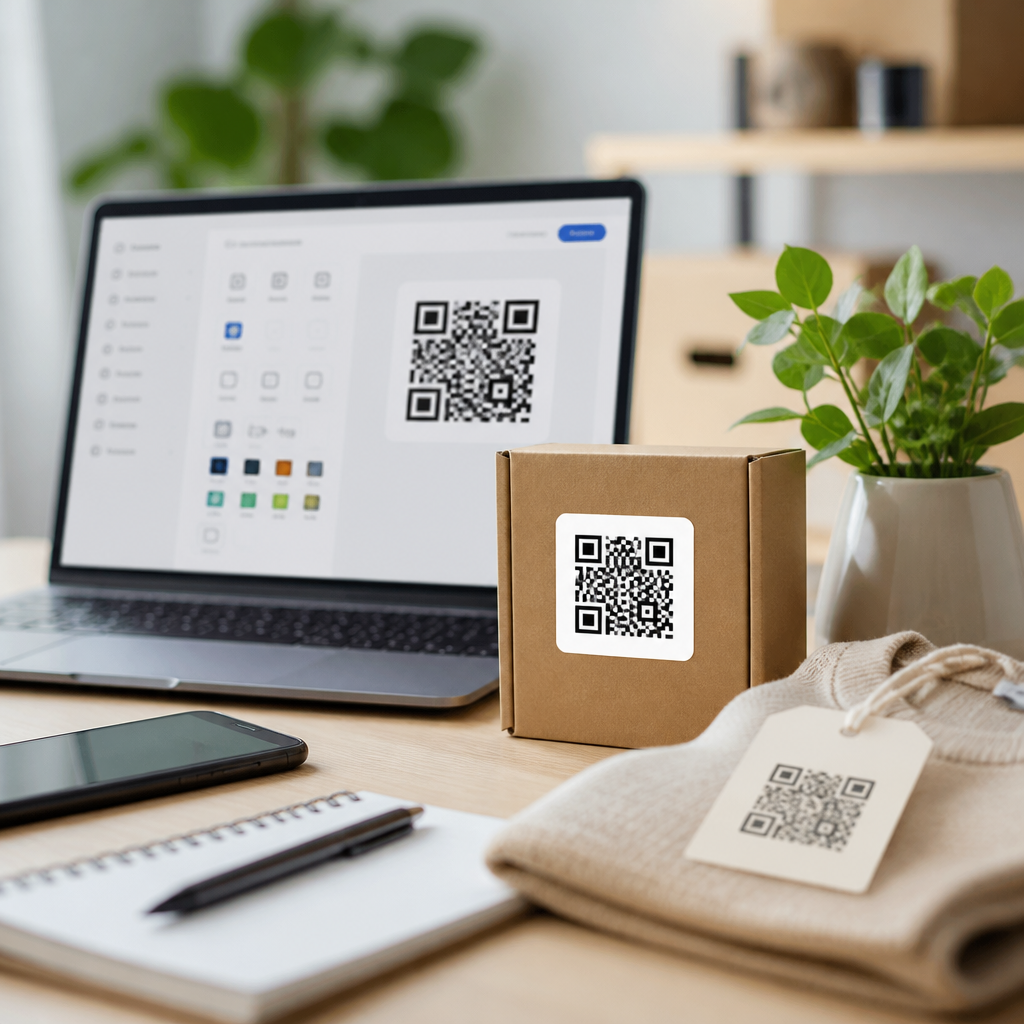
Best QR code generators for small businesses solve a simple problem with outsized impact: they turn printed materials, packaging, menus, receipts, and storefront signs into measurable digital entry points. A QR code generator is software that creates scannable codes linking to a website, payment page, app download, file, coupon, review form, Wi-Fi login, or contact card. For small businesses, the best platforms go beyond basic code creation. They support dynamic editing, scan analytics, brand customization, bulk generation, and reliable redirect infrastructure. Those features matter because a code on a flyer or product label often stays in circulation for months. If the destination changes, replacing printed inventory is expensive. I have helped local retailers, clinics, restaurants, and service businesses deploy QR campaigns, and the difference between a free static tool and a business-grade generator becomes obvious fast. Good software prevents dead links, keeps branding consistent, and provides data that justifies future marketing spend. This guide explains what separates strong QR code generators from disposable tools, which platforms fit different small business needs, and how to choose software that supports growth without adding unnecessary complexity. If you are building your QR strategy, this page gives you the core framework and the platform shortlist to start confidently.
What small businesses should look for in a QR code generator
The first distinction is static versus dynamic QR codes. Static codes permanently encode the destination, so the link cannot be changed after printing. Dynamic codes point to a short redirect URL managed by the platform, which means you can update the final destination later without changing the printed code. For a small business, dynamic functionality is usually the most valuable feature because menus change, landing pages move, promotions end, and review links get revised. The second priority is scan analytics. At minimum, a platform should report total scans, time-based trends, device type, and approximate location. Better tools segment scans by campaign or location, which helps a multi-location shop or franchise compare results across posters, table tents, or packaging inserts. Third, evaluate design flexibility carefully. Custom colors, frames, logos, and shape adjustments are useful, but scannability comes first. Serious platforms test error correction, quiet zones, and contrast so branded codes still scan under poor lighting and low-end phone cameras. Fourth, consider operational controls such as folders, user roles, API access, bulk upload, and downloadable vector files like SVG, EPS, or PDF for printers and designers. Finally, check pricing rules. Many free tools generate a code at no cost but lock analytics, expire dynamic links, place branding on landing pages, or cap scan volume. For most small businesses, the best value is not the cheapest plan. It is the generator that avoids reprinting costs and supports measurable campaigns from the beginning.
Top QR code generators compared
Several platforms consistently stand out for small business use: QR Code Generator Pro, Beaconstac, Flowcode, Uniqode, QR.io, Canva, and Bitly. QR Code Generator Pro is widely used because it is approachable, supports dynamic codes, offers solid templates for vCards, PDFs, app links, and coupons, and gives nontechnical teams a clean dashboard. Beaconstac is stronger when security, scale, and integrations matter. I have seen it used effectively by healthcare providers and multilocation retailers because it supports bulk operations, better governance, and detailed analytics. Flowcode is popular with marketers and creators because its design options are polished and its user interface is simple; it is a good fit for event signage, in-store posters, and social campaigns. Uniqode, previously known as Beaconstac’s consumer-facing brand in some comparisons, is well regarded for enterprise-grade management with small-business-friendly usability. QR.io appeals to budget-conscious users who still want dynamic edits and branded codes, though buyers should review subscription terms closely. Canva is useful when design teams already work there and need quick static codes embedded in menus, flyers, or packaging mockups, but it is not a full analytics platform. Bitly deserves attention because businesses already using branded short links can unify QR codes and link tracking in one place. The right choice depends less on popularity and more on campaign type, team workflow, and how important analytics will be six months after launch.
| Platform | Best for | Key strengths | Main limitation |
|---|---|---|---|
| QR Code Generator Pro | General small business use | Easy setup, dynamic codes, broad template library | Advanced governance is lighter than enterprise tools |
| Beaconstac | Analytics-heavy campaigns | Bulk creation, integrations, strong reporting | May cost more than basic needs require |
| Flowcode | Marketing and events | Polished branding, simple interface, good mobile experience | Less suited to complex back-office workflows |
| Canva | Quick design embedding | Convenient inside existing design workflow | Limited campaign analytics and management |
| Bitly | Link management alignment | Branded links plus QR tracking in one system | QR-specific features are not always deepest |
Best options by use case
Restaurants usually benefit most from dynamic menu QR codes, table-specific tracking, and the ability to update destinations instantly during seasonal changes. In that environment, QR Code Generator Pro and Flowcode are practical choices because staff can edit links without involving a developer, and scan data can reveal which tables, patios, or takeaway inserts drive the most engagement. Retailers need broader flexibility. A boutique may use one code on window signage, another on product hangtags, and another on receipts asking for reviews. Here, Bitly and Beaconstac make sense because campaign organization and reporting are stronger. Service businesses such as salons, repair shops, and consultants often need lead generation more than content delivery. A code linked to a booking page, intake form, or Google review request should be dynamic, mobile-optimized, and trackable by source. Clinics, gyms, and educational businesses should pay extra attention to privacy, form destination security, and role-based access if multiple employees manage campaigns. For packaged goods or product inserts, file quality matters more than many owners expect. You want print-ready SVG or EPS assets, plus enough contrast and margin for scanning on curved surfaces or matte labels. I usually recommend printing test samples and scanning them on both iPhone and lower-end Android devices before a full production run. The best generator is the one that matches your operating reality: how often links change, who manages campaigns, where codes appear, and what business action the scan should trigger.
Features that separate professional tools from free generators
Free QR code generators can be useful for one-off situations, but they often fail under live business conditions. The first problem is persistence. Some free services host dynamic redirects temporarily or tie them to an account that later becomes restricted. The second problem is brand control. Professional tools allow custom domains, logo overlays, frame text such as “Scan to View Menu,” and export settings appropriate for offset print, digital signage, and packaging. Third is measurement. If you cannot attribute scans to a postcard, counter display, or trade-show banner, you lose the feedback loop that makes offline marketing improve over time. In practice, the best QR code generators for small businesses also support campaign hygiene. That includes naming conventions, folders, tags, duplicate prevention, expiration dates, and destination updates without recreating the code. Security matters too. Reputable providers use reliable HTTPS redirects, support single sign-on on higher tiers, and maintain infrastructure that minimizes broken scans. There are also technical details that nonexperts rarely evaluate: error correction level, minimum size guidance, color contrast checks, and logo sizing that does not overwhelm finder patterns. I have audited many underperforming QR campaigns, and most failures come from process gaps rather than the code itself. Businesses create a pretty code, print it too small, link it to a slow page, and never track results. Professional platforms help prevent those mistakes because the software is designed for ongoing campaign management, not just code generation.
How to choose the right platform and launch successfully
Start by defining the primary action you want each scan to produce: purchase, booking, review, call, download, form submission, or in-store navigation. Then choose a platform that makes that action measurable. If you need only a handful of codes for a local shop, a simpler product with dynamic links and basic analytics is enough. If you operate multiple locations, distribute printed materials widely, or need integration with Google Analytics, Zapier, HubSpot, or Salesforce, choose a platform built for attribution and bulk management. Next, standardize your technical setup. Use short, mobile-optimized landing pages; test load speed; and apply UTM parameters so website analytics align with QR platform data. Design matters, but readability matters more. Maintain high contrast, avoid cluttered backgrounds, and leave an adequate quiet zone around the code. For print, export vector files and verify final dimensions with your printer. For packaging, test on curved and reflective surfaces. Once live, review scans weekly for the first month. Compare performance by placement, message, and destination. If a poster gets scans but no conversions, the issue is probably the offer or landing page, not the QR code itself. Small businesses get the best results when they treat QR codes as managed conversion assets rather than decorative shortcuts. Choose software that lets you update, measure, and improve every code you deploy. Then build a simple pilot, review the data, and expand what works.
Frequently Asked Questions
What should small businesses look for in the best QR code generators?
The best QR code generators for small businesses should do much more than create a basic scannable image. At a minimum, a strong platform should support dynamic QR codes, which let you change the destination link without reprinting the code. That matters when a restaurant updates its menu, a retailer changes a promotion, or a service business wants to redirect customers from a homepage to a booking page. Dynamic functionality protects your printed materials and gives you flexibility as campaigns evolve.
Analytics are another major feature to prioritize. Good QR code software should show scan counts, time-based activity, device data, and ideally location trends, so you can understand which flyers, packaging inserts, window signs, or receipts are actually generating engagement. For a small business, this turns offline marketing into something measurable. Instead of guessing whether a poster or postcard worked, you can track scans and compare results across locations or campaigns.
Brand customization is also important. The best platforms allow you to add brand colors, frames, logo marks, and custom calls to action while still maintaining scan reliability. This helps QR codes look intentional and on-brand rather than generic. In many cases, a well-designed QR code with a clear instruction such as “Scan to Order,” “Scan for 10% Off,” or “Scan to Leave a Review” will perform better because customers immediately understand the value of scanning.
Small businesses should also pay attention to ease of use, file export options, print quality, and pricing structure. Look for high-resolution downloads such as SVG, EPS, or PNG for use on packaging, signage, and printed collateral. If multiple team members will use the platform, a simple dashboard and campaign organization features can save time. Finally, review whether the service includes scan limits, branding restrictions, or subscription tiers that could affect long-term value. The right generator should be affordable, practical, and scalable as the business grows.
Why are dynamic QR codes better than static QR codes for small business marketing?
Dynamic QR codes are often the smarter choice for small businesses because they provide flexibility after the code has already been printed or distributed. With a static QR code, the destination is fixed permanently. If you print a code on menus, product labels, brochures, table tents, or storefront signage and later need to change the landing page, you usually have to generate a new code and reprint everything. That creates unnecessary cost and wasted materials.
With a dynamic QR code, the short redirect behind the code can be updated at any time without changing the visible image customers scan. This is especially useful for businesses that run seasonal promotions, update inventory, swap event registration pages, rotate coupons, or move customers to a new review platform. A coffee shop can use one code on in-store signage and update it from a holiday campaign to a loyalty program. A contractor can place one code on vehicle wraps and redirect it to different service pages over time. That kind of flexibility makes dynamic codes much more practical in day-to-day operations.
Dynamic QR codes also typically come with analytics, which is a major advantage. They can show how many scans occurred, when those scans happened, and sometimes which devices or regions they came from. This data helps small businesses understand customer behavior and improve their campaigns. If a code on product packaging gets far more scans than one on a receipt, that tells you where customers are most engaged. Static QR codes usually do not offer the same depth of insight unless paired with additional tracking tools.
That said, static QR codes still have a place. They can work well for permanent information that is unlikely to change, such as a direct link to a basic homepage or a plain text Wi-Fi login. But for most marketing, promotional, and customer engagement use cases, dynamic QR codes offer better long-term value because they reduce reprint costs, support testing, and make offline materials more adaptable and measurable.
How can small businesses use QR codes effectively across printed materials and physical locations?
Small businesses can get strong results from QR codes when they place them in contexts where customers already have a reason to take action. Instead of using QR codes as decoration, the most effective approach is to connect each code to a clear customer benefit. On packaging, that might mean linking to setup instructions, how-to videos, warranty registration, or a reorder page. On menus, it could mean mobile ordering, specials, or allergen information. On receipts, it may direct customers to a loyalty signup, survey, or review request. On storefront signs, a QR code can send after-hours traffic to online booking, digital catalogs, or current promotions.
The call to action is just as important as the code itself. People are more likely to scan when the value is obvious. Phrases like “Scan to Book,” “Scan for Today’s Coupon,” “Scan to View the Full Menu,” or “Scan to Leave a Review” outperform vague prompts because they answer the customer’s immediate question: why should I scan this? Small businesses should also make sure the destination page is mobile-friendly, fast-loading, and directly relevant to the promise on the sign or printed piece. A bad landing experience can waste even the best placement.
Placement and sizing matter too. QR codes should be easy to spot, large enough to scan comfortably, and printed with strong contrast. A code on a storefront window should be positioned where passersby can scan without awkward angles. A code on packaging should not be wrapped around corners or placed on reflective surfaces if that could interfere with scanning. Testing the code on different phone models before printing in bulk is a simple but important step.
For best results, businesses should think in terms of campaign intent. A salon might use one code at the front desk for rebooking, another on retail product displays for tutorials, and another on business cards for referrals. A local retailer could place separate codes on window posters, checkout counters, and shipping inserts to measure which touchpoints drive the most action. When QR codes are tied to specific goals and tracked properly, they become practical conversion tools rather than just trendy add-ons.
Are branded QR codes safe and reliable to use for a small business?
Yes, branded QR codes can be both safe and reliable when they are designed correctly and generated through a reputable platform. Customization features such as brand colors, logo placement, frames, and custom text can make a QR code more recognizable and trustworthy to customers. In many cases, a branded code actually performs better because it looks intentional and professional, especially when it appears on packaging, menus, signage, or promotional materials. Customers are often more willing to scan a code that clearly appears connected to a legitimate business.
However, branding should never interfere with scannability. A QR code still needs enough contrast, proper quiet space around the edges, and an intact pattern structure for phone cameras to read it reliably. Over-customizing with low-contrast colors, oversized logos, heavy visual effects, or cluttered backgrounds can reduce scan performance. That is why it is important to use a QR code generator that is specifically built for branded design and includes error correction, live previews, and testing support. The best tools balance visual customization with technical readability.
Safety also depends on where the code leads. Businesses should direct customers to secure, recognizable destinations such as their official website, payment portal, booking page, or trusted review form. Using a custom domain or clearly branded short URL can increase confidence, because customers can see they are being sent somewhere legitimate. If the QR code points to a landing page collecting customer data, that page should use HTTPS and follow standard privacy and security practices.
Before launching a branded QR code widely, small businesses should test it in real-world conditions. Scan it on iPhone and Android devices, under different lighting, and at the actual printed size. Test it on glossy materials, outdoor signs, labels, and packaging if relevant. A branded QR code is only useful if it scans quickly and consistently. When created thoughtfully, branded codes are a dependable way to reinforce brand identity while improving customer engagement and conversion rates.
Can QR code generators help small businesses measure offline marketing results?
Yes, this is one of the biggest reasons QR code generators are so valuable for small businesses. Traditional offline marketing such as flyers, posters, direct mail, packaging, table tents, vehicle decals, and in-store signage has often been difficult to measure accurately. A QR code turns those physical assets into trackable entry points. When someone scans the code, the business gains a visible signal that a customer responded to that specific placement or offer.
Many of the best QR code generators provide analytics dashboards that show total scans, unique scans, scan timing, device type, and sometimes broad geographic data. This allows businesses to compare performance across different materials and locations. For example, a boutique might discover that QR codes on shopping bags drive more repeat visits than codes on window clings. A café may learn that table-top signage produces more loyalty signups than receipt-based prompts. These insights help owners make better marketing decisions instead of relying on assumptions.
Measurement becomes even more useful when businesses create separate QR codes for separate campaigns. Rather than using one generic code everywhere, a business can assign unique dynamic codes to postcards, product inserts, counter displays, event booths, and storefront posters. This makes it easier to identify which touchpoints produce bookings, purchases, email signups, or review submissions. Some businesses also connect QR destinations to UTM parameters